
Adobe Firefly Review 2026 - Multi-Model AI Creation
Verified Sep 17, 2026 by Tooliverse Editorial
Adobe Firefly turns a simple text prompt into polished images, video, and audio—no design skills required. Access Adobe, Google, OpenAI, and Runway AI models in one commercially safe workspace built for creators and teams alike.
Firefly Workflow Tutorial | Adobe Firefly #Shorts
How to Bring Your Ideas to Life with Firefly Boards

Create stunning social graphics, posters, and brand visuals with AI-powered design.
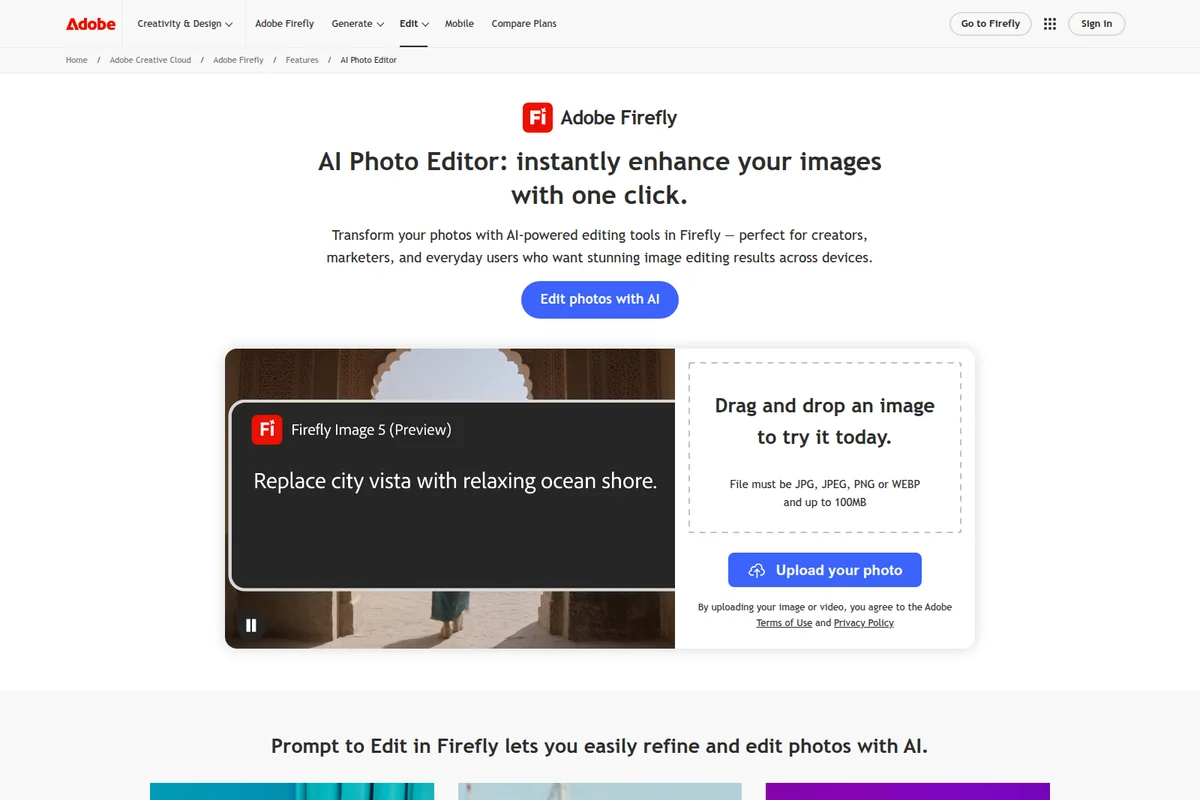
Instantly enhance and transform photos with AI-powered editing.
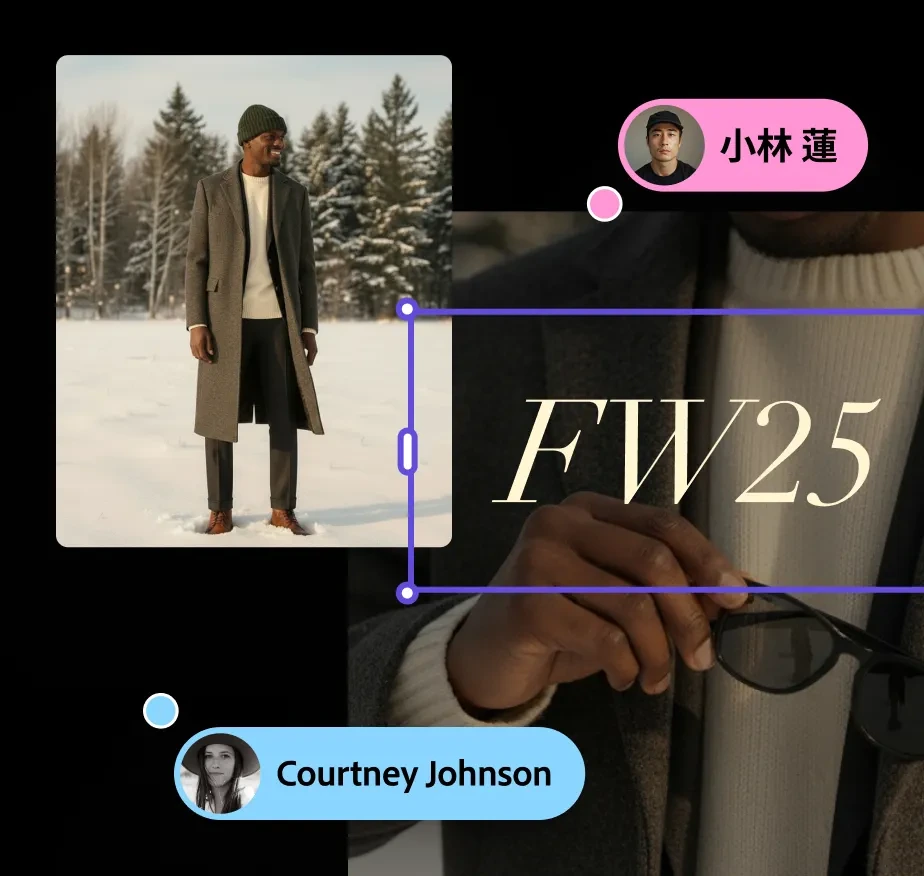
Review and annotate generated images with collaborative tools.
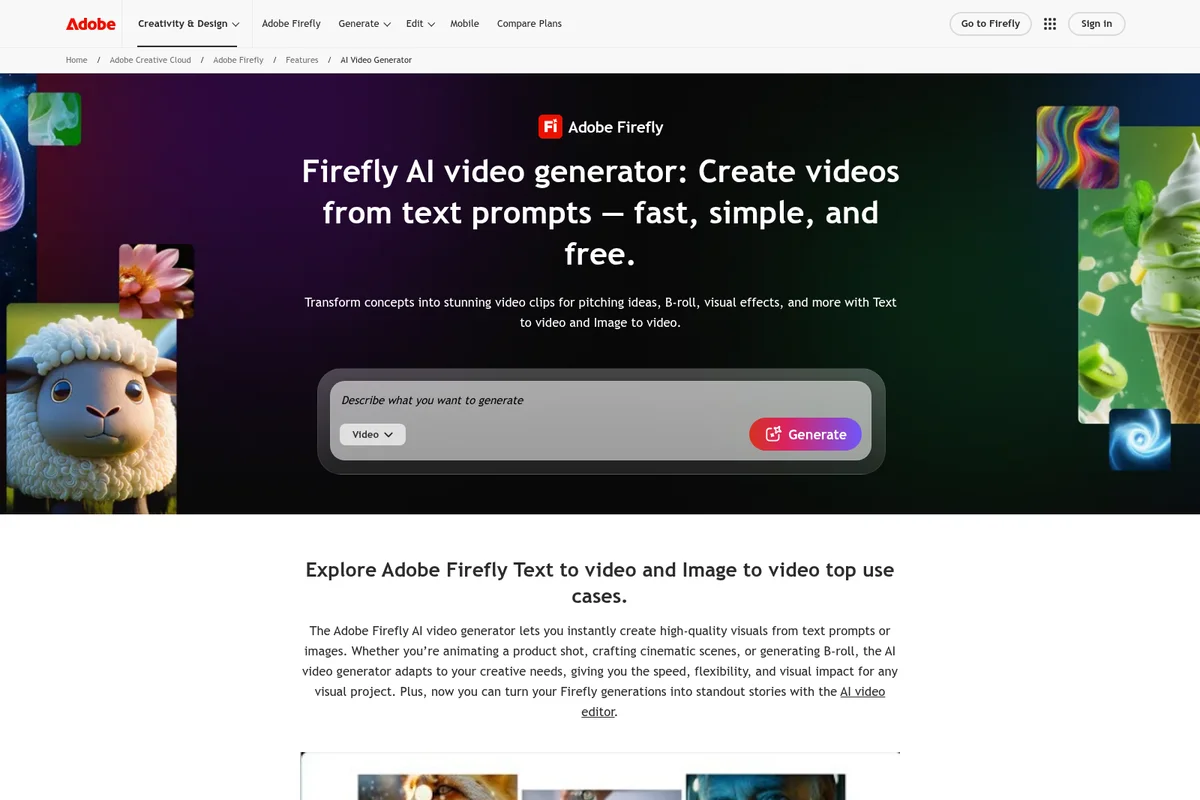
Generate stunning video clips from text prompts quickly and easily.

Synchronize video and audio tracks with precision using intuitive timeline editing.

Unlock the power of generative AI for commercially safe content creation.

Create thousands of personalized asset variants quickly with AI.
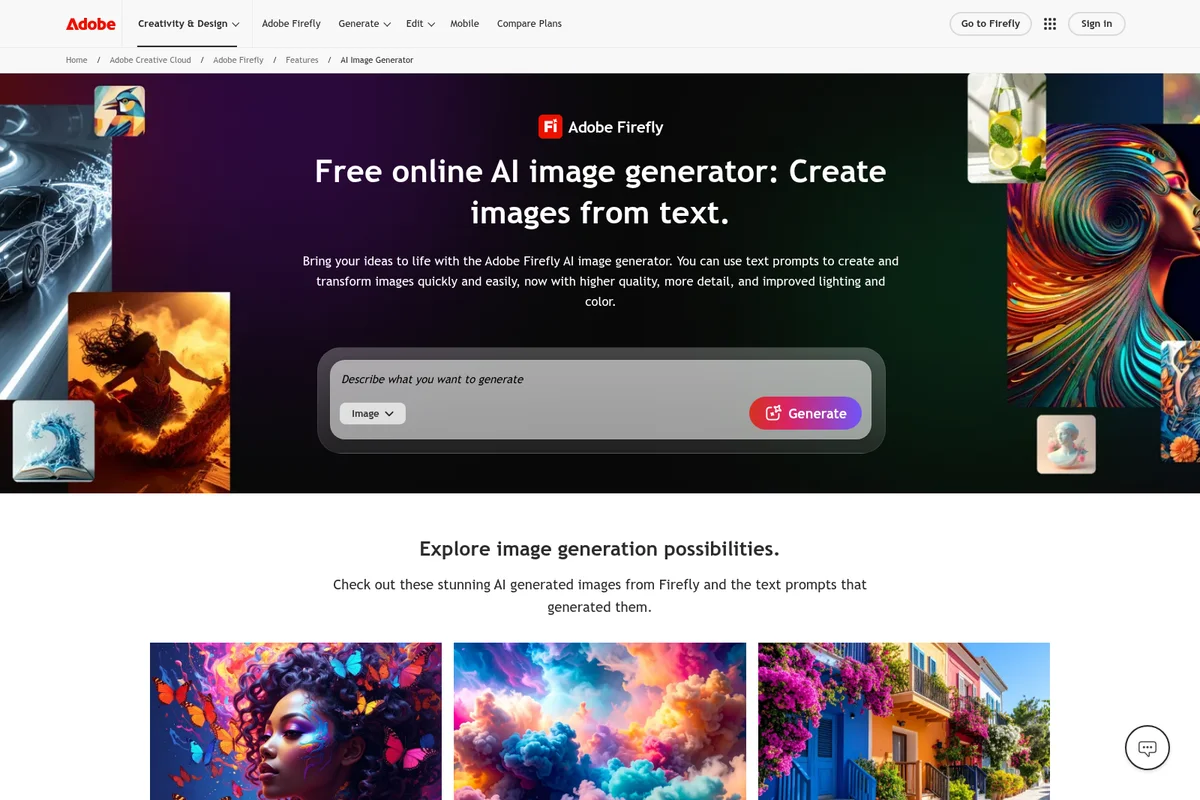
Generate stunning images from text with intuitive AI prompts.
Adobe Firefly Review: Tooliverse Consensus





Based on 28k+ verified reviews across 6 platforms,
combined with Tooliverse's expert analysis
Adobe Firefly earns trust by training its models on licensed Adobe Stock content instead of scraped web data, a distinction agencies and legal teams cite as the deciding factor over competitors. Users consistently point to Generative Fill's seamless Photoshop integration and an accessible web interface that lets non-designers produce polished work. The tradeoffs are real: credit limits constrain heavy experimentation, hands and complex anatomy still render inconsistently, and video generation remains a beta-quality feature rather than a finished tool.
Bottom line: A leading commercially-safe generative AI platform whose Photoshop integration and licensed training data win over professionals, though its credit limits and beta video tools leave room to grow.
Adobe Firefly | Key Specs
Wins
- •Seamlessly integrates Generative Fill into Photoshop for lightning-fast background editsmentioned in 312 reviews
- •Provides peace of mind with a commercially-safe model trained on licensed contentmentioned in 245 reviews
- •Simplifies complex design tasks for non-professionals through an intuitive web interfacementioned in 198 reviews
Watch-Outs
- •Implements a restrictive generative credit system that limits monthly creative experimentationmentioned in 184 reviews
- •Produces occasional anatomical errors in complex subjects like hands and eyesmentioned in 96 reviews
- •Requires a constant high-speed internet connection for all cloud-based AI processingmentioned in 74 reviews
Adobe Firefly Features 2026
Multi-Model Access
Switch between Adobe's own Firefly models and partner models including Gemini (Nano Banana), GPT Image, FLUX, Runway, Kling AI, Luma AI, and ElevenLabs, all with one login.
Firefly AI Assistant
Describe what you want and Firefly automatically selects the right tool for the task, from creative explorations to product mockups and social campaigns, without app switching.
Firefly Custom Models (Public Beta)
Upload your own images to train custom AI models that capture your signature style, then generate consistent concepts and variations in Firefly and Firefly Boards.
Commercially Safe Generative AI
Firefly models are trained on licensed Adobe Stock content and public domain materials, making generated images and artwork commercially safe for both personal and business use.
Adobe Firefly User Reviews
Selected Reviews
"The fact that it's trained on Adobe Stock makes it the only AI tool our legal department actually approves for client-facing work."
"Firefly Boards are excellent for moodboarding. It's finally easy to organize all my AI generations in one place for client review."
"Sometimes the prompts are taken too literally, leading to some very strange and stiff compositions that require a lot of manual fixing."
More from the Community
"Generative Fill is a game changer for my workflow. I can expand canvases in seconds without any visible seams or artifacts."
"I love the vector generation in Illustrator. It's not perfect, but it gives me a great starting point for logos and icons."
"Credit system is a bit stingy for the price. I run out way too fast during busy weeks when I'm experimenting with prompts."
"Text-to-image is solid, but it still feels a bit 'safe' and corporate compared to the wild artistic outputs of Midjourney."
"The mobile app is great for quick social posts, but the UI can be a bit cramped on smaller phone screens."
"Generative Fill is a game changer for my workflow. I can expand canvases in seconds without any visible seams or artifacts."
"I love the vector generation in Illustrator. It's not perfect, but it gives me a great starting point for logos and icons."
"Credit system is a bit stingy for the price. I run out way too fast during busy weeks when I'm experimenting with prompts."
"Text-to-image is solid, but it still feels a bit 'safe' and corporate compared to the wild artistic outputs of Midjourney."
"The mobile app is great for quick social posts, but the UI can be a bit cramped on smaller phone screens."
"Video generation is a disappointment so far. The movements look unnatural and it eats through credits like crazy for 5-second clips."
"The new v4 model is a massive step up in detail, especially for textures like fabric and skin. Much less 'plastic' looking."
"I appreciate the Content Credentials. It's important to be transparent about what's AI-generated in today's media landscape."
"The integration with Adobe Express makes it so easy to turn a simple prompt into a full social media flyer in minutes."
"Video generation is a disappointment so far. The movements look unnatural and it eats through credits like crazy for 5-second clips."
"The new v4 model is a massive step up in detail, especially for textures like fabric and skin. Much less 'plastic' looking."
"I appreciate the Content Credentials. It's important to be transparent about what's AI-generated in today's media landscape."
"The integration with Adobe Express makes it so easy to turn a simple prompt into a full social media flyer in minutes."
Adobe Firefly Pricing 2026
Most people should start on Standard at $9.99 per month, which gives you 2,000 credits plus unlimited Generative Fill and mood boarding, the features doing most of the daily work. If you're generating video regularly or burning through prompts experimenting with partner models like FLUX or Kling, Pro at $19.99 per month doubles your credits to 4,000 and adds a year of unlimited access to select models, which is where heavy users stop watching the meter.
Adobe Firefly In-Depth Review 2026

Firefly is Adobe's generative AI platform for images, video, and audio, blending Adobe's own models with partner tools like Google's Gemini, OpenAI's GPT Image, and Kling AI under one login. It runs as a standalone web app and mobile app, but its real power shows up inside Photoshop, Illustrator, and Adobe Express, where generation and editing share the same canvas. That integration is the whole pitch: you don't export to a separate AI tool and reimport your work.
What It's Like Day-to-Day
For Photoshop users, Firefly mostly shows up as Generative Fill, and it's become the feature people can't imagine working without. Expanding a cropped photo, removing a distracting object, or filling in a background used to mean careful cloning and patching. Now it's a text prompt and a few seconds of processing. One iOS App Store reviewer captured the appeal well, calling it a "game changer" for letting them "expand canvases in seconds without any visible seams or artifacts."
Outside of pure photo editing, Firefly Boards give teams a shared space to generate, compare, and organize ideas from multiple AI models before committing to a direction.
Adobe Firefly Security & Compliance
Privacy Commitments
- Firefly generative AI models trained on licensed Adobe Stock content and public domain materials for commercially safe outputs
- Adobe publishes AI ethics principles governing responsible AI development
Adobe Firefly: Frequently Asked Questions (FAQs)
How much does Adobe Firefly cost?
Adobe Firefly offers a Free plan with limited daily generations, plus paid plans starting at $9.99/mo for Standard (2,000 credits), $19.99/mo for Pro (4,000 credits), $34.97/mo promotional for Pro Plus (10,000 credits), and $139.91/mo promotional for Premium (50,000 credits).
Is there a free version of Adobe Firefly?
Yes, Adobe Firefly Free offers limited daily generations across image, video, and audio with access to select models like Nano Banana and Luma Ray3, and no subscription is required to start creating.
What are generative credits and how do they work?
Generative credits are consumed when using premium Firefly features like video generation and non-Adobe partner models; standard image features like Generative Fill have unlimited access regardless of credit usage. Plans include a set monthly credit allotment, such as 2,000 credits/month on Standard or 4,000 on Pro.
What is Adobe Firefly?
Adobe Firefly is Adobe's generative AI platform for creating and editing images, video, audio, and designs using top AI models from Adobe, Google, OpenAI, Kling AI, and more, all accessible for free to get started.
Adobe Firefly Integrations
| Photoshop | Adobe Express | Illustrator |
| Google Gemini (Nano Banana) | GPT Image (OpenAI) | FLUX (Black Forest Labs) |
| Runway | Kling AI | Luma AI |
| Topaz Astra | ElevenLabs | Figma |
Adobe Firefly: Verified Data Sheet
| # | Label | Data Point |
|---|---|---|
| [1] | Adobe Firefly Consensus: 8.95/10 | Adobe Firefly is a highly-rated tool among AI image generators in the Tooliverse index, with a consensus score of 8.95/10 across 28,000 verified reviews. |
| [2] | What is Adobe Firefly | Adobe Firefly, from Adobe Inc., is a generative AI platform for commercially safe image, video, and audio creation, combining Firefly's own models with partner models like Gemini and GPT Image. It offers a free tier and paid plans starting at $9.99/month, with deep integration into Photoshop, Illustrator, and Adobe Express. |
| [3] | Tooliverse Consensus on Adobe Firefly | Adobe Firefly earns trust by training its models on licensed Adobe Stock content instead of scraped web data, a distinction agencies and legal teams cite as the deciding factor over competitors. Users consistently point to Generative Fill's seamless Photoshop integration and an accessible web interface that lets non-designers produce polished work. The tradeoffs are real: credit limits constrain heavy experimentation, hands and complex anatomy still render inconsistently, and video generation remains a beta-quality feature rather than a finished tool. |
| [4] | Adobe Firefly Verdict | Adobe Firefly bottom line: A leading commercially-safe generative AI platform whose Photoshop integration and licensed training data win over professionals, though its credit limits and beta video tools leave room to grow. |
| [5] | Firefly Free: Free | Adobe Firefly provides a functional Firefly Free tier with Limited free daily generations across standard and premium features, Access to select image, video, and audio models, making AI tools accessible at no cost. |
| [6] | Generative Fill integrates into Photoshop | Adobe Firefly integrates Generative Fill directly into Photoshop, enabling fast background edits and canvas expansion, a workflow praised in 312 user reviews. |
| [7] | Editable vector output in Illustrator | Adobe Firefly generates vector graphics that remain fully editable once opened in Adobe Illustrator, an outcome noted in 167 user reviews. |
| [8] | Mobile app for on-the-go editing | Adobe Firefly offers a mobile app for creating and editing assets on the go, a feature valued in 142 user reviews. |
| [9] | Firefly Standard: $9.99/month | Adobe Inc.'s Adobe Firefly Firefly Standard empowers users with 2,000 monthly generative credits for just $9.99 monthly, significantly expanding on the free tier's capabilities. |
| [10] | Commercially-safe licensed training data | Adobe Firefly trains its generative models on licensed Adobe Stock content and public domain materials, giving businesses commercially-safe outputs cited by 245 user reviews. |
| [11] | Restrictive monthly credit limits | Adobe Firefly's generative credit system restricts monthly creative experimentation, a constraint reported in 184 user reviews, with Standard plans capped at 2,000 credits per month. |
| [12] | Occasional anatomical rendering errors | Adobe Firefly occasionally produces anatomical errors in complex subjects like hands and eyes, an issue flagged in 96 user reviews. |
| [13] | Privacy: Firefly generative AI models trained on licensed Adobe Stock content and public domain materials for commercially safe outputs | Adobe Firefly privacy protections include Firefly generative AI models trained on licensed Adobe Stock content and public domain materials for commercially safe outputs and Adobe publishes AI ethics principles governing responsible AI development. |
| [14] | Generative Fill praised for seamless edits | Adobe Firefly users describe Generative Fill as transformative for editing workflows, with one DesignPro_NY review stating it lets them "expand canvases in seconds without any visible seams or artifacts." |
Best Adobe Firefly Alternatives
Midjourney
Transform your imagination into stunning AI-generated images and videos with the world's most beautiful AI models.

Leonardo.Ai
Turn your ideas into stunning images and videos with AI built for creative control.

Ideogram
Turn any idea into images with crisp, accurate text and edits that stay true to your intent.