
Brisk Teaching Review 2026 - AI for Teachers
Verified Jun 6, 2026 by Tooliverse Editorial
Brisk Teaching turns everyday teaching moments into powerful learning experiences—generate lesson plans from YouTube videos, give personalized feedback to entire classes at once, or adapt any resource for multilingual learners. Over 1 million educators trust Brisk's Chrome extension to work seamlessly inside Google Docs, Slides, and the web.
From One YouTube Video to Your Full Lesson in 5 Minutes
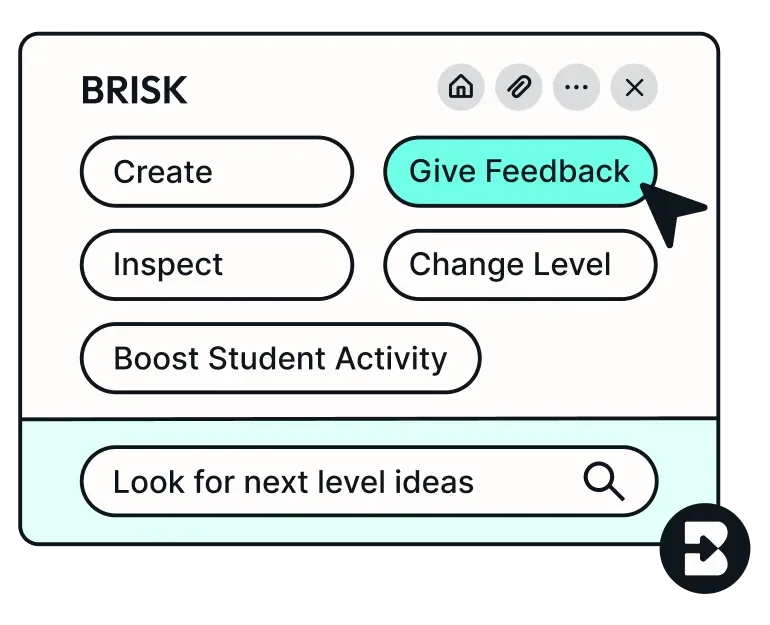
Streamline teaching workflows and discover new lesson ideas instantly.
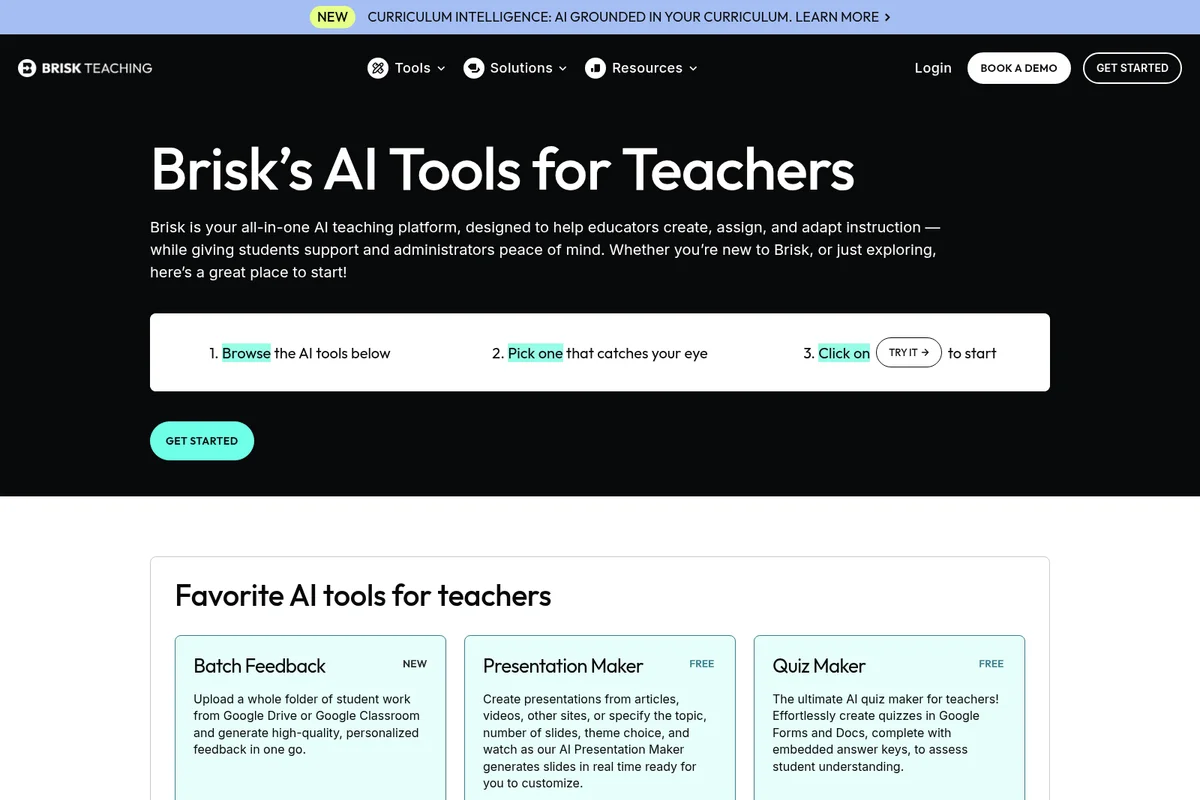
Discover Brisk Teaching's powerful AI tools, including Batch Feedback and Presentation Maker.
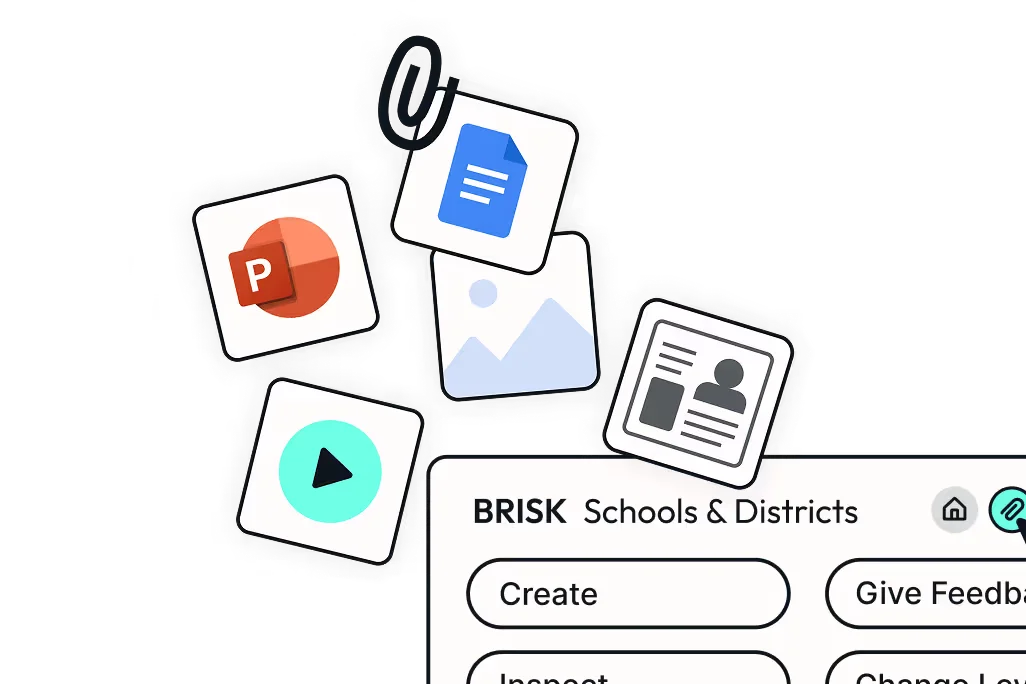
Streamline content creation, management, and feedback for schools and districts.
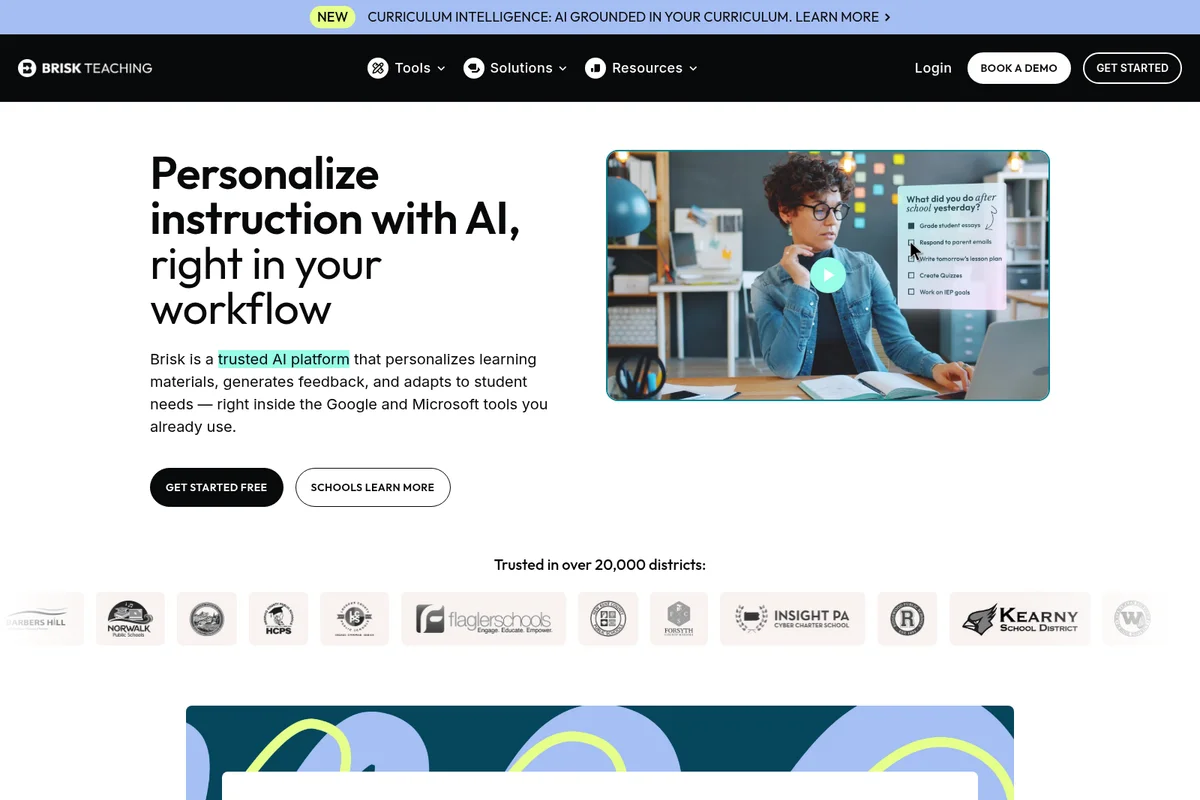
AI streamlines teacher workflows by helping manage tasks and lesson planning.
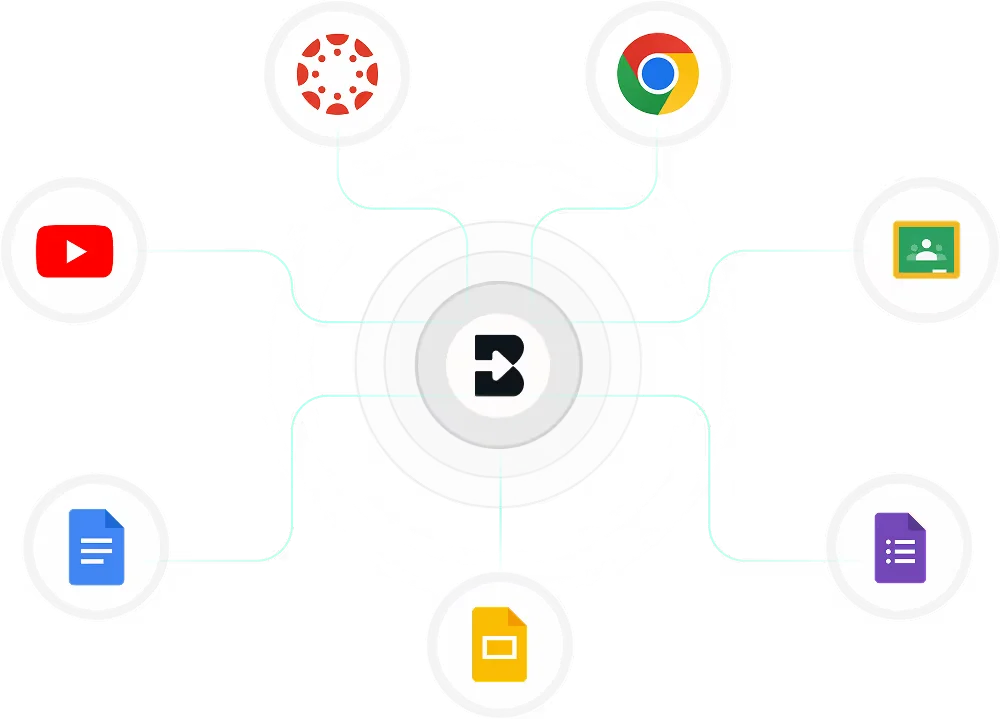
Seamlessly connect Brisk Teaching with your favorite educational tools and Google apps.
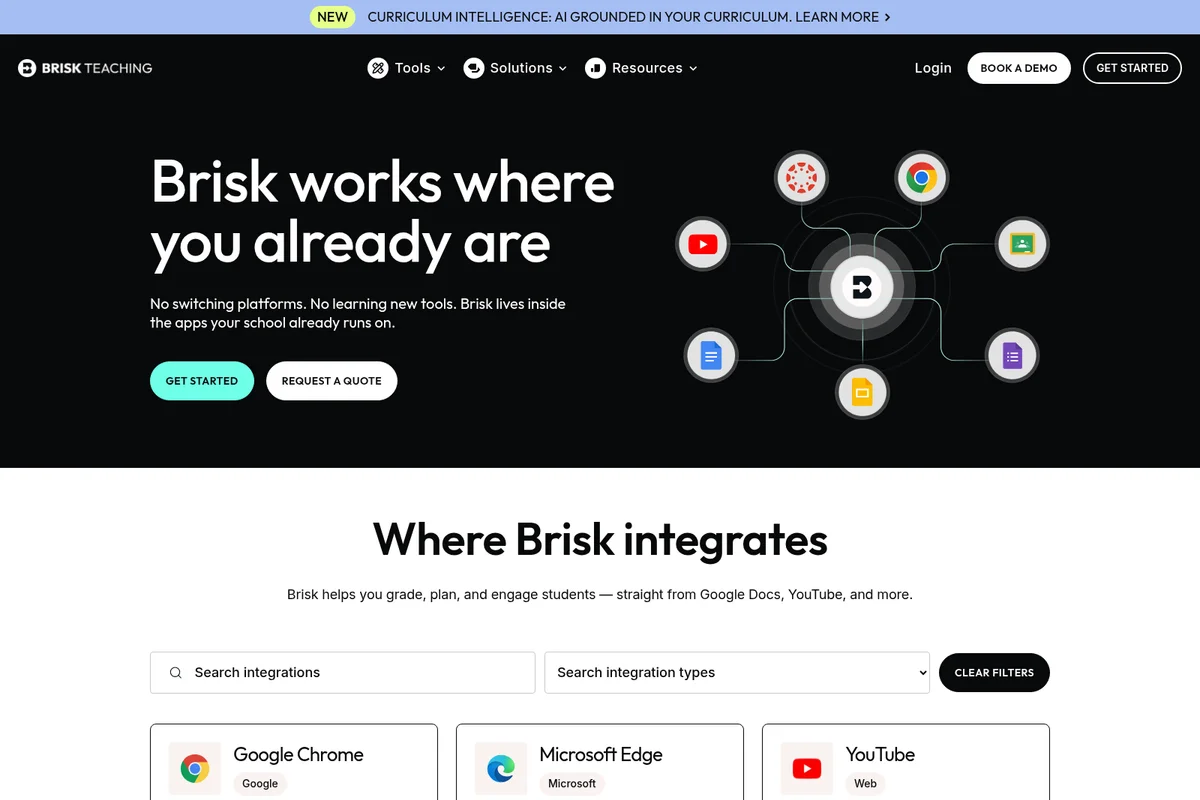
See how Brisk seamlessly integrates with your favorite classroom apps.
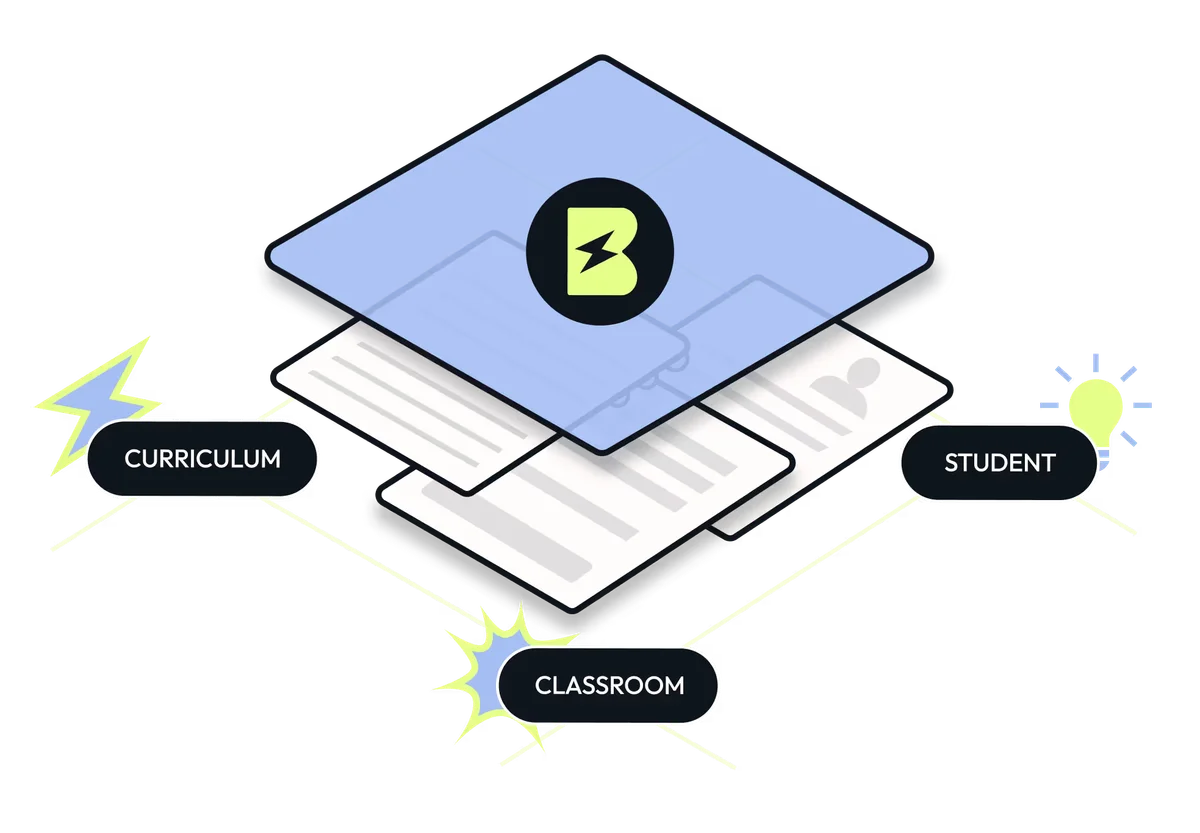
Brisk Teaching: Unifying curriculum, student engagement, and classroom management.
Brisk Teaching Review: Tooliverse Consensus





Based on 750 verified reviews across 5 platforms,
combined with Tooliverse's expert analysis
Brisk Teaching eliminates the app-switching and export friction that plague most education AI tools by embedding directly into Google Docs, Canvas, and the platforms teachers use daily. The feedback automation and instant text leveling address the two tasks that consume the most after-school hours, with Inspect Writing offering a transparent alternative to unreliable AI detection tools. The Google Slides quirks and occasional quiz inaccuracies require manual oversight, but the core workflow integration and time savings have made it the AI assistant 1 in 4 U.S. educators actually use consistently.
Bottom line: A top-tier classroom AI that returns hours to teachers weekly by automating feedback and differentiation where they already work, though advanced features require district-level purchasing that may exclude individual educators.
Brisk Teaching | Key Specs
- Platforms
- Web, Chrome Extension, Edge Extension
- Pricing Model
- Freemium (Free Forever + Custom Enterprise) See plans
- Privacy/Data Use
- Does not store student work content, FERPA/COPPA compliant
- Security
- SOC 2 Type 2, ClassLink Certified, Student Data Privacy Pledge See details
Wins
- •Automates personalized student feedback, saving teachers hours of manual grading every weekmentioned in 412 reviews
- •Transforms any web article or YouTube video into leveled lesson plans instantlymentioned in 385 reviews
- •Integrates seamlessly with Google Docs and Canvas to streamline existing classroom workflowsmentioned in 328 reviews
Watch-Outs
- •Requires a paid subscription to access advanced features like the AI presentation generatormentioned in 112 reviews
- •Occasional formatting issues when exporting generated content to Google Slidesmentioned in 78 reviews
- •AI-generated quizzes sometimes require manual fact-checking for niche or complex subjectsmentioned in 64 reviews
Brisk Teaching Features 2026
Chrome & Edge Extension
AI that works directly inside Google Docs, Slides, YouTube, PDFs, and LMS platforms—no app-switching required. Pin to your browser toolbar for instant access.
Batch Feedback
Upload entire folders of student work from Google Drive or Google Classroom and generate high-quality, personalized feedback for every student in one session.
Standards Alignment
Align all generated content—lessons, quizzes, worksheets, feedback—to academic standards including Common Core. Districts can add custom or local standards.
Brisk Boost Student Workspace
Safe, teacher-controlled AI activities for students. Turn any online resource into an interactive learning experience with real-time adaptation and engagement insights.
Brisk Teaching User Reviews
Selected Reviews
"I use the "Brisk It" button daily to level news articles for my ESL students. It takes 5 seconds to turn a complex NYT piece into something they can actually read."
"The Inspect Writing feature is the only AI detector I actually trust because it shows the version history and how the student actually typed the document."
"The quiz generator is a huge help, though I always double-check the multiple-choice options for clarity."
More from the Community
"Brisk has completely changed how I give feedback. I can now provide detailed, personalized comments on 30 essays in the time it used to take me to do 5."
"The feedback is great but I wish the Google Slides integration didn't mess up my custom fonts every single time I generate a presentation."
"It's a powerful tool for lesson planning, but the free version feels very restricted compared to what it was a few months ago."
"I love how it generates quizzes directly from the YouTube videos I show in class. It makes checking for understanding so much easier."
"Brisk is the only AI tool I use daily. It feels like it was actually built by teachers who understand our workload."
"Brisk has completely changed how I give feedback. I can now provide detailed, personalized comments on 30 essays in the time it used to take me to do 5."
"The feedback is great but I wish the Google Slides integration didn't mess up my custom fonts every single time I generate a presentation."
"It's a powerful tool for lesson planning, but the free version feels very restricted compared to what it was a few months ago."
"I love how it generates quizzes directly from the YouTube videos I show in class. It makes checking for understanding so much easier."
"Brisk is the only AI tool I use daily. It feels like it was actually built by teachers who understand our workload."
"The way it levels text is incredible. I can take a complex article and make it readable for my 5th graders in seconds."
"The feedback is surprisingly human-like. It doesn't just correct grammar; it asks probing questions that help students think."
"I've tried other AI assistants, but Brisk's integration with Google Docs is the smoothest. It doesn't feel like an extra step."
"I use it for IEP goals and it has saved me so much mental energy. It helps me word things professionally and clearly."
"The way it levels text is incredible. I can take a complex article and make it readable for my 5th graders in seconds."
"The feedback is surprisingly human-like. It doesn't just correct grammar; it asks probing questions that help students think."
"I've tried other AI assistants, but Brisk's integration with Google Docs is the smoothest. It doesn't feel like an extra step."
"I use it for IEP goals and it has saved me so much mental energy. It helps me word things professionally and clearly."
Brisk Teaching Pricing 2026
View SourceThe free tier covers lesson planning and basic feedback, but Premium is where teachers reclaim their evenings: unlimited batch feedback, standards alignment, and rubric-based scoring that actually matches how you grade. Pricing is custom based on district enrollment, which means small schools might find the per-teacher cost steep, but large districts typically negotiate volume rates that make the math work. The Intelligence tier adds curriculum integration for districts obsessed with fidelity, though most teachers get everything they need from Premium.
Brisk Teaching In-Depth Review 2026

This Chrome and Edge extension works inside the tools teachers already use: Google Docs, Slides, YouTube, Canvas, and Schoology. You don't learn a new platform or export files to another app. The AI activates on-demand wherever you're already working, turning a YouTube video into a quiz or leveling a news article to match your students' reading abilities in seconds. The integration depth is what separates Brisk from the dozens of education AI tools competing for attention—it disappears into your existing workflow instead of adding another tab to manage.
What It's Like Day-to-Day
The feedback tools handle the work that keeps teachers at school until 6 PM. Upload a folder of student essays to Batch Feedback, and Brisk generates personalized, rubric-aligned comments for every paper in minutes. The AI doesn't just correct grammar; it asks probing questions that push student thinking forward, and as one Chrome Web Store reviewer noted, "I can now provide detailed, personalized comments on 30 essays in the time it used to take me to do 5." That's not hyperbole—the time savings are the reason 1 in 4 U.S. educators now use this tool.
Brisk Teaching Security & Compliance
Verified Compliance
- SOC 2 Type 2
- FERPA Compliant
- COPPA Compliant
- ClassLink Certified
Security Features
- Custom data privacy agreements
- District administrator dashboard with rostering
Privacy Commitments
- Student Data Privacy Pledge signatory
- Does not store underlying student work content (only inputs and outputs)
- Accesses data only when teachers choose to use a tool
Brisk Teaching: Frequently Asked Questions (FAQs)
What is Brisk Teaching?
Brisk is an education platform that integrates AI into existing tools to create dynamic curriculum, simplify differentiation, and identify what students need next. It includes the Brisk Extension (in-the-moment support in your browser), Brisk Boost (safe student-facing AI workspace), and Brisk Next (planning hub with AI-powered suggestions).
Is Brisk free for teachers?
Yes. Brisk offers a completely free Chrome and Edge extension with 20+ essential AI-powered tools. When you sign up, you receive 14 days of complimentary access to the Premium plan, then automatically transition to the Free Forever Plan at no cost.
What platforms and tools does Brisk work with?
Brisk works inside Google Docs, Microsoft Word, Google Slides, Microsoft PowerPoint, Google Forms, web articles, PDFs, online textbooks, images, YouTube, and more. It also integrates with Google Classroom, Canvas, Schoology, Blackboard, and Turnitin.
Can Brisk give feedback on student writing?
Yes. Brisk offers four feedback types: Targeted Feedback (personalized comments in Google Docs), Glow & Grow Feedback (strengths and improvements), Rubric Criteria Feedback (aligned to specific rubrics), and Next Steps Feedback (actionable improvement steps). You can give feedback one assignment at a time or to entire classes at once using Batch Feedback.
Brisk Teaching Integrations
| Google Chrome | Microsoft Edge | Google Docs |
| Google Slides | Google Forms | Google Classroom |
| Google Drive | Microsoft Word | Microsoft PowerPoint |
| Microsoft Forms | OneDrive | YouTube |
| Canvas | Schoology | Blackboard |
| Turnitin | ClassLink | Kahoot! |
| Nearpod | Gemini | ChatGPT |
| Claude | Microsoft Copilot |
Brisk Teaching: Verified Data Sheet
| # | Label | Data Point |
|---|---|---|
| [1] | Brisk Teaching Consensus: 9.47/10 | Brisk Teaching is one of the highest-rated AI education tools in the Tooliverse index, with a consensus score of 9.47/10 across 750 verified reviews. |
| [2] | What is Brisk Teaching | Brisk Teaching, operated by Brisk Labs Co., is a SOC 2 compliant AI education platform used by 1 in 4 educators in the U.S. The platform offers 35+ AI tools embedded in Chrome/Edge that work inside Google Docs, Slides, YouTube, and LMS platforms, with pricing from free to custom enterprise. |
| [3] | Tooliverse Consensus on Brisk Teaching | Brisk Teaching eliminates the app-switching and export friction that plague most education AI tools by embedding directly into Google Docs, Canvas, and the platforms teachers use daily. The feedback automation and instant text leveling address the two tasks that consume the most after-school hours, with Inspect Writing offering a transparent alternative to unreliable AI detection tools. The Google Slides quirks and occasional quiz inaccuracies require manual oversight, but the core workflow integration and time savings have made it the AI assistant 1 in 4 U.S. educators actually use consistently. |
| [4] | Brisk Teaching Verdict | Brisk Teaching bottom line: A top-tier classroom AI that returns hours to teachers weekly by automating feedback and differentiation where they already work, though advanced features require district-level purchasing that may exclude individual educators. |
| [5] | Educator Free (Free Forever): Free | Brisk Teaching offers a functional Educator Free (Free Forever) tier with 20+ AI-powered tools including Quiz Maker, Lesson Plan Generator, and Rubric Maker, with the Chrome & Edge extension working in Docs, Slides, YouTube, and PDFs at no cost. |
| [6] | Automates personalized feedback at scale | Brisk Teaching automates personalized student feedback at scale, enabling educators to provide detailed, individualized comments on 30 essays in the time previously required for 5, according to 412 user reviews validating this time-saving capability. |
| [7] | Instant lesson plans from any web content | Brisk Teaching transforms any web article or YouTube video into leveled lesson plans instantly, converting complex content into grade-appropriate materials in seconds rather than hours, validated by 385 user reviews. |
| [8] | Seamless integration with classroom tools | Brisk Teaching integrates directly into Google Docs, Slides, Canvas, and other classroom platforms through a Chrome/Edge extension, eliminating app-switching and streamlining existing workflows according to 328 user reviews. |
| [9] | Writing process replay for authenticity verification | Brisk Teaching provides an Inspect Writing feature that replays a student's complete writing process in Google Docs with timestamps, edits, and paste patterns, offering transparent verification of authentic work according to 295 user reviews. |
| [10] | Advanced features require paid subscription | Brisk Teaching requires a paid Premium subscription to access advanced features including the AI presentation generator, standards alignment, and batch feedback capabilities, noted as a limitation in 112 user reviews. |
| [11] | Google Slides export formatting issues | Brisk Teaching occasionally produces formatting inconsistencies when exporting AI-generated content to Google Slides, particularly affecting custom fonts and layout elements, according to 78 user reports. |
| [12] | SOC 2 Type 2 | Brisk Teaching maintains SOC 2 Type 2, FERPA Compliant, COPPA Compliant, and ClassLink Certified certifications for education data security. |
| [13] | Enterprise: Custom data privacy agreements | Brisk Teaching provides enterprise security with Custom data privacy agreements and District administrator dashboard with rostering. |
| [14] | Transforms feedback efficiency | Brisk Teaching "completely changed how I give feedback" and enables detailed, personalized comments on 30 essays in the time previously required for 5, according to a verified Chrome Web Store reviewer. |
Best Brisk Teaching Alternatives

MagicSchool
Save time, spark creativity, and support every learner with AI built specifically for K-12 educators.
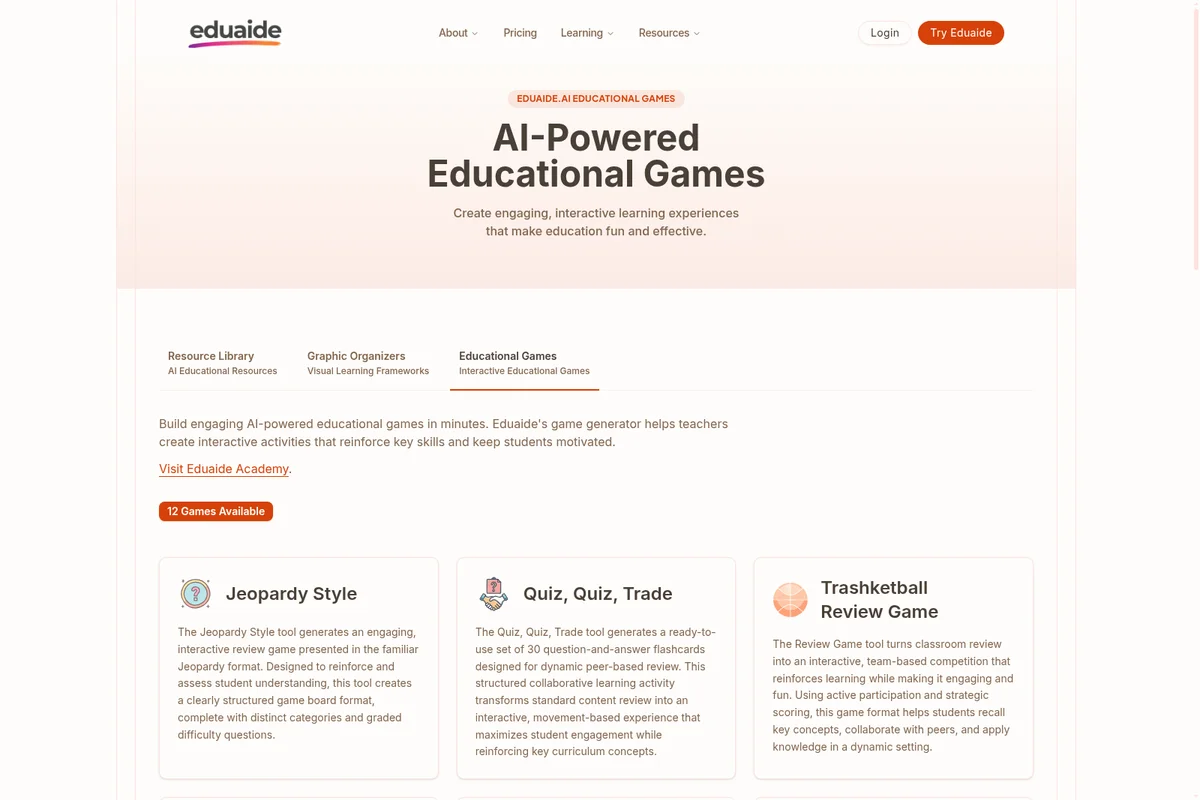
Eduaide.AI
Turn learning objectives into classroom-ready materials without starting from scratch.
Wayground
Make curriculum GO with AI-supported instruction, practice, and assessment that helps every student find their way.