
Cardina Review 2026 - One-Click Cobrowsing
Verified Sep 22, 2026 by Tooliverse Editorial
Cardina lets support and sales teams see and control a customer's screen live, over phone or chat, with zero downloads. It cuts handle times by 41% and boosts first-contact resolutions by 47%.
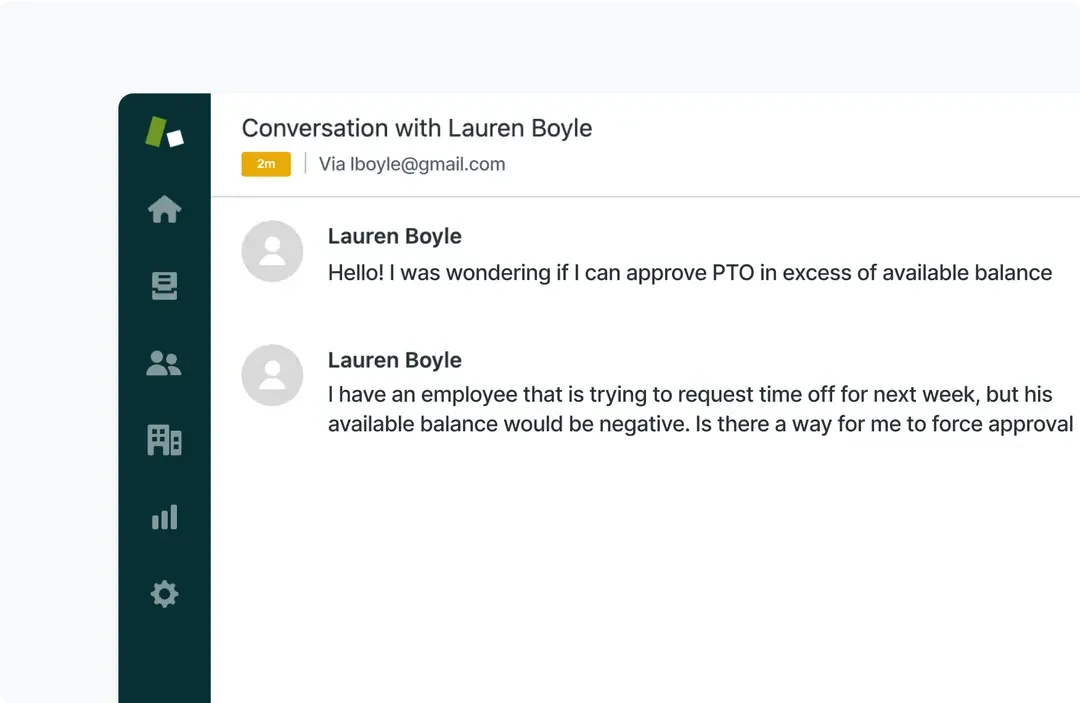
Handle employee PTO inquiries and approvals efficiently.
Discover how companies like Loom and OpenPhone boost efficiency with Cardina.
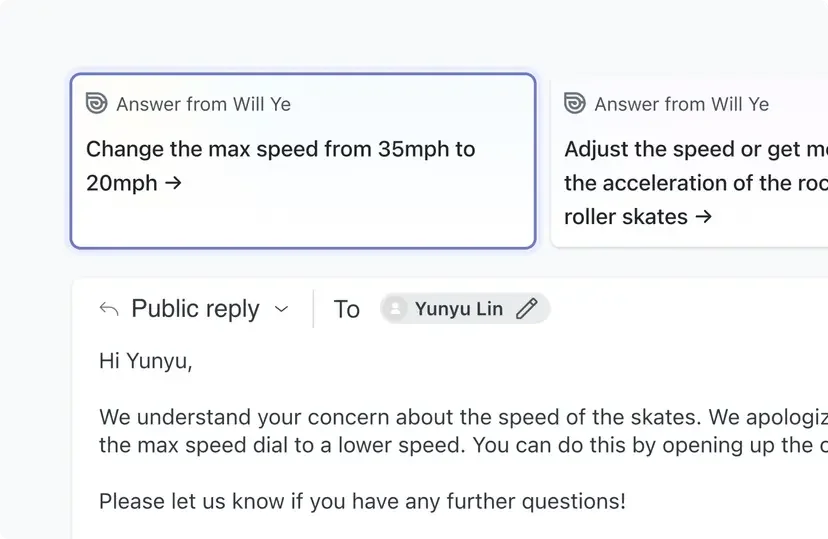
Streamline customer interactions with AI-generated reply suggestions.
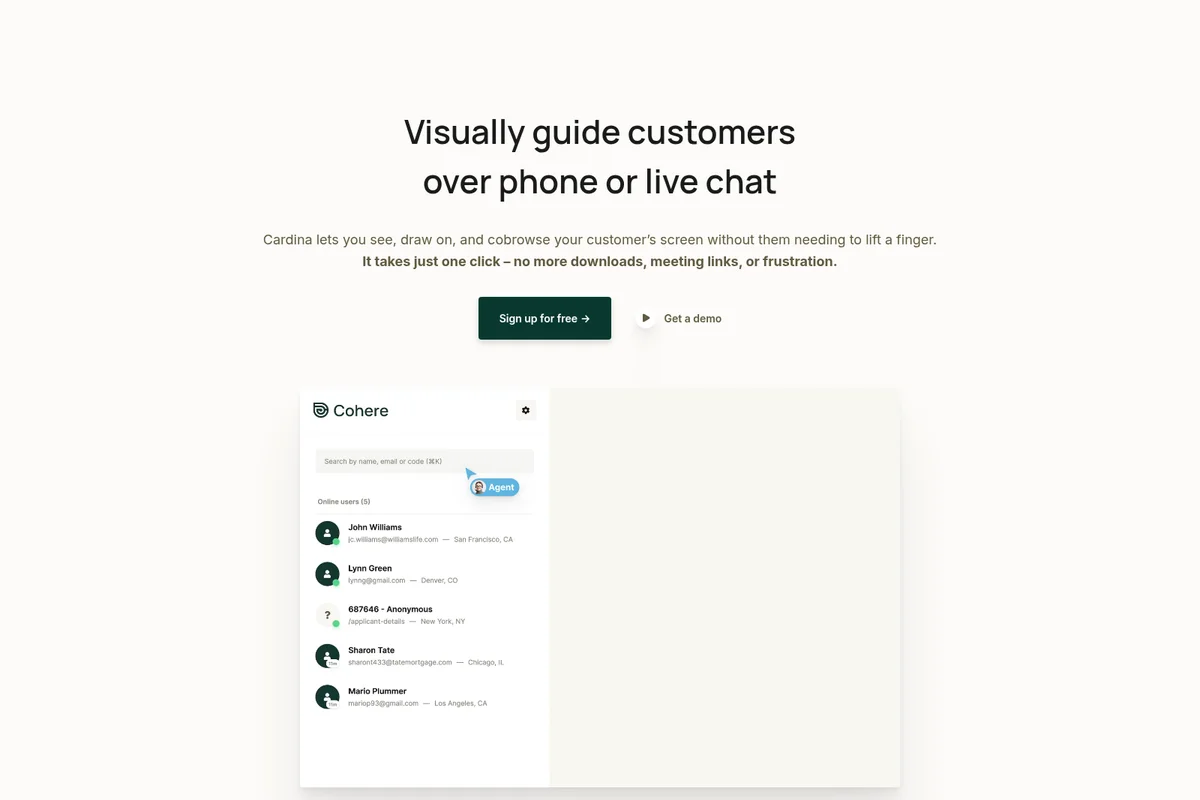
Select and connect with online customers instantly to provide visual guidance.
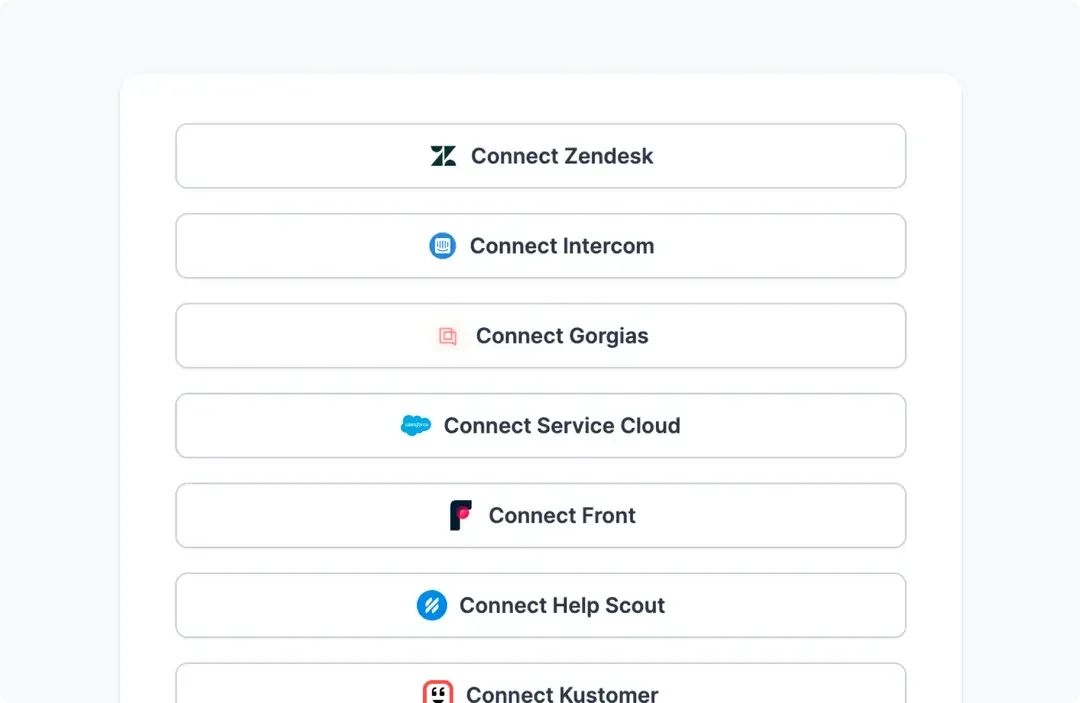
Connect Cardina seamlessly with your existing help desk and CRM tools.
Cardina Review: Tooliverse Consensus


Based on 85 verified reviews across 4 platforms,
combined with Tooliverse's expert analysis
Cardina turns cobrowsing into a one-click action instead of a scheduling hassle, letting agents see and control a customer's screen without downloads or meeting links. Reviewers repeatedly point to the responsive remote control and drawing tools as what makes technical support feel human again, backed by deep Zendesk, Intercom, and Salesforce integrations. The tradeoffs are administrative: a tight 10-session free tier and browser permissions that can slow enterprise security reviews.
Bottom line: A top-tier cobrowsing platform where frictionless one-click screen control and responsive remote assistance outweigh a restrictive free tier and occasional security review delays.
Cardina | Key Specs
- Platforms
- Web (embeds into any website/app)
- Pricing Model
- Free trial + Paid ($69/seat/mo Pro, custom Enterprise) See plans
- Privacy/Data Use
- Session data deleted after viewing unless recording enabled; EU data stays in Europe
- Security
- SOC 2 Type II, HIPAA compliant, AES-256 encryption, SAML SSO (Enterprise) See details
Wins
- •Enables instant co-browsing without requiring customers to download software or join linksmentioned in 84 reviews
- •Features responsive remote control that allows agents to click and type for usersmentioned in 72 reviews
- •Integrates seamlessly with major support platforms like Zendesk, Intercom, and Salesforcementioned in 65 reviews
Watch-Outs
- •Restricts the free tier to only 10 sessions per week for troubleshootingmentioned in 31 reviews
- •Requires broad browser permissions that can trigger internal security and privacy reviewsmentioned in 26 reviews
- •Experiences occasional slow loading times when accessing session replay recordingsmentioned in 19 reviews
Cardina Features 2026
Cobrowse over phone calls
View a customer's screen (or share yours) even during a plain phone call—no meeting link or download needed.
One-click, no-download engagement
Customers connect with a single click—no meeting links, downloads, or software installs required.
Voice and video calling on your site
Engage visitors with instant live voice and video calls directly on your website, right where they're most likely to convert.
Granular data visibility controls
Control exactly what agents can see with complete granularity; passwords and sensitive fields are automatically hidden, and any element can be blocked with a single attribute.
Cardina User Reviews
Selected Reviews
"I love that there are no downloads for the customer. It makes the transition from a chat to a co-browse session feel completely natural."
"The one-click access and browser console visibility make it a leading choice for SaaS support teams managing technical products."
"Mastering the permission settings took our team a few days, but once we got it, the workflow became seamless. The remote control is very responsive."
More from the Community
"We've cut our resolution times by nearly 50% because we no longer have to ask for screenshots or explain where to click."
"The session replay feature can occasionally load slowly, which is frustrating when you're trying to review a bug quickly."
"The free tier's 10-session weekly limit proves restrictive for active troubleshooting, making it hard to test at scale before upgrading."
"Drawing on the customer's screen is such a simple feature but it saves so much time compared to verbal instructions."
"We've cut our resolution times by nearly 50% because we no longer have to ask for screenshots or explain where to click."
"The session replay feature can occasionally load slowly, which is frustrating when you're trying to review a bug quickly."
"The free tier's 10-session weekly limit proves restrictive for active troubleshooting, making it hard to test at scale before upgrading."
"Drawing on the customer's screen is such a simple feature but it saves so much time compared to verbal instructions."
"The integration with Zendesk was a breeze to set up. It fits right into our existing ticket workflow without any friction."
"Security was a concern for our legal team, but the sensitive data masking features helped us get the green light for deployment."
"It's a bit pricey for smaller teams, but the efficiency gains in support handle time definitely justify the investment for us."
"The remote control is surprisingly low-latency. It feels like I'm actually sitting right next to the customer helping them out."
"The integration with Zendesk was a breeze to set up. It fits right into our existing ticket workflow without any friction."
"Security was a concern for our legal team, but the sensitive data masking features helped us get the green light for deployment."
"It's a bit pricey for smaller teams, but the efficiency gains in support handle time definitely justify the investment for us."
"The remote control is surprisingly low-latency. It feels like I'm actually sitting right next to the customer helping them out."
Cardina Pricing 2026
View SourceMost teams should skip straight to Pro at $69 per seat per month, which removes the free tier's 10-session weekly cap and unlocks unlimited voice calls plus deeper Zendesk and Intercom integration. The free 14-day trial is worth running first to confirm agents actually adopt the workflow, but any team fielding more than a handful of tickets weekly will hit the free tier's ceiling fast.
Cardina In-Depth Review 2026

Cardina lets support and sales teams see exactly what a customer is doing on-screen and take control with one click, whether the conversation started as a phone call, a chat, or a live session. There's nothing for the customer to download and no meeting link to click. It runs inside whatever app or website the customer is already using, turning a verbal guessing game into something closer to sitting next to them.
What It's Like Day-to-Day
The defining moment for most agents is the first time they draw a circle around a button instead of describing it. Cardina lets you highlight exactly where to click by drawing directly on the customer's screen, and reviewers consistently say this small feature saves more time than it has any right to. One G2 reviewer summed up the appeal of the remote control simply: it feels responsive enough that "it feels like I'm actually sitting right next to the customer helping them out."
That responsiveness matters because cobrowsing tools live or die on latency. Nobody wants to watch a cursor stutter across a screen while a customer waits on hold.
Cardina Security & Compliance
Verified Compliance
- SOC 2 Type II
- GDPR (General Data Protection Regulation)
- CCPA (California Consumer Privacy Act)
- HIPAA (Health Insurance Portability and Accountability Act)
Security Features
- AES-256 encryption at rest
- TLS encryption in transit
- SAML SSO (Enterprise)
- Full audit log visibility into agent actions
- Granular element blocking and auto-masked sensitive fields
Privacy Commitments
- Data hosted in physically secure Google Cloud facilities with 24/7 on-site security
- Data only sent when a session is actively viewed and deleted right after (unless recordings enabled)
- Intra-European traffic kept within Europe via regional servers in the Netherlands and UK
- Data processing agreement (DPA) available for EU customers
- Business Associate Agreement (BAA) available for qualifying HIPAA customers
Cardina: Frequently Asked Questions (FAQs)
What does Cardina do?
Cardina lets you see what your users are doing within your app live and take control with one click, all with no set up.
How much does Cardina cost?
Cardina offers a free 14-day trial (10 sessions/week, 8 voice calls/week, no credit card required), a Pro plan at $69 per seat/month billed monthly or annually with unlimited sessions and calls, and a custom Enterprise plan requiring a minimum 6-month term with 20 seats.
Who counts as a seat? Can I have seats on different plans?
Every user who can log into the Cardina dashboard and view customer sessions is counted as a seat. Cardina does not support seats on different plans; contact sales@cardina.com if this is required.
How long does it take to integrate Cardina?
Integration can be completed in under 5 minutes by an engineer, requiring only a few lines of code inserted into your site.
Cardina Integrations
| Zendesk | Slack | Salesforce |
| Intercom | Sentry | Calendly |
| Microsoft Teams | Amazon S3 |
Cardina: Verified Data Sheet
| # | Label | Data Point |
|---|---|---|
| [1] | Cardina Consensus: 9.42/10 | Cardina is one of the highest-rated AI support tools in the Tooliverse index, with a consensus score of 9.42/10 across 85 verified reviews. |
| [2] | What is Cardina | Cardina, operated by Caldera Labs Inc. (formerly Cohere.io), is a SOC 2 Type II and HIPAA-compliant cobrowsing platform that lets support and sales teams see, draw on, and take control of a customer's screen over phone or chat. It resolves customer issues 41% faster and boosts first-contact resolutions by 47%, with pricing from a free trial to $69/seat/month. |
| [3] | Tooliverse Consensus on Cardina | Cardina turns cobrowsing into a one-click action instead of a scheduling hassle, letting agents see and control a customer's screen without downloads or meeting links. Reviewers repeatedly point to the responsive remote control and drawing tools as what makes technical support feel human again, backed by deep Zendesk, Intercom, and Salesforce integrations. The tradeoffs are administrative: a tight 10-session free tier and browser permissions that can slow enterprise security reviews. |
| [4] | Cardina Verdict | Cardina bottom line: A top-tier cobrowsing platform where frictionless one-click screen control and responsive remote assistance outweigh a restrictive free tier and occasional security review delays. |
| [5] | Free: Free | Cardina's Free tier offers a 14-day trial with no credit card required, giving teams control over 10 sessions per week at no cost. |
| [6] | No-download instant co-browsing | Cardina enables instant co-browsing sessions that require no software downloads or meeting links from customers, a frictionless design praised in 84 user reviews. |
| [7] | Low-latency remote control | Cardina offers responsive remote control that lets agents click and type on a customer's behalf, a capability rated highly in 72 user reviews for its low-latency feel. |
| [8] | Pro: $69/seat/month | Caldera Labs Inc.'s Cardina Pro empowers users with View and control unlimited sessions for just $69/seat monthly, significantly expanding on the free tier's capabilities. |
| [9] | Deep support-stack integrations | Cardina integrates seamlessly with major support platforms including Zendesk, Intercom, and Salesforce, with this workflow fit cited in 65 user reviews. |
| [10] | Visual drawing and highlighting | Cardina provides on-screen drawing and highlighting tools that let agents give visual guidance instead of verbal instructions, a time-saving feature noted in 58 user reviews. |
| [11] | Free tier limited to 10 sessions/week | Cardina's free tier caps troubleshooting at 10 sessions per week, a limit 31 user reviews describe as restrictive for teams testing at scale before upgrading to the $69/seat/month Pro plan. |
| [12] | Broad browser permissions needed | Cardina requires broad browser permissions to function, a setup step that has triggered internal security and privacy reviews at some organizations according to 26 user reports. |
| [13] | Privacy: Data hosted in physically secure Google Cloud facilities with 24/7 on-site security | Cardina privacy protections include Data hosted in physically secure Google Cloud facilities with 24/7 on-site security, Data only sent when a session is actively viewed and deleted right after (unless recordings enabled), and Intra-European traffic kept within Europe via regional servers in the Netherlands and UK. |
| [14] | Enterprise: AES-256 encryption at rest | Cardina provides enterprise security with AES-256 encryption at rest, TLS encryption in transit, and SAML SSO (Enterprise). |
| [15] | Cut resolution times nearly 50% | Cardina customers report cutting resolution times by nearly 50% because agents no longer need to request screenshots or verbally explain where to click, according to a verified Capterra reviewer. |
Best Cardina Alternatives

Intercom
One system where human support and an AI agent work together to resolve every customer conversation.
Zendesk
Deliver faster, higher quality resolutions with AI that continuously improves every resolution.

Freshdesk
Launch your first AI agent and grow into AI-powered customer service at your own pace.