
Flair AI Review 2026 - AI Product Photoshoots
Verified Sep 30, 2026 by Tooliverse Editorial
Flair AI lets you stage products on a drag-and-drop canvas, then bring them to life with AI. Build on-model fashion shots, product videos, and ads with your team in real time, no photoshoot needed.
AI PRODUCT VIDEO TUTORIAL ✨ Flair AI x Luma Labs
Create Product-Ready Images with AI In Seconds | Flair AI Review
Dress your furry friends in delightful daisy sweaters for a charming look.
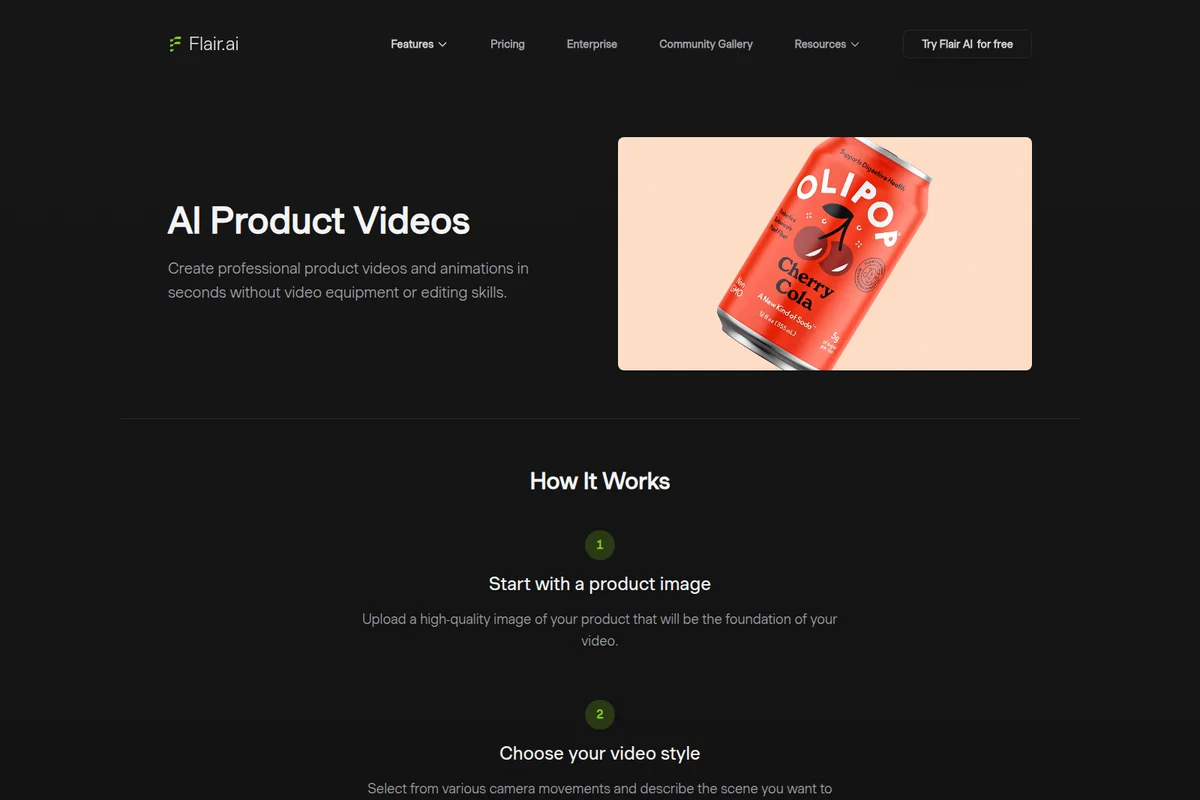
Generate professional product videos and animations from a single image in seconds.
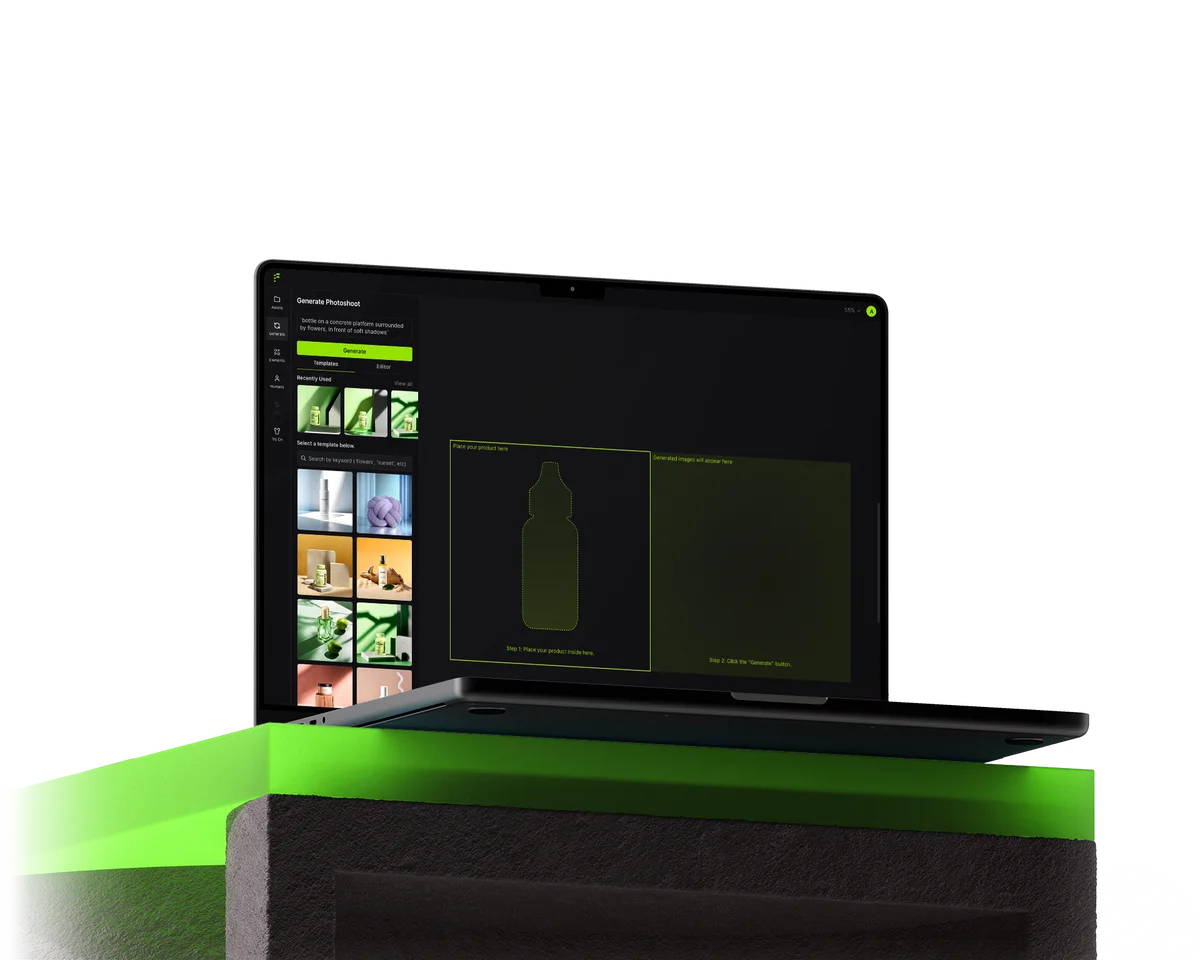
Generate AI product photoshoots by selecting templates and placing your product for instant results.
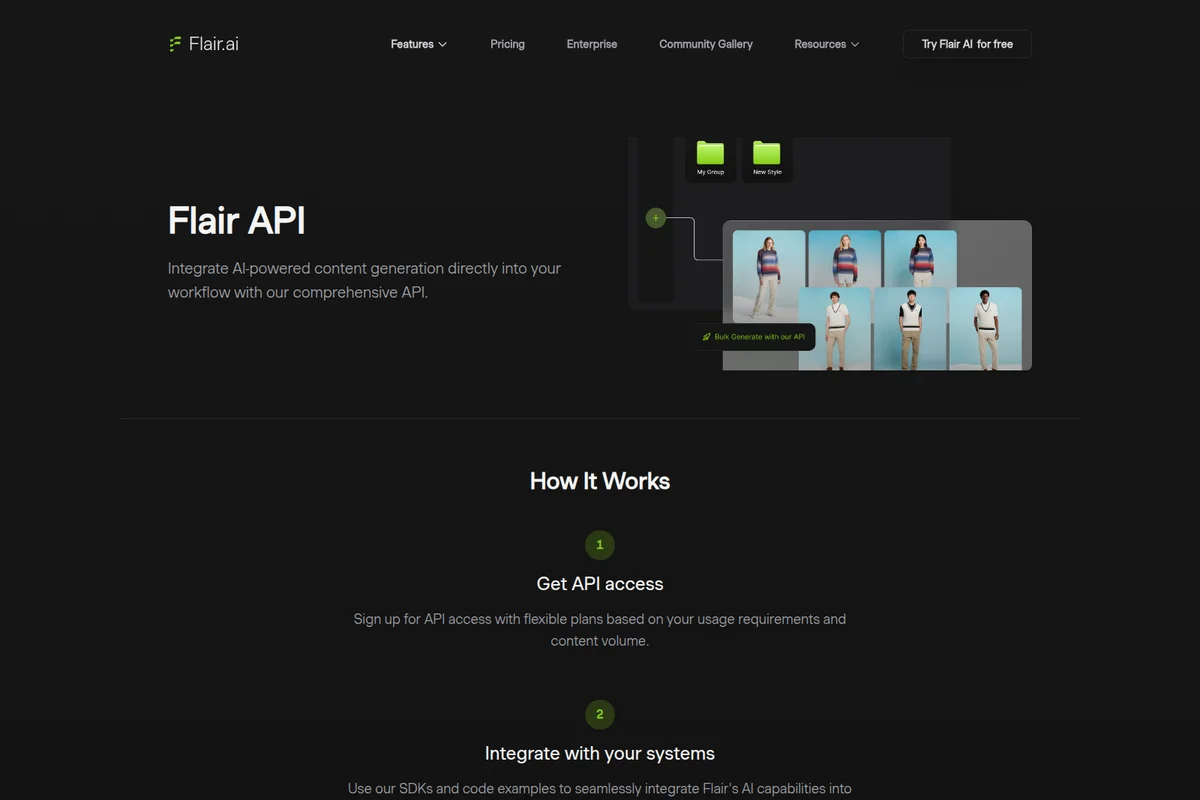
Integrate AI-powered bulk content generation directly into your workflow seamlessly.
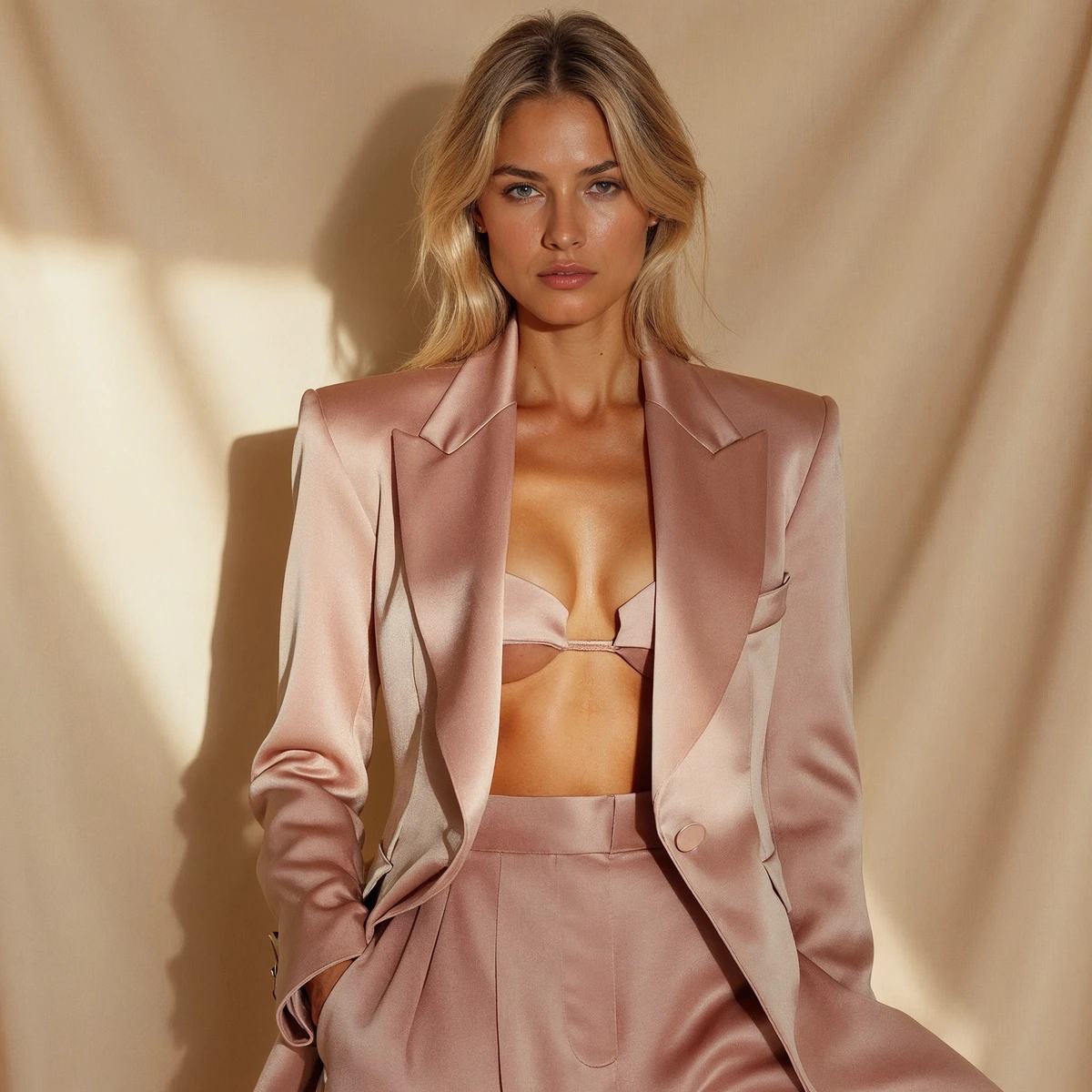
Generate stunning fashion portraits with AI-powered styling and high-resolution output.
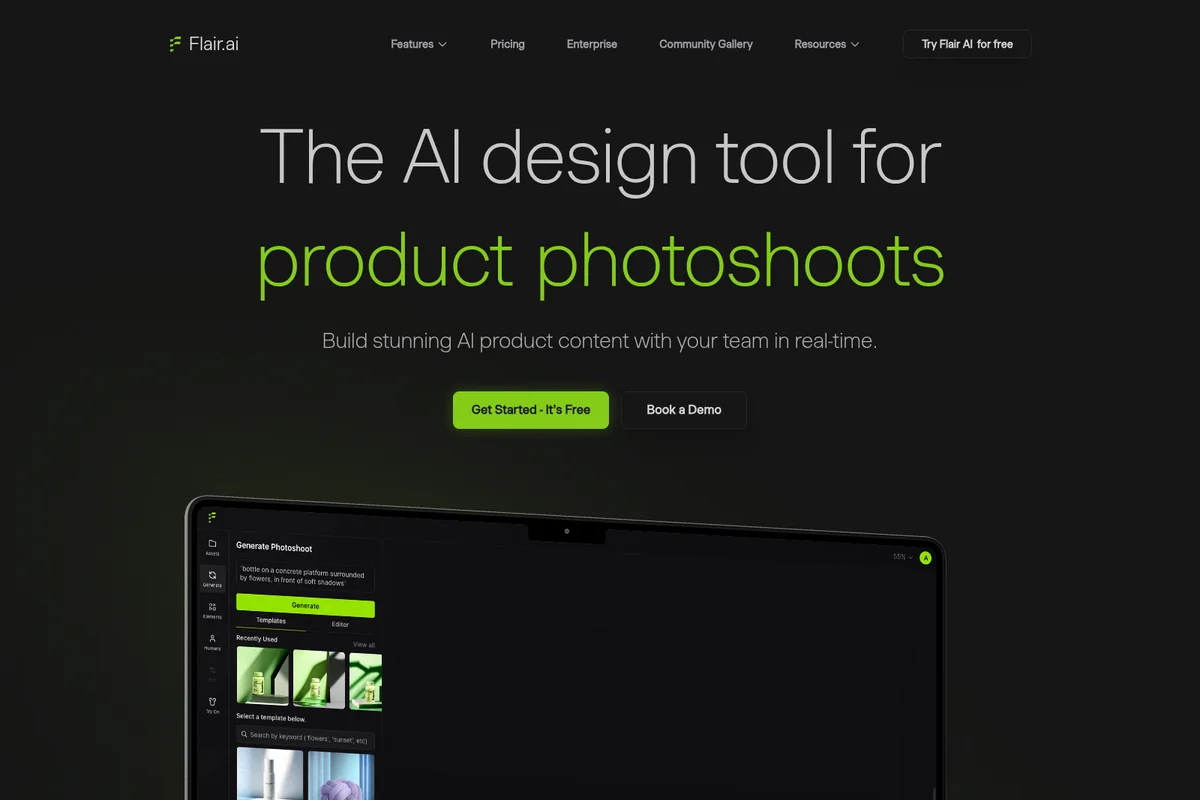
Create product photoshoots using AI templates and prompts directly in the workspace.

Add a pop of vibrant green to any outfit or accessory.
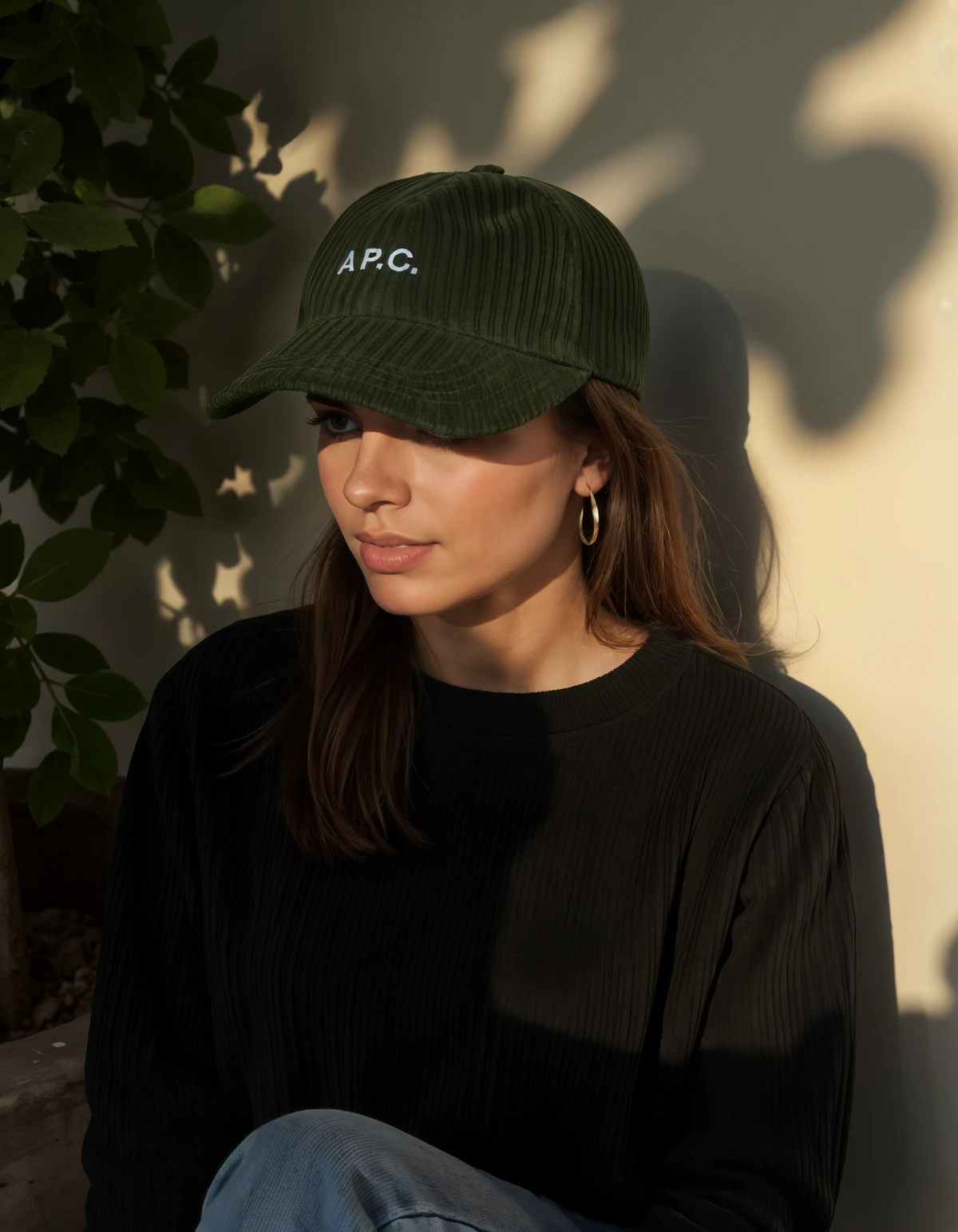
AI-generated photorealistic fashion imagery for product display and marketing.
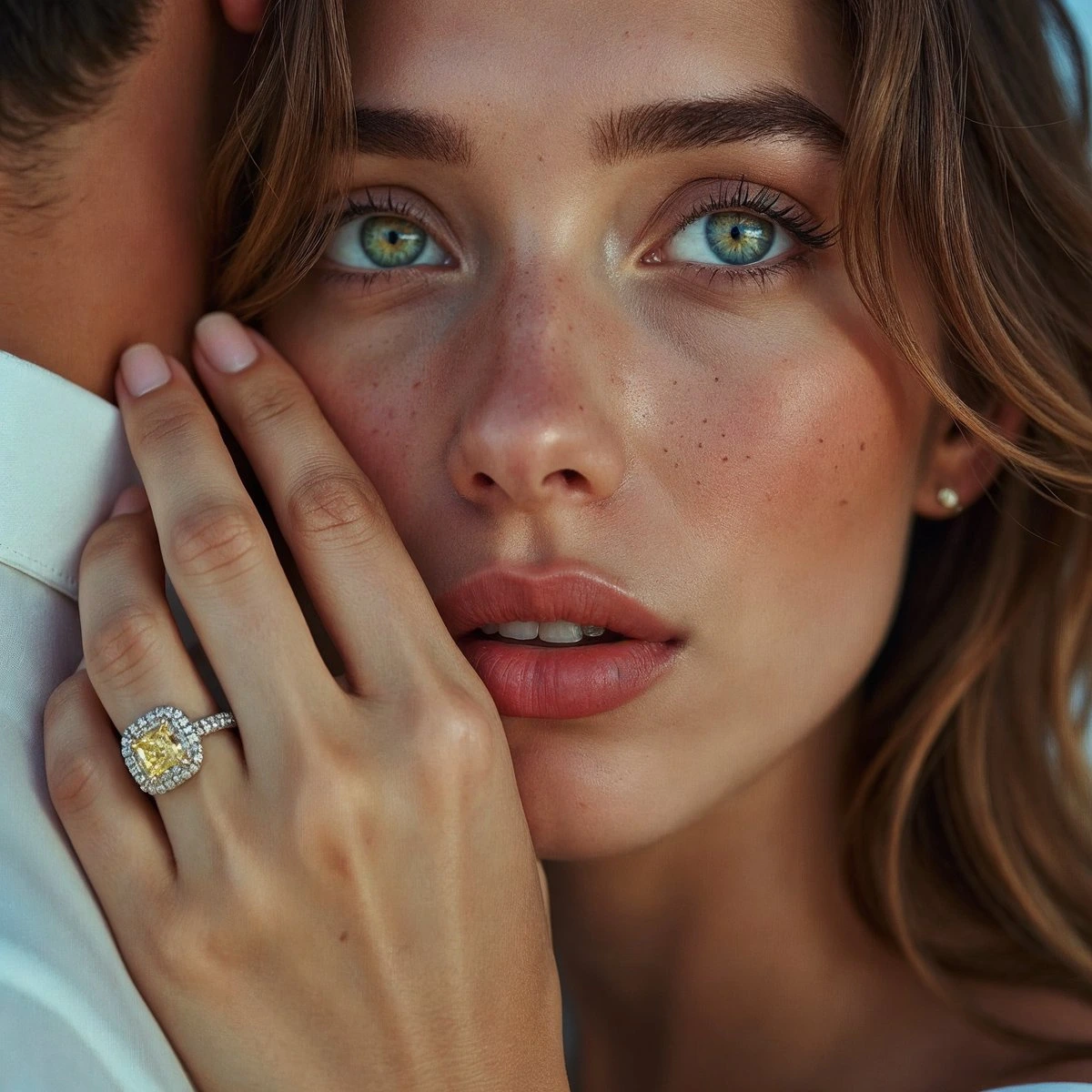
Showcase stunning visual flair with captivating details and vibrant imagery.
Flair AI Review: Tooliverse Consensus





Based on 432 verified reviews across 5 platforms,
combined with Tooliverse's expert analysis
Flair AI works as a stand-in product photographer, turning a plain product shot into studio-style scenes, on-model fashion imagery, and ad creatives through a drag-and-drop canvas. Reviewers credit its background removal and scene blending, plus the speed of producing social ad variations. The tradeoffs are a subscription that feels pricey against its monthly generation limits, occasional artifacts on glass and jewelry, and thin batch handling for large inventory updates. Lighting and shadow controls also take practice before results look deliberate.
Bottom line: A strong AI product photographer for ads and catalogs that saves real staging time, though tight monthly quotas and occasional artifacts on glass or jewelry mean budgeting extra regenerations.
Flair AI | Key Specs
- Platforms
- Web, API
- Pricing Model
- Freemium ($0-38/mo, Enterprise custom) See plans
- Security
- SAML-based SSO (Enterprise) See details
- API Available
- Yes (SDKs and code examples; unlimited on Enterprise)
Wins
- •Generates professional product photography without the need for a physical studiomentioned in 184 reviews
- •Features a drag-and-drop interface that simplifies complex AI scene compositionmentioned in 156 reviews
- •Delivers high-quality background removal and seamless product-to-scene blendingmentioned in 132 reviews
Watch-Outs
- •Subscription costs are perceived as high relative to monthly token limitsmentioned in 78 reviews
- •Occasional visual artifacts appear on complex textures like glass or jewelrymentioned in 62 reviews
- •Lacks robust batch processing capabilities for large-scale inventory updatesmentioned in 54 reviews
Flair AI Features 2026
Drag and Drop Canvas
Stage product scenes digitally with drag-and-drop props, then bring them to life with AI.
On Model Photography
Generate product photos on diverse AI models by choosing model attributes, poses, settings and lighting, without a photoshoot.
AI Fashion Photoshoots
Fit clothing and jewelry onto AI-generated models with patterns and logos preserved, at scale.
AI Human Builder
Build custom AI human models with features like hair color and body type, and reuse them across brand assets.
Flair AI User Reviews
Selected Reviews
"The lighting engine is the best I've seen for product AI. It actually understands how light hits different materials like plastic vs glass."
"I've tried other AI image generators, but Flair's focus on product placement makes it much more useful for business than Midjourney."
"It's a solid tool, but sometimes the AI gets the perspective of the product slightly wrong compared to the background."
More from the Community
"Perfect for my Etsy shop. I take a photo on my phone and Flair makes it look like a professional studio shoot in seconds."
"I use this for all my Instagram ads now. The ability to swap backgrounds while keeping the product consistent is a game changer."

"The interface is very clean, but I'd love more granular control over the shadows. Right now it's a bit too automated for pro designers."
"Incredible results for most items, but I struggled with a transparent perfume bottle. It took a few tries to get the refraction right."
"The free version is a great teaser, but you really need the pro plan to get the high-res exports needed for print."
"Perfect for my Etsy shop. I take a photo on my phone and Flair makes it look like a professional studio shoot in seconds."
"I use this for all my Instagram ads now. The ability to swap backgrounds while keeping the product consistent is a game changer."
"The interface is very clean, but I'd love more granular control over the shadows. Right now it's a bit too automated for pro designers."
"Incredible results for most items, but I struggled with a transparent perfume bottle. It took a few tries to get the refraction right."
"The free version is a great teaser, but you really need the pro plan to get the high-res exports needed for print."
"The speed of generation has improved significantly over the last few months. I can now batch out a whole collection in an hour."
"A bit pricey for a solo founder, but the time saved on editing and staging more than pays for the monthly subscription."
"I love the 'magic erase' feature. It's much faster than doing it manually in Photoshop before uploading to the scene generator."
"Sometimes the generated backgrounds are a bit too busy, but the 'simplify' toggle usually fixes that. Very impressed overall."
"The speed of generation has improved significantly over the last few months. I can now batch out a whole collection in an hour."
"A bit pricey for a solo founder, but the time saved on editing and staging more than pays for the monthly subscription."
"I love the 'magic erase' feature. It's much faster than doing it manually in Photoshop before uploading to the scene generator."
"Sometimes the generated backgrounds are a bit too busy, but the 'simplify' toggle usually fixes that. Very impressed overall."
Flair AI Pricing 2026
View SourceFree gets you five images and one video, enough to stress-test your hardest product but not to run a catalog. Pro at $8/month adds faster rendering and upscales, yet leaves out the commercial license. Pro+ at $26/month is the tier worth paying for: 80 generated images, custom models, and that license, which you need before images go into paid ads. Budget carefully, since instant and ad generation consume four times the image quota.
Flair AI In-Depth Review 2026

Flair AI pairs a drag-and-drop canvas with AI generation, so you stage a scene with props and templates, then generate on-brand product photos, on-model fashion imagery, short videos, and ads from one workspace. It runs in the browser at app.flair.ai, supports real-time team collaboration on a shared canvas, and offers an API for developers. Custom models trained on your own products keep the output recognizable, and brands such as Shein, Bonobos, and Samsonite appear among its listed users.
What It's Like Day-to-Day
The workflow starts with a clean product image. The background comes off, the item lands on the canvas, and you build the scene around it with props, lighting, and shadow adjustments before generating. Reviewers describe the background removal and blending as the part that makes results usable, since the product sits in the scene with believable shadows instead of looking pasted on. For fashion and jewelry, the on-model tools fit clothing onto AI-generated models with patterns and logos preserved, and the AI Human Builder lets you set hair color and body type, then reuse that model across a collection.
Flair AI Security & Compliance
Security Features
- SAML-based SSO (Enterprise)
Flair AI: Frequently Asked Questions (FAQs)
Does Flair AI have a free plan?
Yes, Flair AI has a Free plan at $0 forever that includes 1 custom model, 5 generated images and 1 video generation.
How much does Flair AI cost?
Flair AI paid plans are Pro at $8/month, Pro+ at $26/month and Scale at $38/month, plus custom Enterprise pricing.
Does Flair AI offer an API?
Yes, Flair AI offers an API with SDKs and code examples. Scale includes AI Product Photography API early access and Enterprise includes unlimited API access.
Which plans include a commercial license on Flair AI?
Pro+, Scale and Enterprise include a Company Commercial License.
Flair AI: Verified Data Sheet
| # | Label | Data Point |
|---|---|---|
| [1] | Flair AI Consensus: 8.06/10 | Flair AI is a highly-rated tool among AI design tools in the Tooliverse index, with a consensus score of 8.06/10 across 432 verified reviews. |
| [2] | What is Flair AI | Flair AI is an AI design platform for product photography, on-model fashion imagery, videos and ads. It offers a free plan, with paid tiers starting at $8/month. Brands like Shein, Bonobos and Samsonite are listed as users. |
| [3] | Tooliverse Consensus on Flair AI | Flair AI works as a stand-in product photographer, turning a plain product shot into studio-style scenes, on-model fashion imagery, and ad creatives through a drag-and-drop canvas. Reviewers credit its background removal and scene blending, plus the speed of producing social ad variations. The tradeoffs are a subscription that feels pricey against its monthly generation limits, occasional artifacts on glass and jewelry, and thin batch handling for large inventory updates. Lighting and shadow controls also take practice before results look deliberate. |
| [4] | Flair AI Verdict | Flair AI bottom line: A strong AI product photographer for ads and catalogs that saves real staging time, though tight monthly quotas and occasional artifacts on glass or jewelry mean budgeting extra regenerations. |
| [5] | Free: Free | Flair AI provides a functional Free tier with 1 Custom Model and 5 generated images, so anyone can try AI tools at no cost. |
| [6] | Studio-quality photos, no studio (184 reviews) | Flair AI generates professional product photography without a physical studio, a strength cited in 184 of 432 analyzed user reviews, making it the most frequently praised capability. |
| [7] | Drag-and-drop scene composition (156 reviews) | Flair AI uses a drag-and-drop canvas that simplifies AI scene composition, letting users stage products with props and templates before generating; 156 user reviews highlight this interface. |
| [8] | Clean background removal and blending (132 reviews) | Flair AI delivers high-quality background removal and seamless product-to-scene blending, a strength noted in 132 user reviews, with editing tools such as Magic Erase and Upscale for cleanup. |
| [9] | Pro: $8/month | Flair AI Pro costs $8 monthly and adds 2 video generations, expanding on the free tier's capabilities. |
| [10] | Fast ad and social creative iteration (118 reviews) | Flair AI enables rapid iteration on social media ad creatives and marketing assets through a library of ad templates, according to 118 user reviews. |
| [11] | Pricing feels high against monthly limits | Flair AI subscription costs are perceived as high relative to monthly generation limits in 78 user reviews; Pro+ at $26/month includes 80 generated images, and instant image and ad generation cost 4x the image quota. |
| [12] | Artifacts on glass and jewelry | Flair AI occasionally produces visual artifacts on complex textures such as glass and jewelry, according to 62 user reports, and some users describe needing several regenerations for transparent items. |
| [13] | Enterprise: SAML-based SSO (Enterprise) | Flair AI provides enterprise security through SAML-based SSO (Enterprise). |
| [14] | Phone photo to studio shoot in seconds | Flair AI makes a phone photo "look like a professional studio shoot in seconds," according to a verified Reddit reviewer running an Etsy shop. |
Best Flair AI Alternatives
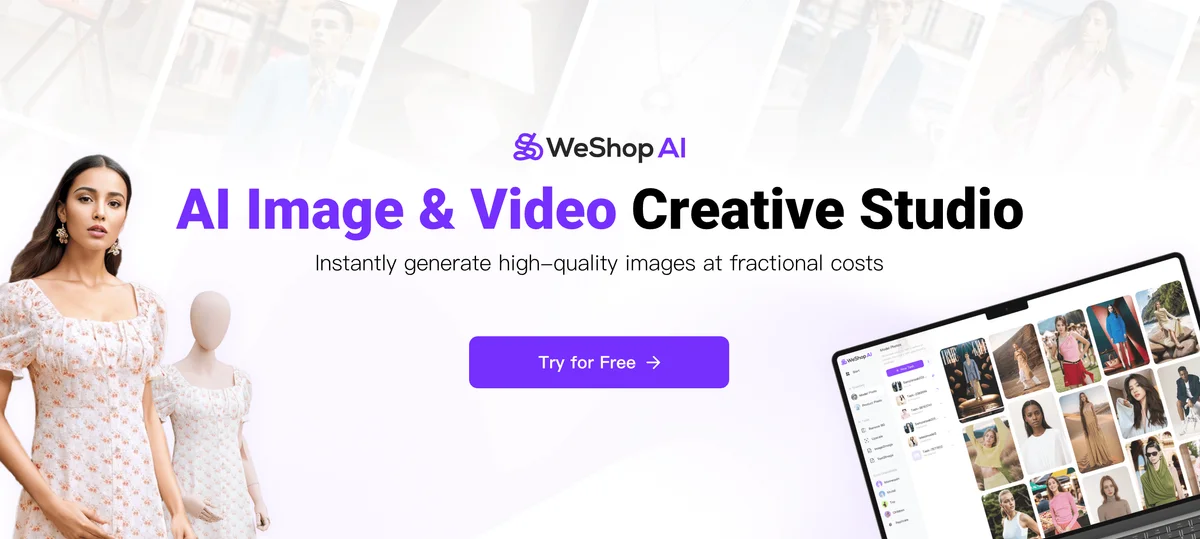
WeShop AI
Turn one product photo into studio-quality images and videos with the latest AI models.
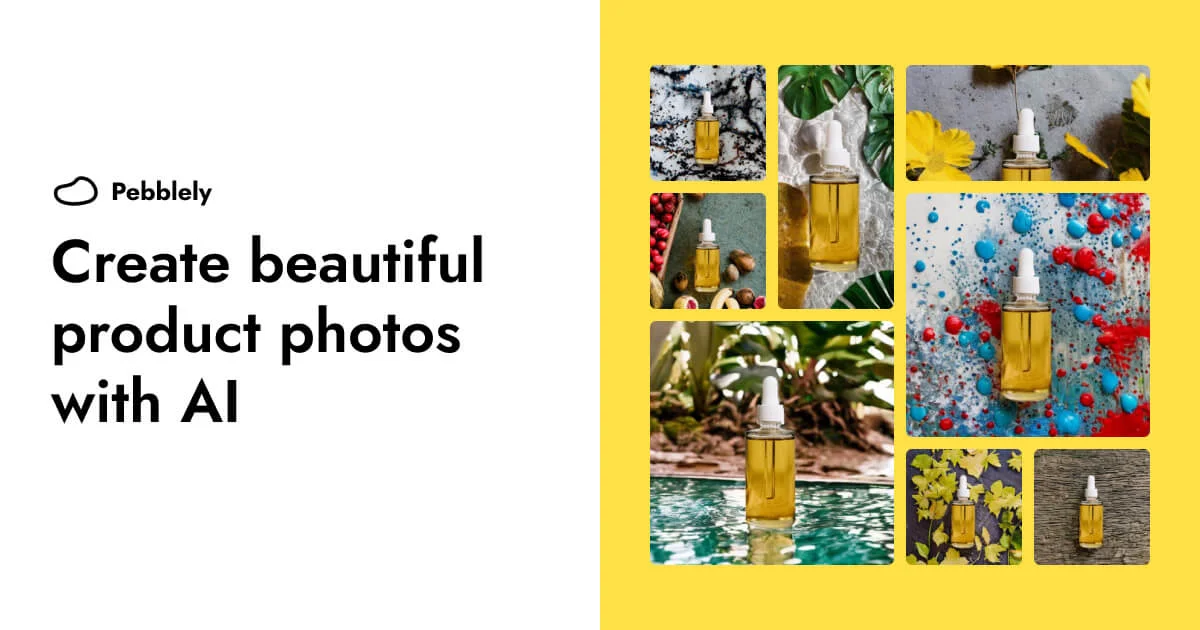
Pebblely
Turn one product photo into scroll-stopping marketing images in seconds—no camera or Photoshop required.
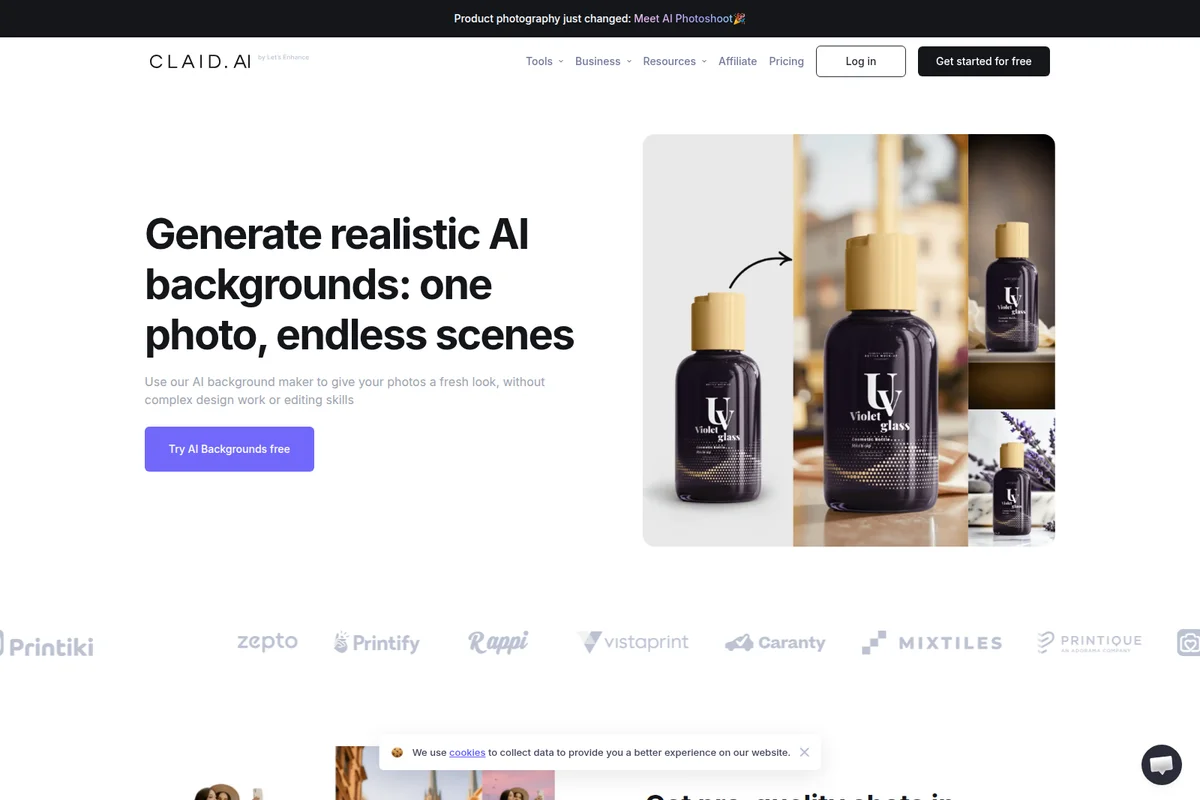
Claid.ai
Turn a single product photo into studio-quality visuals and videos that actually look real.