
Framer Review 2026 - AI Website Builder
Verified Sep 30, 2026 by Tooliverse Editorial
Framer pairs a freeform design canvas with AI agents that generate layouts, manage your CMS, and write code. Every change stays editable, so you go from idea to live site in one place.
Create a website in less than 60 seconds #webdesign #tutorial #framer #website
My Framer AI Complete Workflow (Guide)

Earn points on rent and discover benefits in your neighborhood.
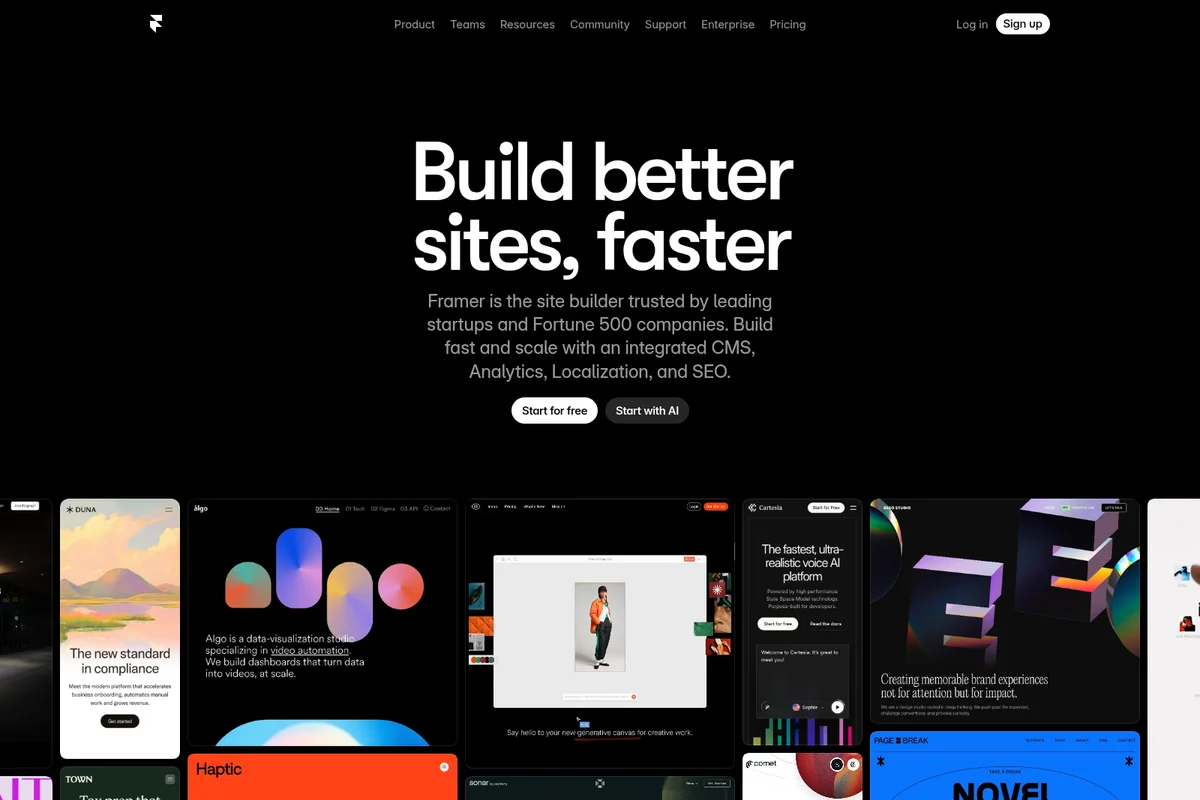
Build faster, high-performing websites with Framer's AI-powered site builder.
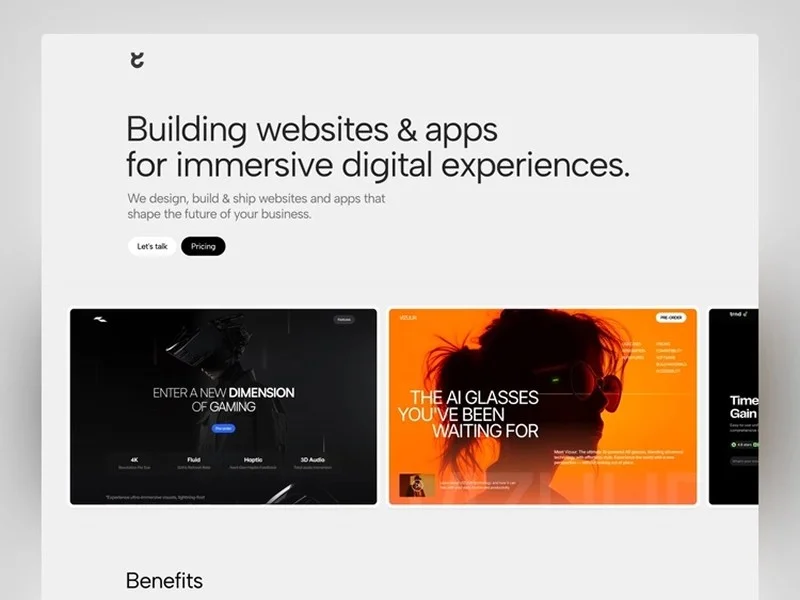
Build immersive websites & apps that shape the future of your business.
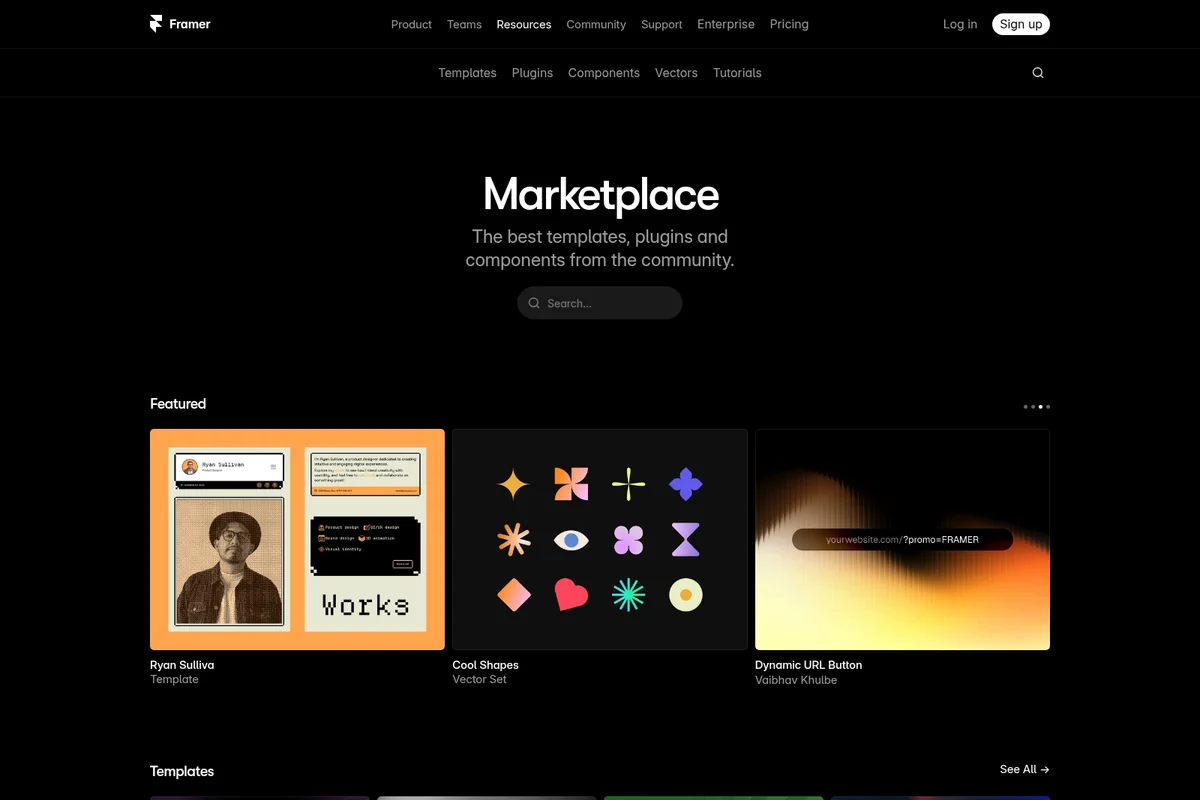
Explore community-created templates, plugins, and components.
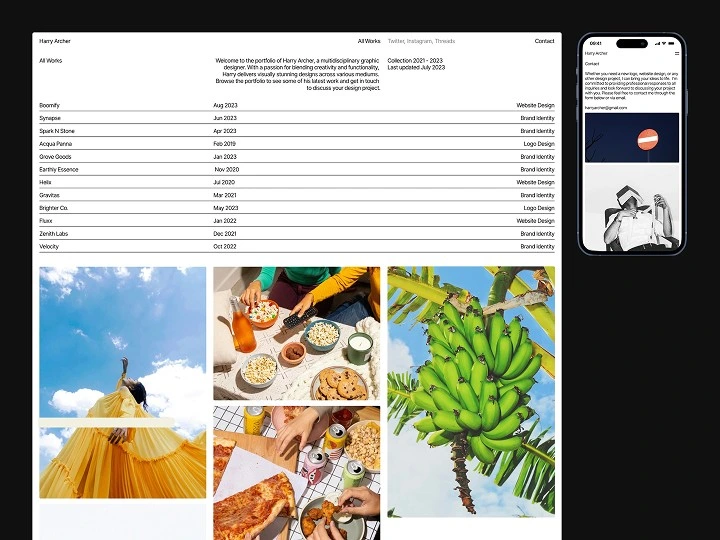
Showcase professional portfolio websites built with Framer, highlighting responsive design.
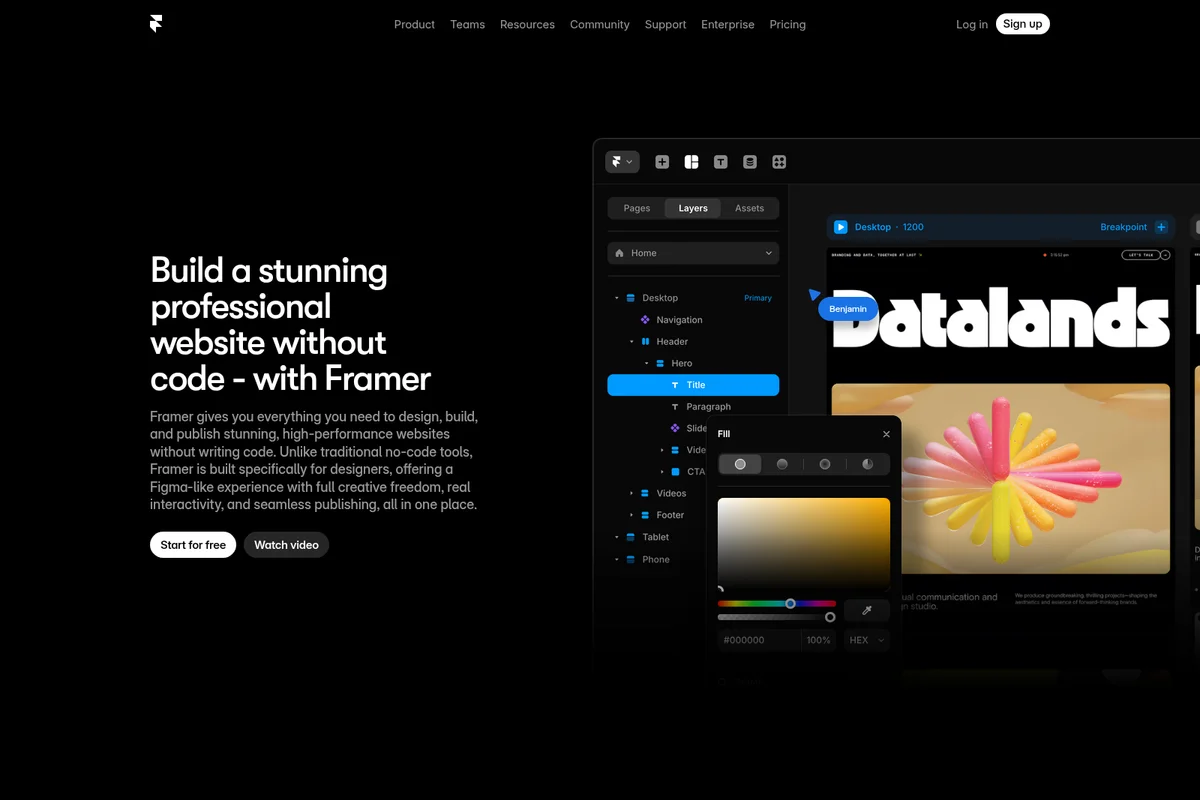
Visually design and publish high-performance websites without writing code.
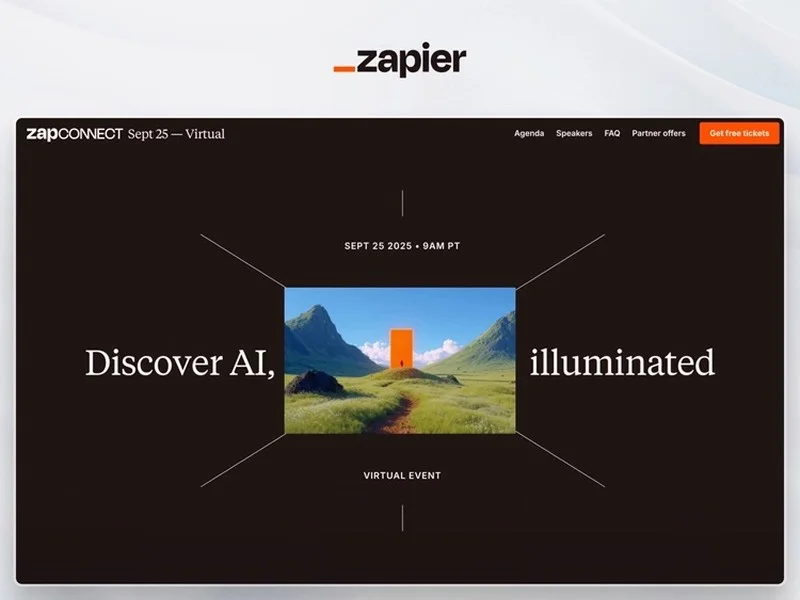
Showcasing a compelling virtual event landing page built with Framer.

Showcase AI-generated art with direct access to creation prompts.
Framer Review: Tooliverse Consensus





Based on 1k+ verified reviews across 6 platforms,
combined with Tooliverse's expert analysis
Framer turns a designer's canvas into a published, animated website, collapsing the handoff to development that normally slows launches. Figma import, creative freedom without grid constraints, and polished motion drive the praise, and sites load fast without manual tuning. The tradeoffs are real: advanced interactions take time to learn, mobile layouts often need hand adjustment, and costs climb across many small projects. Backend depth is thin, so it suits marketing and content sites better than web applications.
Bottom line: A strong pick for designers who want to ship fast, animated marketing sites straight from Figma, provided they can absorb the learning curve and per-site costs and don't need a real backend.
Framer | Key Specs
- Platforms
- Web, macOS, Windows
- Pricing Model
- Freemium ($0-30/mo + Enterprise custom) See plans
- Privacy/Data Use
- GDPR and CCPA compliant
- Security
- SOC 2 Type 2, ISO 27001, SSO See details
Wins
- •Enables seamless Figma to Framer imports that drastically reduce design-to-development timementioned in 452 reviews
- •Provides a free-form canvas that offers total creative freedom without rigid grid constraintsmentioned in 388 reviews
- •Delivers professional-grade animations and interactions that make websites feel high-endmentioned in 315 reviews
Watch-Outs
- •Presents a steep learning curve for users unfamiliar with advanced interaction designmentioned in 186 reviews
- •Features a pricing structure that can become expensive for hosting multiple small projectsmentioned in 154 reviews
- •Lacks deep backend or database functionality required for complex web applicationsmentioned in 122 reviews
Framer Features 2026
Design Agent
A design agent native to the canvas that generates and refines layouts in place, with every change visible and editable.
CMS Agent
Sets up, organizes, and updates collections, imports CSVs, and runs bulk edits and migrations from a single prompt.
Code Component Agent
Builds custom code components and interactions from a text description, connected to your design system.
External Agents
Connect Claude Code, Cursor, Codex, or any external AI to update copy, trigger CMS changes, and ship from GitHub PRs.
Framer User Reviews
Selected Reviews
"Framer's animation engine is miles ahead of Webflow. It's so much more intuitive for designers who are used to tools like After Effects or Figma. The site speed is also incredible."
"The Figma plugin is magic. I literally copy-pasted my design and had a working site in minutes. It's the first time a tool has actually lived up to the 'no-code' hype for me."
"Great tool but the pricing jump from Mini to Basic is quite steep for a simple portfolio. I love the features, but as a freelancer, the costs add up quickly across multiple clients."
More from the Community
"Love the speed, but I wish the CMS was a bit more flexible with custom fields. It works great for a blog, but starts to feel limited when you're building more complex data structures."
"Finally a tool that lets me build exactly what I design without fighting a developer. The freedom of the canvas is liberating compared to the box model of other builders."
"The SEO features are solid, but managing large sites with hundreds of pages gets laggy in the editor. It's definitely optimized for landing pages and smaller marketing sites."
"The mobile breakpoint system is a bit finicky. I often have to rebuild sections for phone views because the auto-layout doesn't always translate perfectly from the desktop canvas."
"Best landing page builder on the market. Period. The speed at which I can go from an idea to a live URL is unmatched."
"Love the speed, but I wish the CMS was a bit more flexible with custom fields. It works great for a blog, but starts to feel limited when you're building more complex data structures."
"Finally a tool that lets me build exactly what I design without fighting a developer. The freedom of the canvas is liberating compared to the box model of other builders."
"The SEO features are solid, but managing large sites with hundreds of pages gets laggy in the editor. It's definitely optimized for landing pages and smaller marketing sites."
"The mobile breakpoint system is a bit finicky. I often have to rebuild sections for phone views because the auto-layout doesn't always translate perfectly from the desktop canvas."
"Best landing page builder on the market. Period. The speed at which I can go from an idea to a live URL is unmatched."
"The community components are a game changer. Saved me hours on a navigation menu that would have taken all day to animate from scratch in CSS."
"Switched from Webflow and haven't looked back. The canvas-first approach is so much faster for my brain to process than the traditional box model."
"Impressive performance. My PageSpeed scores are consistently in the 90s without me having to do any manual optimization. That alone is worth the subscription."
"The AI site generator is actually useful for wireframing and getting started quickly. It's not a final product, but it beats staring at a blank canvas for an hour."
"The community components are a game changer. Saved me hours on a navigation menu that would have taken all day to animate from scratch in CSS."
"Switched from Webflow and haven't looked back. The canvas-first approach is so much faster for my brain to process than the traditional box model."
"Impressive performance. My PageSpeed scores are consistently in the 90s without me having to do any manual optimization. That alone is worth the subscription."
"The AI site generator is actually useful for wireframing and getting started quickly. It's not a final product, but it beats staring at a blank canvas for an hour."
Framer Pricing 2026
View SourceFree works as a proper sandbox, with a Framer domain and 500 AI credits, but publishing on your own domain requires a paid plan. Basic at $10/month covers a single portfolio or marketing site, and that's where most freelancers will land. The catch is that plans are per site, so client work multiplies the bill. Pro at $30/month is worth it mainly for staging, branching, and higher page limits.
Framer In-Depth Review 2026

Framer is a website builder that combines a freeform design canvas, a CMS, hosting, and AI agents in one browser-based workspace. The agents edit real, editable layers, so a generated layout can be refined like anything a designer drew by hand. It imports from Figma and publishes to its own hosting with built-in SEO, localization, analytics, and A/B testing through the Convert add-on. Designers stay in charge of the output from first prompt to published page.
What It's Like Day-to-Day
The workflow starts on a canvas where nothing snaps into place for you, which is liberating right up until it isn't. Figma import is the most cited strength across the 1,800 reviews analyzed, appearing in 452 of them, and one Product Hunt user described how they "copy-pasted my design and had a working site in minutes." From there, stacks, grids, and breakpoints handle layout, while variable fonts, shaders, and scroll effects supply the motion that makes a site feel expensive.
Animation is the other big draw.
Framer Security & Compliance
Verified Compliance
- SOC 2 Type 2
- ISO 27001
- GDPR
- CCPA
Security Features
- SSO and SCIM
- AES-256 at rest, TLS 1.3 in transit
- DDoS protection and smart rate limiting
- Password protection and automated SSL
Privacy Commitments
- GDPR and CCPA compliant
Framer: Frequently Asked Questions (FAQs)
What is included in the Framer Free plan?
The Free plan includes 10 CMS collections, 1,000 pages, 5 MB file uploads, and one free locale to try, plus 500 AI credits. A custom domain requires a paid plan, and workspaces without a subscription support up to three editors.
Which Framer plan is right for me?
Free suits non-commercial use, Basic suits students, freelancers, and small studios, and Pro suits agency, startup, and scale-up teams. Enterprise is for teams needing custom limits, annual billing, and dedicated support.
What are credits in Framer?
Credits power Agents, Localization, and other AI features, and every paid plan includes monthly credits shared across the workspace and its editors. You can upgrade a site or add an add-on for more.
How are extra editors billed in Framer?
Editors are billed per seat and can be added at any time, at $20 per editor (design and publish) or $10 per content editor. You are notified when an editor is added and charged within 24 hours.
Framer Integrations
| Claude Code | Cursor | Codex in ChatGPT |
| Slack | GitHub | WordPress |
| Notion | PayPal |
Framer: Verified Data Sheet
| # | Label | Data Point |
|---|---|---|
| [1] | Framer Consensus: 8.14/10 | Framer is a highly-rated tool among AI design tools in the Tooliverse index, with a consensus score of 8.14/10 across 1,800 verified reviews. |
| [2] | What is Framer | Framer is a SOC 2 Type 2 certified AI website builder combining a design canvas, CMS, hosting, and AI agents. Plans start free, with paid sites from $10/month, and customers include Miro, Perplexity, and Zapier. |
| [3] | Tooliverse Consensus on Framer | Framer turns a designer's canvas into a published, animated website, collapsing the handoff to development that normally slows launches. Figma import, creative freedom without grid constraints, and polished motion drive the praise, and sites load fast without manual tuning. The tradeoffs are real: advanced interactions take time to learn, mobile layouts often need hand adjustment, and costs climb across many small projects. Backend depth is thin, so it suits marketing and content sites better than web applications. |
| [4] | Framer Verdict | Framer bottom line: A strong pick for designers who want to ship fast, animated marketing sites straight from Figma, provided they can absorb the learning curve and per-site costs and don't need a real backend. |
| [5] | Free: Free | Framer offers a functional Free tier with 500 AI credits to try and a Free Framer domain, so its AI tools are accessible at no cost. |
| [6] | Figma import praised in 452 reviews | Framer enables seamless Figma-to-site imports that shorten design-to-development time, a strength cited in 452 of 1,800 analyzed user reviews, making it the most frequently praised capability. |
| [7] | Free-form canvas, no rigid grid | Framer provides a free-form canvas with auto-layout stacks, grids, and breakpoints that gives designers creative freedom without rigid grid constraints, validated by 388 user reviews. |
| [8] | High-end animation, 315 mentions | Framer delivers professional-grade animations and interactions, backed by variable fonts, shaders, and scroll effects on the canvas, and 315 user reviews say they make sites feel high-end. |
| [9] | Pro: $30/month | Framer Pro gives users 3,000 credits/month (scalable up to 100,000) for $30 monthly, well beyond what the free tier offers. |
| [10] | Built-in CMS with bulk-edit agent | Framer includes a built-in CMS that simplifies content management for blogs and portfolios, and its CMS Agent can import CSVs and run bulk edits from a single prompt, according to 242 user reviews. |
| [11] | Steep learning curve for interactions | Framer presents a steep learning curve for users unfamiliar with advanced interaction design, according to 186 user reviews. |
| [12] | Costs add up across many small sites | Framer pricing can become expensive across several small projects, since paid sites start at $10/month for Basic and $30/month for Pro, according to 154 user reports. |
| [13] | Privacy: GDPR and CCPA compliant | Framer's privacy protections are GDPR and CCPA compliant. |
| [14] | Enterprise: SSO and SCIM | Framer provides enterprise security through SSO and SCIM, AES-256 at rest, TLS 1.3 in transit, and DDoS protection and smart rate limiting. |
| [15] | Figma paste to working site in minutes | Framer's Figma plugin is "magic," according to a verified Product Hunt reviewer who "copy-pasted my design and had a working site in minutes." |
Best Framer Alternatives
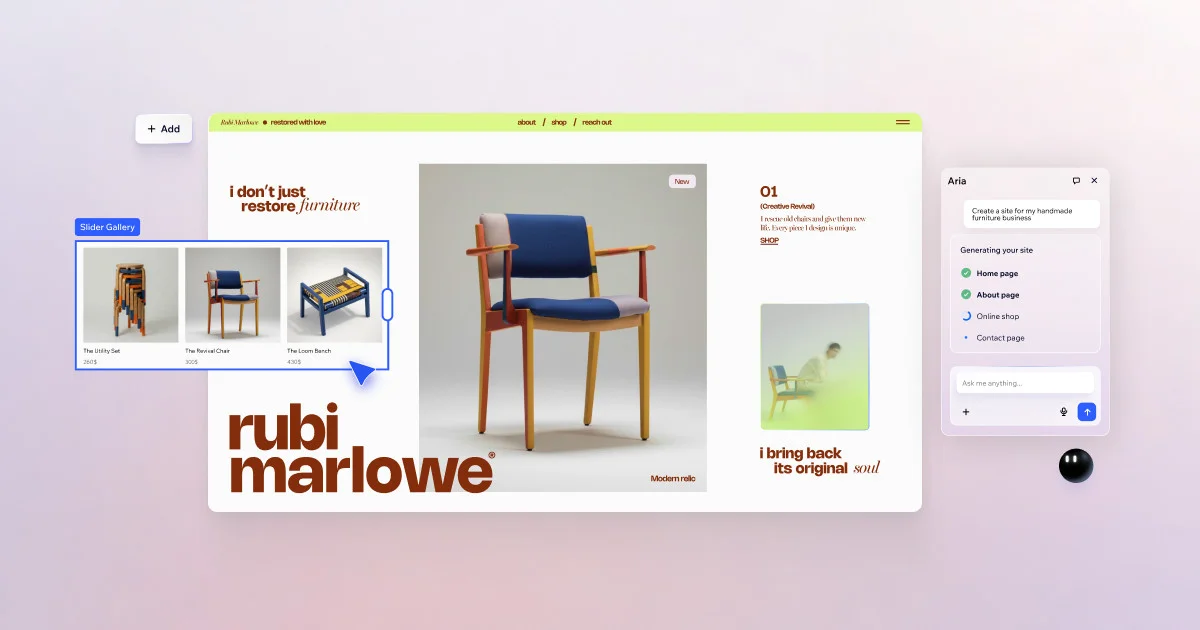
Wix AI
Build professional websites without limits using AI-powered design and business tools.

Squarespace
Build a beautiful website and grow your business—all from one platform designed to make it real.
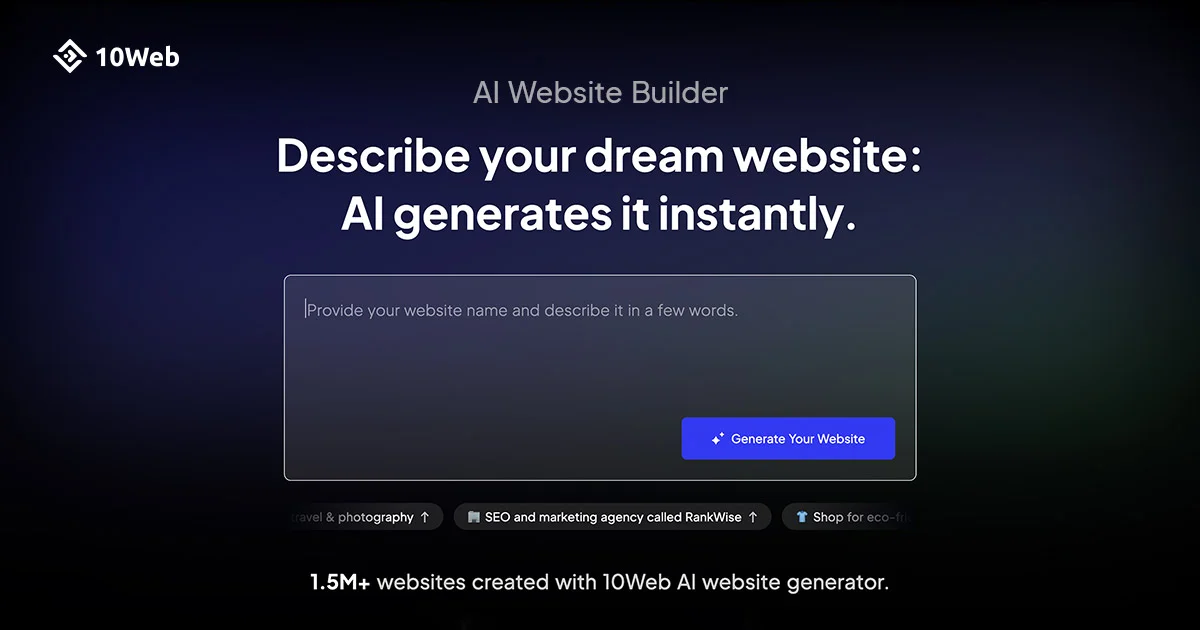
10Web
Describe your idea and watch a team of AI agents build, host, and launch your production-ready website.