
ImagineArt Review 2026 - 70+ AI Models
Verified Oct 1, 2026 by Tooliverse Editorial
ImagineArt puts 30+ image models and 40+ video models in a single canvas, so you can go from a text prompt to a finished image, film or ad without switching tools. Start free with daily credits.
AI Filmmaking Is Getting Dangerously Good — ImagineArt Film Studio Review

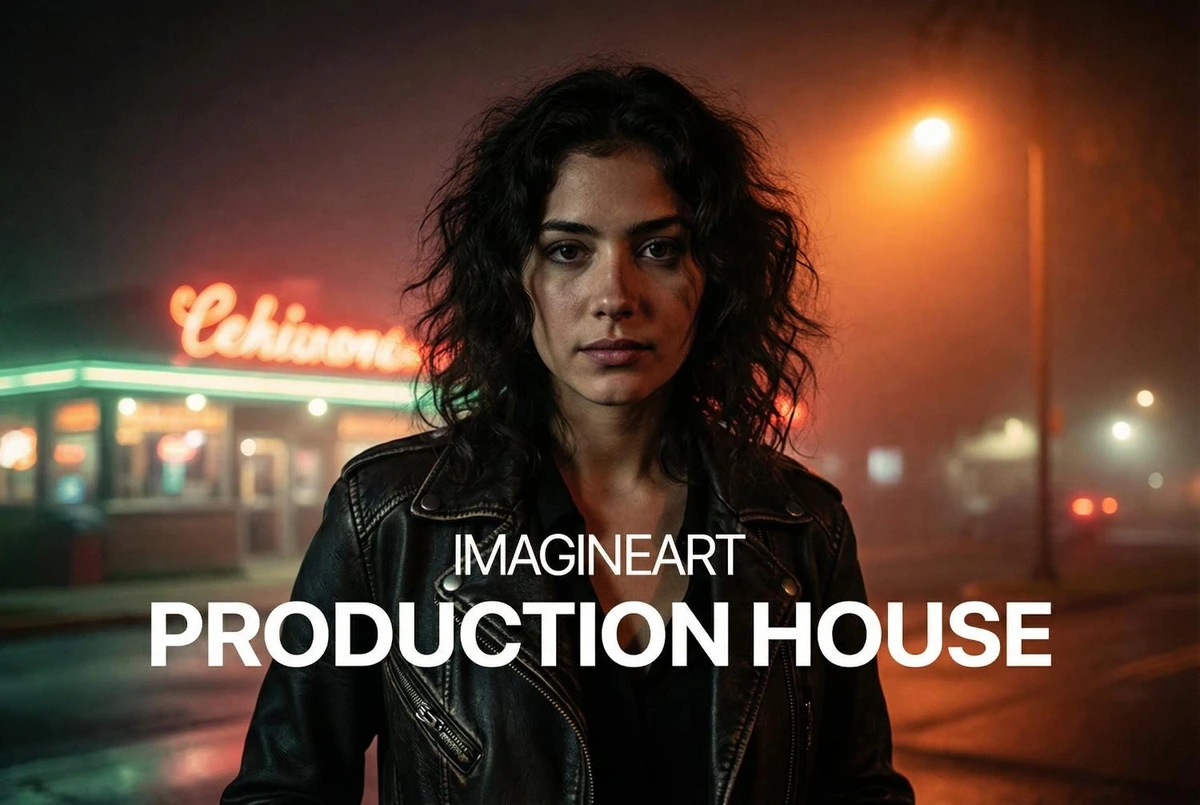
Generate compelling photorealistic images set in dynamic urban scenes.
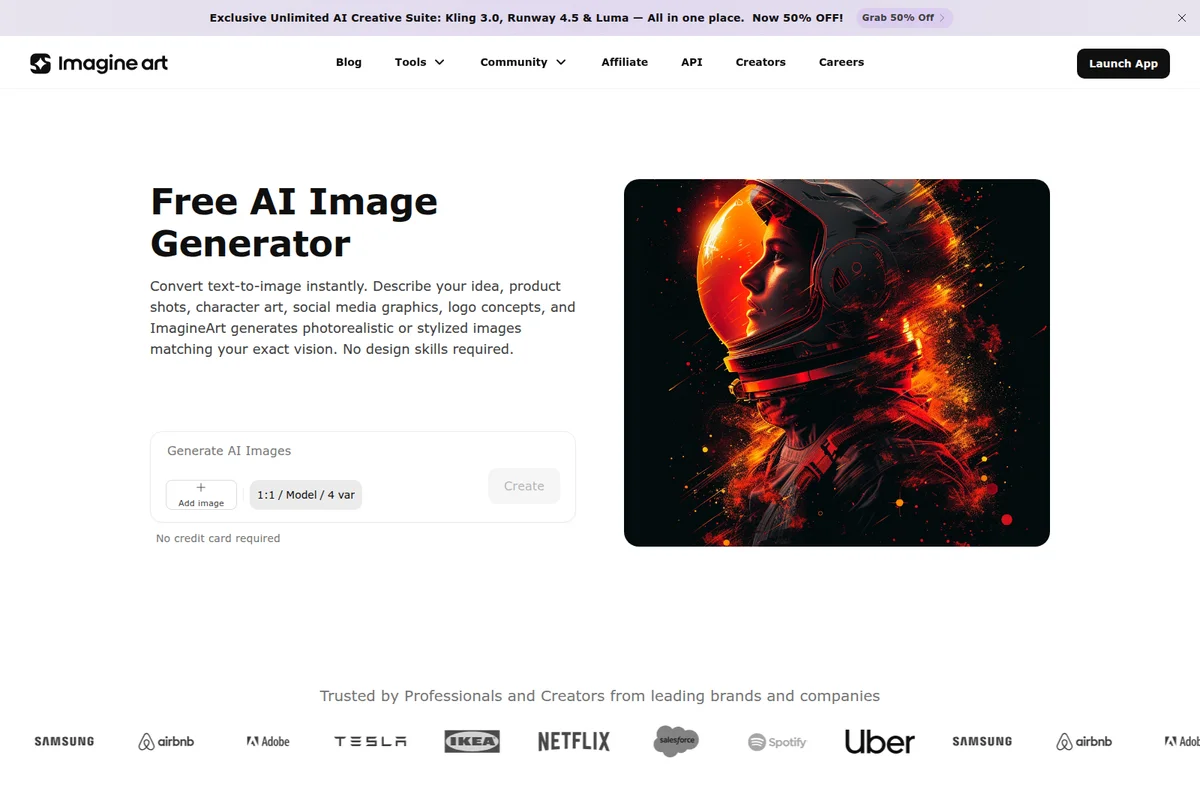
Instantly convert text to photorealistic or stylized AI images.
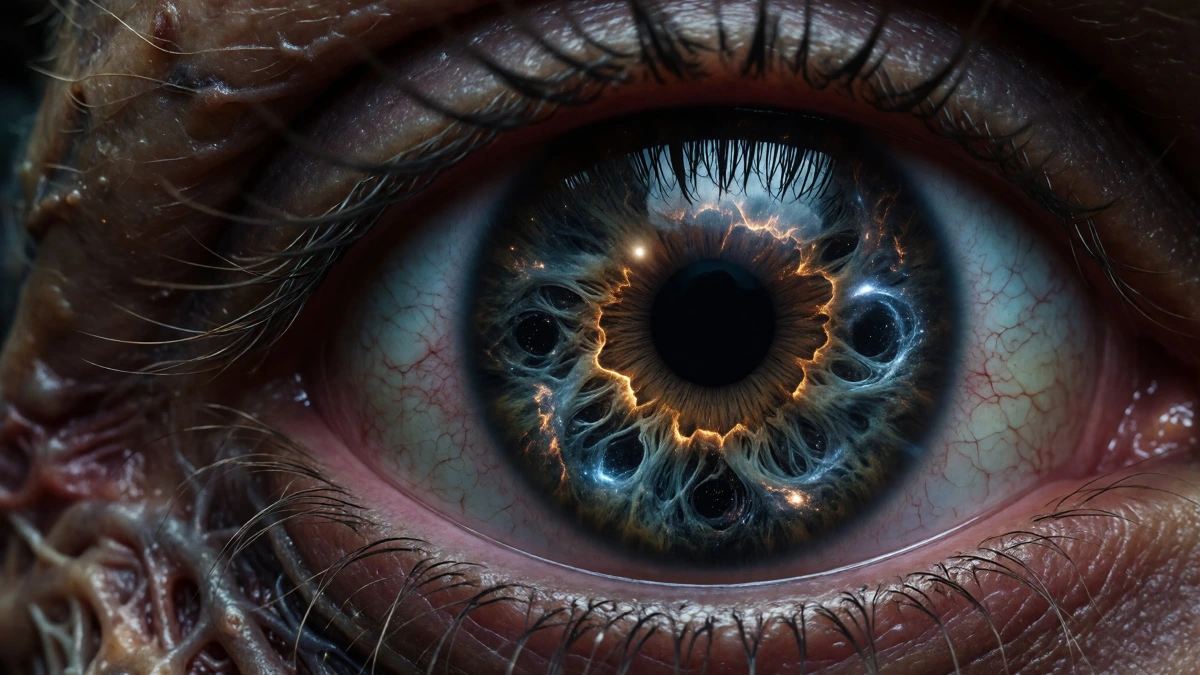
Generate hyperrealistic, surreal art with incredible detail and cosmic themes.
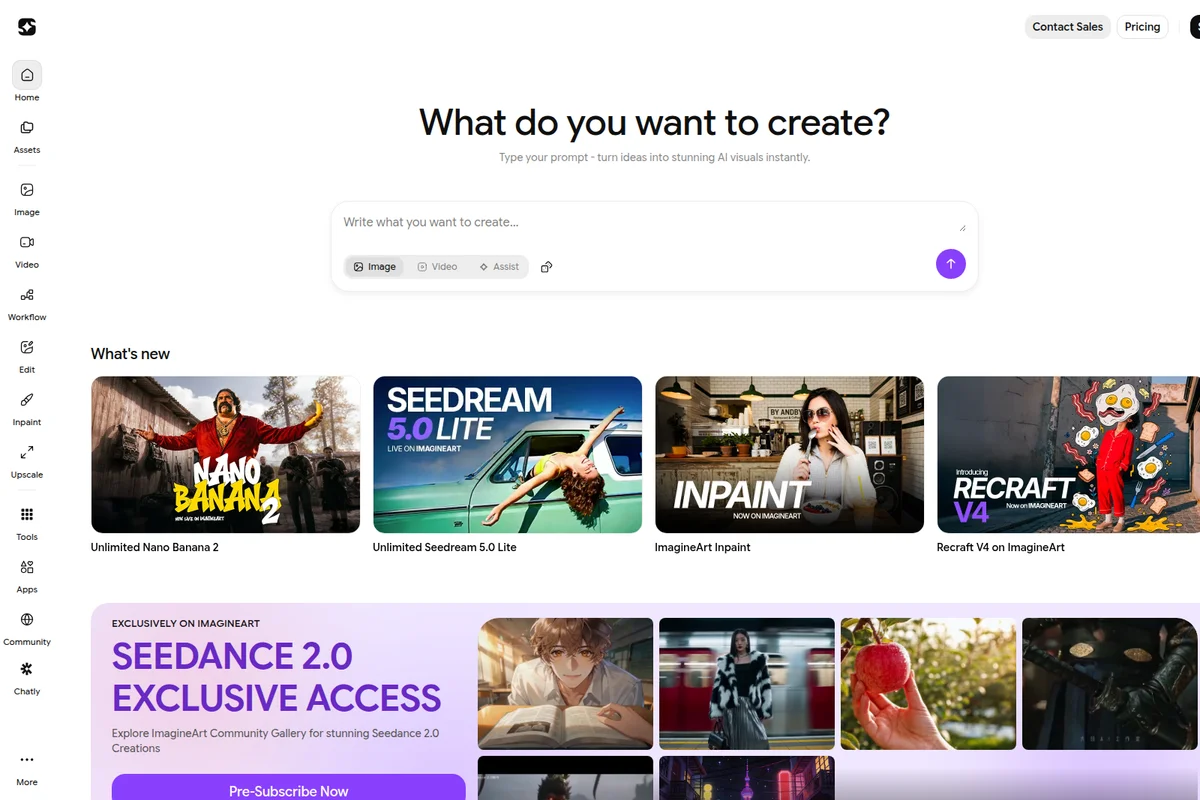
Instantly generate stunning AI visuals from simple text prompts.
Achieve striking, high-fidelity character portraits for any scene.
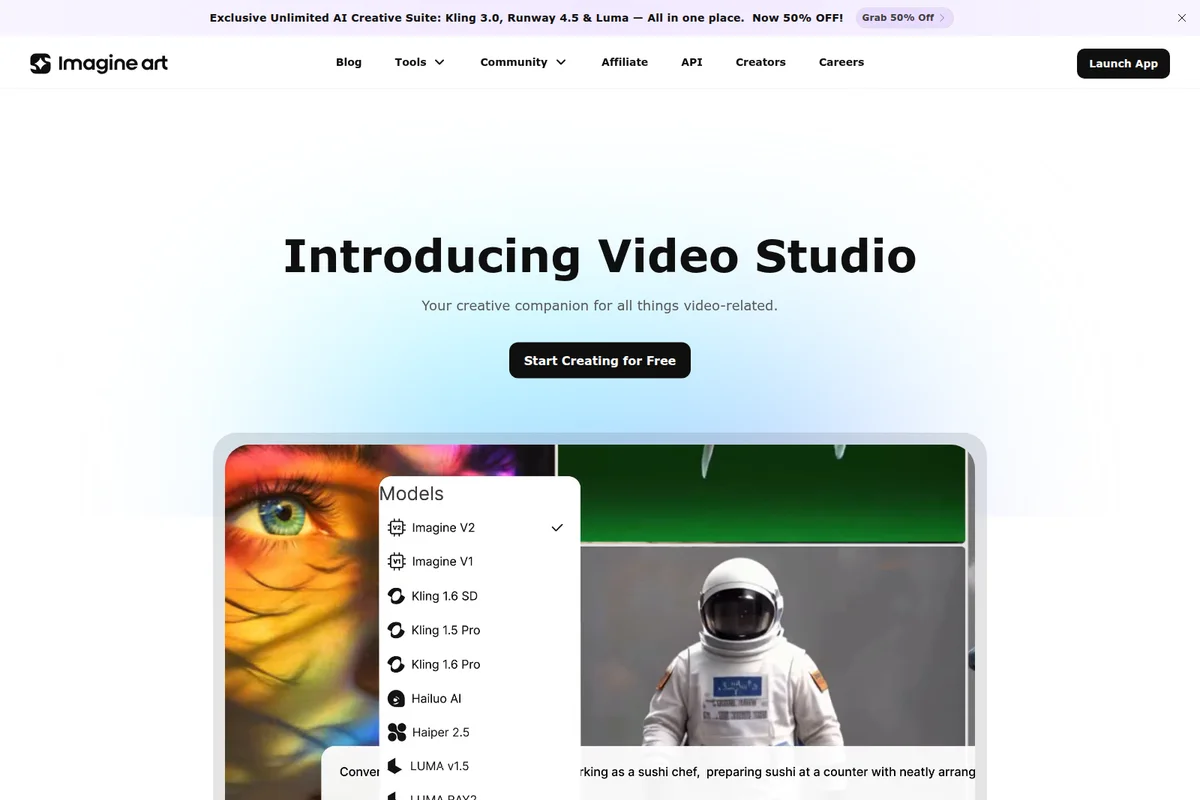
Explore cutting-edge AI models like Kling, Haiper, and Luma for powerful video generation.

Generate evocative artwork for music, ambiance, and creative projects.
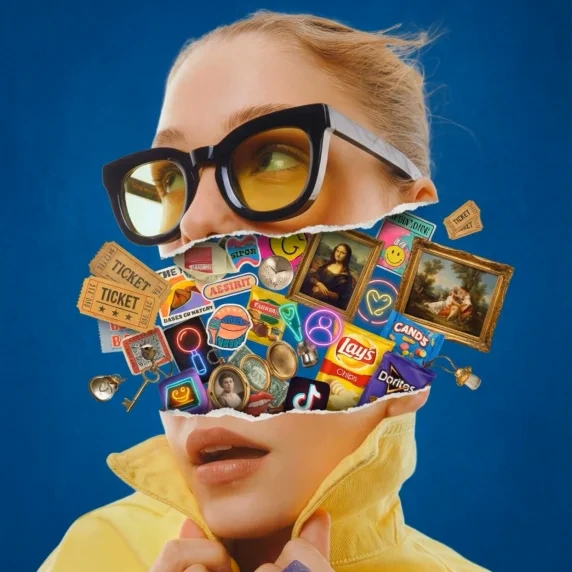
Showcase the boundless possibilities of digital art creation and imaginative compositions.
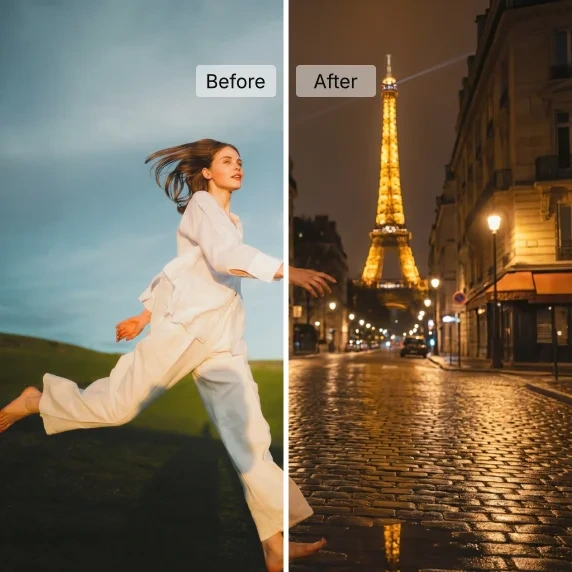
Revolutionize your photos: transform scenes and lighting with advanced AI.
ImagineArt Review: Tooliverse Consensus





Based on 31k+ verified reviews across 5 platforms,
combined with Tooliverse's expert analysis
ImagineArt turns short prompts into polished images by leaning on a deep library of preset styles, and its mobile app keeps that loop fast enough for quick concepting. Realistic skin textures, Remix and consistent portrait faces earn the most praise from reviewers, and the same workspace extends to video and audio. The catch is cost: credit limits and ads on the free plan frustrate heavier users, hands still slip in complex poses, and upscaling slows at peak times.
Bottom line: A top-tier, mobile-friendly image generator whose style presets and realistic portraits deliver fast results, though credit limits, free-plan ads and occasional hand errors will test heavier users.
ImagineArt | Key Specs
- Platforms
- Web, iOS, Android, API
- Pricing Model
- Freemium ($0-168/mo) See plans
- Privacy/Data Use
- Users own creations, private generations on paid plans
- Security
- SOC 2, GDPR Ready, role-based access and audit logs See details
Wins
- •Produces high-fidelity realistic textures that rival professional desktop AI toolsmentioned in 245 reviews
- •Offers a vast library of artistic styles that simplify complex promptingmentioned in 212 reviews
- •Features a streamlined mobile interface optimized for quick creative iterationsmentioned in 189 reviews
Watch-Outs
- •Subscription costs and credit limits can feel restrictive for power usersmentioned in 98 reviews
- •Free version relies heavily on intrusive advertisements that disrupt the workflowmentioned in 87 reviews
- •Occasional anatomical errors like distorted hands still appear in complex posesmentioned in 74 reviews
ImagineArt Features 2026
Multi-Model Image Generation
Access 30+ image models including ImagineArt 2.0, Midjourney V7, GPT Image 2, Nano Banana Pro, Flux.2 Pro, Seedream 5 Pro and Recraft V4 in one place.
Multi-Model Video Generation
Text-to-video, image-to-video and video-to-video across 40+ models including Seedance 2.5, Kling 3.0, Veo 3.1, Runway Gen-4.5, Wan 3.0 and Hailuo 3.0, with native audio and no watermark.
Film Studio
Plan and produce long-form, multi-shot films with storyboards, start and end frame control and cinematic camera configuration.
Ad Studio
Paste a product link, pick a format and get production-grade video ads with avatars and motion design, no prompting required.
ImagineArt User Reviews
Selected Reviews
"The new V6 model is incredible. The skin textures in the realistic mode are better than Midjourney in some cases."
"ImagineArt has become my go-to for social media graphics. The aspect ratio controls are exactly what I needed."
"The art is beautiful but the subscription is getting expensive. I wish there were more ways to earn free credits without watching so many ads."
More from the Community
"Great app for quick concepts. I use the "Remix" feature constantly to iterate on my ideas. Sometimes the hands are still a bit wonky."
"Best AI art generator on the App Store. The interface is clean and it doesn't crash like the others."
"I love the variety of styles. The "Cyberpunk" and "Studio Ghibli" filters are spot on. Just wish the upscaling was a bit faster."
"Solid tool but the batch generation often fails on my connection. It would be better if it saved progress."
"The prompt expansion feature helps me when I'm stuck. It turns my simple ideas into detailed masterpieces."
"Great app for quick concepts. I use the "Remix" feature constantly to iterate on my ideas. Sometimes the hands are still a bit wonky."
"Best AI art generator on the App Store. The interface is clean and it doesn't crash like the others."
"I love the variety of styles. The "Cyberpunk" and "Studio Ghibli" filters are spot on. Just wish the upscaling was a bit faster."
"Solid tool but the batch generation often fails on my connection. It would be better if it saved progress."
"The prompt expansion feature helps me when I'm stuck. It turns my simple ideas into detailed masterpieces."
"Impressive results for a mobile app. It's nearly as good as DALL-E 3 for most of my creative needs."
"The AI is powerful but the UI update last month made it harder to find my saved collections."
"I've tried them all and ImagineArt's "Portrait" mode is the most consistent for realistic faces."
"Really helpful for my D&D campaign. I can generate character portraits in seconds that my players love."
"Impressive results for a mobile app. It's nearly as good as DALL-E 3 for most of my creative needs."
"The AI is powerful but the UI update last month made it harder to find my saved collections."
"I've tried them all and ImagineArt's "Portrait" mode is the most consistent for realistic faces."
"Really helpful for my D&D campaign. I can generate character portraits in seconds that my players love."
ImagineArt Pricing 2026
The free plan, with 100 daily credits and in-house models only, is enough to learn whether the style presets suit your taste. Standard at $30/month billed annually is where working creators should land: 8K credits, private generations, priority support and commercial rights. Unlimited generations only start further up the ladder, so anyone planning heavy video work should do the credit math before committing.
ImagineArt In-Depth Review 2026

ImagineArt is an AI creative platform for images, video and audio that runs in the browser and on iOS and Android. It pairs its own ImagineArt models with outside ones such as Midjourney V7, Kling 3.0 and Veo 3.1, so you can switch engines without switching accounts. Preset styles do much of the prompting work, while upscaling to 4K, Remix and a node-based workflow canvas handle what comes after the first render.
What It's Like Day-to-Day
Reviewers describe a fast loop: pick a style, generate, adjust, repeat. The style library carries most of the weight, with users singling out the Cyberpunk and Studio Ghibli looks as accurate, which means a short prompt lands somewhere usable. The mobile interface gets similar praise for staying clean and stable, which matters when you are iterating on a phone between meetings. Remix is the habit-forming piece; one iOS App Store reviewer says they use it "constantly to iterate on my ideas", and it shows up in the reviews as the way people push a good image toward a great one.
Realism is where the platform draws its strongest comparisons.
ImagineArt Security & Compliance
Verified Compliance
- SOC 2
- GDPR Ready
Security Features
- Role-based permissions and audit logs
- Private generations on paid plans
Privacy Commitments
- Users own their creations and can keep generations private on paid plans
ImagineArt: Frequently Asked Questions (FAQs)
Is ImagineArt free to use?
Yes, ImagineArt has a free plan with daily credits (100 daily credits, 3,000 credits/month in the plan listing) and no credit card required. Paid plans add speed, higher resolution and premium models.
How much do ImagineArt paid plans cost?
Individual plans shown on the pricing page are Basic at $13/month, Standard at $30/month, Ultimate at $55/month and Creator at $168/month, all billed yearly. Credits range from 3K to 8K, 16K and up to 100K per month.
What is ImagineArt?
ImagineArt is an all-in-one AI creative platform for generating images, video, voiceovers, music, films and ads, with editing, upscaling and workflows. It uses its own ImagineArt models alongside leading third-party models.
Do ImagineArt videos have a watermark?
No, videos downloaded from ImagineArt do not carry a watermark on any plan. Free plan downloads are for non-commercial use.
ImagineArt Integrations
| ChatGPT | Adobe Premiere Pro | Claude |
| Cursor | Hermes | Slack |
ImagineArt: Verified Data Sheet
| # | Label | Data Point |
|---|---|---|
| [1] | ImagineArt Consensus: 8.72/10 | ImagineArt is a highly-rated tool among AI image generators in the Tooliverse index, with a consensus score of 8.72/10 across 31,650 verified reviews. |
| [2] | What is ImagineArt | ImagineArt is a SOC 2 compliant AI creative platform for image, video and audio generation using its own ImagineArt models plus third-party models. It serves 30M+ users, with a free plan and paid plans from $13/month. |
| [3] | Tooliverse Consensus on ImagineArt | ImagineArt turns short prompts into polished images by leaning on a deep library of preset styles, and its mobile app keeps that loop fast enough for quick concepting. Realistic skin textures, Remix and consistent portrait faces earn the most praise from reviewers, and the same workspace extends to video and audio. The catch is cost: credit limits and ads on the free plan frustrate heavier users, hands still slip in complex poses, and upscaling slows at peak times. |
| [4] | ImagineArt Verdict | ImagineArt bottom line: A top-tier, mobile-friendly image generator whose style presets and realistic portraits deliver fast results, though credit limits, free-plan ads and occasional hand errors will test heavier users. |
| [5] | Free: Free | ImagineArt provides a functional Free tier with 3,000 credits per month and 100 daily credits, making AI creation accessible at no cost. |
| [6] | Realistic textures rival desktop AI tools | ImagineArt produces high-fidelity realistic textures, particularly skin, that reviewers compare to professional desktop AI tools, a strength cited in 245 user reviews and backed by access to 30+ image models including Midjourney V7 and Flux.2 Pro. |
| [7] | Vast style library simplifies prompting | ImagineArt offers a large library of preset artistic styles, including Cyberpunk and Studio Ghibli looks, that reduces the prompt engineering needed for complex visuals, according to 212 user reviews. |
| [8] | Streamlined mobile interface for fast iteration | ImagineArt delivers a streamlined mobile interface on iOS and Android built for quick creative iterations, a strength noted in 189 user reviews, though the web version carries more features than the app. |
| [9] | Basic: $13/mo (annual) | ImagineArt Basic gives users 3K credits per month for $13/month billed annually, a meaningful expansion over the free tier. |
| [10] | Remix tool evolves existing images | ImagineArt includes a Remix tool for evolving existing images into new variations, which 156 user reviews describe as an effortless way to iterate on an initial concept. |
| [11] | Subscription costs and credit limits restrict power users | ImagineArt subscription costs and credit limits can feel restrictive for power users, according to 98 user reviews; unlimited generations on selected models start at the Ultimate plan ($55/month billed annually). |
| [12] | Intrusive ads on the free plan | ImagineArt's free plan relies heavily on advertisements that interrupt the creative workflow, according to 87 user reports; the free plan also limits users to in-house models and 1 fast image concurrency. |
| [13] | Privacy: Users own their creations and can keep generations private on paid plans | ImagineArt's privacy protections mean Users own their creations and can keep generations private on paid plans. |
| [14] | Enterprise: Role-based permissions and audit logs | ImagineArt provides enterprise security through Role-based permissions and audit logs and Private generations on paid plans. |
| [15] | Skin textures beat Midjourney in some cases | A verified Reddit reviewer noted that ImagineArt's "skin textures in the realistic mode are better than Midjourney in some cases." |
Best ImagineArt Alternatives
Magnific
Direct your best creative work with every leading AI model for video, image, and audio in one place.
Hedra
Visualize anything with an AI agent and every leading video, image, and audio model in one place.
Leonardo.Ai
Turn your ideas into stunning images and videos with AI built for creative control.