
Jobscan Review 2026 - ATS Resume Optimizer
Verified Oct 2, 2026 by Tooliverse Editorial
Jobscan compares your resume to any job description and shows exactly what to fix, then AI rewrites it with one click. 10+ million job seekers use it to beat applicant tracking systems and win interviews.
Jobscan Thank You Note Generator Product Walkthrough
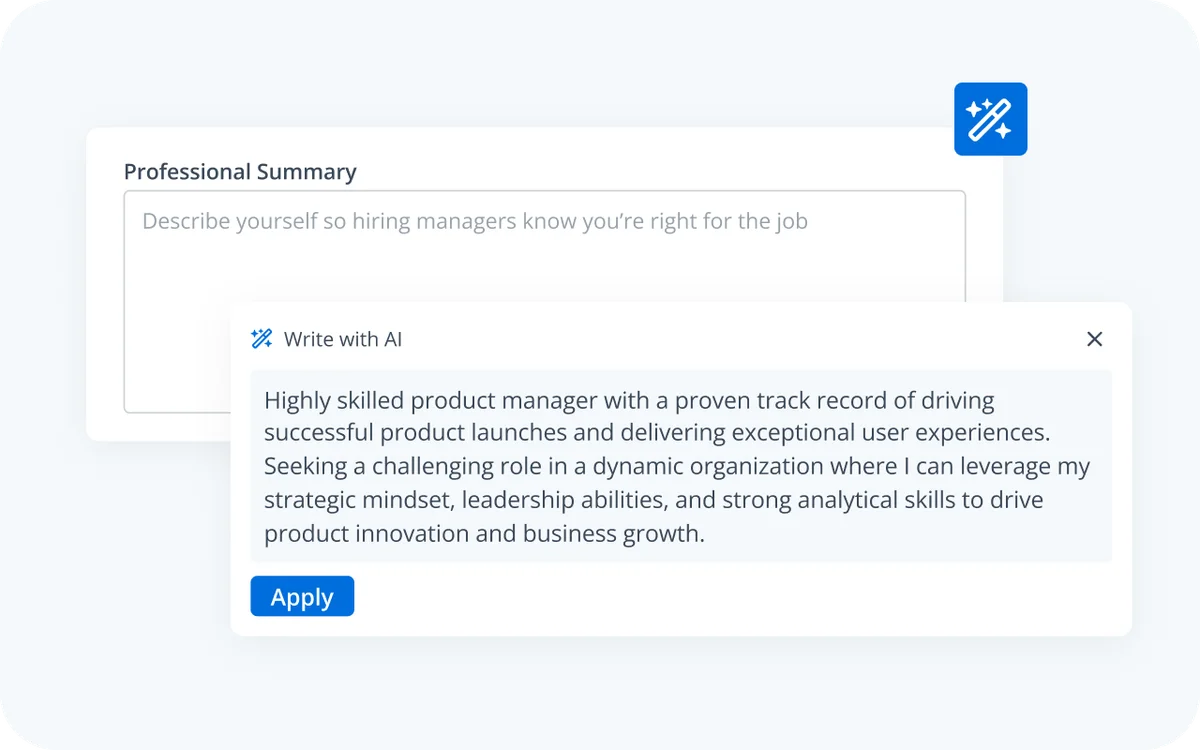
AI-powered summary writing to quickly create compelling professional overviews.
Understand ATS and optimize your resume to land more job interviews with leading companies.
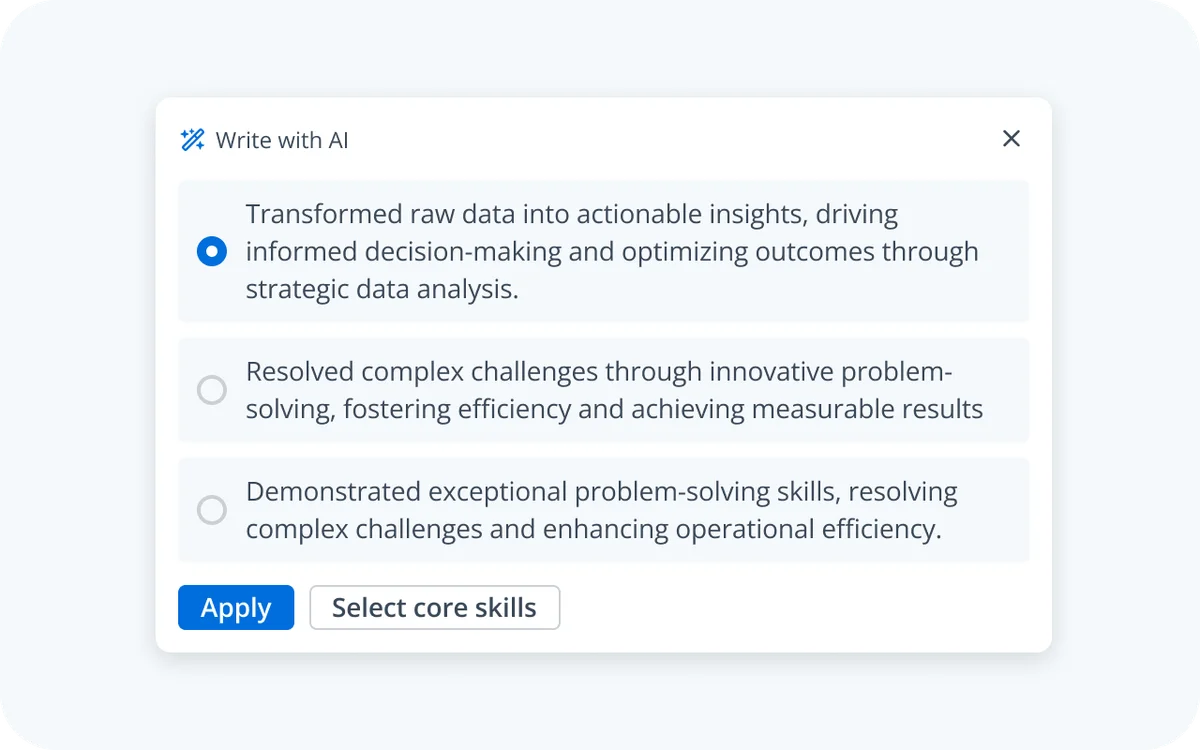
Instantly generate impactful resume bullet points with AI assistance.
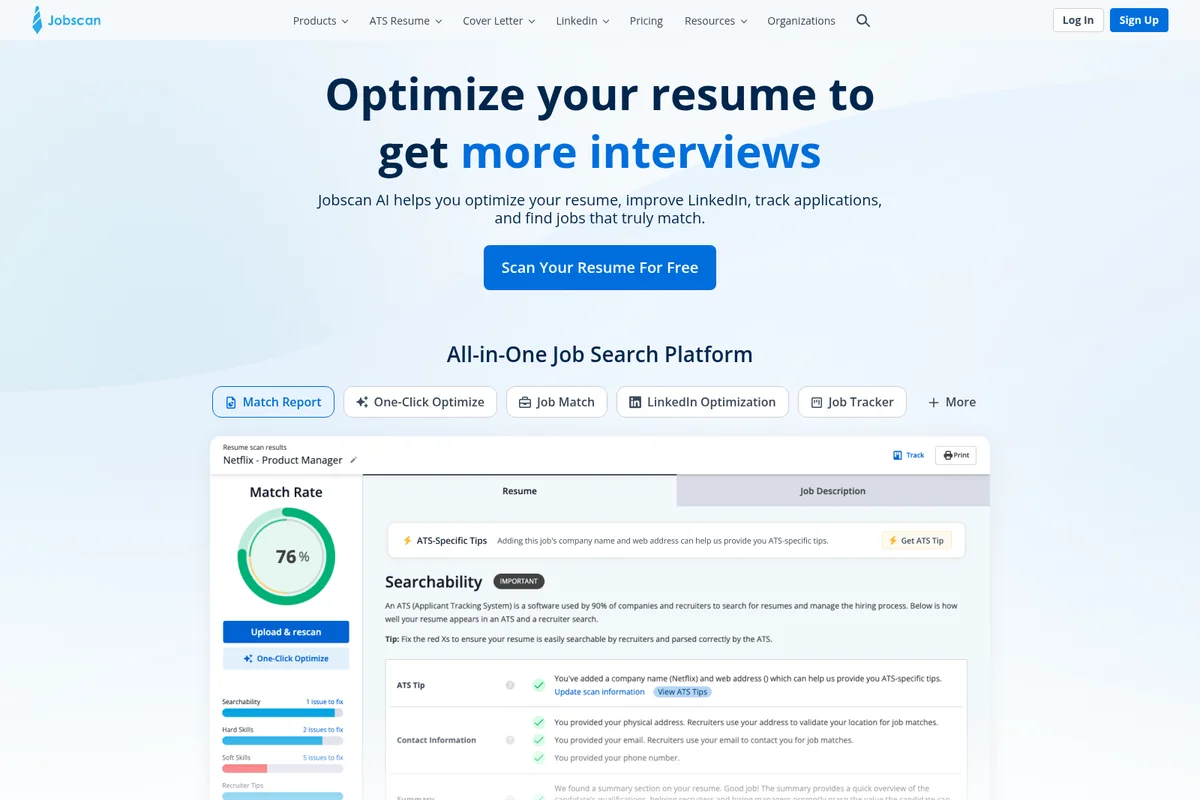
See your resume's match rate and get tips for more interviews.
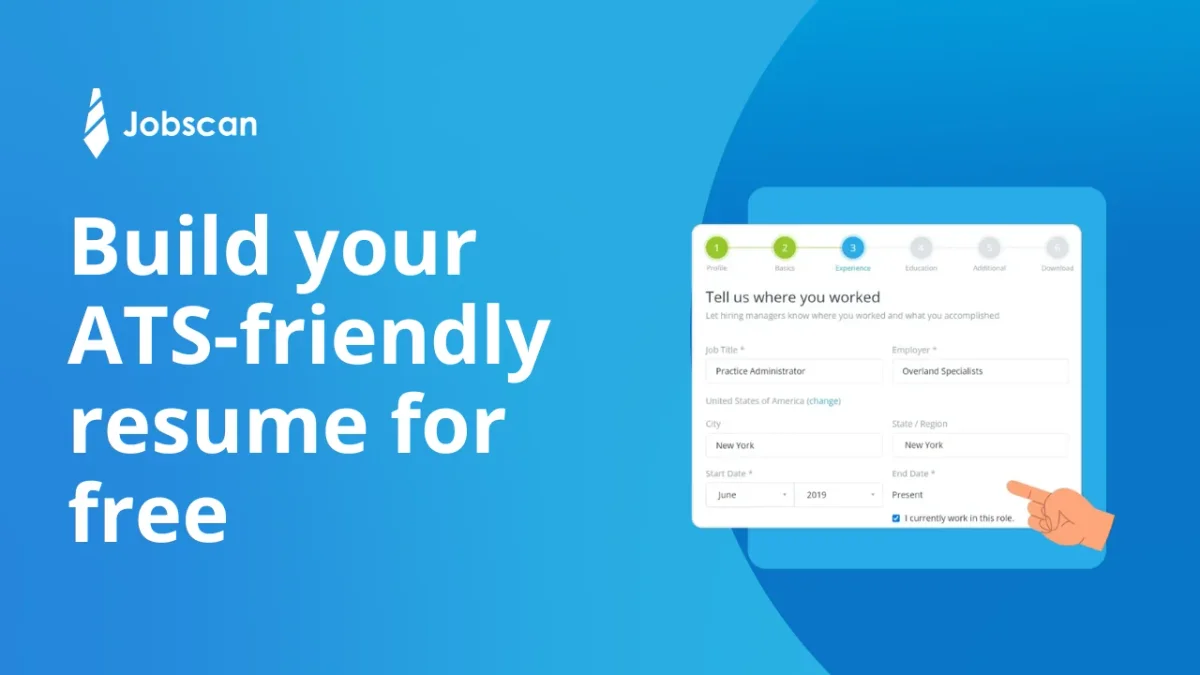
Input your work experience for an ATS-friendly resume with ease.
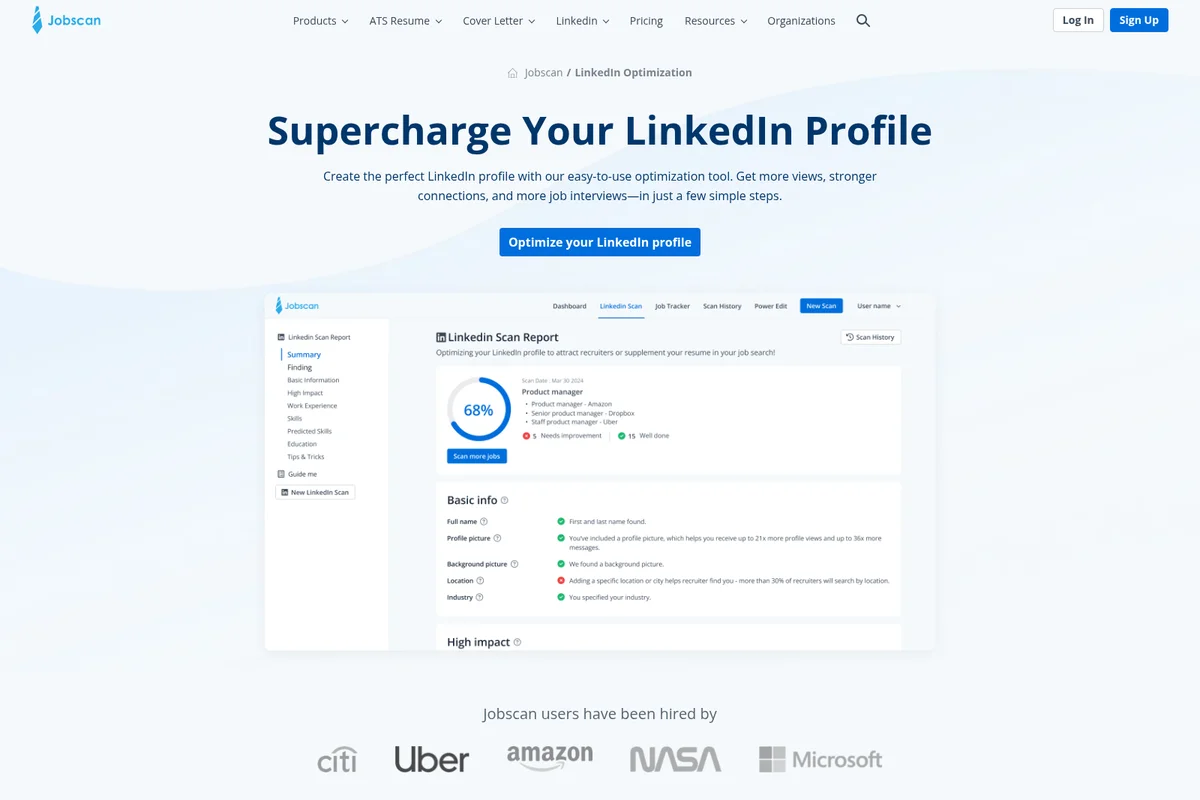
Get a comprehensive report on your LinkedIn profile's optimization score and detailed recommendations.
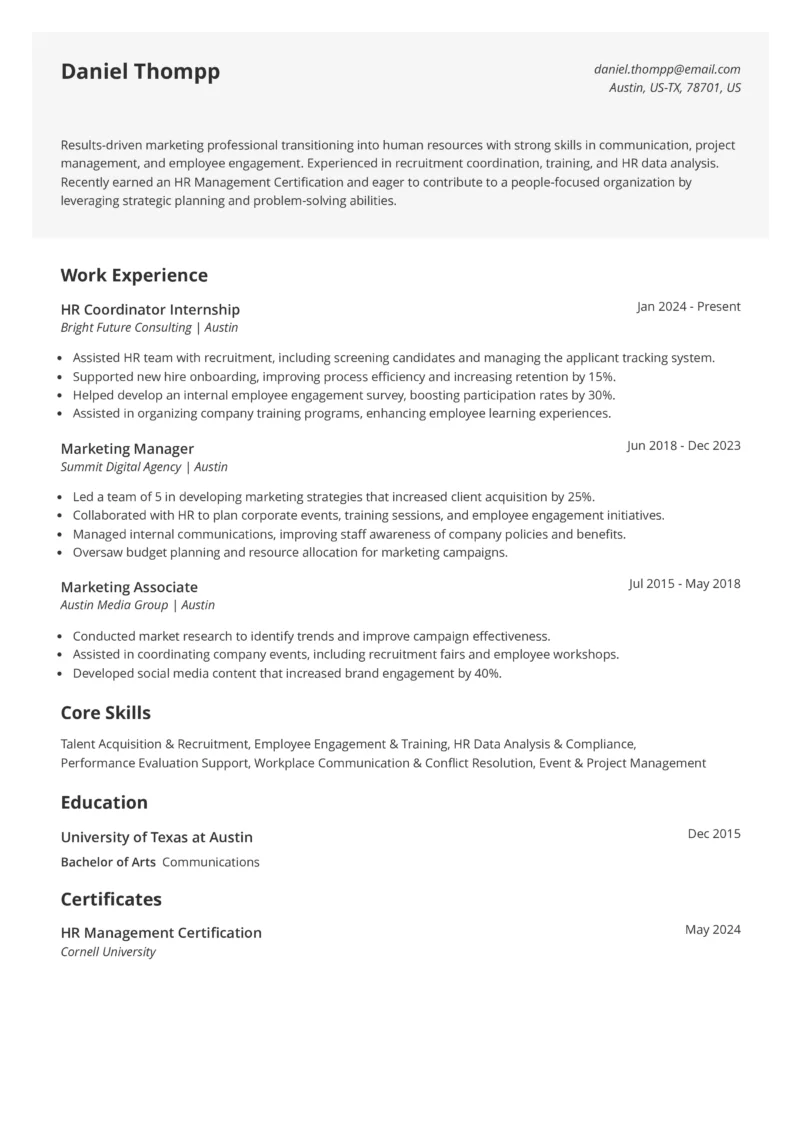
Craft and optimize your resume to stand out to recruiters and applicant tracking systems.
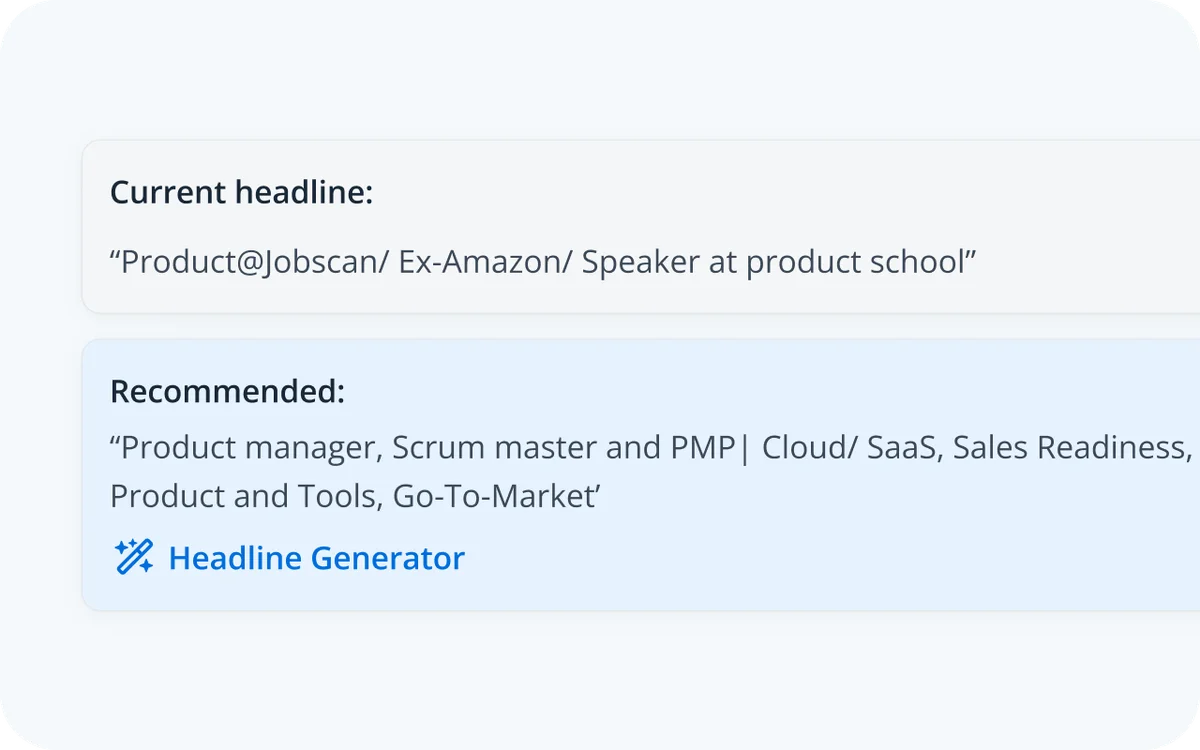
Get instant, AI-powered recommendations to optimize your professional headline.
Jobscan Review: Tooliverse Consensus







Based on 1k+ verified reviews across 7 platforms,
combined with Tooliverse's expert analysis
Jobscan translates the opaque logic of applicant tracking systems into a Match Rate you can actually improve, pairing keyword suggestions with checks for formatting errors that trigger rejection. Reviewers credit that precision for interviews, and its LinkedIn optimizer and Chrome extension extend the same feedback to profiles and job boards. The catch is cost: paid plans feel expensive over a long search, the free tier stops at 5 scans, and multi-column layouts can confuse its parser, so simple formatting works best.
Bottom line: A strong ATS-focused resume optimizer whose Match Rate and keyword guidance deliver real interview leverage, though its subscription pricing and five-scan free tier will pinch anyone on a long, tight-budget search.
Jobscan | Key Specs
- Platforms
- Web, Chrome extension
- Pricing Model
- Freemium ($0-49.95/mo) See plans
- Privacy/Data Use
- No credit card storage, regular data backups
- Security
- Industry-standard encryption, regular backups See details
Wins
- •Delivers precise ATS matching accuracy that gives job seekers a competitive edgementioned in 245 reviews
- •Provides actionable keyword optimization suggestions to improve resume visibilitymentioned in 212 reviews
- •Optimizes LinkedIn profiles effectively to increase recruiter engagement and viewsmentioned in 184 reviews
Watch-Outs
- •Premium subscription costs are perceived as high for long-term job seekersmentioned in 198 reviews
- •Free tier limits the number of monthly scans significantlymentioned in 165 reviews
- •Complex resume layouts with columns occasionally cause parsing inaccuraciesmentioned in 94 reviews
Jobscan Features 2026
AI Optimize
Analyzes a job description and gives in-context AI suggestions tied to required skills; accept or reject each and watch Match Rate rise in real time.
Resume Scanner with Match Rate
Compares your resume to a job description and surfaces missing keywords and ATS & recruiter findings.
AI Resume Coach
Interview-style coach asking one question at a time to turn your experience into strong bullets, summaries and skills.
ATS-Friendly Resume Builder
Free-to-build resumes with ATS-friendly templates, Pro Tips, PDF/DOCX download and Resume Manager.
Jobscan User Reviews
Selected Reviews
"Finally landed an interview after using the ATS scanner. It really helps you see what the recruiters see."
"Jobscan changed my entire approach to applications. I no longer feel like I'm shouting into a void."
"I wish the free version allowed for more than 5 scans. It's hard to get a feel for it with so few."
More from the Community
"The LinkedIn optimization tool is a hidden gem. My profile views doubled in a week."
"Useful tool but the price is steep for job seekers who are already struggling financially."
"The Chrome extension makes it so easy to scan jobs directly from LinkedIn or Indeed."
"Great for keywords, but sometimes it misses formatting issues that human eyes would catch."
"The resume builder is decent, but the real value is in the match score analysis."
"The LinkedIn optimization tool is a hidden gem. My profile views doubled in a week."
"Useful tool but the price is steep for job seekers who are already struggling financially."
"The Chrome extension makes it so easy to scan jobs directly from LinkedIn or Indeed."
"Great for keywords, but sometimes it misses formatting issues that human eyes would catch."
"The resume builder is decent, but the real value is in the match score analysis."
"Helped me tailor my resume for a senior role. The specific keyword suggestions were spot on."
"Parsing can be a bit wonky if you use columns in your resume. Stick to simple layouts."
"Essential tool for modern job hunting. It takes the guesswork out of ATS compatibility."
"A bit buggy on mobile sometimes, but the web version is flawless and very helpful."
"Helped me tailor my resume for a senior role. The specific keyword suggestions were spot on."
"Parsing can be a bit wonky if you use columns in your resume. Stick to simple layouts."
"Essential tool for modern job hunting. It takes the guesswork out of ATS compatibility."
"A bit buggy on mobile sometimes, but the web version is flawless and very helpful."
Jobscan Pricing 2026
Five free scans is enough to test two or three target postings, but not a real search. Quarterly at $29.98/month, billed $89.95 every 3 months, is the plan to pick: unlimited scans and AI Optimizations, plus a 7-day trial. Monthly at $49.95 costs two-thirds more per month and skips the trial, so it only pays off for a search you expect to end within weeks.
Jobscan In-Depth Review 2026

Jobscan compares your resume against a specific job description and returns a Match Rate, listing missing keywords and ATS and recruiter findings. From there, AI Optimize proposes in-context edits you accept or reject, with the score updating as you go. The service also covers LinkedIn profile optimization, an AI Resume Coach, a cover letter generator and Auto Apply, and a Chrome extension brings comparisons into job boards. It claims more than 10 million job seekers, and its focus on ATS behavior sets it apart from general-purpose AI writers.
What It's Like Day-to-Day
The core loop is simple. Paste a job description, upload a resume, and Jobscan returns a Match Rate along with the skills and keywords the posting emphasizes that your resume lacks. AI Optimize then turns those gaps into suggested edits tied to required skills, and because you accept or reject each one, the resume stays in your voice while the score climbs in real time.
Jobscan Security & Compliance
Security Features
- Industry-standard encryption
- Regular data backups
Privacy Commitments
- Does not store credit card information
Jobscan: Frequently Asked Questions (FAQs)
Does Jobscan have a free plan?
Yes, Jobscan has a free plan at $0 forever with 5 free resume scans monthly, 5 ATS & recruiter findings, Job Tracker, Resume Builder, Resume Manager and the Chrome Extension.
How long does the Jobscan free trial last?
The free trial lasts 7 days from the time you start it. There is no trial if you choose a monthly plan or opt for full LinkedIn Optimization access.
How much does Jobscan cost?
Jobscan Quarterly costs $29.98/month (billed $89.95 every 3 months) and Monthly costs $49.95/month; a free plan is also available.
How much does Auto Apply cost?
Auto Apply is credit-based: Premium users get 2 free credits topped up to 2 monthly, and extra credits cost $8.50 for 5, $15.00 for 10, or $35.00 for 25.
Jobscan Integrations
| Greenhouse | Lever | Workable |
| Chrome |
Jobscan: Verified Data Sheet
| # | Label | Data Point |
|---|---|---|
| [1] | Jobscan Consensus: 8.44/10 | Jobscan is a highly-rated tool among AI recruiting tools in the Tooliverse index, with a consensus score of 8.44/10 across 1,520 verified reviews. |
| [2] | What is Jobscan | Jobscan is an AI resume optimization platform built around ATS expertise, with a resume scanner, AI Optimize, LinkedIn optimization and Auto Apply. It claims 10+ million job seekers, with a free plan and paid plans from $29.98/month. |
| [3] | Tooliverse Consensus on Jobscan | Jobscan translates the opaque logic of applicant tracking systems into a Match Rate you can actually improve, pairing keyword suggestions with checks for formatting errors that trigger rejection. Reviewers credit that precision for interviews, and its LinkedIn optimizer and Chrome extension extend the same feedback to profiles and job boards. The catch is cost: paid plans feel expensive over a long search, the free tier stops at 5 scans, and multi-column layouts can confuse its parser, so simple formatting works best. |
| [4] | Jobscan Verdict | Jobscan bottom line: A strong ATS-focused resume optimizer whose Match Rate and keyword guidance deliver real interview leverage, though its subscription pricing and five-scan free tier will pinch anyone on a long, tight-budget search. |
| [5] | Free: Free | Jobscan provides a functional Free tier with 5 Free Resume Scans monthly and 5 ATS & Recruiter Findings, making its AI tools accessible at no cost. |
| [6] | Precise ATS matching, 245 reviews | Jobscan delivers precise ATS matching by comparing a resume to a specific job description and returning a Match Rate, a capability cited as a competitive edge for job seekers in 245 user reviews. |
| [7] | Actionable keyword suggestions, 212 reviews | Jobscan provides actionable keyword optimization through AI Optimize, which suggests in-context edits tied to required skills that users accept or reject while the Match Rate updates in real time, as validated by 212 user reviews. |
| [8] | Quarterly: $29.98/month | Jobscan Quarterly adds Unlimited Resume Scans for just $29.98 monthly, a significant step up from the free tier's capabilities. |
| [9] | LinkedIn optimization, 184 reviews | Jobscan optimizes LinkedIn profiles by scoring them against at least 3 job descriptions and generating keyword recommendations, a headline and a summary, with 184 user reviews citing higher recruiter engagement and profile views. |
| [10] | Chrome extension, 156 reviews | Jobscan offers a Chrome Extension, included in the free plan, that compares job postings to a resume directly in the browser, praised as seamless in 156 user reviews. |
| [11] | Premium cost high for long searches | Jobscan premium pricing is perceived as high by long-term job seekers in 198 user reviews, with Quarterly at $29.98/month (billed $89.95 every 3 months) and Monthly at $49.95/month. |
| [12] | Free tier capped at 5 scans | Jobscan limits the free plan to 5 resume scans per month, a cap that 165 user reviews describe as significantly restrictive for evaluating the product. |
| [13] | Privacy: Does not store credit card information | Jobscan's privacy protections center on one safeguard: it Does not store credit card information. |
| [14] | Enterprise: Industry-standard encryption | Jobscan provides enterprise security through Industry-standard encryption and Regular data backups. |
| [15] | Shows what recruiters see | Jobscan "really helps you see what the recruiters see," according to a verified Chrome Web Store reviewer who landed an interview after using the ATS scanner. |
Best Jobscan Alternatives
Rezi
Build, score, and tailor an ATS-ready resume with AI, and land interviews faster.
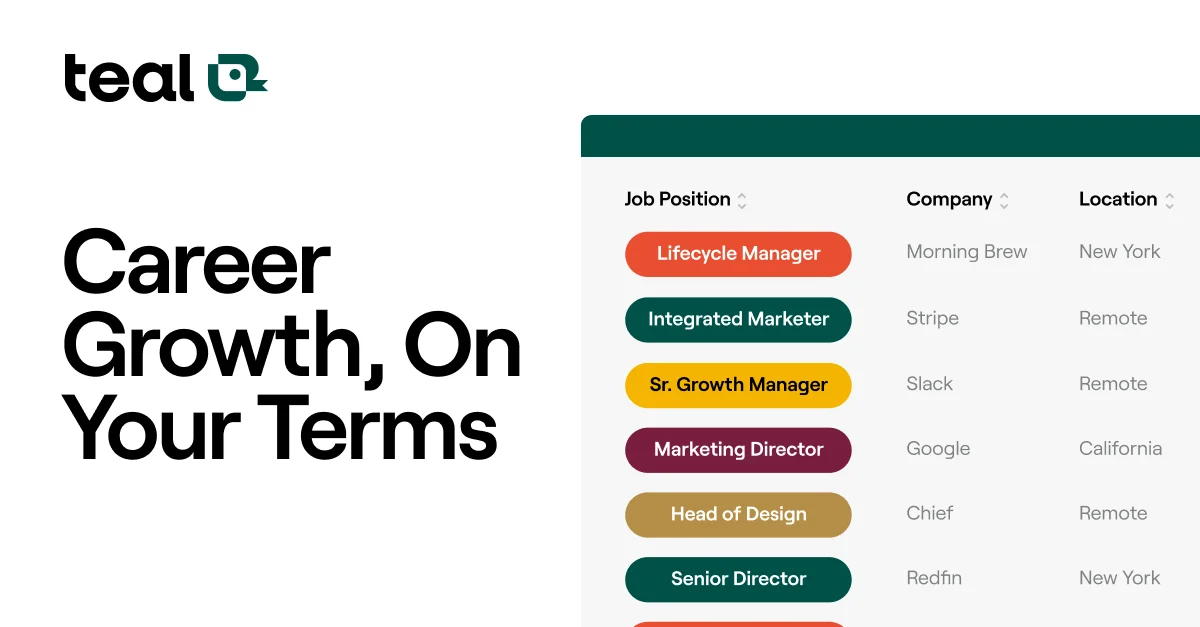
Teal
Land your next job faster with AI-powered resume building and job tracking tools.
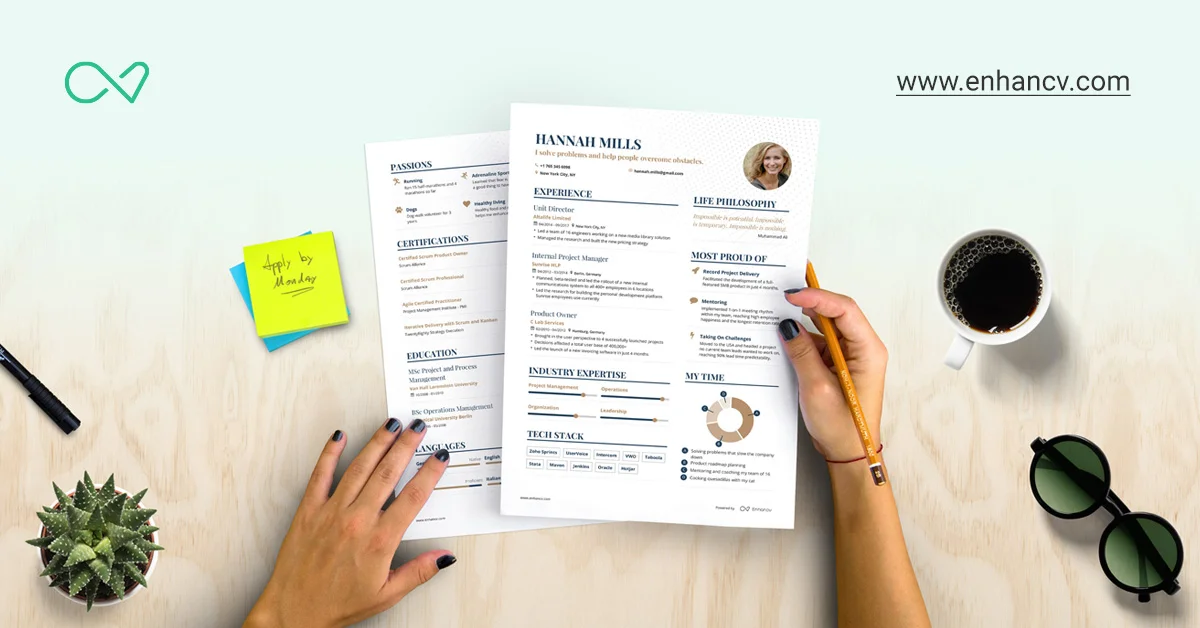
Enhancv
Build a resume that sounds like you, passes the ATS scan, and earns more interviews.