
OpenClaw Review 2026 - Free Open-Source Agent
Verified Oct 5, 2026 by Tooliverse Editorial
OpenClaw is the AI that actually does things: it organizes your inbox, sends emails, manages your calendar, and checks you in for flights, all from WhatsApp or Telegram. Free, open source, and running on your own machine.
Build an OpenClaw Dashboard with One Prompt | OpenClaw 2.0 Demo
The ULTIMATE OpenClaw Tutorial for Beginners (Step by Step - 2026)
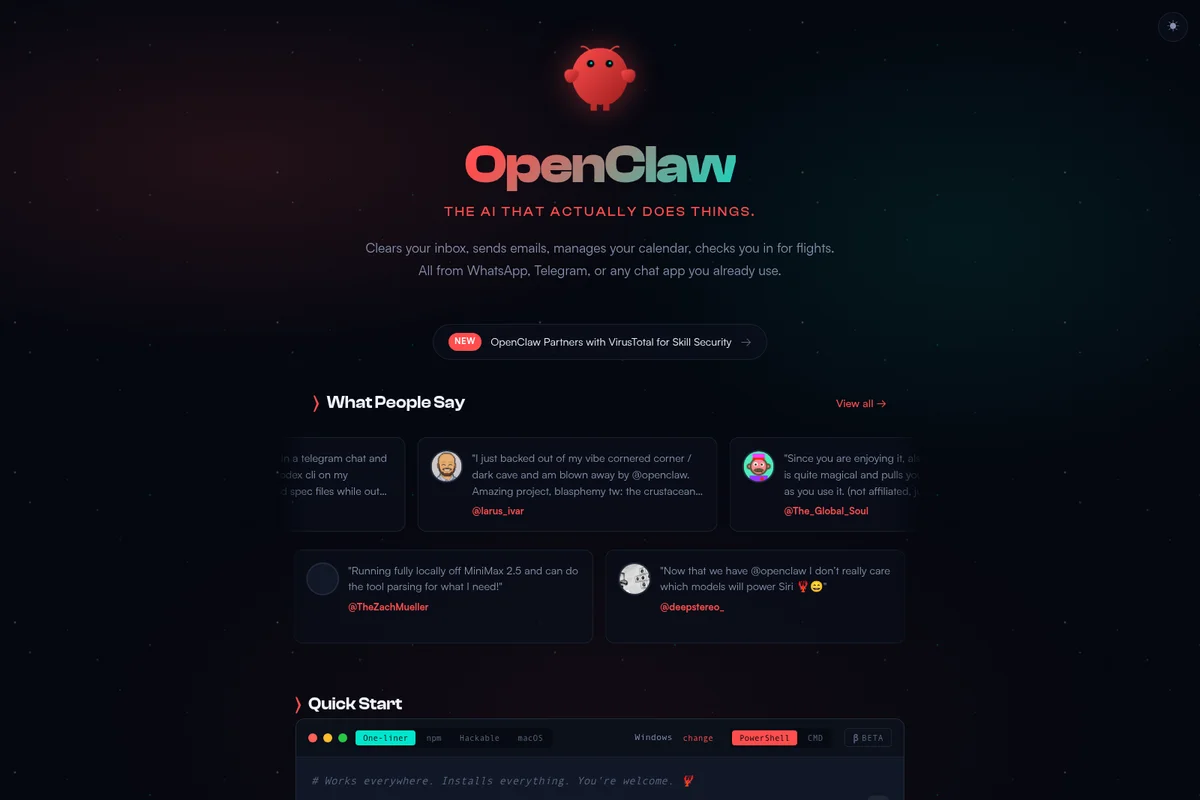
OpenClaw manages your inbox, calendar, and flights directly from your chat apps.
OpenClaw Review: Tooliverse Consensus


Based on 552 verified reviews across 3 platforms,
combined with Tooliverse's expert analysis
OpenClaw turns the chat apps on your phone into a control panel for an agent that lives on your own hardware, remembers your preferences and, through scheduled heartbeats, starts tasks without being prompted. Telegram and WhatsApp access, local-first privacy and a library of 700+ community skills drive the praise. The catch is operational: unmonitored automation loops can run up API bills, and Docker and VPS setup stalls beginners. Support comes from community forums, so expect to be self-reliant.
Bottom line: A strong, privacy-first agent that you steer from chat and that acts on its own, though unmonitored API costs and a technical Docker setup demand a capable, careful operator.
OpenClaw | Key Specs
- Platforms
- Web, iOS, Android, macOS, Windows, Linux
- Pricing Model
- Free and open source (MIT), no paid tier See plans
- Privacy/Data Use
- State stays on your machine; only a daily version check sent by default
- Security
- ClawScan skill scanning, exec approvals, sandboxing See details
Wins
- •Integrates seamlessly with messaging apps like Telegram and WhatsApp for remote controlmentioned in 142 reviews
- •Prioritizes user privacy by running entirely on local hardware without cloud dependenciesmentioned in 118 reviews
- •Features proactive "heartbeats" that allow the agent to initiate tasks autonomouslymentioned in 94 reviews
Watch-Outs
- •Can incur significant API costs if automation loops are not carefully monitoredmentioned in 124 reviews
- •Requires a complex technical setup involving Docker and VPS configurationmentioned in 115 reviews
- •Presents security risks due to the agent having broad system and shell accessmentioned in 98 reviews
OpenClaw Features 2026
Runs on Your Machine
Runs on Mac, Windows, or Linux with state kept on your machine rather than a vendor cloud; supports hosted, subscription-backed, gateway, or local models.
Chat Where You Are
Talk to your agent on WhatsApp, Telegram, Discord, Slack, Signal, iMessage and more, in DMs and group chats.
Persistent Memory
Remembers your preferences, projects, and people from one conversation to the next.
Full System Access
Browses the web, fills forms, reads and writes files, and runs shell commands, with full access or sandboxed.
OpenClaw User Reviews
Selected Reviews
"The multi-platform messaging integration is a game-changer. I can manage my entire server and home automation through a simple Telegram bot while I'm on the train."
"OpenClaw's persistent memory system is the first time an AI agent has actually felt like a long-term assistant that grows with my specific needs and preferences."

"Support is non-existent since it's open-source. You're basically on your own if something breaks after an update, which happens more often than I'd like."
More from the Community
"Incredible potential for automation, but the security risks are non-trivial. You really need to know how to sandbox this properly before giving it shell access."
"Saves me nearly an hour a day on triage and research. The setup is brutal for beginners, but once it's running, it's the most powerful tool I own."
"It's a cool concept but the API costs are insane. I spent $50 in one afternoon just testing a few automation loops that didn't even work perfectly."
"More of a collection of tools for developers than a finished product. If you aren't comfortable with Docker and API keys, this will be a nightmare."
"The local-first design is exactly what the industry needs. Knowing my data stays on my hardware while getting GPT-4 level intelligence is worth the setup."
"Incredible potential for automation, but the security risks are non-trivial. You really need to know how to sandbox this properly before giving it shell access."
"Saves me nearly an hour a day on triage and research. The setup is brutal for beginners, but once it's running, it's the most powerful tool I own."
"It's a cool concept but the API costs are insane. I spent $50 in one afternoon just testing a few automation loops that didn't even work perfectly."
"More of a collection of tools for developers than a finished product. If you aren't comfortable with Docker and API keys, this will be a nightmare."
"The local-first design is exactly what the industry needs. Knowing my data stays on my hardware while getting GPT-4 level intelligence is worth the setup."
"The "heartbeat" feature makes it feel alive. It proactively sends me news digests and calendar alerts without me having to prompt it every single time."
"Transformed our internal devops workflow. We use it to monitor PRs and trigger deployments via Slack. It's like having an extra junior dev on the team."
"The skills library is massive. I found a plugin for almost every service I use, though some of the community-made ones are a bit buggy and need work."
"Vibe coding with OpenClaw is the future. I described a feature in Telegram and it had the code pushed and the site updated before I finished my coffee."
"The "heartbeat" feature makes it feel alive. It proactively sends me news digests and calendar alerts without me having to prompt it every single time."
"Transformed our internal devops workflow. We use it to monitor PRs and trigger deployments via Slack. It's like having an extra junior dev on the team."
"The skills library is massive. I found a plugin for almost every service I use, though some of the community-made ones are a bit buggy and need work."
"Vibe coding with OpenClaw is the future. I described a feature in Telegram and it had the code pushed and the site updated before I finished my coffee."
OpenClaw Pricing 2026
View SourceThere is no paid tier to choose, so the real decision is the model behind it. Bring an API key from a provider you already pay for, and cap monthly spend before enabling automation loops; reviewers report $50 disappearing in a single afternoon of testing. Local models through Ollama or vLLM bring per-token bills to zero but demand capable hardware, so budget for that instead.
OpenClaw In-Depth Review 2026

OpenClaw is a free, MIT-licensed personal AI agent that runs on your own Mac, Windows or Linux machine and takes instructions through the chat apps you already use, including WhatsApp, Telegram, Discord, Slack, Signal and iMessage. Memory, skills and state stay local instead of sitting in a vendor cloud. You bring your own model, from Anthropic, OpenAI and Google to local options like Ollama, and the agent can browse the web, read files and run shell commands on your behalf.
What It's Like Day-to-Day
Daily use revolves around sending a message and watching something happen. Users describe asking the agent from a phone to inspect a failed build, change a deployment config, redeploy and open a pull request, all without touching a laptop. One Product Hunt reviewer says they can "manage my entire server and home automation through a simple Telegram bot" from the train, and messaging integration is the strength reviewers mention most, in 142 reviews. Several channels run at once through a single Gateway, so DMs and group chats become one control surface.
Initiative is the standout trait.
OpenClaw Security & Compliance
Security Features
- ClawScan skill scanning (static analysis, VirusTotal, NVIDIA SkillSpector)
- Exec approvals with sandboxing
- Proxyline egress policy and fs-safe root-bounded file access
Privacy Commitments
- State lives on your machine, not a vendor cloud
- By default sends the Foundation only a daily version check, which can be turned off
OpenClaw: Frequently Asked Questions (FAQs)
Is OpenClaw free?
Yes, OpenClaw is completely free and open source under the MIT license. There is no subscription, no hosted tier, no token, and no enterprise or paid version; users only pay for any model providers they choose.
Who is behind OpenClaw?
OpenClaw is stewarded by the OpenClaw Foundation, an independent OpenClaw 501(c)(3) non-profit that employs the core team and signs every release. OpenAI is a donor and creator Peter Steinberger works there, but OpenClaw is not an OpenAI product.
Which platforms does OpenClaw run on?
OpenClaw runs on macOS 15+, Windows 10/11 and Linux x64 (Debian, Ubuntu, Fedora, Arch, Raspberry Pi OS). Native iOS and Android apps pair to your own Gateway.
How do I install OpenClaw?
Download the desktop app or run one command such as curl -fsSL https://openclaw.ai/install.sh | bash, or npm i -g openclaw, then run openclaw onboard. Setup takes about two minutes and Node.js is installed for you.
OpenClaw Integrations
| Telegram | Discord | |
| Slack | Signal | iMessage |
| Microsoft Teams | Google Chat | Matrix |
| Anthropic Claude | OpenAI | Google Gemini |
| Ollama | LM Studio | OpenRouter |
| Amazon Bedrock | GitHub Copilot | ElevenLabs |
| Twilio | GitHub | Notion |
| Obsidian | Apple Notes | Gmail |
| Spotify | Philips Hue | Sonos |
| Home Assistant | 1Password |
OpenClaw: Verified Data Sheet
| # | Label | Data Point |
|---|---|---|
| [1] | OpenClaw Consensus: 8.34/10 | OpenClaw is a highly-rated tool among AI agent tools in the Tooliverse index, with a consensus score of 8.34/10 across 552 verified reviews. |
| [2] | What is OpenClaw | OpenClaw, stewarded by the OpenClaw Foundation (501(c)(3)), is a free, MIT-licensed open-source personal AI agent that runs on your own machine and acts through chat apps. It has 346k+ GitHub stars and no paid tier. |
| [3] | Tooliverse Consensus on OpenClaw | OpenClaw turns the chat apps on your phone into a control panel for an agent that lives on your own hardware, remembers your preferences and, through scheduled heartbeats, starts tasks without being prompted. Telegram and WhatsApp access, local-first privacy and a library of 700+ community skills drive the praise. The catch is operational: unmonitored automation loops can run up API bills, and Docker and VPS setup stalls beginners. Support comes from community forums, so expect to be self-reliant. |
| [4] | OpenClaw Verdict | OpenClaw bottom line: A strong, privacy-first agent that you steer from chat and that acts on its own, though unmonitored API costs and a technical Docker setup demand a capable, careful operator. |
| [5] | Free (Open Source): Free | OpenClaw offers a functional Free (Open Source) tier that is MIT licensed and fully open source, with no subscription, no hosted tier and no token, making AI tools accessible at no cost. |
| [6] | Proactive heartbeats start tasks autonomously | OpenClaw uses proactive heartbeats, alongside cron, hooks and webhooks, to start tasks without a prompt, such as sending news digests and calendar alerts, according to 94 user reviews. |
| [7] | Persistent memory across conversations | OpenClaw keeps persistent memory of preferences, projects and people across conversations, a capability that 86 user reviews credit for making the agent feel like a long-term assistant. |
| [8] | 700+ community skills on ClawHub | OpenClaw offers 700+ community skills through ClawHub, covering services such as Philips Hue, Spotify, Sonos and Home Assistant, and 72 user reviews highlight the breadth. Separately, it ships with 825 official plugins. |
| [9] | Remote control via Telegram, WhatsApp and more | OpenClaw connects to messaging apps including Telegram, WhatsApp, Discord, Slack, Signal and iMessage, letting users control the agent remotely from a phone, a strength cited in 142 user reviews. Several channels can run at once through a single Gateway. |
| [10] | API costs can climb if loops go unmonitored | OpenClaw can generate significant model API costs when automation loops go unmonitored, according to 124 user reports. Because the software is free, all spending comes from the chosen model provider. |
| [11] | Docker and VPS setup is complex | OpenClaw requires a technical setup involving Docker and VPS configuration for many deployments, according to 115 user reports, even though the documented install takes about two minutes. |
| [12] | Privacy: State lives on your machine, not a vendor cloud | OpenClaw protects privacy by keeping State lives on your machine, not a vendor cloud, and By default sends the Foundation only a daily version check, which can be turned off. |
| [13] | Enterprise: ClawScan skill scanning (static analysis, VirusTotal, NVIDIA SkillSpector) | OpenClaw safeguards users with ClawScan skill scanning (static analysis, VirusTotal, NVIDIA SkillSpector), Exec approvals with sandboxing, and Proxyline egress policy and fs-safe root-bounded file access. |
| [14] | Manage server and home from Telegram | OpenClaw lets users "manage my entire server and home automation through a simple Telegram bot" while away from their desk, according to a verified Product Hunt reviewer who rated it 5/5. |
Best OpenClaw Alternatives
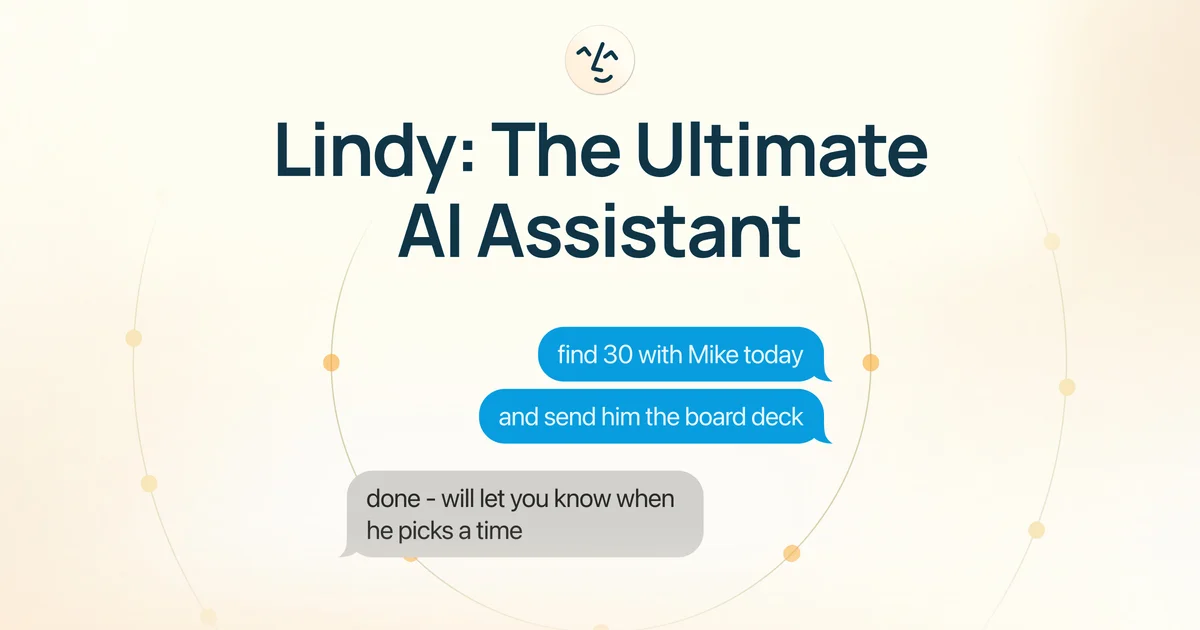
Lindy
An AI teammate that does the real work across your tools, so your whole team gets time back.
Manus
Hand off research, slides, websites and workflows to an AI agent that actually does the work.

AutoGPT
Get 10 hours back every week with AI agents that finish the whole job, not just chat about it.