
Polymer Review 2026 - AI Dashboards
Verified Oct 6, 2026 by Tooliverse Editorial
Polymer lets anyone turn raw data into interactive, AI-built dashboards in seconds, with no code and no setup. Marketers, agencies and product teams use it to automate reporting and even embed analytics inside their own apps.
Polymer V3 Teaser
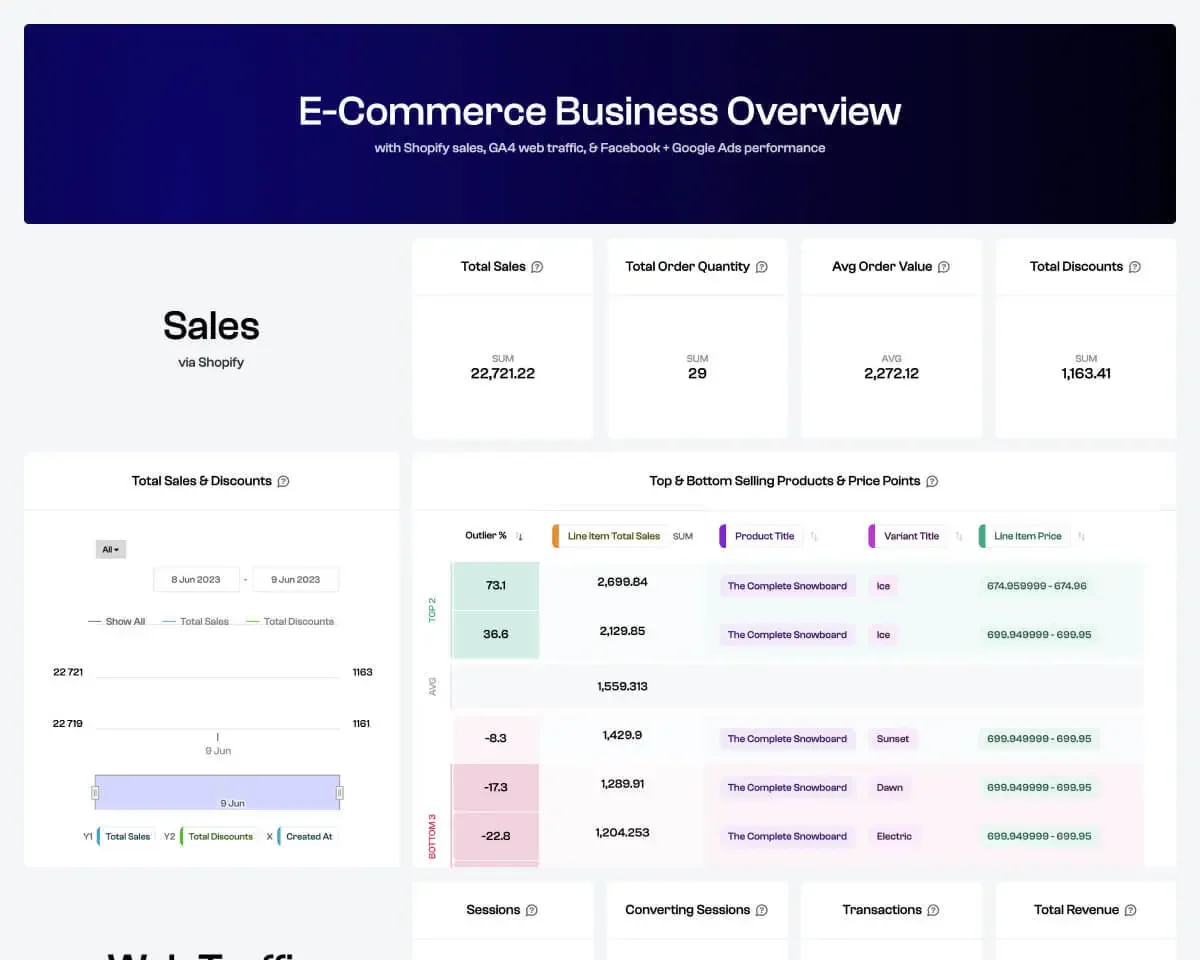
Track your sales, orders, discounts, and product performance at a glance.
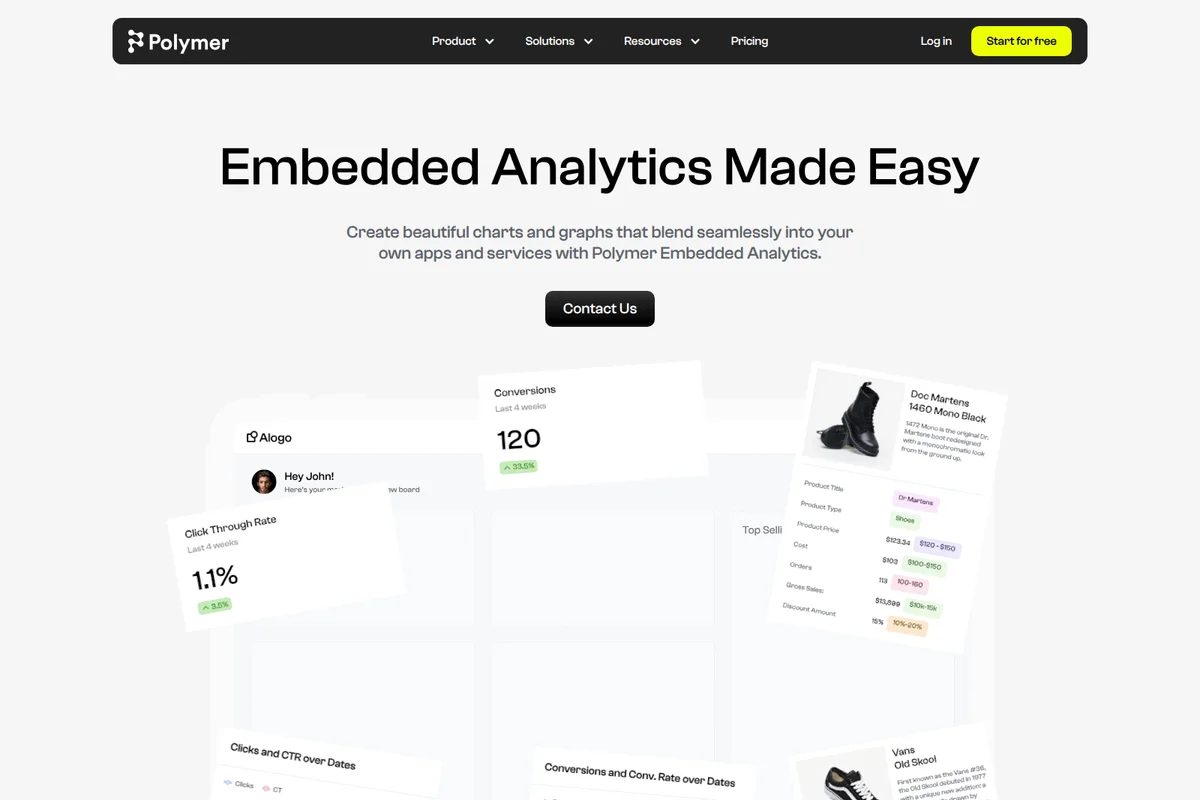
Seamlessly integrate beautiful charts and graphs into your applications.
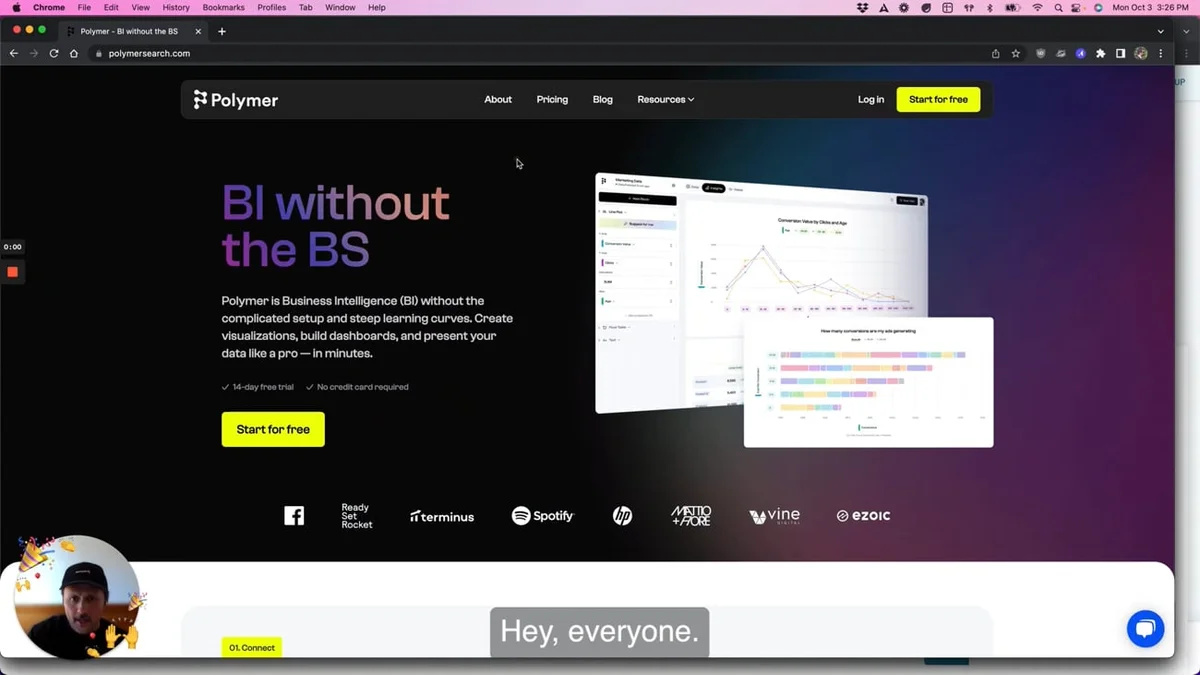
Gain clear insights with powerful BI dashboards and visualizations.
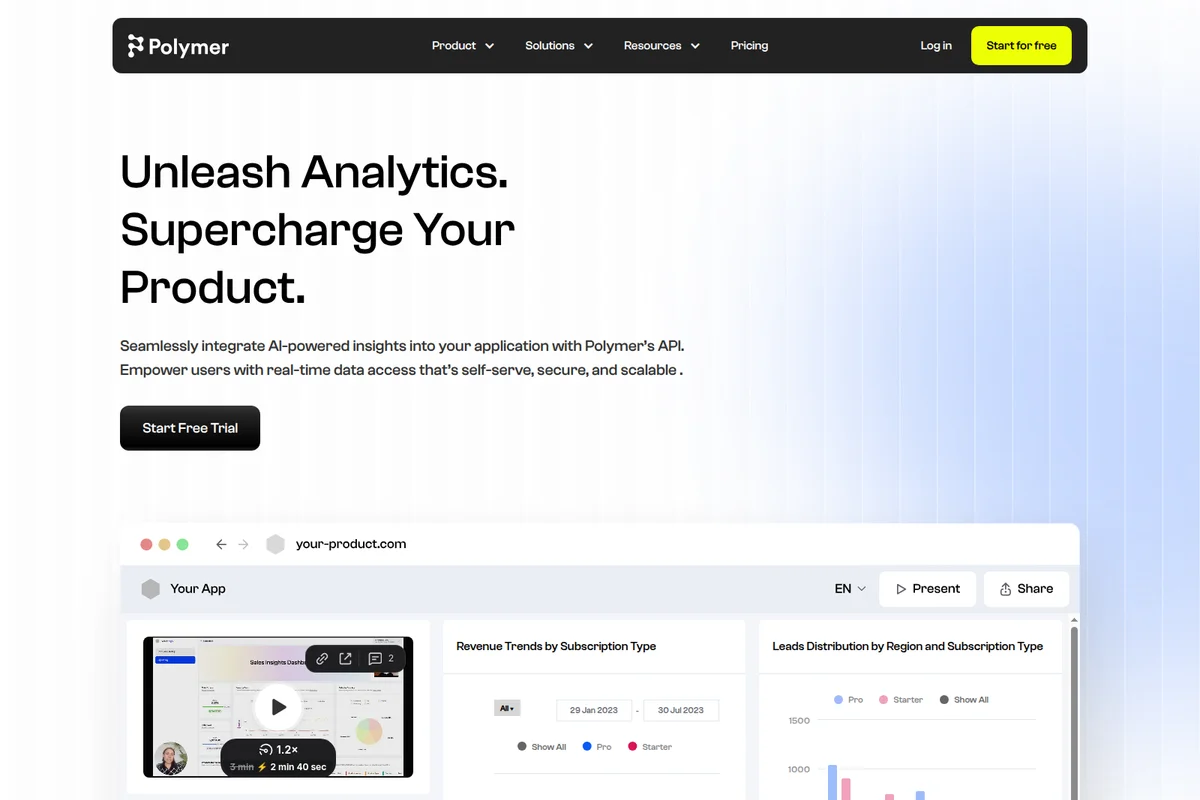
Seamlessly integrate AI-powered insights and real-time data into your application.
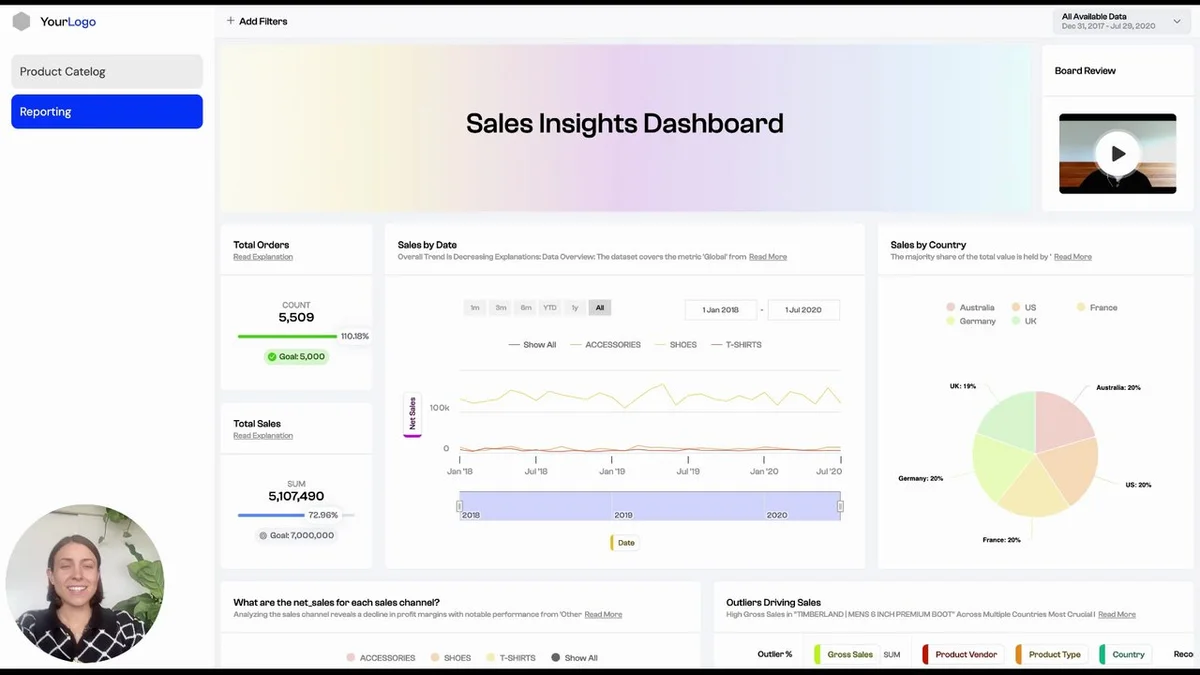
Gain a comprehensive overview of your sales performance with real-time data.

Analyze customer geography to identify trends and inform business strategy.
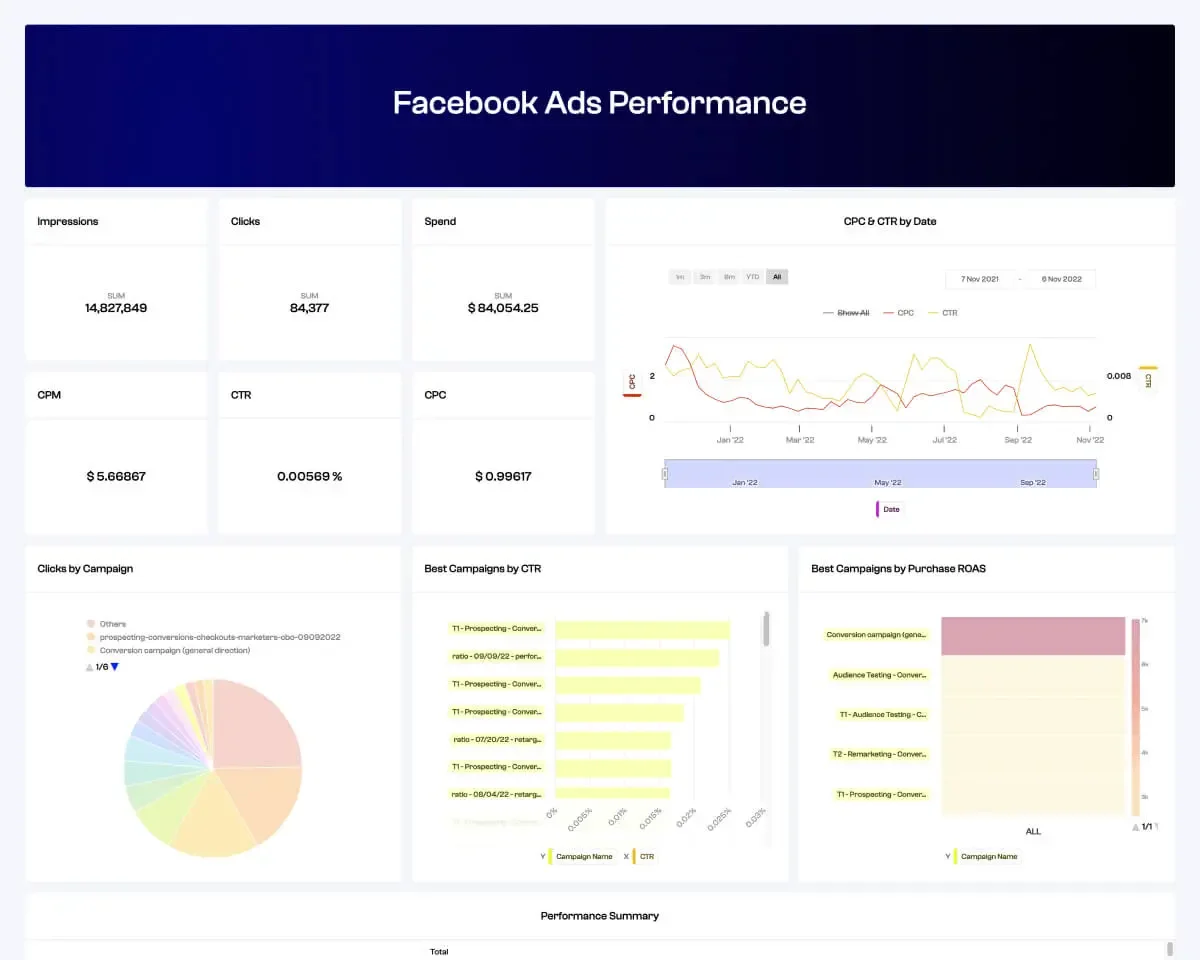
Monitor key Facebook Ads performance metrics and campaign insights at a glance.
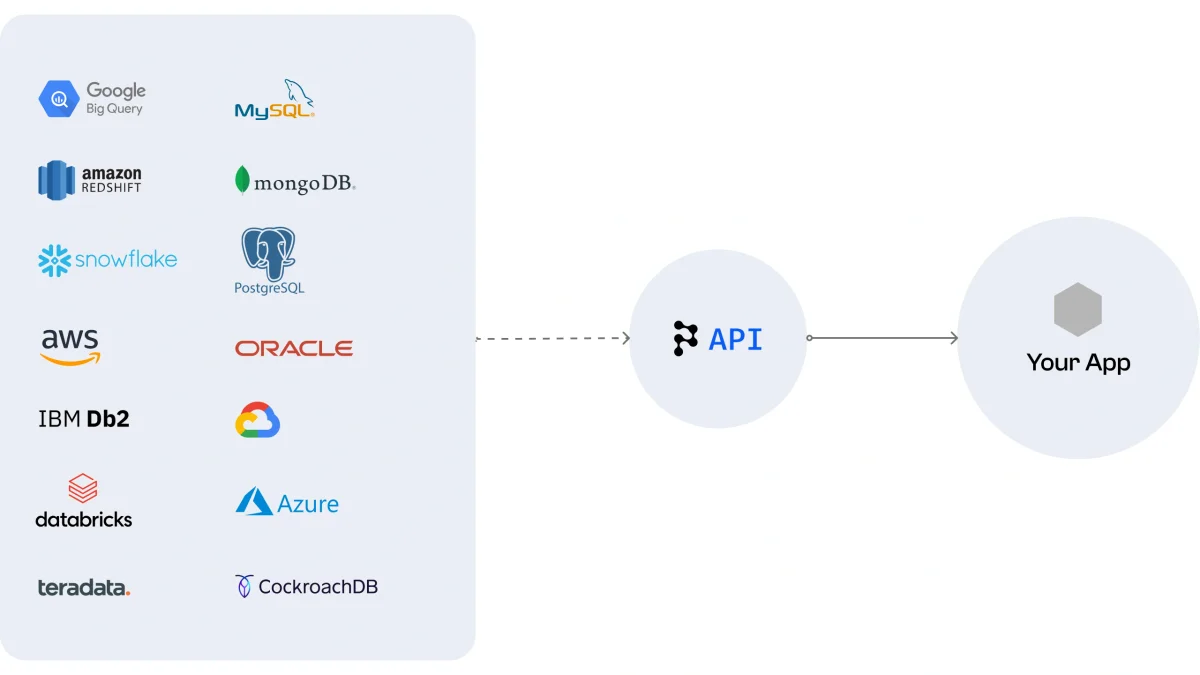
Seamlessly connect your app to a wide array of data sources via the Polymer API.
Polymer Review: Tooliverse Consensus


Based on 48 verified reviews across 3 platforms,
combined with Tooliverse's expert analysis
Polymer turns a raw CSV or Google Sheet into a filterable, AI-explained dashboard in minutes, and its PolyAI chat answers plain-language questions with charts, which keeps non-technical teams out of formula territory. Auto-detected data types and embeddable, white-labeled charts round out the appeal for marketers and SaaS builders. The tradeoffs are real: pricing has grown less transparent behind Contact Sales forms, trial row limits pinch growing datasets, and complex merges or SQL-style calculations exceed what it handles comfortably.
Bottom line: A top-tier no-code dashboard builder that turns messy spreadsheets into usable charts in minutes, though opaque higher-tier pricing and limited depth for complex data merging will push heavier analysts elsewhere.
Polymer | Key Specs
- Platforms
- Web, API
- Pricing Model
- Paid with free trial ($10-250/mo; API from $500/mo) See plans
- Privacy/Data Use
- Data confidential and kept in service environment; deep delete is unrecoverable
- Security
- AES-256 encryption at rest, TLS + HSTS in transit See details
Wins
- •Transforms raw spreadsheets into interactive dashboards instantly without requiring formulasmentioned in 22 reviews
- •Features intelligent AI that automatically detects data types and suggests relevant visualizationsmentioned in 18 reviews
- •Enables non-technical users to explore complex datasets through a simple, no-code interfacementioned in 15 reviews
Watch-Outs
- •Pricing transparency has decreased with many tiers now requiring a "Contact Sales" formmentioned in 9 reviews
- •Free tier row limits and refresh frequencies can be restrictive for growing datasetsmentioned in 7 reviews
- •Lacks the depth for extremely complex data merging or advanced SQL-style calculationsmentioned in 6 reviews
Polymer Features 2026
AI-Generated Dashboards
AI identifies key questions and automatically builds a personalized dashboard with no manual setup.
Insight Explanations
One click gives a clear automatic explanation of any chart in a dashboard.
Conversational AI Chat
Ask questions in plain language and Polymer AI chat answers with visualizations of your data.
Embedded Analytics API
Embed charts, graphs and dashboards into your own app with a few lines of code or build them programmatically through the API.
Polymer User Reviews
Selected Reviews
"Turns spreadsheets into auto-generated dashboards. Upload a CSV or connect a data source, and Polymer produces a filterable, AI-summarized dashboard."
"Polymer is closer to 'instant BI dashboard from a raw file,' which is a distinct and genuinely useful niche for non-technical teams."
"It can automatically convert static Excel or Google Sheets files into dynamic, searchable databases with built-in AI-powered pattern recognition."
More from the Community
"The PolyAI feature is a game changer for marketing members who just want to ask a question and get a chart instantly."
"Whoooosh! Did that app just create a search data engine out of my data file? Pretty dope and incredibly fast."
"Great for quick data analysis, but not suitable for complex calculations or merging multiple large datasets together."
"Pricing has become considerably less transparent lately, gating virtually all pricing behind a 'Contact Sales' form which is frustrating."
"The embedding feature is solid. We use it to show live stats in our client portal without writing any custom visualization code."
"The PolyAI feature is a game changer for marketing members who just want to ask a question and get a chart instantly."
"Whoooosh! Did that app just create a search data engine out of my data file? Pretty dope and incredibly fast."
"Great for quick data analysis, but not suitable for complex calculations or merging multiple large datasets together."
"Pricing has become considerably less transparent lately, gating virtually all pricing behind a 'Contact Sales' form which is frustrating."
"The embedding feature is solid. We use it to show live stats in our client portal without writing any custom visualization code."
"I love how it automatically detects data types. Saves so much time on setup compared to traditional BI tools like Tableau."
"PolyAI is helpful but sometimes the visualizations it suggests aren't exactly what I need for specific executive reports."
"Wish the free version allowed for more rows. 1000 rows goes fast when you are testing real business data."
"Converts chaotic spreadsheets into beautiful, searchable interactive directories. A must-have for anyone dealing with messy CSVs."
"I love how it automatically detects data types. Saves so much time on setup compared to traditional BI tools like Tableau."
"PolyAI is helpful but sometimes the visualizations it suggests aren't exactly what I need for specific executive reports."
"Wish the free version allowed for more rows. 1000 rows goes fast when you are testing real business data."
"Converts chaotic spreadsheets into beautiful, searchable interactive directories. A must-have for anyone dealing with messy CSVs."
Polymer Pricing 2026
Basic at $10/month looks like a bargain, but it's limited to file uploads and Google Sheets with no AI chat, so it mostly suits one-off uploads. Pro at $100/month is the tier worth paying for: hourly syncing, five accounts per data connector, 20 AI chat responses and five custom templates. Everything above it adds editors or API access, which matters mainly to teams and product builders embedding analytics.
Polymer In-Depth Review 2026

Polymer is a no-code analytics tool where AI builds the dashboard. Upload a CSV or connect sources like Google Sheets, Shopify, Google Ads, Facebook Ads and Google Analytics, and it produces a filterable board, suggests charts and explains them in plain language. A chat assistant called PolyAI answers questions with visualizations, and the same engine can be white-labeled and embedded in your own product through an API. It runs in the browser, and there are no formulas to write.
What It's Like Day-to-Day
The workflow reviewers describe is refreshingly short. Drop in a file, wait a moment, and a dashboard appears with charts already chosen. Dates, currencies and categories are recognized on upload, which is why one marketing operations user on Reddit praised how it "automatically detects data types" and saves setup time compared with Tableau. Nobody has ever looked forward to building a pivot table at 4:55 on a Friday, and this is where that dread gets spared.
From there, one click produces an AI explanation of any chart, and PolyAI lets non-technical teammates ask questions in plain language and get a chart back. A Stork.
Polymer Security & Compliance
Security Features
- AES-256 encryption at rest (plus application-level encryption on top of S3 encryption)
- TLS and HTTP Strict Transport Security (HSTS) for all data in transit
- KMS-based protection for secrets and centralized API activity logging with security alarms
Privacy Commitments
- Uploaded data is treated as confidential and not authorized to leave the service environment except in limited circumstances such as resolving a customer request
- Deep delete removes data and its metadata, and it cannot be recovered afterward
Polymer: Frequently Asked Questions (FAQs)
Does Polymer offer a free trial?
Yes, Polymer offers a 7-day free trial, and the API plan also advertises a 7-day free trial. The About page mentions 14 days, so check the signup page for the current length.
How much does Polymer cost?
Polymer's monthly plans are Basic at $10, Starter at $50, Pro at $100 and Teams at $250, with yearly billing saving 50%. Enterprise pricing is custom, and API access starts at $500/month.
Is Polymer free for students and educators?
Yes, Polymer's site states that students and educators can use it for free through its Classrooms offering.
How much does Polymer's API cost?
Polymer API access starts at $500/month, with flexible custom plans based on data volume and user access needs.
Polymer Integrations
| Shopify | Google Analytics | Facebook Ads |
| Google Ads | Google Sheets | Google Drive |
| Excel / CSV Upload | Jira | Linear |
| Airtable | Dropbox | Zendesk |
| Windsor.ai | Dataddo |
Polymer: Verified Data Sheet
| # | Label | Data Point |
|---|---|---|
| [1] | Polymer Consensus: 9.28/10 | Polymer is one of the highest-rated AI analytics tools in the Tooliverse index, with a consensus score of 9.28/10 across 48 verified reviews. |
| [2] | What is Polymer | Polymer is a no-code AI analytics platform that auto-generates dashboards and offers embeddable, white-labeled analytics via API. Plans start at $10/month, with a 7-day free trial and API access from $500/month. |
| [3] | Tooliverse Consensus on Polymer | Polymer turns a raw CSV or Google Sheet into a filterable, AI-explained dashboard in minutes, and its PolyAI chat answers plain-language questions with charts, which keeps non-technical teams out of formula territory. Auto-detected data types and embeddable, white-labeled charts round out the appeal for marketers and SaaS builders. The tradeoffs are real: pricing has grown less transparent behind Contact Sales forms, trial row limits pinch growing datasets, and complex merges or SQL-style calculations exceed what it handles comfortably. |
| [4] | Polymer Verdict | Polymer bottom line: A top-tier no-code dashboard builder that turns messy spreadsheets into usable charts in minutes, though opaque higher-tier pricing and limited depth for complex data merging will push heavier analysts elsewhere. |
| [5] | Education (Students & Educators): Free | Polymer offers an Education (Students & Educators) tier that lets students and educators use it for free, putting AI tools within reach at no cost. |
| [6] | Instant dashboards, no formulas | Polymer converts raw spreadsheets into interactive, filterable dashboards without formulas, a strength cited in 22 user reviews, and it ships with 20+ dashboard templates for CSV, XLS and Google Sheets data. |
| [7] | Auto data-type detection and chart suggestions | Polymer automatically detects data types and suggests relevant visualizations, validated by 18 user reviews, and it adds one-click AI Insight Explanations for each chart in a dashboard. |
| [8] | No-code exploration for non-technical teams | Polymer lets non-technical users explore complex datasets through a no-code interface, a theme raised in 15 user reviews, with smart tag-based filters and plain-language questions replacing formulas. |
| [9] | Pro: $100/month | Polymer Pro gives users 1 Editor for $100 monthly, building significantly on the entry-level plans. |
| [10] | Embeddable white-labeled charts via API | Polymer supports embedding live, white-labeled charts and dashboards in external apps, praised in 12 user reviews, through a REST API that customizes fonts, colors and logos and manages user permissions, with API access starting at $500/month. |
| [11] | Less transparent pricing, Contact Sales forms | Polymer pricing transparency has declined, according to 9 user reviews, with Enterprise and API plans custom-quoted and some tiers routed through a Contact Sales form. |
| [12] | Trial row limits pinch growing data | Polymer has no permanent free plan, only a 7-day free trial (its About page mentions 14 days), and 7 user reviews describe row limits and refresh frequencies as restrictive for growing datasets, with one Reddit user citing 1,000 rows. |
| [13] | Privacy: Uploaded data is treated as confidential and not authorized to leave the service environment except in limited circumstances such as resolving a customer request | Polymer's privacy protections state that Uploaded data is treated as confidential and not authorized to leave the service environment except in limited circumstances such as resolving a customer request, and that Deep delete removes data and its metadata, and it cannot be recovered afterward. |
| [14] | Enterprise: AES-256 encryption at rest (plus application-level encryption on top of S3 encryption) | Polymer secures data with AES-256 encryption at rest (plus application-level encryption on top of S3 encryption), TLS and HTTP Strict Transport Security (HSTS) for all data in transit, and KMS-based protection for secrets and centralized API activity logging with security alarms. |
| [15] | Spreadsheets become AI-summarized dashboards | A verified Dupple reviewer noted that Polymer "turns spreadsheets into auto-generated dashboards," producing "a filterable, AI-summarized dashboard" from an uploaded CSV or connected data source. |
Best Polymer Alternatives
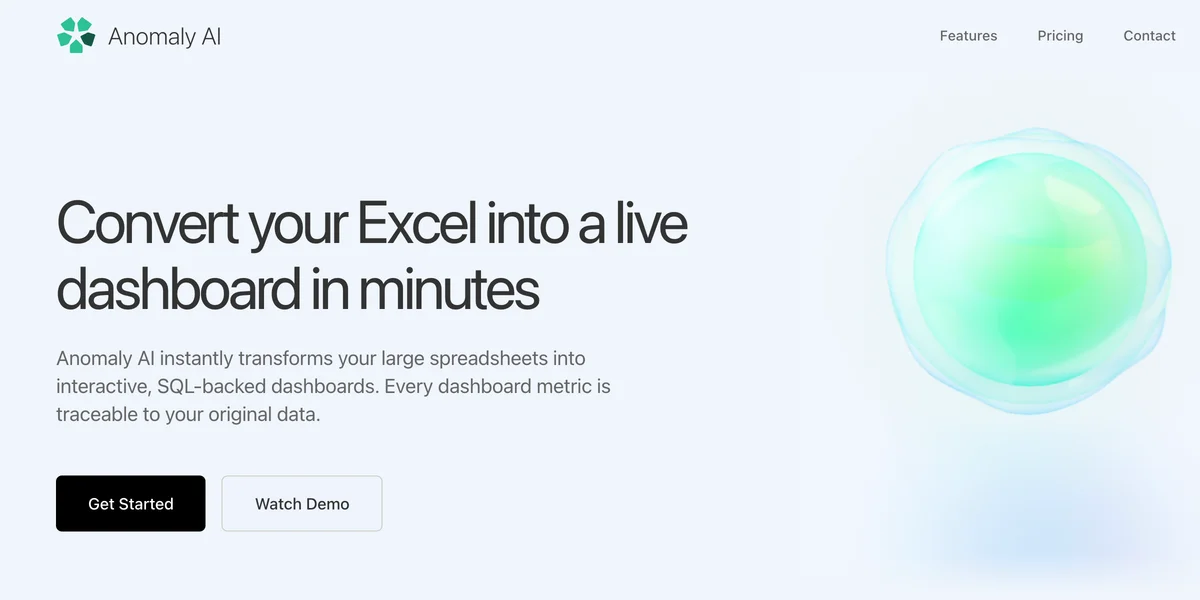
Anomaly AI
Turn messy spreadsheets and databases into dashboards and reports you can actually trust.
ThoughtSpot
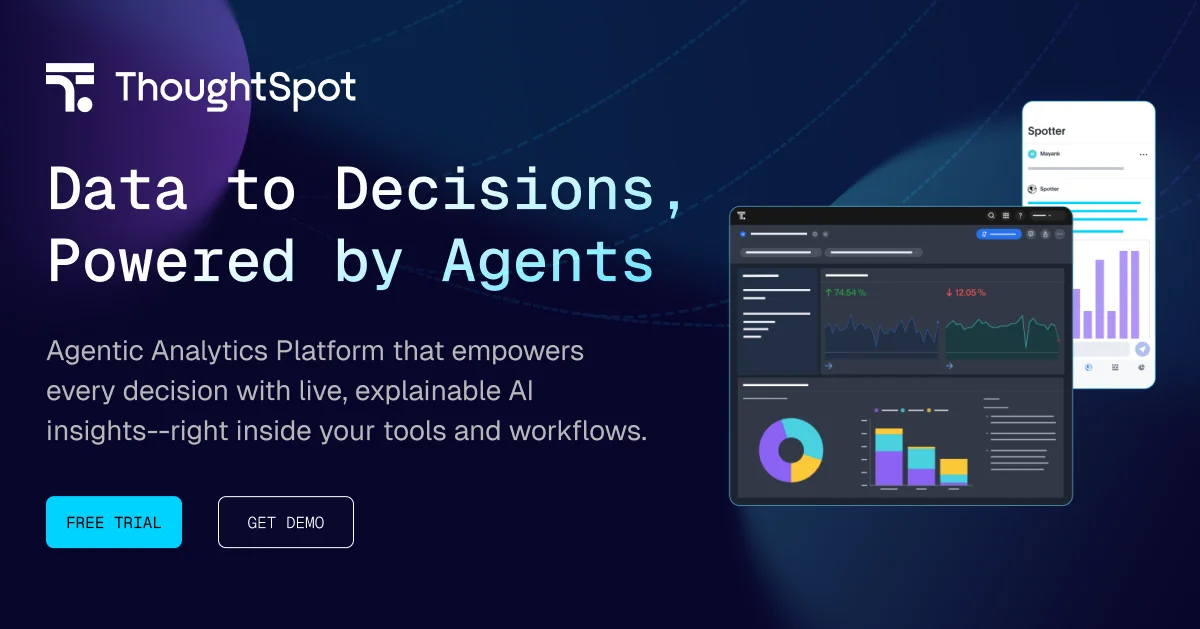
Turn data into decisions with AI-powered analytics that everyone can use.
Julius
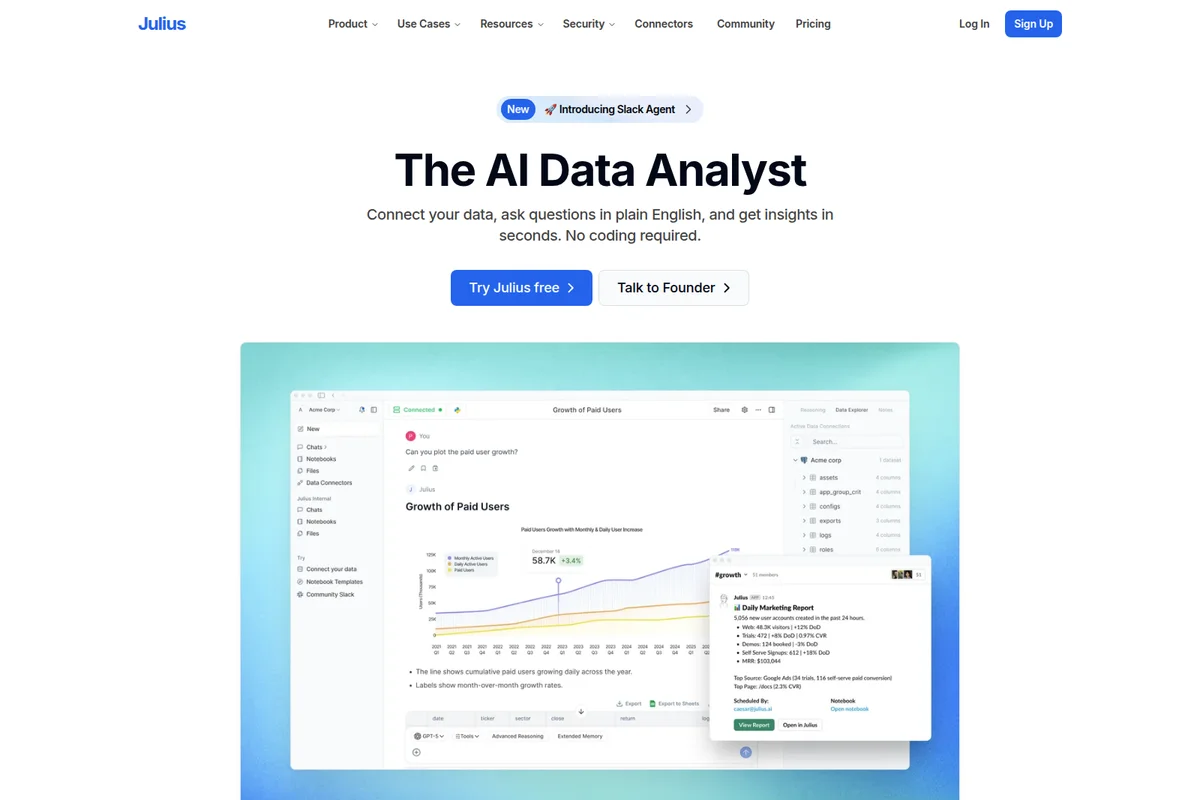
Turn questions, data, and ideas into finished work, all in one AI workspace.