
Animaker Review 2026 - AI Video Creation
Verified Jun 5, 2026 by Tooliverse Editorial
Animaker transforms video creation with AI—generate animations from text prompts, build custom characters, or edit with voice commands. Trusted by 35 million creators worldwide, it's the Swiss Army knife of creativity for marketers, educators, and businesses.
World’s Best AI Animation Maker: Create Videos, Roleplay, Training Content and More with Animaker AI
This AI Makes Cartoon Videos 🤯 (Animaker Review)
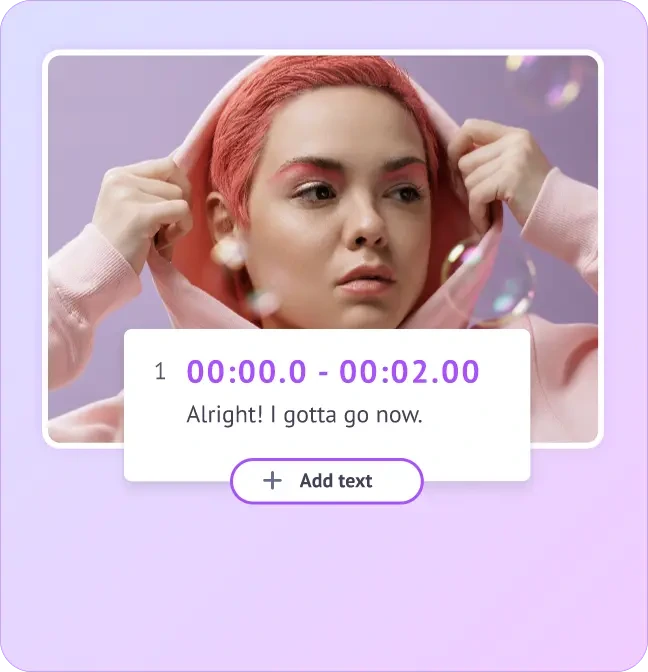
Easily add and time subtitles or text overlays to your videos.
Sign up for early beta access to Animaker's AI-powered video making experience.
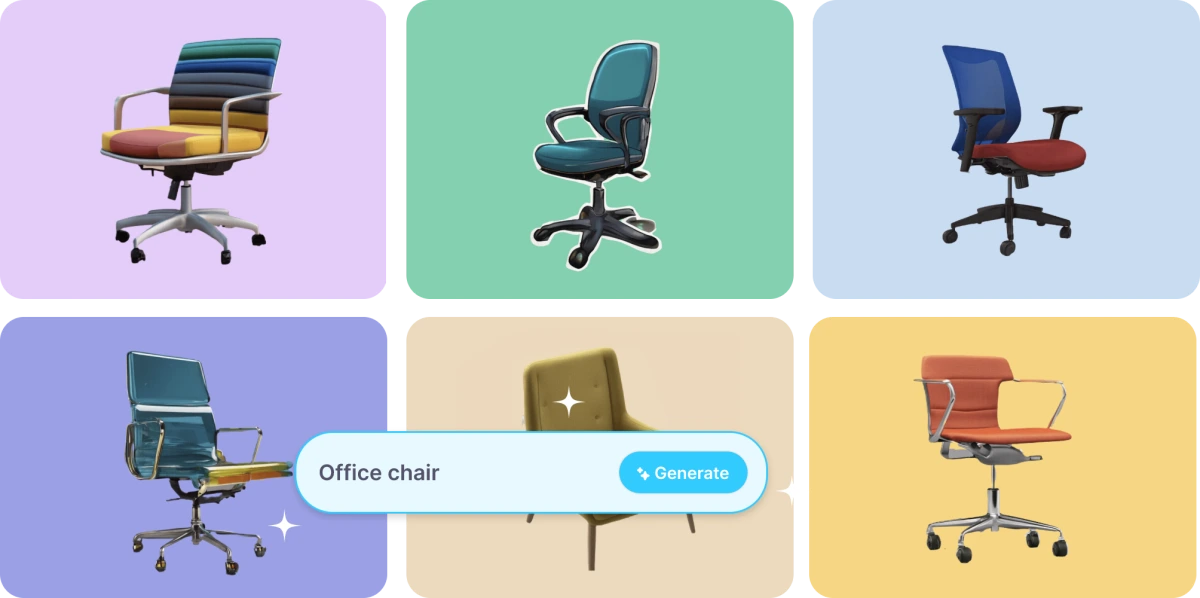
Generate diverse 3D models and assets from text prompts for your animations.
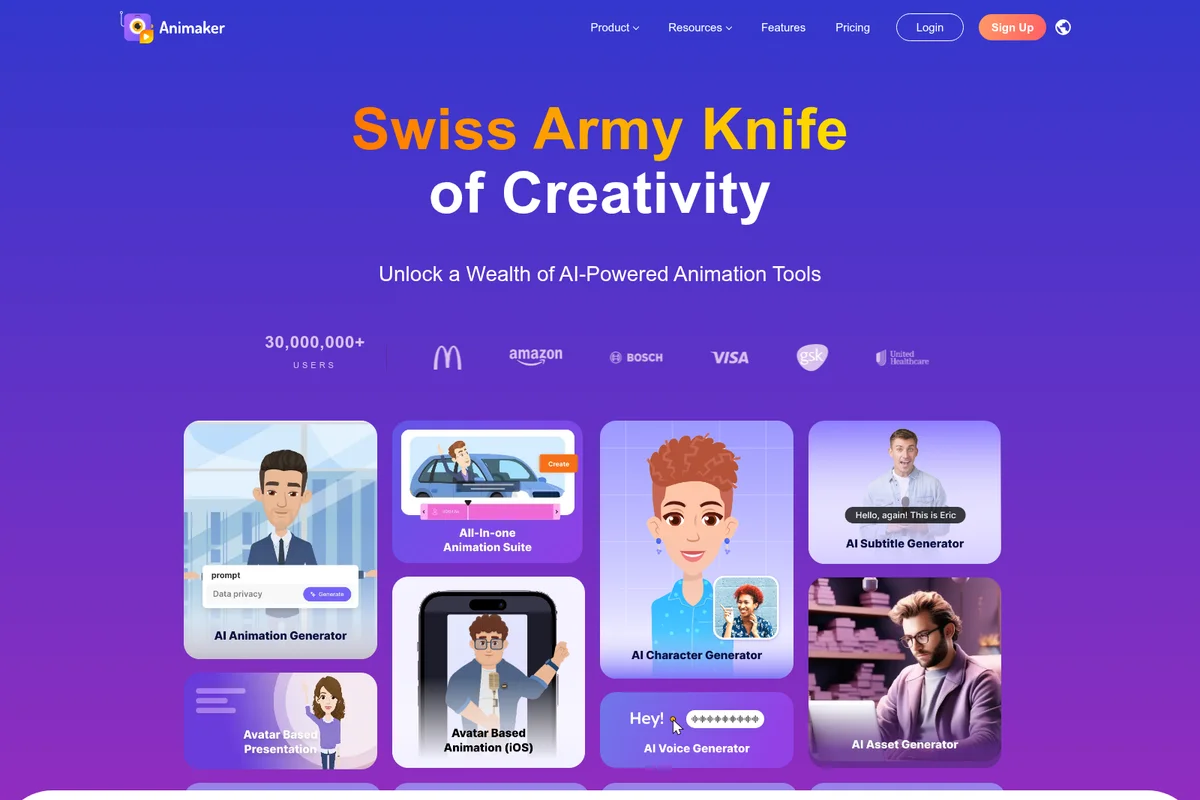
Explore Animaker's suite of AI tools for creating animations, characters, and voiceovers.
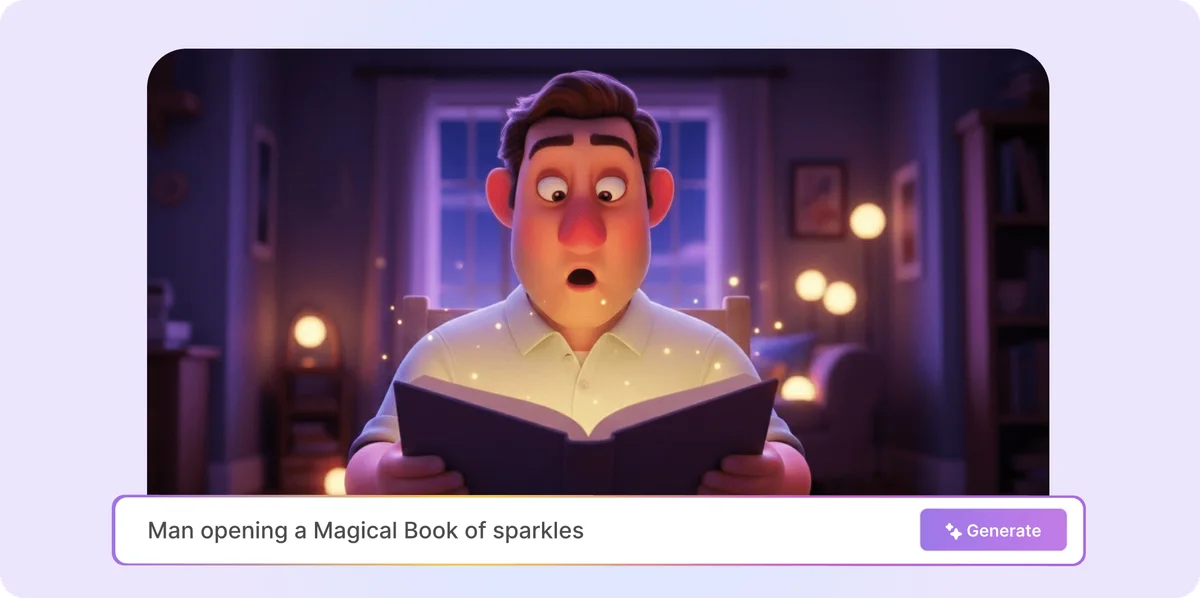
Instantly create animated scenes from text descriptions.
Create engaging animated videos at scale with Animaker's AI-powered platform.
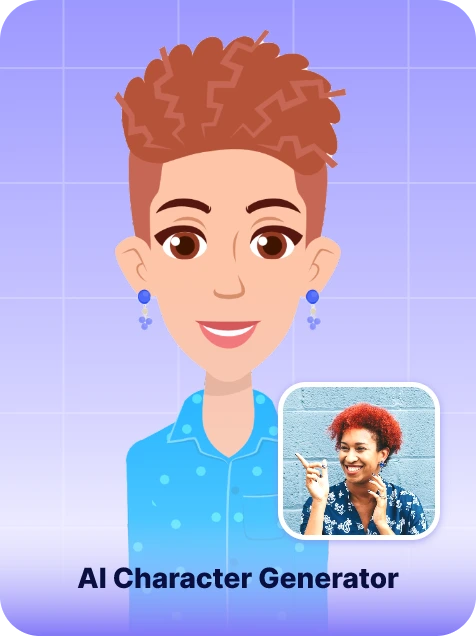
Transform your photos into unique AI-generated characters.

Create personalized animated birthday greetings and cards for any occasion.

Craft unique characters for your animated stories and videos.
Animaker Review: Tooliverse Consensus






Based on 737 verified reviews across 6 platforms,
combined with Tooliverse's expert analysis
Animaker democratizes professional animation by combining AI automation with granular manual control, letting non-designers produce studio-quality explainer videos, social content, and training materials through an extensive asset library of 100 million+ items and 1,800 AI voices. The character builder's depth and multilingual capabilities stand out for teams managing global campaigns, though premium asset costs create unexpected friction at export and the browser editor struggles with timeline-heavy projects. The platform succeeds by making complex 2D animation genuinely accessible without sacrificing the creative control that professional work demands.
Bottom line: A strong animation platform that makes studio-quality video production accessible to non-designers through powerful AI automation and deep asset libraries, though premium asset pricing lacks transparency.
Animaker | Key Specs
- Platforms
- Web, iOS, API
- Pricing Model
- Freemium ($0-49/mo + Enterprise) See plans
- Security
- ISO 27001, GDPR, SSL, 2FA, SSO See details
- API Available
- Yes (Ultra Gen API)
Wins
- •Offers an extensive library of customizable characters and assets for diverse storytellingmentioned in 342 reviews
- •Features an intuitive drag-and-drop interface that simplifies the animation process for beginnersmentioned in 285 reviews
- •Provides high-quality AI-powered lip-syncing and voiceover tools in multiple languagesmentioned in 214 reviews
Watch-Outs
- •Hidden costs for premium assets can lead to unexpected charges during exportmentioned in 112 reviews
- •Browser-based editor occasionally experiences lag or freezing during complex projectsmentioned in 98 reviews
- •Free plan is highly restrictive with watermarks and limited export optionsmentioned in 84 reviews
Animaker Features 2026
AI Animation Generator
Text-to-video animation generator that transforms prompts into studio-quality videos across 30+ categories with 4 visual styles (Cinematic, 3D, 2D vector, Realistic).
Character Builder
Build custom animated characters with 8 body types (adult male/female, plus-size male/female, kid boy/girl, infant boy/girl) and extensive customization options for outfits, accessories, and expressions.
AI Voice Generator & Auto Lip Sync
Convert text to lifelike voiceovers with 1800+ voices in 200+ languages, powered by ElevenLabs, Microsoft, and Google. Includes automatic lip-sync for animated characters.
AI Subtitle Generator
Auto-generate subtitles in 130+ languages with 99% accuracy. Includes 20+ animation styles, customization options, and auto-translation to reach global audiences.
Animaker User Reviews
Selected Reviews
"It's a really great app to just create simple stories or infomercials. I personally don't feel the need to upgrade since everything I want is provided for free."

"I would totally recommend Animaker Inc. They are the most understanding and helpful people I have ever come across on any type of platform."
"Good for basic stuff, but I found the pricing for 4K exports a bit steep for a hobbyist. The timeline can get laggy with many assets."
More from the Community
"A tool that will make your life easier, personal and professional. Build beyond your dreams!! Excellent support online."
"Effortless video creation with seamless navigation. I only had to paste the script and it made life easier for me to create the video."
"It is possible to make great videos with just a few hours of exploring the website. Very versatile for creating all kinds of animations."
"I really wanted to fall in love with this tool but it's super glitchy and I kept having to pay to upgrade for basic things."
"The character builder is the backbone for anyone wanting modern, diverse animation. I can create billions of unique characters easily."
"A tool that will make your life easier, personal and professional. Build beyond your dreams!! Excellent support online."
"Effortless video creation with seamless navigation. I only had to paste the script and it made life easier for me to create the video."
"It is possible to make great videos with just a few hours of exploring the website. Very versatile for creating all kinds of animations."
"I really wanted to fall in love with this tool but it's super glitchy and I kept having to pay to upgrade for basic things."
"The character builder is the backbone for anyone wanting modern, diverse animation. I can create billions of unique characters easily."
"One of the best editing apps I've came across in a long time. They are sooo unique from characters to the actions."
"I would give this app 5 stars if it included all the features in the website version. Please turn it into the website but as an app."
"Very useful and fun app. There are a few issues as can be expected with anything as novel as this, but the team is very responsive."
"The animations are amazing and I love their movement. It allows me to input my own music to use in videos which is a big plus."
"One of the best editing apps I've came across in a long time. They are sooo unique from characters to the actions."
"I would give this app 5 stars if it included all the features in the website version. Please turn it into the website but as an app."
"Very useful and fun app. There are a few issues as can be expected with anything as novel as this, but the team is very responsive."
"The animations are amazing and I love their movement. It allows me to input my own music to use in videos which is a big plus."
Animaker Pricing 2026
View SourceThe free tier with three watermarked exports monthly is sufficient for testing the workflow, but Starter at $19 monthly is where most users land: 10 exports in 1080p, 15 custom characters, and 20 premium stock assets cover regular social media production without constant limit anxiety. Pro at $49 monthly makes sense for teams producing dozens of videos monthly who need 2K quality and deeper asset libraries. Skip Basic entirely—the $10 tier's 720p ceiling and five-export limit feel restrictive the moment you start producing seriously.
Animaker In-Depth Review 2026

The platform runs entirely in your browser and works across desktop and mobile, though the iOS app trails the web version in features. What sets it apart is the combination of AI automation and manual control: generate a complete video from a script, then customize every character, scene, and transition using the drag-and-drop editor. It's built for the marketing manager who needs five social videos by Friday and the educator who wants to make lessons stick.
What It's Like Day-to-Day
The workflow starts with either a text prompt or a template. Type a script describing your product launch, and the AI generates scenes, selects characters, adds voiceover in your chosen language, and syncs lip movements automatically. The character builder is where the platform shows its depth: eight body types covering adults, plus-size figures, children, and infants in male and female variants, with extensive customization for clothing, expressions, and accessories. As one G2 reviewer put it, the experience delivers "effortless video creation with seamless navigation" where simply pasting a script generates a complete video.
Animaker Security & Compliance
Verified Compliance
- GDPR
- ISO 27001
- CyberGRX
Security Features
- SSL Encryption (128-bit)
- Two-Factor Authentication (2FA)
- Single Sign-On (SSO)
Animaker: Frequently Asked Questions (FAQs)
Can I create a video from just a single text prompt?
Yes, Animaker AI lets you turn a single text prompt into a complete, ready-to-publish video instantly using the AI Animation Generator.
How long does it take to generate a video?
With Animaker AI, your video is generated in about a minute, depending on length and complexity.
Can I edit the video after it's generated?
Absolutely! Use Animaker's Advanced Edit tools to customize every element - characters, text, music, and more after AI generation.
How many styles of Gen AI are available?
Animaker's AI Video Generator currently has four different styles under Gen AI - Cinematic, 3D, 2D vector, and Realistic.
Animaker: Verified Data Sheet
| # | Label | Data Point |
|---|---|---|
| [1] | Animaker Consensus: 8.01/10 | Animaker is a highly-rated tool among AI video tools in the Tooliverse index, with a consensus score of 8.01/10 across 737 verified reviews. |
| [2] | What is Animaker | Animaker, operated by Animaker Inc, is an ISO 27001 and GDPR-compliant AI-powered video creation platform for animation and live-action videos. The platform serves 35 million users worldwide, with pricing starting at $10/month. |
| [3] | Tooliverse Consensus on Animaker | Animaker democratizes professional animation by combining AI automation with granular manual control, letting non-designers produce studio-quality explainer videos, social content, and training materials through an extensive asset library of 100 million+ items and 1,800 AI voices. The character builder's depth and multilingual capabilities stand out for teams managing global campaigns, though premium asset costs create unexpected friction at export and the browser editor struggles with timeline-heavy projects. The platform succeeds by making complex 2D animation genuinely accessible without sacrificing the creative control that professional work demands. |
| [4] | Animaker Verdict | Animaker bottom line: A strong animation platform that makes studio-quality video production accessible to non-designers through powerful AI automation and deep asset libraries, though premium asset pricing lacks transparency. |
| [5] | Free: Free | Animaker provides a functional Free tier with 3 Premium Downloads monthly and watermarked videos, making AI animation tools accessible at no cost. |
| [6] | Extensive customizable character library | Animaker provides an extensive library of customizable characters and assets for diverse storytelling, validated as a core strength by 342 user reviews highlighting the platform's creative flexibility. |
| [7] | Intuitive drag-and-drop interface | Animaker features an intuitive drag-and-drop interface that simplifies the animation process for beginners, with 285 user reviews confirming the platform's accessibility for non-designers. |
| [8] | AI lip-sync in 200+ languages | Animaker provides high-quality AI-powered lip-syncing and voiceover tools across 200+ languages with 1,800+ lifelike voices, validated by 214 user reviews praising the multilingual capabilities. |
| [9] | Pro: $49/month | Animaker's Pro plan delivers 30 Premium Exports monthly for $49 monthly, significantly expanding creative capacity beyond the free tier's constraints. |
| [10] | Vast template library for quick production | Animaker includes a vast selection of ready-to-use templates for quick video production, with 189 user reviews highlighting the time-saving value of the template library across 30+ video categories. |
| [11] | Hidden premium asset costs | Animaker's premium asset costs can lead to unexpected charges during export, with 112 user reports indicating confusion over which stock assets require additional credits beyond the monthly plan allocation. |
| [12] | Browser editor lag on complex projects | Animaker's browser-based editor occasionally experiences lag or freezing during complex projects with multiple assets, according to 98 user reports describing performance degradation on timeline-heavy animations. |
| [13] | Enterprise: SSL Encryption (128-bit) | Animaker secures enterprise deployments with SSL Encryption (128-bit), Two-Factor Authentication (2FA), and Single Sign-On (SSO). |
| [14] | Most helpful platform encountered | A verified Trustpilot reviewer noted that Animaker is "the most understanding and helpful" platform they have encountered, praising the team's responsiveness and problem-solving approach. |
Best Animaker Alternatives
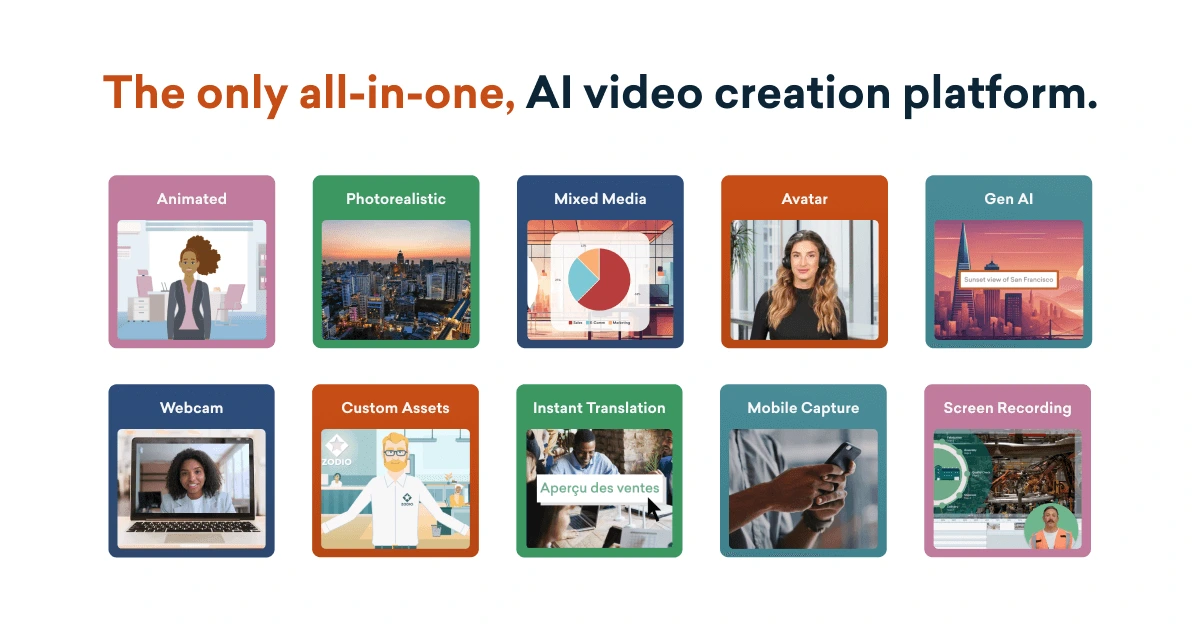
Vyond
Create effective videos in seconds with the #1 enterprise-ready AI video creation platform.
Pictory
Turn text, scripts, and ideas into professional videos in minutes—no editing skills required.
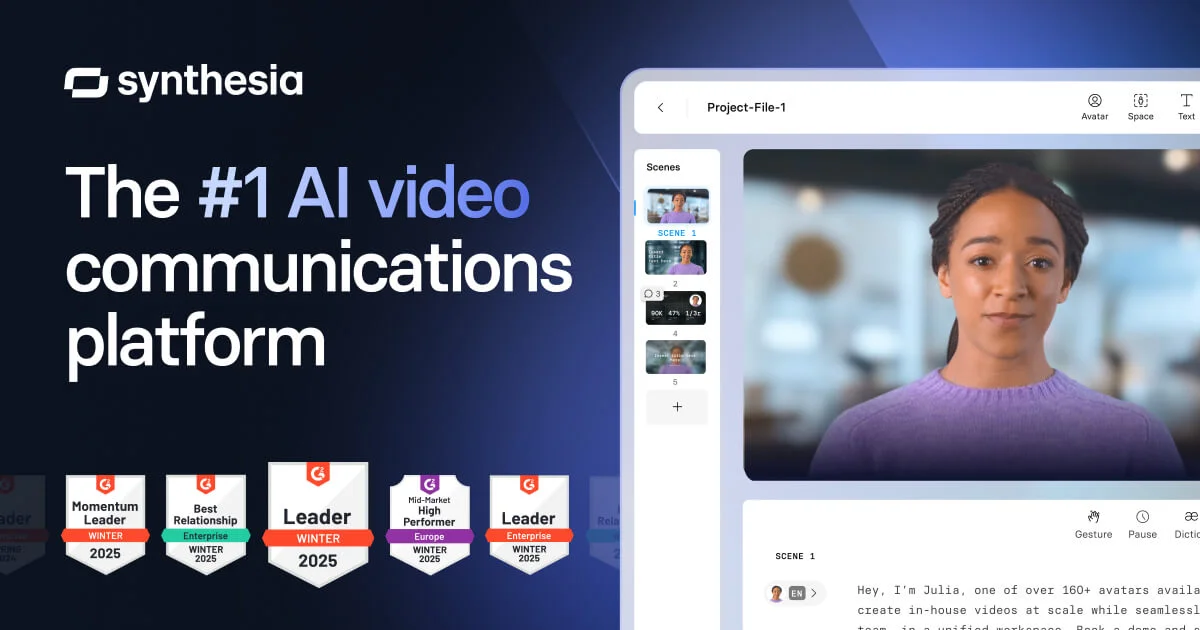
Synthesia
Create studio-quality AI videos in minutes—no cameras, mics, or actors needed.