
Pictory Review 2026 - AI Text-to-Video Maker
Verified Oct 6, 2026 by Tooliverse Editorial
Pictory turns text, URLs, PPTs, audio, and images into finished videos with captions, AI voices, and avatars—no filming or timelines required. Trusted by over 20,000 companies, it makes video creation feel like writing a doc.
Turn Any Webpage into a Video in Minutes | Pictory AI Guide 2026
Pictory AI FULL Review | Is This The Best AI Video Generator In 2026?
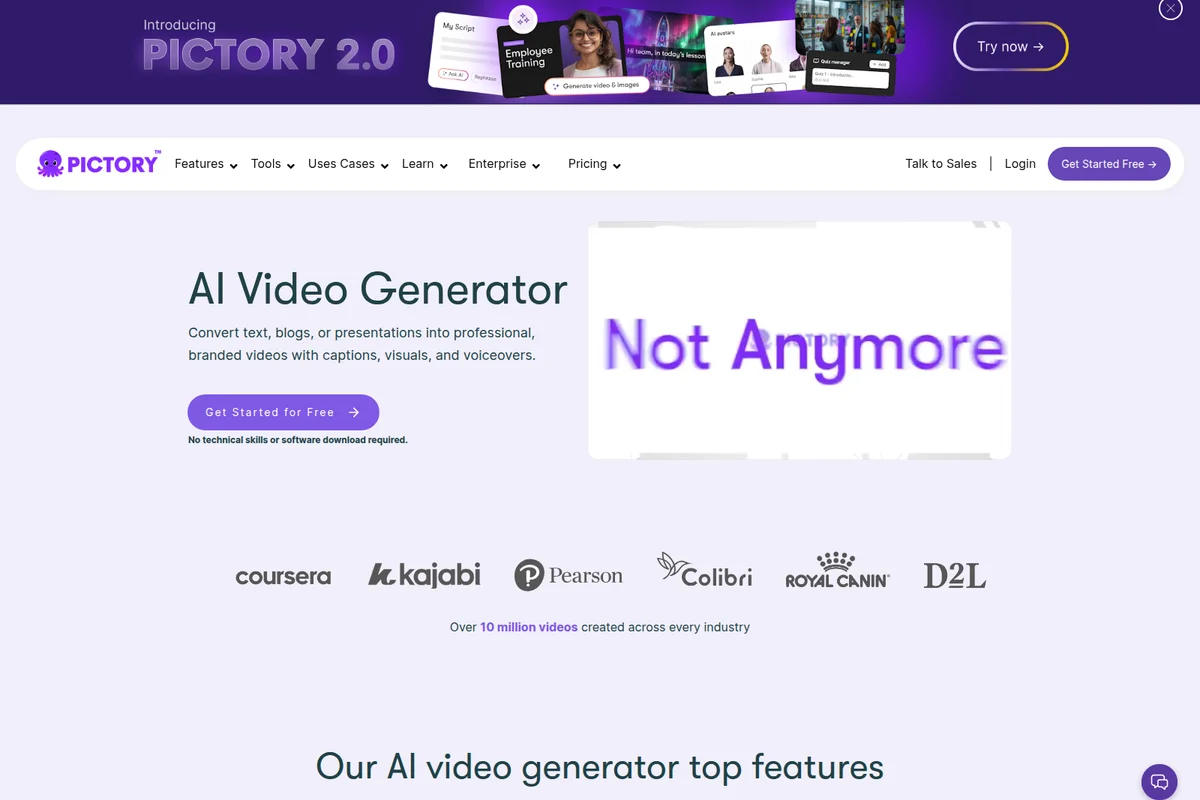
Transform text, blogs, or presentations into professional, branded videos.
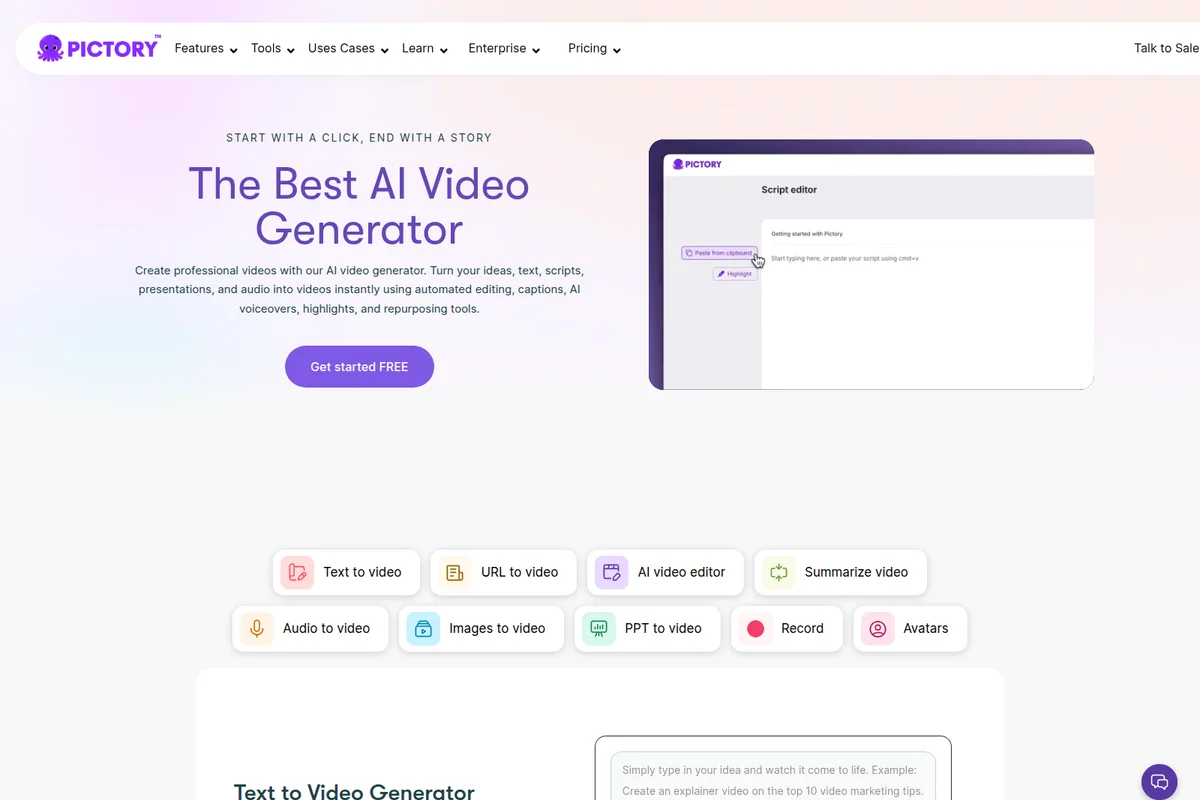
Easily transform scripts, URLs, audio, or images into engaging AI videos.
Pictory Review: Tooliverse Consensus


Based on 410 verified reviews across 5 platforms,
combined with Tooliverse's expert analysis
Pictory turns written material into captioned, voiced social video fast enough that repurposing a blog post stops feeling like a project. Reviewers credit the Storyblocks footage, accurate auto-captions, and a learning curve non-editors clear in minutes. The tradeoffs are predictable: the AI sometimes picks stock clips unrelated to the sentence, 4K exports render slowly, and advanced editors find the interface restrictive. Support responsiveness draws occasional complaints too, so expect to fix a few scenes and handle billing questions patiently.
Bottom line: A top-tier text-to-video tool for fast social repurposing, with accurate captions and deep stock footage, though expect to swap mismatched clips and wait on slow 4K renders.
Pictory | Key Specs
- Platforms
- Web, Chrome extension, API
- Pricing Model
- Free trial + Paid Tiers ($25-199/mo) See plans
- Privacy/Data Use
- SOC 2 & GDPR compliant; NSFW content prohibited
- Security
- SOC 2, ISO 27001, SSO (Enterprise) See details
Wins
- •Transforms long-form blog posts into polished social media videos in under ten minutesmentioned in 184 reviews
- •Provides an extensive library of high-quality stock footage through seamless Storyblocks integrationmentioned in 156 reviews
- •Automates the tedious process of captioning with impressively high speech-to-text accuracymentioned in 142 reviews
Watch-Outs
- •AI occasionally selects irrelevant stock clips that require manual replacement to ensure contextmentioned in 94 reviews
- •Video rendering times can be significantly slow, especially for high-resolution 4K exportsmentioned in 76 reviews
- •Customer support and billing resolution can be slow or reliant on unhelpful automated botsmentioned in 54 reviews
Pictory Features 2026
Text to Video
Turns text, prompts, scripts, articles, and blog posts into videos with AI visuals, captions, and AI voices.
URL to Video
Converts blog links and web pages into scripted, captioned videos; Chrome extension generates videos from any webpage.
AI Studio
Generates custom images and short video clips from text prompts directly inside the editor's Visuals tab.
Image to Video
Animates photos and images using models such as Pixverse 5.5, Veo 3.1 Fast, and Veo 3.1.
Pictory User Reviews
Selected Reviews
"YASH ARORA was wonderful. He spent an hour in working thru my difficulties, and resolved everything. Great listener and pro-active problem solver."
"I've been using Pictory.ai for over a year and recently renewed my subscription. It's a powerful tool for my faceless channel."
"The final outcomes are satisfying. AI script writer is far more helpful in segregating the prompt into multiple scenes than other tools I've tried."
More from the Community
"Pictory turned my 3000-word blog into a polished video in under 10 minutes — game changer for content marketing."
"AI video editor that is easy to use, saves time and comes at a very good price. Perfect for my small business ads."
"Great for faceless YouTube channels. The ElevenLabs integration for voices is a huge plus, though rendering can be a bit of a wait."
"Helpful for quick social clips, but I wish there was more control over the transitions and specific animations between scenes."
"Good for beginners, but the stock footage selection can be hit or miss. Sometimes it picks a clip that has nothing to do with the sentence."
"Pictory turned my 3000-word blog into a polished video in under 10 minutes — game changer for content marketing."
"AI video editor that is easy to use, saves time and comes at a very good price. Perfect for my small business ads."
"Great for faceless YouTube channels. The ElevenLabs integration for voices is a huge plus, though rendering can be a bit of a wait."
"Helpful for quick social clips, but I wish there was more control over the transitions and specific animations between scenes."
"Good for beginners, but the stock footage selection can be hit or miss. Sometimes it picks a clip that has nothing to do with the sentence."
"Best tool for repurposing long content into short, engaging clips. Saves me hours every week on my LinkedIn strategy."
"The automated visual selection can occasionally use incorrect footage, requiring extra time for manual fixes which defeats the speed purpose."
"Rendering speeds have improved in the 2026 update, but it still takes a while for 4K exports compared to local editors."
"Simple, fast, and effective. It doesn't replace a pro editor, but for daily social content, it's unbeatable."
"Best tool for repurposing long content into short, engaging clips. Saves me hours every week on my LinkedIn strategy."
"The automated visual selection can occasionally use incorrect footage, requiring extra time for manual fixes which defeats the speed purpose."
"Rendering speeds have improved in the 2026 update, but it still takes a while for 4K exports compared to local editors."
"Simple, fast, and effective. It doesn't replace a pro editor, but for daily social content, it's unbeatable."
Pictory Pricing 2026
View SourceStarter at $25/month billed annually covers 2,400 video minutes a year, plenty for a weekly social cadence, so most solo marketers can stop there. Professional at $35/month billed annually adds voice cloning and custom avatars; pay for it only if you need those. Refunds aren't offered and monthly minutes don't roll over, so burn through the 14-day trial before committing.
Pictory In-Depth Review 2026

Pictory builds a scene-by-scene storyboard from whatever you already have: a script, a blog URL, a PowerPoint, audio, or images. You then edit the video by editing its text, so there is no timeline to learn. It adds captions, AI voiceovers, and stock visuals from Getty Images and Storyblocks, runs in the browser, and comes with a Chrome extension that turns any webpage into a video. API, Zapier, and Make connections cover automated workflows.
What It's Like Day-to-Day
The core loop is short: paste a link or script, let Pictory split it into scenes, then review the draft. Reviewers on Product Hunt describe turning a 3,000-word blog post into a finished video in under ten minutes, and one marketer called it a "game changer for content marketing". Captions arrive automatically, and 142 reviews single out the speech-to-text accuracy, which matters because nobody wants to proofread subtitles line by line.
Footage comes from the Storyblocks and Getty libraries, so a draft rarely looks bare, and ElevenLabs voices narrate it in 29 languages on Professional and Teams plans (standard voices cover seven, and text-to-video input is English only).
Pictory Security & Compliance
Verified Compliance
- SOC 2
- GDPR compliant
- ISO 27001
Security Features
- Single Sign On (SSO) on Enterprise plan
- Payments secured via Stripe and PayPal
Privacy Commitments
- Adult/NSFW content generation is not supported and violates Terms of Service
Pictory: Frequently Asked Questions (FAQs)
Does Pictory offer a free trial?
Yes, Pictory offers a 14-day free trial with no credit card required. The trial allows 3 video projects and 15 video minutes.
How much does Pictory cost?
Pictory plans start at $29/month for Starter ($25/month billed annually). Professional is $59/month ($35/month billed annually), Team is $199/month ($119/month billed annually), and Enterprise is custom priced.
How are video minutes calculated?
Video minutes are the minutes of video you can export, and they vary by plan. Previewing, editing, and sharing within your account does not use minutes; Team plan minutes are shared across members and extra minutes can be bought in-app.
Do annual plans include all video minutes upfront?
Yes, annual plans include the full yearly allocation of video minutes upfront, usable any time during the subscription.
Pictory Integrations
| Zapier | Make | Shopify (coming soon) |
| ElevenLabs | Getty Images | Storyblocks |
| ChatGPT |
Pictory: Verified Data Sheet
| # | Label | Data Point |
|---|---|---|
| [1] | Pictory Consensus: 9.02/10 | Pictory is one of the highest-rated AI video tools in the Tooliverse index, with a consensus score of 9.02/10 across 410 verified reviews. |
| [2] | What is Pictory | Pictory is a SOC 2 compliant AI video generator that turns text, URLs, PPTs, audio, and images into captioned videos with AI voices and avatars. It is trusted by over 20,000 companies, with plans starting at $25/month billed annually. |
| [3] | Tooliverse Consensus on Pictory | Pictory turns written material into captioned, voiced social video fast enough that repurposing a blog post stops feeling like a project. Reviewers credit the Storyblocks footage, accurate auto-captions, and a learning curve non-editors clear in minutes. The tradeoffs are predictable: the AI sometimes picks stock clips unrelated to the sentence, 4K exports render slowly, and advanced editors find the interface restrictive. Support responsiveness draws occasional complaints too, so expect to fix a few scenes and handle billing questions patiently. |
| [4] | Pictory Verdict | Pictory bottom line: A top-tier text-to-video tool for fast social repurposing, with accurate captions and deep stock footage, though expect to swap mismatched clips and wait on slow 4K renders. |
| [5] | Free Trial: Free | Pictory offers a Free Trial tier with 14 days free use and 15 video minutes, so you can try the AI tools at no cost. |
| [6] | Accurate automated captions | Pictory automates captioning with high speech-to-text accuracy, praised in 142 user reviews, and its text-based editor also removes filler words and silences from recordings. |
| [7] | Low learning curve for non-editors | Pictory has a low learning curve that lets non-editors produce professional-looking videos by editing text instead of a timeline, according to 128 user reviews. |
| [8] | ElevenLabs voices in 29 languages | Pictory offers natural-sounding ElevenLabs AI voiceovers, praised in 115 user reviews, in 29 languages on Professional and Teams plans and 7 languages on standard plans, while text-to-video input currently supports only English. |
| [9] | Starter (Monthly): $29/month | Pictory Starter (Monthly) gives users 200 video minutes/month for just $29 monthly, a significant step up from the free tier. |
| [10] | Blog-to-video in under 10 minutes | Pictory converts long-form blog posts into captioned social media videos in under 10 minutes, a strength cited in 184 user reviews, and its URL-to-video feature accepts HTML blog and news URLs. |
| [11] | AI sometimes picks irrelevant clips | Pictory sometimes selects stock clips unrelated to the script, according to 94 user reports, and users can replace them by uploading their own visuals. |
| [12] | Slow rendering for 4K exports | Pictory video rendering can be slow, particularly for 4K exports, according to 76 user reports. |
| [13] | Privacy: Adult/NSFW content generation is not supported and violates Terms of Service | Pictory's privacy protections state that Adult/NSFW content generation is not supported and violates Terms of Service. |
| [14] | Enterprise: Single Sign On (SSO) on Enterprise plan | Pictory provides enterprise security through Single Sign On (SSO) on Enterprise plan and Payments secured via Stripe and PayPal. |
| [15] | Game changer for content marketing | Pictory turned a 3000-word blog into a polished video in under 10 minutes and is a "game changer for content marketing," according to a 5/5 Product Hunt reviewer. |
Best Pictory Alternatives

Lumen5
Turn any blog, document, or idea into a professional video in minutes, no editing skills required.
Fliki
Turn any script, blog, or idea into a finished video with lifelike AI voices.

InVideo
Stop babysitting AI and start directing it—describe your edit and watch it happen on a real timeline.