
Buffer Review 2026 - Per-Channel Pricing
Verified Sep 22, 2026 by Tooliverse Editorial
Buffer turns social media chaos into a simple queue—schedule posts, reply to comments, and see what's actually working across 11+ platforms. Over 268,970 creators, brands, and agencies trust it to grow with confidence.
How to Build on Buffer's New API — Quick-start Guide ⚡️
Automate Social Media Posts in 30 Minutes Using ChatGPT & Buffer
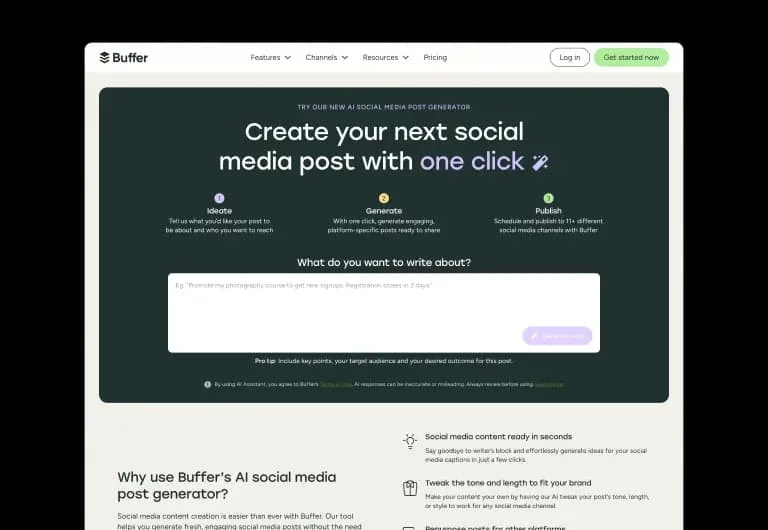
Generate engaging social media posts in one click with AI.
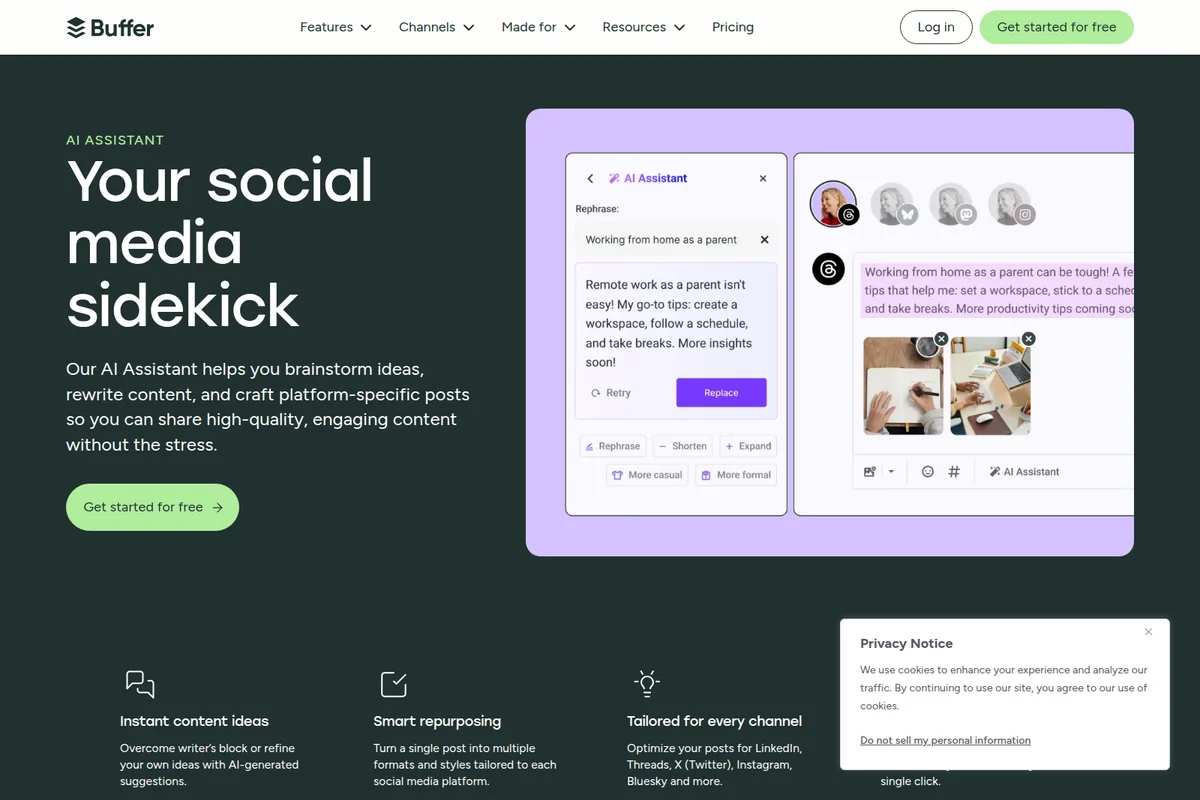
Craft high-quality, engaging social media posts with AI assistance.

Manage your social media posts in an organized queue, ready for publishing across platforms.
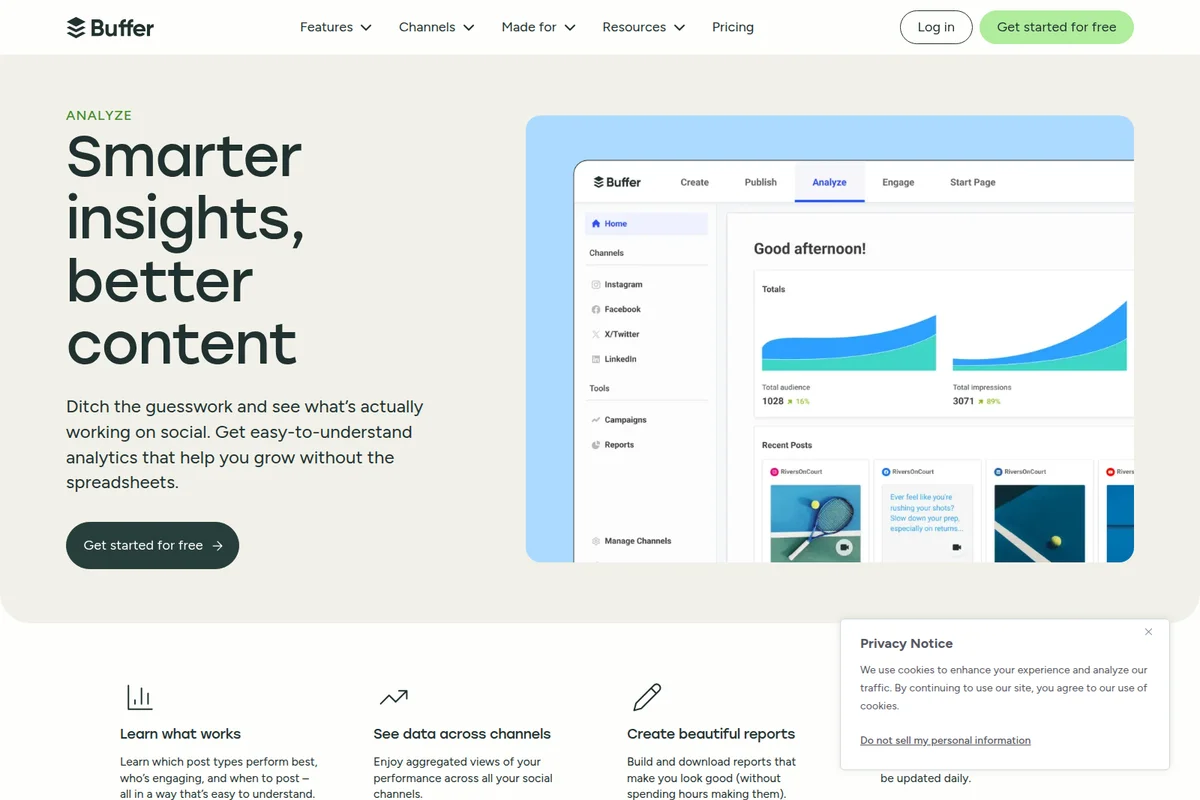
Get clear insights into your social media performance at a glance.
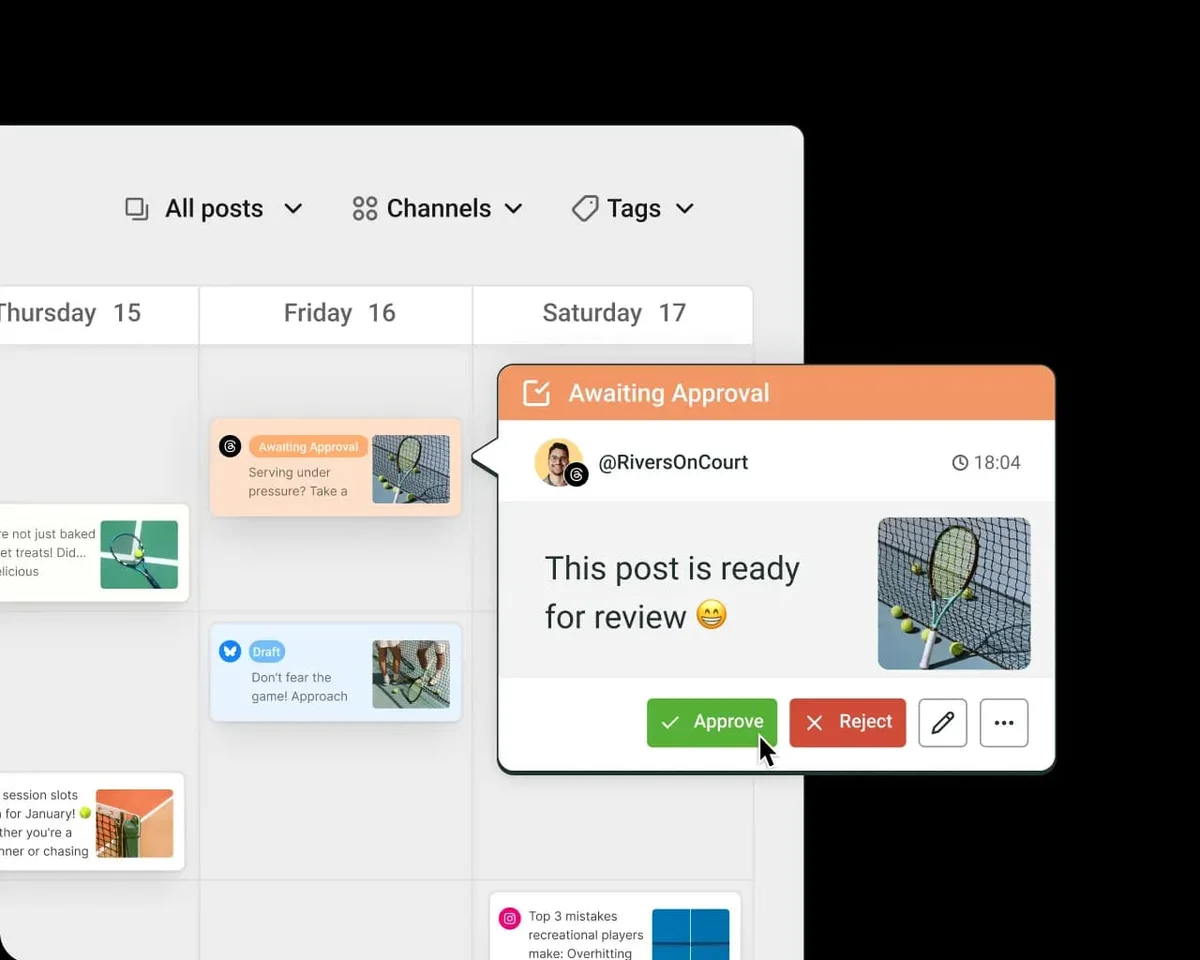
Streamline your content workflow with easy-to-use post approval for your team.

Streamline content creation and approvals for seamless team collaboration.
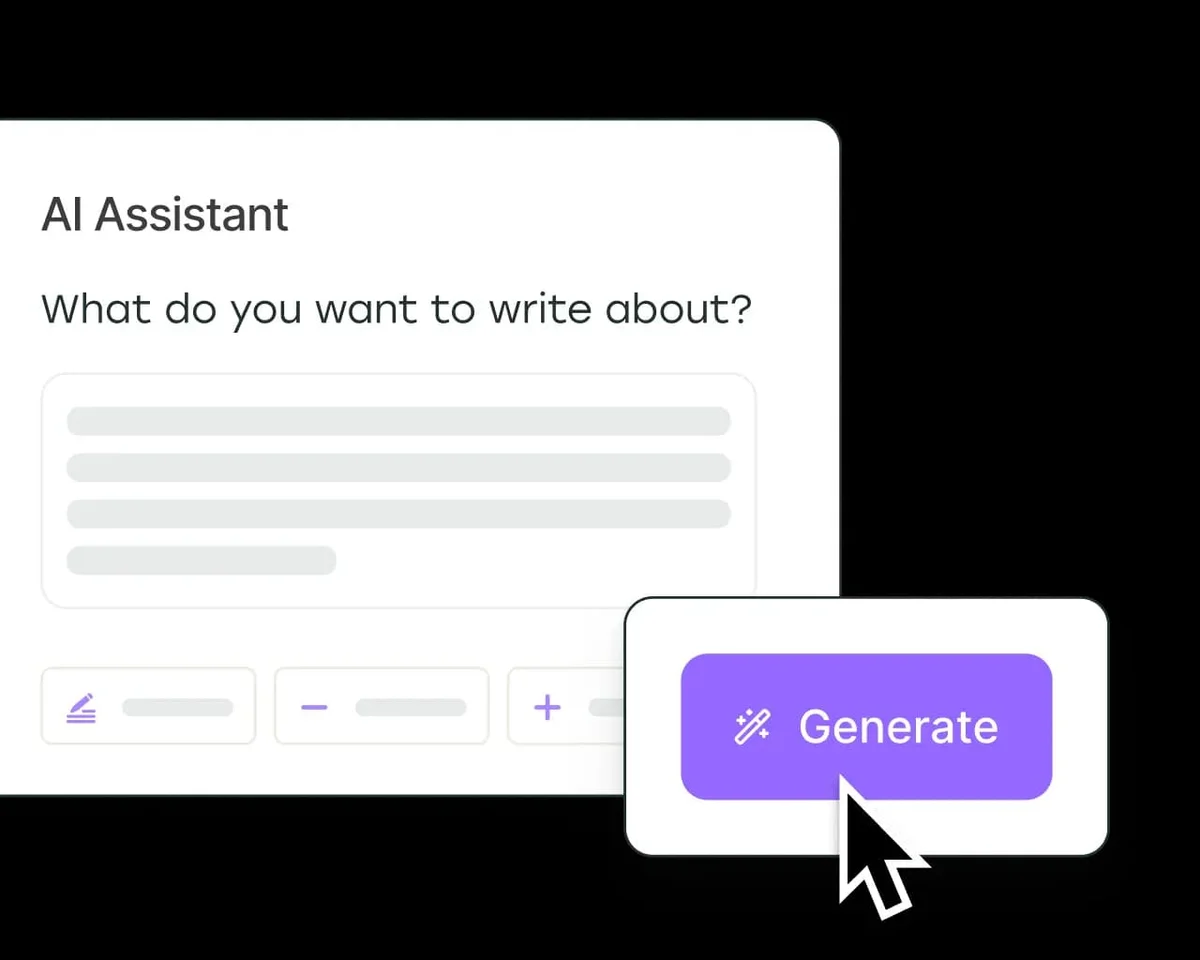
Generate compelling content effortlessly with the AI Assistant.
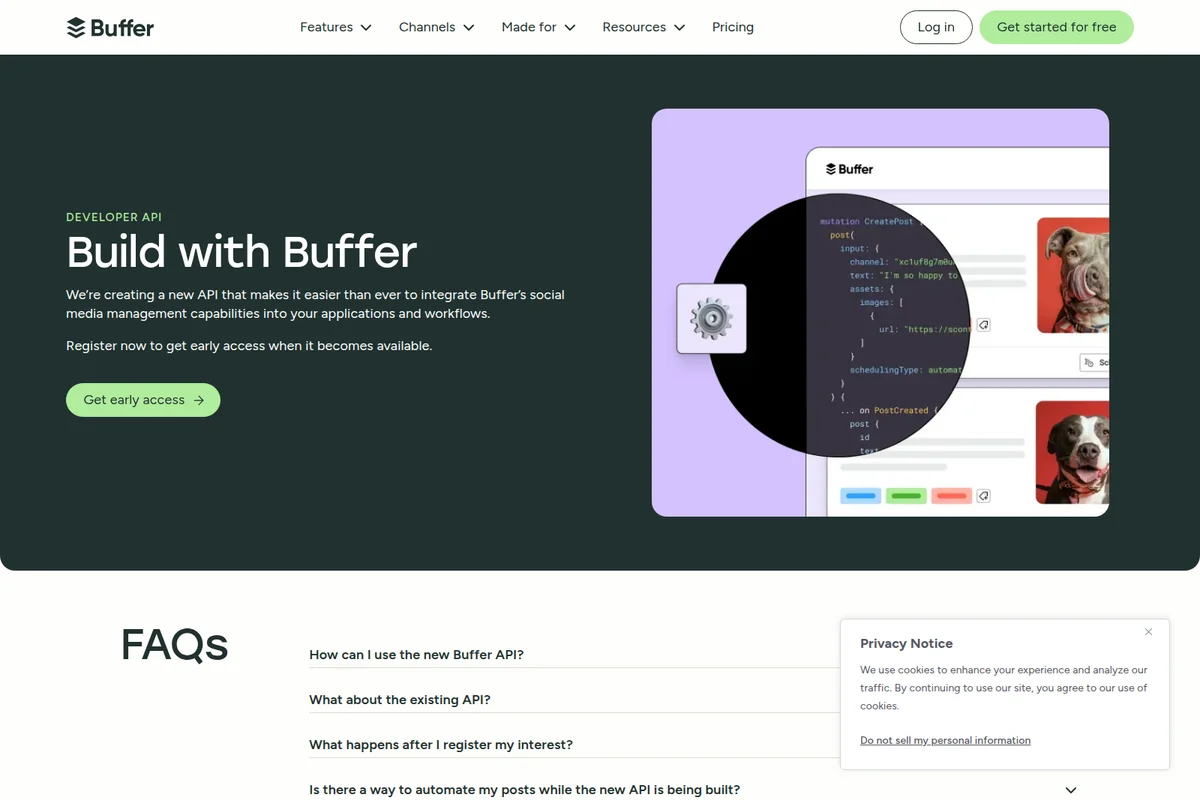
Integrate Buffer's social media capabilities with our new API.
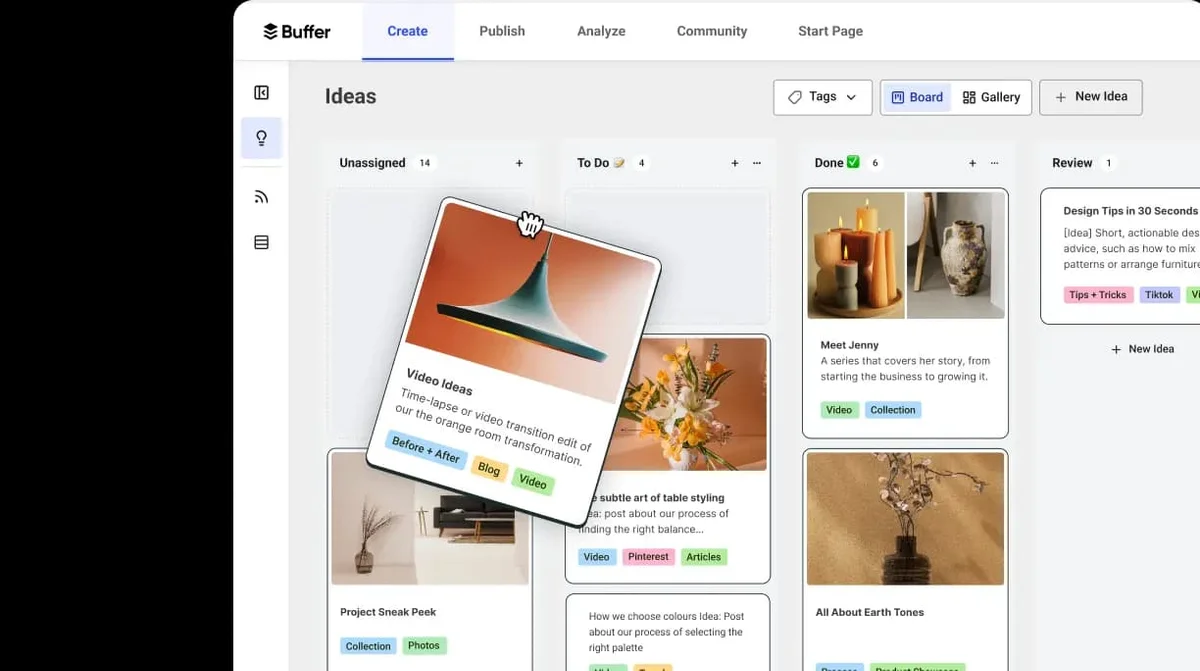
Organize and track all your content ideas across different stages.

Connect all your social media channels to one unified workspace.
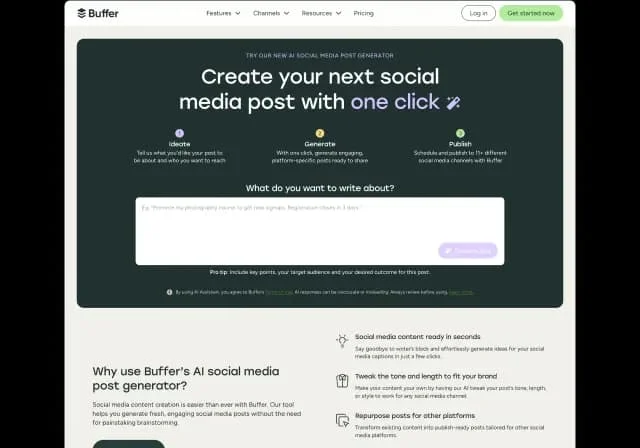
Create engaging social media posts in seconds with AI assistance.
Buffer Review: Tooliverse Consensus






Based on 5k+ verified reviews across 6 platforms,
combined with Tooliverse's expert analysis
Buffer wins by doing less than its enterprise competitors and doing it cleanly, pairing an uncluttered scheduling interface with an AI Assistant that turns a blank caption field into a finished post in seconds. Reviewers consistently point to its unified queue, early Threads and Mastodon support, and a Free tier that stays genuinely usable as the reasons it beats bloated rivals. The tradeoff is analytics depth, which stays basic next to enterprise-grade reporting suites.
Bottom line: Buffer earns its loyal following through radical simplicity and a capable AI Assistant, though teams craving deep analytics or bulletproof account connections will occasionally hit its edges.
Buffer | Key Specs
- Platforms
- Web, iOS, Android, Chrome Extension
- Pricing Model
- Freemium, per-channel ($0-10+/channel/mo) See plans
- Security
- Two-factor authentication See details
- Integrations
- Canva, Google Drive, Google Photos + 21 more
Wins
- •Simplifies multi-platform scheduling with a clean, unified interfacementioned in 842 reviews
- •AI Assistant helps generate captions and repurpose content quicklymentioned in 615 reviews
- •Affordable Free tier remains highly viable for individual creatorsmentioned in 528 reviews
Watch-Outs
- •Analytics features can feel basic compared to high-end enterprise toolsmentioned in 312 reviews
- •Occasional re-authorization bugs require manual reconnecting of accountsmentioned in 285 reviews
- •Instagram Tagging and Collab features sometimes lag behind native app capabilitiesmentioned in 194 reviews
Buffer Features 2026
Buffer API & MCP
A public REST API plus a Model Context Protocol (MCP) server that lets users connect Buffer directly to AI agents like Claude and ChatGPT to pull performance data and push content to the queue via conversation.
Per-channel pricing model
Buffer charges per connected social channel rather than per seat or per brand, with volume discounts for channels above 10 — letting agencies scale cost predictably.
Community inbox
Reply to comments across Instagram, Facebook, LinkedIn, Threads, Bluesky, X, TikTok, Google Business Profile, YouTube, and Mastodon from one dashboard at what Buffer calls '10x speed', with AI-suggested replies.
Start Page
A customizable link-in-bio landing page that turns a social bio into a hub for content and links; counts as one channel toward a plan.
Buffer User Reviews
Selected Reviews
"The new AI assistant is a game changer for my small business. I used to spend hours on captions, but now I just give it a prompt and it handles the tone perfectly."
"Threads integration works flawlessly. Buffer was one of the first to get it right, and it's made my cross-posting workflow so much faster."
"Reliable and simple. It doesn't try to do too much, which is why I like it. Sometimes the video uploads fail if the file size is near the limit."
More from the Community
"Buffer remains the cleanest UI in the game. I've tried Hootsuite and Sprout, but they are too bloated for what I need as a solo creator."
"Great for scheduling, but I wish the analytics were a bit deeper. It's fine for basic reach and engagement, but I need more demographic data."
"The app is good but I hate how often I have to re-link my Instagram account. It seems to disconnect every two weeks which is frustrating when I have a queue ready."

"Solid tool, but the free plan is getting a bit more limited. Still the best value out there, but keep an eye on those feature gates."
"The Chrome extension is a lifesaver. I can schedule articles as I read them without ever opening the main dashboard."
"Buffer remains the cleanest UI in the game. I've tried Hootsuite and Sprout, but they are too bloated for what I need as a solo creator."
"Great for scheduling, but I wish the analytics were a bit deeper. It's fine for basic reach and engagement, but I need more demographic data."
"The app is good but I hate how often I have to re-link my Instagram account. It seems to disconnect every two weeks which is frustrating when I have a queue ready."
"Solid tool, but the free plan is getting a bit more limited. Still the best value out there, but keep an eye on those feature gates."
"The Chrome extension is a lifesaver. I can schedule articles as I read them without ever opening the main dashboard."
"AI credits run out faster than expected. If you're managing 10+ accounts, you'll hit the ceiling quickly. The suggestions are good, just wish there were more."
"Customer support is actually human and helpful. Had an issue with a billing double-charge and they fixed it in under an hour."
"Perfect for my LinkedIn strategy. The scheduling is precise and the preview feature ensures my formatting doesn't look weird on mobile."
"I like the simplicity, but the lack of a built-in image editor that's actually robust is a downer. I still have to go to Canva for everything."
"AI credits run out faster than expected. If you're managing 10+ accounts, you'll hit the ceiling quickly. The suggestions are good, just wish there were more."
"Customer support is actually human and helpful. Had an issue with a billing double-charge and they fixed it in under an hour."
"Perfect for my LinkedIn strategy. The scheduling is precise and the preview feature ensures my formatting doesn't look weird on mobile."
"I like the simplicity, but the lack of a built-in image editor that's actually robust is a downer. I still have to go to Canva for everything."
Buffer Pricing 2026
View SourceFree covers three channels and ten scheduled posts each, genuinely enough runway for a solo creator to run a real calendar at no cost. Once you need unlimited scheduling or want to hand off approvals, Essentials at $5 per channel per month billed annually is the tier that matters, since it removes the posting caps without forcing you into Team's per-member overhead.
Buffer In-Depth Review 2026

Buffer schedules and publishes content across eleven platforms, including Instagram, TikTok, LinkedIn, Threads, Bluesky, and Mastodon, all from a single calendar view. What sets it apart isn't a longer feature list than competitors; it's restraint. Buffer does scheduling, light analytics, and AI-assisted content creation well, and resists the urge to become everything at once.
What It's Like Day-to-Day
The core workflow is refreshingly boring in the best sense: drag a post into the queue, preview how it'll render on each platform, and walk away. That simplicity is the single most-cited strength across the 5,585 reviews Tooliverse analyzed, with 842 mentioning the unified interface specifically. One G2 reviewer summed up the appeal bluntly, calling Buffer "the cleanest UI in the game" after trying bloated alternatives like Hootsuite and Sprout Social.
The AI Assistant, built on OpenAI's models, is where Buffer earns its keep for solo operators. Instead of staring at a blank caption field, users feed it a prompt and get on-brand copy back, along with tools to repurpose one post into three formats or summarize a blog into a punchy caption.
Buffer Security & Compliance
Security Features
- Two-factor authentication (Email or Authenticator apps)
Privacy Commitments
- Only the text entered into AI Assistant is shared with OpenAI; account details, media files, and other work are not shared
Buffer: Frequently Asked Questions (FAQs)
Does Buffer have a free trial?
Yes, Buffer offers a 14-day free trial for its paid plans. During the trial, users can upgrade to a paid plan or switch to the Free plan at any time, and can also start using Buffer for free right away by signing up for the Free plan without a trial period.
What are the billing options for Buffer's paid plans?
Buffer offers monthly or annual billing, with a 20% discount for choosing annual billing. Users can switch between monthly and annual billing at any time, with prorations or refunds automatically applied.
What counts as a channel in Buffer's pricing?
A channel is one social account connected to Buffer — a single Instagram profile, Facebook page, LinkedIn page, TikTok account, and so on. Buffer bills per channel, so a business running five brands with an Instagram and Facebook page each would have 10 channels.
Does Buffer work for agencies or businesses managing multiple brands?
Yes, Buffer is built to manage as many accounts as needed, whether they're a company's own brands or clients'. Each social account connects as a channel, all are managed from one dashboard, and billing is per channel rather than per brand or client, so a portfolio of 30 accounts costs the same whether it's one brand or 15.
Buffer Integrations
| Canva | Google Drive | Google Photos |
| Zapier | Unsplash | Dropbox |
| OneDrive | Claude | ChatGPT |
| Cursor | Perplexity Web | Bitly |
| IFTTT | Make | n8n |
| Microsoft Power Automate | Raycast | WordPress |
| Evergreen Content Poster | Feedly | Nelio Content |
| Quuu | WriteStack | OpenAI (AI Assistant) |
Buffer: Verified Data Sheet
| # | Label | Data Point |
|---|---|---|
| [1] | Buffer Consensus: 9.02/10 | Buffer is one of the highest-rated AI marketing tools in the Tooliverse index, with a consensus score of 9.02/10 across 5,585 verified reviews. |
| [2] | What is Buffer | Buffer is a social media management platform for scheduling, publishing, and analyzing content across 11+ platforms including Instagram, TikTok, and LinkedIn. It uses transparent, per-channel pricing (Free, Essentials $5/channel, Team $10/channel) and serves 268,970 monthly active users with $26.6M ARR. |
| [3] | Tooliverse Consensus on Buffer | Buffer wins by doing less than its enterprise competitors and doing it cleanly, pairing an uncluttered scheduling interface with an AI Assistant that turns a blank caption field into a finished post in seconds. Reviewers consistently point to its unified queue, early Threads and Mastodon support, and a Free tier that stays genuinely usable as the reasons it beats bloated rivals. The tradeoff is analytics depth, which stays basic next to enterprise-grade reporting suites. |
| [4] | Buffer Verdict | Buffer bottom line: Buffer earns its loyal following through radical simplicity and a capable AI Assistant, though teams craving deep analytics or bulletproof account connections will occasionally hit its edges. |
| [5] | Free: Free | Buffer's Free tier connects up to 3 channels with 10 scheduled posts per channel that refill anytime, making its AI tools accessible at no cost. |
| [6] | Free tier stays viable for solo creators | Buffer's Free tier remains highly viable for individual creators, connecting up to 3 channels with 10 scheduled posts each, an affordability strength noted in 528 reviews. |
| [7] | Early, seamless Threads and Mastodon support | Buffer integrates seamlessly with newer platforms like Threads and Mastodon, a strength highlighted in 412 user reviews. |
| [8] | Reliable mobile queue management | Buffer's mobile app allows for reliable on-the-go queue management, a benefit cited in 387 user reviews. |
| [9] | Team: $10/channel/mo (annual) | Buffer Team includes unlimited team members for $10/channel/month billed annually, significantly expanding on the Free tier's capabilities. |
| [10] | Unified interface for multi-platform scheduling | Buffer simplifies multi-platform scheduling with a clean, unified interface, a strength cited in 842 user reviews. |
| [11] | Instagram Tagging/Collab lags native app | Buffer's Instagram Tagging and Collab features sometimes lag behind native app capabilities, according to 194 user reviews. |
| [12] | AI credits restrictive for high-volume users | Buffer's AI credit system can feel restrictive for high-volume users managing many accounts, a limitation cited in 156 user reviews. |
| [13] | Privacy: Only the text entered into AI Assistant is shared with OpenAI; account details, media files, and other work are not shared | Buffer privacy protections include Only the text entered into AI Assistant is shared with OpenAI; account details, media files, and other work are not shared. |
| [14] | Enterprise: Two-factor authentication (Email or Authenticator apps) | Buffer provides enterprise security with Two-factor authentication (Email or Authenticator apps). |
| [15] | Cleanest UI vs Hootsuite, Sprout | Buffer users describe it as having "the cleanest UI in the game," with one G2 reviewer noting competitors like Hootsuite and Sprout feel "too bloated" for solo creators. |
Best Buffer Alternatives

Hootsuite
Manage every social channel, listen to your audience, and prove your impact from one AI-powered dashboard.

Sprout Social
Turn real-time social signals into clear direction for every team—move faster and make smarter decisions.

Vista Social
AI-powered command center that handles scheduling, reporting, and engagement while you sleep.