
Canva Review 2026 - AI Design Made Simple
Verified Sep 22, 2026 by Tooliverse Editorial
Canva turns blank pages into scroll-stopping social posts, presentations, and videos in minutes—no design degree required. With 220M+ monthly users and 30B+ designs created, it's become the world's go-to visual creation platform.
How to Edit Product Photos to Look Professional in Minutes #canvatutorial #canvadesign
how to create and sell canva websites for passive income
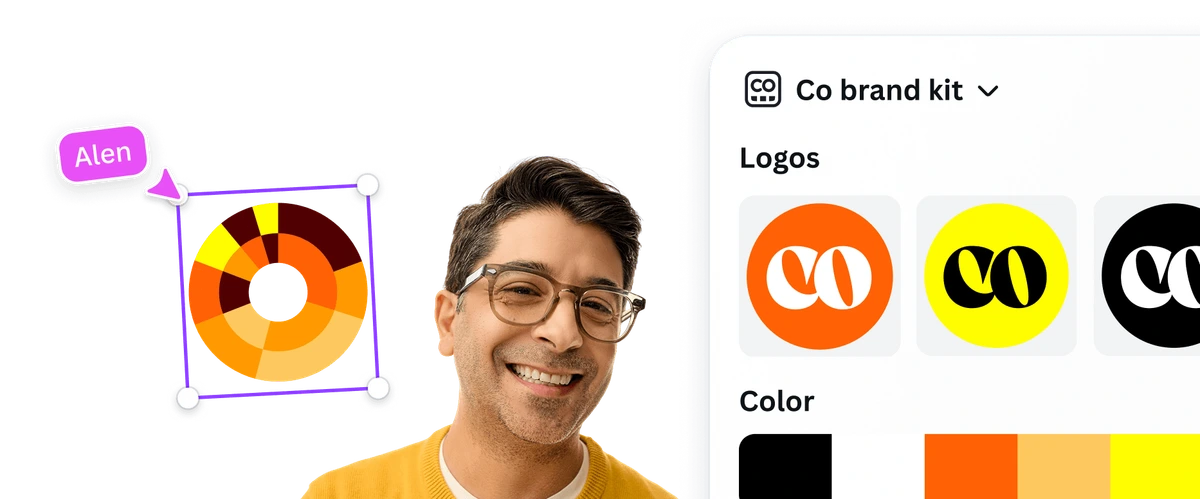
Efficiently manage your brand's assets for consistent design application.
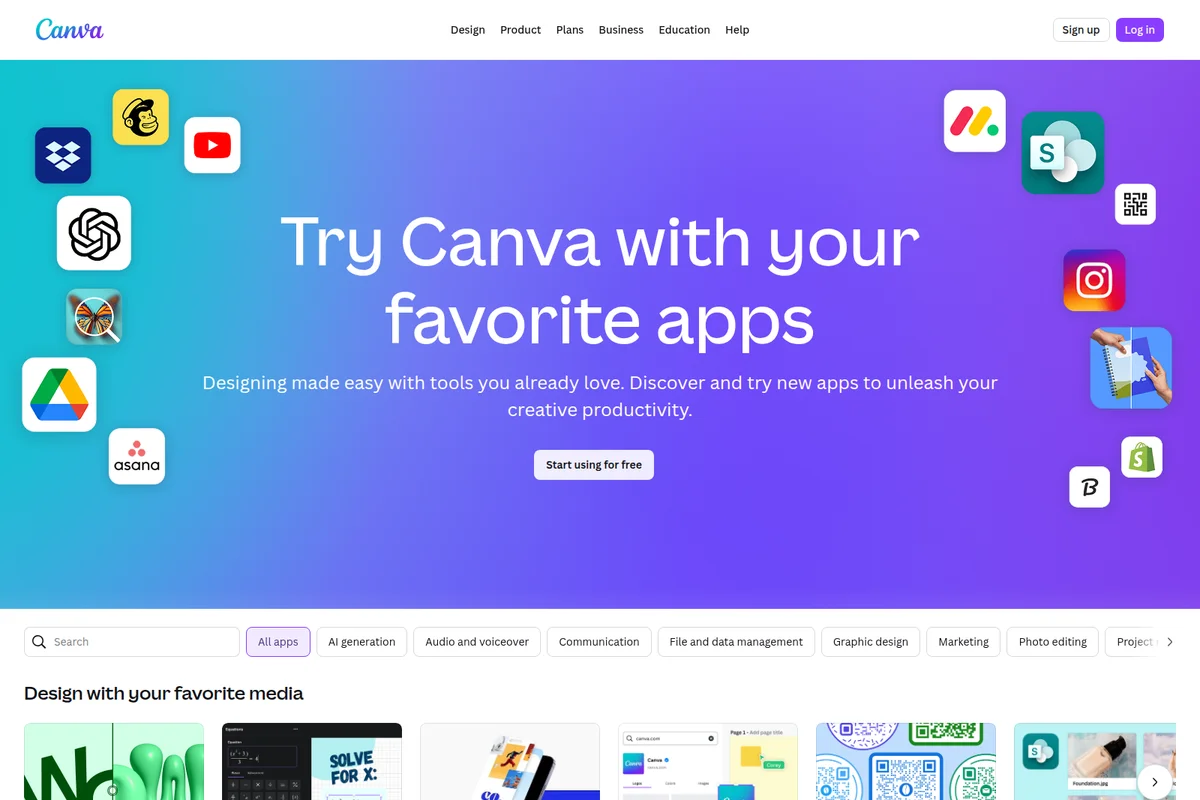
Connect Canva to your favorite apps for seamless workflow.
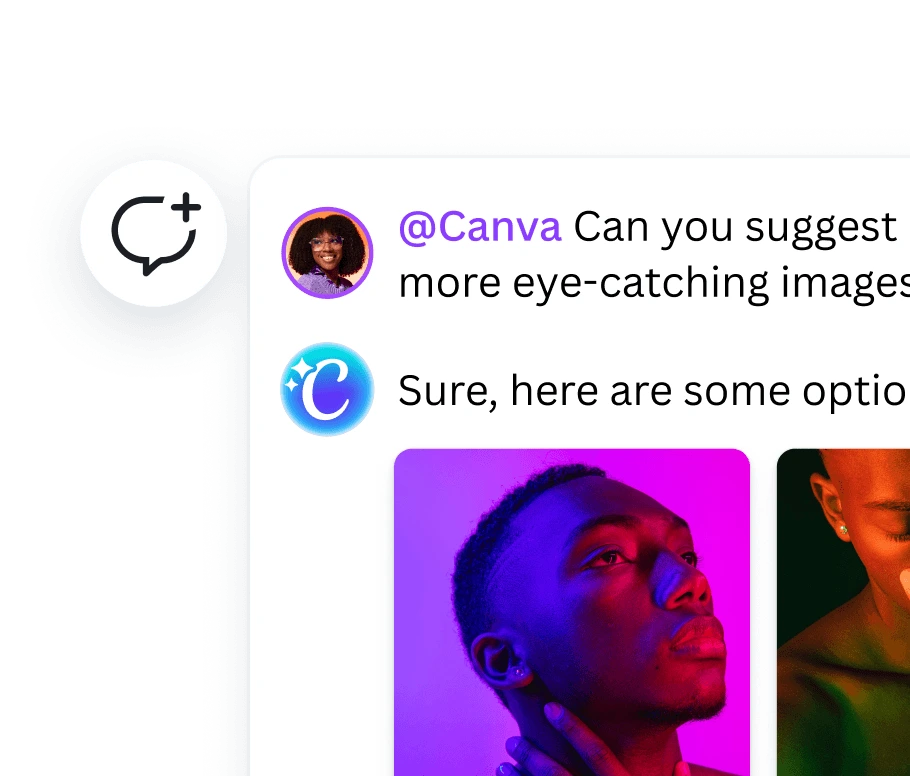
Get instant, AI-powered image suggestions for your design projects.
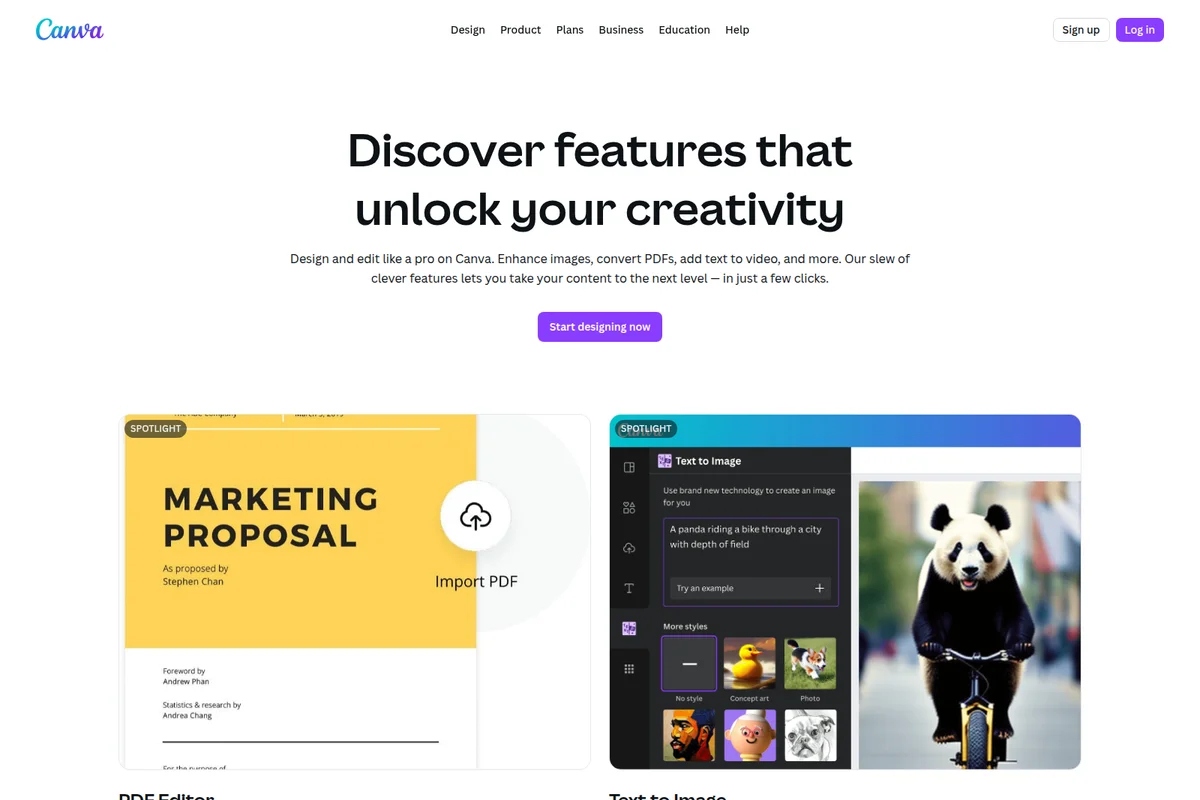
Edit PDFs directly in Canva and generate unique images from text prompts.
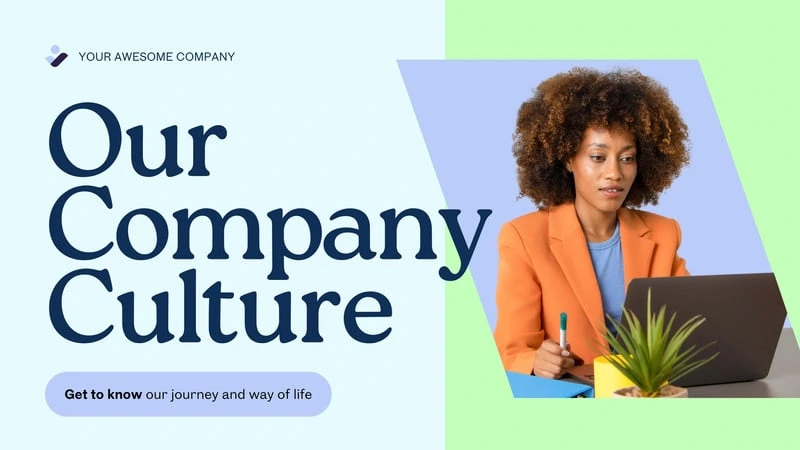
Create professional presentations and engaging marketing visuals.
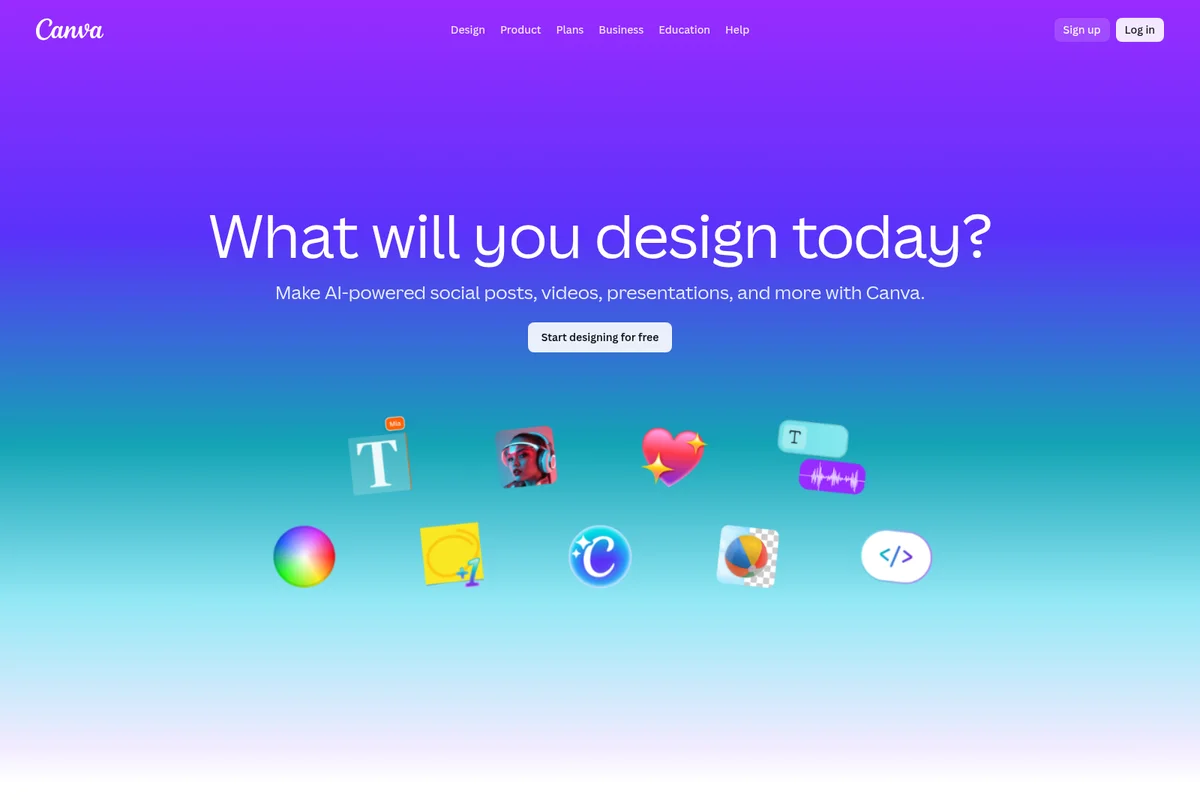
Create AI-powered social posts, videos, presentations, and more.
Canva Review: Tooliverse Consensus






Based on 57k+ verified reviews across 6 platforms,
combined with Tooliverse's expert analysis
Canva turns anyone with a browser into a capable designer, pairing a template library that eliminates the blank-page problem with Magic Studio AI tools that handle background removal, image expansion, and layout automation in seconds. Reviewers consistently praise how it accelerates content production and enables real-time team collaboration, though the most useful features sit behind a Pro paywall, exporting large files can be slow, and mobile performance can lag on complex, image-heavy projects.
Bottom line: Canva turns non-designers into confident creators through AI-powered templates and effortless collaboration, though its best tools require a Pro upgrade and mobile performance lags on heavy projects.
Canva | Key Specs
- Platforms
- Web, iOS, Android, macOS, Windows
- Pricing Model
- Freemium ($0-$20.83/user/mo, Enterprise custom) See plans
- Privacy/Data Use
- Private by default, GDPR compliant
- Security
- ISO 27001, SOC 2 Type II, SSO/MFA See details
Wins
- •Empowers non-designers to create professional-grade visuals with an incredibly intuitive drag-and-drop interfacementioned in 1,245 reviews
- •Integrates powerful AI-driven Magic Studio features that automate tedious design tasks and spark creativitymentioned in 982 reviews
- •Provides a vast library of high-quality templates and assets that significantly accelerate content productionmentioned in 856 reviews
Watch-Outs
- •Requires a Pro subscription to access the most useful features and premium assetsmentioned in 428 reviews
- •Mobile application can experience performance lag when handling complex, multi-page design projectsmentioned in 315 reviews
- •Lacks the advanced vector editing and precision tools found in professional software like Adobe Illustratormentioned in 289 reviews
Canva Features 2026
Magic Design
AI design generator that creates custom, on-brand designs in seconds from a text prompt or uploaded media, covering social posts, presentations, and video.
Magic Layers
Turns a flat image into an editable, layered design so individual elements can be adjusted independently.
Canva Code
Premium AI tool that generates interactive designs directly within Canva without requiring coding skills.
Enterprise Security & Admin Controls
SSO, SCIM provisioning, data residency options, domain reports, and AI admin controls (Canva Shield) for large organizations.
Canva User Reviews
Selected Reviews
"The Magic Studio updates are a game changer. Removing backgrounds and expanding images with AI is so smooth now. It saves me hours of manual masking in Photoshop, and the results are surprisingly clean for most social media assets."
"Canva has literally saved my small business. I can't afford a designer, but I can make my Instagram look like I have one."
"Great app, but the mobile version is getting a bit bloated. It takes a while to load my larger presentations, especially when I have lots of high-res images."
More from the Community
"I love the ease of use, but I'm frustrated by the price hikes. Also, the font management is still a mess if you have hundreds of custom fonts."
"Good for quick social posts, but I find it limiting for print production. The CMYK export is still hit or miss compared to InDesign, and I've had a few issues with bleed settings not carrying over correctly to the printer."
"The browser extension makes it so easy to grab colors and inspiration. I use it every single day for my blog."
"The video editing features are surprisingly good for a graphic design app. It's not Premiere, but for TikToks, it's perfect."
"Collaboration is where Canva wins. My whole team can jump into a deck and we finish in half the time."
"I love the ease of use, but I'm frustrated by the price hikes. Also, the font management is still a mess if you have hundreds of custom fonts."
"Good for quick social posts, but I find it limiting for print production. The CMYK export is still hit or miss compared to InDesign, and I've had a few issues with bleed settings not carrying over correctly to the printer."
"The browser extension makes it so easy to grab colors and inspiration. I use it every single day for my blog."
"The video editing features are surprisingly good for a graphic design app. It's not Premiere, but for TikToks, it's perfect."
"Collaboration is where Canva wins. My whole team can jump into a deck and we finish in half the time."
"Magic Media is cool but the results are sometimes a bit generic. Still, it's a great starting point for brainstorming."
"The best part is the template library. You never have to start from a blank page, which is the hardest part of design."
"I wish there were better folder structures. Finding a logo I uploaded two years ago is like a treasure hunt."
"The new UI is much cleaner. I appreciate how they keep adding features without making it feel impossible to navigate."
"Magic Media is cool but the results are sometimes a bit generic. Still, it's a great starting point for brainstorming."
"The best part is the template library. You never have to start from a blank page, which is the hardest part of design."
"I wish there were better folder structures. Finding a logo I uploaded two years ago is like a treasure hunt."
"The new UI is much cleaner. I appreciate how they keep adding features without making it feel impossible to navigate."
Canva Pricing 2026
View SourceThe free plan is genuinely usable, with over a million templates and 20 monthly AI uses, but Pro at $12/month billed annually is where most people land once premium templates and expanded AI generation start mattering. For teams, Business at $20.83 per user monthly billed annually adds the brand approval workflows that justify the per-seat cost once more than one person is designing.
Canva In-Depth Review 2026

Canva runs as a web app, desktop app, and mobile app across iOS and Android, and it works as a single hub for social posts, presentations, print materials, and short-form video. What sets it apart is the breadth of what it covers in one place: you don't need Photoshop for a background swap, InDesign for a flyer, or Premiere for a quick TikTok edit. The AI-powered Magic Studio suite, template library, and Brand Kit system all live under one roof.
What It's Like Day-to-Day
Most sessions start the same way: pick a template, or type a prompt into Magic Design and let it generate a full set of on-brand options using your saved colors and fonts. That template library, spanning over 1.6 million designs on the free plan alone, is the feature people mention most, and for good reason. It removes the blank-page problem entirely, which one Google Play reviewer called the hardest part of design.
The Magic Studio tools are where Canva earns its reputation as a shortcut for tasks that used to require real software chops.
Canva Security & Compliance
Verified Compliance
- ISO 27001
- AICPA SOC 2 Type II
- AICPA SOC 3
- PCI DSS
- Data Privacy Framework
Security Features
- AES256 encryption at rest, TLS/SSL in transit
- SSO and MFA account security options
- SCIM provisioning (Enterprise)
- Bug bounty program with BugCrowd
- Canva Shield AI output indemnity and admin controls
Privacy Commitments
- All designs are private by default, only accessible when logged in
- GDPR compliant
Canva: Frequently Asked Questions (FAQs)
Is Canva free to use?
Yes, Canva Free is available to anyone at no cost, offering 1,000+ design types, 1.6M+ templates, and up to 20 Standard or Premium AI uses. For more premium tools, templates, and AI features, Canva Pro and Canva Business are available as paid upgrades with free trials.
What is the difference between Canva Pro and Canva Business?
Canva Pro is designed for solo creators and can only be used by one person, offering premium templates and AI-powered features. Canva Business builds on Pro with team collaboration tools, higher AI access, stronger brand management, ad performance insights, and is designed for individuals and small teams.
What is the difference between Canva Business and Canva Enterprise?
Canva Business is built for individuals and small-to-medium businesses, including premium content, ad insights, and collaboration tools. Canva Enterprise is designed for large or multi-team organizations, adding advanced brand governance, SSO and SCIM security, custom apps/integrations, and admin controls at scale.
How does AI usage work across Canva plans?
Canva's AI tools work two ways: some tools like Translate and Magic Write can be used abundantly without counting against an allowance, while other AI tools (Standard, Premium, Ultra) share a monthly allowance that varies by plan and resets monthly. Free users get up to 20 uses, Pro up to 200 Premium or 20 Ultra uses, and Business/Enterprise up to 400 Premium or 40 Ultra uses.
Canva Integrations
| Flourish | OpenAI | Affinity |
Canva: Verified Data Sheet
| # | Label | Data Point |
|---|---|---|
| [1] | Canva Consensus: 9.33/10 | Canva is one of the highest-rated AI design tools in the Tooliverse index, with a consensus score of 9.33/10 across 57,000 verified reviews. |
| [2] | What is Canva | Canva, launched in 2013, is an ISO 27001 and SOC 2 Type II certified online design platform offering AI-powered tools like Magic Design and Magic Write for creating social posts, presentations, and videos. It serves 220M+ monthly active users across 190 countries, with pricing starting free and Pro at $12/month. |
| [3] | Tooliverse Consensus on Canva | Canva turns anyone with a browser into a capable designer, pairing a template library that eliminates the blank-page problem with Magic Studio AI tools that handle background removal, image expansion, and layout automation in seconds. Reviewers consistently praise how it accelerates content production and enables real-time team collaboration, though the most useful features sit behind a Pro paywall, exporting large files can be slow, and mobile performance can lag on complex, image-heavy projects. |
| [4] | Canva Verdict | Canva bottom line: Canva turns non-designers into confident creators through AI-powered templates and effortless collaboration, though its best tools require a Pro upgrade and mobile performance lags on heavy projects. |
| [5] | Free: Free | Canva's Free tier costs nothing while offering 1,000+ design types, 1.6M+ templates, and 4.7M+ photos, videos, graphics, and audio assets, making AI-powered design accessible to anyone. |
| [6] | Intuitive drag-and-drop design for non-designers | Canva empowers non-designers to create professional-grade visuals through an intuitive drag-and-drop interface, a capability validated by 1,245 user reviews. |
| [7] | Magic Studio AI automates design tasks | Canva integrates AI-driven Magic Studio tools, including Magic Design and Background Remover, that automate tedious design tasks, a strength cited in 982 user reviews. |
| [8] | Pro: $12/mo (annual) | Canva Pro costs $12/month billed annually and significantly expands on the free tier with AI tools for resizing, translating, and removing backgrounds, among others. |
| [9] | Vast template library speeds production | Canva offers a library of 1.6M+ free templates that expands to 3.6M+ on Pro, a resource that 856 user reviews credit with accelerating content production. |
| [10] | Real-time team collaboration | Canva enables real-time collaboration that makes it the go-to design tool for marketing teams, a workflow benefit noted in 643 user reviews. |
| [11] | Premium features gated behind Pro plan | Canva restricts its most useful features and premium assets to the Pro tier at $12/month billed annually, a paywall flagged in 428 user reviews. |
| [12] | Mobile lag on large projects | Canva's mobile app can experience performance lag when handling complex, multi-page design projects, an issue reported in 315 user reviews. |
| [13] | Privacy: All designs are private by default, only accessible when logged in | Canva privacy protections include All designs are private by default, only accessible when logged in and GDPR compliant. |
| [14] | Enterprise: AES256 encryption at rest, TLS/SSL in transit | Canva provides enterprise security with AES256 encryption at rest, TLS/SSL in transit, SSO and MFA account security options, and SCIM provisioning (Enterprise). |
| [15] | Magic Studio saves hours vs. Photoshop | Canva's Magic Studio updates let a G2 reviewer report that removing backgrounds and expanding images with AI "saves me hours of manual masking in Photoshop" with clean results for social assets. |
Best Canva Alternatives
Kittl
Design brands, products, and campaigns faster with AI that keeps you in creative control.
Gamma
Turn your ideas into polished presentations, websites, and more almost as fast as you can think.
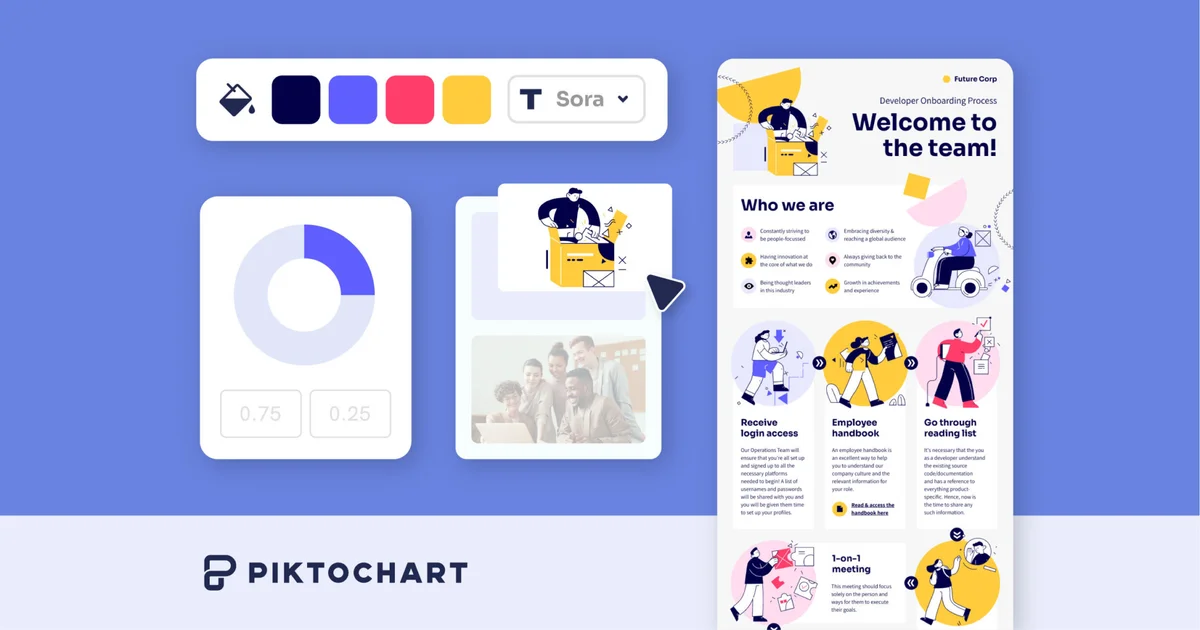
Piktochart
Turn complex ideas into on-brand infographics, presentations, and videos in seconds, no design skills needed.