
Piktochart Review 2026 - AI Visual Design
Verified Oct 6, 2026 by Tooliverse Editorial
Piktochart turns a simple prompt into polished infographics, reports, and slides in under 10 seconds. Type an idea, upload a document, or even generate video with Sora 2 and Veo 3.1, then fine-tune it in the editor.
How to Create Professional Logos with Piktochart
Piktochart Tutorial 2026 — Create Stunning Infographics & Presentations Fast!
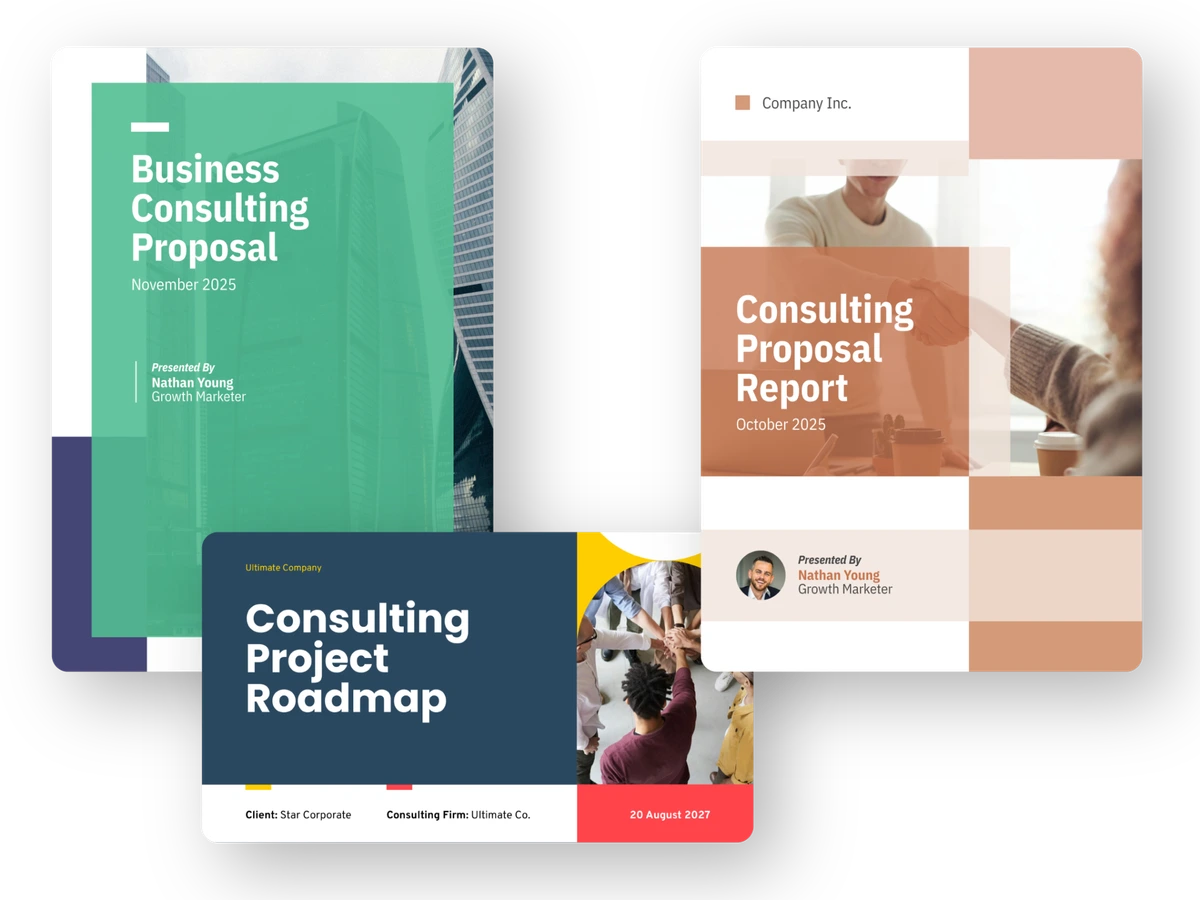
Create professional consulting proposals, reports, and project roadmaps effortlessly.
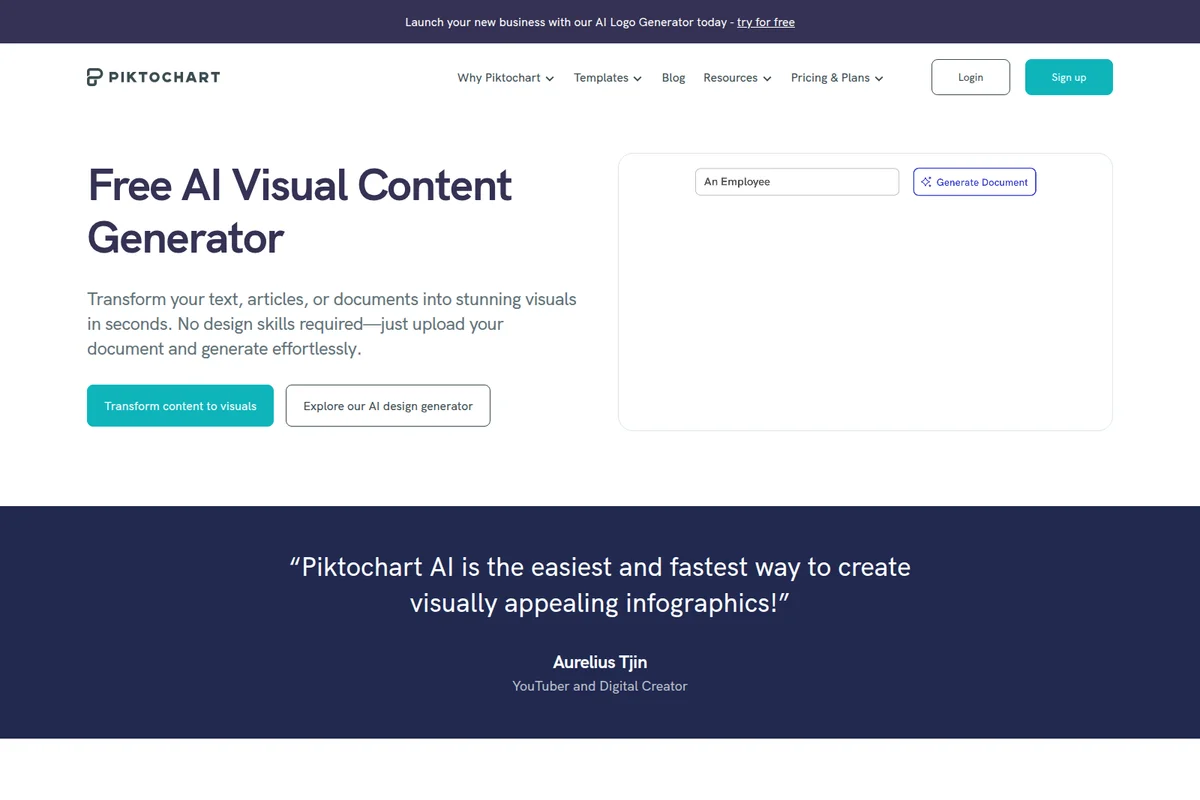
Quickly generate stunning visuals from your text, articles, or documents.
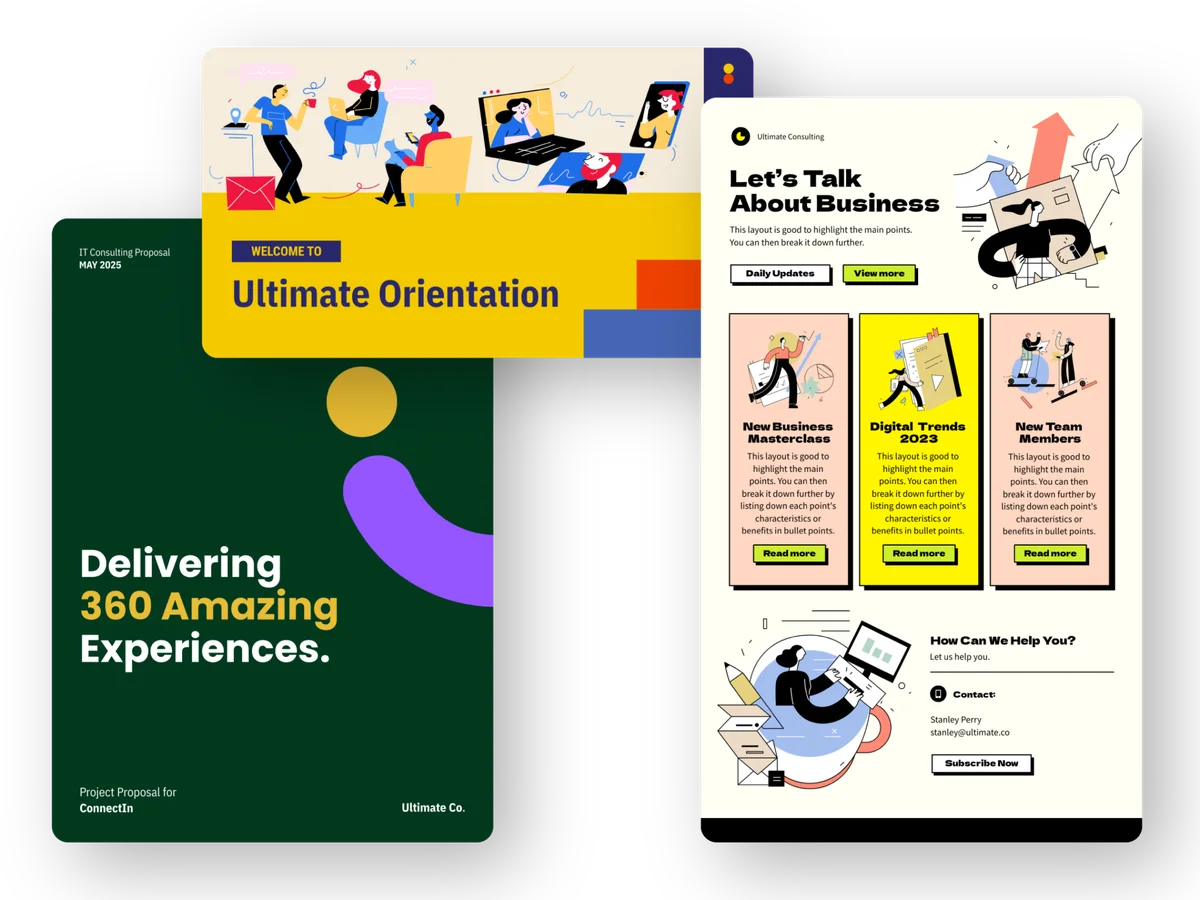
Showcase your brand with stunning proposals, presentations, and marketing materials.
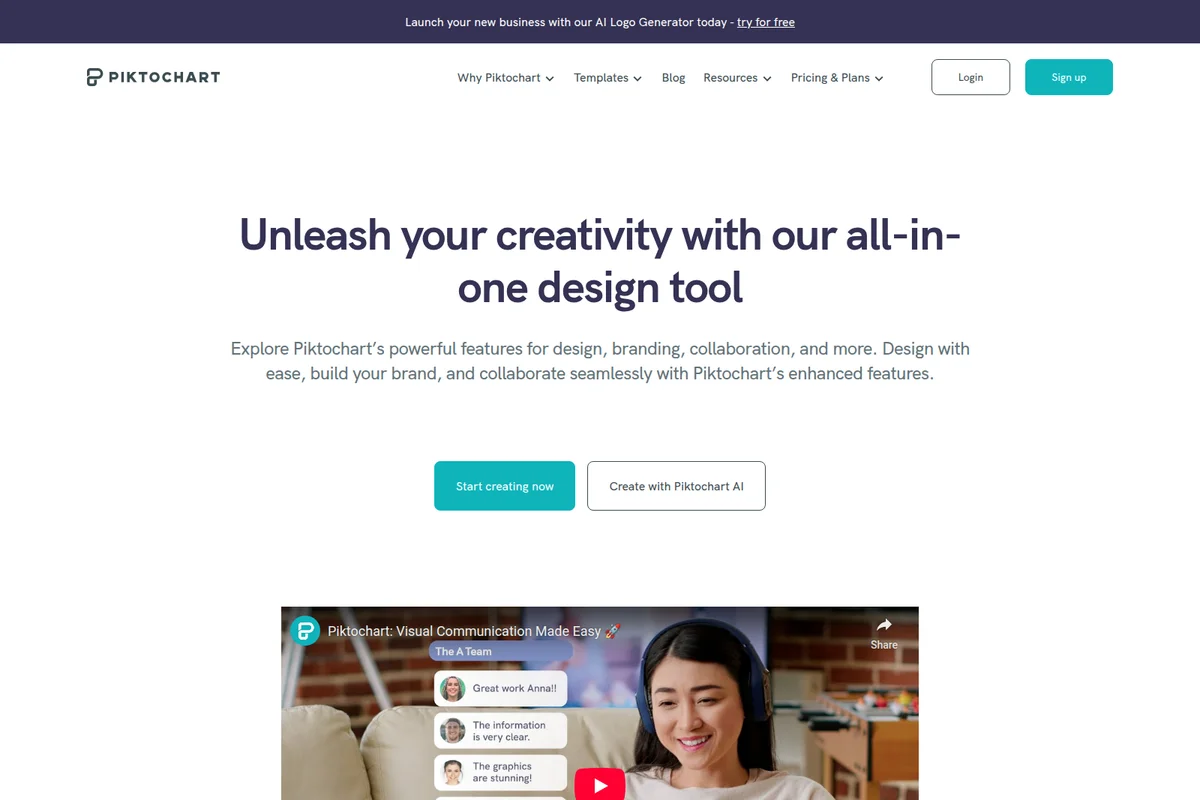
Unleash creativity and streamline visual communication with ease.
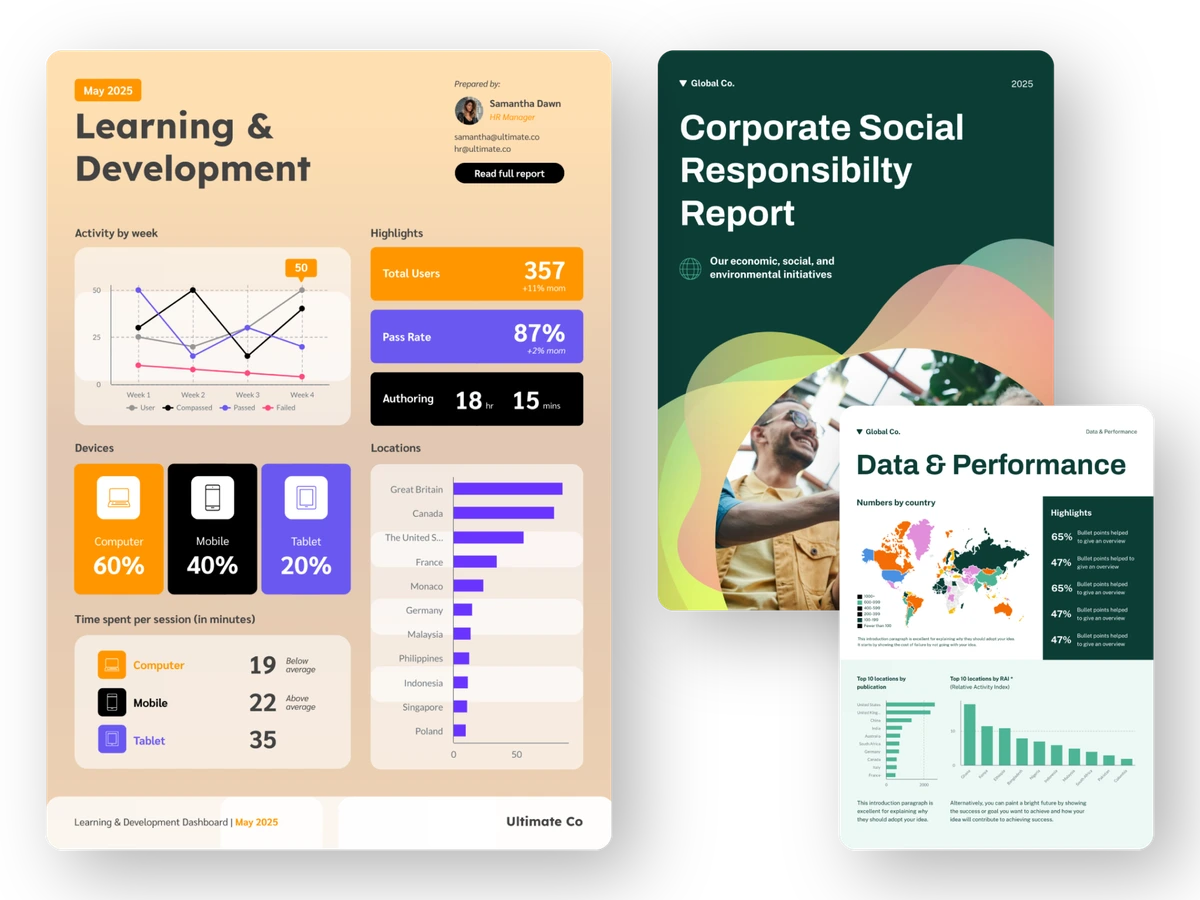
Showcase professional reports and data visualizations created with ease.
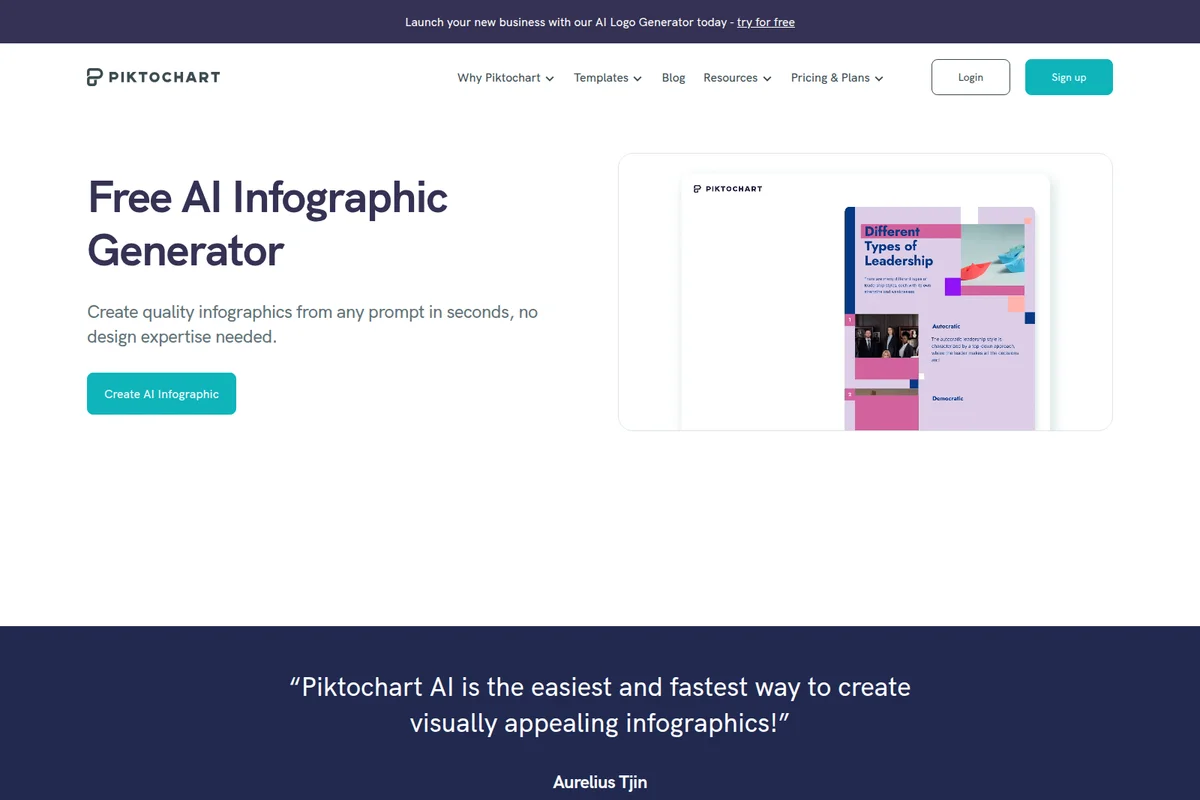
Generate professional infographics from any text prompt in seconds.
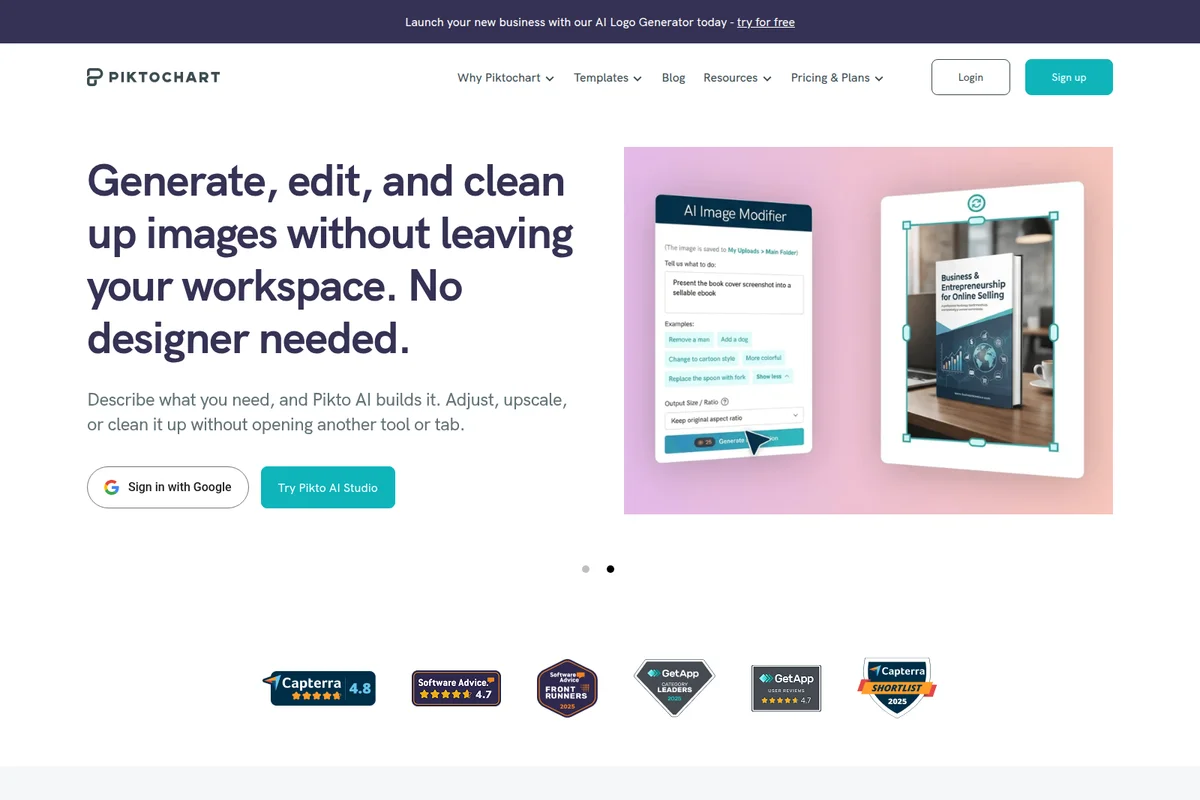
Seamlessly generate and edit images with AI directly in your workspace.
Piktochart Review: Tooliverse Consensus





Based on 471 verified reviews across 6 platforms,
combined with Tooliverse's expert analysis
Piktochart specializes in data-heavy visuals, turning spreadsheets into infographics, reports, and decks that look designed without a designer. Reviewers praise the prompt-to-draft speed, live Google Sheets linking, and a support team that resolves technical problems quickly. The catches are a free plan capped at two downloads, lag on large projects with high-resolution assets, and clumsier mobile browser editing. On a paid plan, it is a top-tier option for anyone whose visuals have to carry real numbers.
Bottom line: A top-tier pick for turning spreadsheet data into polished visuals fast, held back by a free plan capped at two downloads and occasional lag on large, image-heavy projects.
Piktochart | Key Specs
- Platforms
- Web
- Pricing Model
- Freemium ($0-20/member/mo) See plans
- Privacy/Data Use
- Privacy settings on all plans
- Security
- SAML SSO (Enterprise), 2FA, password protection See details
Wins
- •Generates professional-grade infographics from text prompts in under 10 secondsmentioned in 184 reviews
- •Features an exceptionally responsive support team that resolves complex technical issues quicklymentioned in 156 reviews
- •Provides a seamless data visualization engine that links directly to Google Sheets and Excelmentioned in 142 reviews
Watch-Outs
- •Free tier is highly restrictive with only two lifetime downloads and no AI accessmentioned in 92 reviews
- •Occasional performance lag occurs when editing large projects with high-resolution assetsmentioned in 68 reviews
- •Mobile browser compatibility issues can hinder editing workflows on tablets and phonesmentioned in 54 reviews
Piktochart Features 2026
Pikto AI Studio
All-in-one AI suite with image generation, modification, upscaling, background/object/text removal, restoration, icon and logo generation.
AI Video Generator
Describe a scene and generate video with Sora 2 or Veo 3.1, in multiple aspect ratios, then edit on a timeline.
Branded Templates
Convert all Piktochart templates into thousands of on-brand templates in seconds.
AI Design Generator
Turn a prompt into infographics, banners, flyers, posters and more in seconds.
Piktochart User Reviews
Selected Reviews
"The new AI infographic generator is a game changer. I turned a 2,000-word blog post into a clean, editable visual in less than 10 seconds. It’s not perfect, but it saves me hours of layout work."
"Pikto AI Studio is a thoughtful leap forward. Consolidating generation and editing into one interface eliminates the need for multiple tools. I'd love more control over brand consistency though."
"Customer service was very responsive and communicated in a timely manner. They were able to solve my problem in a way that actually ended up saving me a little money."
More from the Community
"The templates are beautiful and the data linking to Google Sheets is seamless. It's the only tool I use for our quarterly impact reports now."
"Great tool for quick charts, but the mobile app still feels a bit clunky for detailed editing compared to the web version."
"I love the designs, but the free plan is basically a demo now. Two lifetime downloads is just not enough to actually use it for work without paying immediately."
"The support team was fantastic at walking us through a workspace access issue after a staff turnover. Really impressed with the human touch."

"Solid alternative to Canva if you need more robust data visualization. The chart types are much more professional for B2B reporting."
"The templates are beautiful and the data linking to Google Sheets is seamless. It's the only tool I use for our quarterly impact reports now."
"Great tool for quick charts, but the mobile app still feels a bit clunky for detailed editing compared to the web version."
"I love the designs, but the free plan is basically a demo now. Two lifetime downloads is just not enough to actually use it for work without paying immediately."
"The support team was fantastic at walking us through a workspace access issue after a staff turnover. Really impressed with the human touch."
"Solid alternative to Canva if you need more robust data visualization. The chart types are much more professional for B2B reporting."
"I've experienced some lag when working on very long infographics with many high-res assets. It gets frustrating when the autosave kicks in during a lag spike."
"The AI text-to-report feature is incredibly helpful for HR onboarding. It takes our raw policy docs and makes them look engaging in seconds."
"Helpful information from the team. They detailed many ways they could support me through discussion. Made me feel valued as a customer."
"The library of icons and illustrations is massive and high quality. It's much easier to find professional assets here than on other free platforms."
"I've experienced some lag when working on very long infographics with many high-res assets. It gets frustrating when the autosave kicks in during a lag spike."
"The AI text-to-report feature is incredibly helpful for HR onboarding. It takes our raw policy docs and makes them look engaging in seconds."
"Helpful information from the team. They detailed many ways they could support me through discussion. Made me feel valued as a customer."
"The library of icons and illustrations is massive and high quality. It's much easier to find professional assets here than on other free platforms."
Piktochart Pricing 2026
View SourcePro at $10/member/month billed annually is the tier to pick. Unlimited PNG downloads, premium templates, and 500 AI credits erase the free plan's two-download ceiling, which reviewers call a demo. Month-to-month billing costs more, so commit annually if you plan to stay. Business at $17/member/month billed annually matters only if you need the Brand Kit or PDF and PowerPoint export; teams without strict brand rules can skip it.
Piktochart In-Depth Review 2026

Piktochart is a browser-based visual design platform for infographics, presentations, documents, and video, pairing a template editor with Pikto AI Studio. A prompt or an uploaded PDF, DOCX, or TXT file produces a draft that lands in the same editor where brand colors, charts, and collaborators already live. Charts import from CSV or XLSX files or stay linked to live Google Sheets data, and finished work exports to PNG, PDF, or PowerPoint. The company reports 34 million users and 220 million visuals created.
What It's Like Day-to-Day
The workflow starts with a description, ideally written like a creative brief, and the AI returns a draft in seconds. Reviewers on G2 describe turning a 2,000-word blog post into an editable visual in under ten seconds, and one says the tool "saves me hours of layout work" even when the first pass needs adjusting. That caveat matters, because the draft is a starting point and the real work happens in the drag-and-drop editor, where swapping icons, fonts, and colors takes no design training.
Piktochart Security & Compliance
Security Features
- SAML-based SSO (Enterprise)
- Two-factor authentication (2FA)
- Password protection for published visuals
- Security review & MSA support (Enterprise)
Privacy Commitments
- Privacy settings available on all plans
Piktochart: Frequently Asked Questions (FAQs)
Is Piktochart really free?
Yes, Piktochart offers a free version available to everyone. You can upgrade to Pro or Business to retain your visuals and videos, get unlimited downloads, up to 1,000 AI credits, and more.
How much does Piktochart Pro and Business cost?
Pro costs $120 per year ($10/month) billed annually or $15 billed monthly. Business costs $204 per year ($17/month) billed annually or $20 monthly. All prices are per account member.
Can I cancel or change plans anytime?
Yes, you can cancel at any time from Account Settings. Upgrades or downgrades can be requested by contacting support@piktochart.com.
How many members can the Free plan have?
The Free plan workspace can be shared among a maximum of 4 members (1 owner plus 3 additional). Adding more prompts an upgrade to Pro, charged per team member.
Piktochart Integrations
| Google Sheets | IconScout | PowerPoint |
| Sora 2 | Veo 3.1 |
Piktochart: Verified Data Sheet
| # | Label | Data Point |
|---|---|---|
| [1] | Piktochart Consensus: 9.04/10 | Piktochart is one of the highest-rated AI design tools in the Tooliverse index, with a consensus score of 9.04/10 across 471 verified reviews. |
| [2] | What is Piktochart | Piktochart is an AI-powered visual design platform for infographics, presentations, documents, and video. It serves 34 Million+ users worldwide, with a free plan and paid plans starting at $10/member/month billed annually. |
| [3] | Tooliverse Consensus on Piktochart | Piktochart specializes in data-heavy visuals, turning spreadsheets into infographics, reports, and decks that look designed without a designer. Reviewers praise the prompt-to-draft speed, live Google Sheets linking, and a support team that resolves technical problems quickly. The catches are a free plan capped at two downloads, lag on large projects with high-resolution assets, and clumsier mobile browser editing. On a paid plan, it is a top-tier option for anyone whose visuals have to carry real numbers. |
| [4] | Piktochart Verdict | Piktochart bottom line: A top-tier pick for turning spreadsheet data into polished visuals fast, held back by a free plan capped at two downloads and occasional lag on large, image-heavy projects. |
| [5] | Free: Free | Piktochart offers a functional Free tier with 2 PNG downloads and Unlimited visual projects, making AI tools accessible at no cost. |
| [6] | Intuitive drag-and-drop editor | Piktochart offers a drag-and-drop editor that non-creative professionals can use without design training, a strength cited in 128 user reviews. |
| [7] | Large template and asset library | Piktochart ships a large template library for reports, presentations, and social media, praised in 115 user reviews, and Pro adds 5M+ premium icons, illustrations, and 3D graphics. |
| [8] | Pro: $10/member/mo (annual) | Piktochart LLC's Pro plan adds Unlimited PNG downloads for $10/member/month billed annually, significantly expanding on the free tier's capabilities. |
| [9] | Infographics from prompts in under 10 seconds | Piktochart generates professional-grade infographics from text prompts in under 10 seconds, a strength validated by 184 user reviews, with AI drafts landing in an editable canvas. |
| [10] | Responsive support resolves complex issues | Piktochart's support team resolves complex technical issues quickly, a strength cited in 156 user reviews, including Trustpilot accounts of staff restoring workspace access after a team turnover. |
| [11] | Free plan limited to 2 downloads | Piktochart's Free plan allows only 2 PNG downloads and 1GB of storage, and 92 user reviews describe it as too restrictive; official pricing lists 60 monthly AI credits, though reviewers report AI access feeling limited in practice. |
| [12] | Lag on large, image-heavy projects | Piktochart can lag when editing large projects with high-resolution assets, according to 68 user reports, including G2 accounts of slowdowns during autosave on long infographics. |
| [13] | Privacy: Privacy settings available on all plans | Piktochart privacy protections include Privacy settings available on all plans. |
| [14] | Enterprise: SAML-based SSO (Enterprise) | Piktochart provides enterprise security with SAML-based SSO (Enterprise), Two-factor authentication (2FA), and Password protection for published visuals. |
| [15] | Saves hours of layout work | Piktochart turned a 2,000-word blog post into a clean, editable visual in under 10 seconds, according to a verified G2 reviewer who said it "saves me hours of layout work." |
Best Piktochart Alternatives
Canva
Design anything and bring your ideas to life with AI-powered tools that make everyone a creative pro.
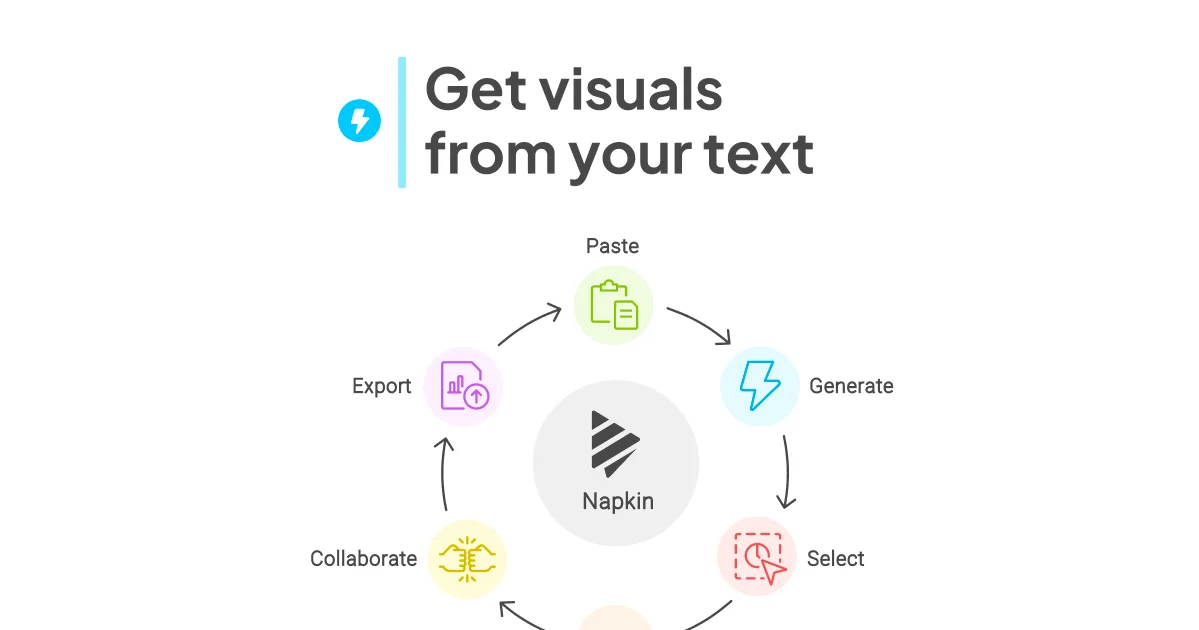
Napkin AI
Turn your plain text into polished visuals, charts, and slides in seconds.
Gamma
Turn your ideas into polished presentations, websites, and more almost as fast as you can think.