
Desk365 Review 2026 - Teams-Native Helpdesk
Verified Sep 29, 2026 by Tooliverse Editorial
Desk365 unifies customer support and IT service management in a Microsoft Teams-native helpdesk. Trusted by 7,000+ businesses across 65+ countries, it delivers AI agents, asset management, and ticketing at a fraction of Zendesk's cost.
How to Set Up a Helpdesk in Microsoft Teams (Step-by-Step) | Desk365
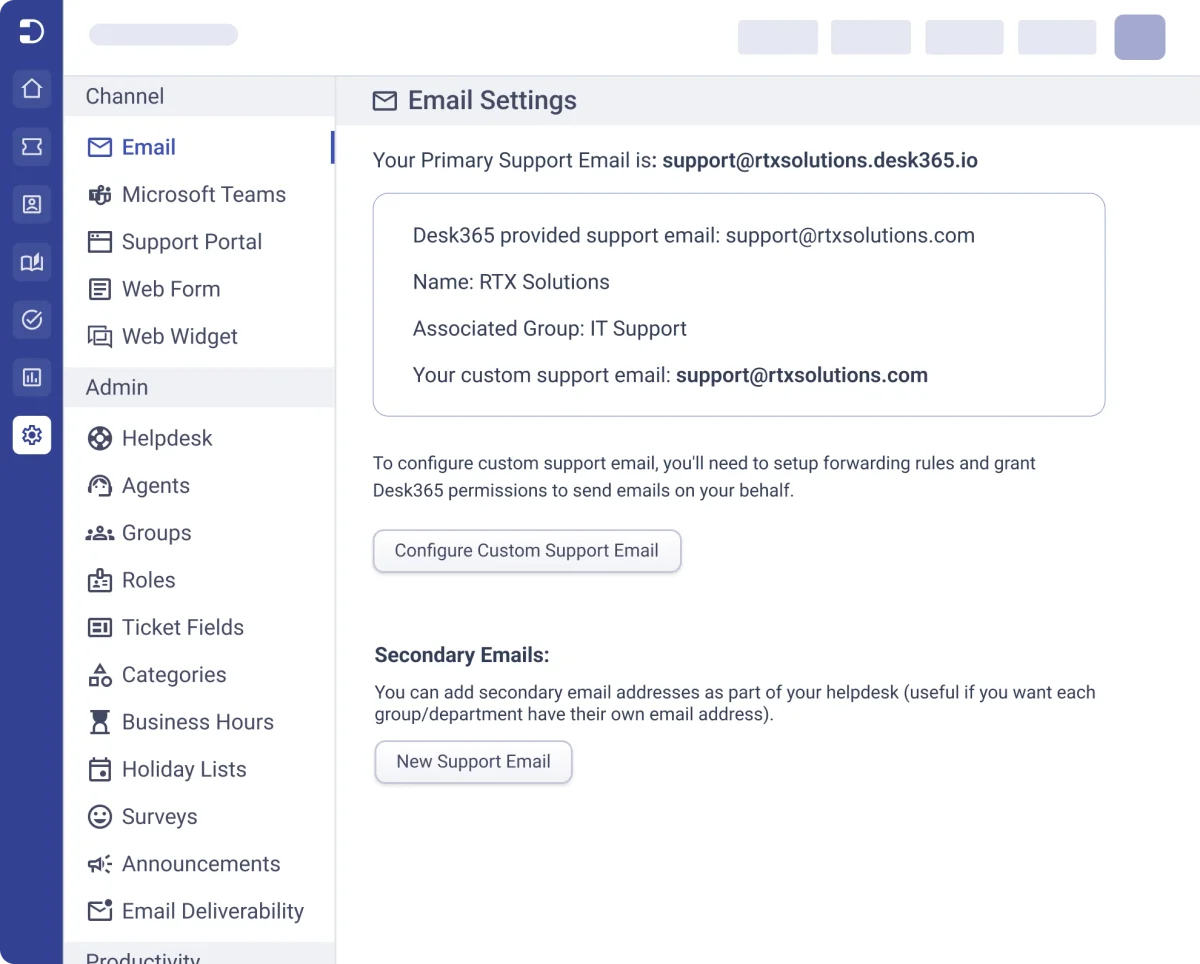
Configure primary and custom email addresses for your helpdesk.
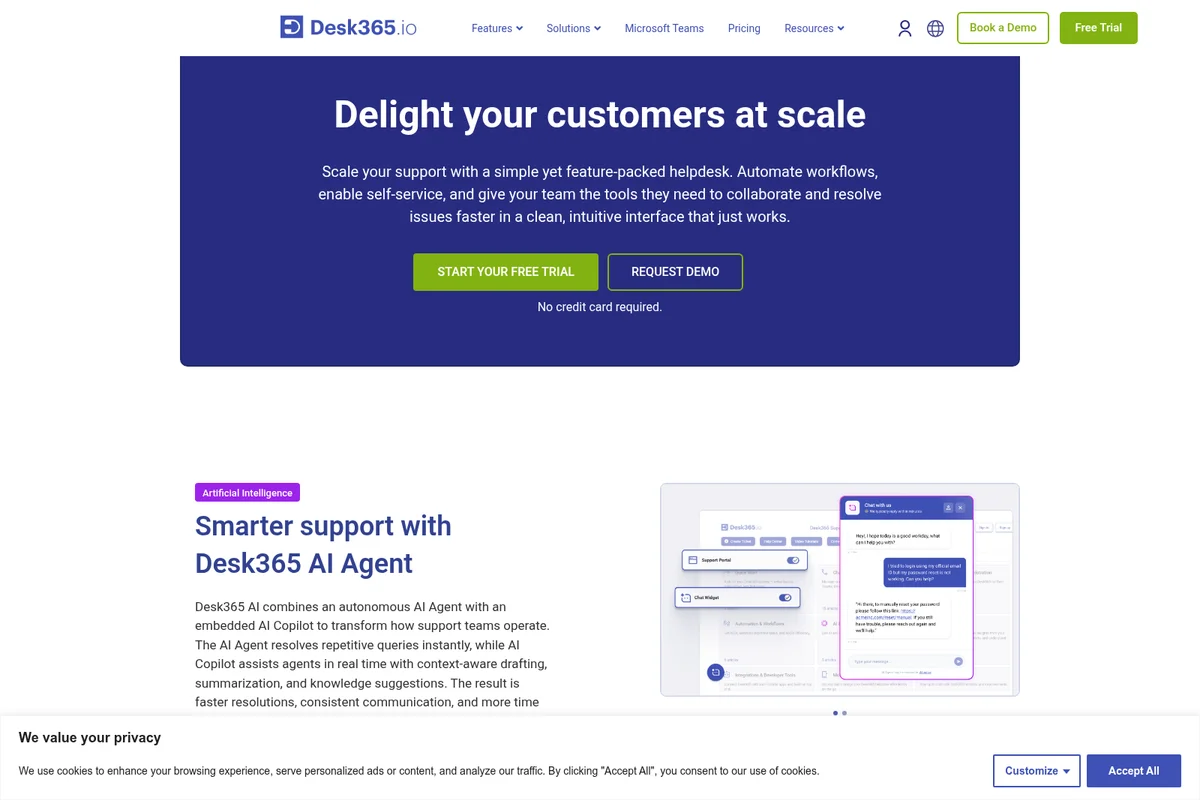
Automate customer support with an AI agent and empower human agents.
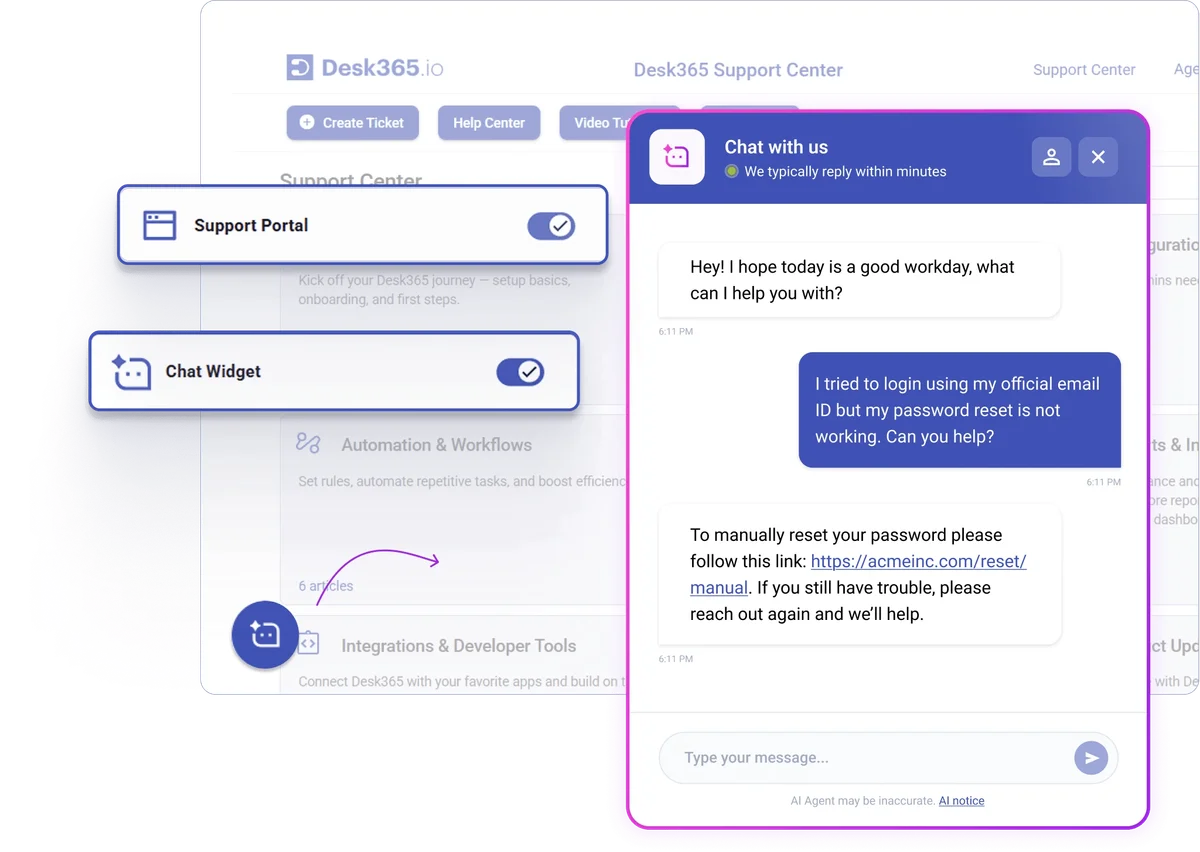
AI-powered chat resolves common issues like password resets instantly.
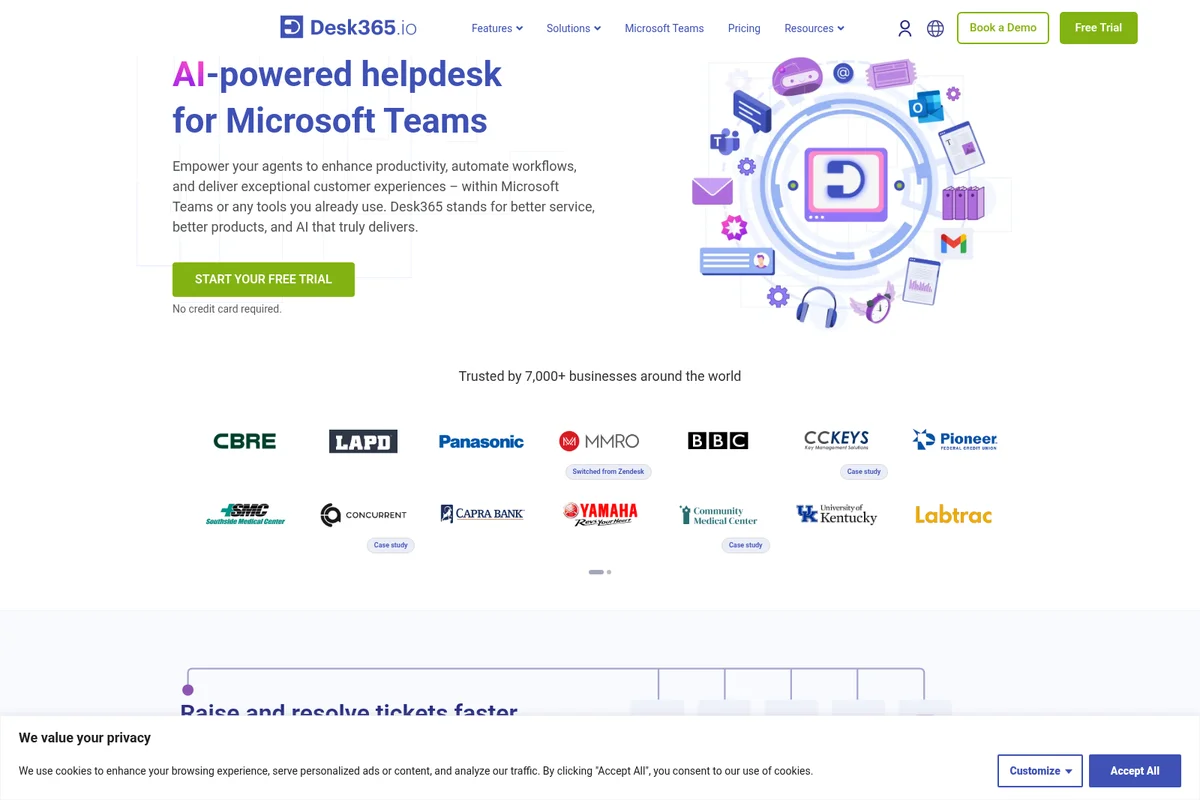
AI-powered helpdesk for Microsoft Teams, simplifying agent workflows.
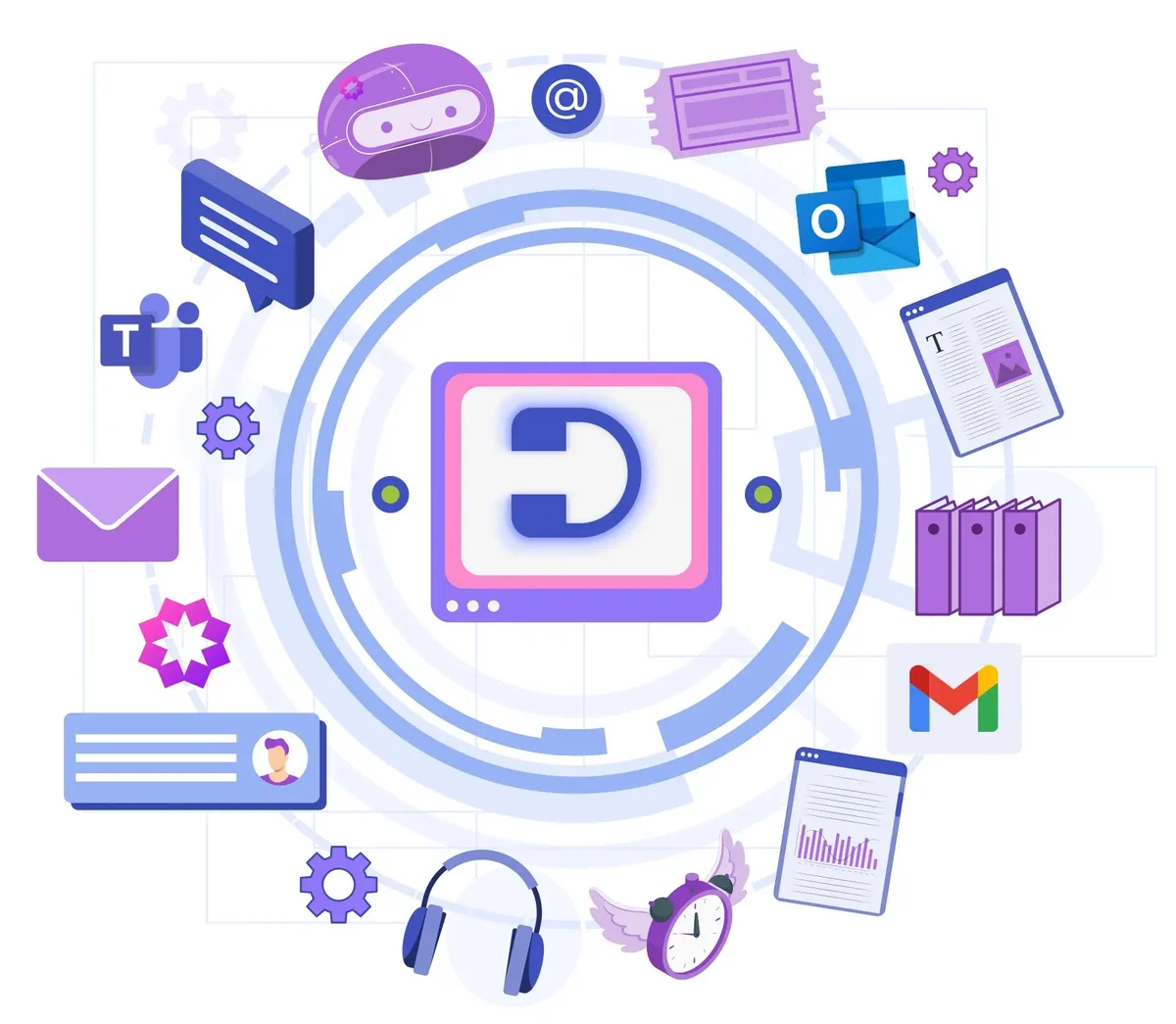
Connect all your support channels and tools into one unified helpdesk platform
Desk365 Review: Tooliverse Consensus


Based on 120 verified reviews across 4 platforms,
combined with Tooliverse's expert analysis
Desk365 turns Microsoft Teams into the front door for IT support, letting employees submit and track tickets without ever opening a separate portal. That native integration, paired with setup that reviewers describe finishing in under an hour, drives adoption in a way competing helpdesks struggle to match. Pricing well below Zendesk and Freshdesk reinforces the appeal, though reporting stays basic next to pricier rivals and the mobile app lags the desktop experience.
Bottom line: Desk365 wins on frictionless Microsoft Teams adoption and sharp pricing against Zendesk and Freshdesk, though buyers should expect thinner reporting and a weaker mobile experience.
Desk365 | Key Specs
- Platforms
- Web, iOS, Android
- Pricing Model
- Freemium ($0-$32/agent/mo) See plans
- Privacy/Data Use
- Choice of US/EU data centers, GDPR compliant
- Security
- SOC 2 Type 2, GDPR, HIPAA-ready, Entra ID SSO See details
Wins
- •Integrates seamlessly with Microsoft Teams to streamline internal support requestsmentioned in 84 reviews
- •Offers a straightforward setup process that allows teams to go live quicklymentioned in 72 reviews
- •Provides exceptional value for money compared to larger enterprise helpdesk platformsmentioned in 65 reviews
Watch-Outs
- •Reporting features lack the deep customization found in more expensive competitorsmentioned in 31 reviews
- •Mobile application functionality is somewhat limited compared to the desktop experiencementioned in 24 reviews
- •Initial configuration of automated workflows can be complex for non-technical adminsmentioned in 19 reviews
Desk365 Features 2026
AI Agent
No-code AI agents that chat with customers, resolve simple repetitive queries autonomously, and escalate complex questions to human agents. Trained on your knowledge base and customizable in personality.
Native Microsoft Teams Ticketing
Customers and agents can create, manage, and resolve tickets entirely within Microsoft Teams via Support Bot and Agent Bot, with no need to leave the app.
AI Copilot
Assists human agents with drafting ticket replies, summarizing lengthy tickets, generating knowledge base articles from resolved tickets, and translating responses across 30+ languages.
Microsoft Entra ID SSO & Sync
Single sign-on and automatic user/role/department sync with Microsoft Entra ID (formerly Azure AD), keeping identity management centralized and up to date.
Desk365 User Reviews
Selected Reviews
"Setup was surprisingly fast. We had the bot configured and responding to users in Teams in under an hour. Very impressive onboarding experience for our small IT department."
"Desk365 is incredibly cost-effective. We were looking at Zendesk but the pricing for a small team was prohibitive. This does everything we need for a fraction of the cost."
"Great value for money, though I wish there were more integrations with third-party CRM tools outside of the Microsoft ecosystem."
More from the Community
"The Microsoft Teams integration is flawless. It has completely changed how our internal staff submits IT tickets without needing to learn a new portal."
"Reporting is a bit basic for my needs."
"Support has been very helpful whenever we hit a snag with automation rules. They usually get back to us within a few hours with a fix."
"The web interface is clean, but the mobile app feels a bit like an afterthought. It works for quick checks but isn't great for managing complex tickets on the go."
"If you're already using the Microsoft 365 stack, this is the most logical choice for a helpdesk. It feels like a native part of the environment."
"The Microsoft Teams integration is flawless. It has completely changed how our internal staff submits IT tickets without needing to learn a new portal."
"Reporting is a bit basic for my needs."
"Support has been very helpful whenever we hit a snag with automation rules. They usually get back to us within a few hours with a fix."
"The web interface is clean, but the mobile app feels a bit like an afterthought. It works for quick checks but isn't great for managing complex tickets on the go."
"If you're already using the Microsoft 365 stack, this is the most logical choice for a helpdesk. It feels like a native part of the environment."
"I noticed some formatting issues when tickets are created from emails with heavy HTML."
"The automated workflows have saved our team hours of manual triaging. Simple to set up and very reliable so far."
"A solid, no-frills helpdesk that excels at its core mission. It doesn't have the bloat of larger platforms."
"The user adoption rate has been 100% since it lives inside Teams. No more "I forgot my password" emails."
"I noticed some formatting issues when tickets are created from emails with heavy HTML."
"The automated workflows have saved our team hours of manual triaging. Simple to set up and very reliable so far."
"A solid, no-frills helpdesk that excels at its core mission. It doesn't have the bloat of larger platforms."
"The user adoption rate has been 100% since it lives inside Teams. No more "I forgot my password" emails."
Desk365 Pricing 2026
View SourceStandard at $12/agent/month billed annually covers omnichannel ticketing, SLAs, and a knowledge base, and it's enough for small IT teams handling routine requests. Most growing teams should look at Plus at $22/agent/month billed annually instead, since that's where approval workflows, AI-assisted replies, and Entra ID sync arrive, still well under what Freshdesk or Zendesk charge for comparable tiers.
Desk365 In-Depth Review 2026

Desk365 is a helpdesk and IT service management platform, built by Kani Technologies Inc., that lives natively inside Microsoft Teams while also handling email, web forms, and a support portal. It converts all of that into trackable tickets with owners, SLAs, and automated workflows. The pitch is straightforward: match the feature depth of Zendesk or Freshdesk, but at a fraction of the price, and skip the culture shock of asking employees to adopt a new tool.
What It's Like Day-to-Day
The Teams integration is the whole story here, and it shows up constantly in how people describe using the product. Employees submit tickets through a bot inside a chat window they already have open, and agents can triage, assign, and resolve without switching apps. One G2 reviewer put it plainly: the integration "has completely changed how our internal staff submits IT tickets without needing to learn a new portal." That's not a minor convenience. Getting a support tool adopted company-wide is usually half the battle, and Desk365 sidesteps it by meeting people where they already are.
Setup reflects that same philosophy.
Desk365 Security & Compliance
Verified Compliance
- SOC 2 Type 2
- GDPR Compliant
- HIPAA Compliance (Premium plan)
Security Features
- Microsoft Entra ID Single Sign-On
- AES-256 Encryption at Rest
- TLS 1.2+ Encryption in Transit
- Multi-Factor Authentication & Custom Password Policies
- PII/PHI Encrypted Fields & Data Redaction
- Role-based Access Control
Privacy Commitments
- Data hosted in AWS data centers in US and EU, with customer choice of location
- Regular third-party Vulnerability Assessment and Penetration Testing (VAPT)
- 99.9% uptime with real-time data replication and daily backups
Desk365: Frequently Asked Questions (FAQs)
How much does Desk365 cost?
Desk365 has three paid plans billed per agent per month on an annual basis: Standard at $12, Plus at $22, and Premium at $32. A free plan is also available for up to 50 tickets a month, and every paid plan starts with a 21-day free trial that does not require a credit card.
Does Desk365 offer a free trial?
Yes, Desk365 offers a 21-day free trial for all plans with full access to that plan's features, and no credit card is required to start. If the trial ends without an upgrade, the account moves automatically to the free plan instead of being cut off.
Is there a free version of Desk365?
Yes, Desk365 offers a free plan that supports up to 50 tickets a month, aimed at solopreneurs or small teams, and it does not expire.
What is agent-based pricing?
Desk365 only charges for agents—the staff who actively work on, manage, and reply to tickets. End users, meaning employees or customers who submit tickets, are unlimited on every plan at no extra cost.
Desk365 Integrations
| Microsoft Teams | Microsoft Entra ID | Microsoft Intune |
| Microsoft 365 Copilot | Power Automate | Power BI |
| Jira | Asana | Azure DevOps |
| Microsoft Planner | Freshdesk |
Desk365: Verified Data Sheet
| # | Label | Data Point |
|---|---|---|
| [1] | Desk365 Consensus: 9.10/10 | Desk365 is one of the highest-rated AI support tools in the Tooliverse index, with a consensus score of 9.10/10 across 120 verified reviews. |
| [2] | What is Desk365 | Desk365, operated by Kani Technologies Inc., is a SOC 2 Type II certified helpdesk and ITSM platform built natively into Microsoft Teams. It serves 7,000+ businesses across 65+ countries, with pricing starting at $12/agent/month and a free plan for up to 50 tickets. |
| [3] | Tooliverse Consensus on Desk365 | Desk365 turns Microsoft Teams into the front door for IT support, letting employees submit and track tickets without ever opening a separate portal. That native integration, paired with setup that reviewers describe finishing in under an hour, drives adoption in a way competing helpdesks struggle to match. Pricing well below Zendesk and Freshdesk reinforces the appeal, though reporting stays basic next to pricier rivals and the mobile app lags the desktop experience. |
| [4] | Desk365 Verdict | Desk365 bottom line: Desk365 wins on frictionless Microsoft Teams adoption and sharp pricing against Zendesk and Freshdesk, though buyers should expect thinner reporting and a weaker mobile experience. |
| [5] | Free: Free | Desk365 offers a functional Free tier supporting up to 50 tickets per month with a limited feature set, making it accessible at no cost. |
| [6] | Exceptional value vs. Zendesk/Freshdesk | Desk365 delivers strong value for money against larger enterprise helpdesk platforms, with Standard pricing starting at $12/agent/month and 65 reviews citing cost savings versus competitors like Zendesk and Freshdesk. |
| [7] | Minimal-training, intuitive interface | Desk365 features a clean, intuitive interface that requires minimal end-user training, a point reinforced by 58 user reviews. |
| [8] | Fast, responsive customer support | Desk365 provides highly responsive customer support that resolves technical issues efficiently, according to 52 user reviews, with several noting fixes arrive within a few hours. |
| [9] | Plus: $22/agent/mo (annual) | Kani Technologies Inc.'s Desk365 Plus empowers users with Round robin and load-based ticket assignment for $22/agent/month billed annually, significantly expanding on the free tier's capabilities. |
| [10] | Native Microsoft Teams ticketing | Desk365 integrates natively with Microsoft Teams, letting employees submit and track IT tickets without leaving the app, a strength cited in 84 user reviews. |
| [11] | Reporting lacks deep customization | Desk365's reporting features lack the deep customization found in pricier competitors, a limitation raised in 31 user reviews. |
| [12] | Mobile app trails desktop | Desk365's mobile application offers somewhat limited functionality compared to the desktop experience, an issue noted in 24 user reviews. |
| [13] | SOC 2 Type 2 | Desk365 ensures SOC 2 Type 2, GDPR Compliant, and HIPAA Compliance (Premium plan) certifications. |
| [14] | Enterprise: Microsoft Entra ID Single Sign-On | Desk365 provides enterprise security with Microsoft Entra ID Single Sign-On, AES-256 Encryption at Rest, and TLS 1.2+ Encryption in Transit. |
| [15] | Teams integration called "flawless" | Desk365 "has completely changed how our internal staff submits IT tickets without needing to learn a new portal," according to a verified G2 reviewer describing the Microsoft Teams integration. |
Best Desk365 Alternatives
Freshdesk
Launch your first AI agent and grow into AI-powered customer service at your own pace.
Zendesk
Deliver faster, higher quality resolutions with AI that continuously improves every resolution.
Help Scout
Turn every customer conversation into lasting relationships, with AI that helps your team respond better, not just faster.