
Document360 Review 2026 - AI Documentation
Verified Jun 10, 2026 by Tooliverse Editorial
Document360 transforms scattered docs into a structured, searchable knowledge base—whether you're managing SOPs, API docs, or customer help centers. Trusted by McDonald's, NHS, and 18M+ users, it combines AI writing agents, version control, and enterprise security to help teams ship documentation faster.
How to Detect Duplicate Content in Your Knowledge Base | Document360
SOP Templates: Create Step-by-Step Guides From Screen Recordings With AI

Instantly ask questions and get intelligent answers with AI Mode.
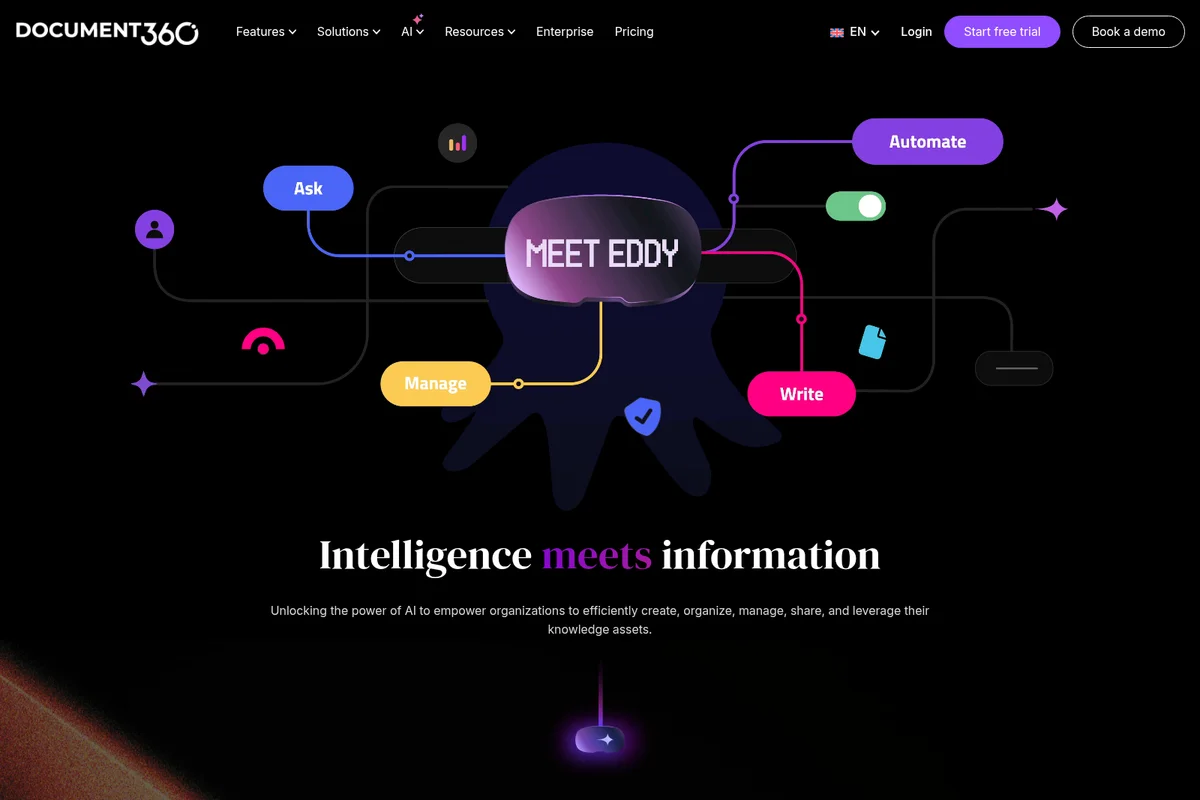
Meet Eddy: Your AI assistant to Ask, Automate, Manage, and Write information.

Quickly generate AI-powered summaries for any document.
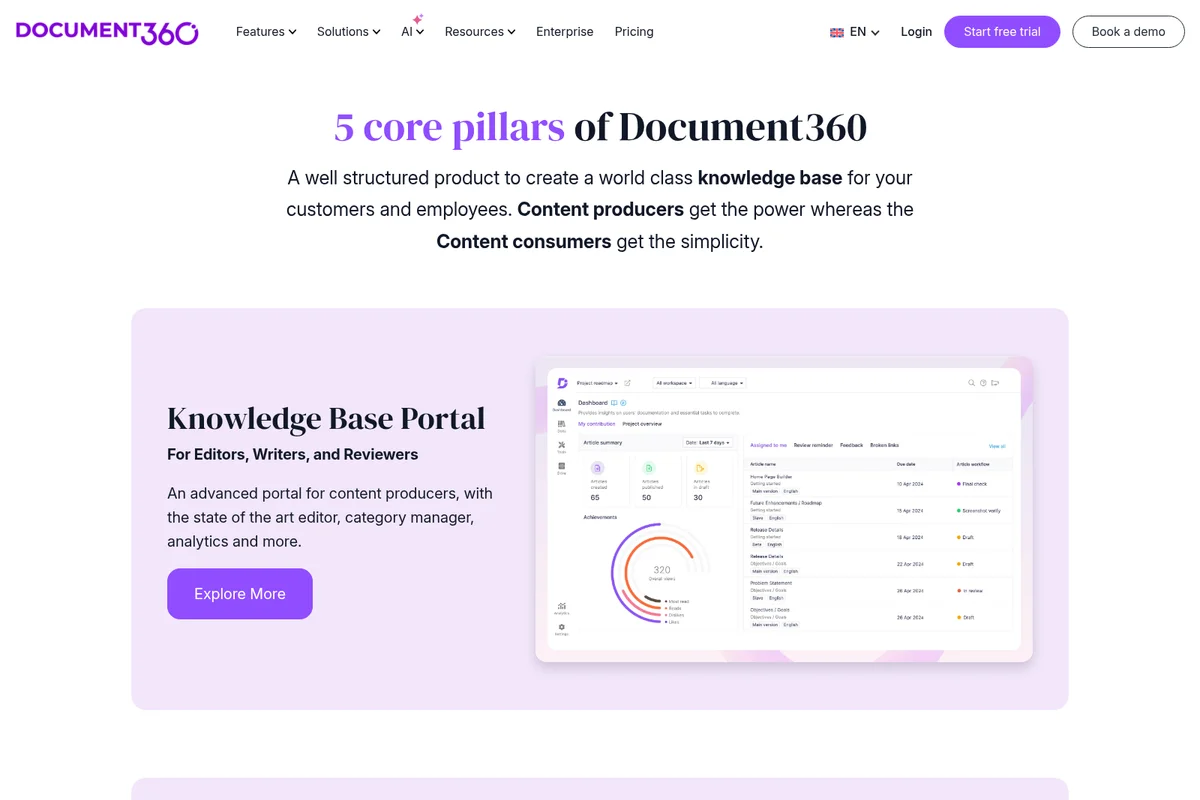
An advanced portal for content producers with state-of-the-art editing and analytics.
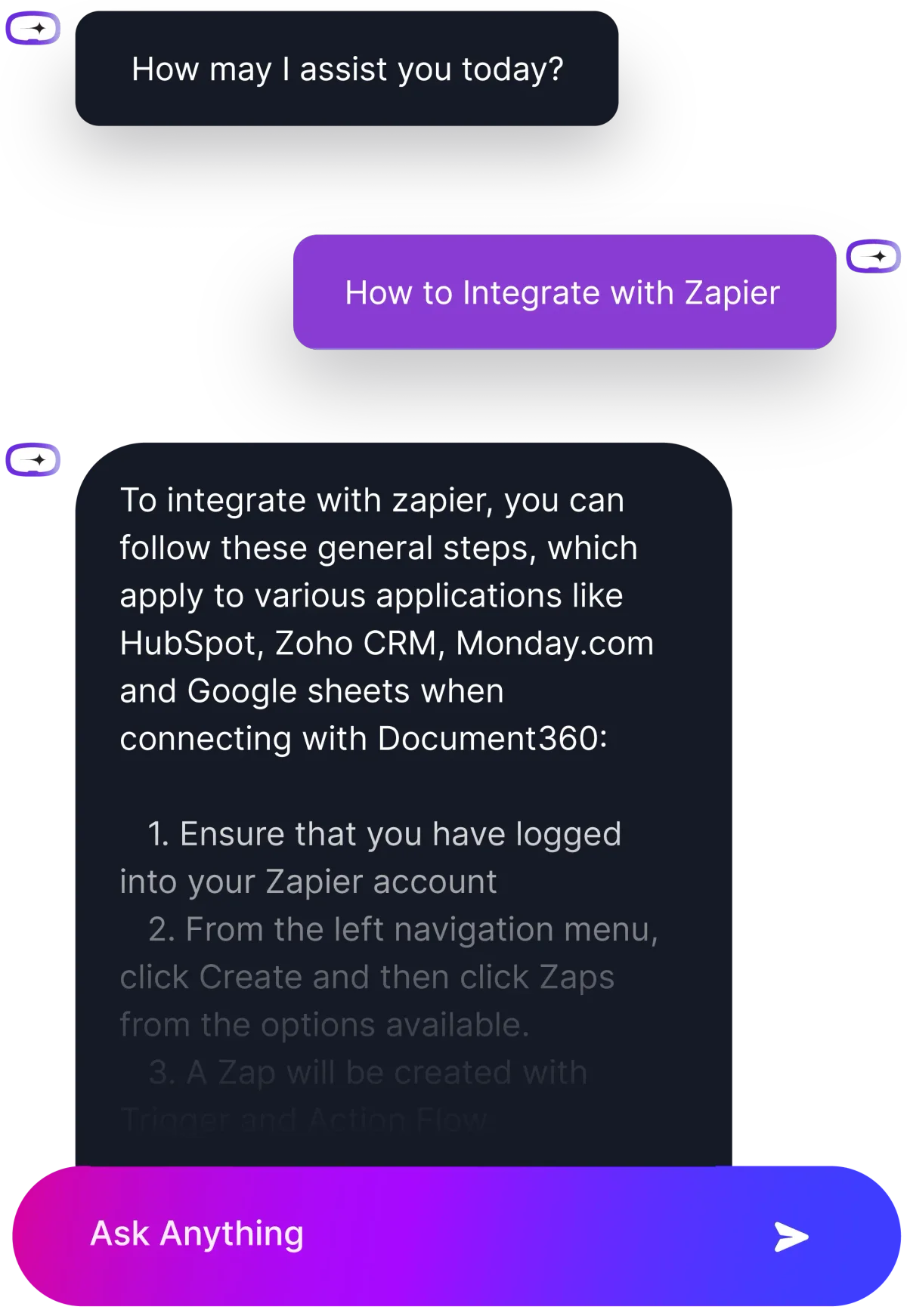
Get instant answers on integrating Document360 with various applications.
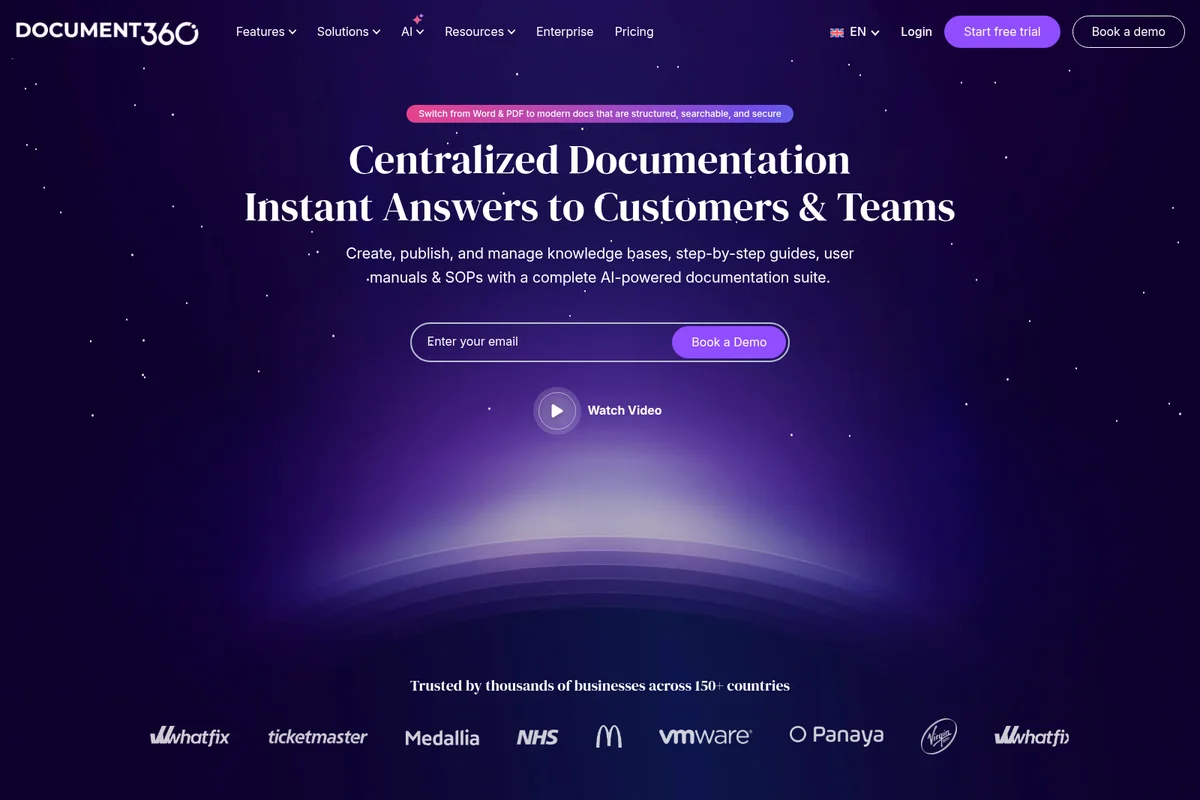
Centralize documentation for instant answers to customers and teams.
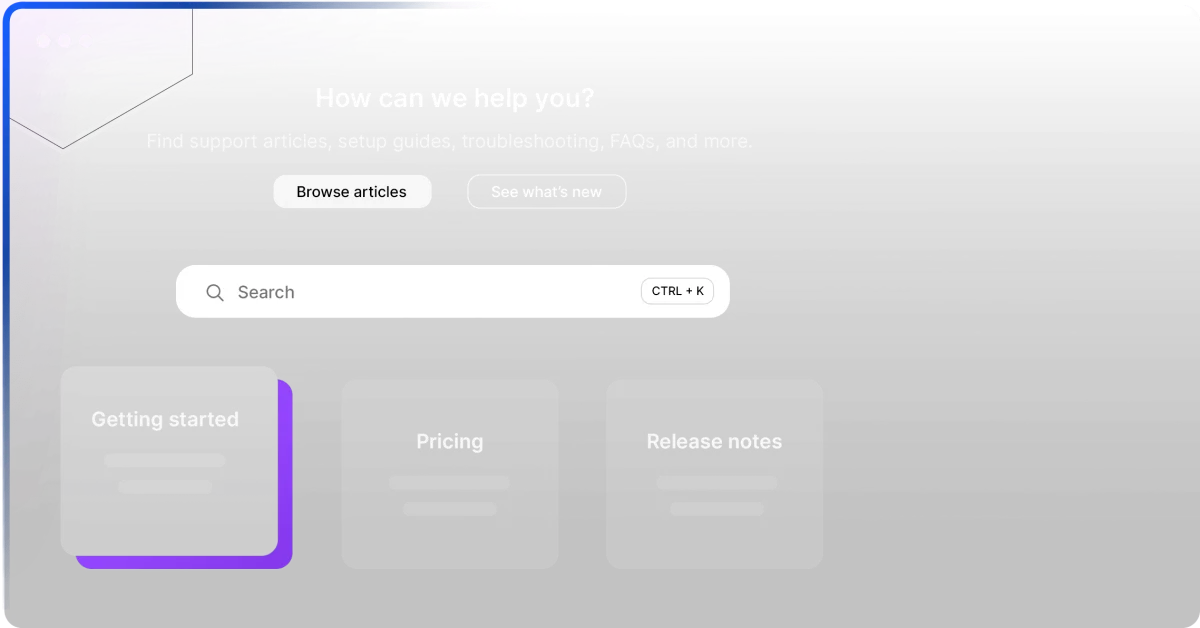
Quickly find support articles, setup guides, and FAQs with search and categories.
Document360 Review: Tooliverse Consensus


Based on 285 verified reviews across 4 platforms,
combined with Tooliverse's expert analysis
Document360 operates as a robust knowledge base platform that bridges technical documentation and customer self-service through AI-powered search and an accessible block-based editor. The platform excels at reducing support ticket volume through instant, cited answers and maintains documentation integrity across large teams with granular version control and workflow automation. Integration depth with Slack, Teams, and Zendesk keeps knowledge embedded in existing workflows instead of siloed. The custom-quote pricing structure and limited mobile optimization remain friction points, particularly for startups and teams serving on-the-go users.
Bottom line: A strong knowledge base platform that reduces support volume and scales documentation workflows effectively, though custom pricing and mobile limitations may challenge smaller teams and field-focused use cases.
Document360 | Key Specs
- Platforms
- Web, API
- Pricing Model
- Custom quote (Professional, Business, Enterprise) See plans
- Privacy/Data Use
- GDPR compliant, SOC 2 Type 2 certified
- Security
- SOC 2 Type 2, ISO 27001:2022, SAML SSO, SCIM, AES-256 Encryption See details
Wins
- •Eddy AI search provides instant, accurate answers that significantly reduce support ticket volumementioned in 112 reviews
- •Intuitive block-based editor makes creating complex technical documentation accessible for non-technical usersmentioned in 98 reviews
- •Granular version control and rollback features ensure documentation integrity across large teamsmentioned in 84 reviews
Watch-Outs
- •Pricing structure can be prohibitive for startups and smaller documentation teamsmentioned in 58 reviews
- •Mobile optimization for the knowledge base portal remains limited on smaller screensmentioned in 42 reviews
- •Occasional performance lag when editing very large articles or complex tablesmentioned in 36 reviews
Document360 Features 2026
AI Writing Agent
Generate structured documentation from videos, audio files, text files, or prompts. Automatically transcribes, extracts insights, inserts screenshots, embeds media, and optimizes for SEO with titles, tags, and meta descriptions.
AI Search & Answer
Conversational AI search grounded in your knowledge base articles. Provides accurate, contextual answers with source citations, improving search accuracy by up to 50%.
AI Chatbot
Automate customer support responses by turning scattered docs, tickets, files, and FAQs into instant answers. Integrates with Zendesk and Freshdesk support tickets.
MCP Server
Connect your knowledge base to AI tools like ChatGPT, Claude, and Copilot. Search, create, and update documentation directly from AI assistants without breaking structure or workflows.
Document360 User Reviews
Selected Reviews
"The AI search (Eddy) has been a game changer for our support team. It deflects so many basic questions by giving users the exact answer from our docs instantly."
"Moving from Confluence was the best decision. The editor is much more intuitive for our technical writers, and the version control is actually reliable."
"At times, the editor can also feel slightly laggy or fiddly when working with complex tables or large documentation projects. It's effective but has some limitations at scale."
More from the Community
"Document360 is solid for scaling. We have 50+ contributors and the workflow approvals keep things from getting messy. Pricing is the only real sting."
"Love the new MCP server integration. Being able to let our internal AI agents read directly from our verified knowledge base is huge for accuracy."
"The platform is powerful but the mobile optimization for our end users is lacking. It's hard to navigate long articles on a phone, which is where many of our customers are."
"A high-performance powerhouse for modern self-service. It helps us bridge the gap between technical docs and customer support effortlessly."
"The analytics are incredibly detailed. We can see exactly what people are searching for and where our documentation has gaps that need filling."
"Document360 is solid for scaling. We have 50+ contributors and the workflow approvals keep things from getting messy. Pricing is the only real sting."
"Love the new MCP server integration. Being able to let our internal AI agents read directly from our verified knowledge base is huge for accuracy."
"The platform is powerful but the mobile optimization for our end users is lacking. It's hard to navigate long articles on a phone, which is where many of our customers are."
"A high-performance powerhouse for modern self-service. It helps us bridge the gap between technical docs and customer support effortlessly."
"The analytics are incredibly detailed. We can see exactly what people are searching for and where our documentation has gaps that need filling."
"The branding options are excellent. Our help center looks like a native part of our app, not a third-party tool. Support is also very responsive."
"If you're a small team, the price might be a bit much, but for an enterprise, the governance features like SSO and IP restriction are worth every penny."
"The AI writing agent helps us draft FAQs in seconds. It's not perfect, but it gets us 80% of the way there, which is a massive time saver."
"We've been using it for 2 years and the constant updates, especially the AI suite, keep it ahead of competitors like Helpjuice or Zendesk's native KB."
"The category manager is very flexible. Drag-and-drop organization makes it easy to restructure our entire knowledge base as our product evolves."
"The branding options are excellent. Our help center looks like a native part of our app, not a third-party tool. Support is also very responsive."
"If you're a small team, the price might be a bit much, but for an enterprise, the governance features like SSO and IP restriction are worth every penny."
"The AI writing agent helps us draft FAQs in seconds. It's not perfect, but it gets us 80% of the way there, which is a massive time saver."
"We've been using it for 2 years and the constant updates, especially the AI suite, keep it ahead of competitors like Helpjuice or Zendesk's native KB."
"The category manager is very flexible. Drag-and-drop organization makes it easy to restructure our entire knowledge base as our product evolves."
Document360 Pricing 2026
View SourceAll three tiers require custom quotes rather than transparent pricing, which means sales conversations before you see numbers. Professional covers the core platform—AI writing, custom domain, translation, and the block editor most teams need. Business adds workflow automation, analytics, and the integration depth that matters for agencies managing multiple clients. Enterprise is where SSO, audit trails, and compliance certifications live, necessary only if procurement or regulatory requirements demand them.
Document360 In-Depth Review 2026

This knowledge base platform runs on SOC 2 Type 2 and ISO 27001:2022 certified infrastructure, handling both public-facing product docs and private internal wikis. The AI writing agent generates structured articles from videos, audio files, or text prompts, while Eddy AI search answers customer questions instantly by pulling exact passages from your documentation. It integrates with Slack, Teams, Zendesk, and 30+ other tools, so your knowledge base isn't an island—it's embedded in the workflows your team already uses.
What It's Like Day-to-Day
The block-based editor is where Document360 separates itself from legacy tools. Non-technical team members can build complex documentation with embedded videos, collapsible sections, and code snippets without touching HTML. Drag-and-drop category management means restructuring your entire knowledge base as your product evolves takes minutes instead of days. The version control is granular enough that you can roll back a single paragraph edit from three weeks ago without losing subsequent changes—critical when you have 50+ contributors and someone inevitably breaks something.
The AI search is the feature customers notice first.
Document360 Security & Compliance
Verified Compliance
- SOC 2 Type 2
- ISO 27001:2022
- GDPR
Security Features
- SAML SSO
- SCIM
- AES-256 Encryption
- TLS 1.2 Encryption
- Role-based Access Control
- Two-factor Authentication
- IP Restriction
- Security Audit Trail
- DDoS Protection
Privacy Commitments
- GDPR compliant
- SOC 2 Type 2 certified
- ISO 27001:2022 certified
- Data encrypted at rest (AES-256) and in transit (TLS 1.2)
- Daily cloud snapshots with 1-month retention
Document360: Frequently Asked Questions (FAQs)
What is a project in Document360?
A project is a complete Knowledge Base (public or private) in Document360. Each project can have users, a custom domain, readers (if private), its own branding, logo, and more. You can have multiple projects—for example, one or more public-facing projects for product documentation and one or more private projects for internal team documentation or employee handbooks.
What is a reader account?
A reader account is anyone given access to a private project just to read the content after logging in. Reader accounts are only applicable to private knowledge bases.
How does the 14-day free trial work?
Once you sign up for Document360, your 14-day free trial begins immediately. During this time, you can explore all features to see how they meet your needs before choosing a subscription. You can also schedule a demo with a Document360 expert at any point during the trial.
What happens when my free trial expires?
Once your free trial expires, you can upgrade to one of Document360's subscription plans (Professional, Business, or Enterprise). For assistance in choosing the best plan for your business, you can talk to a Document360 expert by clicking the 'Book a Demo' option on the website.
Document360 Integrations
| Zendesk | Freshdesk | Freshservice |
| Intercom | Slack | Microsoft Teams |
| Drift | Zapier | Make |
| GitHub | Crowdin | Phrase |
| Salesforce | Google Analytics | Mixpanel |
| Heap | Hotjar | Okta |
| Entra ID | OneLogin | Auth0 |
| AWS SSO | ADFS | ChatGPT |
| Claude | Copilot |
Document360: Verified Data Sheet
| # | Label | Data Point |
|---|---|---|
| [1] | Document360 Consensus: 8.20/10 | Document360 is a highly-rated tool among AI support tools in the Tooliverse index, with a consensus score of 8.20/10 across 285 verified reviews. |
| [2] | What is Document360 | Document360, operated by Kovai.co, is a SOC 2 Type 2 and ISO 27001:2022 certified knowledge base platform for documentation management. Trusted by McDonald's, NHS, and 18M+ users, it offers AI writing agents, version control, and enterprise security with pricing via custom quote. |
| [3] | Tooliverse Consensus on Document360 | Document360 operates as a robust knowledge base platform that bridges technical documentation and customer self-service through AI-powered search and an accessible block-based editor. The platform excels at reducing support ticket volume through instant, cited answers and maintains documentation integrity across large teams with granular version control and workflow automation. Integration depth with Slack, Teams, and Zendesk keeps knowledge embedded in existing workflows instead of siloed. The custom-quote pricing structure and limited mobile optimization remain friction points, particularly for startups and teams serving on-the-go users. |
| [4] | Document360 Verdict | Document360 bottom line: A strong knowledge base platform that reduces support volume and scales documentation workflows effectively, though custom pricing and mobile limitations may challenge smaller teams and field-focused use cases. |
| [5] | Free Trial: Free | Document360 provides a functional Free Trial tier with 14-day free trial, No credit card required, making AI tools accessible at no cost. |
| [6] | AI search reduces tickets by 30% | Document360 provides AI-powered search through Eddy that delivers instant, accurate answers from knowledge base content, reducing support ticket volume by up to 30% according to 112 user reviews. |
| [7] | Block editor for non-technical users | Document360 features an intuitive block-based editor that makes creating complex technical documentation accessible for non-technical users, validated by 98 user reviews. |
| [8] | Enterprise version control and rollback | Document360 offers granular version control and rollback features that ensure documentation integrity across large teams, according to 84 user reviews. |
| [9] | 30+ integrations with workflow tools | Document360 integrates with 30+ tools including Slack, Microsoft Teams, and Zendesk, keeping knowledge accessible within existing workflows as validated by 72 user reviews. |
| [10] | Pricing steep for small teams | Document360 pricing structure can be prohibitive for startups and smaller documentation teams, with costs available only via custom quote rather than transparent tier pricing, according to 58 user reviews. |
| [11] | Limited mobile optimization | Document360 mobile optimization for the knowledge base portal remains limited on smaller screens, making navigation of long articles difficult for end users, according to 42 user reviews. |
| [12] | Privacy: GDPR compliant | Document360 privacy protections include GDPR compliant, SOC 2 Type 2 certified, and ISO 27001:2022 certified. |
| [13] | Enterprise: SAML SSO | Document360 provides enterprise security with SAML SSO, SCIM, and AES-256 Encryption. |
| [14] | AI search deflects basic questions | Document360 AI search has been "a game changer for our support team" that "deflects so many basic questions by giving users the exact answer from our docs instantly," according to a verified G2 reviewer. |
Best Document360 Alternatives
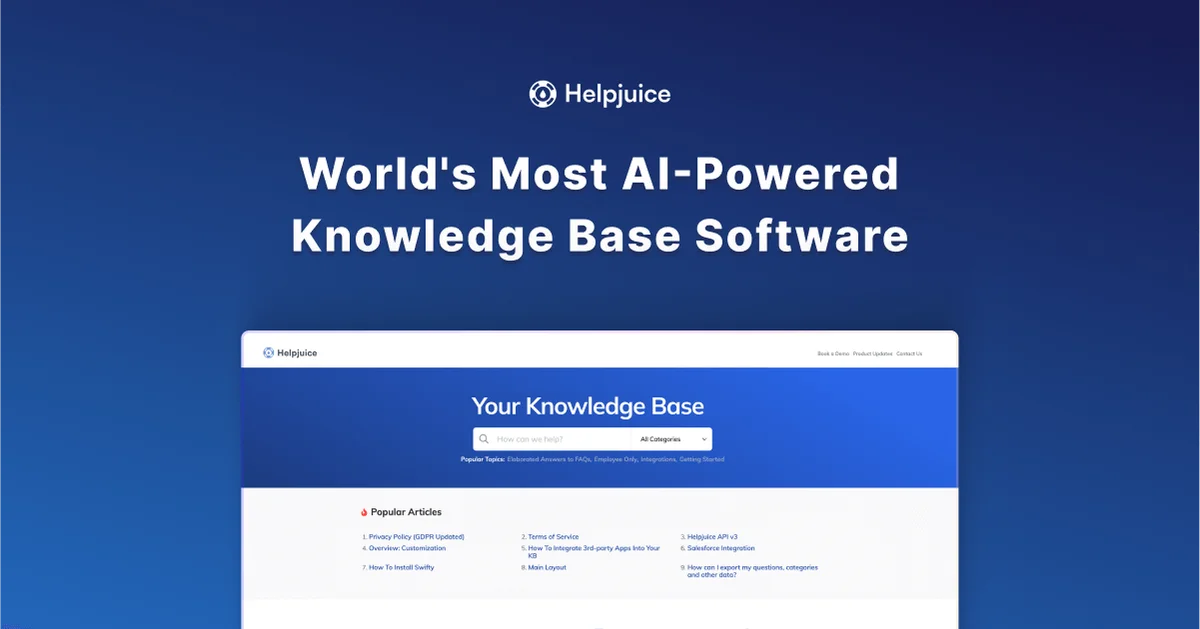
Helpjuice
Turn scattered docs into fast answers—with AI that actually works and search that forgives typos.
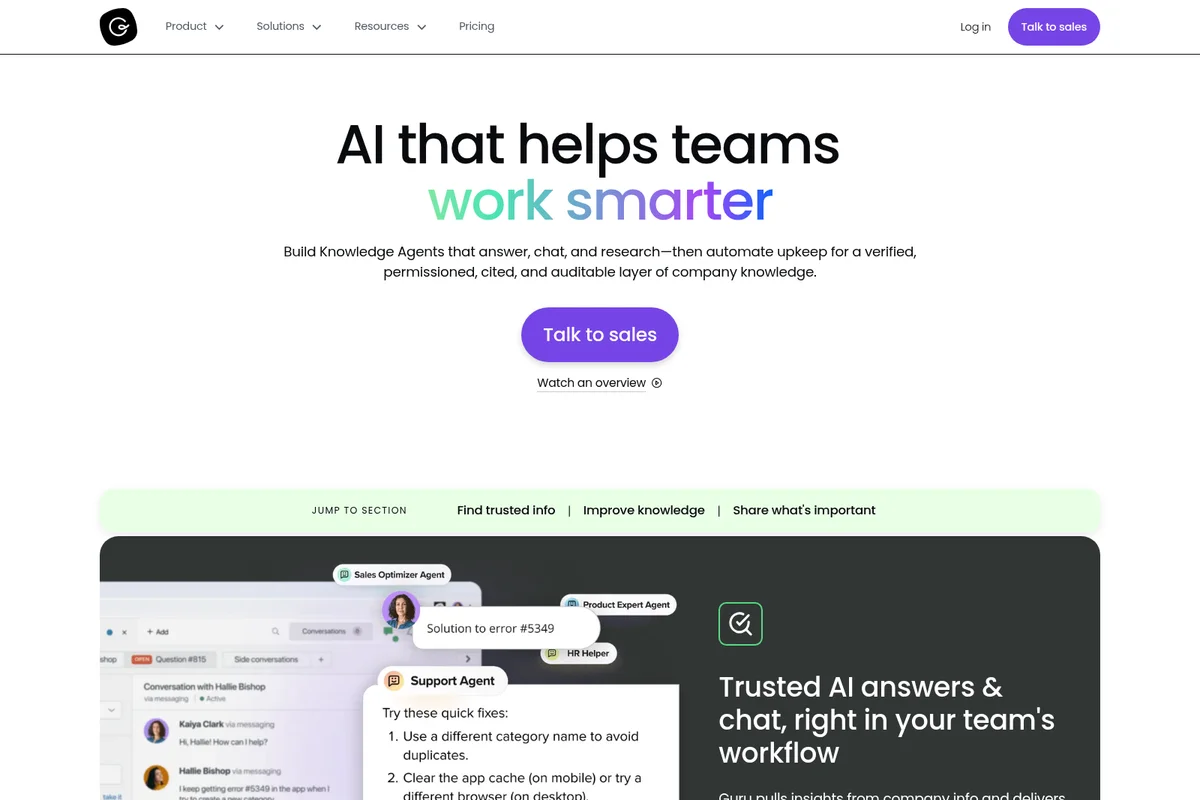
Guru
Stop running your business on confidently wrong AI—get answers you can actually trust.
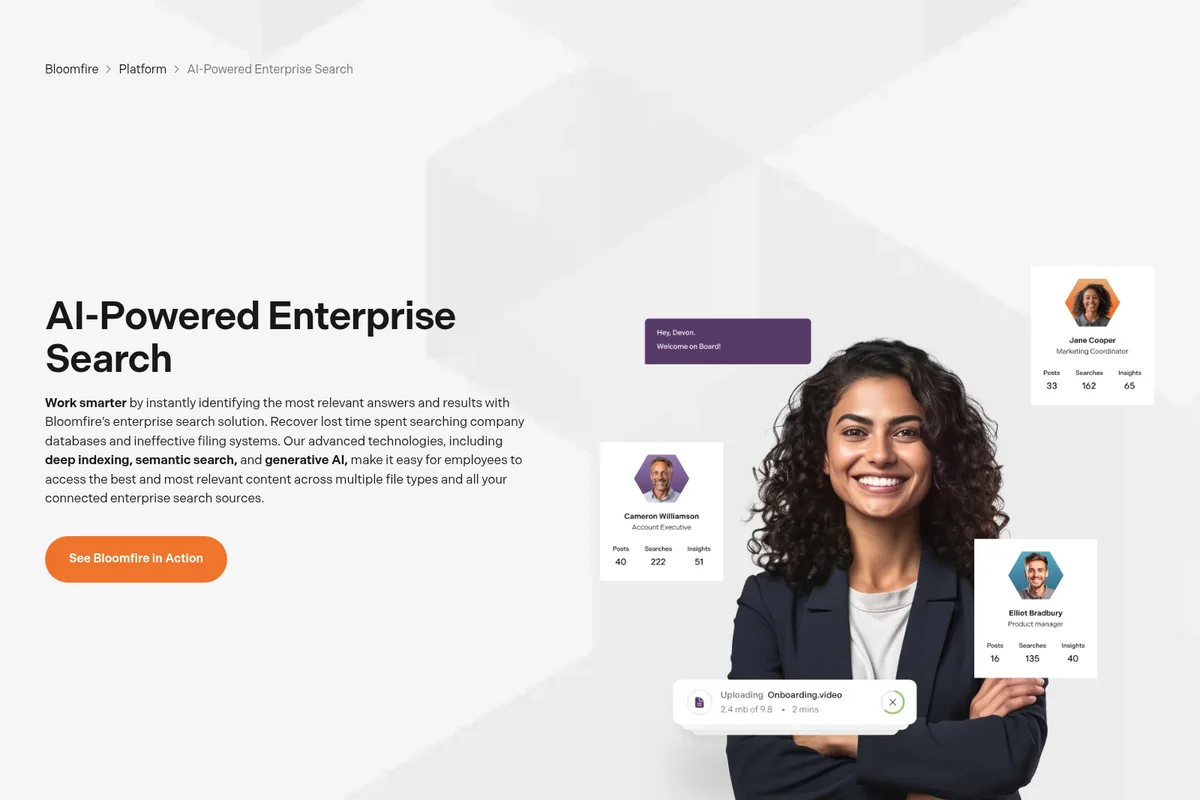
Bloomfire
Transform scattered knowledge into trusted intelligence that powers confident decisions across your organization.