Figma Review 2026 - AI Design & Prototyping
Verified Sep 30, 2026 by Tooliverse Editorial
Figma puts designers, developers, and AI agents on one shared canvas. Prompt a working prototype in Figma Make, refine it by hand, and hand off code-backed designs—used by 95% of the Fortune 500.
Learn Figma Motion in 8 minutes
Figma Motion Tutorial: Everything You Need to Know
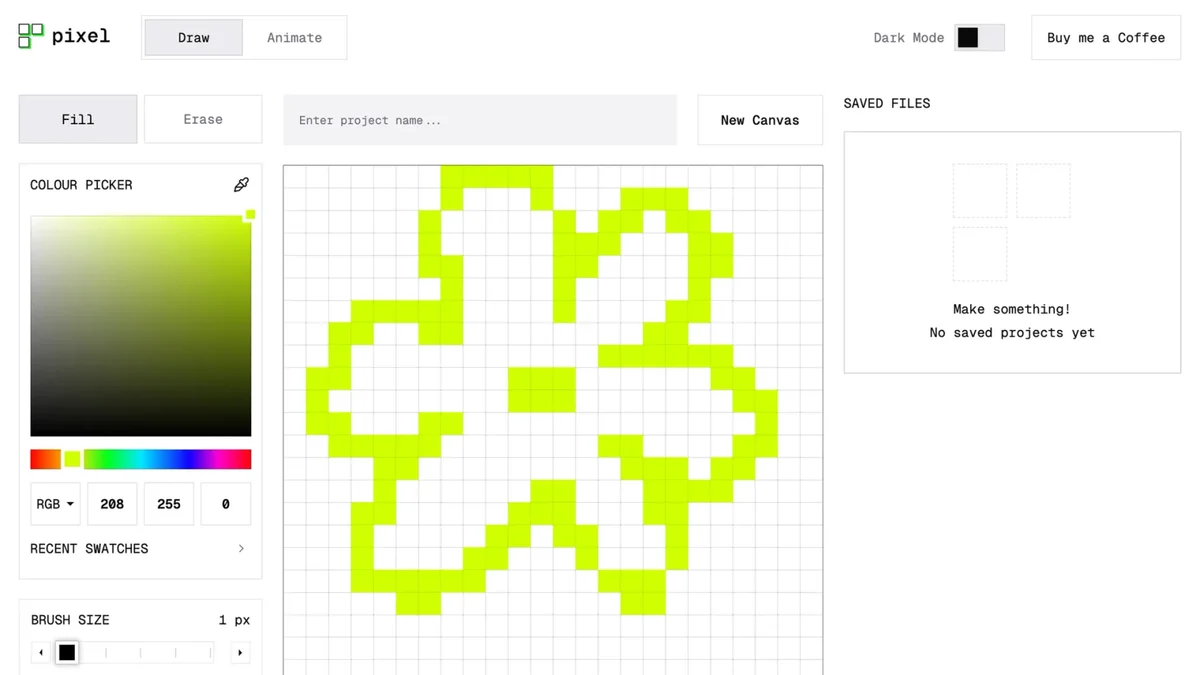
Create vibrant pixel art with intuitive drawing tools and a real-time canvas.
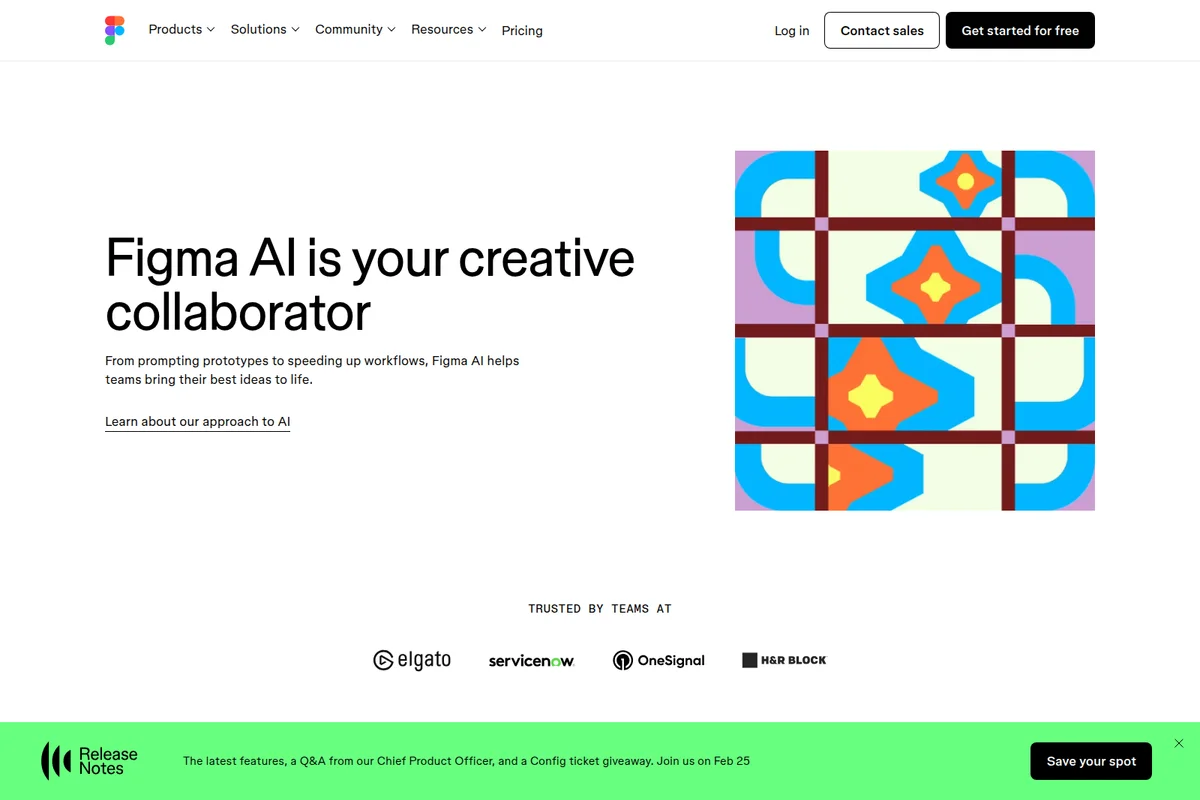
Figma AI helps teams bring their best ideas to life, from prototypes to speeding up workflows.
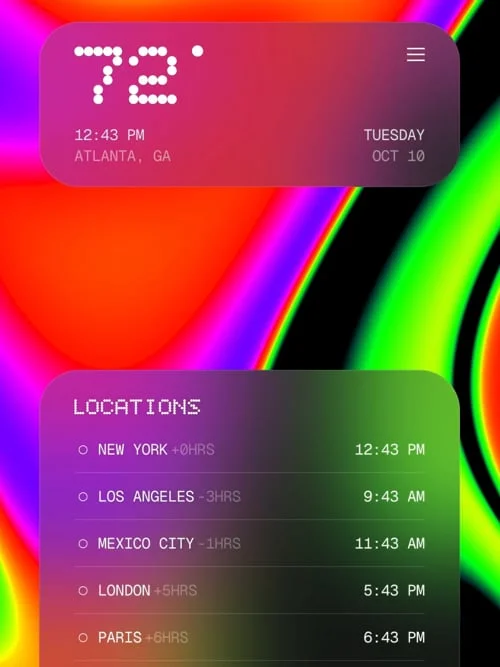
Visualize global time zones and current weather with a sleek, modern interface.
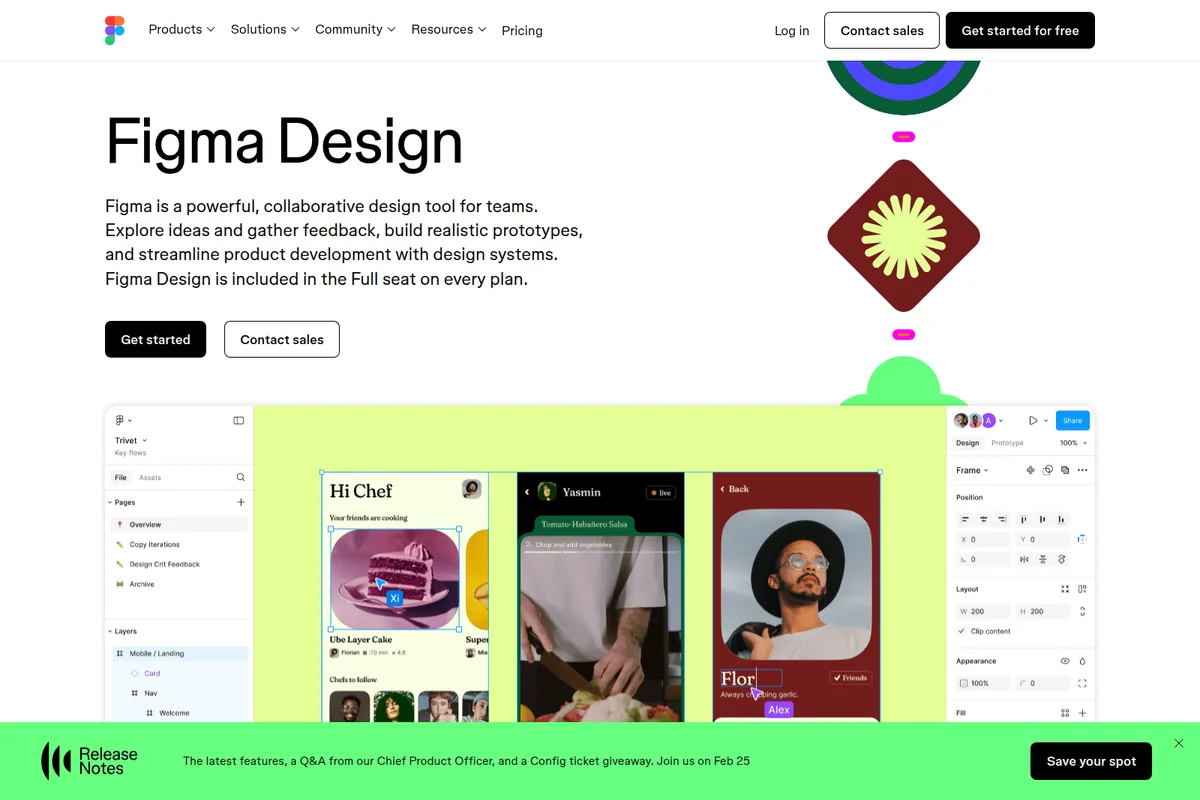
Collaborate in real-time on design projects, explore ideas, and build prototypes.
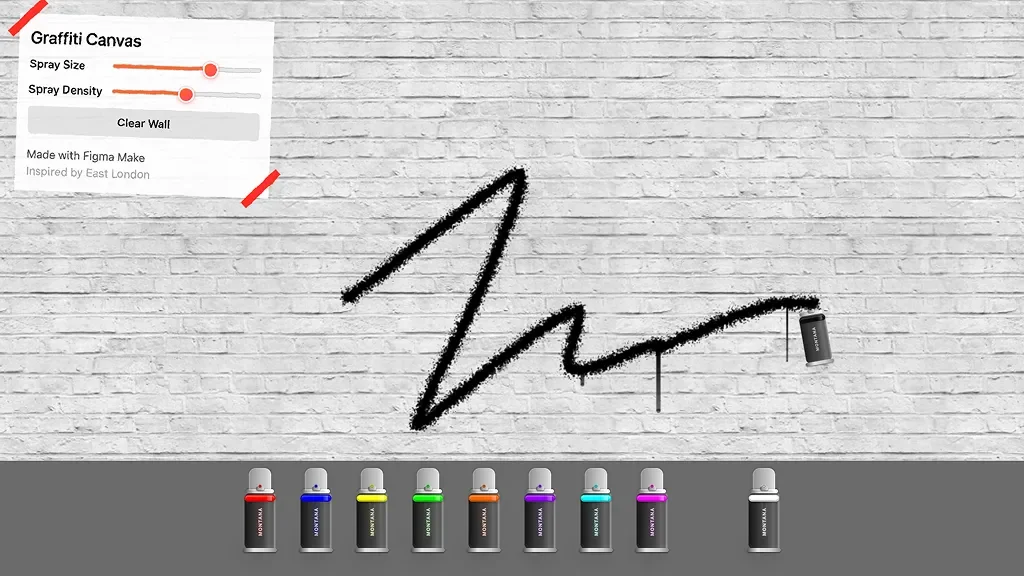
Unleash your creativity with adjustable spray tools to craft unique digital graffiti art.
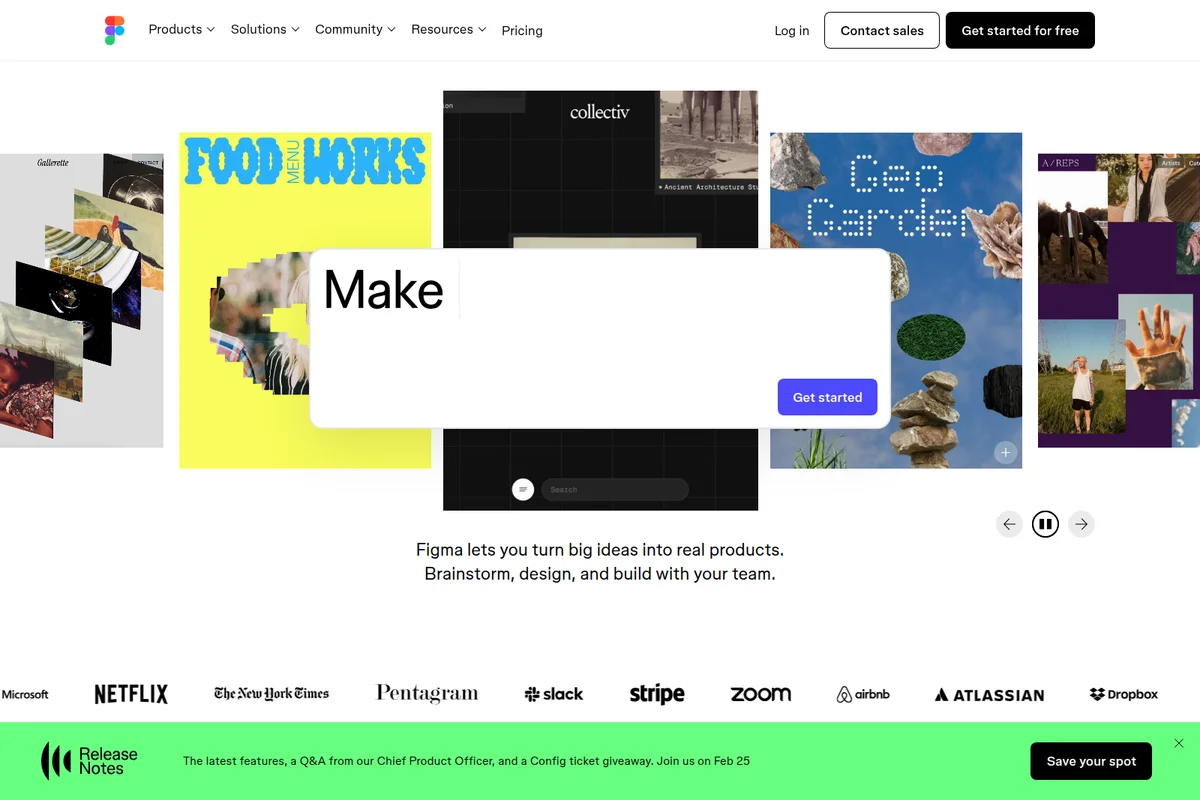
Explore diverse projects created with Figma, initiating new designs with an interactive modal.
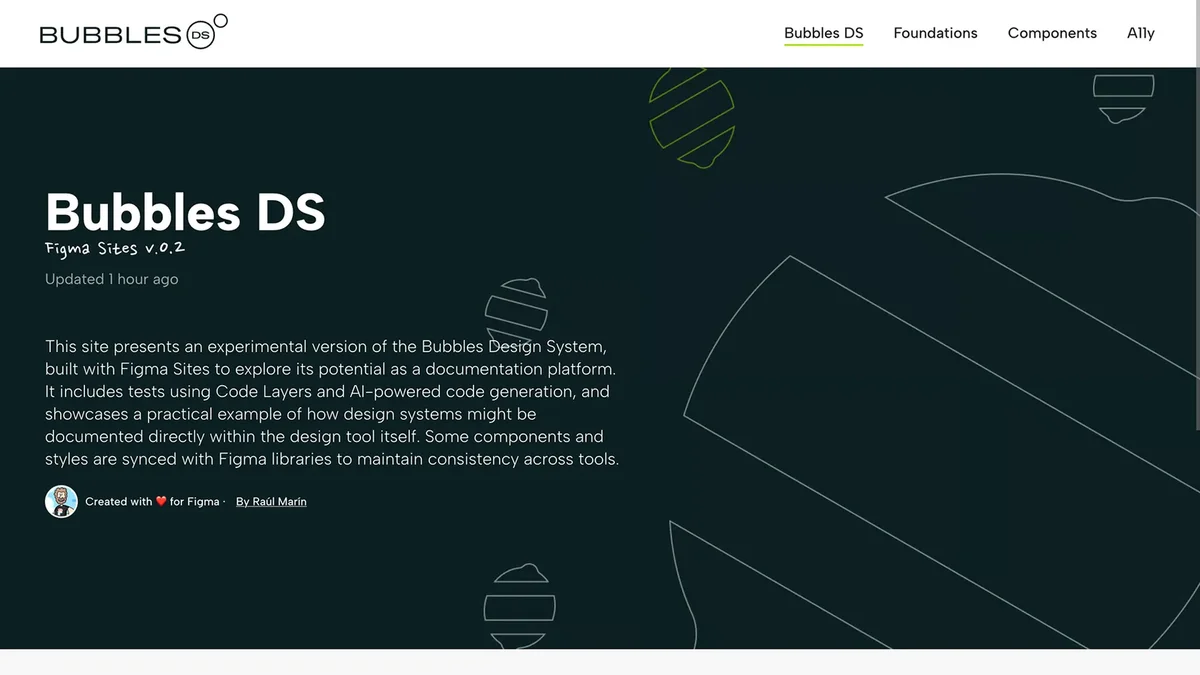
Showcasing Bubbles Design System built using Figma Sites for documentation.
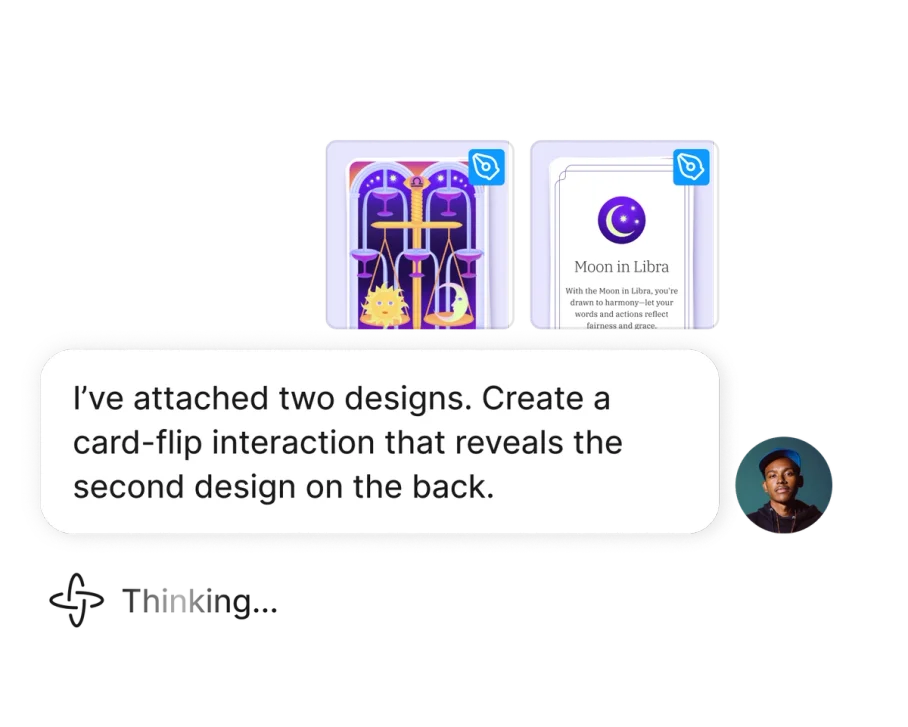
Create interactive card-flip prototypes directly from your designs.
Figma Review: Tooliverse Consensus





Based on 12k+ verified reviews across 6 platforms,
combined with Tooliverse's expert analysis
Figma is the shared workspace where design, prototyping, and developer handoff happen in one live file, and its multiplayer editing is what reviewers praise most. Dev Mode, Auto Layout, and component libraries keep designers and engineers aligned, while AI tools like layer renaming and prompt-based prototyping are earning steady use. The costs show up at scale: large files can lag, variables and logic take time to learn, Dev seats add up for small agencies, and offline work remains limited.
Bottom line: One of the strongest design platforms for team collaboration and developer handoff, though heavy files can lag and separate Dev seat pricing adds up quickly for smaller teams.
Figma | Key Specs
- Platforms
- Web, API
- Pricing Model
- Freemium ($0-90/mo per seat) See plans
- Privacy/Data Use
- Admin control over AI content training, EU file hosting (Enterprise)
- Security
- SOC 2 Type 2, ISO 27001, ISO 42001, SAML SSO See details
Wins
- •Enables seamless real-time collaboration that keeps entire product teams perfectly syncedmentioned in 3,420 reviews
- •Streamlines the design-to-code handoff with a robust and intuitive Dev Modementioned in 2,850 reviews
- •Automates complex layout tasks with powerful Auto Layout features for responsive designmentioned in 2,140 reviews
Watch-Outs
- •Demands significant system resources which can cause lag in complex filesmentioned in 1,240 reviews
- •Introduces a steep learning curve for advanced features like variables and logicmentioned in 980 reviews
- •Implements a pricing structure for Dev Mode that adds significant team costsmentioned in 850 reviews
Figma Features 2026
Figma Make
Prompt-to-code tool that turns ideas or existing Figma designs into functional prototypes and web apps, with Supabase backend support and publishing.
Figma agent (Beta)
On-canvas AI agent that generates and remixes designs, automates busywork, and gives design feedback; free during beta.
Figma MCP server
Lets AI agents read, reference, and act on Figma designs, including write to canvas and code to canvas.
Generative plugins and shaders (Beta)
Prompt reusable custom plugins and shader effects or fills on the canvas, shareable across an organization.
Figma User Reviews
Selected Reviews
"The multiplayer aspect is unbeatable. We can have 10 designers in one file without any lag or versioning issues. It's the only tool that truly feels like it was built for teams first."
"Figma AI has completely changed how I handle file hygiene. Renaming layers used to take hours; now it's one click. It's the kind of AI utility that actually makes a difference."
"The mobile app is still just a viewer. I wish I could make minor text edits or move layers on my iPad Pro. It's frustrating to have such powerful hardware and only be able to 'mirror'."
More from the Community
"Dev Mode is a game changer for our engineers, but the separate seat cost is a tough pill to swallow for smaller agencies. It saves hours of handoff time, but the bill adds up fast."
"UI3 feels like a step back in some ways; the floating panels take up too much screen real estate on my laptop and the gaps around the edges are just distracting."
"Auto Layout 5.0 is incredibly powerful but the logic is getting so complex it feels like coding rather than designing. It's great for design systems but overkill for quick mocks."
"The transition to UI3 was rough, but once you get used to the new toolbar, it actually feels faster. The quick actions are much more accessible now."
"We tried moving to Penpot to save costs, but the collaboration features just aren't there yet. Figma is still king for enterprise-level design systems."
"Dev Mode is a game changer for our engineers, but the separate seat cost is a tough pill to swallow for smaller agencies. It saves hours of handoff time, but the bill adds up fast."
"UI3 feels like a step back in some ways; the floating panels take up too much screen real estate on my laptop and the gaps around the edges are just distracting."
"Auto Layout 5.0 is incredibly powerful but the logic is getting so complex it feels like coding rather than designing. It's great for design systems but overkill for quick mocks."
"The transition to UI3 was rough, but once you get used to the new toolbar, it actually feels faster. The quick actions are much more accessible now."
"We tried moving to Penpot to save costs, but the collaboration features just aren't there yet. Figma is still king for enterprise-level design systems."
"The AI credits system is a bit confusing. I never know if I'm about to run out mid-sprint, and the top-up costs feel a bit steep for what it currently produces."
"Variables and conditional prototyping have made our handoffs so much clearer. No more explaining 'if this, then that' to devs; it's all right there in the prototype."
"Great tool, but the performance on my M1 Mac starts to chug once we hit 50+ pages in a single file. We have to split projects up more than I'd like."
"The community plugins are what really make Figma. If there's a gap in the tool, there's usually a plugin for it. The ecosystem is just as important as the core app."
"The AI credits system is a bit confusing. I never know if I'm about to run out mid-sprint, and the top-up costs feel a bit steep for what it currently produces."
"Variables and conditional prototyping have made our handoffs so much clearer. No more explaining 'if this, then that' to devs; it's all right there in the prototype."
"Great tool, but the performance on my M1 Mac starts to chug once we hit 50+ pages in a single file. We have to split projects up more than I'd like."
"The community plugins are what really make Figma. If there's a gap in the tool, there's usually a plugin for it. The ecosystem is just as important as the core app."
Figma Pricing 2026
View SourceStart free if you're working solo, but the Professional Full seat at $16/month is where the product opens up: team libraries, unlimited files, and 3,000 AI credits. The real money decision is seat types. Pay full-seat rates only for people who actually design, and put engineers and stakeholders on cheaper Dev or Collab seats. AI credits are pooled per seat, so heavy Make users should watch their monthly allotment.
Figma In-Depth Review 2026

Figma puts interface design, prototyping, whiteboarding, slides, and developer handoff in a single multiplayer workspace, so designers, product managers, and engineers work from the same source. It runs in the browser, with a mobile app for viewing and mirroring. Newer additions include Figma Make, which turns prompts into code-backed prototypes, and an MCP server that feeds design context to coding tools like Claude, Cursor, and GitHub. Free viewers can even inspect measurements and copy CSS, iOS, and Android code, which spares designers a steady stream of screenshot requests.
What It's Like Day-to-Day
The habit Figma builds is working in the open. Several people edit the same file at once, comments sit directly on the canvas, and nobody emails around a file called final_v7. Reviewers keep returning to this point, and one G2 user called it "the only tool that truly feels like it was built for teams first." That matters most for product teams where design, research, and engineering all need to see the same thing at the same moment.
Figma Security & Compliance
Verified Compliance
- SOC 2 Type 2
- SOC 3
- ISO 27001
- ISO 42001
- EU Cloud Code of Conduct
- C5
- TISAX
- CSA STAR (CAIQ)
- FedRAMP Authorized
Security Features
- SAML SSO with SCIM provisioning
- Governance+ add-on: IP allowlisting, network restrictions, enforced 2FA, extended idle session timeouts
- Bug bounty program
Privacy Commitments
- Figma AI is built to protect confidential information and give admins control over AI content training
- Localized file hosting in the EU (Enterprise)
Figma: Frequently Asked Questions (FAQs)
How much does Figma cost?
Figma has a free Starter plan, and paid seats start at $3/mo for Collab seats. Professional Full seats are $16/mo, Organization Full seats $55/mo, and Enterprise Full seats $90/mo (Organization and Enterprise billed annually). Prices are in USD.
What is a seat in Figma?
A seat gives a user access to Figma's products. The Full seat covers all products, the Dev seat covers Dev Mode, FigJam, Figma Slides, and Figma Buzz plus view and comment access in Design files, and the Collab seat covers FigJam, Slides, and Buzz plus view and comment access in Design files.
What are AI credits and how do they work?
Figma AI uses a credit system shared across all AI features and products, with a monthly allotment per seat. Full seats get 3,000 (Professional), 3,500 (Organization), or 4,250 (Enterprise) credits/month, while Collab, Dev, View, and Starter users get 500/month. Additional credits can be purchased.
Does the Figma AI agent use credits in beta?
No, the agent is free to use during the beta and does not consume AI credits. Standard credit usage will apply once it becomes generally available.
Figma Integrations
| Slack | Notion | Jira |
| Google Workspace | Supabase | VS Code |
| OpenAI | GitHub | Claude |
| Cursor | Gemini |
Figma: Verified Data Sheet
| # | Label | Data Point |
|---|---|---|
| [1] | Figma Consensus: 8.77/10 | Figma is a highly-rated tool among AI design tools in the Tooliverse index, with a consensus score of 8.77/10 across 12,840 verified reviews. |
| [2] | What is Figma | Figma is an ISO 42001 and SOC 2 certified collaborative design platform covering design, prototyping, whiteboarding, and AI-powered code generation. It is used by 95% of the Fortune 500, with a free plan and paid seats from $3/month. |
| [3] | Tooliverse Consensus on Figma | Figma is the shared workspace where design, prototyping, and developer handoff happen in one live file, and its multiplayer editing is what reviewers praise most. Dev Mode, Auto Layout, and component libraries keep designers and engineers aligned, while AI tools like layer renaming and prompt-based prototyping are earning steady use. The costs show up at scale: large files can lag, variables and logic take time to learn, Dev seats add up for small agencies, and offline work remains limited. |
| [4] | Figma Verdict | Figma bottom line: One of the strongest design platforms for team collaboration and developer handoff, though heavy files can lag and separate Dev seat pricing adds up quickly for smaller teams. |
| [5] | Starter: Free | Figma's free Starter tier includes Unlimited drafts and UI kits and templates, with AI tools available at no cost. |
| [6] | Auto Layout for responsive design | Figma automates responsive layout work with Auto Layout, and pairs it with variables and conditional prototyping logic, a combination praised in 2,140 user reviews. |
| [7] | Integrated AI for rapid prototyping | Figma speeds up prototyping with integrated AI, including Figma Make for prompt-to-code prototypes and the Figma agent (Beta), which is free during beta and does not consume AI credits, according to 1,920 user reviews. |
| [8] | Component libraries keep large teams consistent | Figma maintains design consistency across large organizations through component libraries and shared team libraries, a strength mentioned in 1,650 user reviews. |
| [9] | Professional - Full seat: $16/seat/month | Figma Professional - Full seat empowers users with 3,000 AI credits/mo for just $16/seat monthly, significantly expanding on the free tier's capabilities. |
| [10] | Real-time multiplayer collaboration | Figma enables real-time multiplayer collaboration that keeps design, product, and engineering teams working in the same file at the same time, a strength cited in 3,420 user reviews. |
| [11] | Lag in large, complex files | Figma demands significant system resources, and user reports indicate lag in complex files, with reviewers citing slowdowns at around 50+ pages in a single file, according to 1,240 user reviews. |
| [12] | Steep learning curve for variables and logic | Figma has a steep learning curve for advanced features such as variables and conditional logic, according to 980 user reviews. |
| [13] | SOC 2 Type 2 | Figma upholds SOC 2 Type 2, SOC 3, ISO 27001, ISO 42001, EU Cloud Code of Conduct, C5, TISAX, CSA STAR (CAIQ), and FedRAMP Authorized certifications. |
| [14] | Enterprise: SAML SSO with SCIM provisioning | Figma adds enterprise security through SAML SSO with SCIM provisioning, the Governance+ add-on: IP allowlisting, network restrictions, enforced 2FA, extended idle session timeouts, and a Bug bounty program. |
| [15] | Built for teams first | A verified G2 reviewer said Figma is "the only tool that truly feels like it was built for teams first," adding that 10 designers can share one file without versioning issues. |