
Fliki Review 2026 - AI Text to Video
Verified Sep 30, 2026 by Tooliverse Editorial
Fliki turns a one-line idea, blog post, or PowerPoint into a finished video with voiceover, visuals, music, and captions in minutes. Clone your voice, build a digital twin, and go faceless on TikTok and YouTube.
How to create realistic AI voiceovers with Fliki
I tested Fliki AI with 5 different AI Video Styles, Is it the Best AI Video Generator?
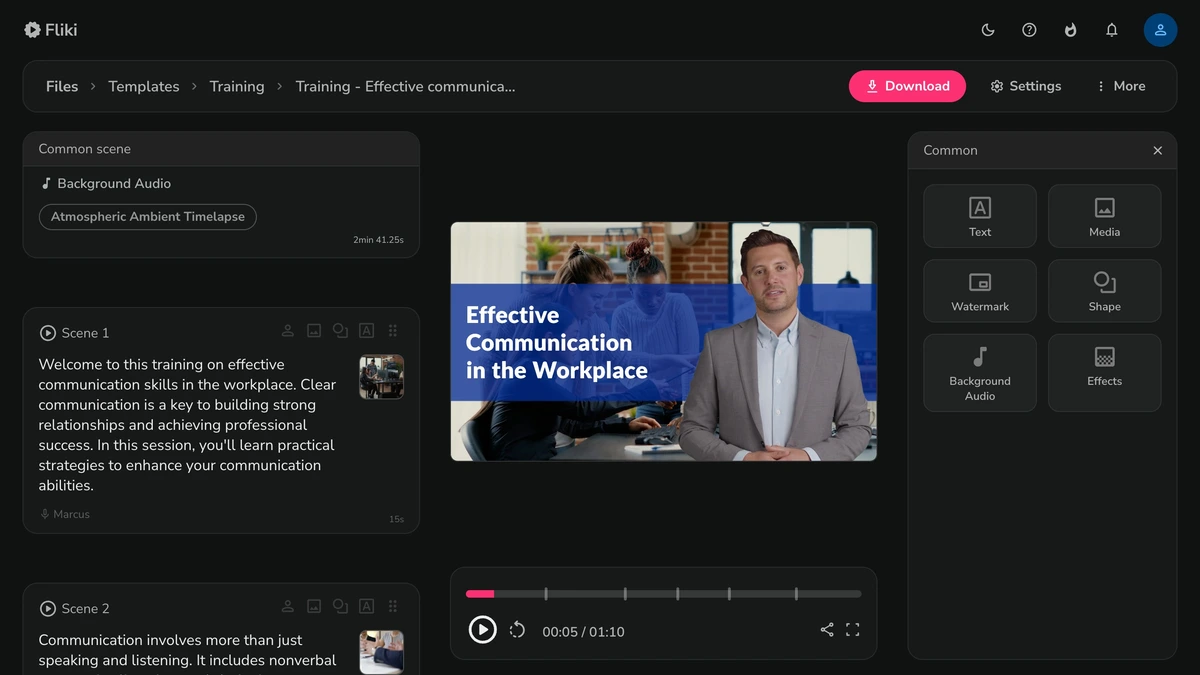
Craft engaging training videos with custom scenes and dynamic audio.
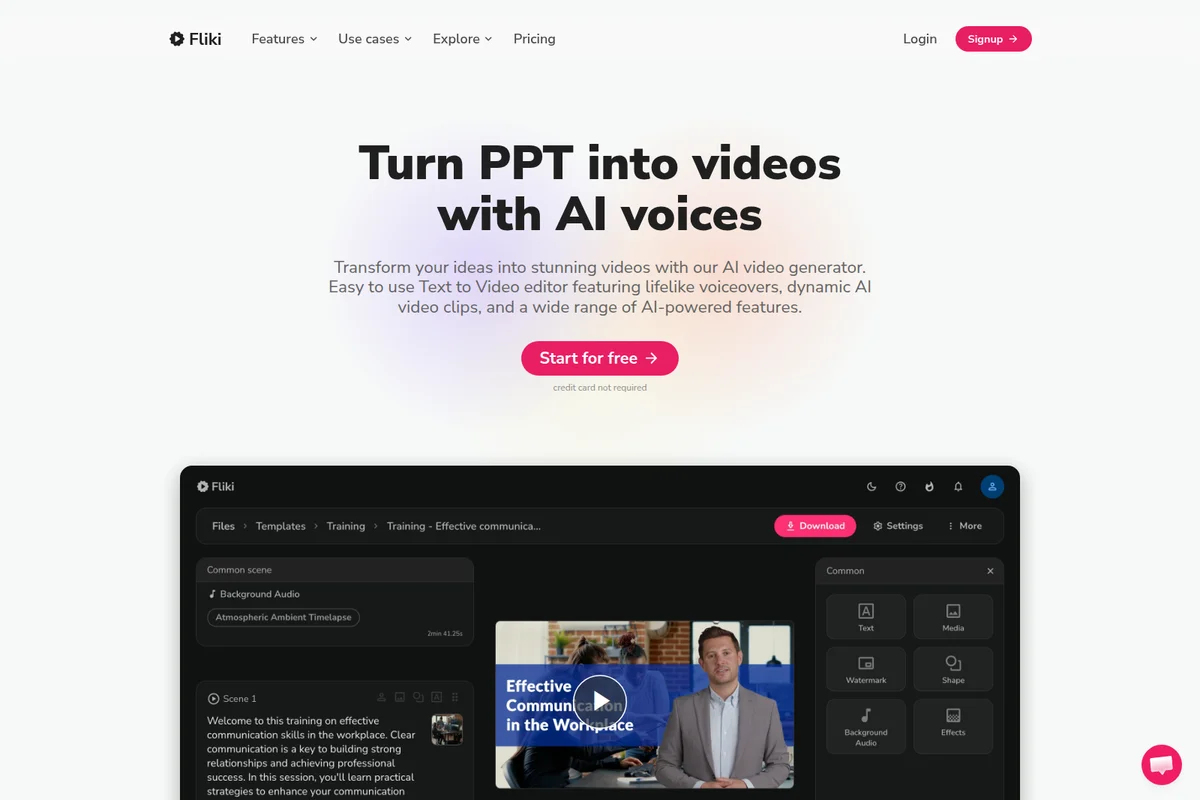
Transform presentations into engaging videos with AI voiceovers and dynamic visuals effortlessly.

Create high-quality, lifelike AI presenters for your videos.
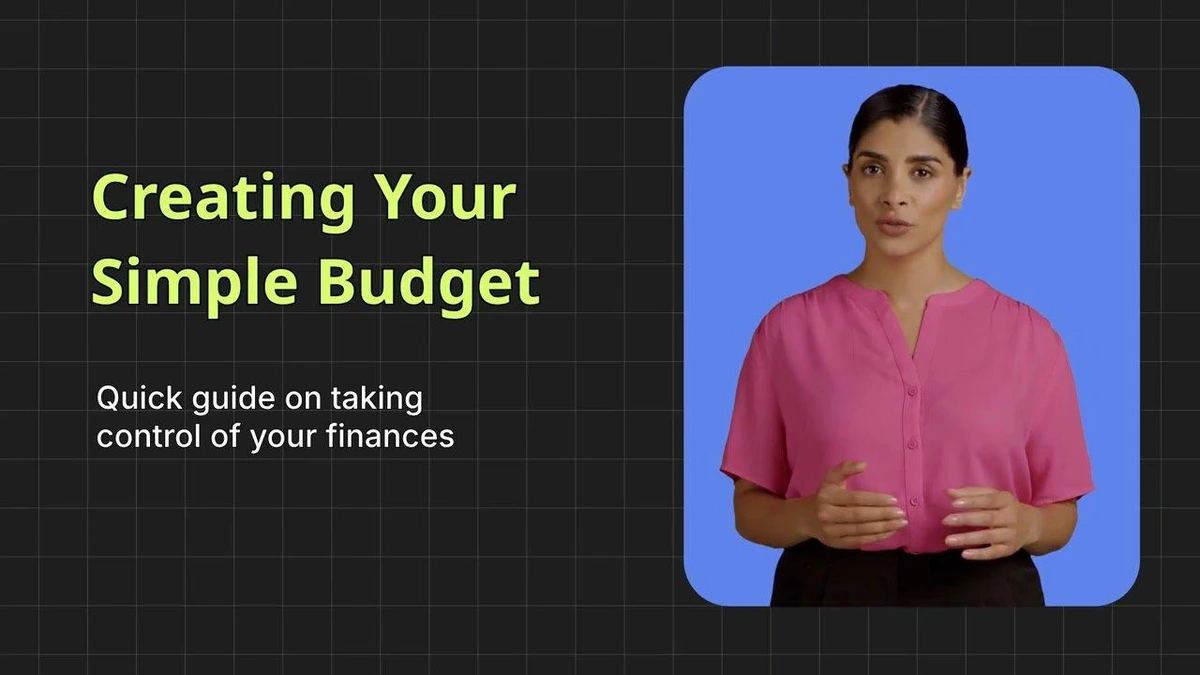
Clearly communicate financial guidance with an engaging AI presenter.
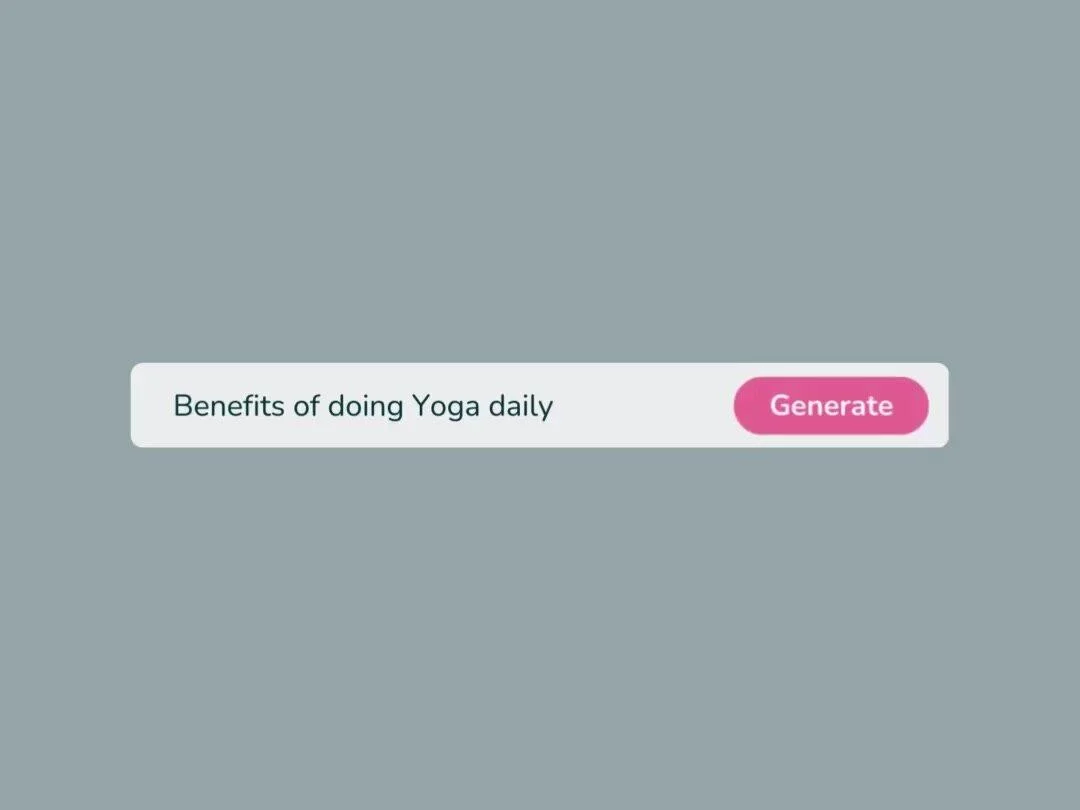
Generate content by simply typing your prompt and clicking 'Generate'.

Create professional AI-powered video presenters for engaging content.
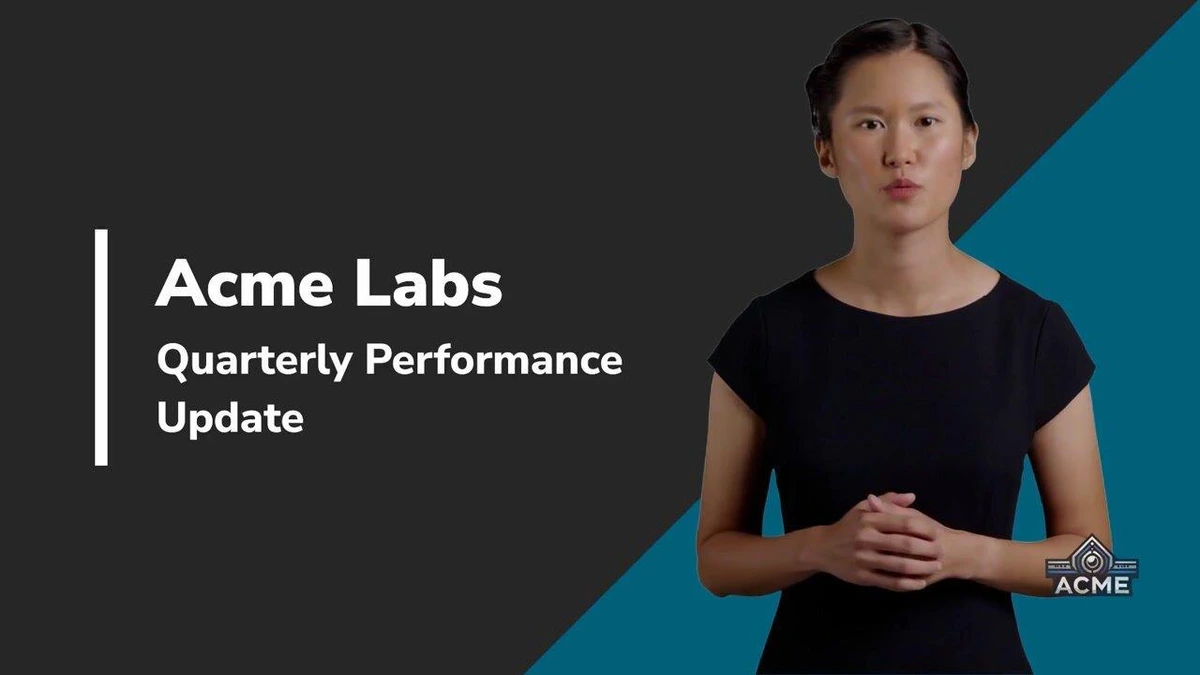
Generate professional video presentations with customizable presenters and dynamic text overlays.
Fliki Review: Tooliverse Consensus





Based on 1k+ verified reviews across 6 platforms,
combined with Tooliverse's expert analysis
Fliki is a capable script-to-video workspace built for creators and marketers who need finished social content fast. Reviewers point to drafts in minutes and a voice library that sounds convincingly human, with cloning and 80+ language support extending its reach, while the beginner-friendly interface keeps the learning curve short. The tradeoffs are real: the mobile app crashes more often than the desktop version, automated stock footage sometimes misses the context, and the simple timeline frustrates anyone wanting layered edits.
Bottom line: A capable text-to-video tool built for creators who need polished voiceover-driven clips fast, though its glitchy mobile app, loose stock-footage picks, and basic timeline keep it from serious editors.
Fliki | Key Specs
- Platforms
- Web (browser-based), API
- Pricing Model
- Freemium ($0-88/mo) See plans
- Security
- Encryption in transit and at rest, granular API keys See details
- Integrations
- Make, Zapier, YouTube + 7 more
Wins
- •Transforms text scripts into complete video drafts in minutes, drastically accelerating content productionmentioned in 412 reviews
- •Features a massive library of ultra-realistic AI voices that sound remarkably human and expressivementioned in 385 reviews
- •Provides an intuitive, beginner-friendly interface that requires no prior video editing experiencementioned in 298 reviews
Watch-Outs
- •Mobile application suffers from frequent glitches and stability issues compared to the desktop versionmentioned in 156 reviews
- •Automated stock footage selection occasionally picks irrelevant clips that require manual replacementmentioned in 134 reviews
- •AI avatars can appear stiff and less natural than high-end competitorsmentioned in 98 reviews
Fliki Features 2026
Text to Video
Turns a script, blog URL, PPT, or one-line prompt into a video with AI voiceover, visuals, music, and captions.
AI Video Generator with 20+ Models
Access Veo 3.1, Kling 3.0, MiniMax H3, Seedance 2.5 and more in one workspace, switchable per scene.
2,000+ AI Voices in 80+ Languages
Lifelike voices from 8 TTS engines with 30+ emotion styles and pace, pitch, and pause control.
Voice Cloning
Clone your voice from a 30-second sample and reuse it across videos, with multilingual dubbing.
Fliki User Reviews
Selected Reviews
"Fliki has completely transformed my content creation workflow. The text-to-video feature is a massive timesaver—you can literally paste a script and get a draft in minutes."
"Fliki's voice cloning feature is spooky good. I cloned my own voice and it sounds exactly like me, saving me hours of recording time."
"The voices are top-tier, but the video editor feels a bit restrictive. I wish I could layer more elements or have more control over transitions."
More from the Community
"I use this for my faceless YouTube channel and the workflow is 10x faster than traditional editing. The auto-subtitle feature is a lifesaver."
"The export speed is decent, but I've had a few crashes on the mobile app when working with longer scripts. Desktop version is much more stable."
"Good for simple explainers, but the AI avatars still look a bit stiff compared to competitors like HeyGen. Useful but needs more polish."
"Impressive multi-language support. I translated my English videos into Spanish and French in minutes and the accents were spot on."
"Solid app, but sometimes the AI picks weird stock footage that doesn't match the context. You still need to do some manual tweaking."
"I use this for my faceless YouTube channel and the workflow is 10x faster than traditional editing. The auto-subtitle feature is a lifesaver."
"The export speed is decent, but I've had a few crashes on the mobile app when working with longer scripts. Desktop version is much more stable."
"Good for simple explainers, but the AI avatars still look a bit stiff compared to competitors like HeyGen. Useful but needs more polish."
"Impressive multi-language support. I translated my English videos into Spanish and French in minutes and the accents were spot on."
"Solid app, but sometimes the AI picks weird stock footage that doesn't match the context. You still need to do some manual tweaking."
"The interface is so clean. I was able to make my first video in under 10 minutes without watching a single tutorial."
"Best text-to-speech tool I've found. The emotional range in the voices makes the narration feel human rather than robotic."
"Great tool for quick content, but the credit system is a bit stingy. A 5-minute video eats up a lot of my monthly allowance."
"The stock library is massive. I never have to hunt for b-roll anymore because the AI picks pretty relevant clips automatically."
"The interface is so clean. I was able to make my first video in under 10 minutes without watching a single tutorial."
"Best text-to-speech tool I've found. The emotional range in the voices makes the narration feel human rather than robotic."
"Great tool for quick content, but the credit system is a bit stingy. A 5-minute video eats up a lot of my monthly allowance."
"The stock library is massive. I never have to hunt for b-roll anymore because the AI picks pretty relevant clips automatically."
Fliki Pricing 2026
View SourceThe free plan's three credits amount to about three minutes of video, with a watermark and no commercial rights, so it works as a trial, not a workflow. Standard at $16.80/month billed annually is the one to pick: 1080p, no watermark, commercial rights, and voice cloning. Credits are the real constraint, since editing text or changing a voice reprocesses audio and spends them again. High-volume publishers should check the allowance first.
Fliki In-Depth Review 2026

Fliki is a browser-based AI video and voice workspace that turns a script, blog URL, PowerPoint deck, or one-line prompt into a finished video with narration, stock visuals, music, and captions. It gathers more than 20 AI video models, eight text-to-speech engines, and avatars in one place, with over 2,000 voices across 80+ languages. There is nothing to install, since it runs in a browser, with Chrome preferred. The output arrives as a complete draft with voice, captions, and music already in place.
What It's Like Day-to-Day
The workflow starts with whatever raw material you already have. Paste a script or drop in a blog URL, and scenes assemble with narration, stock clips, and captions. The product's own FAQ puts a video under 60 seconds at two to five minutes, and a five-to-fifteen-minute piece at ten to fifteen including review. Users bear out the speed; one G2 reviewer says you can "paste a script and get a draft in minutes". What follows is mostly tidying: swapping a clip, trimming a pause, fixing a caption.
Voices are where reviewers linger.
Fliki Security & Compliance
Security Features
- Encrypted in transit and at rest with SOC 2-aligned controls (API)
- Granular API keys by team or environment
Fliki: Frequently Asked Questions (FAQs)
Is Fliki free to use?
Yes, Fliki has a free forever plan with no credit card required. It includes 3 credits per month (about 3 minutes of video), 300 voices, and 720p exports with a Fliki watermark. Commercial use requires a paid plan.
How much does Fliki cost?
Fliki's Standard plan is $28/month ($16.80/month billed annually) and Premium is $88/month ($52.80/month billed annually). Enterprise pricing is custom, and the Free plan costs $0.
How do credits work in Fliki?
Credits are deducted based on the duration of audio generated or video exported. Editing text or changing voice or pauses reprocesses the audio and uses credits again.
Can I cancel my Fliki subscription anytime?
Yes, you can cancel anytime from Account by selecting Manage billing.
Fliki Integrations
| Make | Zapier | YouTube |
| TikTok | ElevenLabs | |
| OpenAI | Google Gemini | Microsoft Azure Neural |
| Amazon Polly |
Fliki: Verified Data Sheet
| # | Label | Data Point |
|---|---|---|
| [1] | Fliki Consensus: 7.33/10 | Fliki is a well-reviewed tool among AI video tools in the Tooliverse index, with a consensus score of 7.33/10 across 1,667 verified reviews. |
| [2] | What is Fliki | Fliki is an AI video and voice platform that turns text, blogs, and slides into finished videos with 2,000+ voices in 80+ languages. It serves 14M+ users, with paid plans starting at $16.80/month billed annually. |
| [3] | Tooliverse Consensus on Fliki | Fliki is a capable script-to-video workspace built for creators and marketers who need finished social content fast. Reviewers point to drafts in minutes and a voice library that sounds convincingly human, with cloning and 80+ language support extending its reach, while the beginner-friendly interface keeps the learning curve short. The tradeoffs are real: the mobile app crashes more often than the desktop version, automated stock footage sometimes misses the context, and the simple timeline frustrates anyone wanting layered edits. |
| [4] | Fliki Verdict | Fliki bottom line: A capable text-to-video tool built for creators who need polished voiceover-driven clips fast, though its glitchy mobile app, loose stock-footage picks, and basic timeline keep it from serious editors. |
| [5] | Free: Free | Fliki provides a functional Free tier with 3 credits per month and 300 voices across 80+ languages, making AI tools accessible at no cost. |
| [6] | Script to video draft in minutes | Fliki turns text scripts, blog URLs, and slide decks into complete video drafts with voiceover, visuals, music, and captions in minutes, a speed advantage cited in 412 user reviews; a video under 60 seconds takes about 2 to 5 minutes. |
| [7] | 2,000+ realistic, expressive AI voices | Fliki offers 2,000+ AI voices drawn from 8 text-to-speech engines, including ElevenLabs, OpenAI, and Microsoft, with 30+ emotion styles; 385 user reviews describe the voices as human and expressive. |
| [8] | Beginner-friendly, no editing skills needed | Fliki gives beginners a clean interface that requires no prior video editing experience, a strength noted in 298 user reviews. |
| [9] | Standard (Yearly): $16.8/user/mo (annual) | Nine Thirty Five's Fliki Standard (Yearly) empowers users with 2160 credits per year for $16.8/user/month billed annually, significantly expanding on the free tier's capabilities. |
| [10] | 80+ languages, 100+ dialects | Fliki supports 80+ languages and 100+ dialects for localizing video content, validated by 245 user reviews; translation requires a paid plan. |
| [11] | Mobile app less stable than desktop | Fliki's mobile app shows more glitches and stability problems than the desktop version, according to 156 user reports, with crashes noted on longer scripts. |
| [12] | Stock footage picks sometimes miss context | Fliki's automated stock footage selection occasionally picks clips that do not match the script, and 134 user reports describe manual replacement as a routine step. |
| [13] | Enterprise: Encrypted in transit and at rest with SOC 2-aligned controls (API) | Fliki provides enterprise security with Encrypted in transit and at rest with SOC 2-aligned controls (API) and Granular API keys by team or environment. |
| [14] | Paste a script, get a draft in minutes | A verified G2 reviewer noted that Fliki "has completely transformed my content creation workflow" and that you can "literally paste a script and get a draft in minutes." |
Best Fliki Alternatives
Pictory
Turn scripts, blogs, and ideas into polished videos in minutes, no editing skills needed.

Lumen5
Turn any blog, document, or idea into a professional video in minutes, no editing skills required.
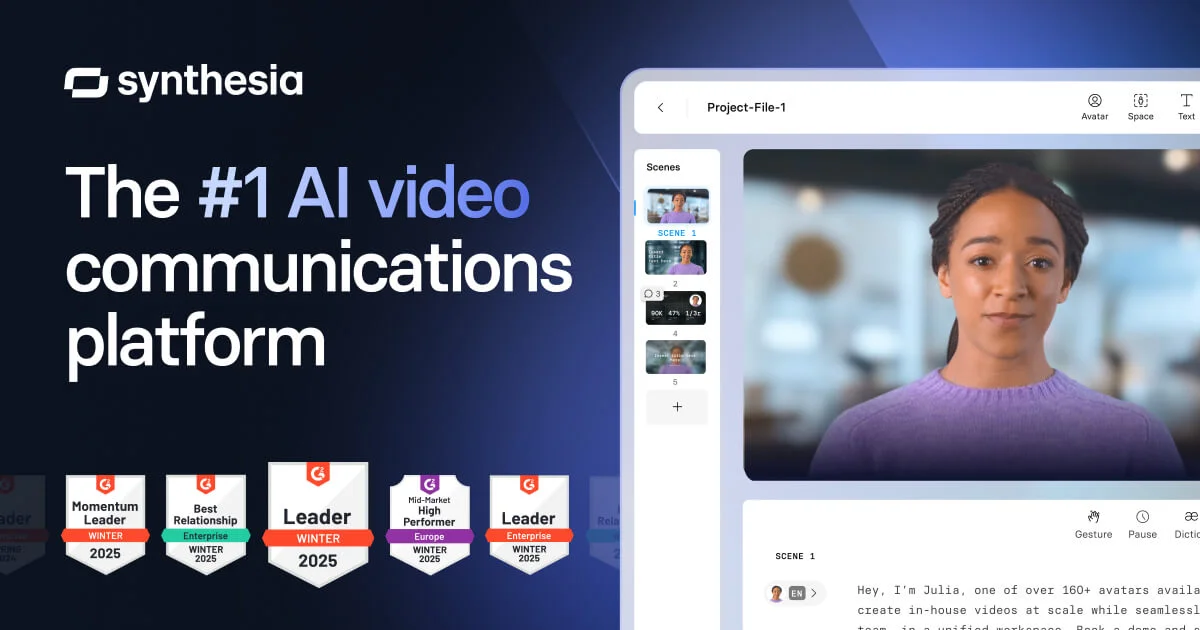
Synthesia
Turn any script, doc, or idea into studio-quality avatar videos in 160+ languages, no camera needed.