
HomeDesigns AI Review 2026 - Real Room Redesign
Verified Oct 1, 2026 by Tooliverse Editorial
Upload one photo and HomeDesigns AI restyles your actual room, exterior or garden in under 30 seconds, keeping your walls, windows and layout intact. Try 200+ styles, stage empty listings, or turn results into video tours.
Transform Empty Rooms Instantly: Master the Fill Spaces Module with HomeDesigns AI!
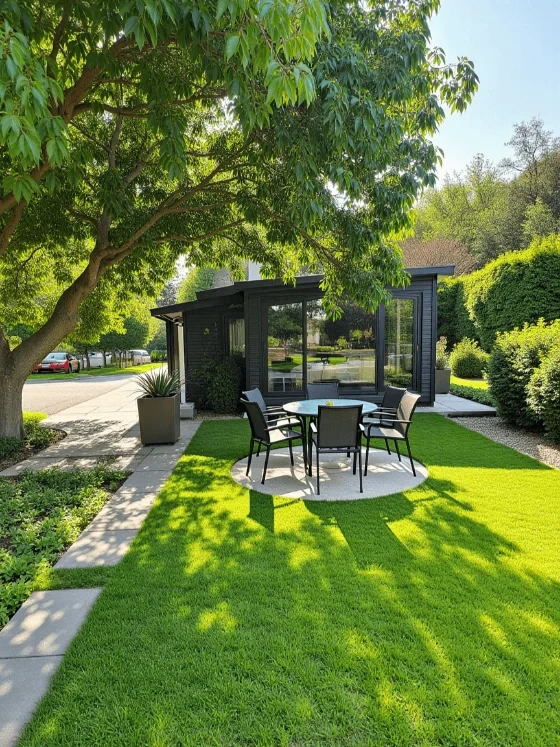
Visualize modern home designs with integrated landscaping and outdoor living spaces.

Explore real-world applications and use cases of HomeDesignsAI through a video presentation.
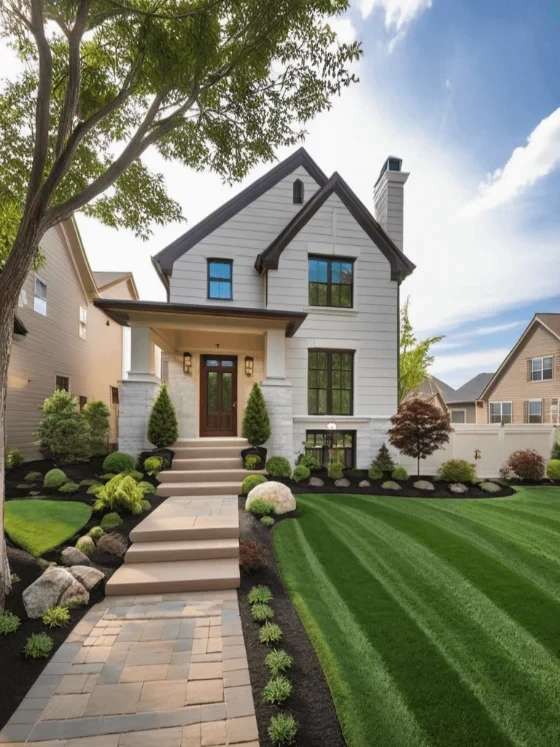
Generate photorealistic home designs complete with expertly manicured landscapes.

Redesign your interior and exterior spaces with AI assistance.

Visualize your dream home exterior and landscape designs with AI.
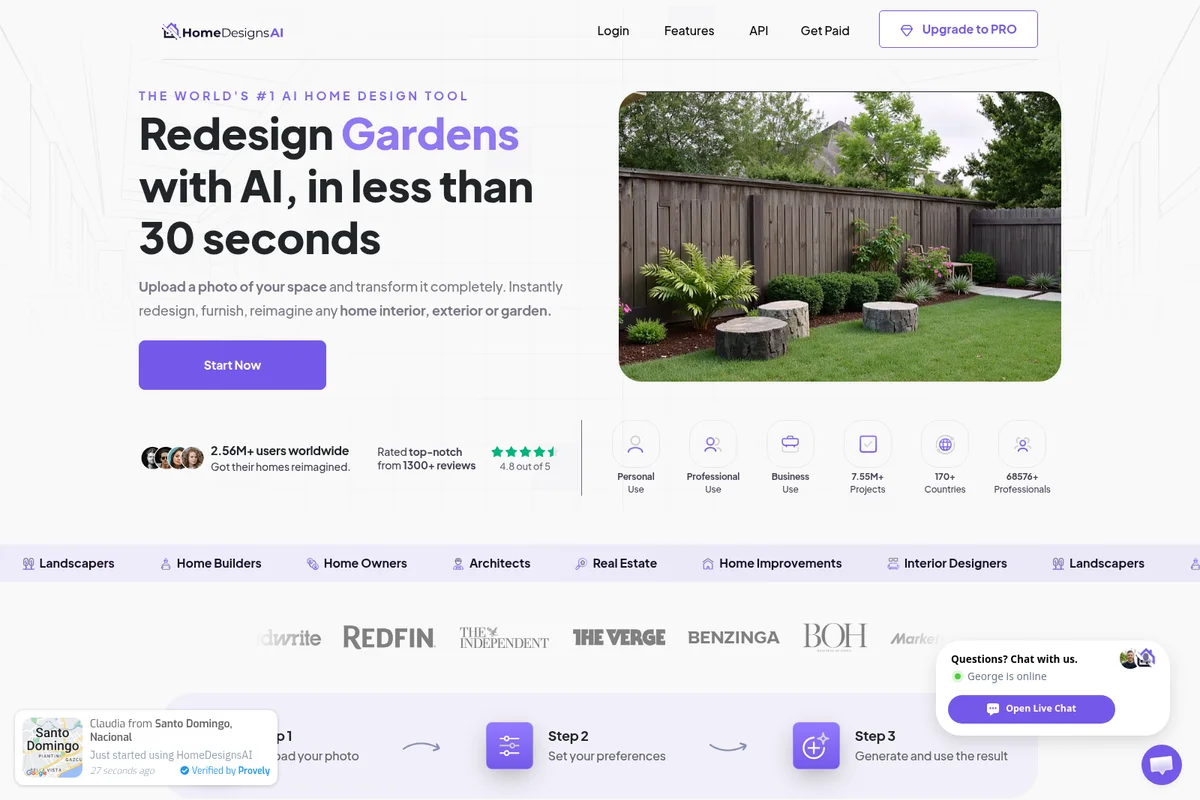
Transform your outdoor spaces instantly with AI-powered garden redesigns.
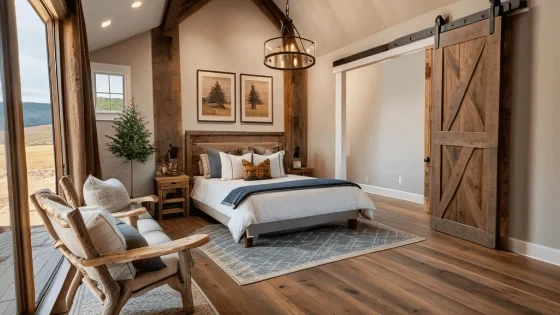
Experience AI-generated rustic modern bedroom designs with breathtaking views.
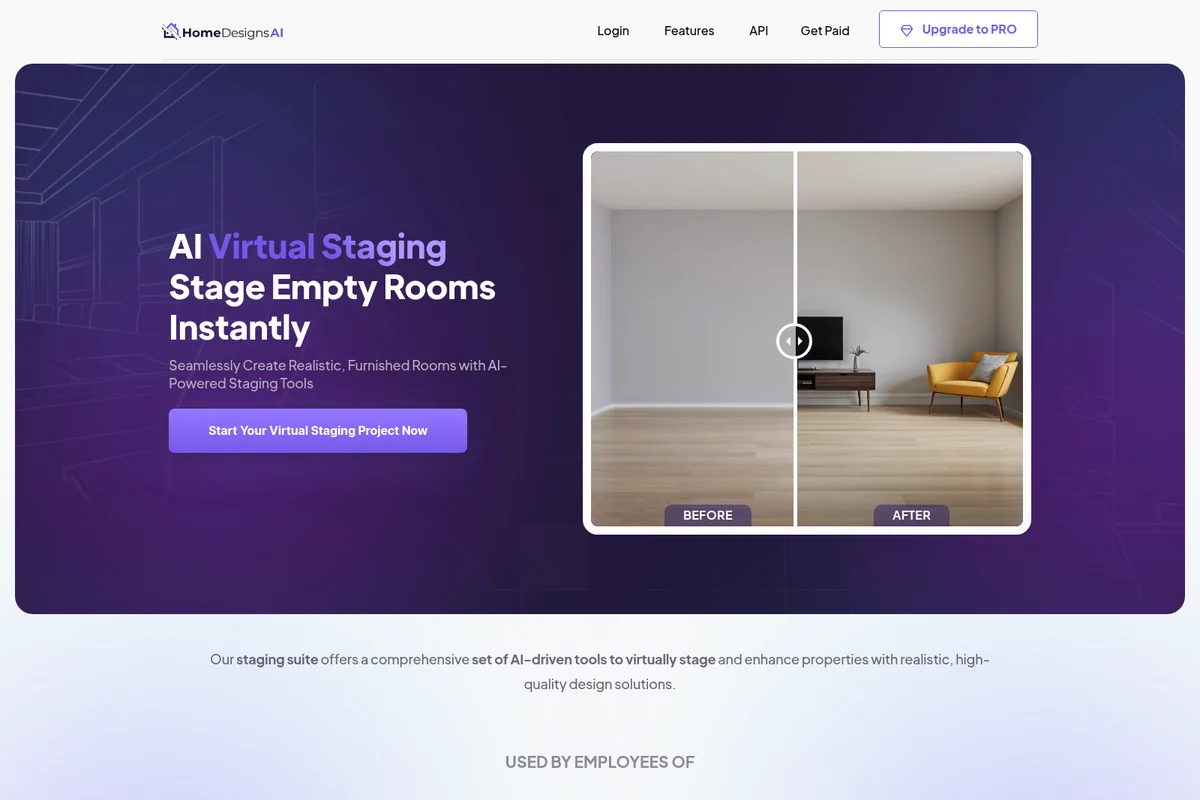
Instantly transform empty rooms into realistic, furnished spaces with AI.

Visualize your ideal outdoor living space with AI-generated landscape designs.
HomeDesigns AI Review: Tooliverse Consensus


Based on 620 verified reviews across 4 platforms,
combined with Tooliverse's expert analysis
HomeDesigns AI redesigns the actual room in a photo, keeping walls, windows and layout fixed, which is why homeowners, realtors and contractors use its renders to settle on a direction before spending anything. Reviewers credit the sub-30-second output, the beginner-friendly interface and a style library deep enough for quick Industrial-to-Japandi swaps, with gardens drawing surprising praise. The catch is fidelity: floating furniture, odd lighting and shaky scale mean the results work as concept art, and iteration burns credits quickly.
Bottom line: A top-tier AI redesign tool that turns a single photo into polished concepts in seconds, though shaky scale and credit-hungry iteration mean it suits inspiration better than precise planning.
HomeDesigns AI | Key Specs
- Platforms
- Web, iOS, Android, API
- Pricing Model
- Freemium (free credits, 7-day trial, paid plans, $19 one-time add-on) See plans
- Security
- Serverless API architecture, 99.99% uptime claim See details
- API Available
- Yes (REST API V2, white-label)
Wins
- •Generates high-quality interior and exterior renders in under 30 secondsmentioned in 184 reviews
- •Provides an incredibly user-friendly interface that requires zero prior design experiencementioned in 156 reviews
- •Offers a vast library of over 40 design styles to suit any aestheticmentioned in 142 reviews
Watch-Outs
- •Produces occasional AI artifacts like distorted furniture legs or unnatural lightingmentioned in 64 reviews
- •Struggles to maintain exact spatial dimensions for precise architectural planningmentioned in 52 reviews
- •Credit-based pricing model can feel restrictive for users experimenting with multiple iterationsmentioned in 48 reviews
HomeDesigns AI Features 2026
Structure-Lock Redesign
Redesigns the real room in your photo while keeping walls, windows and layout unchanged.
Video Walkthroughs
One-click video tours from a redesigned photo with selectable clip length and camera motion.
2D to 3D Floor Plans
Converts 2D floor plans into 3D floor plans and room renders.
Furniture Finder
Identifies furniture in a design and provides purchase links.
HomeDesigns AI User Reviews
Selected Reviews
"The AI is incredibly fast. I uploaded a photo of my messy kitchen and had a Scandi-style render in 20 seconds. It's not perfect, but it's a great starting point."
"I love how many styles there are. I went from Industrial to Japandi in two clicks. It really helps you decide on a direction before buying furniture."
"Credit system is a bit annoying. I wish there was a flat monthly fee for unlimited renders because you often need 5-10 tries to get the right look."
More from the Community
"Used this for a client presentation to show potential. They loved the 'Modern' filter. It saved me hours of manual mood boarding."
"The garden feature is actually better than the interior one. It handled the terrain and existing trees surprisingly well."
"Sometimes the furniture looks like it's floating or the scale is slightly off compared to the windows. Good for vibes, not for measurements."
"Transformed my dark basement into a bright office concept. The lighting AI is actually very impressive for a web tool."
"Great for staging empty houses. Much cheaper than physical staging and looks realistic enough for Zillow listings."
"Used this for a client presentation to show potential. They loved the 'Modern' filter. It saved me hours of manual mood boarding."
"The garden feature is actually better than the interior one. It handled the terrain and existing trees surprisingly well."
"Sometimes the furniture looks like it's floating or the scale is slightly off compared to the windows. Good for vibes, not for measurements."
"Transformed my dark basement into a bright office concept. The lighting AI is actually very impressive for a web tool."
"Great for staging empty houses. Much cheaper than physical staging and looks realistic enough for Zillow listings."
"The 'Fill Room' feature is hit or miss. Sometimes it puts a sofa in front of a door, but the 'Redesign' feature is consistently solid."
"Impressive speed. I can show clients options in real-time during a walkthrough. That alone is worth the subscription."
"It struggles with very small rooms. The AI tries to cram too much furniture in and it looks cluttered. Better for open plans."
"A bit of a learning curve to get the 'Precision' mode right, but once you do, the results are much more usable for actual planning."
"The 'Fill Room' feature is hit or miss. Sometimes it puts a sofa in front of a door, but the 'Redesign' feature is consistently solid."
"Impressive speed. I can show clients options in real-time during a walkthrough. That alone is worth the subscription."
"It struggles with very small rooms. The AI tries to cram too much furniture in and it looks cluttered. Better for open plans."
"A bit of a learning curve to get the 'Precision' mode right, but once you do, the results are much more usable for actual planning."
HomeDesigns AI Pricing 2026
Start free: three credits every 24 hours, three more once you register, plus a 7-day trial of the paid plans. Reviewers say a good result often takes five to ten attempts, so the $19 one-time Unlimited AI Designs add-on is the practical pick for anyone iterating seriously; it removes the generation cap across all 20-plus modules. Professionals needing recurring volume should price the paid plans against their client load.
HomeDesigns AI In-Depth Review 2026

HomeDesigns AI is a web app that redesigns the real room in your photo while locking walls, windows and layout in place, a feature it calls Structure-Lock. It handles interiors, exteriors and gardens, runs in Chrome, Firefox and Safari with nothing to install, and added Android and iOS apps in Q1 2026. More than 20 AI modules cover redesign, virtual staging, sketch-to-render and video walkthroughs, with over 200 styles and 120 space types to choose from.
What It's Like Day-to-Day
The workflow is short: upload a photo, pick a space type and style, then choose a redesign mode. Beautiful makes subtle updates, Creative allows dramatic changes like moving furniture, and Perfect pushes detail and realism. Speed is the most-cited strength in reviews, with 184 mentions of renders landing in under 30 seconds, and one Google Play reviewer got a Scandi-style kitchen in 20 seconds that was "not perfect, but it's a great starting point".
Control sits a layer deeper.
HomeDesigns AI Security & Compliance
Security Features
- API built on latest security standards with serverless architecture
HomeDesigns AI: Frequently Asked Questions (FAQs)
Does HomeDesigns AI have a free option?
Yes, HomeDesigns AI gives free credits: 3 new credits every 24 hours, 3 extra credits with a free account, and a free 7-day trial of paid plans.
Is there a limit to API designs I can generate?
Yes, the limit depends on your API plan. The Standard SME plan includes 1000 monthly generations, and custom plans can be negotiated.
What does 1 API generation mean?
One API generation equals one generated design, whether using Redesign, Precision+ or Fill Spaces.
Does HomeDesigns AI work on any device?
Yes, it is a web application that runs in common browsers (Chrome, Firefox, Safari) without installing software.
HomeDesigns AI: Verified Data Sheet
| # | Label | Data Point |
|---|---|---|
| [1] | HomeDesigns AI Consensus: 8.83/10 | HomeDesigns AI is a highly-rated tool among AI design tools in the Tooliverse index, with a consensus score of 8.83/10 across 620 verified reviews. |
| [2] | What is HomeDesigns AI | HomeDesigns AI is an AI home design platform that redesigns real photos of interiors, exteriors and gardens while keeping walls and layout intact. It serves 2.78M+ users, with a free credit tier and API access. |
| [3] | Tooliverse Consensus on HomeDesigns AI | HomeDesigns AI redesigns the actual room in a photo, keeping walls, windows and layout fixed, which is why homeowners, realtors and contractors use its renders to settle on a direction before spending anything. Reviewers credit the sub-30-second output, the beginner-friendly interface and a style library deep enough for quick Industrial-to-Japandi swaps, with gardens drawing surprising praise. The catch is fidelity: floating furniture, odd lighting and shaky scale mean the results work as concept art, and iteration burns credits quickly. |
| [4] | HomeDesigns AI Verdict | HomeDesigns AI bottom line: A top-tier AI redesign tool that turns a single photo into polished concepts in seconds, though shaky scale and credit-hungry iteration mean it suits inspiration better than precise planning. |
| [5] | Free: Free | HomeDesigns AI provides a functional Free tier with 3 new credits every 24 hours and 3 extra credits with a free account, making its AI tools accessible at no cost. |
| [6] | Renders in under 30 seconds | HomeDesigns AI generates high-quality interior and exterior renders in under 30 seconds, a speed advantage cited in 184 user reviews and the most frequently mentioned strength in the review set. |
| [7] | No design experience needed | HomeDesigns AI requires zero prior design experience, with an interface that 156 user reviews describe as easy to use, supported by step-by-step instructions and tutorials for every feature. |
| [8] | 200+ styles, 120+ space types | HomeDesigns AI offers 200+ design styles across 120+ space types, and 142 user reviews highlight the breadth of its style library (reviewers commonly cite 40+ distinct looks they can switch between in a few clicks). |
| [9] | Unlimited AI Designs Add-On: $19/one-time | HomeDesigns AI Unlimited AI Designs Add-On removes the generation limit for a one-time fee of $19, significantly expanding on the free tier's capabilities. |
| [10] | Strong garden and landscape results | HomeDesigns AI delivers strong results for outdoor landscaping and garden planning, a strength noted in 98 user reviews, with reviewers reporting that it handles existing terrain and trees well. |
| [11] | Occasional AI artifacts in renders | HomeDesigns AI produces occasional AI artifacts such as distorted furniture legs, floating furniture or unnatural lighting, according to 64 user reports. |
| [12] | Not reliable for exact dimensions | HomeDesigns AI struggles to hold exact spatial dimensions, and 52 user reports indicate it suits concept visualization better than precise architectural planning. |
| [13] | Enterprise: API built on latest security standards with serverless architecture | HomeDesigns AI provides enterprise-grade security through an API built on latest security standards with serverless architecture. |
| [14] | Scandi render in 20 seconds | A verified Google Play Store reviewer noted that HomeDesigns AI is "incredibly fast" and produced a Scandi-style render of a messy kitchen in 20 seconds, calling it "a great starting point." |
Best HomeDesigns AI Alternatives
DecAI
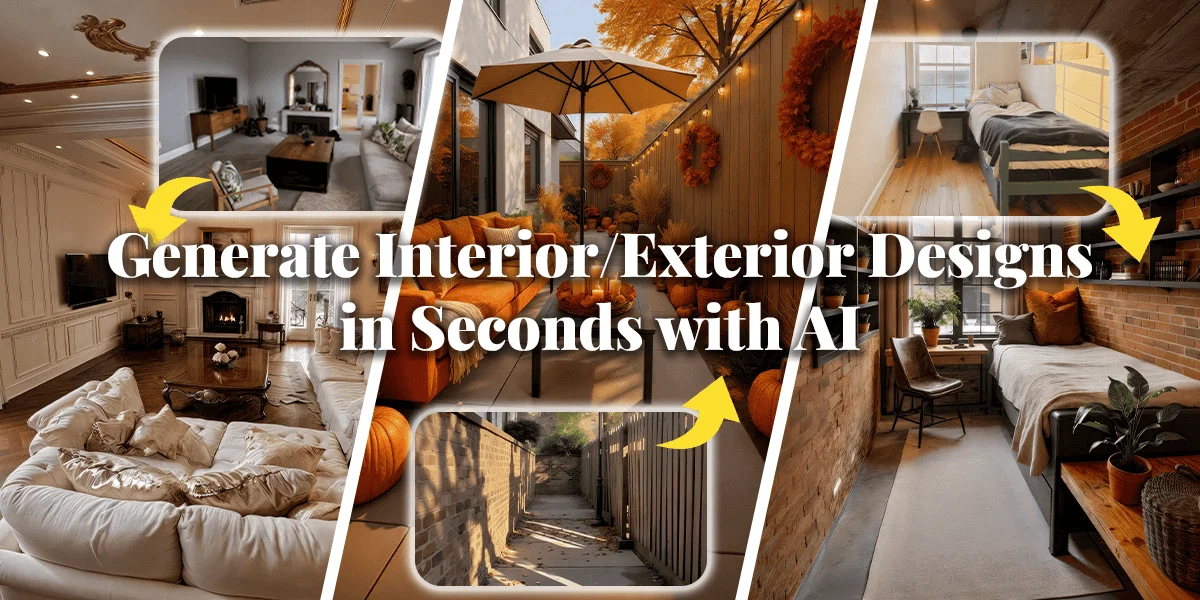
Upload a photo and watch AI redesign your home, exterior, or garden in 30 seconds flat.
Virtual Staging AI
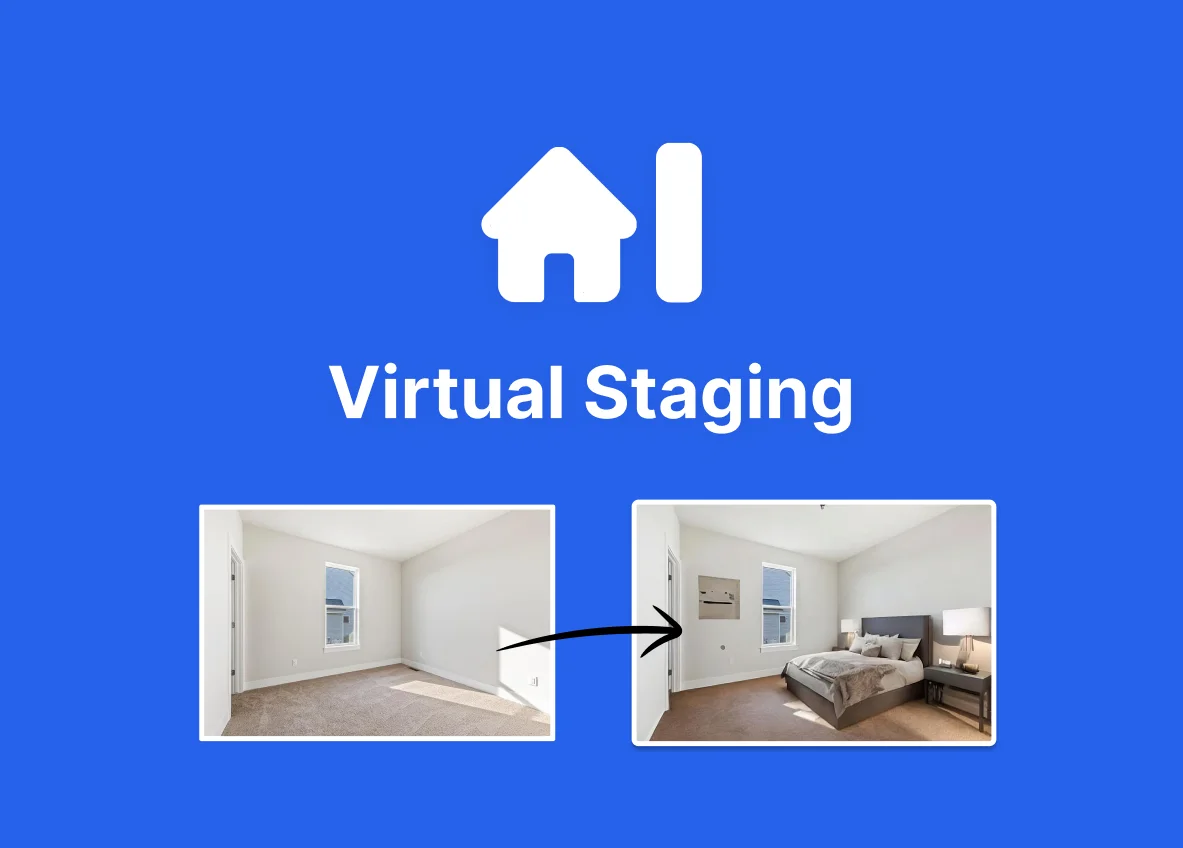
Turn empty rooms into stunning, listing-ready spaces with one click—no designer, no waiting.

Collov AI
Turn empty rooms into buyer-ready homes in seconds with AI virtual staging that actually sells.