
Kling AI Review 2026 - Native 4K Video
Verified Oct 2, 2026 by Tooliverse Editorial
Kling AI turns a simple prompt or a single photo into cinematic video with synchronized audio and native 4K detail. Filmmakers, advertisers and solo creators use it to produce polished scenes without a crew.
⚡ Introducing Kling AI 2.5 Turbo Video Model!
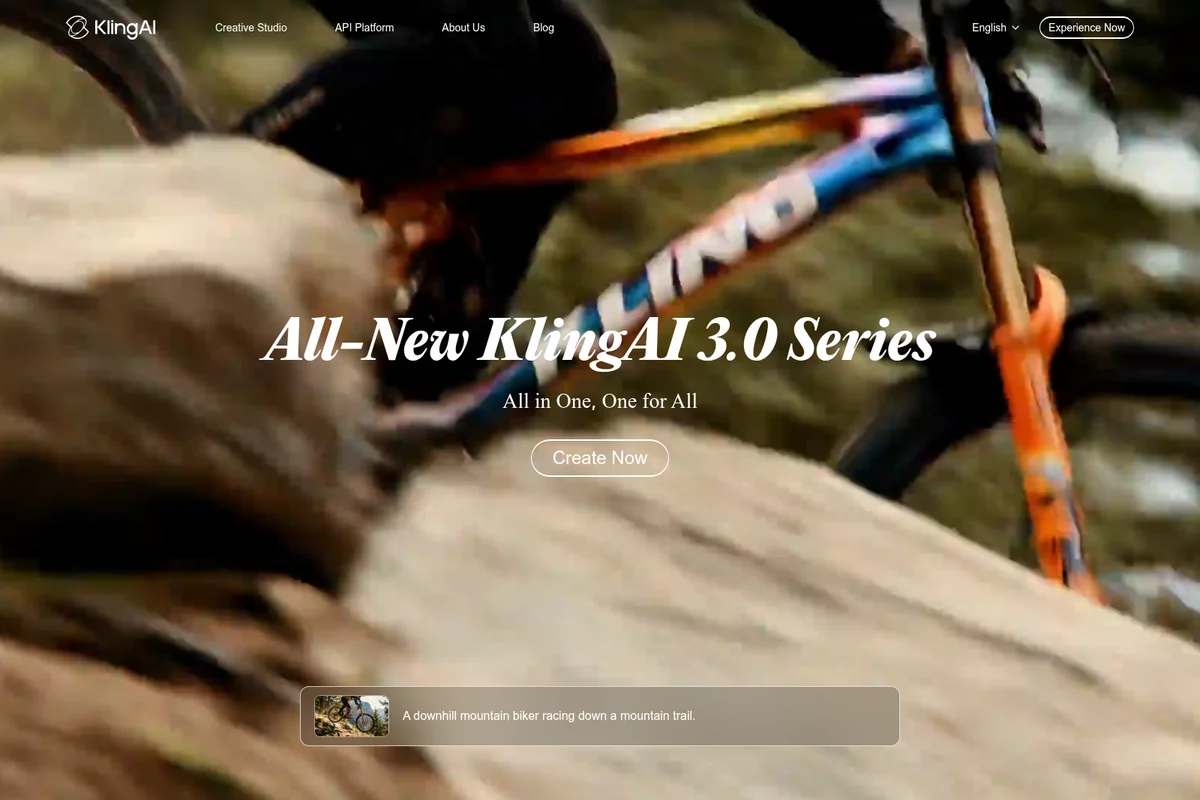
Discover the cutting-edge KlingAI 3.0 Series for unparalleled performance.
Kling AI Review: Tooliverse Consensus




Based on 21k+ verified reviews across 5 platforms,
combined with Tooliverse's expert analysis
Kling AI sets the pace for cinematic AI video, producing human motion and faces that hold together across a full 10-second clip. Reviewers credit its image-to-video fidelity and sharp output for cutting post-production work, while the web interface keeps the learning curve gentle. The tradeoffs are cost and patience: high-definition and extended modes drain credits quickly, free-tier queues stretch at peak hours, and complex scenes occasionally merge or drop objects. Strict moderation filters can also flag harmless prompts without explanation.
Bottom line: The gold standard for lifelike AI video, with human motion that holds together across entire clips, though heavy credit costs and slow free-tier queues push serious use onto paid plans.
Kling AI | Key Specs
- Platforms
- Web, iOS, Android, macOS, Windows
- Pricing Model
- Freemium ($0-127.99 first month; Enterprise custom) See plans
- API Available
- Yes (Enterprise API; Kling 4.0 API coming soon)
- Max Resolution
- Native 4K (video and image); 1080p/4K video on paid plans
Wins
- •Unmatched realism in human movement and facial expressions that brings AI characters to lifementioned in 184 reviews
- •Consistent 10-second video generations that maintain character identity across the entire clipmentioned in 162 reviews
- •Powerful Image-to-Video feature that accurately interprets complex prompts with fluid motionmentioned in 145 reviews
Watch-Outs
- •Significant credit consumption for high-definition and extended video modes can be costlymentioned in 94 reviews
- •Extended wait times for free-tier users during peak server demand can be frustratingmentioned in 82 reviews
- •Occasional physics glitches where objects merge or disappear unnaturally in complex scenesmentioned in 67 reviews
Kling AI Features 2026
Kling 4.0 Video Model
Supports dynamic motions, Omni reference, native 30s generation and multiple keyframes for professional-grade, audio-visual video.
Native 4K Video
Film-grade native 4K video built for commercial production.
Kling 3.0 & 3.0 Omni
Synchronized audio-video generation, intelligent storyboarding and element reference with precise prompt adherence.
Motion Control
Recreates complex movement and accurate facial expression using advanced motion capture technology.
Kling AI User Reviews
Selected Reviews
"I use the 10-second generation for B-roll in my YouTube videos and it's saved me hundreds on stock footage. The motion consistency is finally usable for professional work without looking like a weird dream."
"The image-to-video feature is the best in the market. It respects the original composition while adding natural, fluid motion that doesn't look like a cheap morph or a simple pan and zoom."
"Sometimes the hands still look a bit funky when they interact with objects, but it's much better than the 'spaghetti fingers' we had."
More from the Community
"The realism in the human movement is light years ahead of what I was getting with other tools last year."
"Great results but the credit cost for 1080p is getting out of hand."
"I'm impressed by the prompt adherence. If I ask for a specific lighting change halfway through, it actually attempts it."
"Wait times for the free version are brutal. I waited 4 hours for a 5-second clip. The quality is top-tier, but you basically have to pay to use it effectively."
"Kling has become my go-to for character consistency. Being able to keep the same face across multiple generations is a game changer."
"The realism in the human movement is light years ahead of what I was getting with other tools last year."
"Great results but the credit cost for 1080p is getting out of hand."
"I'm impressed by the prompt adherence. If I ask for a specific lighting change halfway through, it actually attempts it."
"Wait times for the free version are brutal. I waited 4 hours for a 5-second clip. The quality is top-tier, but you basically have to pay to use it effectively."
"Kling has become my go-to for character consistency. Being able to keep the same face across multiple generations is a game changer."
"The new motion brush tools give so much control. I can finally tell the AI exactly which part of the image should move."
"The mobile app is surprisingly powerful. I can start a generation on my phone while commuting and have it ready by the time I get to my desk."
"Content filters are a bit too sensitive. I tried to generate a 'steamy cup of coffee' and it got flagged for review."
"The cinematic mode produces visuals that look like they came out of a high-budget studio. The lighting and texture detail are incredible for an AI tool."
"The new motion brush tools give so much control. I can finally tell the AI exactly which part of the image should move."
"The mobile app is surprisingly powerful. I can start a generation on my phone while commuting and have it ready by the time I get to my desk."
"Content filters are a bit too sensitive. I tried to generate a 'steamy cup of coffee' and it got flagged for review."
"The cinematic mode produces visuals that look like they came out of a high-budget studio. The lighting and texture detail are incredible for an AI tool."
Kling AI Pricing 2026
The free Basic tier is enough to judge the look, but 1080p, 4K, and commercial use require a paid plan. Standard at $8.8/month (after a one-time first-month discount) is where most creators should land, since 660 credits cover regular short clips. Anyone rendering at volume should step up, because the cost per credit falls sharply on higher tiers.
Kling AI In-Depth Review 2026

Kling AI is a video and image generation platform that turns text prompts or still images into clips, with native 4K output, synchronized audio, motion control, and an agent-driven Canvas workspace for scripting and storyboarding. It runs on the web, iOS, Android, and desktop apps for macOS and Windows. The current Kling 3.0 and 3.0 Omni models handle most work, while Kling 4.0 is in preview with native 30-second generation and an API listed as coming soon.
What It's Like Day-to-Day
Reviewers describe the core loop as quick and forgiving. You type a prompt or drop in a still, wait for the render, and get a 10-second clip in which a character's face and body usually stay intact from first frame to last. That consistency separates usable B-roll from a curiosity, and it's why 184 reviews single out realistic human movement and facial expression as the standout. Output arrives sharp enough that creators report little cleanup before posting to social channels.
Image-to-video is where many users spend their time.
Kling AI: Frequently Asked Questions (FAQs)
How much does Kling AI cost?
Kling AI has a free Basic tier and paid plans starting at $6.99 for the first month of Standard (then $8.8/month). Pro is $25.99 first month, Premier $64.99 and Ultra $127.99, each with higher monthly credits.
Is there a free plan on Kling AI?
Yes, Kling AI lists a free Basic plan at $0. Paid tiers add monthly credits, 1080p/4K video generation and commercial use.
What are the benefits of a Kling AI subscription?
Subscribers get monthly credits each billing cycle, model discounts during promotions, and creation benefits. Higher tiers include more credits at a lower cost per credit; creation benefits include a dedicated generation queue, unlimited concurrent tasks and 4K video generation.
How many credits do Kling AI plans include?
Standard includes 660 credits/month, Pro 3000, Premier 8000 and Ultra 26000. Price per 100 credits falls from $1.06 on Standard to $0.49 on Ultra.
Kling AI: Verified Data Sheet
| # | Label | Data Point |
|---|---|---|
| [1] | Kling AI Consensus: 9.07/10 | Kling AI is one of the highest-rated AI video tools in the Tooliverse index, with a consensus score of 9.07/10 across 21,800 verified reviews. |
| [2] | What is Kling AI | Kling AI is an AI video and image generation platform with native 4K output and an agent-driven Canvas workspace. It offers a free tier, with paid plans starting at $6.99 for the first month. |
| [3] | Tooliverse Consensus on Kling AI | Kling AI sets the pace for cinematic AI video, producing human motion and faces that hold together across a full 10-second clip. Reviewers credit its image-to-video fidelity and sharp output for cutting post-production work, while the web interface keeps the learning curve gentle. The tradeoffs are cost and patience: high-definition and extended modes drain credits quickly, free-tier queues stretch at peak hours, and complex scenes occasionally merge or drop objects. Strict moderation filters can also flag harmless prompts without explanation. |
| [4] | Kling AI Verdict | Kling AI bottom line: The gold standard for lifelike AI video, with human motion that holds together across entire clips, though heavy credit costs and slow free-tier queues push serious use onto paid plans. |
| [5] | Basic: Free | Kling AI provides a functional Basic tier at no cost, with an element creation quantity of 30, making AI tools accessible to anyone. |
| [6] | Intuitive interface across web, mobile, desktop | Kling AI offers a web interface that simplifies professional video creation for users of all skill levels, a strength noted in 128 user reviews, and it also runs on iOS, Android, macOS and Windows. |
| [7] | High-resolution output, minimal post-processing | Kling AI outputs high-resolution video, up to native 4K on paid plans, that needs little post-processing for professional social media content, according to 112 user reviews. |
| [8] | Pro: $25.99/month | Kling AI Pro gives users 3000 credits/month for $25.99 monthly, a significant step up from the free tier's capabilities. |
| [9] | Realistic human motion and expression | Kling AI delivers realistic human movement and facial expressions that make AI characters look alive, a strength cited in 184 user reviews and backed by its Motion Control feature, which recreates movement and expression from motion capture technology. |
| [10] | Character identity holds across 10-second clips | Kling AI produces 10-second video generations that keep a character's identity consistent from the first frame to the last, a capability validated by 162 user reviews. |
| [11] | High credit use in HD and extended modes | Kling AI consumes significant credits in high-definition and extended video modes, a cost concern raised in 94 user reviews; the Standard plan's 660 credits/month cost $1.06 per 100 credits. |
| [12] | Long free-tier waits at peak times | Kling AI free-tier users report extended wait times during peak server demand, according to 82 user reviews, while paid plans add a dedicated generation queue. |
| [13] | Studio-quality cinematic lighting and texture | A verified G2 reviewer noted that Kling AI's cinematic mode "produces visuals that look like they came out of a high-budget studio," praising the lighting and texture detail. |
Best Kling AI Alternatives

Runway
Generate, edit and extend video, images and audio with the world's best AI models in one place.
Luma Dream Machine
You have the idea. Luma helps make it real, with AI video, image, and audio in one place.

PixVerse
Turn rough ideas into cinematic AI videos with native audio, multi-shot control and 1080p quality.