
Lawmatics Review 2026 - Legal CRM & AI Intake
Verified Oct 2, 2026 by Tooliverse Editorial
Lawmatics turns missed leads into signed clients with intake, CRM, marketing automation and billing built for law firms. Its new Merlin AI scores leads and follows up automatically, so nothing slips through the cracks.
Lawmatics Brand Video 2026
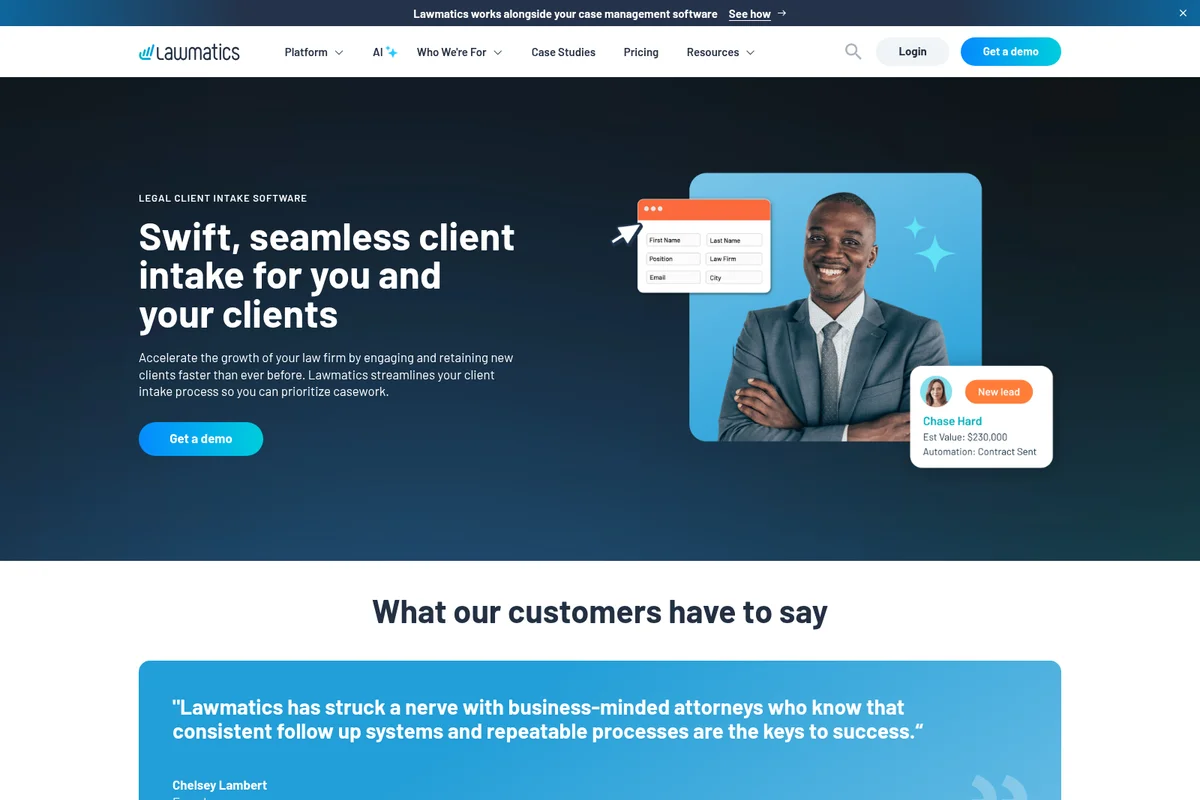
Accelerate client engagement with seamless intake and real-time lead tracking.
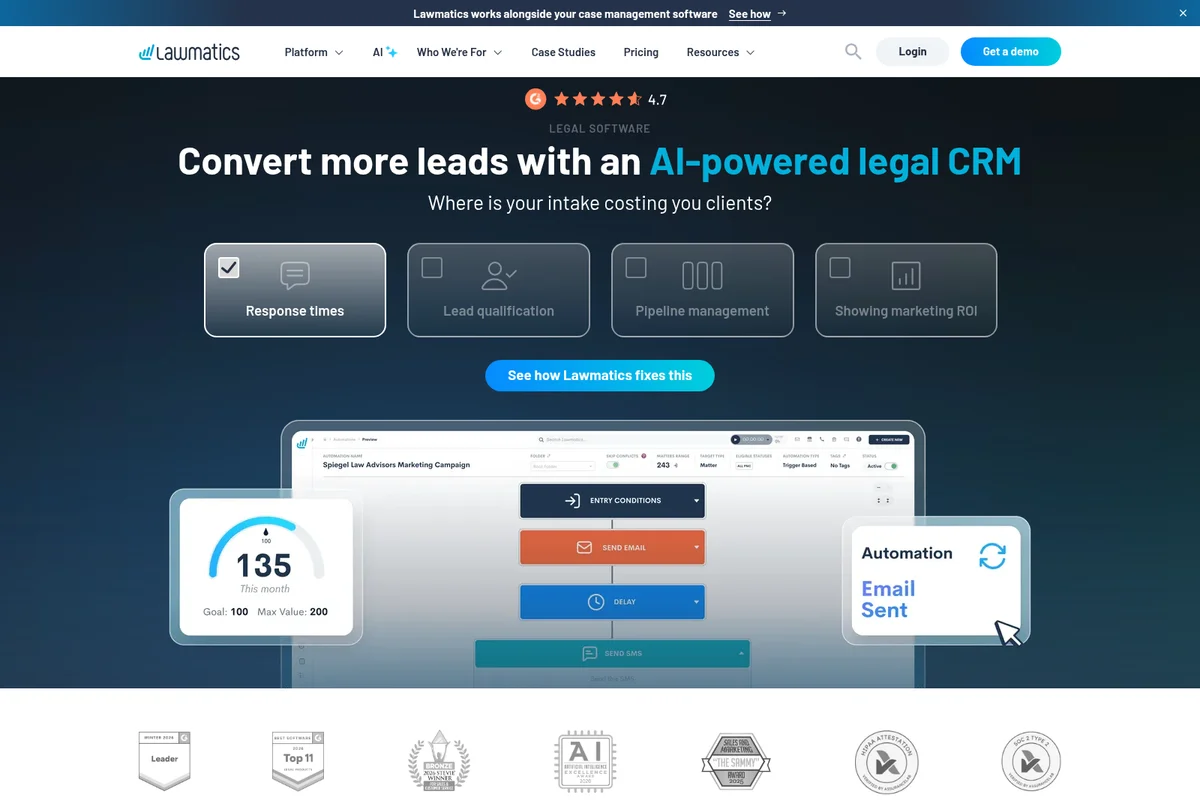
Automate legal intake and convert more leads with an AI-powered CRM.
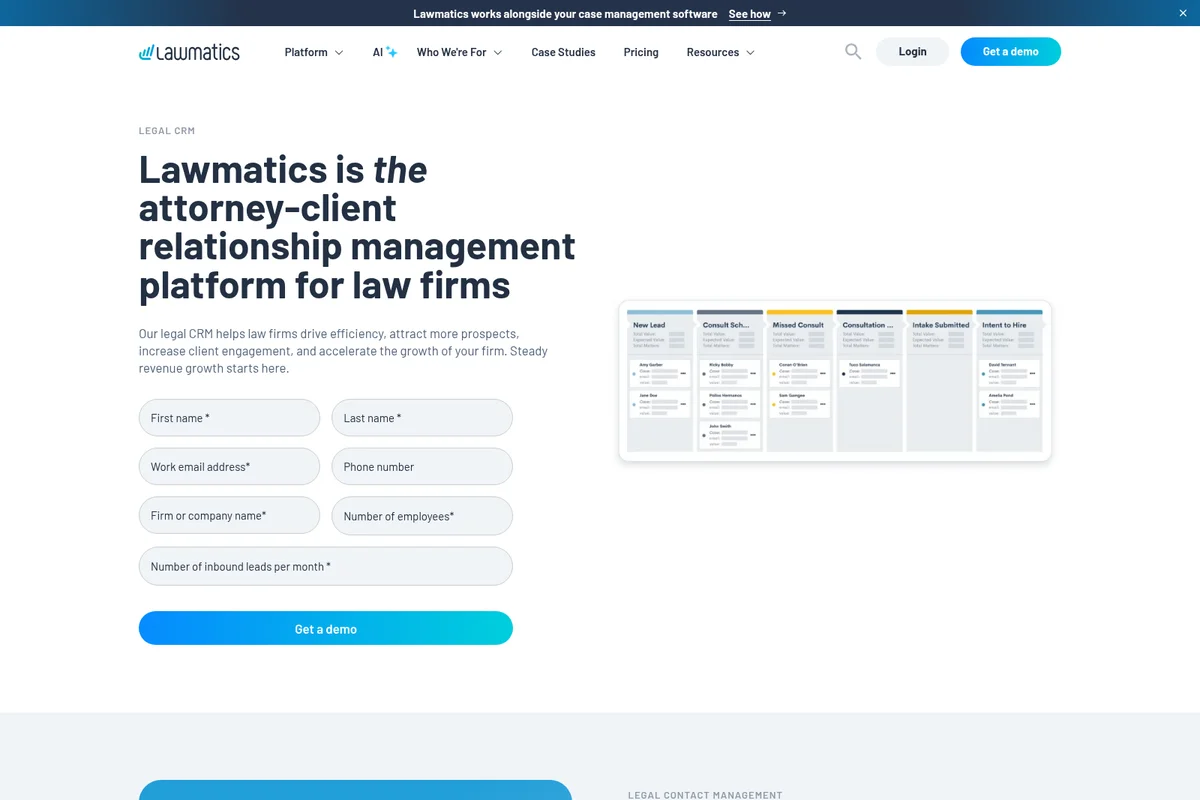
Streamline client intake and track leads through a visual Kanban board.
Lawmatics Review: Tooliverse Consensus





Based on 210 verified reviews across 6 platforms,
combined with Tooliverse's expert analysis
Lawmatics turns a law firm's scattered intake into a tracked, automated pipeline, from first inquiry through signed engagement letter. Reviewers praise its visual pipelines, conditional-logic forms and marketing ROI reporting, plus a Clio integration they call flawless. Automated email and text follow-ups also earn credit for keeping leads from going cold. The tradeoff is effort: setup is steep, rollouts can take four to six weeks, and pricing stings for solo practitioners. Firms that assign a dedicated owner tend to report the biggest payoff.
Bottom line: A top-tier legal CRM whose intake automation and ROI reporting pay off for firms that invest in setup, though solo practitioners may find the learning curve and pricing hard to justify.
Lawmatics | Key Specs
- Platforms
- Web, iOS, Android
- Pricing Model
- Custom quote (Essential, Premium, Enterprise + add-ons) See plans
- Privacy/Data Use
- Hosted on AWS; SOC 2 report available on request
- Security
- SOC 2 Type 2, HIPAA, 256-bit AES, required MFA See details
Wins
- •Streamlines the client intake process with powerful automationmentioned in 84 reviews
- •Features highly customizable visual pipelines for lead trackingmentioned in 72 reviews
- •Delivers robust reporting tools for tracking marketing ROImentioned in 58 reviews
Watch-Outs
- •Presents a steep learning curve that requires significant setup timementioned in 62 reviews
- •Pricing tiers can be expensive for solo practitioners or small firmsmentioned in 47 reviews
- •Mobile app functionality is limited compared to the web versionmentioned in 31 reviews
Lawmatics Features 2026
Merlin Qualify (QualifyAI)
AI that scores and prioritizes every incoming lead so teams know who to call first and can trigger automations based on lead quality.
Merlin Engage
Outreach agent that sends personalized follow-ups on the firm's behalf, including text agents responding 24/7 (listed as coming soon in navigation).
Merlin Copilot
Conversational assistant that builds automations and answers questions from live firm data, including reports by asking (coming soon).
Legal CRM & Pipeline Management
Track leads through every phase of the client journey with customizable tags, custom fields and a centralized pipeline view.
Lawmatics User Reviews
Selected Reviews
"The automation has literally saved us a full-time salary in administrative overhead. Once you get past the setup, it's a game changer for lead conversion."
"The reporting dashboard gives us a clear view of where our best cases are coming from. Essential for any firm looking to scale their marketing spend."
"It's a bit overkill for a solo firm. I spent more time trying to automate simple tasks than it would have taken to just do them manually."
More from the Community
"Great for intake, but the learning curve is real. You definitely need a dedicated person to manage the implementation or it will sit unused."
"The software is powerful but the UI feels cluttered at times. I wish the onboarding was more hands-on for the price we pay."
"Best-in-class for legal marketing. The Clio integration is flawless and the custom forms look very professional to our clients."
"Lawmatics has streamlined our follow-up process significantly. We no longer lose leads in the cracks between the initial call and the consultation."
"I love the document automation. Generating fee agreements and engagement letters is now a one-click process instead of a copy-paste nightmare."
"Great for intake, but the learning curve is real. You definitely need a dedicated person to manage the implementation or it will sit unused."
"The software is powerful but the UI feels cluttered at times. I wish the onboarding was more hands-on for the price we pay."
"Best-in-class for legal marketing. The Clio integration is flawless and the custom forms look very professional to our clients."
"Lawmatics has streamlined our follow-up process significantly. We no longer lose leads in the cracks between the initial call and the consultation."
"I love the document automation. Generating fee agreements and engagement letters is now a one-click process instead of a copy-paste nightmare."
"Customer support is generally helpful, though they sometimes point you to help articles rather than jumping on a call to fix complex logic issues."
"The mobile app is okay for checking lead status on the go, but don't expect to build any workflows or do heavy lifting on your phone."
"Finally, a CRM that understands the specific nuances of a law firm's intake pipeline. The conditional logic in the forms is incredibly robust."
"We've seen a 30% increase in our conversion rate since implementing the automated text reminders for consultations. Clients really appreciate the touchpoints."
"Customer support is generally helpful, though they sometimes point you to help articles rather than jumping on a call to fix complex logic issues."
"The mobile app is okay for checking lead status on the go, but don't expect to build any workflows or do heavy lifting on your phone."
"Finally, a CRM that understands the specific nuances of a law firm's intake pipeline. The conditional logic in the forms is incredibly robust."
"We've seen a 30% increase in our conversion rate since implementing the automated text reminders for consultations. Clients really appreciate the touchpoints."
Lawmatics Pricing 2026
View SourcePremium is the tier worth pricing out first for any firm that wants to trace marketing spend to signed clients: unlimited automations, 10,000 contacts and ROI tracking are what justify buying a CRM at all. Essential's 10 automations and 500 contacts run out quickly once drip campaigns start, and the three-user minimum applies to both. Pricing comes as a custom quote after a demo, and QualifyAI and Time & Billing are add-ons.
Lawmatics In-Depth Review 2026

Lawmatics is a CRM built specifically for law firms, combining client intake, marketing automation, e-signature, reporting and optional time and billing in one system. It runs on the web with native iOS and Android apps, and it syncs matter data to case management tools like Clio, MyCase and Filevine once a lead converts. A newer layer of AI features called Merlin adds lead scoring, so intake teams know who to call first. The legal-specific design, from conflict checking to conditional intake forms, means firms spend less time bending a generic sales tool to fit.
What It's Like Day-to-Day
The daily rhythm centers on the pipeline. Leads move through visual stages, tagged and sorted with custom fields, while automations send texts, emails and tasks at each step. Reviewers describe no longer losing leads between the first call and the consultation, and one G2 user credits the automation with having "saved us a full-time salary in administrative overhead" once the setup was behind them.
Lawmatics Security & Compliance
Verified Compliance
- SOC 2 Type 2
- HIPAA attestation
Security Features
- 256-bit AES encryption at rest
- Multi-factor authentication required for all users
- Nightly backups to redundant Amazon S3 servers
Privacy Commitments
- Hosted on Amazon Web Services with physical security and two-factor access to servers
- SOC 2 report available upon request
Lawmatics: Frequently Asked Questions (FAQs)
How much does Lawmatics cost?
Lawmatics does not publish prices; it offers tailor-made pricing through Essential, Premium and Enterprise plans, with a custom quote after a demo. QualifyAI and Time & Billing are add-ons applicable to any plan.
Does Lawmatics offer a free trial or free month?
Lawmatics advertises a promotion of one month free, accessed by booking a demo. It also offers a $50 gift card for taking a demo.
What is the difference between the Essential and Premium plans?
Essential includes 500 contacts, 10 automations and basic conflict checking, while Premium includes 10,000 contacts, unlimited automations, advanced conflict checking, email marketing, custom reporting and ROI tracking. Both require a minimum of 3 users, and additional contacts are sold separately.
What is Merlin in Lawmatics?
Merlin is a suite of AI features added to the Lawmatics platform. It includes Merlin Copilot (conversational assistant), Merlin Qualify (lead scoring) and Merlin Engage (outreach agent).
Lawmatics Integrations
| Clio | 8am MyCase | Filevine |
| PracticePanther | Smokeball | LEAP |
| CARET Legal | Rocket Matter | SmartAdvocate |
| DocketWise | Neostella | SurePoint Pro |
| Gmail | Microsoft Outlook | iCal |
| Microsoft Teams | Zoom | Google Ads |
| Meta Ads | CallRail | Attorney Share |
| Civille | Lawbrokr | SMB Team |
| Smith.ai | Answering Legal | Back Office Betties |
| Blazeo | Clerx AI | Client Chat Live |
| DecisionVault | Easybee | Eternal Pro |
| Intaker | Lexidesk | LEX Reception |
| LiveAdmins | Ngage | PATLive |
| SEEB AI | TeleWizard | VXT |
| ZillaMetrics | OneDrive | 8am LawPay |
| Confido Legal | QuickBooks | CallConnector.ai |
| Kenect | Ooma | Quin |
| RingCentral | LawLink.ai | MatterLynx |
Lawmatics: Verified Data Sheet
| # | Label | Data Point |
|---|---|---|
| [1] | Lawmatics Consensus: 8.64/10 | Lawmatics is a highly-rated tool among AI sales tools in the Tooliverse index, with a consensus score of 8.64/10 across 210 verified reviews. |
| [2] | What is Lawmatics | Lawmatics is a SOC 2 Type 2 certified legal CRM and intake platform for law firms, used by thousands of firms. It combines intake, marketing automation, billing and Merlin AI lead qualification, with custom quote-based pricing. |
| [3] | Tooliverse Consensus on Lawmatics | Lawmatics turns a law firm's scattered intake into a tracked, automated pipeline, from first inquiry through signed engagement letter. Reviewers praise its visual pipelines, conditional-logic forms and marketing ROI reporting, plus a Clio integration they call flawless. Automated email and text follow-ups also earn credit for keeping leads from going cold. The tradeoff is effort: setup is steep, rollouts can take four to six weeks, and pricing stings for solo practitioners. Firms that assign a dedicated owner tend to report the biggest payoff. |
| [4] | Lawmatics Verdict | Lawmatics bottom line: A top-tier legal CRM whose intake automation and ROI reporting pay off for firms that invest in setup, though solo practitioners may find the learning curve and pricing hard to justify. |
| [5] | Clio, MyCase, Filevine and more integrations | Lawmatics integrates with practice management software including Clio, MyCase, PracticePanther and Filevine, plus Gmail, Outlook, QuickBooks and Zoom, a strength cited in 51 user reviews; matter data syncs to case management tools when a lead converts. |
| [6] | Conditional logic in intake forms | Lawmatics provides conditional logic for intake forms that 44 user reviews describe as sophisticated, and it pairs the custom form builder with document automation, e-signatures and file requests. |
| [7] | Intake automation praised in 84 reviews | Lawmatics streamlines client intake with powerful automation, a strength cited in 84 user reviews, using a visual workflow builder with triggers, logic and actions to automate intake and follow-up. |
| [8] | Customizable visual lead pipelines | Lawmatics offers customizable visual pipelines for lead tracking, validated by 72 user reviews, with custom tags, custom fields and a centralized view of every phase of the client journey. |
| [9] | Steep learning curve, heavy setup | Lawmatics presents a steep learning curve that requires significant setup time, according to 62 user reviews, with reviewers recommending a dedicated person to manage implementation. |
| [10] | Costly for solos and small firms | Lawmatics pricing can feel expensive for solo practitioners and small firms, according to 47 user reports; both the Essential and Premium plans require a minimum of 3 users, and the Essential plan caps usage at 500 contacts and 10 automations. |
| [11] | Privacy: Hosted on Amazon Web Services with physical security and two-factor access to servers | Lawmatics protects privacy with Hosted on Amazon Web Services with physical security and two-factor access to servers, and offers a SOC 2 report available upon request. |
| [12] | Enterprise: 256-bit AES encryption at rest | Lawmatics secures data with 256-bit AES encryption at rest, Multi-factor authentication required for all users, and Nightly backups to redundant Amazon S3 servers. |
| [13] | Automation saved a full-time salary | Lawmatics automation "literally saved us a full-time salary in administrative overhead," according to a verified G2 reviewer who also said it becomes "a game changer for lead conversion" once setup is done. |
Best Lawmatics Alternatives
Clio
Run your entire law firm from one place, with AI that handles the busywork so you can focus on the law.

HubSpot
Unite marketing, sales, and service on one AI-powered platform built around your customer data.
Instantly.ai
Find leads, write campaigns, and reach inboxes on autopilot with AI-powered cold outreach.