
LTX Studio Review 2026 - AI Video Production
Verified Oct 6, 2026 by Tooliverse Editorial
LTX Studio takes you from a one-line idea to a finished film, ad, or storyboard in a single browser workspace. Over 135k producers and creative teams use it for consistent characters, camera control, and fast iteration.
Introducing Flows | LTX Studio
LTX Alpha Gen Changed My Entire VFX Pipeline (ComfyUI Tutorial)
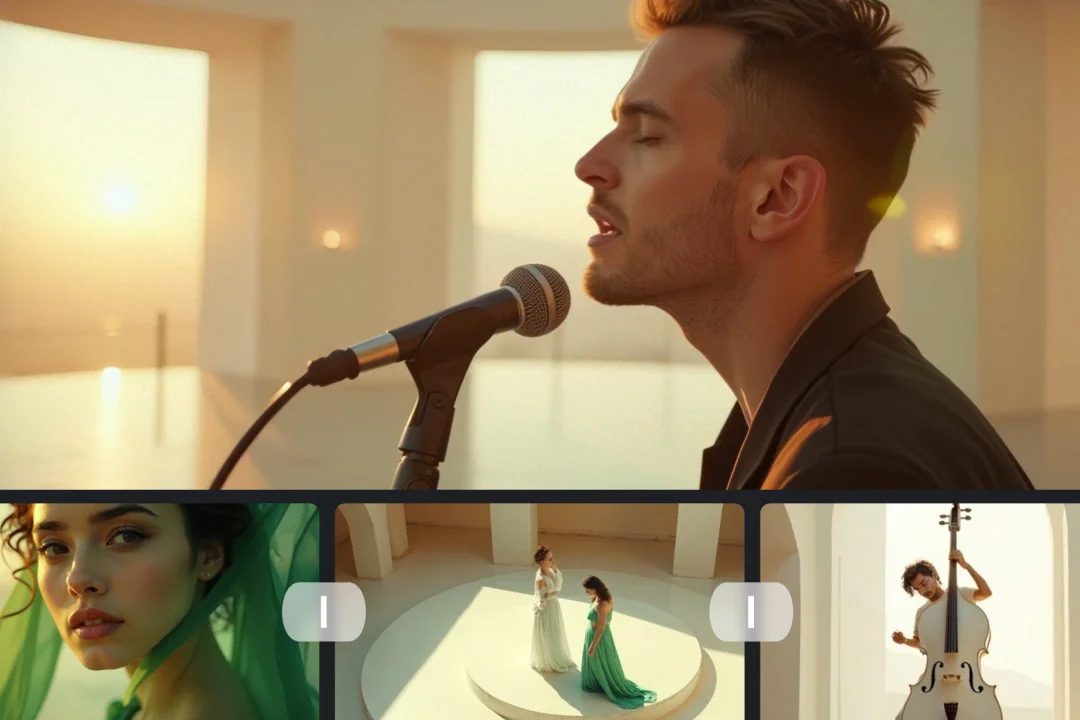
Manage and preview your AI-generated video content with ease.
Explore open foundation models for video, audio, and world simulation.
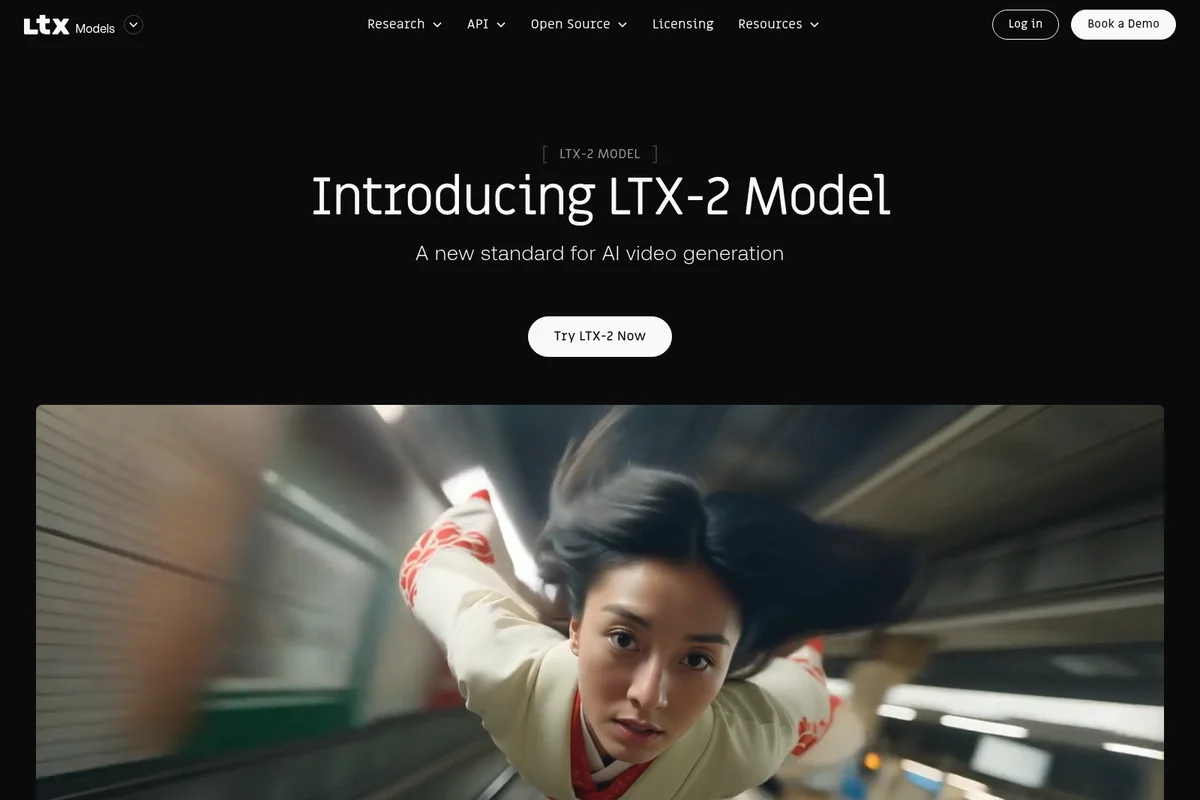
Experience the new standard for AI video generation with the LTX-2 Model.
LTX Studio Review: Tooliverse Consensus


Based on 632 verified reviews across 3 platforms,
combined with Tooliverse's expert analysis
LTX Studio organizes AI video around the scene instead of the single clip, pairing a script-to-storyboard pipeline with Elements for consistent characters, 3D camera controls, and a timeline that holds video, sound effects, and music. Reviewers on G2 and Reddit single out the planning workflow and shot control as hard to find elsewhere. The catches are a credit system users call confusing, annual-billing surprises, and occasional artifacts in complex character movement, which keep it better for storyboards and previs than guaranteed final output.
Bottom line: One of the strongest AI video workspaces for planning narrative sequences with consistent characters and precise camera control, held back by a confusing credit system and billing surprises that deserve a close read.
LTX Studio | Key Specs
- Platforms
- Web (desktop browser only)
- Pricing Model
- Freemium ($0-125/mo) See plans
- Privacy/Data Use
- No training on inputs/outputs (Enterprise enhanced privacy)
- Security
- SOC 2, ISO, GDPR (Enterprise), SSO See details
Wins
- •Provides a unique storyboard-first workflow that allows for cohesive narrative planning across multiple scenesmentioned in 184 reviews
- •Maintains impressive character consistency using 'Elements' to keep actors recognizable throughout a projectmentioned in 156 reviews
- •Offers granular camera controls in 3D space for precise shot composition and movementmentioned in 142 reviews
Watch-Outs
- •Uses a 'computing seconds' credit system that users find confusing and occasionally expensivementioned in 165 reviews
- •Subscription billing transparency has led to complaints regarding unexpected annual chargesmentioned in 82 reviews
- •Produces occasional visual artifacts or 'wonky' results in complex character movementsmentioned in 74 reviews
LTX Studio Features 2026
Gen Space
Generate visuals and videos from text prompts, image references, or both in a dedicated workspace (text-to-image, text-to-video, image-to-video, video-to-video).
Elements (Character & Object Consistency)
Characters, objects and locations are extracted as Elements that can be tagged and reused to stay consistent across scenes.
AI Storyboard Generator
Turns a script or brief into a storyboard with scene and shot breakdown, customizable at project, board and frame level, exportable as MP4 or PDF pitch deck.
Camera, Keyframe and Reference Control
Direct camera movement, define motion with keyframes, and guide outputs with visual references.
LTX Studio User Reviews
Selected Reviews
"The storyboard feature is a game changer. I can finally plan out a whole sequence instead of just rolling the dice on single prompts. Character consistency is actually usable for real storytelling."
"LTX Studio has completely streamlined our pre-visualization process. We can go from script to a rough cut in hours instead of days. The 'Elements' feature is essential for brand work."
"Great for professional planning, but the billing is a nightmare. I was charged for an annual plan I didn't want and the refund policy is basically non-existent if you've used it for more than 20 minutes."
More from the Community
"Character consistency is better than most competitors right now, but the lip sync still feels a bit robotic in longer shots. The 3D camera moves are the best part of the tool."
"Powerful tool but the pricing is quite high for independent creators. I also found the interface a bit cluttered on smaller monitors, and the credit system is hard to track."
"The AI video quality is impressive, but I've encountered several bugs where the camera movement doesn't match the prompt settings. It's great for storyboards, but not always final output."
"I love the control it gives me over the scene. Being able to change the lighting and angle without losing the character is something I haven't found elsewhere yet."
"The 'Retake' tool is a life saver. Instead of wasting credits on a whole new generation, I can just fix the one part of the shot that looked weird."
"Character consistency is better than most competitors right now, but the lip sync still feels a bit robotic in longer shots. The 3D camera moves are the best part of the tool."
"Powerful tool but the pricing is quite high for independent creators. I also found the interface a bit cluttered on smaller monitors, and the credit system is hard to track."
"The AI video quality is impressive, but I've encountered several bugs where the camera movement doesn't match the prompt settings. It's great for storyboards, but not always final output."
"I love the control it gives me over the scene. Being able to change the lighting and angle without losing the character is something I haven't found elsewhere yet."
"The 'Retake' tool is a life saver. Instead of wasting credits on a whole new generation, I can just fix the one part of the shot that looked weird."
"The integration of SFX and music directly into the timeline makes this a true all-in-one studio. It's not perfect, but it's the closest thing to an AI film studio we have."
"Impressive tech, but the 'computing seconds' budget disappears way too fast when you are trying to get a character's face right. Needs a more flexible pricing tier for hobbyists."
"The script-to-storyboard pipeline is magic. It actually understands the beats of a scene and suggests framing that makes sense for the mood."
"Finally a tool that thinks in scenes and sequences rather than just isolated 4-second clips. This is how AI video should be done."
"The integration of SFX and music directly into the timeline makes this a true all-in-one studio. It's not perfect, but it's the closest thing to an AI film studio we have."
"Impressive tech, but the 'computing seconds' budget disappears way too fast when you are trying to get a character's face right. Needs a more flexible pricing tier for hobbyists."
"The script-to-storyboard pipeline is magic. It actually understands the beats of a scene and suggests framing that makes sense for the mood."
"Finally a tool that thinks in scenes and sequences rather than just isolated 4-second clips. This is how AI video should be done."
LTX Studio Pricing 2026
View SourceThe free plan's 800 one-time credits are enough to judge the storyboard workflow, but not to finish a project. Standard at $28/month billed annually is the tier to pick: it adds the commercial license, AI storyboards, saved Elements, and partner models. Lite at $12/month billed annually keeps a personal-use license, so it only suits hobbyists. Credits drain quickly when retrying faces, and Standard's larger allowance gives room to iterate.
LTX Studio In-Depth Review 2026

LTX Studio, built by Lightricks, is a browser-based workspace that carries a project from script to storyboard to generated shots to a finished timeline with sound. It runs Lightricks' own LTX-2 model alongside partner models such as Veo 3.1, Kling, and FLUX, and its Elements system tags characters, objects, and locations so they stay recognizable from scene to scene. It works in desktop browsers only, with no mobile app.
What It's Like Day-to-Day
The workflow starts with a script. Upload one and LTX Studio breaks it into scenes and shots, then builds a storyboard you can adjust at the project, board, or frame level. Reviewers on Reddit describe the payoff as being able to "plan out a whole sequence" instead of gambling on single prompts, and agency users on G2 report going from script to rough cut in hours instead of days. The storyboard exports as an MP4 or a PDF pitch deck, which suits client approvals.
Control is where it pulls ahead of simpler prompt-to-video tools.
LTX Studio Security & Compliance
Verified Compliance
- SOC 2 (Enterprise)
- ISO (Enterprise)
- GDPR (Enterprise)
Security Features
- SSO login (Enterprise)
- SLA and priority support (Enterprise)
Privacy Commitments
- Enhanced data privacy: user inputs and outputs are not used to train models (Enterprise)
LTX Studio: Frequently Asked Questions (FAQs)
Is LTX Studio free?
Yes, LTX Studio offers a free plan with 800 credits (one time) for generating images and videos with advanced camera controls. The free plan is for personal use only and includes a small watermark. Paid plans start at $15/month.
How much does LTX Studio cost?
LTX Studio offers Free, Lite ($12/month billed yearly, $15 monthly), Standard ($28/month yearly, $35 monthly), Pro ($100/month yearly, $125 monthly) and custom Enterprise plans. Promotional discounts are offered periodically.
What are credits in LTX Studio?
Credits are the resources consumed when generating videos and images, and different actions use different amounts. Your balance shows at the top of the app and updates in real time. Credits were previously called computing seconds.
What is LTX Studio's refund policy?
Refunds are typically granted for requests made within 14 days of payment, provided usage does not exceed 1200 credits. Requests are submitted through the support form.
LTX Studio Integrations
| Veo 3.1 | Kling | Seedance |
| FLUX.2 Pro | Nano Banana 2 | ChatGPT Images 2.0 |
| Z-Image | Topaz |
LTX Studio: Verified Data Sheet
| # | Label | Data Point |
|---|---|---|
| [1] | LTX Studio Consensus: 8.51/10 | LTX Studio is a highly-rated tool among AI video tools in the Tooliverse index, with a consensus score of 8.51/10 across 632 verified reviews. |
| [2] | What is LTX Studio | LTX Studio, by Lightricks, is an AI video production platform covering scripting, storyboarding, generation and editing with its LTX-2 model. It is used by 135k producers and creative teams, with paid plans starting at $12/month. |
| [3] | Tooliverse Consensus on LTX Studio | LTX Studio organizes AI video around the scene instead of the single clip, pairing a script-to-storyboard pipeline with Elements for consistent characters, 3D camera controls, and a timeline that holds video, sound effects, and music. Reviewers on G2 and Reddit single out the planning workflow and shot control as hard to find elsewhere. The catches are a credit system users call confusing, annual-billing surprises, and occasional artifacts in complex character movement, which keep it better for storyboards and previs than guaranteed final output. |
| [4] | LTX Studio Verdict | LTX Studio bottom line: One of the strongest AI video workspaces for planning narrative sequences with consistent characters and precise camera control, held back by a confusing credit system and billing surprises that deserve a close read. |
| [5] | Free: Free | LTX Studio offers a functional Free tier with 800 credits (one time) and access to the LTX-2.5 and LTX-2.3 video models, making AI video tools accessible at no cost. |
| [6] | Storyboard-first scene planning | LTX Studio provides a storyboard-first workflow that plans narrative across multiple scenes, validated by 184 user reviews, with AI storyboards editable at project, board, and frame level and exportable as MP4 or PDF pitch decks. |
| [7] | Elements keep characters consistent | LTX Studio keeps characters recognizable across a project through its Elements system, a strength cited in 156 user reviews; Elements tag characters, objects, and locations for reuse across scenes, and saving them requires the Standard plan or above. |
| [8] | Granular 3D camera controls | LTX Studio offers granular camera controls in 3D space for precise shot composition and movement, praised in 142 user reviews, and adds keyframes and reference-based control for directing motion and look. |
| [9] | Pro: $100/mo (annual) | Lightricks's LTX Studio Pro empowers users with 110,000 credits/month for $100/month billed annually, significantly expanding on the free tier's capabilities. |
| [10] | Integrated video, SFX, and music timeline | LTX Studio combines video, sound effects, and music in one integrated timeline editor, a strength noted in 118 user reviews; individual shots run 3-20 seconds depending on the model, and clips are joined in the Timeline for longer videos. |
| [11] | Credit system confusing and can drain fast | LTX Studio uses a credit system, previously called computing seconds, that 165 user reviews describe as confusing and occasionally expensive; the Lite plan includes 8,000 credits/month at $12/month billed annually, and the Standard plan includes 28,000 credits/month. |
| [12] | Unexpected annual charges reported | LTX Studio subscription billing has drawn complaints about unexpected annual charges in 82 user reviews; annual plans bill at a lower monthly rate (Lite $12/month billed annually versus $15 monthly), so checking the billing period at checkout matters. |
| [13] | SOC 2 (Enterprise) | LTX Studio holds SOC 2 (Enterprise), ISO (Enterprise), and GDPR (Enterprise) certifications. |
| [14] | Enterprise: SSO login (Enterprise) | LTX Studio offers enterprise security through SSO login (Enterprise) and SLA and priority support (Enterprise). |
| [15] | Storyboards plan whole sequences | A verified Reddit reviewer said LTX Studio's storyboard feature is "a game changer" because they can "plan out a whole sequence instead of just rolling the dice on single prompts," and called its character consistency "actually usable for real storytelling." |
Best LTX Studio Alternatives

Runway
Generate, edit and extend video, images and audio with the world's best AI models in one place.

Luma Dream Machine
You have the idea. Luma helps make it real, with AI video, image, and audio in one place.

Kling AI
Turn your ideas into cinematic videos and images with native 4K AI generation.