
Notion AI Review 2026 - Workspace AI Agents
Verified Oct 6, 2026 by Tooliverse Editorial
Notion AI works as a teammate inside your docs, databases and connected apps. Chat with an agent, search Slack and Drive, or let custom agents handle recurring work while you sleep, in a workspace used by 100M users.
Automate weekly market intelligence briefs w/ Custom Agents (full walkthrough) | Notion AI tutorial
How To Give Notion AI Perfect Memory
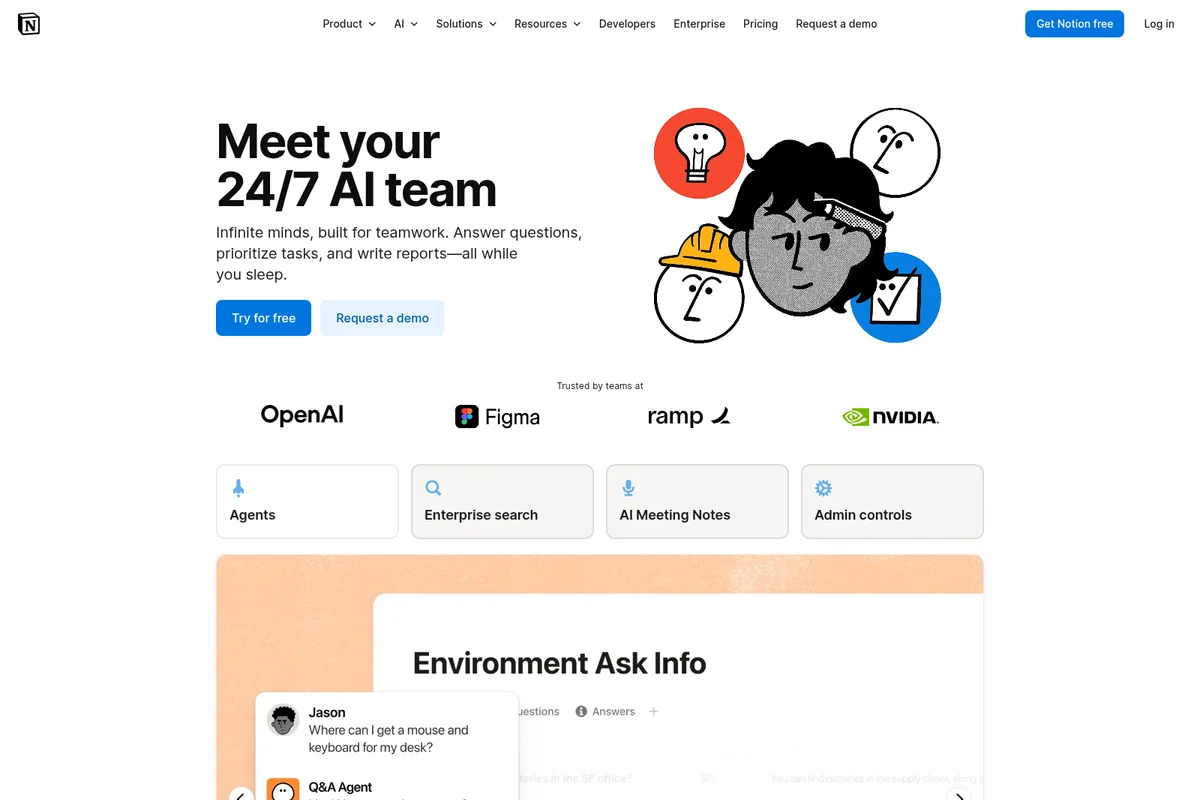
Meet your dedicated AI team for infinite minds, built for teamwork.
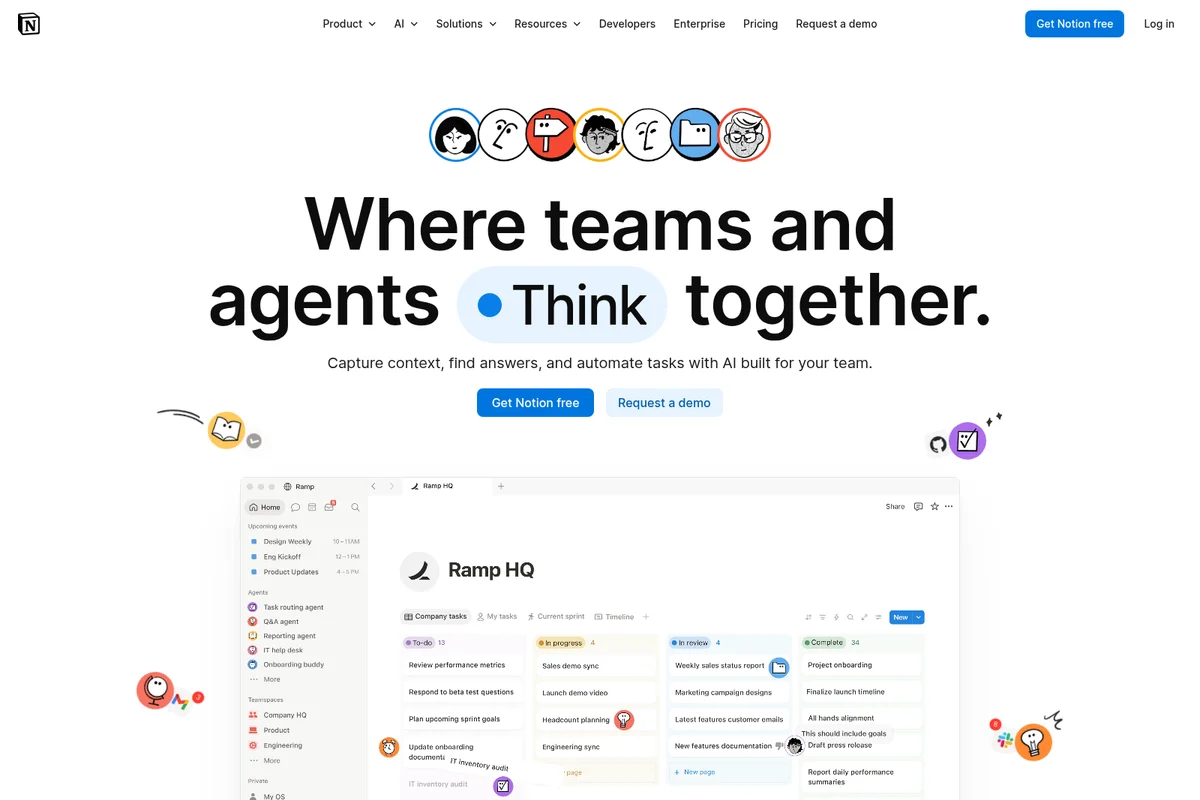
Unite teams and AI to think, plan, and execute tasks within Notion.
Notion AI Review: Tooliverse Consensus





Based on 34k+ verified reviews across 6 platforms,
combined with Tooliverse's expert analysis
Notion AI turns a team's existing pages and databases into something that answers questions, transcribes meetings and runs routine work on a schedule. Reviewers praise the cited, workspace-wide Q&A and bot-free meeting notes, and mobile drafting earns steady credit too. The catches are cost and complexity: meaningful access starts at the $20 Business plan, Custom Agent credits add a metered layer, and large workspaces report slower responses and occasional hallucinations in nested databases. Agent setup demands patience.
Bottom line: A top-tier AI layer for teams already living in Notion, with cited search and meeting notes that earn their keep, though the $20 Business plan and credit-metered agents raise the price of admission.
Notion AI | Key Specs
- Platforms
- Web
- Pricing Model
- Freemium ($0-20/member/mo, AI trial on Free/Plus; Enterprise custom) See plans
- Privacy/Data Use
- No training on customer data, zero data retention (Enterprise)
- Security
- SOC 2 Type 2, ISO 27001, SAML SSO See details
Wins
- •Eliminates context switching by bringing powerful AI tools directly into existing notesmentioned in 842 reviews
- •Delivers high-quality meeting transcriptions that automatically generate actionable next stepsmentioned in 756 reviews
- •Features a workspace-aware Q&A that finds specific information across thousands of pagesmentioned in 624 reviews
Watch-Outs
- •Requires a $20/user/month Business plan to unlock meaningful AI featuresmentioned in 915 reviews
- •Implements a complex credit system for Custom Agents that adds extra costsmentioned in 432 reviews
- •Occasionally produces hallucinations when searching across deeply nested or complex databasesmentioned in 318 reviews
Notion AI Features 2026
Custom Agents
Team-wide agents that run on triggers or schedules 24/7 to answer questions, route tasks and send status updates. One person builds one and the whole team benefits.
Model Agnostic Workflows
Switch any workflow to a different model or provider without losing context.
Agent Governance and Admin Controls
Admins control who can create agents, what each can access, and can disable them anytime. Every run is logged with audit trails and changes are reversible via version history.
Notion MCP and Agent Orchestration
Connect external apps and custom servers via the Model Context Protocol, and direct Claude, Cursor and other agents from Notion.
Notion AI User Reviews
Selected Reviews
"The integration with Slack and Google Drive via Enterprise Search has finally solved our 'where is that file' problem. It's expensive but worth it for the time saved."
"Notion AI is the only assistant that actually knows my business context. Asking it 'What did we decide about the Q4 budget?' and getting a cited answer is magic."
"I love the writing assistant, but forcing me onto the $20 Business plan just to keep using the Q&A feature feels like a massive paywall for a solo user."
More from the Community
"The AI summarization saves me hours of reading through meeting notes every single week. It's the first tool that actually makes my documentation feel automated."
"The new Custom Agents are powerful, but the credit system is confusing. I ran out of credits in three days just testing a simple automation."
"Great for drafting, but it still struggles with complex database formulas. I often have to fix the AI's logic when it tries to automate my tables."
"The AI Meeting Notes feature is a game changer. It transcribes perfectly and the action items are actually accurate 90% of the time."
"I've noticed the app getting slower as I add more AI-automated databases. The performance hit is real when you have thousands of rows being processed."
"The AI summarization saves me hours of reading through meeting notes every single week. It's the first tool that actually makes my documentation feel automated."
"The new Custom Agents are powerful, but the credit system is confusing. I ran out of credits in three days just testing a simple automation."
"Great for drafting, but it still struggles with complex database formulas. I often have to fix the AI's logic when it tries to automate my tables."
"The AI Meeting Notes feature is a game changer. It transcribes perfectly and the action items are actually accurate 90% of the time."
"I've noticed the app getting slower as I add more AI-automated databases. The performance hit is real when you have thousands of rows being processed."
"Incredible tool for team wikis. The AI makes onboarding new hires so much faster because they can just 'Ask Notion' instead of bugging me."
"The mobile app is finally usable for AI tasks. I can summarize a long doc on the train and have the action items ready before I get to the office."
"The AI writer is good, but it feels a bit generic compared to Claude 3.5. I wish we could choose the model for drafting like we can for the Agent."
"Custom Agents are the future, but the setup is way too complex for a non-technical person. I spent all day trying to get a simple Slack trigger to work."
"Incredible tool for team wikis. The AI makes onboarding new hires so much faster because they can just 'Ask Notion' instead of bugging me."
"The mobile app is finally usable for AI tasks. I can summarize a long doc on the train and have the action items ready before I get to the office."
"The AI writer is good, but it feels a bit generic compared to Claude 3.5. I wish we could choose the model for drafting like we can for the Agent."
"Custom Agents are the future, but the setup is way too complex for a non-technical person. I spent all day trying to get a simple Slack trigger to work."
Notion AI Pricing 2026
Free and Plus offer only a limited AI trial, so treat them as a test drive. Business at $20/member/month is the tier that matters, bundling the agent, meeting notes and Enterprise Search. Watch the add-on, though: Custom Agents draw on credits at $10 per 1,000, shared across the workspace and reset monthly with no rollover, so budget for that before rolling agents out to a whole team.
Notion AI In-Depth Review 2026

Notion AI is the AI layer inside the Notion workspace, spanning a personal agent, team-wide Custom Agents, cross-app search and meeting notes. Since it runs where docs, databases and tasks already live, agents draw on company context from the first prompt. Enterprise Search reaches into Slack, Google Drive, GitHub and Microsoft Teams, and MCP support connects other external apps. Notion itself counts 100 million users, so many workspaces are primed for it.
What It's Like Day-to-Day
Most of the daily value comes from never leaving the page. Notion Agent inherits your permissions, so it can draft, restructure and edit pages and databases using context from the workspace, connected apps and the web. The workspace-aware Q&A is the standout, praised in 624 reviews for finding specific details across thousands of pages, and one Product Hunt reviewer called getting "a cited answer" to a budget question "magic." Another 842 reviews single out the end of context switching as the main payoff.
Meetings are the second habit it builds.
Notion AI Security & Compliance
Verified Compliance
- SOC 2 Type 2
- ISO 27001
- ISO 27701
- ISO 27017
- ISO 27018
- HIPAA (Enterprise, with BAA)
- BSI C5
Security Features
- SAML SSO
- SCIM user provisioning
- Audit log
- AES-256 encryption at rest, TLS 1.2+ in transit
- Prompt injection protection
Privacy Commitments
- No training on customer data; AI subprocessors are contractually prohibited from training on it
- Zero data retention with LLM providers for Enterprise (30 day retention for non-Enterprise)
- GDPR and CCPA mapped privacy program
- 99.9% guaranteed uptime
Notion AI: Frequently Asked Questions (FAQs)
How much does Notion AI cost?
Notion AI is included with the Business ($20 per member/month) and Enterprise plans, with core features like Notion Agent, AI Meeting Notes and Enterprise Search. Workspaces on other plans get a limited amount of trial usage.
Is there a free version of Notion AI?
Yes, the Free and Plus plans include a limited trial of Notion AI, including trial usage of the agent, meeting notes and Research mode. Full access requires the Business or Enterprise plan.
What can Notion AI help me do?
Notion AI acts as a built-in teammate that chats with Notion Agent to take on tasks, runs Custom Agents for recurring team work, searches across connected apps, captures meetings, runs Research Mode reports, writes with AI blocks and autofills databases. Access can be temporarily reduced depending on usage.
How does Notion AI use my data?
Notion AI does not use your data to train models unless you opt in to a request to share it. Information is shared with AI subprocessors only to provide the features, and contracts prohibit them from using customer data to train their models.
Notion AI Integrations
| Slack | Google Drive | GitHub |
| Microsoft Teams | Jira | Box |
| OneDrive | Salesforce | Asana |
| Zapier | Linear | Figma |
| HubSpot | Ramp | Wiz |
| Stripe | Intercom | Amplitude |
| Attio | Sentry | Claude |
| Cursor |
Notion AI: Verified Data Sheet
| # | Label | Data Point |
|---|---|---|
| [1] | Notion AI Consensus: 8.98/10 | Notion AI is a highly-rated tool among AI productivity tools in the Tooliverse index, with a consensus score of 8.98/10 across 34,047 verified reviews. |
| [2] | What is Notion AI | Notion AI, from Notion Labs, is a SOC 2 Type 2 certified AI layer inside the Notion workspace, with agents, enterprise search and meeting notes. Used by 100M users, it is included in Business at $20/member/month. |
| [3] | Tooliverse Consensus on Notion AI | Notion AI turns a team's existing pages and databases into something that answers questions, transcribes meetings and runs routine work on a schedule. Reviewers praise the cited, workspace-wide Q&A and bot-free meeting notes, and mobile drafting earns steady credit too. The catches are cost and complexity: meaningful access starts at the $20 Business plan, Custom Agent credits add a metered layer, and large workspaces report slower responses and occasional hallucinations in nested databases. Agent setup demands patience. |
| [4] | Notion AI Verdict | Notion AI bottom line: A top-tier AI layer for teams already living in Notion, with cited search and meeting notes that earn their keep, though the $20 Business plan and credit-metered agents raise the price of admission. |
| [5] | Free: Free | Notion AI offers a functional Free tier with Trial of Notion AI (limited) and Basic forms and basic sites, putting AI tools within reach at no cost. |
| [6] | Cited Q&A across workspace and apps | Notion AI answers questions with citations across thousands of workspace pages, and through Enterprise Search (Beta) it also reaches Slack, Google Drive, GitHub and Microsoft Teams, according to 624 user reviews. |
| [7] | Autonomous agents for multi-step workflows | Notion AI runs autonomous Custom Agents on schedules or triggers to handle multi-step workflows such as ticket answers and status updates without manual intervention, a capability noted in 512 user reviews. |
| [8] | Plus: $10/member/month | Notion AI, from Notion Labs, Inc., offers Notion AI Plus with Trial of Notion AI (limited) for just $10/member monthly, expanding significantly on the free tier's capabilities. |
| [9] | AI tools built into existing notes | Notion AI eliminates context switching by running its writing, summarizing and agent tools directly inside existing Notion pages, a strength validated by 842 user reviews. |
| [10] | Bot-free meeting notes with action items | Notion AI delivers high-quality AI Meeting Notes that transcribe calls without a meeting bot and automatically generate action items, a strength cited in 756 user reviews. |
| [11] | $20/member/month Business plan required | Notion AI requires the Business plan at $20/member/month for meaningful AI features, since Free and Plus ($10/member/month) include only a limited trial; this cost barrier appears in 915 user reviews. |
| [12] | Custom Agent credits add extra cost | Notion AI uses a credit system for Custom Agents priced at $10 per 1,000 credits, shared across the workspace and reset monthly with no rollover, and user reports indicate the added cost confuses buyers in 432 reviews. |
| [13] | Privacy: No training on customer data; AI subprocessors are contractually prohibited from training on it | Notion AI's privacy protections cover No training on customer data; AI subprocessors are contractually prohibited from training on it, Zero data retention with LLM providers for Enterprise (30 day retention for non-Enterprise), and a GDPR and CCPA mapped privacy program. |
| [14] | Enterprise: SAML SSO | Notion AI provides enterprise security through SAML SSO, SCIM user provisioning and an Audit log. |
| [15] | Saves hours on meeting notes weekly | A verified G2 reviewer noted that Notion AI's summarization "saves me hours of reading through meeting notes every single week" and makes documentation feel automated. |
Best Notion AI Alternatives
Mem
Your AI chief of staff that remembers everything so you don't have to.

Tana
Turn team conversations into outcomes with AI agents that do real work during native video calls.
Reflect
An open-source note-taking app that connects your ideas and keeps your notes yours.