
Tana Review 2026 - AI Agents for Meetings
Verified Jun 23, 2026 by Tooliverse Editorial
Tana transforms meetings from talk into action—AI agents join your video call, follow the conversation, and complete the work you discuss. File bugs, draft PRs, update your CRM, all before the call ends. (38 words)
How to Use Tana Publish 2.0 (full walkthrough)
Tana Review: Not What I Expected at All
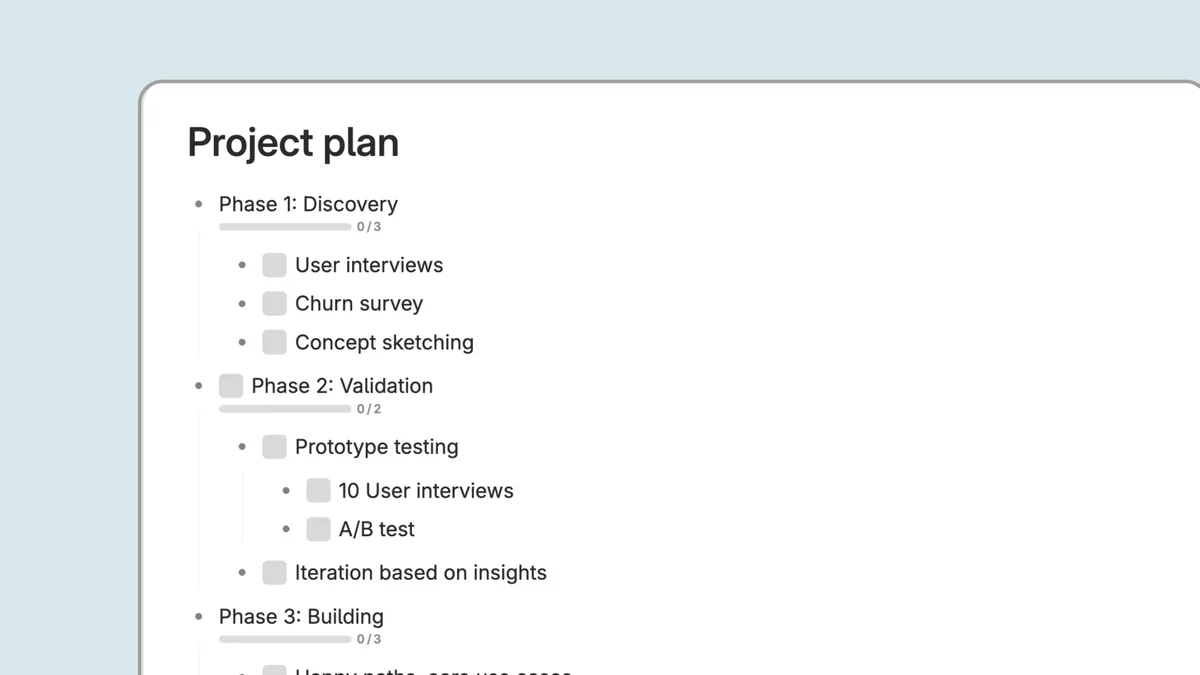
Effortlessly structure your projects into phases and track progress.
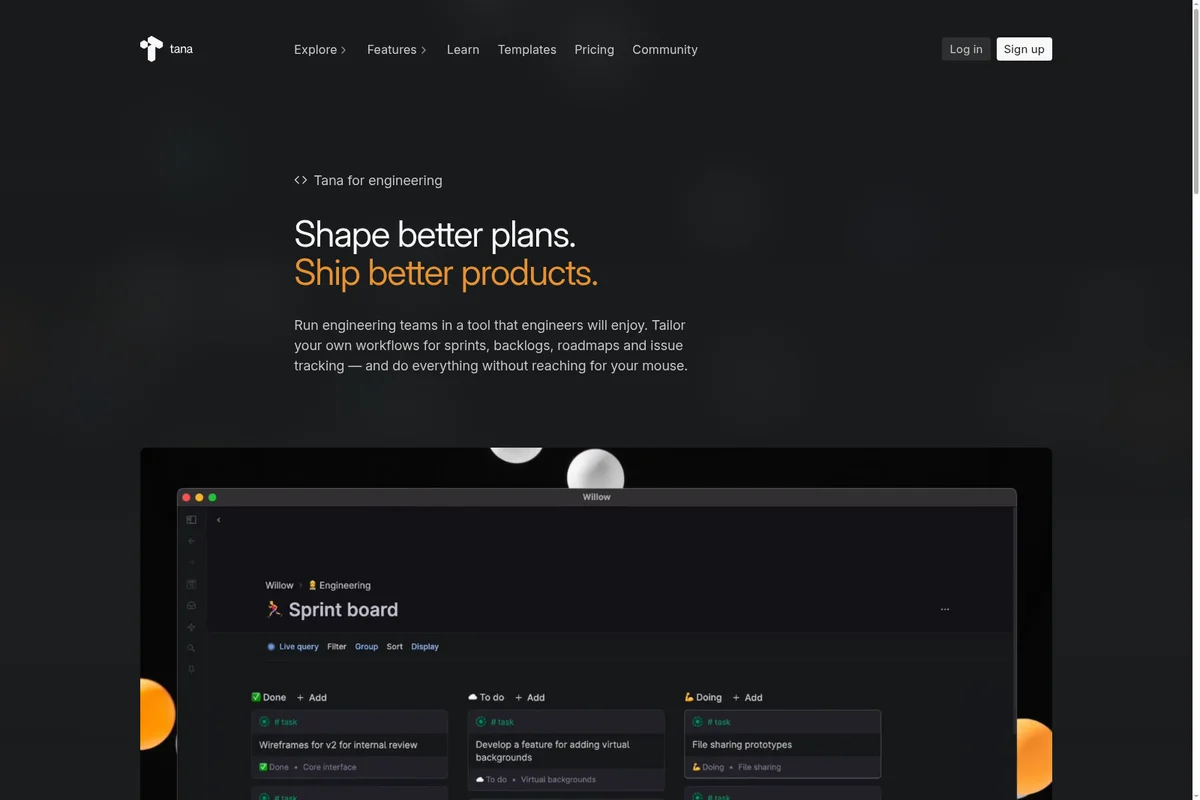
Manage engineering sprints and tasks with a flexible, keyboard-driven board.
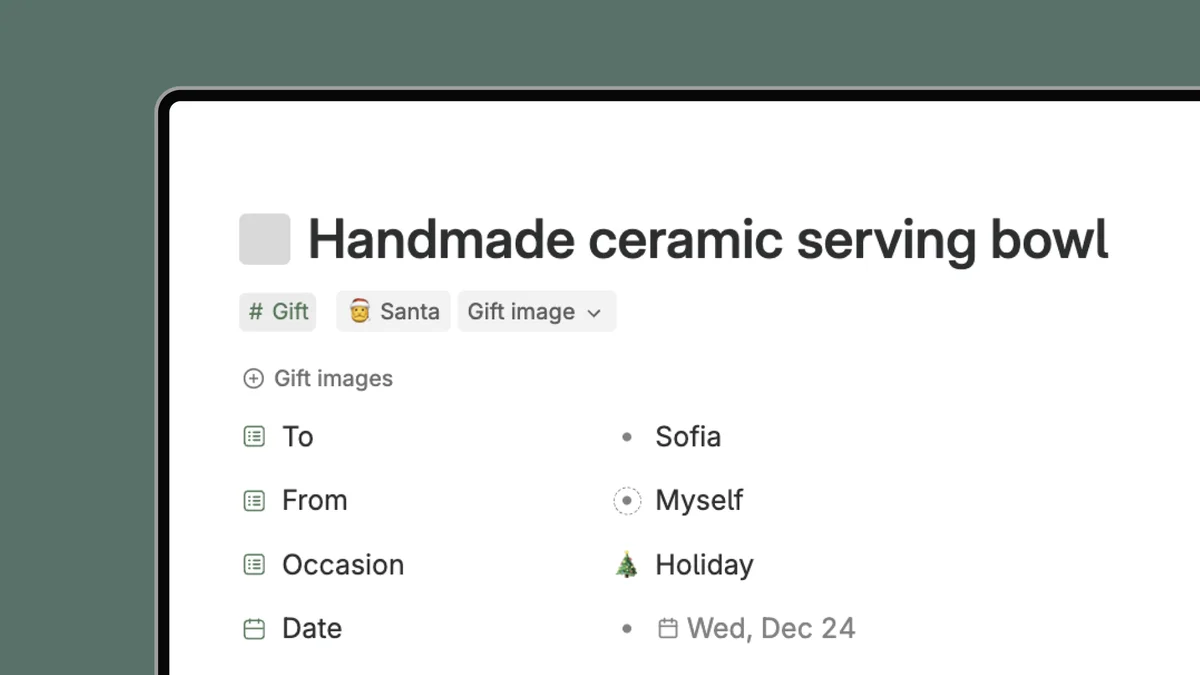
Organize gifts and personal items with custom fields and tags.
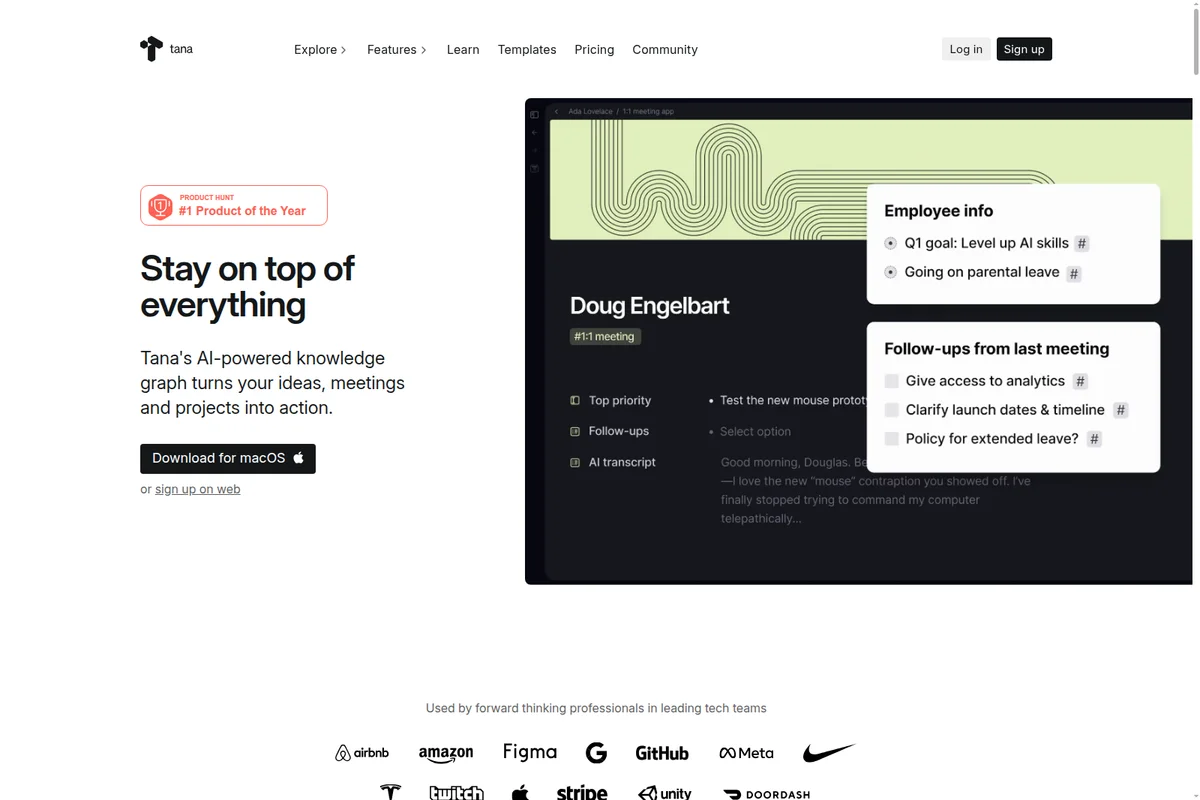
Organize meetings and projects with an AI-powered knowledge graph.

Explore complex ideas and make new connections through diverse perspectives.
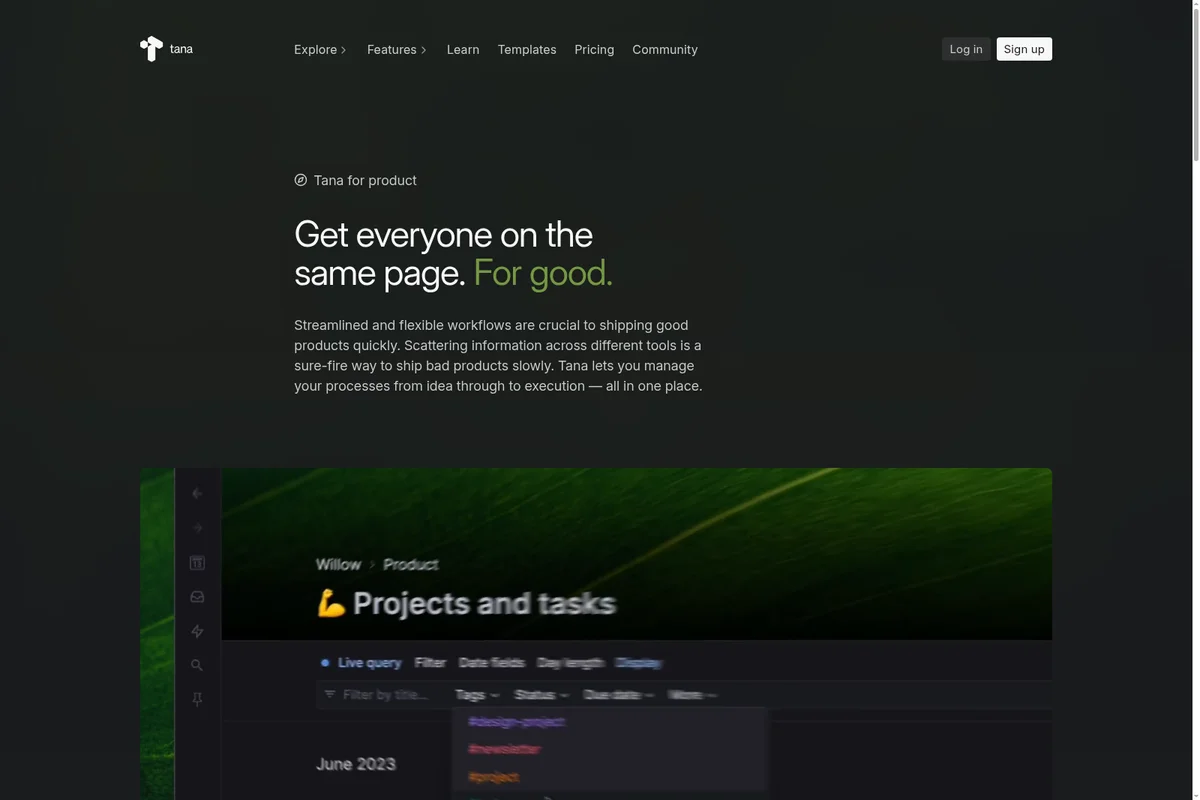
Manage projects and tasks with flexible workflows and integrated views.
Tana Review: Tooliverse Consensus



Based on 320 verified reviews across 5 platforms,
combined with Tooliverse's expert analysis
Tana blends structured Supertags with agentic AI to automate the transition from meetings to executed work, filing tickets and updating CRMs during conversations instead of generating post-meeting to-do lists. The knowledge graph architecture and real-time agent execution set it apart for product teams and power users building custom workflows, though the steep learning curve and restrictive free tier limits (5 meetings, 5 Supertags) prevent proper evaluation before payment. Mobile feature parity lags desktop, and the premium pricing at $20-$80/month positions it as a tool for committed users rather than casual adopters.
Bottom line: A powerful computational medium for teams that automate meeting workflows and build custom knowledge systems, best suited for power users willing to invest setup time for long-term structural gains.
Tana | Key Specs
- Platforms
- Web, macOS, Windows
- Pricing Model
- Freemium ($0-80/user/month) See plans
- Privacy/Data Use
- No training on your data, GDPR compliant
- Security
- SOC 2*, HIPAA*, SAML SSO (Business) See details
Wins
- •Revolutionizes data organization through Supertags that turn simple notes into powerful database entriesmentioned in 212 reviews
- •Automates meeting workflows with AI agents that generate action items and summaries in real-timementioned in 184 reviews
- •Eliminates rigid folder hierarchies with a fluid, networked knowledge graph that mirrors human thoughtmentioned in 145 reviews
Watch-Outs
- •Presents a steep learning curve that requires significant time and effort to mastermentioned in 134 reviews
- •Imposes restrictive limits on the free plan, including a cap on custom Supertagsmentioned in 92 reviews
- •Mobile application still lacks full feature parity with the desktop workspace experiencementioned in 78 reviews
Tana Features 2026
Agentic Meeting Platform
AI agents join video calls as active participants, following conversations and executing work in real-time. Agents listen, do the work during the call, and remember context across meetings to get sharper over time.
Botless Meeting Agent
Capture context from meetings hosted in Zoom, Teams, or Google Meet without inviting a bot. Works with native video calling platform for highest-fidelity context with speaker identification and screen-share vision.
Real-time Work Execution
File bugs in Linear/Jira, draft pull requests in GitHub, update HubSpot CRM, send Slack messages, and create tasks—all completed during the meeting, not after it.
MCP (Model Context Protocol) Integration
Full MCP server and API support allows any AI agent or tool to read and write to your workspace. Connect custom integrations beyond built-in options.
Tana User Reviews
Selected Reviews
"Tana is the first tool that didn't force me to fight the structure. Supertags are genuinely different from any other tagging system."
"I live within it my whole business day. From workout sessions to AI-suggested coffee recipes, it manages everything seamlessly."
"Awful mobile experience. Still feels like a glorified voice recorder despite the updates. I can't manage my workspace properly."
More from the Community
"Compared to the structure that Tana allows us to build, other tools feel like kids' toys. The database integrity is unmatched."
"The new meeting agent is the clearest ROI. It transcribes and links action items to client records automatically in minutes."
"The free plan's 5 Supertag cap means you can't even test the core features properly before being forced to pay."
"It's a bit nerdy with a long learning curve but probably unmatched for capabilities. The superstar implementation is superb."
"Tana is now pivoting to meetings, which is interesting, but I hope they don't abandon the outliner core that we love."
"Compared to the structure that Tana allows us to build, other tools feel like kids' toys. The database integrity is unmatched."
"The new meeting agent is the clearest ROI. It transcribes and links action items to client records automatically in minutes."
"The free plan's 5 Supertag cap means you can't even test the core features properly before being forced to pay."
"It's a bit nerdy with a long learning curve but probably unmatched for capabilities. The superstar implementation is superb."
"Tana is now pivoting to meetings, which is interesting, but I hope they don't abandon the outliner core that we love."
"Still unfinished and needs work. Hard to form strong opinions on the new meeting features yet as they feel experimental."
"The learning curve almost disappeared with the new Claude integration. I can just ask it to build dashboards for me now."
"Sooooo slow on mobile. It takes forever to load my daily nodes when I'm on the go, which defeats the purpose of capture."
"The most powerful solo knowledge workspace available, but the first week costs before it pays in terms of setup time."
"Still unfinished and needs work. Hard to form strong opinions on the new meeting features yet as they feel experimental."
"The learning curve almost disappeared with the new Claude integration. I can just ask it to build dashboards for me now."
"Sooooo slow on mobile. It takes forever to load my daily nodes when I'm on the go, which defeats the purpose of capture."
"The most powerful solo knowledge workspace available, but the first week costs before it pays in terms of setup time."
Tana Pricing 2026
View SourcePro at $20/month (early bird pricing, regular $30) is the tier most teams need: unlimited hosted meetings, the botless agent for Zoom/Teams/Google Meet, and 20× the AI capacity of the free plan. That's where the meeting automation ROI actually materializes. Max at $80/month (early bird, regular $120) adds 5× more AI credits and unlimited custom agents, which only makes sense if you're building complex multi-agent workflows or running dozens of meetings weekly. The free tier's 5-meeting monthly cap is too restrictive for serious evaluation.
Tana In-Depth Review 2026

This agentic meeting platform works as a full video calling system where AI agents participate as active team members, not passive recorders. The agents listen to conversations, watch screen shares, and execute work in real-time: filing Linear tickets with acceptance criteria, drafting GitHub pull requests, updating HubSpot CRM records, all while the meeting is still running. It also operates as a botless agent for Zoom, Teams, and Google Meet, capturing context without the awkward bot-in-the-room experience. The platform runs on desktop and mobile, with integrations spanning Linear, GitHub, Jira, Slack, and HubSpot, plus MCP support for custom connections.
What It's Like Day-to-Day
The Supertag system is where the computational medium concept becomes tangible. Instead of choosing between a note and a database entry, you tag any block of text and it instantly gains database properties: fields, relationships, queries. A meeting note tagged as "Client Call" automatically inherits fields for company, attendees, and follow-ups, then surfaces in dashboards alongside every other client interaction.
Tana Security & Compliance
Verified Compliance
- SOC 2 Type 2
- GDPR Compliant
- HIPAA Compliant
Security Features
- SAML SSO
- Audit logs
- Advanced security & controls
Privacy Commitments
- No training on your data
- Granular control over who sees what
- Custom DPA & data residency/retention policy control (Business plan)
- Portable data - export to other systems
Tana: Frequently Asked Questions (FAQs)
What if Tana isn't right for me?
You get a 30 day free trial with no credit card required. If you sign up for the yearly plan, you also get a 60 day refund window to make sure you're happy.
What about my data?
Your data is yours. You will have access to it even if you downgrade or cancel your plan, and you can export it to other systems.
What happens if I run out of AI credits?
You can top up AI credits with custom amounts whenever needed.
What does Tana replace?
Tana can replace your meeting platform, company wiki, docs and project management, AI notetakers, and a large portion of your AI assistants. You have access to the latest Claude, Gemini, and OpenAI models, but with a solid context graph that helps you get more from them.
Tana Integrations
| Linear | GitHub | Jira |
| Slack | HubSpot | Pipedrive |
| Google Calendar | Outlook | Cursor |
| Claude | Codex | GitHub Copilot |
| Lovable | Zoom | Microsoft Teams |
| Google Meet |
Tana: Verified Data Sheet
| # | Label | Data Point |
|---|---|---|
| [1] | Tana Consensus: 8.46/10 | Tana is a highly-rated tool among AI productivity tools in the Tooliverse index, with a consensus score of 8.46/10 across 320 verified reviews. |
| [2] | What is Tana | Tana Inc. is an agentic meeting platform where AI agents join video calls and execute real work during conversations—filing bugs, drafting PRs, updating CRMs. Backed by Tola Capital and Lightspeed, with pricing from free to $80/user/month. |
| [3] | Tooliverse Consensus on Tana | Tana blends structured Supertags with agentic AI to automate the transition from meetings to executed work, filing tickets and updating CRMs during conversations instead of generating post-meeting to-do lists. The knowledge graph architecture and real-time agent execution set it apart for product teams and power users building custom workflows, though the steep learning curve and restrictive free tier limits (5 meetings, 5 Supertags) prevent proper evaluation before payment. Mobile feature parity lags desktop, and the premium pricing at $20-$80/month positions it as a tool for committed users rather than casual adopters. |
| [4] | Tana Verdict | Tana bottom line: A powerful computational medium for teams that automate meeting workflows and build custom knowledge systems, best suited for power users willing to invest setup time for long-term structural gains. |
| [5] | Free: Free | Tana provides a functional Free tier with 5 meetings per month, AI transcripts and summaries, and 1 calendar connection, making meeting intelligence accessible at no cost. |
| [6] | Supertags turn notes into database entries | Tana revolutionizes data organization through Supertags that transform simple notes into powerful database entries, a capability validated as transformative by 212 user reviews. |
| [7] | AI agents automate meeting workflows | Tana automates meeting workflows with AI agents that generate action items and summaries in real-time, filing bugs and drafting pull requests during conversations rather than after, according to 184 user reviews. |
| [8] | Pro: $20/user/mo (annual) | Tana's Pro tier delivers 20× more AI than the free plan for $20/user/month billed annually, adding unlimited hosted meetings and the botless agent for external platforms. |
| [9] | Networked knowledge graph replaces folders | Tana eliminates rigid folder hierarchies with a fluid, networked knowledge graph that mirrors human thought patterns, a design philosophy praised in 145 user reviews. |
| [10] | Voice memos enable rapid capture | Tana enables rapid idea capture through voice memos and a streamlined mobile interface, with 118 reviews highlighting the frictionless input experience. |
| [11] | Steep learning curve requires time | Tana presents a steep learning curve that requires significant time investment to master, with 134 user reviews noting the initial complexity as a barrier to adoption. |
| [12] | Free tier limits core feature testing | Tana imposes restrictive limits on the free plan, including a 5-meeting monthly cap and 5-Supertag limit, preventing users from testing core features before committing to paid tiers according to 92 reviews. |
| [13] | SOC 2 Type 2 | Tana holds SOC 2 Type 2, GDPR Compliant, and HIPAA Compliant certifications. |
| [14] | Enterprise: SAML SSO | Tana provides enterprise security with SAML SSO, Audit logs, and Advanced security & controls. |
| [15] | Clear ROI from automated meeting workflows | Tana delivers "the clearest ROI" with its meeting agent that "transcribes and links action items to client records automatically in minutes," according to a verified AI Shortcut Lab reviewer. |
Best Tana Alternatives
Fireflies.ai
Never miss a detail again: let AI record, summarize, and search every meeting for you.

Otter
Never take meeting notes again—Otter records, summarizes, and turns every conversation into searchable knowledge.
Circleback
Unbelievably good meeting notes that turn conversations into action, automatically.