
Noverload Review 2026 - AI Knowledge Base
Verified Oct 5, 2026 by Tooliverse Editorial
Noverload turns the 'read later' graveyard into an AI-searchable knowledge base. Save from YouTube, X, Reddit and articles, then chat with it or pipe it into Claude, ChatGPT and Cursor via MCP.
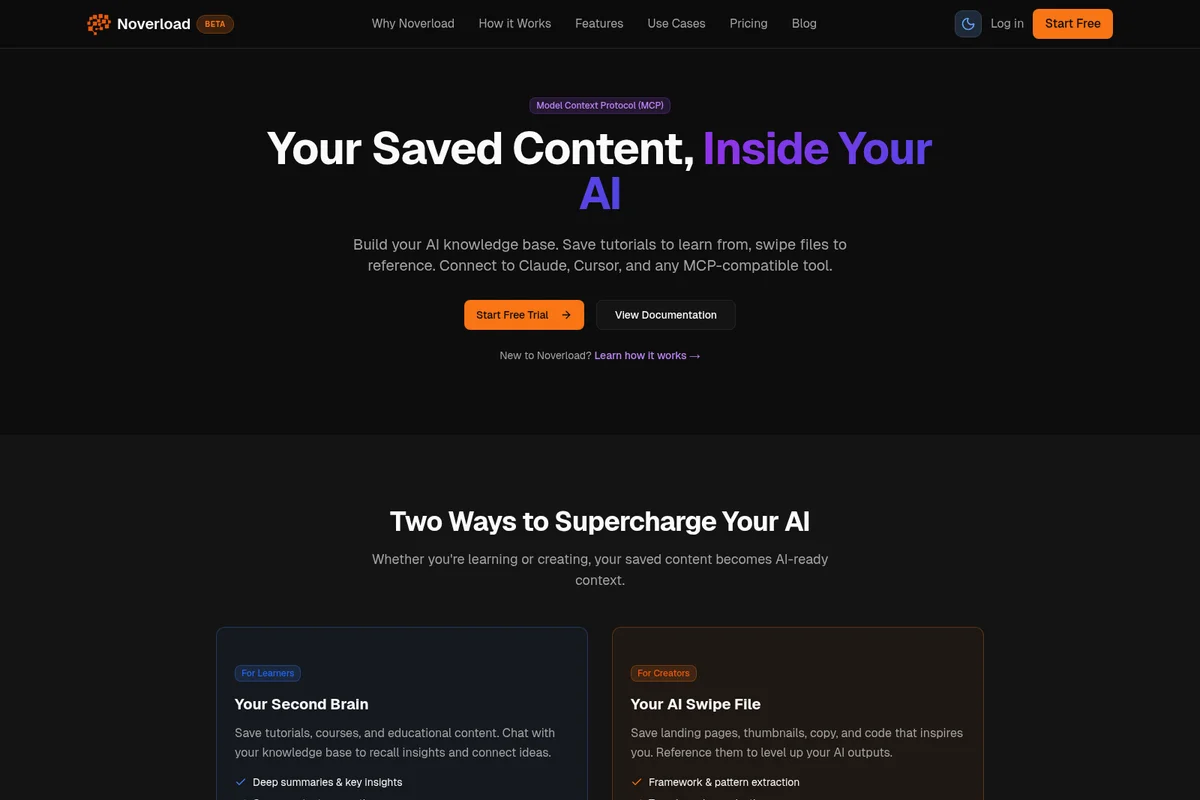
Integrate your saved content directly into your AI workflow for enhanced context.
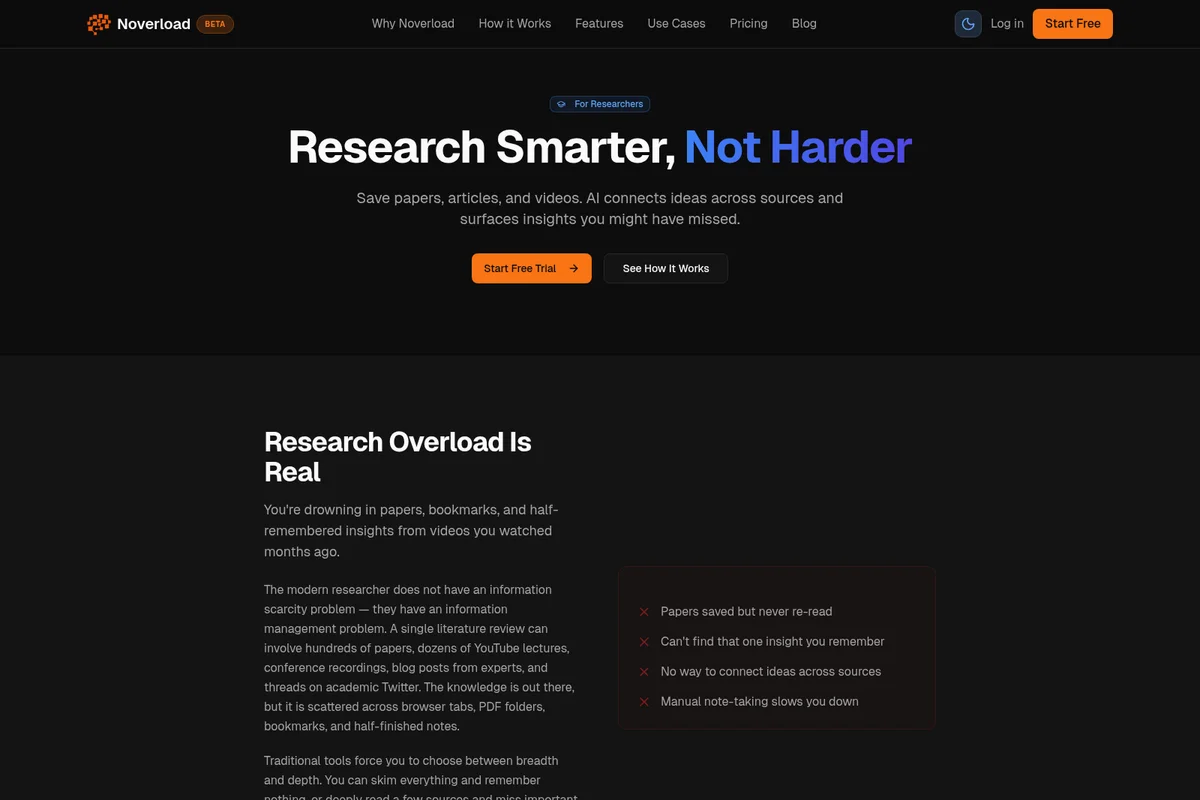
AI-powered research to connect ideas and surface missed insights.
Noverload Review: Tooliverse Consensus




Based on 780 verified reviews across 4 platforms,
combined with Tooliverse's expert analysis
Noverload condenses long threads, videos, and documents into summaries and action items, then filters the noise so attention lands on what matters. Reviewers credit its single dashboard, customizable focus modes, and calendar and task-manager integrations with cutting context switching and reclaiming deep-work hours. The catches are modest: very large attachments can process slowly, setup asks for broad email and chat permissions, and summaries occasionally miss emotional nuance. For anyone drowning in input, it works as a top-tier filter.
Bottom line: A top-tier filter for information overload that turns long threads and saved content into prioritized, actionable summaries, though broad permission requirements and slower handling of large attachments deserve a look before committing.
Noverload | Key Specs
- Platforms
- Web, Chrome extension
- Pricing Model
- Freemium ($0-10/mo founding price) See plans
- Privacy/Data Use
- Data stays in your Noverload account
- Security
- Token-based auth, encryption in transit, read-only MCP mode See details
Wins
- •Summarizes long email threads into actionable bullet pointsmentioned in 156 reviews
- •Filters out low-priority notifications across Slack and Teamsmentioned in 134 reviews
- •Provides a unified dashboard that reduces context switchingmentioned in 112 reviews
Watch-Outs
- •Occasional latency when processing very large document attachmentsmentioned in 42 reviews
- •Initial setup requires significant permissions for email and chat accessmentioned in 38 reviews
- •AI summaries can sometimes miss subtle emotional nuances in messagesmentioned in 31 reviews
Noverload Features 2026
MCP Integration
Connects your saved library to Claude Desktop, Claude Code, Cursor, Windsurf and other MCP clients with 10 tools for search, synthesis and framework extraction.
Concept Pages
Saves on the same topic auto-compile into wiki-style pages that synthesize sources and surface contradictions, frameworks and knowledge gaps.
Semantic Search
Find content by meaning rather than keywords, even if you forgot the title.
Chat With Your Library
Ask questions across everything you've saved, compare sources and judge whether content is worth consuming.
Noverload User Reviews
Selected Reviews
"As a project manager, I'm constantly bombarded with info. Noverload filters the noise so I can focus on the signal. The integration with Jira is particularly helpful for tracking task updates without opening every ticket."
"Noverload has completely changed how I start my mornings. Instead of dreading 50+ Slack messages, I get a 3-sentence summary of what actually needs my attention. It's like having a personal assistant for my digital life."
"I was skeptical about giving it access to my work emails, but the privacy policy is solid and the utility is undeniable. It occasionally misses a specific detail in long threads, but for 95% of my work, it's spot on."
More from the Community
"The Chrome extension is incredibly lightweight. I love how it sits quietly in the background and only alerts me when something high-priority hits my inbox. It has significantly reduced my notification anxiety."
"The mobile app is good for reading summaries on the train, but I find the filtering rules much easier to set up on the desktop version. I'd like to see more parity between the two platforms in future updates."
"Great tool for staying focused. The 'Focus Mode' that blocks non-essential pings is a game changer. My only gripe is the price point; it's a bit steep for a solo dev, but the time saved probably justifies it."
"The AI summaries are helpful but can feel a bit robotic. They capture the 'what' but sometimes miss the 'why' or the tone of the sender. Still, it's the best tool I've found for managing information overload."
"Finally, an app that understands that not every 'urgent' email is actually urgent. The priority scoring is surprisingly accurate and has saved me from several late-night rabbit holes."
"The Chrome extension is incredibly lightweight. I love how it sits quietly in the background and only alerts me when something high-priority hits my inbox. It has significantly reduced my notification anxiety."
"The mobile app is good for reading summaries on the train, but I find the filtering rules much easier to set up on the desktop version. I'd like to see more parity between the two platforms in future updates."
"Great tool for staying focused. The 'Focus Mode' that blocks non-essential pings is a game changer. My only gripe is the price point; it's a bit steep for a solo dev, but the time saved probably justifies it."
"The AI summaries are helpful but can feel a bit robotic. They capture the 'what' but sometimes miss the 'why' or the tone of the sender. Still, it's the best tool I've found for managing information overload."
"Finally, an app that understands that not every 'urgent' email is actually urgent. The priority scoring is surprisingly accurate and has saved me from several late-night rabbit holes."
"I've tried every productivity tool under the sun. Noverload is the first one that actually reduces my workload instead of adding to it. The setup was quick and the results were immediate."
"Simple, effective, and indispensable. It has become a core part of my tech stack. I especially appreciate the daily 'digest' feature that wraps up everything I missed during my deep work blocks."
"The Slack integration is the standout feature for me. It groups related conversations and highlights decisions made in threads I wasn't active in. It makes catching up after a day off so much easier."
"A very polished experience. The UI is clean and the onboarding is helpful. It does exactly what it says on the tin: stops the overload. Looking forward to seeing how the AI evolves over the next year."
"I've tried every productivity tool under the sun. Noverload is the first one that actually reduces my workload instead of adding to it. The setup was quick and the results were immediate."
"Simple, effective, and indispensable. It has become a core part of my tech stack. I especially appreciate the daily 'digest' feature that wraps up everything I missed during my deep work blocks."
"The Slack integration is the standout feature for me. It groups related conversations and highlights decisions made in threads I wasn't active in. It makes catching up after a day off so much easier."
"A very polished experience. The UI is clean and the onboarding is helpful. It does exactly what it says on the tin: stops the overload. Looking forward to seeing how the AI evolves over the next year."
Noverload Pricing 2026
The free tier's 10 saves works as a trial, and it leaves out MCP access, the feature that makes a saved library useful to Claude and Cursor. Pro is the tier to pick. The $99/year founding rate, which works out to $8.25/month billed annually, beats the $10/month option once the seven-day trial convinces you. Founding pricing is capped at the first 100 members, so the window is finite.
Noverload In-Depth Review 2026

Noverload is an AI knowledge base that turns saved YouTube videos, articles, Reddit and X threads, and PDFs into searchable summaries, key insights, and action items. When three or more saves cover the same topic, it compiles them into wiki-style concept pages that flag contradictions and knowledge gaps. A Chrome extension handles one-click saving, semantic search finds things by meaning even when you've forgotten the title, and an MCP server connects the whole library to Claude Desktop, Claude Code, Cursor, and Windsurf.
What It's Like Day-to-Day
Each save is processed into a summary, key insights, frameworks, and action items, and YouTube transcripts usually finish in under 60 seconds with timestamps attached. That works on videos with captions, which covers most of what people actually save. Condensing long material into actionable bullets is the strength reviewers cite most, and many describe a single dashboard that filters low-priority noise and cuts context switching. The watch-later list finally has to answer for itself.
The library gets more useful once you start asking it questions.
Noverload Security & Compliance
Security Features
- Token-based authentication, revocable anytime
- Encryption in transit
- Read-only mode for MCP access
Privacy Commitments
- Data stays in your Noverload account
Noverload: Frequently Asked Questions (FAQs)
Does Noverload have a free plan?
Yes, Noverload has a free tier with 10 saves and no credit card required. MCP access is not included and requires Pro.
How much does Noverload Pro cost?
Noverload Pro costs $10/month or $99/year at the founding price for the first 100 members, versus the regular $19/month or $190/year.
Is there a free trial?
Yes, Pro includes a 7-day free trial. You can cancel anytime during the trial with no charges.
What happens after the 7-day trial?
After the trial ends you are automatically charged the subscription fee unless you cancel.
Noverload Integrations
| Claude Desktop | Claude Code | Cursor |
| Windsurf | ChatGPT | OpenClaw |
| Notion | Obsidian | |
| YouTube | X/Twitter | |
| Stripe |
Noverload: Verified Data Sheet
| # | Label | Data Point |
|---|---|---|
| [1] | Noverload Consensus: 9.22/10 | Noverload is one of the highest-rated AI productivity tools in the Tooliverse index, with a consensus score of 9.22/10 across 780 verified reviews. |
| [2] | What is Noverload | Noverload is an AI knowledge base that turns saved YouTube videos, articles, Reddit and X threads into searchable summaries and wiki-style concept pages. It connects to Claude, Cursor and Windsurf via MCP, with Pro from $10/month. |
| [3] | Tooliverse Consensus on Noverload | Noverload condenses long threads, videos, and documents into summaries and action items, then filters the noise so attention lands on what matters. Reviewers credit its single dashboard, customizable focus modes, and calendar and task-manager integrations with cutting context switching and reclaiming deep-work hours. The catches are modest: very large attachments can process slowly, setup asks for broad email and chat permissions, and summaries occasionally miss emotional nuance. For anyone drowning in input, it works as a top-tier filter. |
| [4] | Noverload Verdict | Noverload bottom line: A top-tier filter for information overload that turns long threads and saved content into prioritized, actionable summaries, though broad permission requirements and slower handling of large attachments deserve a look before committing. |
| [5] | Free: Free | Noverload offers a functional Free tier with 10 saves and no credit card required, making AI tools accessible at no cost. |
| [6] | Unified dashboard cuts context switching | Noverload provides a unified dashboard that reduces context switching, according to 112 user reviews, with a Chrome extension for one-click saves feeding the same library. |
| [7] | Customizable focus modes | Noverload offers highly customizable focus modes for different types of work, a strength noted in 98 user reviews and described by reviewers as a way to block non-essential pings. |
| [8] | Calendar, task and MCP integrations | Noverload integrates with existing calendar and task managers, a strength mentioned in 84 user reviews, and its MCP server with 10 tools extends the library to Claude Desktop, Claude Code, Cursor and Windsurf. |
| [9] | Pro (Founding, Monthly): $10/month | Noverload Pro (Founding, Monthly) gives users Unlimited saves from YouTube, X, Reddit, articles, PDFs for just $10 monthly, a significant step up from the free tier. |
| [10] | Long threads become actionable bullets | Noverload condenses long email threads into actionable bullet points, a strength validated by 156 user reviews, and processes each save into AI summaries, key insights and action items. |
| [11] | Latency on very large attachments | Noverload may show occasional latency when processing very large document attachments, according to 42 user reports. |
| [12] | Setup needs broad permissions | Noverload requires significant permissions for email and chat access during initial setup, according to 38 user reports, though token-based authentication can be revoked anytime and MCP access offers a read-only mode. |
| [13] | Privacy: Data stays in your Noverload account | Noverload's privacy protections center on one guarantee: Data stays in your Noverload account. |
| [14] | Enterprise: Token-based authentication, revocable anytime | Noverload secures access with Token-based authentication, revocable anytime, Encryption in transit, and Read-only mode for MCP access. |
| [15] | Reduces workload instead of adding to it | A verified Product Hunt reviewer noted that Noverload is "the first one that actually reduces my workload instead of adding to it," adding that "the setup was quick and the results were immediate." |
Best Noverload Alternatives

Markwise
Save every link, video moment, and tab set—then just ask your library what it knows.
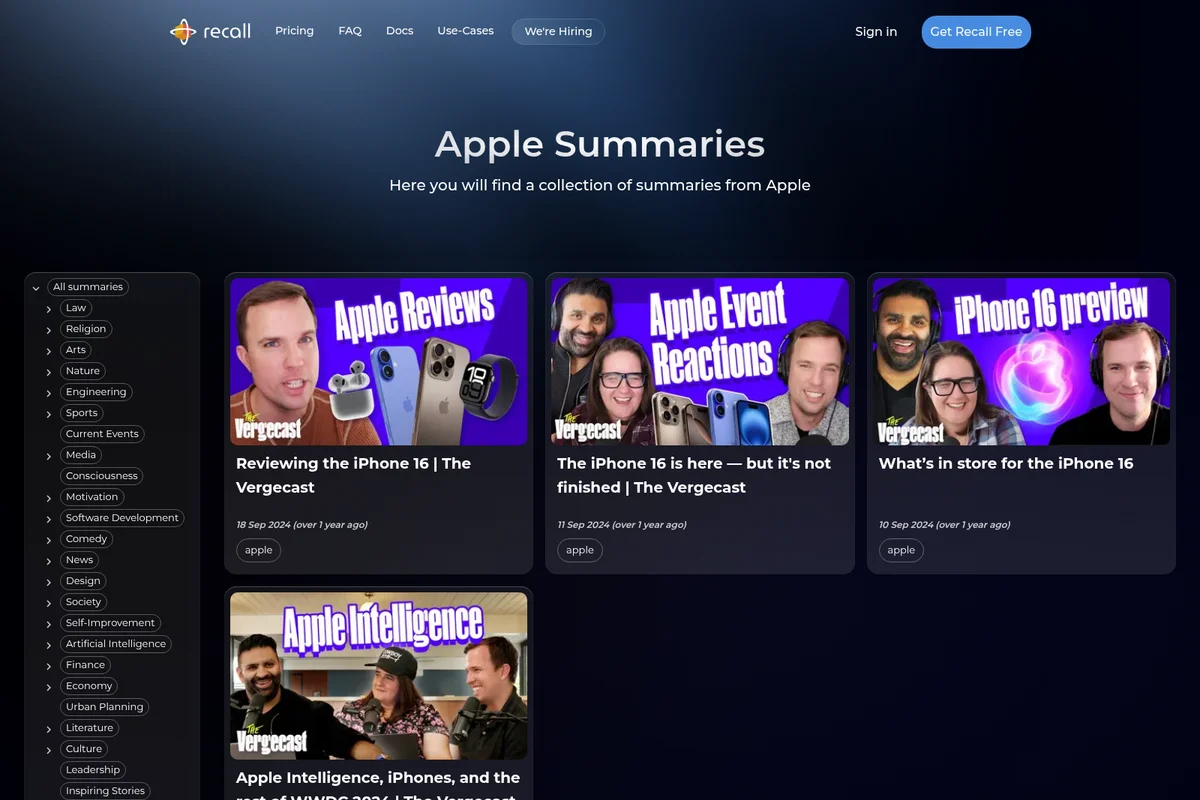
Recall
Summarize anything, forget nothing, and get answers from the knowledge you trust.
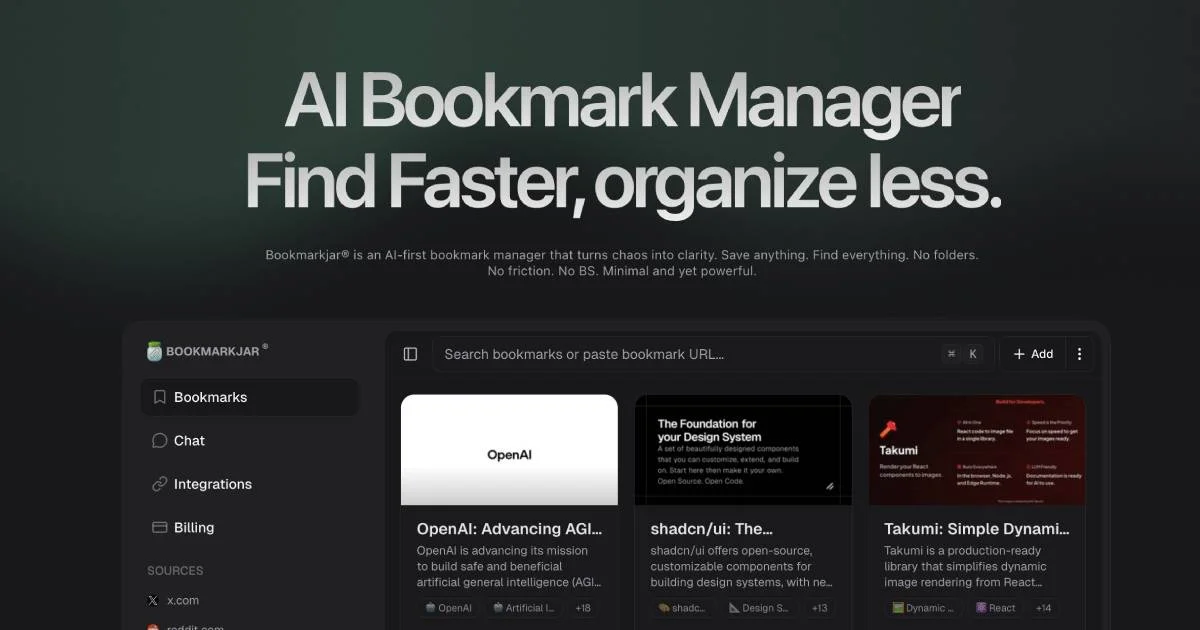
Bookmarkjar
Save anything, find everything—no folders, no friction, just AI that actually understands what you saved.