
SaveDay Review 2026 - Smart Bookmarking Tool
Verified Jun 22, 2026 by Tooliverse Editorial
SaveDay turns scattered bookmarks into searchable knowledge—save articles, videos, and images in two taps, then find them instantly with AI search. No more lost links or forgotten research.
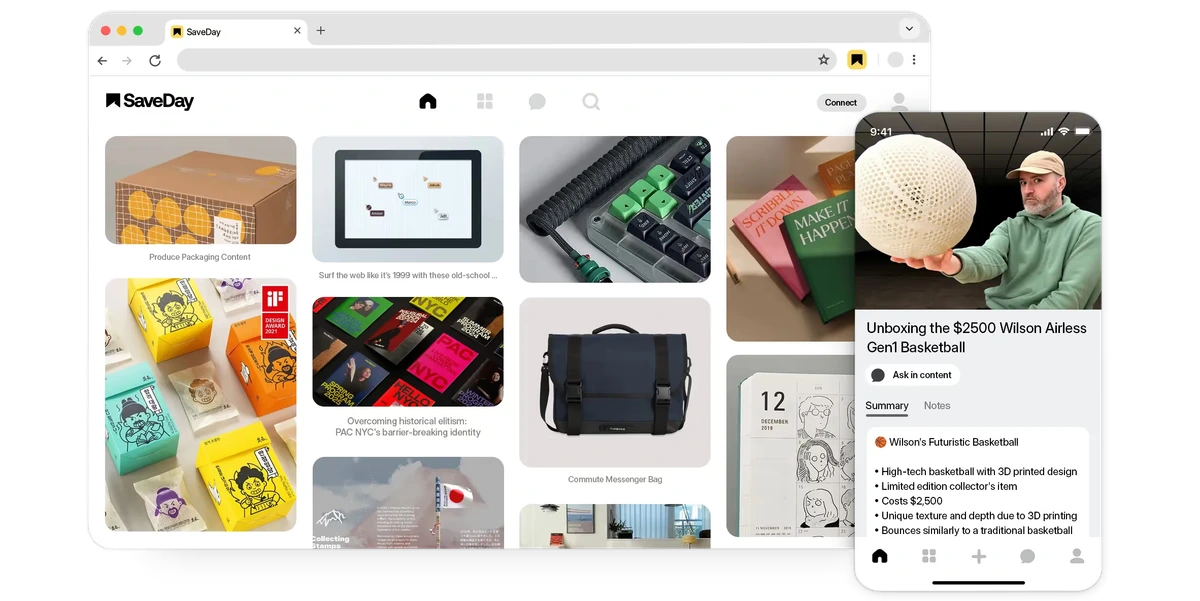
Save and summarize web content and videos with AI-powered insights.
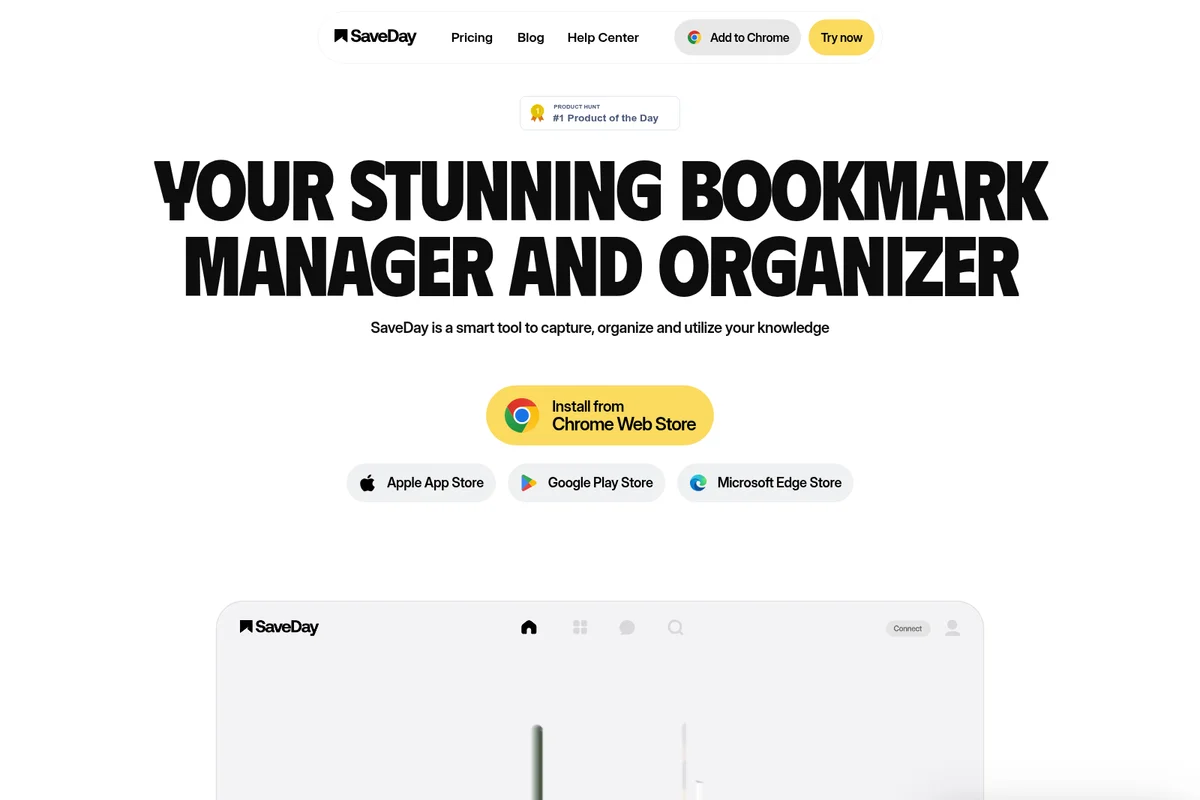
Organize and utilize your knowledge with SaveDay, the #1 Product of the Day.

Quickly start a new conversation or ask a question.
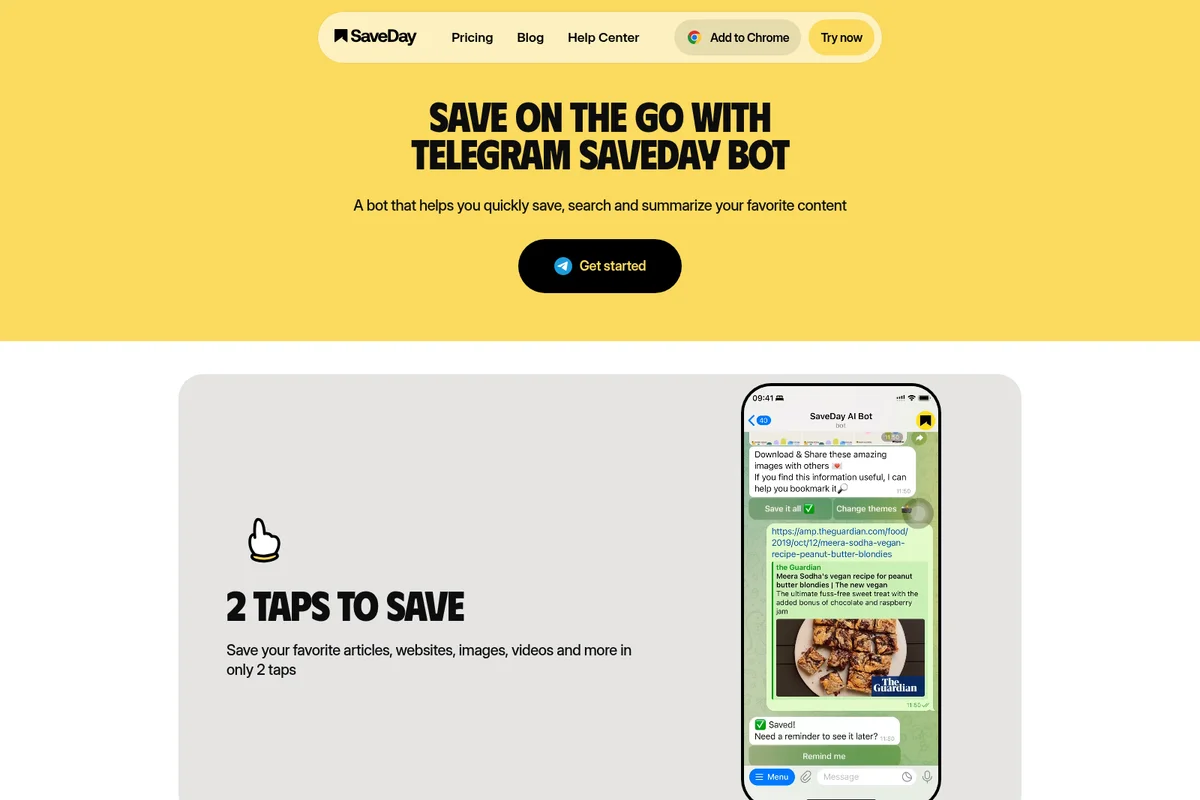
Save articles, websites, images, and videos with just two taps.
SaveDay Review: Tooliverse Consensus





Based on 320 verified reviews across 5 platforms,
combined with Tooliverse's expert analysis
SaveDay solves the retrieval problem that kills most bookmark managers, using semantic search and AI summarization to make saved content actually useful months later. The Telegram integration delivers summaries in seconds without app-switching, and the meaning-based search finds articles by description when you've forgotten titles or tags. The free tier's AI search limit becomes restrictive for power users, but the core workflow is frictionless enough that knowledge workers at Meta, Google, and McKinsey trust it for team research coordination.
Bottom line: A leading bookmark manager that makes saved content retrievable through natural language search and instant AI summarization, though power users will quickly outgrow the free tier's search limits.
SaveDay | Key Specs
- Platforms
- Web, iOS, Android, Chrome Extension, Edge Add-on, Telegram
- Pricing Model
- Freemium ($0-29.99/mo) See plans
- Privacy/Data Use
- No third-party sharing, strict access controls
- Security
- Industry-standard certifications in progress, real-time retrieval without data storage See details
Wins
- •Summarizes long articles and YouTube videos instantly to save reading timementioned in 145 reviews
- •Integrates seamlessly with Telegram for quick saving on the gomentioned in 112 reviews
- •Offers a powerful search that finds content based on meaning, not just keywordsmentioned in 88 reviews
Watch-Outs
- •Occasional delays in generating summaries for very long video contentmentioned in 28 reviews
- •Free tier limits the number of AI-powered searches per monthmentioned in 22 reviews
- •Mobile app synchronization can sometimes lag between different devicesmentioned in 18 reviews
SaveDay Features 2026
AI-Powered Search
Meaning-based search that finds saved content using natural language descriptions, not just exact keyword matching. Search without remembering titles or tags.
YouTube and Article Summarization
Generate key points and summaries from lengthy videos and articles with shareable image templates. Supports videos up to 1 hour on free tier, longer videos on paid plans.
Q&A from Saved Content
Ask questions and get personalized answers based on your saved collection items, creating a transparent thought process with data-driven recommendations.
Auto-Tagging
Automatically organizes saved content with AI-generated tags, eliminating manual categorization and folder management.
SaveDay User Reviews
Selected Reviews
"The Telegram bot is a game changer. I just forward links and get a summary back in seconds. It has completely changed how I consume news."
"Best bookmark manager I've used. The semantic search actually works—I can find things by describing them even if I forgot the title."
"Summaries are usually spot on, but it struggled with a 2-hour technical lecture yesterday. Still, for articles, it's unbeatable."
More from the Community
"I love the clean UI. It doesn't feel cluttered like Pocket or Evernote. Just wish I could customize the tag colors more."
"Good tool, but the free search limit is a bit tight for power users. I might have to upgrade soon if I keep using it this much."
"The Chrome extension is lightweight and fast. It captures images and text perfectly. Essential for my research workflow."
"Saveday has become my primary way to archive research. The AI takeaways are surprisingly nuanced and rarely miss the main point."
"Syncing between my iPhone and Android tablet is mostly fine, but I've had to force-close the app once or twice to see new saves."
"I love the clean UI. It doesn't feel cluttered like Pocket or Evernote. Just wish I could customize the tag colors more."
"Good tool, but the free search limit is a bit tight for power users. I might have to upgrade soon if I keep using it this much."
"The Chrome extension is lightweight and fast. It captures images and text perfectly. Essential for my research workflow."
"Saveday has become my primary way to archive research. The AI takeaways are surprisingly nuanced and rarely miss the main point."
"Syncing between my iPhone and Android tablet is mostly fine, but I've had to force-close the app once or twice to see new saves."
"Finally a bookmarking tool that actually helps me use what I save instead of just letting it rot in a list I never check."
"The YouTube summary feature is the standout. It saves me so much time by letting me skim the transcript and key points first."
"I'd give it 5 stars if the folder organization was a bit more robust. Right now it feels a bit too simple for large collections."
"Solid AI integration. It doesn't feel like a gimmick; it actually solves the problem of information overload effectively."
"Finally a bookmarking tool that actually helps me use what I save instead of just letting it rot in a list I never check."
"The YouTube summary feature is the standout. It saves me so much time by letting me skim the transcript and key points first."
"I'd give it 5 stars if the folder organization was a bit more robust. Right now it feels a bit too simple for large collections."
"Solid AI integration. It doesn't feel like a gimmick; it actually solves the problem of information overload effectively."
SaveDay Pricing 2026
View SourceThe free Basic plan is functional for light use with 100 saved items monthly, but the AI search limit of fewer than 5 queries gets restrictive within days for anyone building a real collection. Essential at $12.99 monthly is where most knowledge workers land: 10,000 saved items and unlimited key point credits turn the tool from a bookmark manager into a research assistant. Elite at $29.99 monthly makes sense only if you need unlimited Q&A credits for heavy AI interaction or you're coordinating team knowledge. Students get 50% off Essential and Elite, which makes the economics considerably better for academic use.
SaveDay In-Depth Review 2026

SaveDay runs on iOS, Android, Chrome, Edge, Telegram, and web browsers, capturing content from anywhere and making it retrievable through natural language search. You describe what you're looking for in plain English, and it surfaces the right article even if you've forgotten the title, author, or exact topic. The Telegram integration is the standout: forward a link to the bot, get a summary back in seconds without opening another app.
What It's Like Day-to-Day
The core workflow is frictionless in a way that matters for actual adoption. You're scrolling Twitter, see a long-form piece you want to read later, hit the share button, and it's saved with auto-generated tags and a summary waiting. No folder decisions, no manual categorization, no friction between impulse and action. The semantic search means you can type "that article about remote team communication tools" two months later and actually find it, which is the entire point of saving things in the first place.
The YouTube summarization feature saves the most time. A 45-minute tutorial gets distilled to key points and timestamped sections in under a minute, letting you decide whether to watch the full video or just jump to the relevant segments.
SaveDay Security & Compliance
Security Features
- Strict access controls - only user can access saved information
- Real-time information retrieval using search APIs without storing data
Privacy Commitments
- No sharing of content with third parties
- All saved content kept confidential and secure
- Currently in process of achieving industry-standard certifications
- Transparent privacy policy outlining how information is used and protected
SaveDay: Frequently Asked Questions (FAQs)
Is SaveDay available for free?
Yes, SaveDay offers a free Basic Plan with unlimited saved items, search, highlights, and notes. The plan includes up to 100 saved items per month with limited key point and Q&A credits (fewer than 5 per month), but you still get some free credits each month.
What is the difference between SaveDay and Notion or other note-taking solutions?
SaveDay provides the fastest solution for information capture with the widest range of products possible, while Notion offers well-organized storage solutions. With SaveDay, you can effortlessly save any important information or reminders without navigating through multiple pages or folders, enabling you to make the most out of your time and stay productive.
What's the difference between SaveDay and ChatGPT?
SaveDay is designed to be a trustworthy and personalized tool that helps you develop rational thoughts using relevant facts from your collection items. Its responses are more tailored to you, unlike ChatGPT, which can produce incorrect or irrelevant outputs known as hallucinations.
Is my saved content private and secure?
Yes, all saved content is kept confidential and secure. The security of your data and privacy is SaveDay's top priority. SaveDay does not share any of your content with third parties, and the company is currently in the process of achieving industry-standard certifications.
SaveDay Integrations
| Telegram | Chrome | Microsoft Edge |
SaveDay: Verified Data Sheet
| # | Label | Data Point |
|---|---|---|
| [1] | SaveDay Consensus: 9.13/10 | SaveDay is one of the highest-rated AI productivity tools in the Tooliverse index, with a consensus score of 9.13/10 across 320 verified reviews. |
| [2] | What is SaveDay | SaveDay is a cross-platform bookmark manager and knowledge organization tool trusted by teams at Meta, Google, AWS, BCG, Deloitte, and McKinsey. The platform offers AI-powered search, auto-tagging, and content summarization with pricing starting at free for 100 saved items/month. |
| [3] | Tooliverse Consensus on SaveDay | SaveDay solves the retrieval problem that kills most bookmark managers, using semantic search and AI summarization to make saved content actually useful months later. The Telegram integration delivers summaries in seconds without app-switching, and the meaning-based search finds articles by description when you've forgotten titles or tags. The free tier's AI search limit becomes restrictive for power users, but the core workflow is frictionless enough that knowledge workers at Meta, Google, and McKinsey trust it for team research coordination. |
| [4] | SaveDay Verdict | SaveDay bottom line: A leading bookmark manager that makes saved content retrievable through natural language search and instant AI summarization, though power users will quickly outgrow the free tier's search limits. |
| [5] | Basic: Free | SaveDay offers a functional Basic tier with 100 saved items per month and fewer than 5 key point credits per month, making AI-powered organization accessible at no cost. |
| [6] | Instant article and video summarization | SaveDay summarizes long articles and YouTube videos instantly to save reading time, a capability validated by 145 user reviews as transformative for content consumption workflows. |
| [7] | Seamless Telegram integration | SaveDay integrates seamlessly with Telegram for quick saving on the go, with 112 user reviews highlighting the bot's ability to deliver summaries in seconds without leaving the messaging app. |
| [8] | Meaning-based semantic search | SaveDay offers a powerful search that finds content based on meaning rather than keywords, enabling users to retrieve saved items by describing them in natural language according to 88 user reviews. |
| [9] | Standard: $5.59/month | SaveDay Standard empowers users with 1,000 saved items per month for just $5.59 monthly, significantly expanding on the free tier's capabilities. |
| [10] | Clean, distraction-free interface | SaveDay features a clean, distraction-free interface that prioritizes content organization, with 76 user reviews praising the design for reducing clutter compared to alternatives like Pocket and Evernote. |
| [11] | Delays with very long videos | SaveDay may experience occasional delays in generating summaries for very long video content, particularly technical lectures exceeding two hours, according to 28 user reports. |
| [12] | Free tier search limits | SaveDay's free tier limits the number of AI-powered searches per month to fewer than 5 queries, a constraint mentioned in 22 user reviews as restrictive for power users with large collections. |
| [13] | Privacy: No sharing of content with third parties | SaveDay privacy protections include No sharing of content with third parties, All saved content kept confidential and secure, and Currently in process of achieving industry-standard certifications. |
| [14] | Enterprise: Strict access controls - only user can access saved information | SaveDay provides enterprise security with Strict access controls - only user can access saved information and Real-time information retrieval using search APIs without storing data. |
| [15] | Telegram bot transforms news consumption | SaveDay's Telegram bot integration "is a game changer" that delivers summaries in seconds by simply forwarding links, according to a verified Product Hunt reviewer who noted it "has completely changed how I consume news." |
Best SaveDay Alternatives
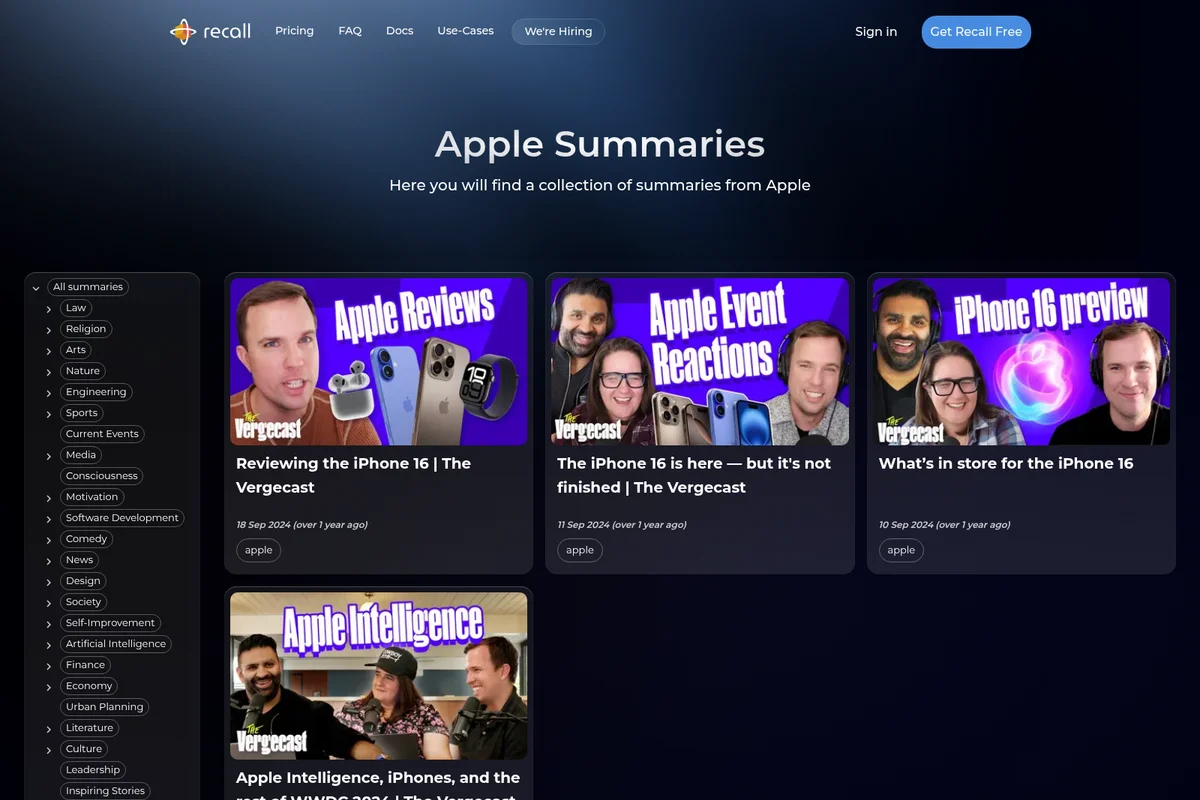
Recall
Summarize anything, forget nothing, and get answers from the knowledge you trust.
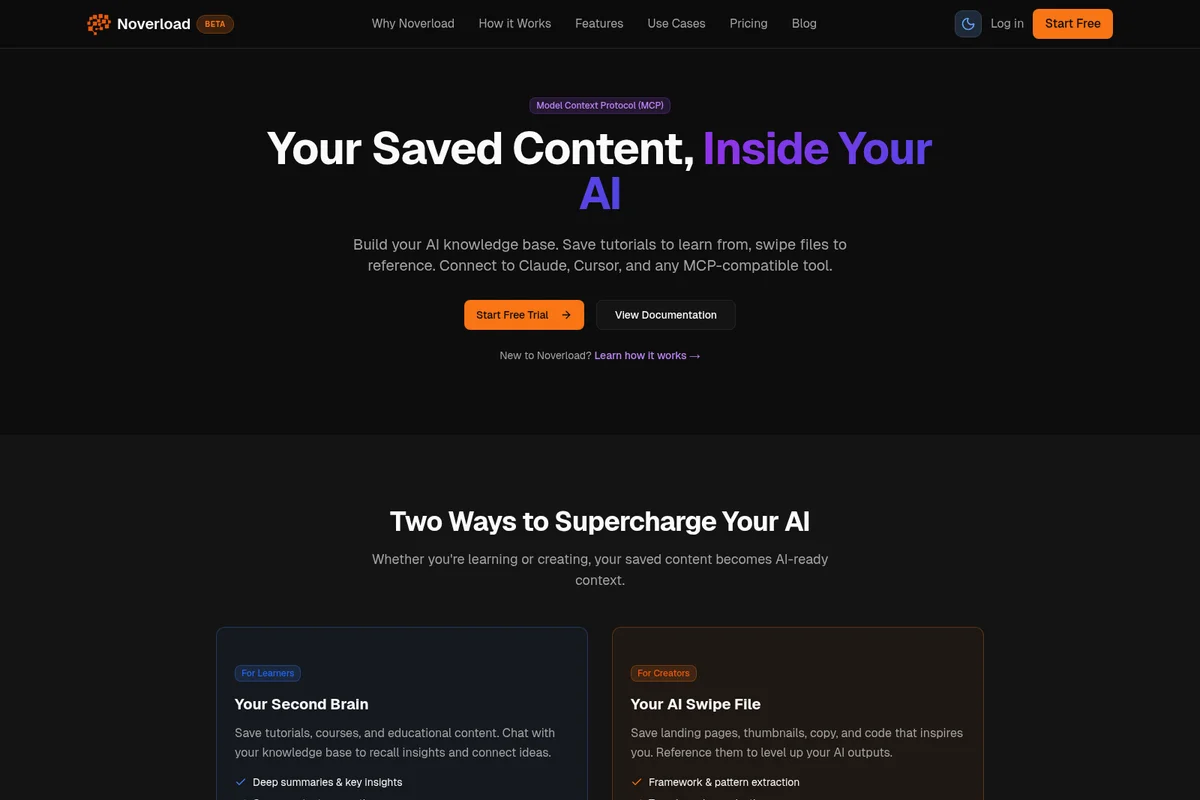
Noverload
Turn your saved videos, articles and threads into a knowledge base your AI can actually use.
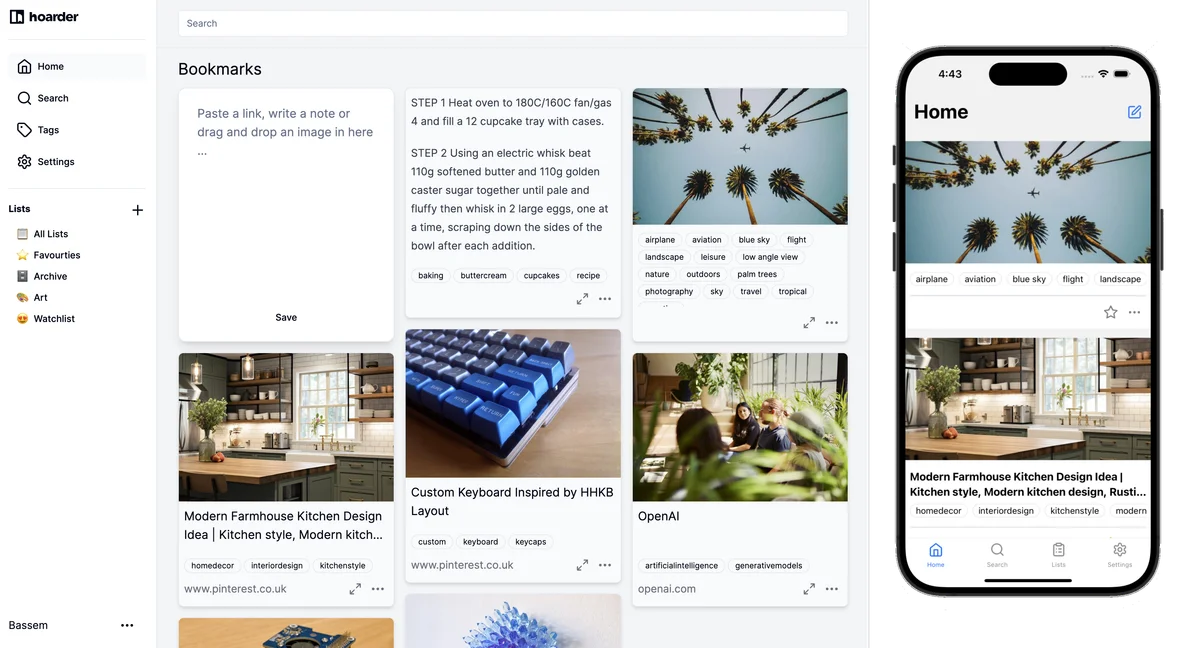
Karakeep
Save anything, forget nothing—let AI tag and organize your bookmarks so you can actually find them again.