
PandaDoc Review 2026 - Document Automation
Verified Jun 17, 2026 by Tooliverse Editorial
PandaDoc turns document chaos into streamlined workflows—create proposals, collect signatures, and get paid without the back-and-forth. Trusted by 68,000+ companies, it's the all-in-one platform that replaces scattered tools with one simple system.
How to Use PandaDoc - Demo for Free Trial Users
PandaDoc Review: Best Document Platform for Businesses?
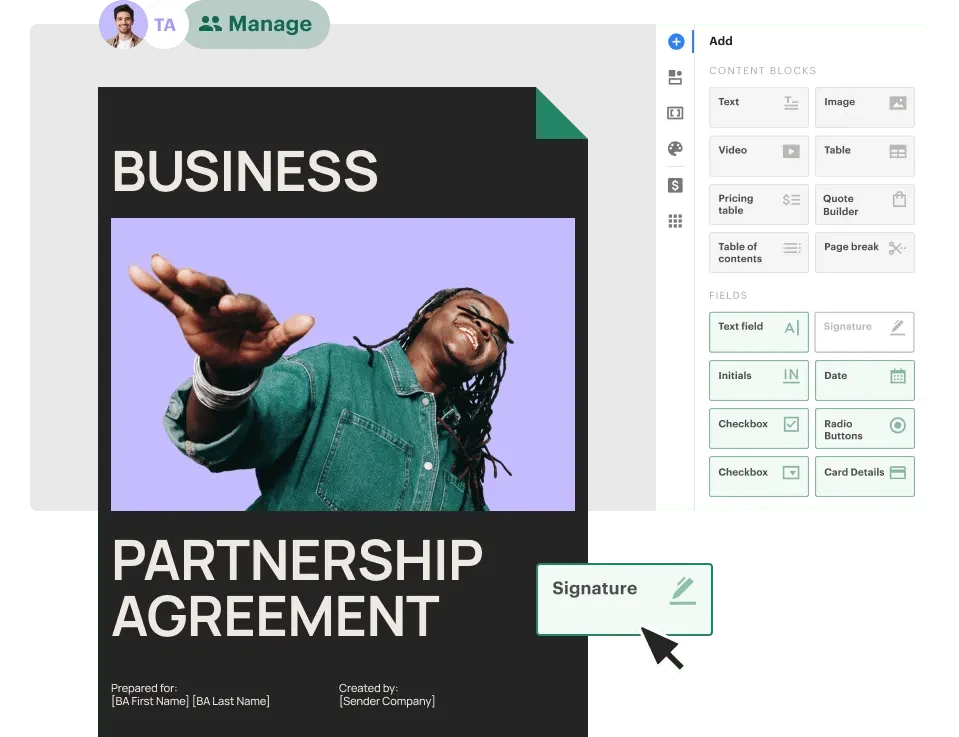
Add interactive fields like signatures and text blocks to your documents with ease.
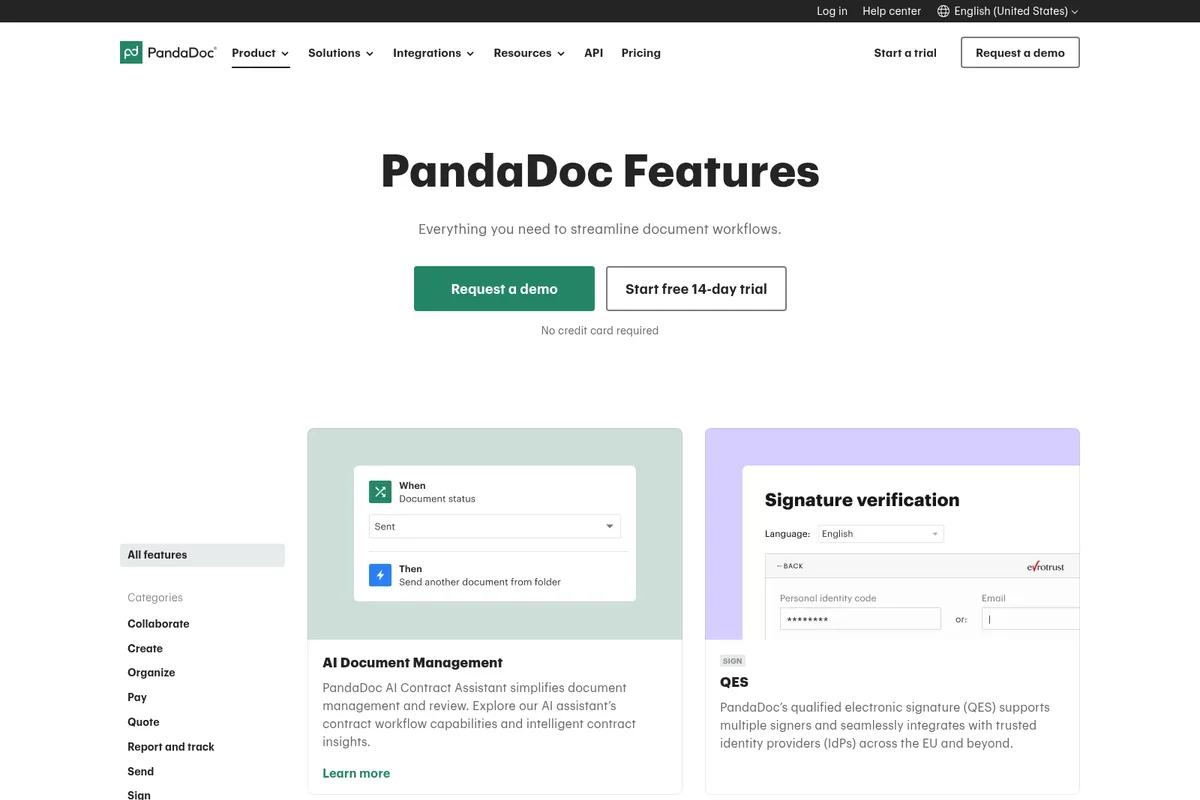
Streamline document workflows with AI automation and secure e-signatures.
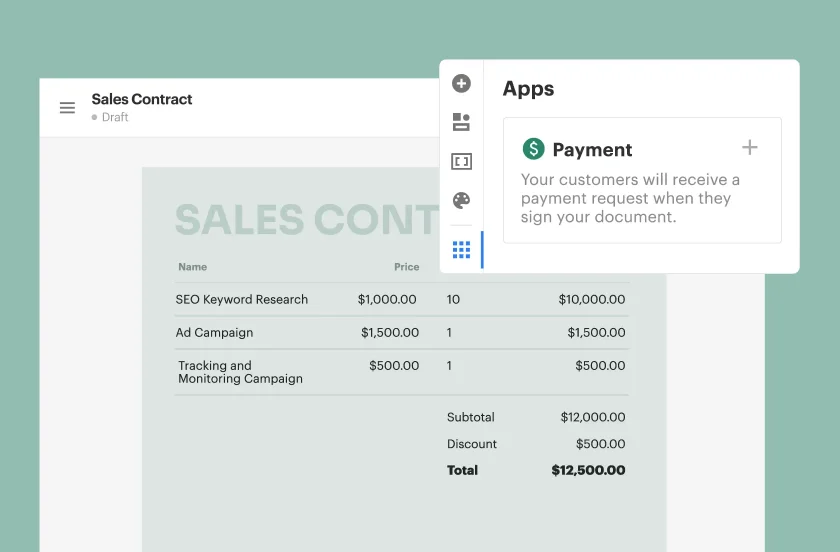
Integrate payment requests directly into your sales contracts upon signing.
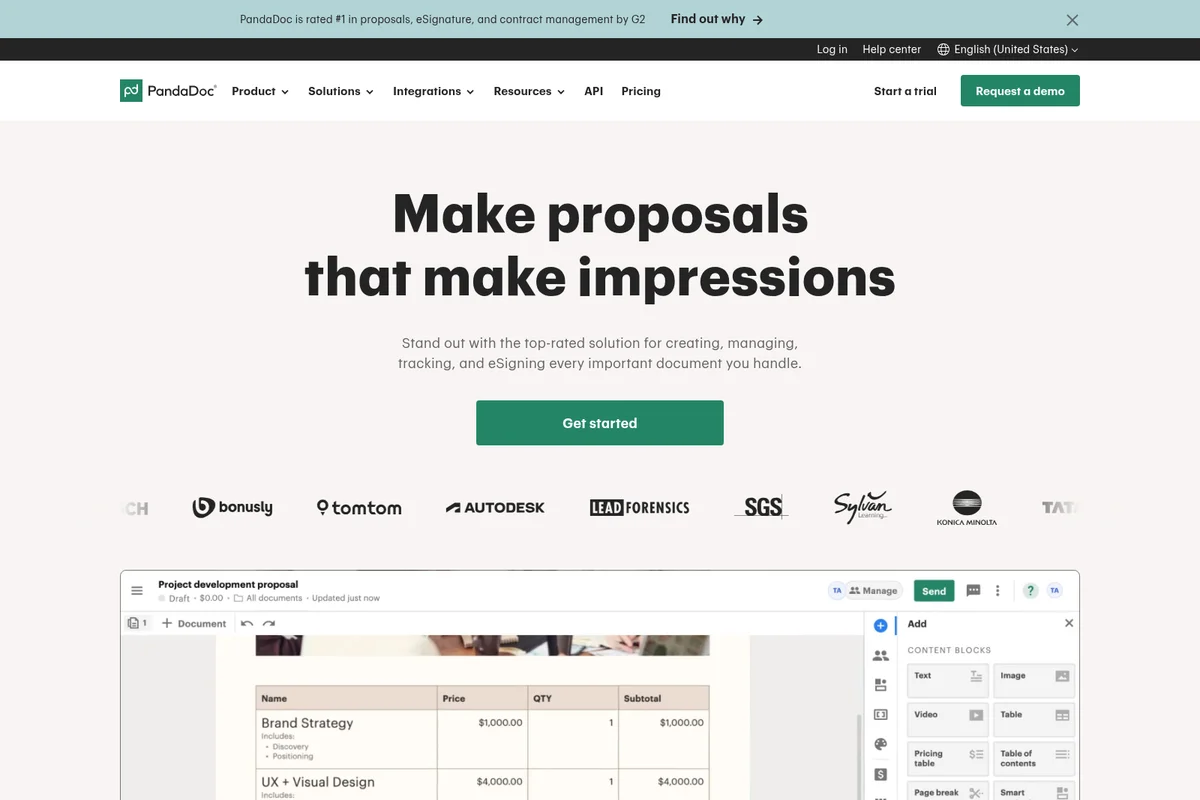
Create impressive proposals and track document engagement efficiently.
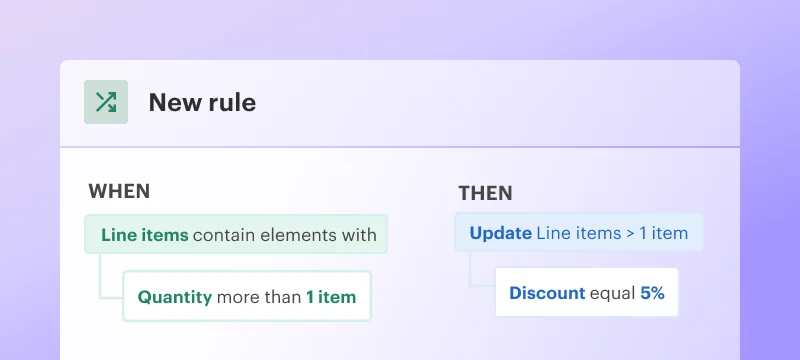
Automate discounts based on line item quantities with custom rules.
PandaDoc Review: Tooliverse Consensus






Based on 1k+ verified reviews across 6 platforms,
combined with Tooliverse's expert analysis
PandaDoc transforms static business documents into interactive sales tools by unifying proposal creation, CRM integration, real-time tracking, and signature collection in one platform instead of forcing teams through five disconnected tools. The depth of CRM connectivity with Salesforce and HubSpot, combined with engagement analytics that reveal exactly when prospects view pricing, makes it particularly strong for sales teams where document velocity affects revenue. The Business tier pricing at $49 per seat monthly represents the main barrier for smaller teams and solo users.
Bottom line: A leading document management platform that accelerates deal velocity by eliminating tool-switching friction, though the per-seat pricing and mobile editing limitations make it better suited for sales teams than individual freelancers.
PandaDoc | Key Specs
- Platforms
- Web, iOS, Android
- Pricing Model
- Freemium ($0-49/seat/month) See plans
- Privacy/Data Use
- GDPR compliant, HIPAA compliant (Enterprise)
- Security
- SOC 2 Type II, eIDAS, SSO, 2FA See details
Wins
- •Simplifies the entire document lifecycle from creation to e-signaturementioned in 245 reviews
- •Offers a robust library of professional templates that save hours of design workmentioned in 198 reviews
- •Integrates seamlessly with major CRMs like Salesforce and HubSpot to sync datamentioned in 182 reviews
Watch-Outs
- •Pricing tiers can be expensive for small teams or individual freelancersmentioned in 92 reviews
- •Mobile app functionality is limited compared to the full desktop web experiencementioned in 74 reviews
- •Occasional formatting glitches when importing complex PDF or Word documentsmentioned in 58 reviews
PandaDoc Features 2026
CPQ (Configure, Price, Quote)
Generate error-free quotes tailored for every buyer by pulling data from product catalog and implementing rules-based pricing strategies
Deal Rooms
Close deals fast in a digital space that makes collaboration easy with real-time document sharing and stakeholder engagement
Qualified Electronic Signature (QES)
Highest standard eIDAS-compliant signatures supporting multiple signers with trusted identity providers across EU and beyond
API and Webhooks
Build custom integrations with REST API, SDKs for Node.js and Python, and webhooks for event-driven workflows
PandaDoc User Reviews
Selected Reviews
"Love being able to sign documents on the go. The interface is very clean and it makes our small business look much more professional to clients."
"PandaDoc has completely changed how our sales team handles contracts. The HubSpot integration is flawless and saves us so much manual entry."
"It's okay, but the price jump for the business tier is steep if you just need basic e-signatures. Good for teams, maybe overkill for solo users."
More from the Community
"Great tool for proposals. The templates are professional, though the editor can be a bit finicky with images and custom fonts sometimes."
"The Gmail extension makes it so easy to track if a client has actually opened the proposal I sent. No more guessing when to follow up."
"Good app, but I wish I could edit more of the document fields directly from my phone instead of just signing and sending."
"The automation is powerful once set up, but getting the variables to map correctly from our CRM took way too long and required support help."
"The notifications when a client views a document are a game changer for follow-ups. I know exactly when they are looking at the price."
"Great tool for proposals. The templates are professional, though the editor can be a bit finicky with images and custom fonts sometimes."
"The Gmail extension makes it so easy to track if a client has actually opened the proposal I sent. No more guessing when to follow up."
"Good app, but I wish I could edit more of the document fields directly from my phone instead of just signing and sending."
"The automation is powerful once set up, but getting the variables to map correctly from our CRM took way too long and required support help."
"The notifications when a client views a document are a game changer for follow-ups. I know exactly when they are looking at the price."
"Switched from DocuSign because the document creation tools here are much better for sales decks and custom quotes. Much more flexible."
"Our closing rate improved because our proposals look so much more professional now. The payment integration is also a huge plus for us."
"Solid performance, very reliable for signatures, just needs a better offline mode for when I'm traveling and have spotty internet."
"The template library is great, but I found the pricing for adding more users to be a bit prohibitive for our growing startup."
"Switched from DocuSign because the document creation tools here are much better for sales decks and custom quotes. Much more flexible."
"Our closing rate improved because our proposals look so much more professional now. The payment integration is also a huge plus for us."
"Solid performance, very reliable for signatures, just needs a better offline mode for when I'm traveling and have spotty internet."
"The template library is great, but I found the pricing for adding more users to be a bit prohibitive for our growing startup."
PandaDoc Pricing 2026
View SourceThe Free tier with 60 documents annually works for very light use, but most professionals will need Starter at $19 monthly for 110 documents and proper audit trails. Business at $49 per seat monthly is where the platform becomes a revenue tool: unlimited documents, CRM integrations with Salesforce and HubSpot, deal rooms, and approval workflows that matter when multiple stakeholders touch each deal. The per-seat math makes sense for sales teams where document velocity affects close rates, less so for occasional users who just need signatures.
PandaDoc In-Depth Review 2026

This document management platform handles proposals, contracts, quotes, and signatures in one system that connects directly to your CRM. It runs on web and mobile, with native integrations for Salesforce, HubSpot, Pipedrive, and Monday that sync data automatically. The value proposition is straightforward: stop switching between five tools to close one deal.
What It's Like Day-to-Day
The drag-and-drop editor lets you build branded proposals without touching design software. Pull pricing from your product catalog, insert conditional sections that adapt to what the prospect selects, add payment buttons that connect to Stripe or Square. The template library covers most standard business documents, and once you've customized one for your brand, it becomes a reusable asset. A verified G2 reviewer noted the HubSpot integration is "flawless and saves us so much manual entry," which captures the practical benefit: data flows between systems without copy-paste.
The real-time tracking changes how you follow up. You get notifications when a prospect opens your proposal, how long they spend on each page, and whether they've reached the pricing section.
PandaDoc Security & Compliance
Verified Compliance
- SOC 2 Type II
- GDPR
- HIPAA
- eIDAS
- U.S. ESIGN Act
- UETA
- CCPA
- FERPA
- 21 CFR Part 11
- Data Privacy Framework (EU-U.S., UK, Swiss)
- FIPS 186-5 Digital Signature Standard
Security Features
- Single sign-on (SSO)
- Two-Factor Authentication (2FA)
- AES-256 Encryption at rest
- Data residency in US or EU
- Identity Verification (passcode, SMS, KBA, ID Check)
- Qualified Electronic Signature (QES)
Privacy Commitments
- SOC 2 Type II certified with SSAE 18 attestation
- GDPR compliant with lawful, transparent data processing
- HIPAA compliant for healthcare providers handling ePHI
- Data encrypted in transit and at rest with AES-256
- Third-party subprocessors meet PandaDoc security standards
PandaDoc: Frequently Asked Questions (FAQs)
How is PandaDoc different from eSignature software like DocuSign?
eSignature is just one of PandaDoc's many features. PandaDoc creates and manages the entire workflow of all your sales documents from proposals to contracts and provides visibility and insights from document interactions with customers.
Will I be charged once I start a trial?
No, you will only be charged when you decide to use PandaDoc after completing your evaluation. Your free trial is valid for 14 days.
Is it free to sign a document?
Yes, all of your customers and other recipients of documents sent from PandaDoc can eSign them for free. Once they receive a PandaDoc document in their inbox, they can sign it on any device without needing a PandaDoc account.
Can I change my plan later?
Yes, you can switch your plans whenever you like. If you upgrade, it kicks in right away with prorated charges. If you decide to downgrade, that will take effect at the start of your next billing cycle.
PandaDoc Integrations
| Salesforce | HubSpot | Pipedrive |
| Monday.com | Stripe | Square |
| PayPal | Authorize.net | QuickBooks Payments |
| FreshBooks | QuickBooks Online | Zapier |
| Greenhouse | Slack | Microsoft Teams |
| Zoho | Copper | Insightly |
| Nutshell | Zendesk Sell | SugarCRM |
| Salesmate | Canva | Dropbox |
| Make |
PandaDoc: Verified Data Sheet
| # | Label | Data Point |
|---|---|---|
| [1] | PandaDoc Consensus: 8.67/10 | PandaDoc is a highly-rated tool among AI sales tools in the Tooliverse index, with a consensus score of 8.67/10 across 1,030 verified reviews. |
| [2] | What is PandaDoc | PandaDoc, operated by PandaDoc Inc., is a SOC 2 Type II certified document management platform for proposals, contracts, and eSignatures. The platform serves 68,000+ companies globally with pricing starting at $19/month. |
| [3] | Tooliverse Consensus on PandaDoc | PandaDoc transforms static business documents into interactive sales tools by unifying proposal creation, CRM integration, real-time tracking, and signature collection in one platform instead of forcing teams through five disconnected tools. The depth of CRM connectivity with Salesforce and HubSpot, combined with engagement analytics that reveal exactly when prospects view pricing, makes it particularly strong for sales teams where document velocity affects revenue. The Business tier pricing at $49 per seat monthly represents the main barrier for smaller teams and solo users. |
| [4] | PandaDoc Verdict | PandaDoc bottom line: A leading document management platform that accelerates deal velocity by eliminating tool-switching friction, though the per-seat pricing and mobile editing limitations make it better suited for sales teams than individual freelancers. |
| [5] | Free: Free | PandaDoc provides a functional Free tier with 60 documents per year and unlimited seats, making professional document management accessible at no cost. |
| [6] | End-to-end document lifecycle management | PandaDoc simplifies the entire document lifecycle from creation to e-signature, eliminating the need for multiple tools and manual processes according to 245 user reviews. |
| [7] | Professional template library saves hours | PandaDoc offers a robust library of professional templates that save hours of design work, validated as a key time-saver by 198 user reviews. |
| [8] | Seamless CRM integration with major platforms | PandaDoc integrates seamlessly with major CRMs including Salesforce, HubSpot, Pipedrive, and Monday to sync data automatically, praised in 182 user reviews. |
| [9] | Real-time document tracking and alerts | PandaDoc provides real-time tracking that alerts users when documents are opened or viewed, enabling strategic follow-ups according to 156 user reviews. |
| [10] | Starter: $19/mo (annual) | PandaDoc Starter tier delivers 110 documents per year for $19/month billed annually, significantly expanding on the free tier's capabilities with audit trails and 24/7 support. |
| [11] | Pricing steep for small teams and freelancers | PandaDoc pricing tiers can be expensive for small teams or individual freelancers, identified as a barrier in 92 user reviews. |
| [12] | Mobile app has limited functionality | PandaDoc mobile app functionality is limited compared to the full desktop web experience, with 74 user reviews noting reduced editing capabilities on mobile devices. |
| [13] | Privacy: SOC 2 Type II certified with SSAE 18 attestation | PandaDoc privacy protections include SOC 2 Type II certified with SSAE 18 attestation, GDPR compliant with lawful, transparent data processing, and HIPAA compliant for healthcare providers handling ePHI. |
| [14] | Enterprise: Single sign-on (SSO) | PandaDoc provides enterprise security with Single sign-on (SSO), Two-Factor Authentication (2FA), and AES-256 Encryption at rest for data protection. |
| [15] | Flawless HubSpot integration | PandaDoc's HubSpot integration is "flawless and saves us so much manual entry," according to a verified G2 reviewer who rated the platform 5/5. |
Best PandaDoc Alternatives
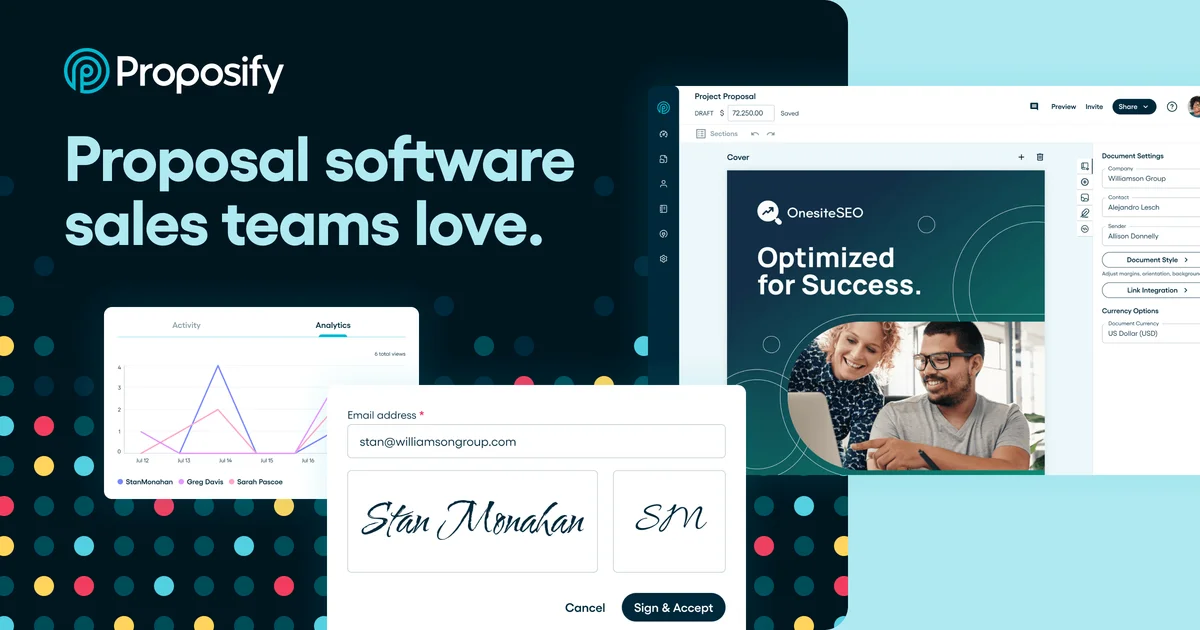
Proposify
Turn proposal chaos into closed deals with professional, branded documents that win.
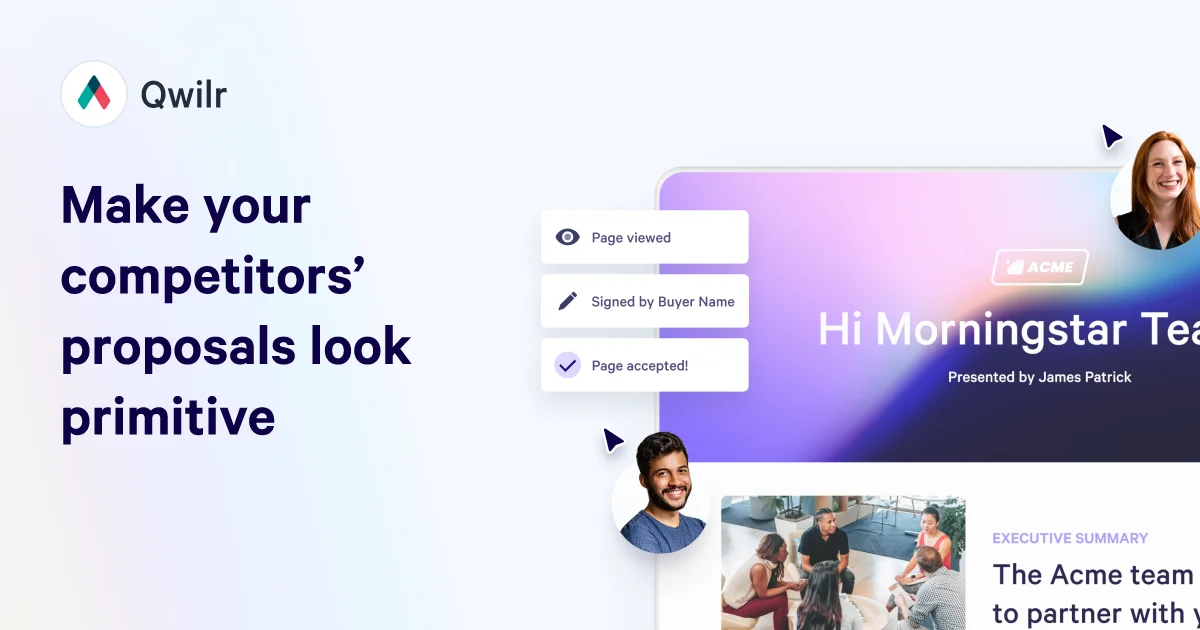
Qwilr
Create interactive proposals that close deals faster with automated quotes, e-signatures, and real-time buyer insights.
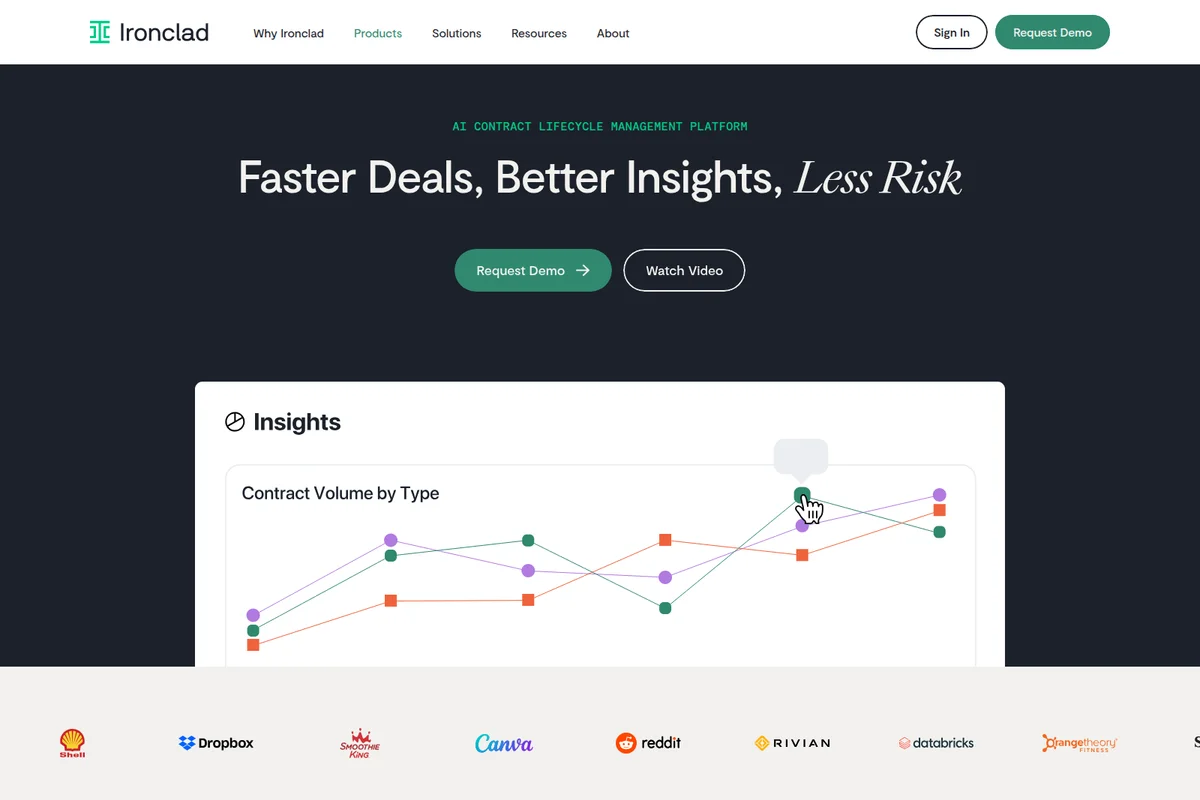
Ironclad
Transform contracting into your strategic advantage with AI-powered contract lifecycle management.