
Paperpal Review 2026 - Academic AI Writing
Verified Oct 5, 2026 by Tooliverse Editorial
Paperpal is the AI workspace that takes you from source to submission-ready paper. Write with suggestions grounded in your sources, cite in 10,000+ styles, and self-check plagiarism and AI text before journals do.
How to Write a Strong Research Gap in a Research Paper | Paperpal Agents
Paperpal: One AI Tool to replace Turnitin, Grammarly, ChatGPT, & Claude
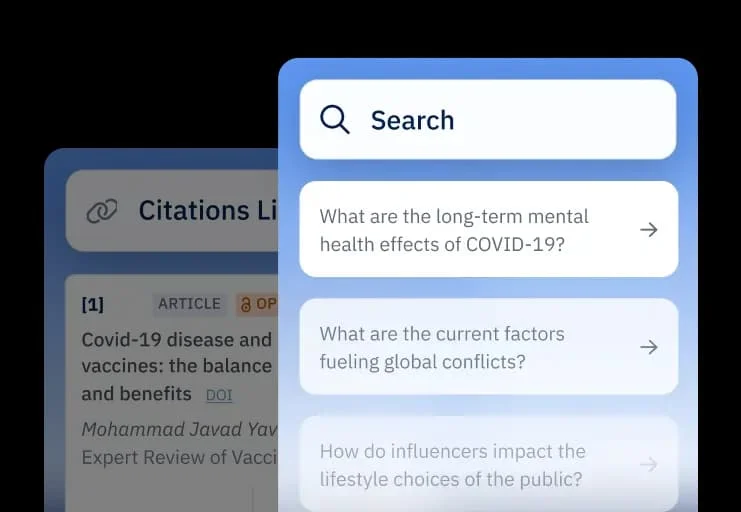
Intelligent search and seamless citation management for academic writing.
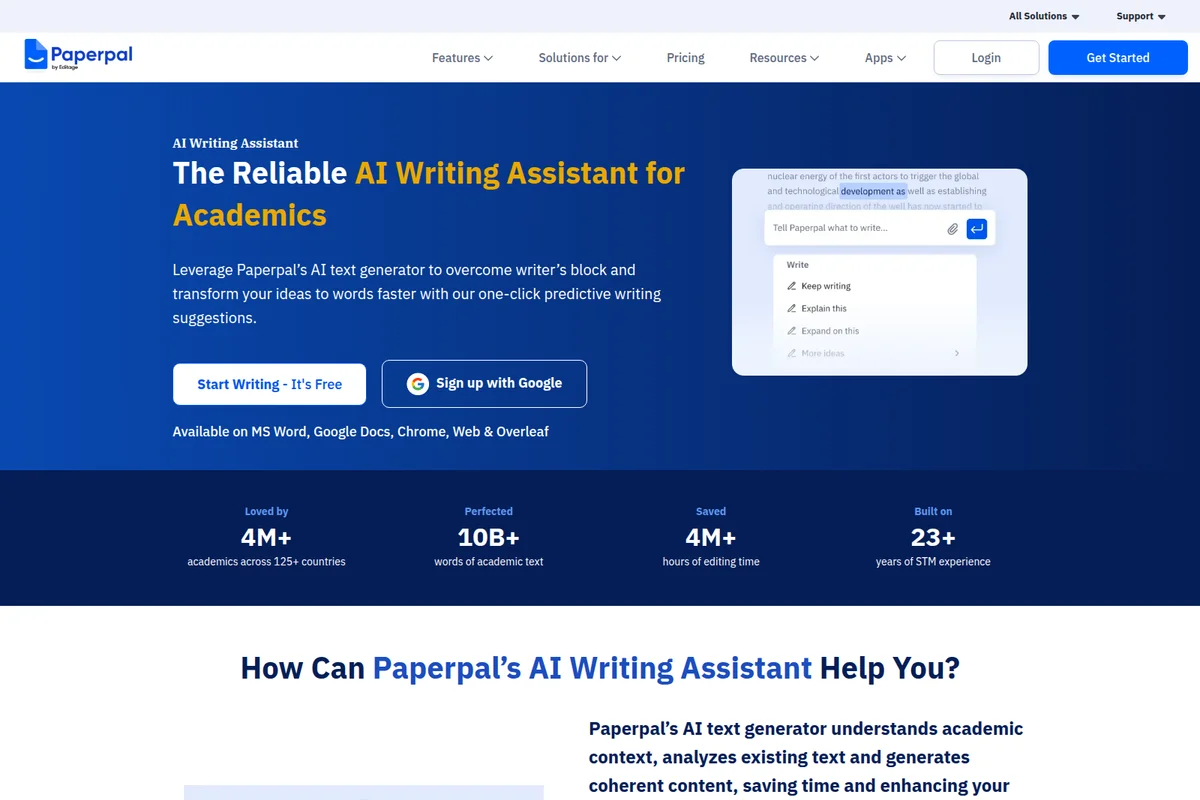
Get real-time AI suggestions to overcome writer's block and enhance academic text.
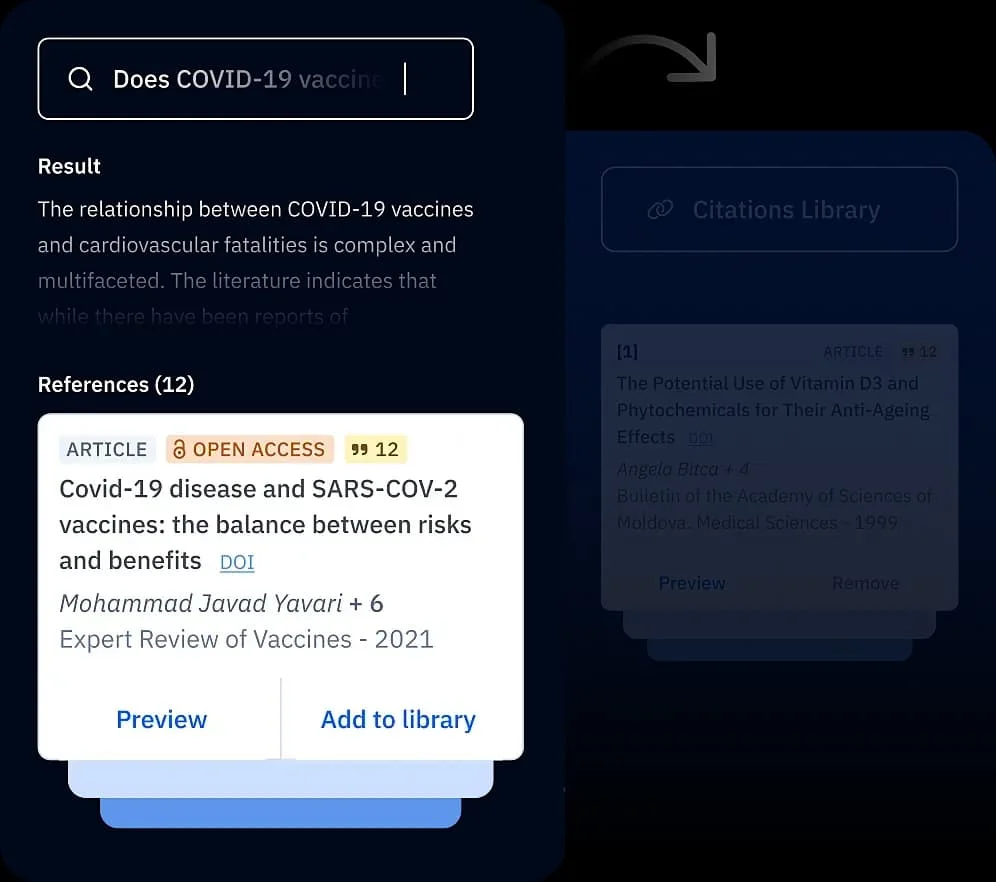
Find relevant research, summarize findings, and manage your citations effortlessly.
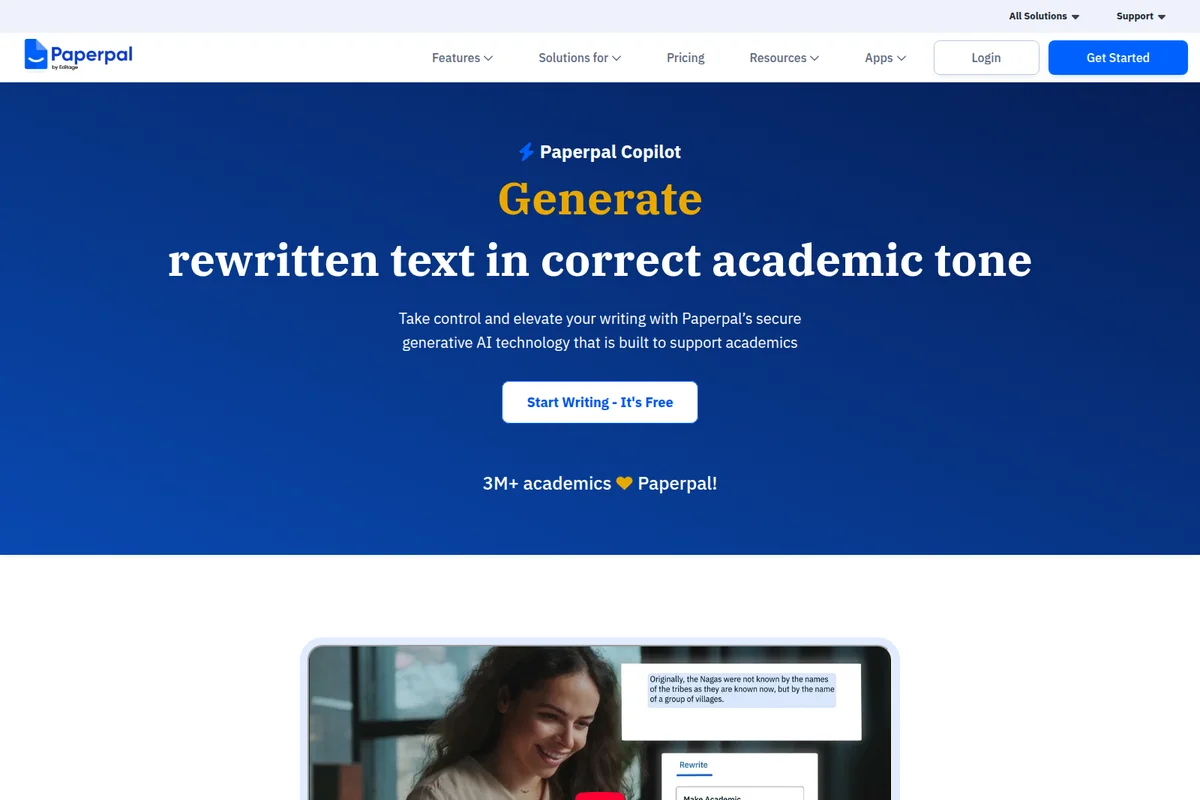
Generate rewritten text in a correct academic tone with AI assistance.
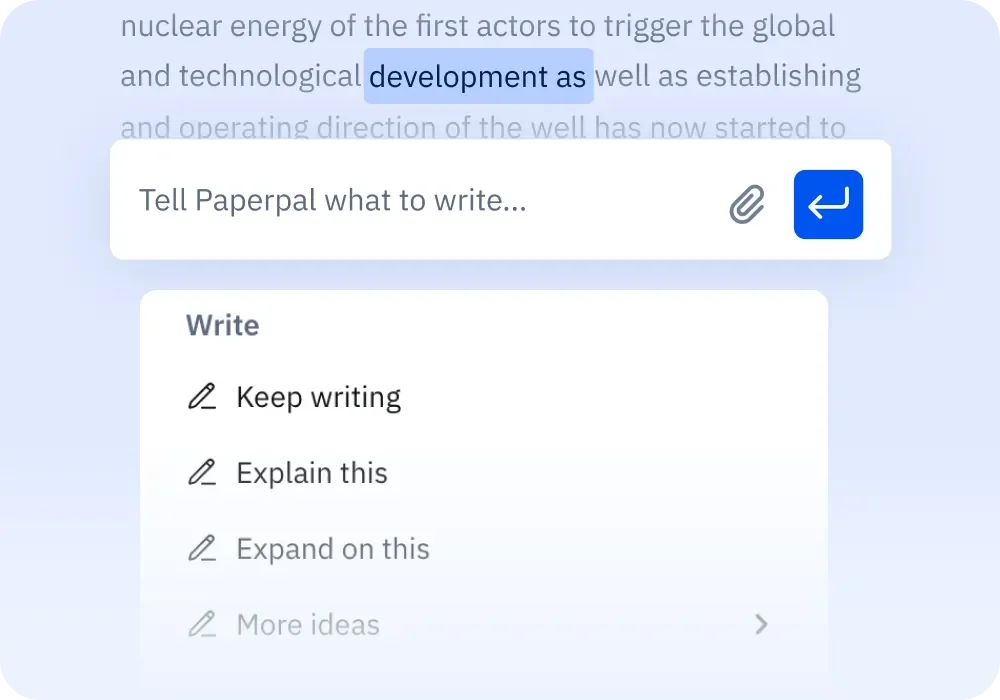
AI suggestions to keep writing, explain, or expand on selected text.
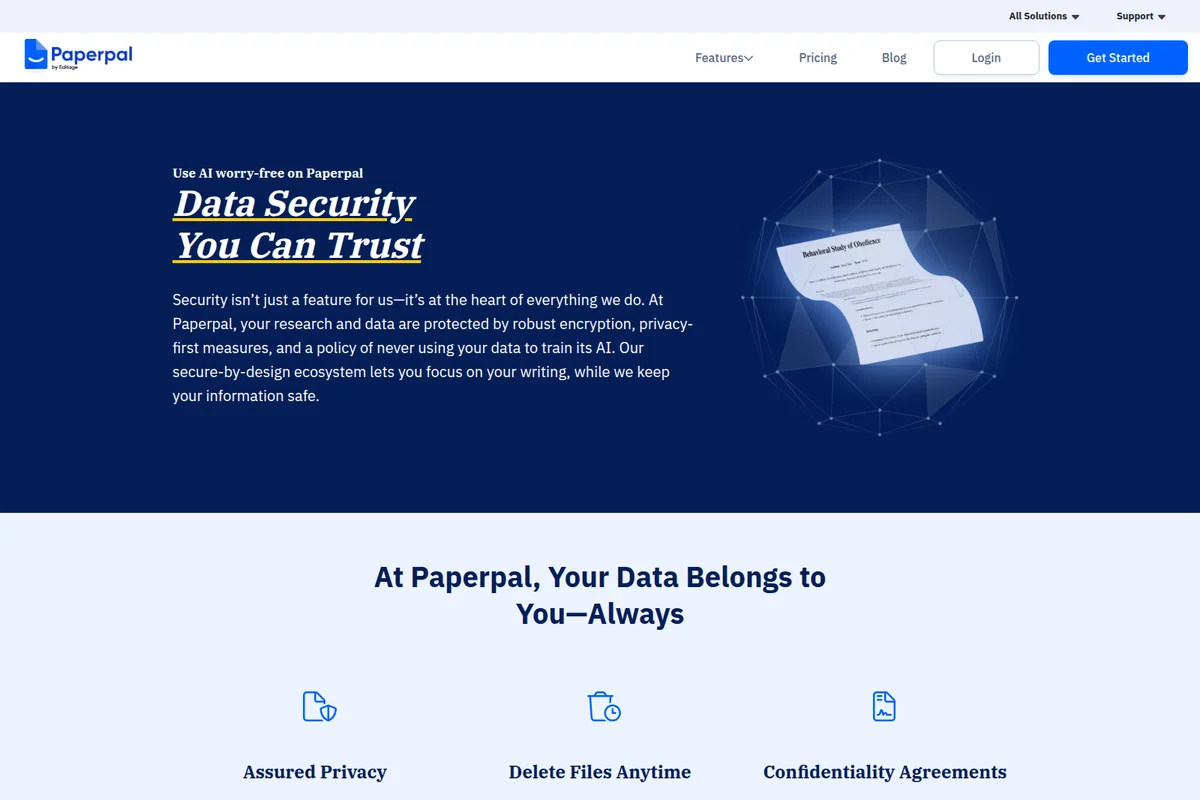
Robust encryption & privacy-first measures keep your research data protected.
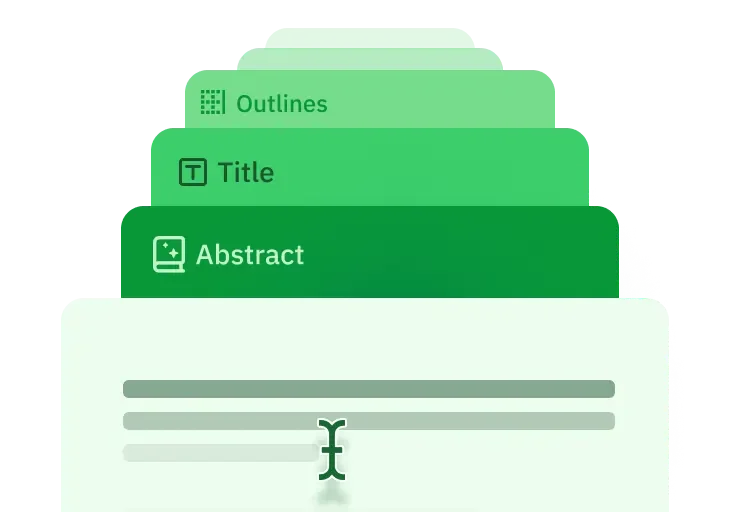
Effortlessly structure your academic papers with clear, dedicated sections.
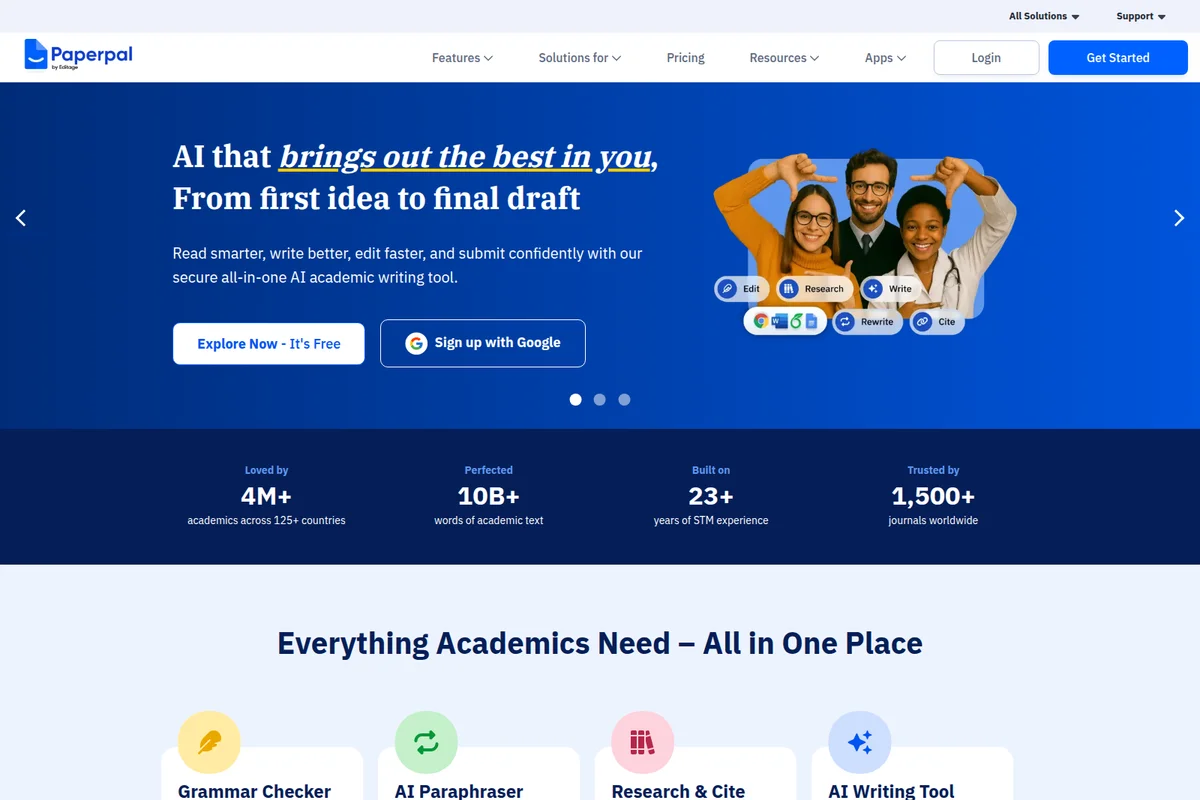
AI tools streamline academic writing from brainstorming to final submission.
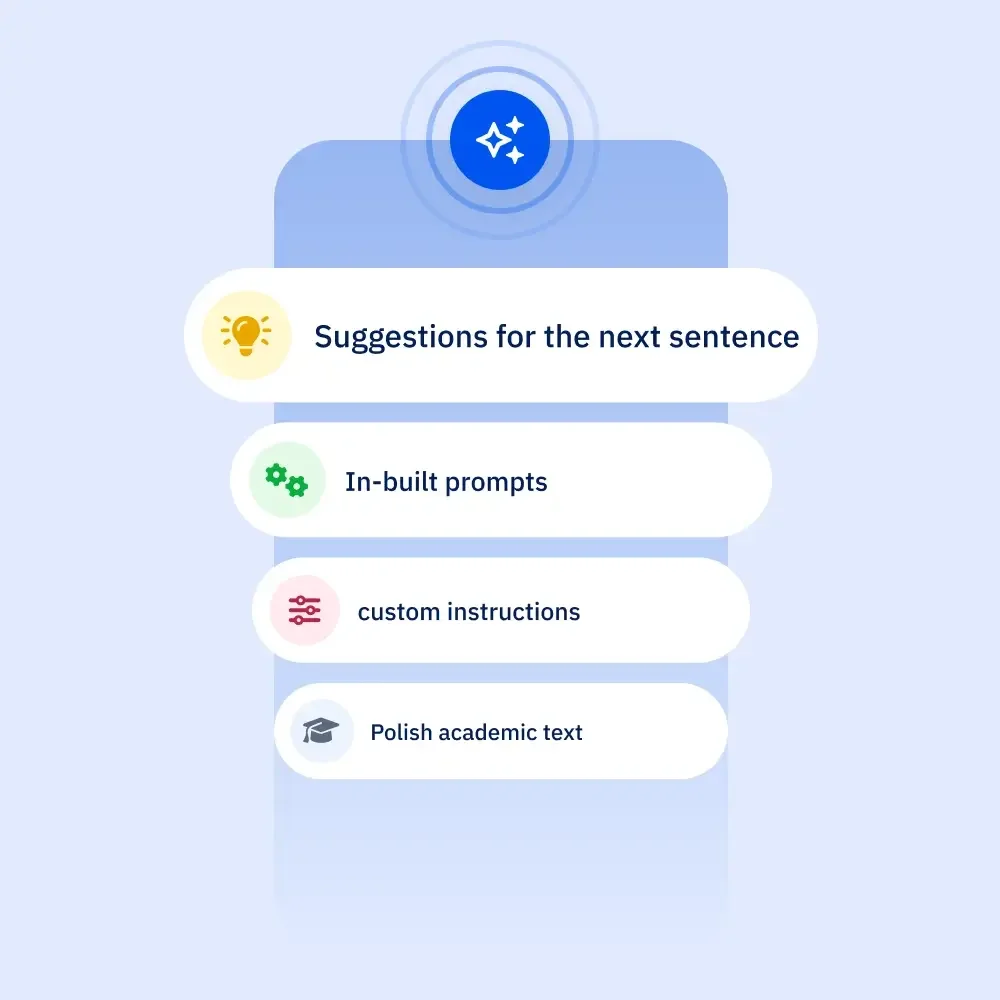
Access AI-powered suggestions, prompts, and custom instructions.
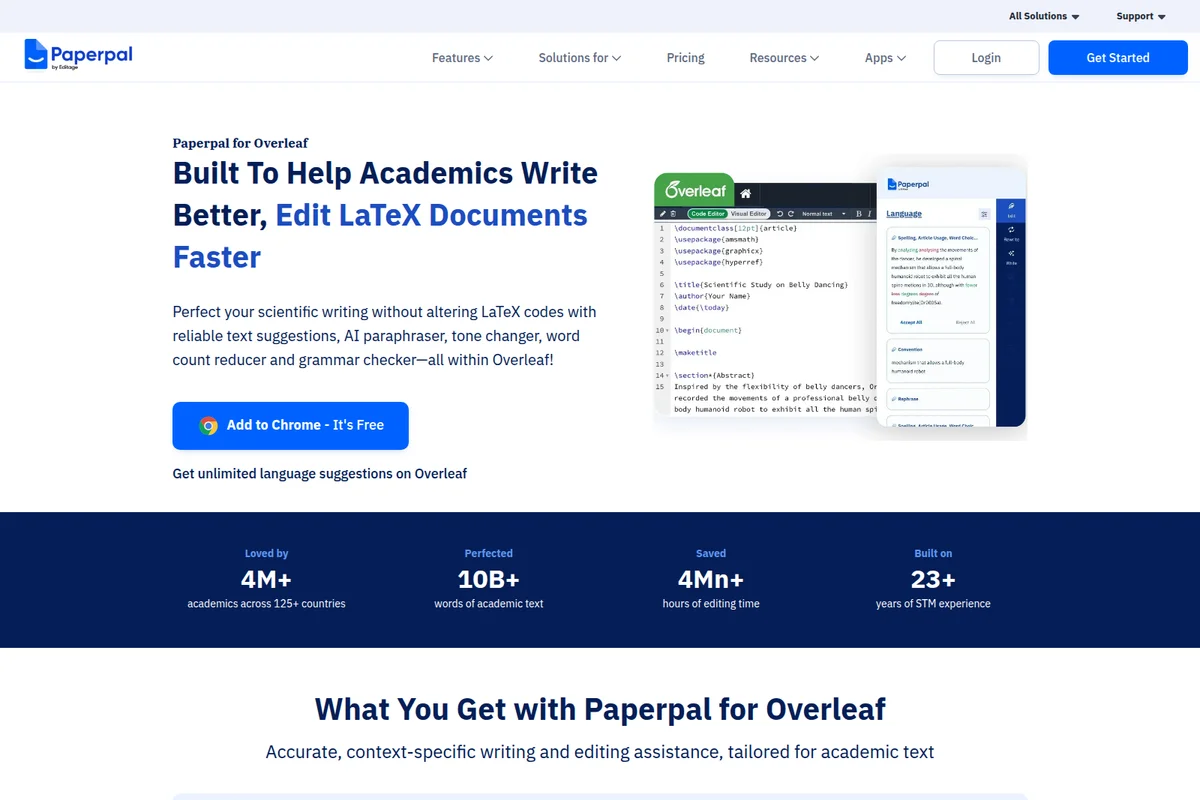
Get real-time AI writing assistance and grammar checks directly in Overleaf.
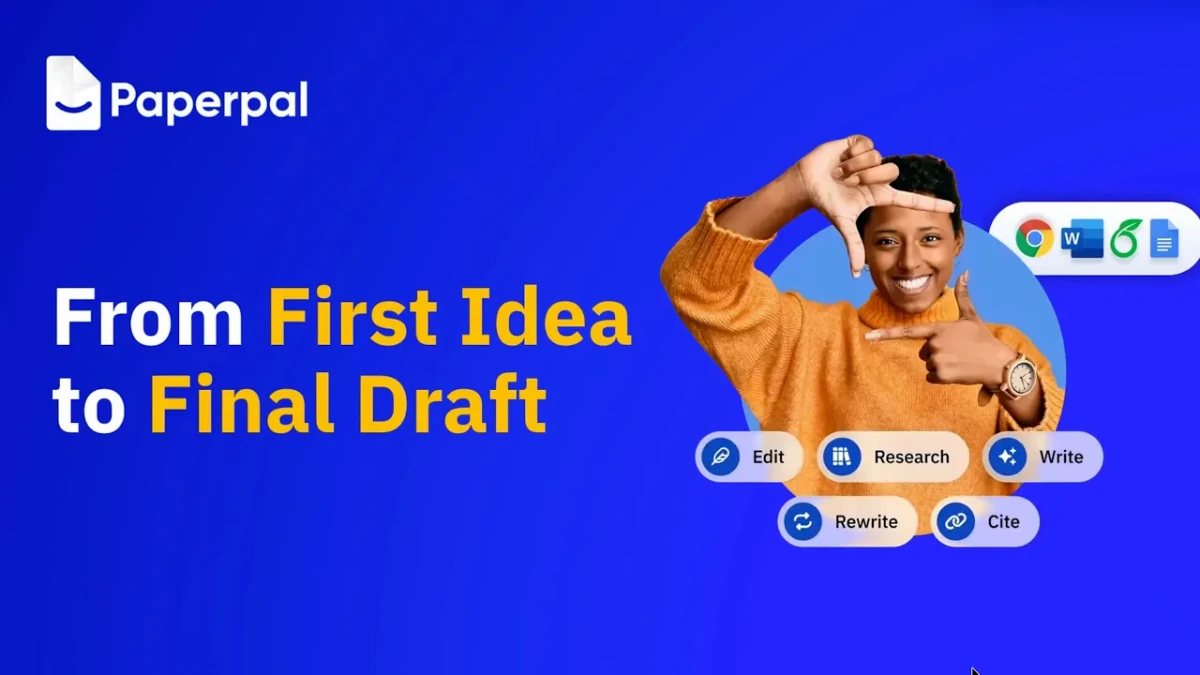
Streamline your entire writing journey, from initial concept to polished draft.
Paperpal Review: Tooliverse Consensus




Based on 1k+ verified reviews across 5 platforms,
combined with Tooliverse's expert analysis
Paperpal is an academic writing assistant that understands how scientific prose should sound, polishing tone and vocabulary while leaving technical terminology intact. Reviewers single out its Word integration, its value for non-native English authors, and its pre-submission plagiarism and journal checks as the reasons it outperforms general AI tools. The tradeoffs are real: the paid price stings students, the Word add-in can lag on large files, and the free credits disappear quickly.
Bottom line: One of the strongest academic writing assistants, it polishes scholarly tone and submission readiness better than general AI tools, though students will feel the price and large Word files can slow it down.
Paperpal | Key Specs
- Platforms
- Web, Chrome extension, MS Word add-in, Google Docs, Overleaf
- Pricing Model
- Freemium ($0-29/mo billed annually) See plans
- Privacy/Data Use
- Never used to train AI, delete files anytime
- Security
- ISO/IEC 27001:2022, ISO/IEC 42001:2023, GDPR See details
Wins
- •Refines academic tone and vocabulary with precision that generic AI tools lackmentioned in 450 reviews
- •Integrates seamlessly into Microsoft Word to maintain a focused writing environmentmentioned in 380 reviews
- •Provides essential support for ESL researchers to achieve native-level academic Englishmentioned in 310 reviews
Watch-Outs
- •Monthly subscription cost of $25 is considered high for many studentsmentioned in 180 reviews
- •Word plugin can occasionally cause document lag or unexpected application crashesmentioned in 95 reviews
- •Free tier offers very limited monthly credits that exhaust quickly during draftingmentioned in 85 reviews
Paperpal Features 2026
Plagiarism Checker
Identifies unintentional similarity and missing citations before submission.
AI Detector
Detects AI patterns so writers can refine text to reflect their own voice.
Reference Checker
Fixes citation issues, broken links and AI-hallucinated references.
Submission Readiness Checks
30+ pre-submission language and technical checks against the standards of 1,500+ journals.
Paperpal User Reviews
Selected Reviews
"The academic tone suggestions are far superior to Grammarly for my thesis. It understands the nuance of scientific writing much better."
"The 'Trim' feature is perfect for meeting strict word counts in journals. It cut 500 words without losing any of my core arguments."
"Good tool but the AI detector flagged my own writing as 40% AI, which was frustrating and caused unnecessary stress during my review."
More from the Community
"Great for checking my paper before submission, though the Word add-in sometimes slows down my laptop when working on large files."
"Helpful but the monthly price is quite steep for a PhD student on a budget. I wish there was a more affordable student tier."
"The suggestions are good but sometimes it tries to change technical terms that should stay as they are. You have to be careful."
"Seamless integration with Overleaf makes my LaTeX workflow much faster. It's the only tool that handles academic syntax correctly."
"The plagiarism check is robust, but I wish the free credits refreshed more often. 200 credits go by in a single afternoon."
"Great for checking my paper before submission, though the Word add-in sometimes slows down my laptop when working on large files."
"Helpful but the monthly price is quite steep for a PhD student on a budget. I wish there was a more affordable student tier."
"The suggestions are good but sometimes it tries to change technical terms that should stay as they are. You have to be careful."
"Seamless integration with Overleaf makes my LaTeX workflow much faster. It's the only tool that handles academic syntax correctly."
"The plagiarism check is robust, but I wish the free credits refreshed more often. 200 credits go by in a single afternoon."
"As an ESL researcher, this tool has been a lifesaver for my journal submissions. It makes my English sound much more professional."
"Better than ChatGPT for academic writing because it doesn't hallucinate citations as much and stays within the context of my research."
"Excellent for quick grammar checks in Google Docs, very intuitive and doesn't get in the way of my writing process."
"The journal submission check caught several formatting errors I missed. It definitely saved me from an immediate desk rejection."
"As an ESL researcher, this tool has been a lifesaver for my journal submissions. It makes my English sound much more professional."
"Better than ChatGPT for academic writing because it doesn't hallucinate citations as much and stays within the context of my research."
"Excellent for quick grammar checks in Google Docs, very intuitive and doesn't get in the way of my writing process."
"The journal submission check caught several formatting errors I missed. It definitely saved me from an immediate desk rejection."
Paperpal Pricing 2026
View SourceFree's 200 edits a month vanish in a single afternoon of drafting, so treat it as a trial. Prime at $12/month billed annually is the plan most researchers should pick, with 20,000 monthly edits, plagiarism and AI detection, and reference checks. Pro costs more and mainly benefits heavy submitters who need unlimited journal-fit reports. Budget-conscious students can lean on the multi-year saver instead of renewing every year.
Paperpal In-Depth Review 2026

Paperpal, from Cactus Communications, is an academic writing workspace that runs in Microsoft Word, Google Docs, Overleaf, Chrome, Edge, and on the web. It combines grammar and tone suggestions trained on scholarly writing with plagiarism and AI detection, a reference checker, and cited answers drawn from more than 300 million research articles (some pages cite 250 million; 300 million is the larger, current figure). It offers line-by-line suggestions instead of writing whole papers, so the author stays in charge of the argument.
What It's Like Day-to-Day
Most of the work happens inside the document you're already writing. Suggestions appear as you draft, covering grammar, consistency, vocabulary, and the register journals expect, while paraphrase, trim, and translate tools sit alongside them. Reviewers on Microsoft AppSource describe the Trim feature cutting hundreds of words to meet strict journal limits without losing the argument, a chore that usually swallows a weekend.
Tone is where the praise concentrates.
Paperpal Security & Compliance
Verified Compliance
- ISO/IEC 27001:2022
- ISO/IEC 42001:2023
- GDPR compliant
- FERPA compliant
- CSA STAR Level 1
- PECR ready
Security Features
- Encryption in transit (256-bit) and at rest (KMS keys)
- SSAE 18/SOC1-certified data centers
- Third-party VAPT penetration testing
Privacy Commitments
- Your work is never used to train AI, on any plan including Free
- Delete files anytime; files visible only to you
Paperpal: Frequently Asked Questions (FAQs)
Can I use Paperpal for free?
Yes, Paperpal has a Free plan at $0/month with no credit card required. It includes 200 edits/mo for grammar, a lite plagiarism report, AI detection preview, 5 uses/day for paraphrasing and research Q&A, and 300 MB of library storage.
How much does Paperpal's paid subscription cost?
Prime costs $12/month billed annually ($144/year) and Pro costs $29/month billed annually ($348/year). Prime also has multi-year plans: $229 once for 2 years or $289 once for 3 years.
Can I cancel my Paperpal subscription?
Yes, the pricing page states you can cancel anytime, and it also lists a 100% money back guarantee and the option to pause your subscription.
Does Paperpal use my data to train its AI models?
No, Paperpal never uses your documents, uploads or personal information for model training, on every plan including Free.
Paperpal Integrations
| Microsoft Word | Google Docs | Overleaf |
| Google Chrome | Microsoft Edge |
Paperpal: Verified Data Sheet
| # | Label | Data Point |
|---|---|---|
| [1] | Paperpal Consensus: 8.83/10 | Paperpal is a highly-rated tool among AI writing tools in the Tooliverse index, with a consensus score of 8.83/10 across 1,450 verified reviews. |
| [2] | What is Paperpal | Paperpal, from Cactus Communications, is an ISO 27001 certified AI academic writing workspace with plagiarism, AI detection and reference checks. It serves 5M+ academics, with a free plan and paid plans from $12/month billed annually. |
| [3] | Tooliverse Consensus on Paperpal | Paperpal is an academic writing assistant that understands how scientific prose should sound, polishing tone and vocabulary while leaving technical terminology intact. Reviewers single out its Word integration, its value for non-native English authors, and its pre-submission plagiarism and journal checks as the reasons it outperforms general AI tools. The tradeoffs are real: the paid price stings students, the Word add-in can lag on large files, and the free credits disappear quickly. |
| [4] | Paperpal Verdict | Paperpal bottom line: One of the strongest academic writing assistants, it polishes scholarly tone and submission readiness better than general AI tools, though students will feel the price and large Word files can slow it down. |
| [5] | Free: Free | Paperpal offers a functional Free tier with 200 edits/mo Grammar and a Lite Report Plagiarism check, putting AI writing tools within reach at no cost. |
| [6] | Precise academic tone refinement | Paperpal refines academic tone and vocabulary with a precision that general-purpose AI tools lack, a strength cited in 450 user reviews and backed by suggestions trained on scholarly writing. |
| [7] | Seamless Microsoft Word integration | Paperpal works inside Microsoft Word as an add-in, keeping writers in one focused environment, according to 380 user reviews; it also runs on Google Docs, Overleaf, Chrome, Edge and the web. |
| [8] | Native-level English for ESL researchers | Paperpal helps ESL researchers reach native-level academic English, a benefit highlighted in 310 user reviews, and it translates across 50+ languages. |
| [9] | Pro: $29/mo (annual) | Cactus Communications's Paperpal Pro adds Unlimited grammar edits and AI Detection for $29/month billed annually, significantly expanding on the free tier's capabilities. |
| [10] | Plagiarism and similarity detection | Paperpal flags similarity and potential plagiarism, including missing citations, before submission, a capability praised in 240 user reviews; it pairs the check with a Reference Checker for broken links and AI-hallucinated references. |
| [11] | Cost seen as high by students | Paperpal's paid plans, Prime at $12/month billed annually and Pro at $29/month billed annually, draw cost concerns in 180 user reviews, where students describe a monthly cost of around $25 as steep. |
| [12] | Word add-in lag and crashes | Paperpal's Microsoft Word add-in can occasionally cause document lag or application crashes, particularly on large files, according to 95 user reports. |
| [13] | ISO/IEC 27001:2022 | Paperpal holds ISO/IEC 27001:2022 and ISO/IEC 42001:2023 certifications, is GDPR compliant and FERPA compliant, is listed at CSA STAR Level 1, and is PECR ready. |
| [14] | Enterprise: Encryption in transit (256-bit) and at rest (KMS keys) | Paperpal delivers enterprise-grade security through Encryption in transit (256-bit) and at rest (KMS keys), SSAE 18/SOC1-certified data centers, and Third-party VAPT penetration testing. |
| [15] | Better scientific nuance than Grammarly | Paperpal "understands the nuance of scientific writing much better" than Grammarly for thesis work, according to a verified Trustpilot reviewer who rated it 5/5. |
Best Paperpal Alternatives
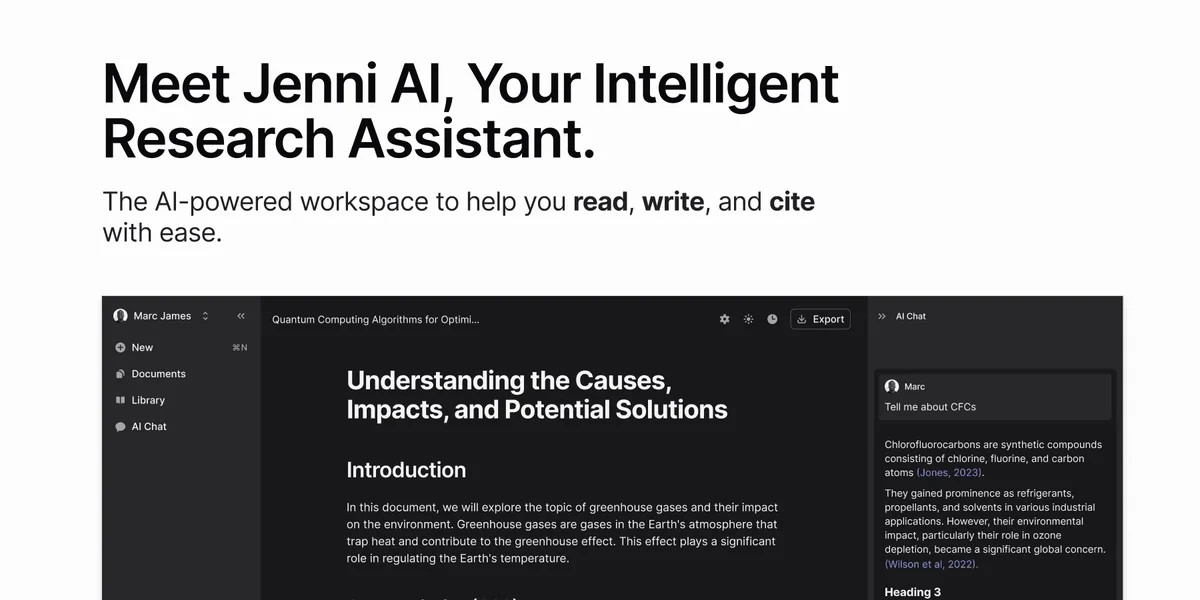
Jenni AI
Read, write, and cite your research faster, with every claim traceable to its source.

SciSpace
Discover, understand, and write research papers faster with an AI that actually reads the science with you.
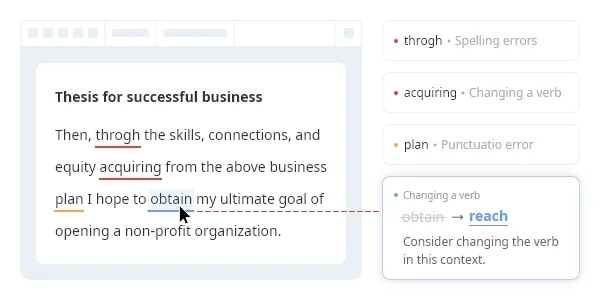
Wordvice AI
Polish every essay, paper, and email with a free AI writing assistant built by professional editors.