Pencil Review 2026 - IDE Design Tool
Verified Jun 17, 2026 by Tooliverse Editorial
Pencil brings visual design into your code editor, letting developers create UI components without switching to Figma. Design with variables, components, and slots that sync directly with your codebase—all inside VS Code or Cursor.
I Finally Found an AI Design Tool I Like (Pencil App)
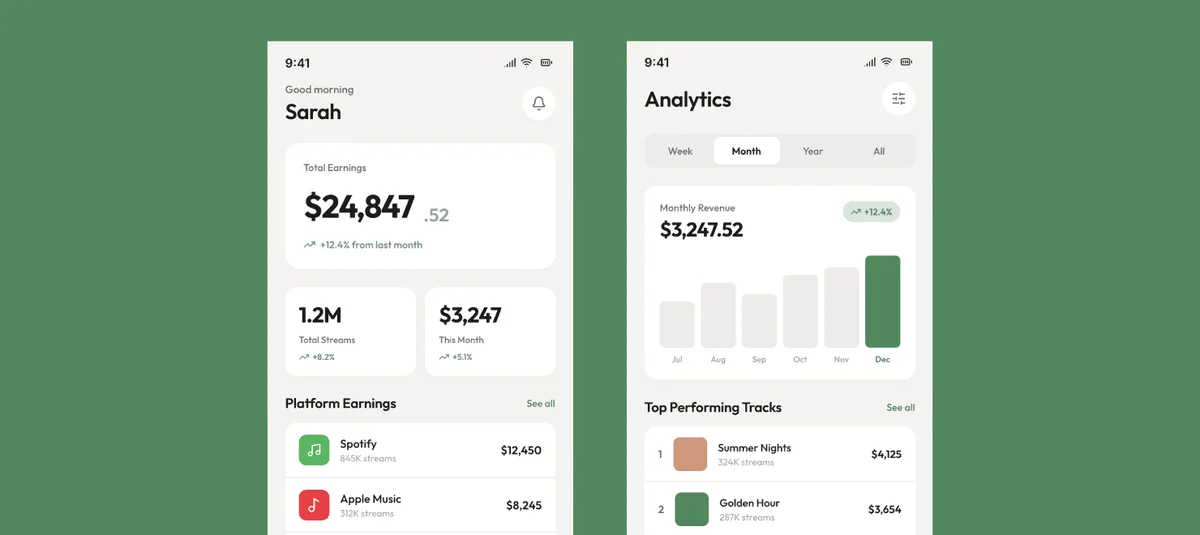
Track total earnings, monthly revenue, and top performing tracks.
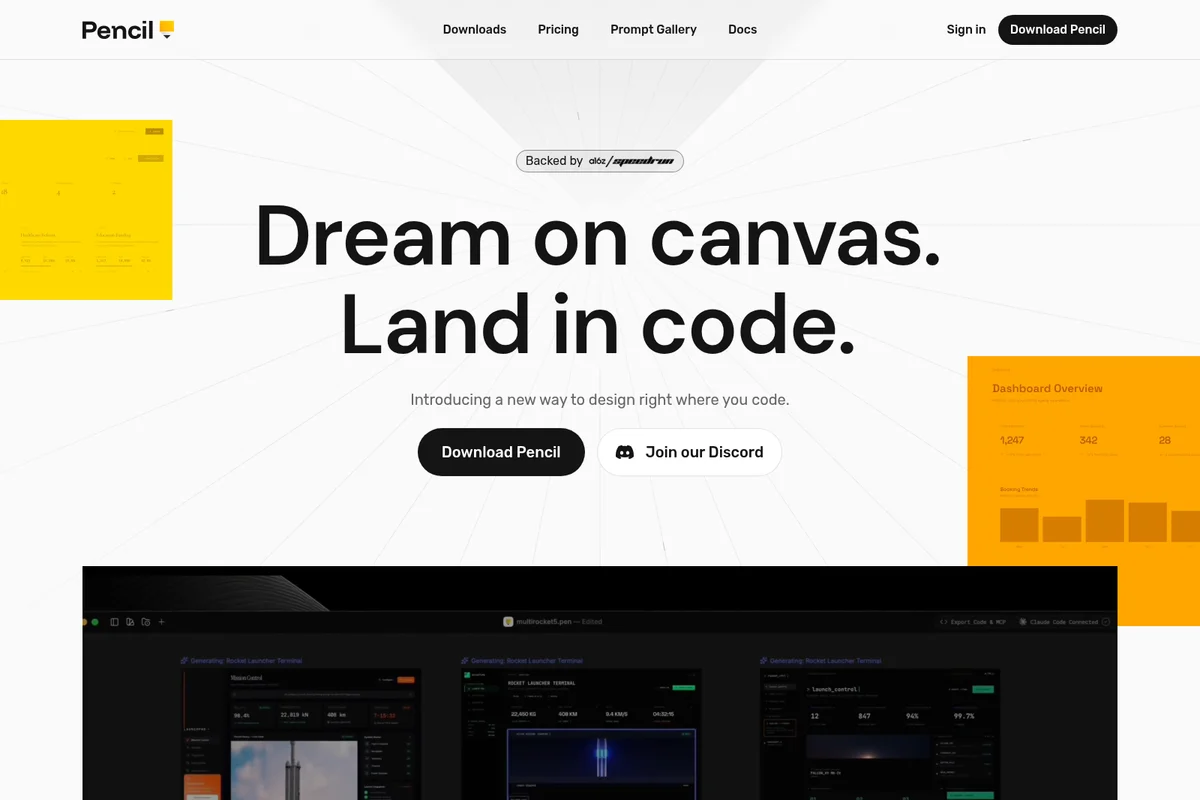
Bridge the gap between design and development by working directly in code.
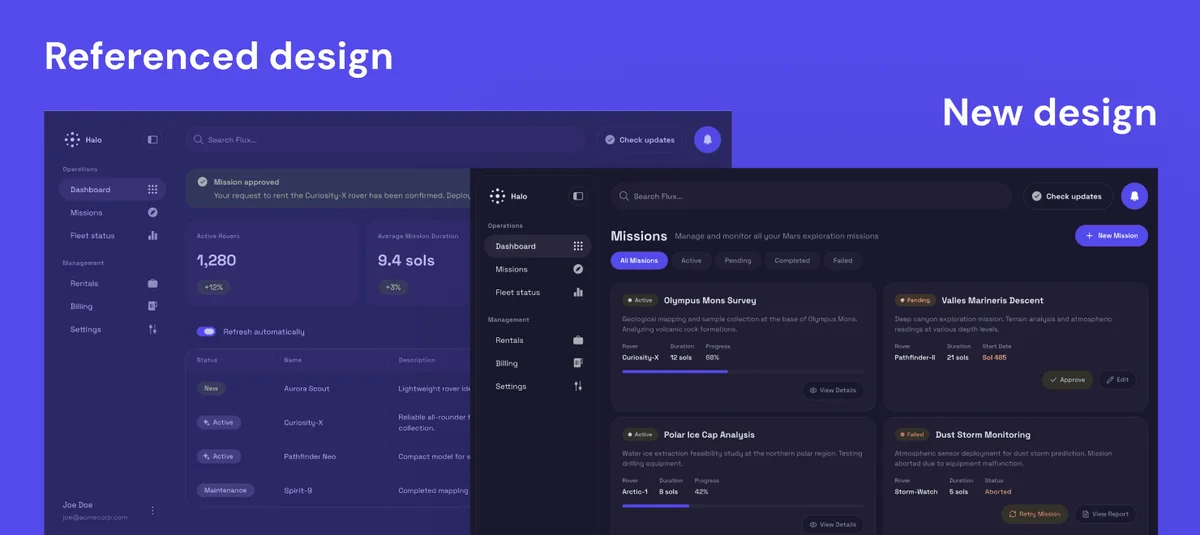
Explore the evolution of Halo's mission management interface with our latest design enhancements.
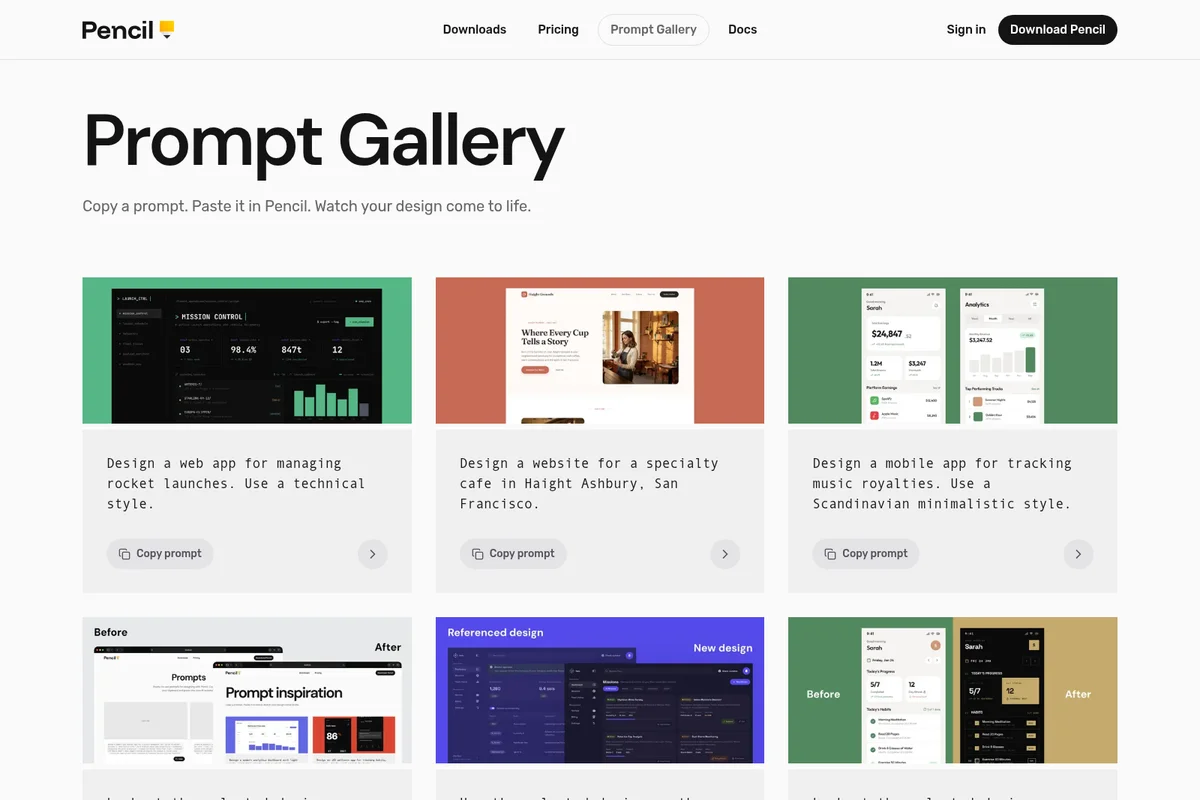
Explore AI-generated UI designs and copy prompts to create your own.
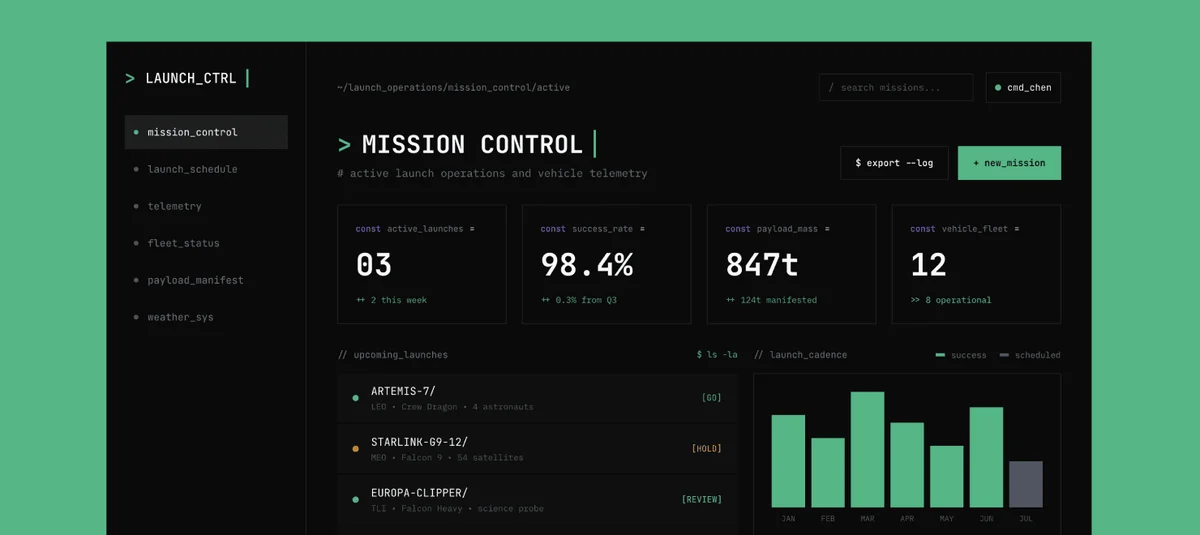
Monitor active launches, vehicle telemetry, and manage upcoming space missions.
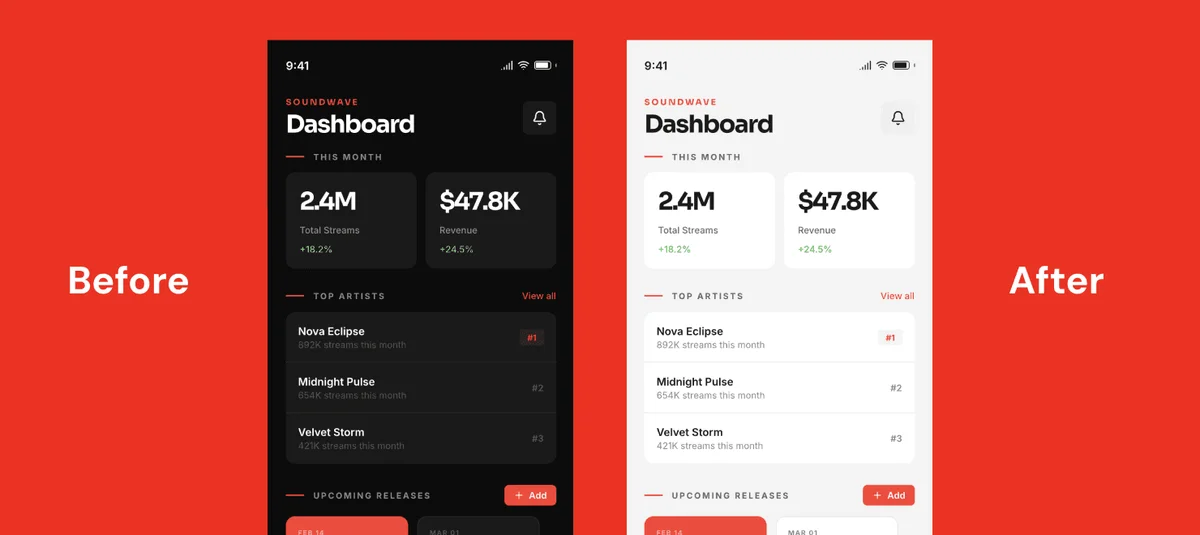
Experience Soundwave's versatile dashboard in both dark and light modes for optimal viewing.
Pencil Review: Tooliverse Consensus


Based on 265 verified reviews across 4 platforms,
combined with Tooliverse's expert analysis
Pencil accelerates ad creative production by transforming product assets into performance-optimized video ads in minutes instead of days, with predictive scoring that helps teams prioritize which variations deserve budget before launch. The Shopify integration and template library solve the execution bottleneck for e-commerce brands testing at volume, though AI-generated captions often need manual refinement for brand voice consistency and the learning curve can challenge users unfamiliar with performance metrics. The platform delivers strongest value for teams running high-volume creative testing where speed and data-driven iteration directly impact campaign ROI.
Bottom line: A strong ad generation platform that compresses creative testing cycles and provides directional performance insights, though you'll need to polish AI copy and understand ad metrics to extract full value.
Pencil | Key Specs
- Platforms
- VS Code, Cursor (macOS, Windows, Linux)
- Pricing Model
- License-based (details not available) See plans
- Privacy/Data Use
- No training on user data, direct AI provider connection
- Security
- Encrypted credential transmission See details
Wins
- •Rapidly generates high-performing video ads for social media platformsmentioned in 84 reviews
- •Provides actionable insights by predicting which creative elements drive conversionsmentioned in 72 reviews
- •Simplifies the creative testing process for busy e-commerce store ownersmentioned in 65 reviews
Watch-Outs
- •AI-generated captions sometimes require manual editing for brand voice consistencymentioned in 38 reviews
- •Learning curve can be steep for users unfamiliar with ad metricsmentioned in 31 reviews
- •Subscription costs may be high for small businesses with low ad spendmentioned in 27 reviews
Pencil Features 2026
Design as Code
Create visual designs using .pen files that integrate directly with your codebase, enabling version control and programmatic manipulation of design assets.
IDE Integration
Works natively inside VS Code and Cursor editors, eliminating context switching between design tools and code editors.
AI-Powered Design Assistant
Integrated AI agent that can create variables from CSS files, generate designs from screenshots, and assist with design-to-code workflows using Anthropic and OpenAI models.
Variables and Design Tokens
Define colors, spacing, fonts, and other design tokens once and reuse them throughout designs. Supports theming (light/dark mode) and two-way sync with CSS custom properties.
Pencil User Reviews
Selected Reviews
"The Shopify integration is flawless. It pulls all my product images and descriptions automatically without any manual upload hassle."

"The templates are modern and clean. It really helps our brand look professional without a huge creative budget for every campaign."
"I like the insights, but the interface can feel a bit cluttered when you have dozens of campaigns running simultaneously."
More from the Community
"The speed at which we can now test new creative angles is insane. What used to take our editor days now takes minutes."
"Pencil's predictive scoring actually correlates with our ROAS. It's not perfect, but it's a great directional tool for our team."
"Great for getting started, but I wish I had more control over the specific transitions in the video editor."
"Helpful for high-volume testing, though the AI copy can be a bit generic sometimes. Still saves a ton of time."
"A bit pricey for a solo founder, but the time saved on video editing makes it worth the investment for us."
"The speed at which we can now test new creative angles is insane. What used to take our editor days now takes minutes."
"Pencil's predictive scoring actually correlates with our ROAS. It's not perfect, but it's a great directional tool for our team."
"Great for getting started, but I wish I had more control over the specific transitions in the video editor."
"Helpful for high-volume testing, though the AI copy can be a bit generic sometimes. Still saves a ton of time."
"A bit pricey for a solo founder, but the time saved on video editing makes it worth the investment for us."
"Solid tool for Facebook ads. The "Winning Elements" report is the most useful feature for our weekly strategy meetings."
"Good results so far, but I've noticed some lag when exporting 4K videos lately. Hope they fix the server speed."
"Transformed our creative workflow. We went from testing 2 ads a week to 20 without increasing our creative headcount."
"The AI suggestions for hooks are hit or miss, but the ones that hit really perform well on TikTok trends."
"Solid tool for Facebook ads. The "Winning Elements" report is the most useful feature for our weekly strategy meetings."
"Good results so far, but I've noticed some lag when exporting 4K videos lately. Hope they fix the server speed."
"Transformed our creative workflow. We went from testing 2 ads a week to 20 without increasing our creative headcount."
"The AI suggestions for hooks are hit or miss, but the ones that hit really perform well on TikTok trends."
Pencil In-Depth Review 2026

This ad generation platform lives at the intersection of creative production and performance analytics, pulling product assets directly from Shopify and transforming them into social media video ads with predictive scoring that tells you which elements will drive conversions before you spend a dollar on media. It works across Facebook, Instagram, TikTok, and other platforms where visual creative makes or breaks campaign performance.
What It's Like Day-to-Day
The workflow starts with Pencil pulling your product catalog from Shopify—images, descriptions, pricing—eliminating the tedious asset upload process that bogs down most creative tools. From there, you select templates that match your brand aesthetic, and the platform generates multiple ad variations in minutes. One agency owner noted the transformation was dramatic: they went from testing "2 ads a week to 20 without increasing our creative headcount."
The predictive scoring is where Pencil moves beyond simple production. Before you launch, the platform analyzes creative elements—hooks, transitions, call-to-action placement—and predicts performance based on patterns from successful campaigns. The correlation with actual ROAS isn't perfect, but it's directional enough to prioritize which variations deserve budget first.
Pencil Security & Compliance
Security Features
- Encrypted credential transmission
Privacy Commitments
- No user Inputs or Outputs stored on Pencil servers for text-based AI features
- Direct device-to-AI-provider connection for text-based features (no server intermediary)
- Image generation requests not stored, recorded, logged, or cached on servers
- Only email and password stored on High Agency servers
Pencil Integrations
| VS Code | Cursor | OpenVSX |
| Anthropic | OpenAI | Reve Image |
| Google Gemini Nano Banana | Unsplash |
Pencil: Verified Data Sheet
| # | Label | Data Point |
|---|---|---|
| [1] | Pencil Consensus: 8.29/10 | Pencil is a highly-rated tool among AI design tools in the Tooliverse index, with a consensus score of 8.29/10 across 265 verified reviews. |
| [2] | What is Pencil | Pencil, operated by High Agency, Inc., is a design tool that runs inside VS Code and Cursor, enabling developers to create UI components visually without leaving their code editor. It uses a .pen file format for design-as-code workflows with two-way sync between design variables and CSS. |
| [3] | Tooliverse Consensus on Pencil | Pencil accelerates ad creative production by transforming product assets into performance-optimized video ads in minutes instead of days, with predictive scoring that helps teams prioritize which variations deserve budget before launch. The Shopify integration and template library solve the execution bottleneck for e-commerce brands testing at volume, though AI-generated captions often need manual refinement for brand voice consistency and the learning curve can challenge users unfamiliar with performance metrics. The platform delivers strongest value for teams running high-volume creative testing where speed and data-driven iteration directly impact campaign ROI. |
| [4] | Pencil Verdict | Pencil bottom line: A strong ad generation platform that compresses creative testing cycles and provides directional performance insights, though you'll need to polish AI copy and understand ad metrics to extract full value. |
| [5] | Rapid video ad generation | Pencil rapidly generates high-performing video ads for social media platforms, validated as a transformative capability by 84 user reviews. |
| [6] | Predictive creative insights | Pencil provides actionable insights by predicting which creative elements drive conversions, a capability highlighted in 72 user reviews. |
| [7] | Streamlined creative testing | Pencil simplifies the creative testing process for busy e-commerce store owners, reducing production time from days to minutes according to 65 user reviews. |
| [8] | Seamless Shopify integration | Pencil integrates seamlessly with Shopify to pull product data and assets automatically, eliminating manual upload workflows according to 58 user reviews. |
| [9] | Captions need voice refinement | Pencil's AI-generated captions sometimes require manual editing for brand voice consistency, a limitation noted in 38 user reviews. |
| [10] | Steep learning curve for metrics | Pencil's learning curve can be steep for users unfamiliar with ad metrics and performance analytics, according to 31 user reports. |
| [11] | Privacy: No user Inputs or Outputs stored on Pencil servers for text-based AI features | Pencil protects user privacy with No user Inputs or Outputs stored on Pencil servers for text-based AI features, Direct device-to-AI-provider connection for text-based features (no server intermediary), and Image generation requests not stored, recorded, logged, or cached on servers. |
| [12] | Enterprise: Encrypted credential transmission | Pencil provides enterprise security with Encrypted credential transmission. |
| [13] | 10x creative output increase | Pencil transformed one agency's creative workflow from testing 2 ads weekly to 20 without increasing creative headcount, according to a verified G2 reviewer. |