
Pika Review 2026 - Multi-Model AI Studio
Verified Oct 6, 2026 by Tooliverse Editorial
Pika puts every top gen media model in one place, wrapped in simple apps for making videos, images, and sound. Generate 30-second multi-shot clips, swap characters, or score footage automatically, no complicated prompting required.
From Zero to Influencer—Introducing the Pika Influencer Ignition Kit
Best Free AI Video Generator? Pika AI Review
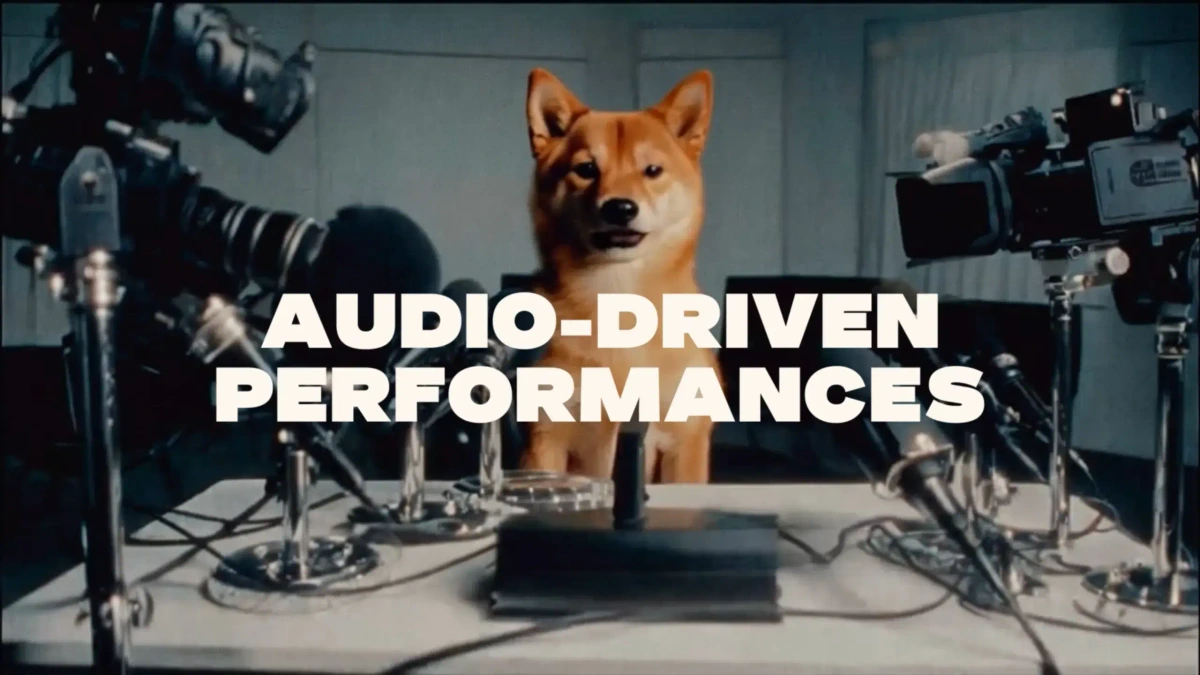
Create engaging, lifelike audio-driven performances from any subject.
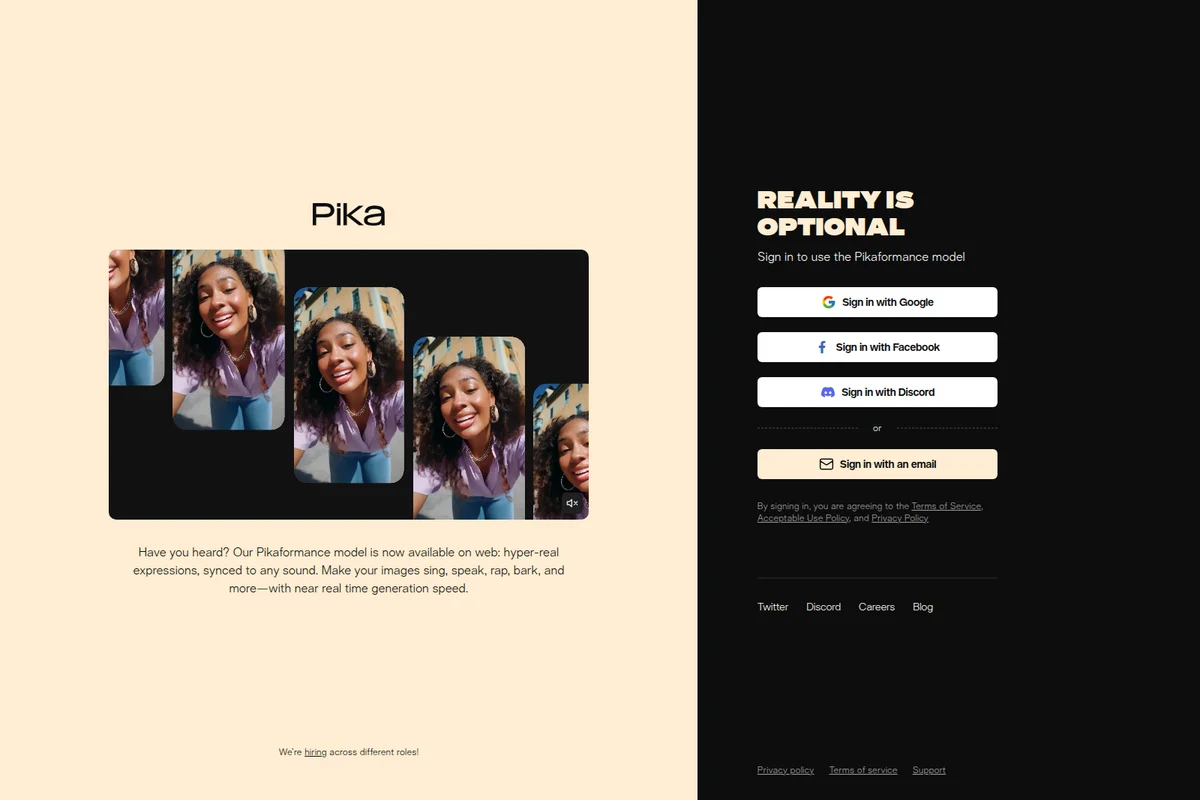
Make images sing, speak, rap, bark, and express hyper-real emotions using the Pikaformance model.
Pika Review: Tooliverse Consensus



Based on 28k+ verified reviews across 4 platforms,
combined with Tooliverse's expert analysis
Pika pairs stylized, short-form video generation with built-in sound, so effects, lip sync, and foley arrive together instead of in separate apps. Reviewers praise its consistent look across art styles and precise camera control, and the Pikaffects remain a crowd favorite. The catches are occasional physics glitches where objects morph, a credit system that taxes experimentation, and slower queues at peak hours. It suits creators making clips under half a minute better than anyone planning longer narratives.
Bottom line: A top-tier AI video generator whose synced sound, lip sync, and camera control make short clips look polished, though physics glitches and a tight credit system reward patient, deliberate prompting.
Pika | Key Specs
- Platforms
- Web, iOS (Pika Agent app), API
- Pricing Model
- Freemium ($0-95+/mo, credit-based) See plans
- Privacy/Data Use
- No training on agent inputs or likeness, private account mode
- Security
- Real-time content moderation, private account mode See details
Wins
- •Produces cinematic video quality with impressive consistency across different art stylesmentioned in 1,240 reviews
- •Features powerful "Sound Effects" that automatically sync audio to generated videomentioned in 980 reviews
- •Offers intuitive "Lip Sync" capabilities that make character animation accessible to everyonementioned in 850 reviews
Watch-Outs
- •Occasional physics glitches where objects morph or move unnaturally during generationmentioned in 510 reviews
- •Credit system can feel restrictive for users experimenting with complex promptsmentioned in 430 reviews
- •Generation times can spike during peak hours, leading to longer wait periodsmentioned in 380 reviews
Pika Features 2026
Multi-Model Access
Access leading models like Seedance 2.5, Pika 2.5, GPT Image 2.5, Grok Imagine 1.5, Nano Banana 2, MiniMax H3 and Veo 3.1 in one platform.
Pika Soundtrack
Scores any clip to picture with music, ambience and foley matched to the action.
Camera Director
Reshoot a clip from any angle with any camera move.
Pika MCP
Connect AI agents such as Claude Code and Codex to Pika's creative tools, multi-model generation and ready-to-run skills.
Pika User Reviews
Selected Reviews
"The new 1.5 update is absolutely mind-blowing. The physics effects like crushing and melting are so much fun to play with and look surprisingly realistic."
"The mobile app is surprisingly robust. I can start a generation on my commute and have a finished video ready by the time I get to the office."
"Great for short clips but the credit cost for high-quality generations is a bit steep for hobbyists. I wish there were more ways to earn daily credits."
More from the Community
"Pika has become my go-to for adding movement to my AI art. The lip-sync is better than most competitors, though it still struggles with complex sentences."
"I love how easy it is to use the camera controls. Being able to pan and zoom precisely makes the videos feel much more professional."
"The video quality is top-notch but the generation time can be frustratingly slow during the day. It's a powerful tool if you have the patience."
"Sound effects integration is a game changer. Not having to hunt for foley sounds in a separate app saves me so much time in my workflow."
"Impressive consistency across frames. It doesn't "hallucinate" as much as other tools I've tried, keeping the character's face stable throughout the clip."
"Pika has become my go-to for adding movement to my AI art. The lip-sync is better than most competitors, though it still struggles with complex sentences."
"I love how easy it is to use the camera controls. Being able to pan and zoom precisely makes the videos feel much more professional."
"The video quality is top-notch but the generation time can be frustratingly slow during the day. It's a powerful tool if you have the patience."
"Sound effects integration is a game changer. Not having to hunt for foley sounds in a separate app saves me so much time in my workflow."
"Impressive consistency across frames. It doesn't "hallucinate" as much as other tools I've tried, keeping the character's face stable throughout the clip."
"Really cool effects, especially the "inflate" one. It's not always perfect, but it's definitely the most creative AI video tool out there right now."
"Pika 1.5 is a huge leap forward. The motion is much more fluid and the cinematic lighting options give the videos a really high-end look."
"Solid tool for social media content. The aspect ratio options are perfect."
"Best AI video generator for stylized content. Handles anime styles perfectly."
"Really cool effects, especially the "inflate" one. It's not always perfect, but it's definitely the most creative AI video tool out there right now."
"Pika 1.5 is a huge leap forward. The motion is much more fluid and the cinematic lighting options give the videos a really high-end look."
"Solid tool for social media content. The aspect ratio options are perfect."
"Best AI video generator for stylized content. Handles anime styles perfectly."
Pika Pricing 2026
View SourceThe Free plan includes every model and no watermark, but it comes with zero monthly credits, so you'll end up buying packs anyway. Creator at $35/month is the tier worth paying for: it adds the commercial license that Starter lacks, which matters the moment you post ad or client work. The extra parallel generations also shorten the generate-and-retry loop, where credits tend to disappear fastest.
Pika In-Depth Review 2026

Pika is an AI creative platform for video, image, and audio that gathers models like Seedance 2.5, Veo 3.1, and Nano Banana 2 alongside its own Pika 2.5 and audio models. Instead of one overwhelming prompt box, it wraps them in task-specific apps such as Video Studio, Camera Director, and Speech Studio. It works on the web and on mobile, and developers can reach it through the Pika API Club and an MCP server for agents like Claude Code.
What It's Like Day-to-Day
Reviewers describe a workflow that starts with a prompt or a still image and ends with something ready to post. Cinematic quality across art styles is the most-cited strength, appearing in 1,240 reviews, and users single out faces and characters that stay stable from frame to frame. Camera controls draw similar praise: panning, zooming, and Camera Director let you reshoot a clip from another angle instead of re-rolling the prompt and hoping.
Audio is where Pika pulls away from video-only generators.
Pika Security & Compliance
Security Features
- Real-time moderation of inputs and outputs (Pika Agents)
- Private account mode for Pika Agents
Privacy Commitments
- Inputs, likeness and selfies not used to train other people's agents or general-purpose models (Pika Agents)
- Content kept in a private feed stays private; deleting an account deletes its data (Pika Agents)
Pika: Frequently Asked Questions (FAQs)
Does Pika have a free plan?
Yes, Pika has a Free plan with all models included, no watermark, and 2 parallel video generations. It includes 0 monthly credits, so generation relies on purchased credit packs, and it has no commercial license.
How much does Pika cost?
Pika paid plans are Starter at $10/month (900 credits), Creator at $35/month (3,150 credits), and Fancy from $95/month (8,550+ credits). Yearly billing saves 20%, and Enterprise pricing is custom.
Can I use Pika creations commercially?
Commercial use requires a Creator plan or higher. The Free and Starter plans do not include a commercial license.
Do unused Pika credits roll over?
No, plan credits refresh each billing period and do not roll over. Credits bought as top-ups carry over and expire 365 days after purchase.
Pika Integrations
| Claude Code | Codex | OpenClaw |
| Hermes | Claude | Slack |
| Telegram | Discord | |
| Google Meet | Zoom | Notion |
| GitHub | Figma | Dropbox |
Pika: Verified Data Sheet
| # | Label | Data Point |
|---|---|---|
| [1] | Pika Consensus: 8.70/10 | Pika is a highly-rated tool among AI video tools in the Tooliverse index, with a consensus score of 8.70/10 across 28,990 verified reviews. |
| [2] | What is Pika | Pika is an AI creative platform for video, image and audio generation, combining models like Seedance 2.5 and its own Pika 2.5. It offers a free plan, with paid plans starting at $10/month, plus an API Club and MCP for agents. |
| [3] | Tooliverse Consensus on Pika | Pika pairs stylized, short-form video generation with built-in sound, so effects, lip sync, and foley arrive together instead of in separate apps. Reviewers praise its consistent look across art styles and precise camera control, and the Pikaffects remain a crowd favorite. The catches are occasional physics glitches where objects morph, a credit system that taxes experimentation, and slower queues at peak hours. It suits creators making clips under half a minute better than anyone planning longer narratives. |
| [4] | Pika Verdict | Pika bottom line: A top-tier AI video generator whose synced sound, lip sync, and camera control make short clips look polished, though physics glitches and a tight credit system reward patient, deliberate prompting. |
| [5] | Free: Free | Pika offers a functional Free tier with All models included, 2 parallel video and 2 image + audio generations, making AI tools accessible at no cost. |
| [6] | Precise camera and animation control | Pika gives users granular control over camera movement and object animation, validated by 720 user reviews, with Camera Director reshooting a clip from any angle and Pikaframes animating between up to five stills. |
| [7] | Simple interface for complex generation | Pika keeps a user-friendly interface that simplifies video generation, a strength noted in 640 user reviews, by wrapping models like Seedance 2.5 and Pika 2.5 in task-specific apps such as Video Studio. |
| [8] | Starter: $10/month | Pika Labs' Starter plan gives users 900 credits / month for just $10 monthly, a significant step up from the free tier's capabilities. |
| [9] | Cinematic quality across art styles | Pika produces cinematic video with consistent quality across different art styles, a strength cited in 1,240 user reviews and the most frequently mentioned win in the analysis. |
| [10] | Auto-synced sound effects and soundtrack | Pika syncs audio to generated video automatically through Pika SFX and Pika Soundtrack, which score clips with music, ambience and foley matched to the action, a capability praised in 980 user reviews. |
| [11] | Occasional physics glitches and morphing | Pika can produce physics glitches in which objects morph or move unnaturally during generation, according to analysis of 510 user reports. |
| [12] | Credits feel tight for experimentation | Pika's credit system can feel restrictive for users experimenting with complex prompts, per 430 user reports; the Starter plan at $10/month includes 900 credits and plan credits do not roll over. |
| [13] | Privacy: Inputs, likeness and selfies not used to train other people's agents or general-purpose models (Pika Agents) | Pika protects privacy with Inputs, likeness and selfies not used to train other people's agents or general-purpose models (Pika Agents) and Content kept in a private feed stays private; deleting an account deletes its data (Pika Agents). |
| [14] | Enterprise: Real-time moderation of inputs and outputs (Pika Agents) | Pika provides enterprise security through Real-time moderation of inputs and outputs (Pika Agents) and Private account mode for Pika Agents. |
| [15] | Stable character faces across frames | A verified Product Hunt reviewer noted that Pika offers "impressive consistency across frames" and "keeps the character's face stable throughout the clip." |
Best Pika Alternatives

Luma Dream Machine
You have the idea. Luma helps make it real, with AI video, image, and audio in one place.

Runway
Generate, edit and extend video, images and audio with the world's best AI models in one place.

Kling AI
Turn your ideas into cinematic videos and images with native 4K AI generation.