
Playground Review 2026 - AI Design Studio
Verified Oct 5, 2026 by Tooliverse Editorial
Playground is the AI design studio where you just describe what you imagine and get logos, stickers, posters, and T-shirts back in seconds. Join 13,000,000 creators using top image models, free to start.
Introducing Playground Design
Playground Tutorial: Edit Graphics Instantly With Text Prompts
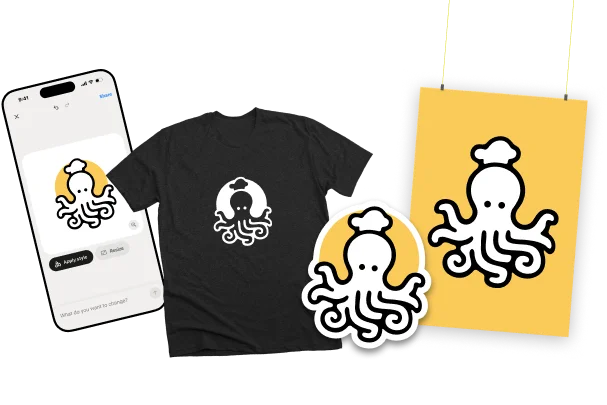
Instantly visualize your custom designs across various physical products.
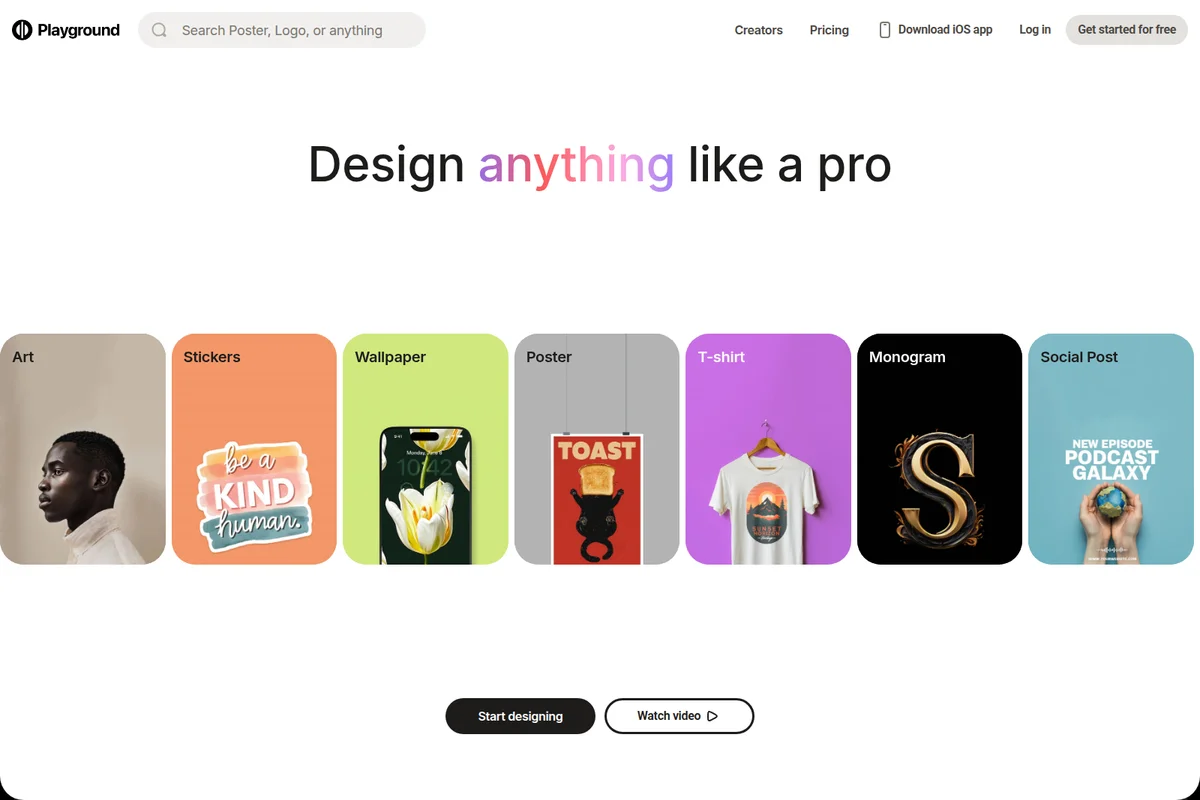
Effortlessly design anything from art to social posts like a pro.

Generative AI art featuring diverse characters with custom themes and detailed styling.
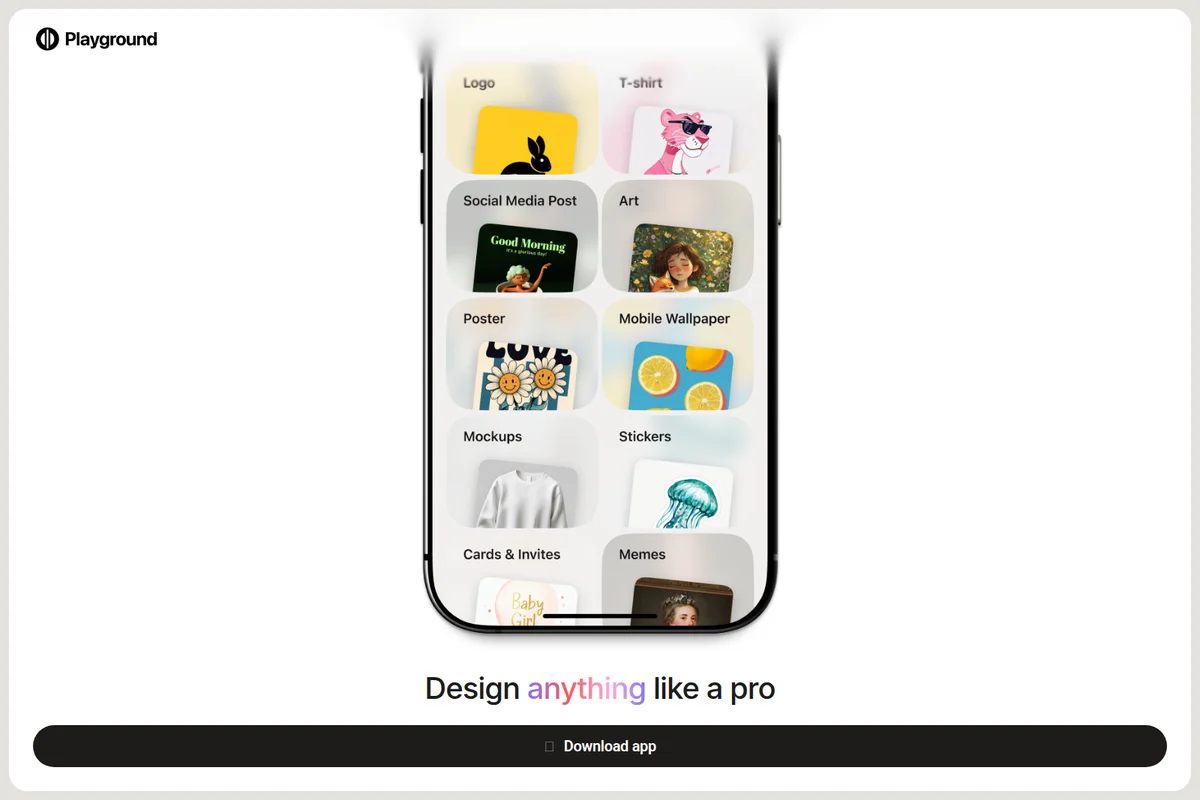
Explore diverse design categories, from logos to memes, all in one app.
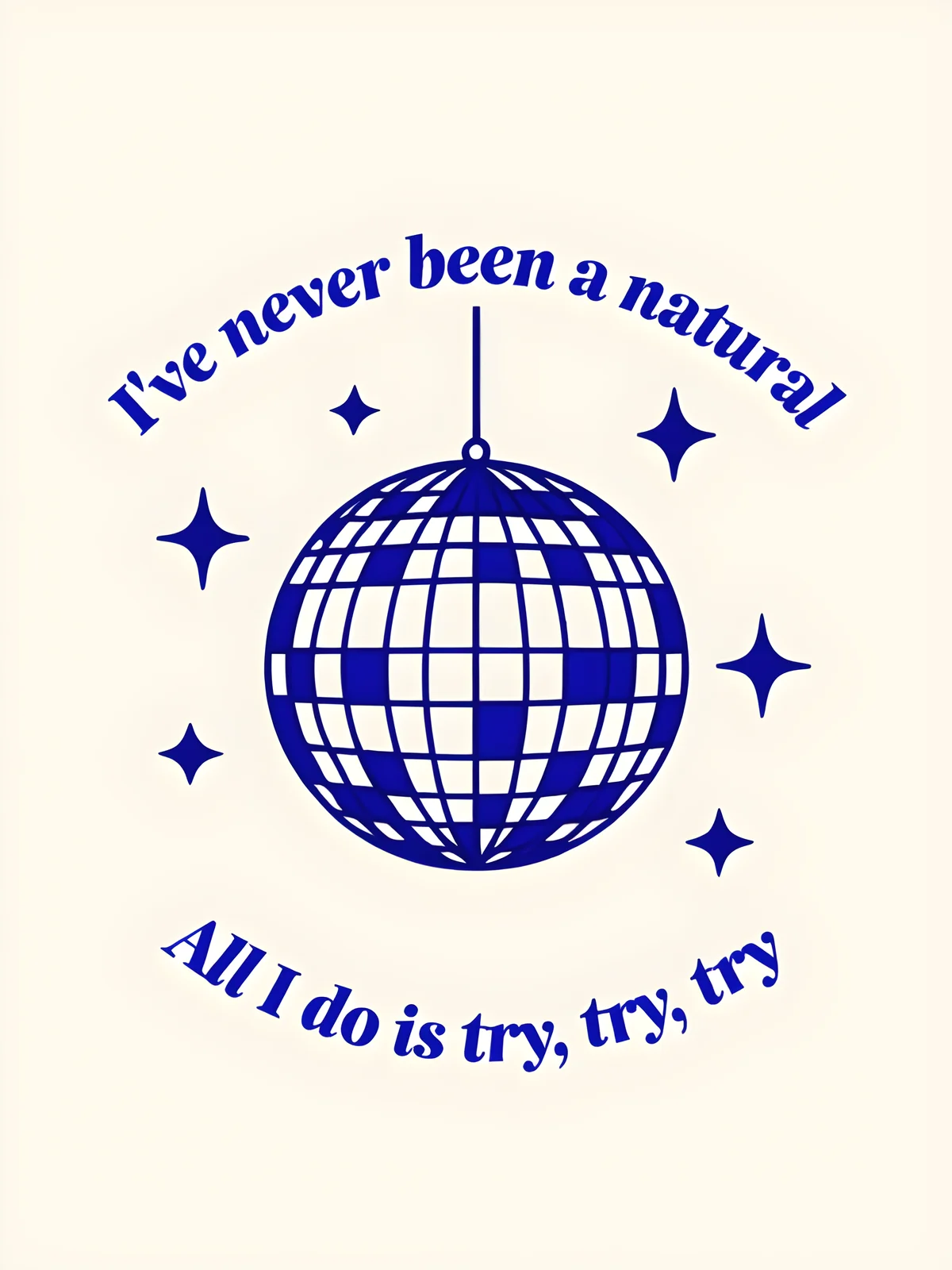
Inspiring graphic design created in Playground, celebrating effort and perseverance.
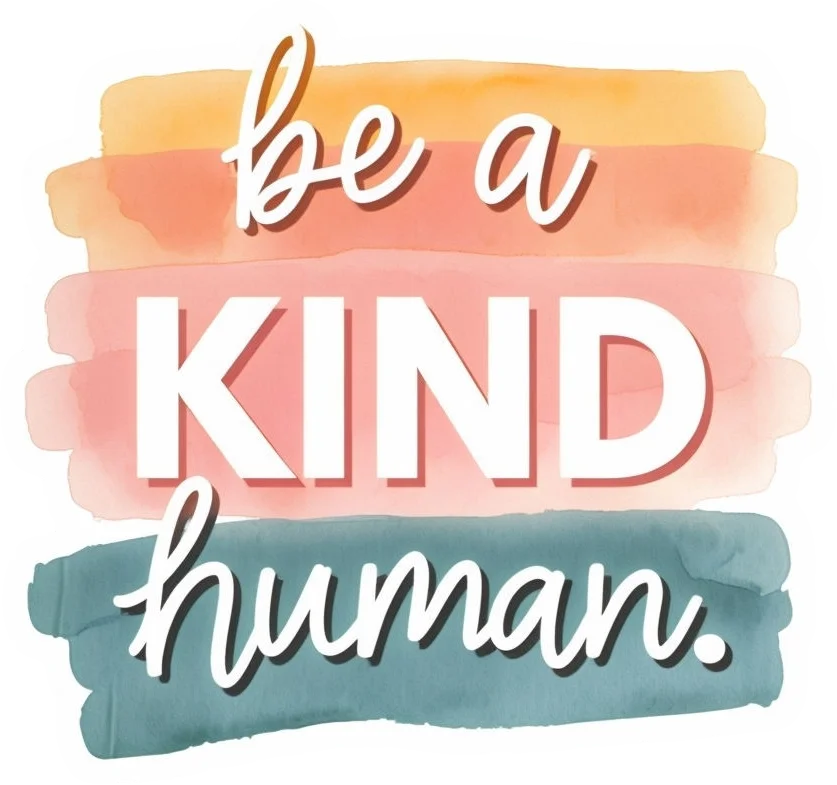
Generate custom inspirational graphics with unique typography and watercolor styles.
Playground Review: Tooliverse Consensus



Based on 1k+ verified reviews across 4 platforms,
combined with Tooliverse's expert analysis
Playground puts generation and hands-on editing on one infinite canvas, so a prompt result can become a finished logo, sticker, or poster without leaving the page. Reviewers single out the sharpness of its Atlas and Playground v3 models and an interface that beginners pick up in minutes. The catches are a free tier that has shrunk enough to push casual users toward paid plans, safety filters that sometimes block harmless prompts, and a mobile app missing the desktop's advanced canvas tools.
Bottom line: One of the strongest AI design studios, pairing sharp models with a canvas that edits as well as generates, though shrunken free limits and touchy content filters will frustrate casual users.
Playground | Key Specs
- Platforms
- Web, iOS, API (by request)
- Pricing Model
- Freemium ($0-45/mo) See plans
- Privacy/Data Use
- Users own created images; royalty-free commercial license
- Integrations
- Gamma, Poe
Wins
- •Features an innovative infinite canvas that seamlessly integrates generation and manual editingmentioned in 245 reviews
- •Delivers exceptional image quality through proprietary models like Atlas and PGv3mentioned in 212 reviews
- •Provides a highly intuitive interface that makes advanced AI art accessible to beginnersmentioned in 188 reviews
Watch-Outs
- •Free tier limits have been significantly reduced, pushing casual users toward paid plansmentioned in 112 reviews
- •Content safety filters can be overly sensitive, occasionally blocking benign creative promptsmentioned in 88 reviews
- •Mobile application lacks the full suite of advanced canvas tools found on desktopmentioned in 74 reviews
Playground Features 2026
Smart Layers
AI breaks any design into individually selectable objects and text that you can move, scale, rotate, edit or delete.
Playground v3 model
In-house model focused on graphic design, with strong prompt understanding and 82% text-synthesis score.
Multi-model AI image generation
Access GPT Image 2, GPT Image 2.5, Nano Banana, Nano Banana Pro, Seedream, Muse Image and Playground v3 in one place.
Non-destructive AI editing tools
Swap style, remove object, add to mockup and more by naming what you want.
Playground User Reviews
Selected Reviews
"The infinite canvas is a game changer for my design workflow. I can generate, edit, and expand images all in one place without jumping between apps."
"Incredibly intuitive interface for someone who isn't a prompt engineer. I was making professional-looking art within ten minutes of signing up."
"The mobile app is great for quick edits, but it lacks some of the advanced canvas features of the web version which I use for professional work."
More from the Community
"Best alternative to Midjourney if you want more control. The Atlas model is incredibly sharp and the remixing feature is super fun."
"Atlas model produces stunning results, very realistic textures. It has completely replaced my stock photo subscription for blog headers."
"I love the community aspect, being able to see how others prompted their images and then remixing them to fit my own style."

"Pricing is a bit steep for casual users now. I used to use the free tier a lot but the recent limits make it hard to justify without a sub."
"Sometimes the generation takes a while during busy hours, and I've had a few "server busy" errors lately which is frustrating."
"Best alternative to Midjourney if you want more control. The Atlas model is incredibly sharp and the remixing feature is super fun."
"Atlas model produces stunning results, very realistic textures. It has completely replaced my stock photo subscription for blog headers."
"I love the community aspect, being able to see how others prompted their images and then remixing them to fit my own style."
"Pricing is a bit steep for casual users now. I used to use the free tier a lot but the recent limits make it hard to justify without a sub."
"Sometimes the generation takes a while during busy hours, and I've had a few "server busy" errors lately which is frustrating."
"The outpainting feature is the best I've used so far. It matches the style and lighting of the original image perfectly every time."
"Great for social media content creation. I can whip up unique backgrounds for my posts in seconds and add text overlays easily."
"The filters are a bit aggressive sometimes, blocking harmless prompts that I need for my architectural visualizations."
"Solid tool, but I wish there were more local export options like PSD with layers for the canvas elements to finish in Photoshop."
"The outpainting feature is the best I've used so far. It matches the style and lighting of the original image perfectly every time."
"Great for social media content creation. I can whip up unique backgrounds for my posts in seconds and add text overlays easily."
"The filters are a bit aggressive sometimes, blocking harmless prompts that I need for my architectural visualizations."
"Solid tool, but I wish there were more local export options like PSD with layers for the canvas elements to finish in Photoshop."
Playground Pricing 2026
The free tier works as a trial: three premium-model generations a month and two downloads a day run out quickly. Pro at $12/month billed annually is the pick for most people, since 150 credits, upscaling, background removal, and 2K editing cover stickers, logos, and social graphics. Pro Plus mainly matters if you need 4K output or lean heavily on Nano Banana Pro, which costs four credits per generation.
Playground In-Depth Review 2026

Playground is an AI design studio that pairs image generation with editable templates across 24 categories. You describe a design in plain text, then keep refining it with non-destructive tools and layers. It gives you access to models including GPT Image 2, GPT Image 2.5, Nano Banana Pro, Seedream, Muse Image, and its own Playground v3, with Auto Mode choosing one based on your plan and task. It runs on the web and in an iOS app, and serves more than 13,000,000 creators.
What It's Like Day-to-Day
The infinite canvas is the feature reviewers bring up most, and the reason is easy to see. Generation and manual editing happen in the same space, so you can expand an image, patch a corner, or drop in text without exporting anything. One iOS App Store reviewer called it "a game changer for my design workflow", which is a fair summary of how users describe the shift from juggling apps to staying in one.
Playground Security & Compliance
Privacy Commitments
- Users own the images they create, with a worldwide royalty-free commercial use license
Playground: Frequently Asked Questions (FAQs)
Does Playground have a free plan?
Yes, Playground has a free plan that lets you create up to 10 images every 3 hours, with 3 monthly generations across premium models and a commercial use license. Free users get 2 downloads per day.
How much does Playground Pro cost?
Pro costs $12/month billed annually ($144 per year) or $15/month on monthly billing. Pro Plus costs $36/month billed annually ($432 per year) or $45 monthly.
How can I cancel or update my credit card on Playground?
Click your avatar and then Billing. In the Billing Portal you can cancel, update your payment method, or download a receipt.
What payment methods does Playground accept?
Playground only accepts credit and debit cards at the moment. Other options can be requested by emailing support@playgroundai.com.
Playground Integrations
| Gamma | Poe |
Playground: Verified Data Sheet
| # | Label | Data Point |
|---|---|---|
| [1] | Playground Consensus: 9.02/10 | Playground is one of the highest-rated AI image generators in the Tooliverse index, with a consensus score of 9.02/10 across 1,649 verified reviews. |
| [2] | What is Playground | Playground is an AI design studio for creating logos, stickers, posters and merch using models like GPT Image 2 and Nano Banana Pro. It serves over 13,000,000 creators, with a free plan and paid plans from $12/month. |
| [3] | Tooliverse Consensus on Playground | Playground puts generation and hands-on editing on one infinite canvas, so a prompt result can become a finished logo, sticker, or poster without leaving the page. Reviewers single out the sharpness of its Atlas and Playground v3 models and an interface that beginners pick up in minutes. The catches are a free tier that has shrunk enough to push casual users toward paid plans, safety filters that sometimes block harmless prompts, and a mobile app missing the desktop's advanced canvas tools. |
| [4] | Playground Verdict | Playground bottom line: One of the strongest AI design studios, pairing sharp models with a canvas that edits as well as generates, though shrunken free limits and touchy content filters will frustrate casual users. |
| [5] | Free: Free | Playground offers a functional Free tier with up to 10 images every 3 hours and 3 monthly generations across Muse Image, Nano Banana, GPT Image 2, GPT Image 2.5 and Seedream, making AI tools accessible at no cost. |
| [6] | Infinite canvas merges generation and editing | Playground combines AI image generation and manual editing on an infinite canvas, a workflow that 245 user reviews single out as its most distinctive strength. |
| [7] | Sharp output from in-house models | Playground produces sharp, realistic output through proprietary models such as Atlas and Playground v3, a strength cited in 212 user reviews; Playground v3 scores 88.62 on DPG-bench Hard prompt understanding versus 80.12 for Ideogram-2.0. |
| [8] | Pro (Annual): $12/mo (annual) | Playground Pro (Annual) costs $12/month billed annually and allows up to 75 images every 3 hours, a significant step up from the free tier. |
| [9] | Beginner-friendly interface | Playground has an interface that beginners can use to produce polished AI art without prompt-engineering skills, according to 188 user reviews, and Auto Mode picks a suitable model for the user's plan and task. |
| [10] | Fast iteration and previews | Playground supports fast creative iteration, with quick generation speeds and live previews praised in 156 user reviews; the Pro plan allows up to 75 images every 3 hours. |
| [11] | Free tier limits tightened | Playground has reduced its free tier limits, which 112 user reviews say pushes casual users toward paid plans; Free allows 10 images every 3 hours, only 3 monthly premium-model generations and 2 downloads per day. |
| [12] | Overly sensitive content filters | Playground's content safety filters can be overly sensitive, occasionally blocking benign creative prompts such as architectural visualization requests, according to 88 user reports. |
| [13] | Privacy: Users own the images they create, with a worldwide royalty-free commercial use license | Playground protects user ownership: Users own the images they create, with a worldwide royalty-free commercial use license. |
| [14] | Infinite canvas is a workflow game changer | A verified iOS App Store reviewer called Playground's infinite canvas "a game changer for my design workflow," noting they can "generate, edit, and expand images all in one place without jumping between apps." |
Best Playground Alternatives
Ideogram
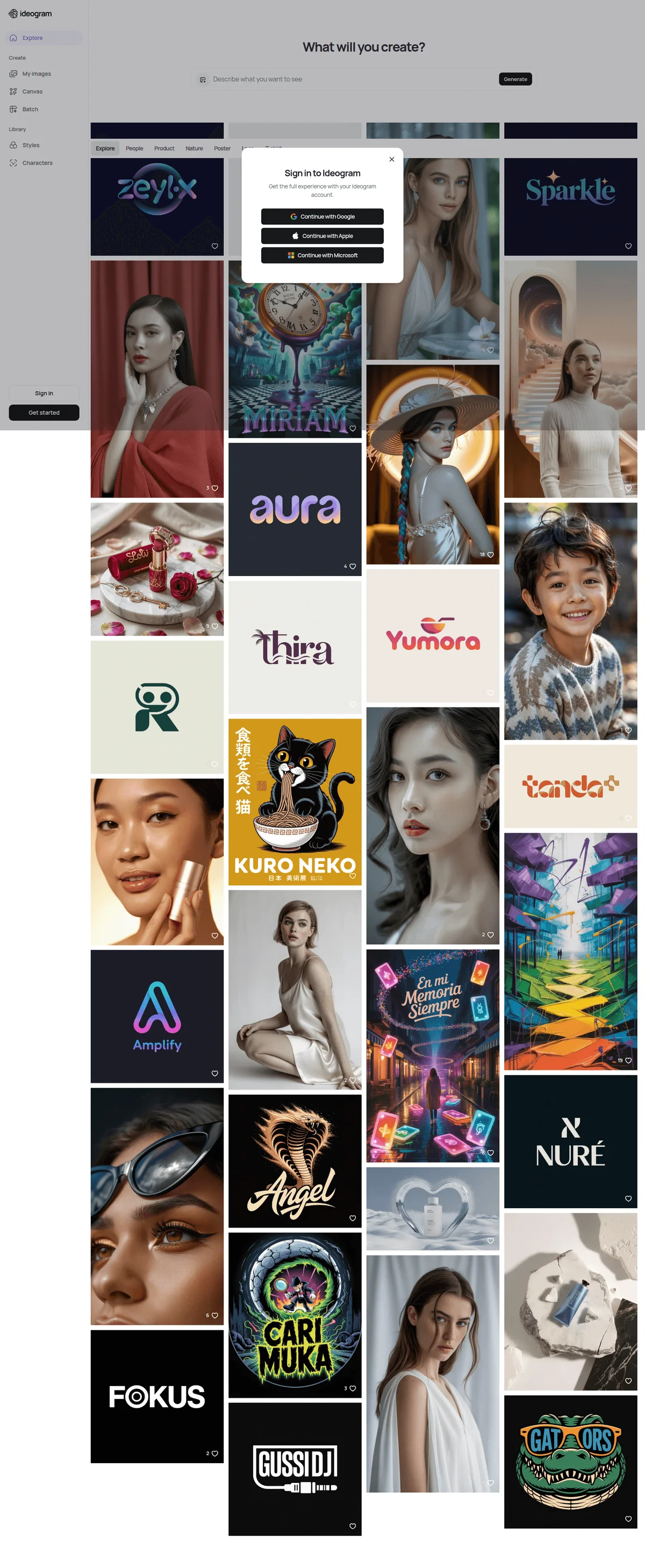
Turn any idea into images with crisp, accurate text and edits that stay true to your intent.
Leonardo.Ai
Turn your ideas into stunning images and videos with AI built for creative control.
Recraft
Generate editable vectors, on-brand images, and design assets from a single prompt, no design skills needed.