
Recraft Review 2026 - Editable AI Vectors
Verified Oct 6, 2026 by Tooliverse Editorial
Recraft turns a text prompt into production-ready images and truly editable SVG vectors. Trusted by over 3 million users, it lets designers lock in custom styles just by dropping in reference images, no training required.
How to Use Recraft Studio in 2026 | Full Interface Walkthrough
Can Recraft Replace Your Design Workflow? Full Review
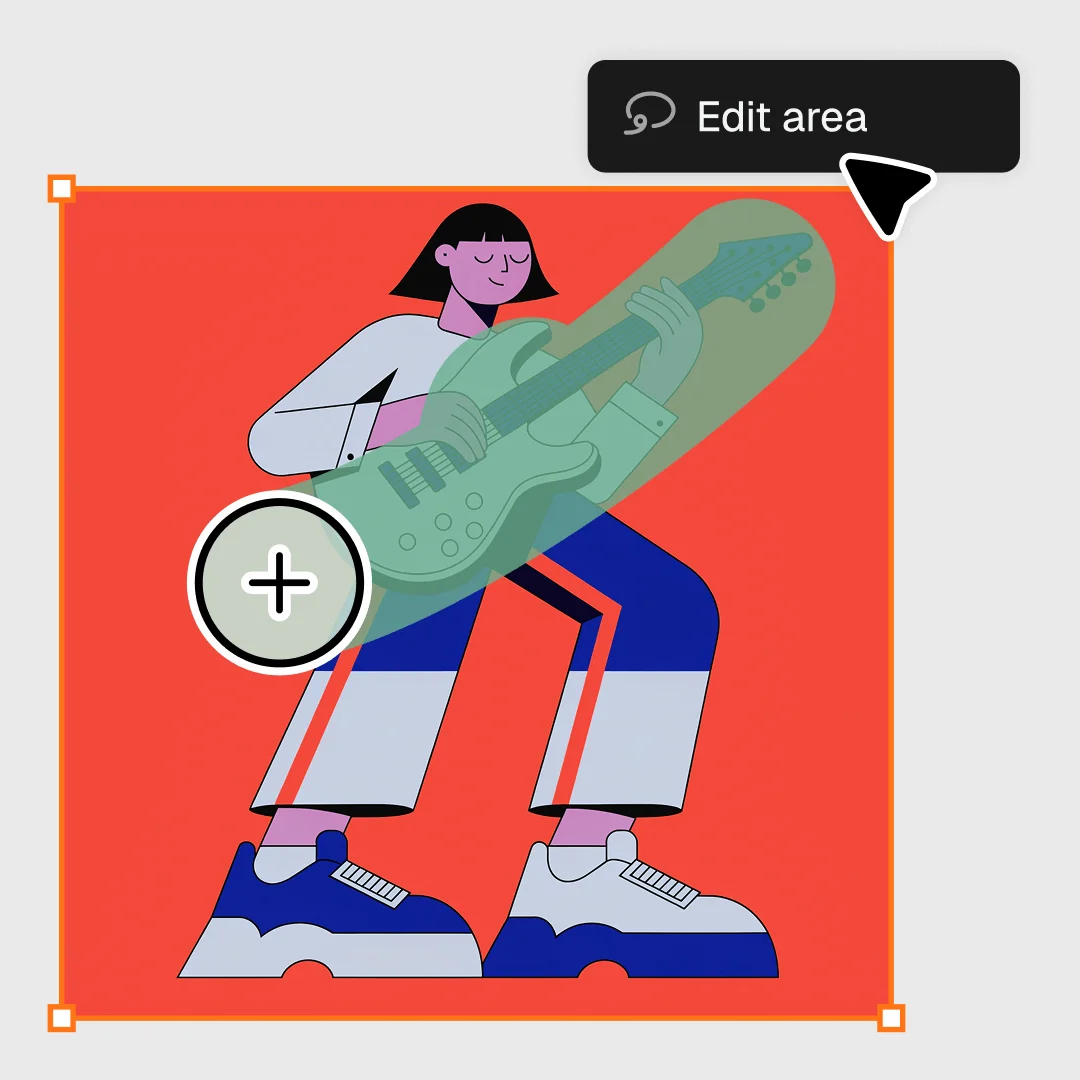
Precisely select and edit specific areas of your designs with intuitive tools.
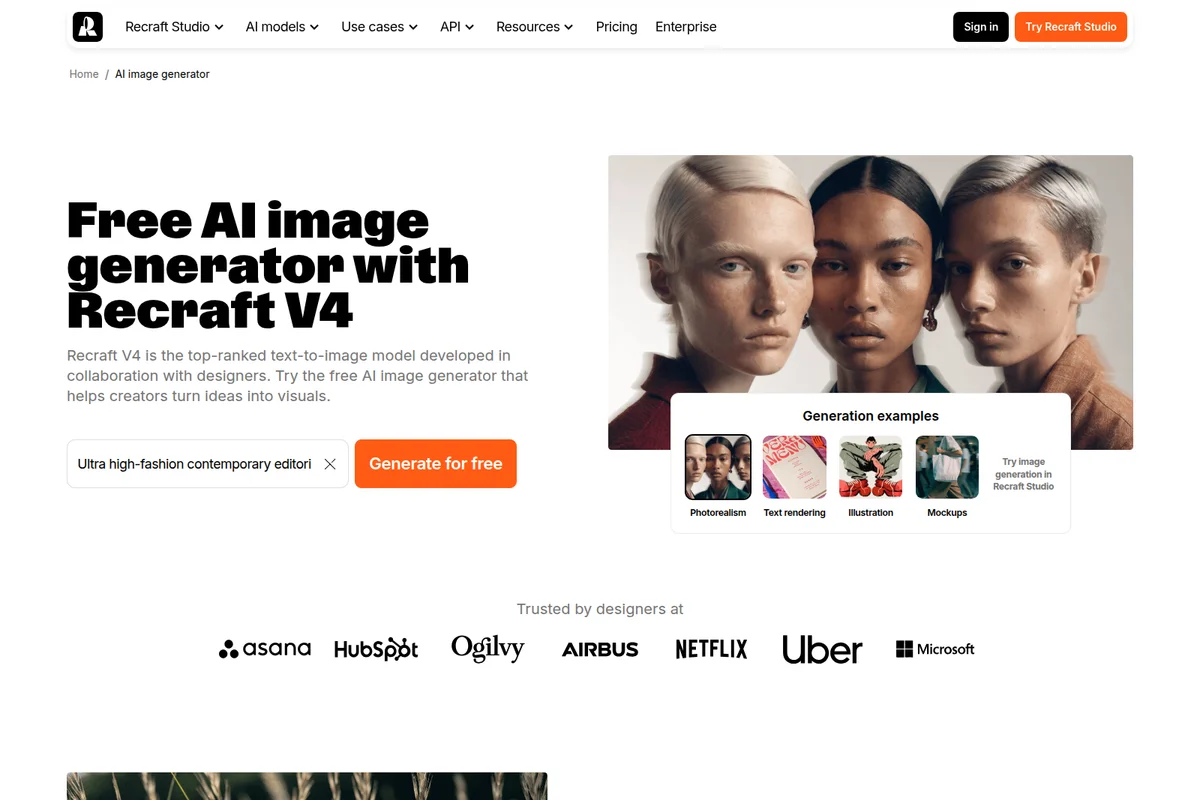
Generate stunning AI images in various styles and formats from text prompts.
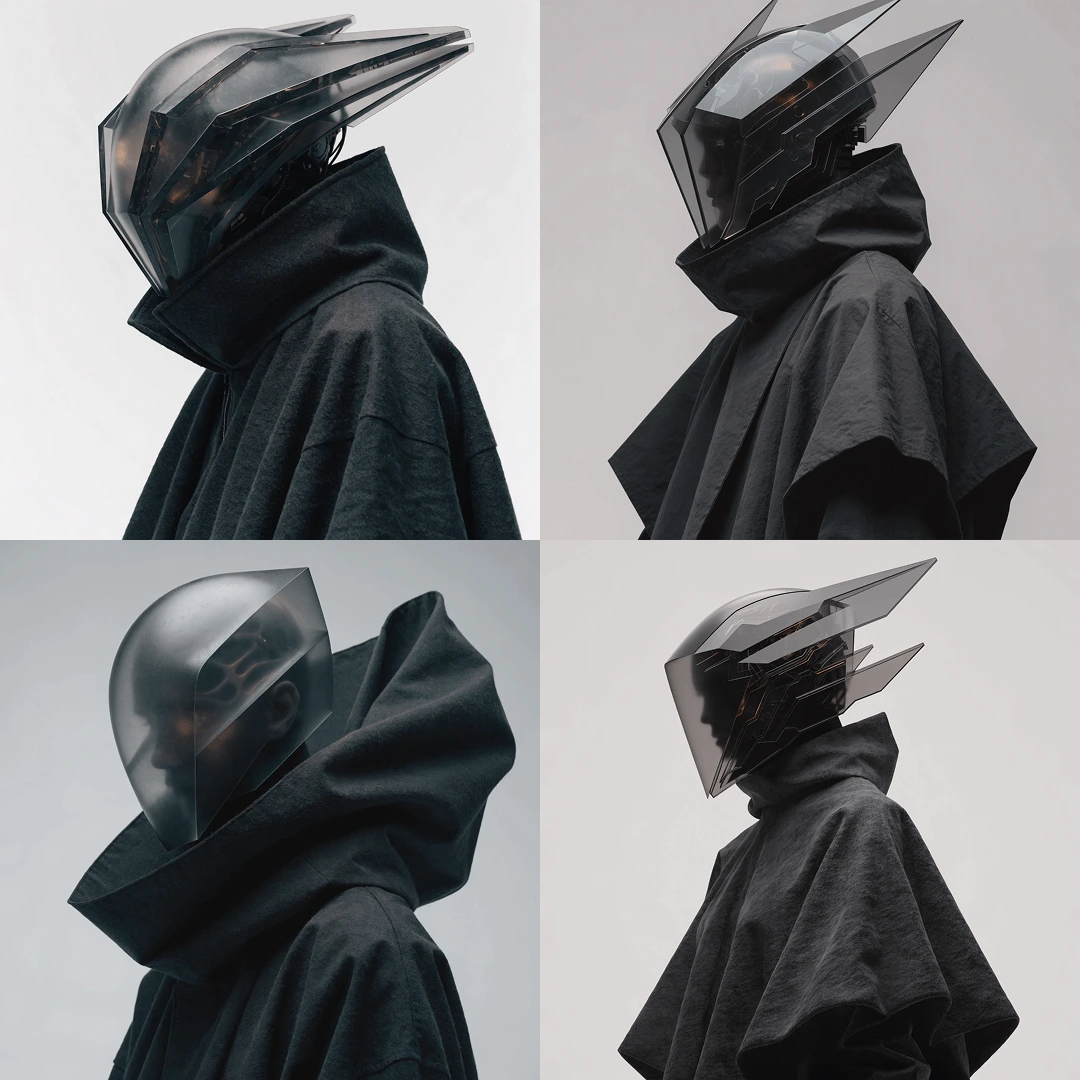
Generate striking futuristic character designs and conceptual art with AI.
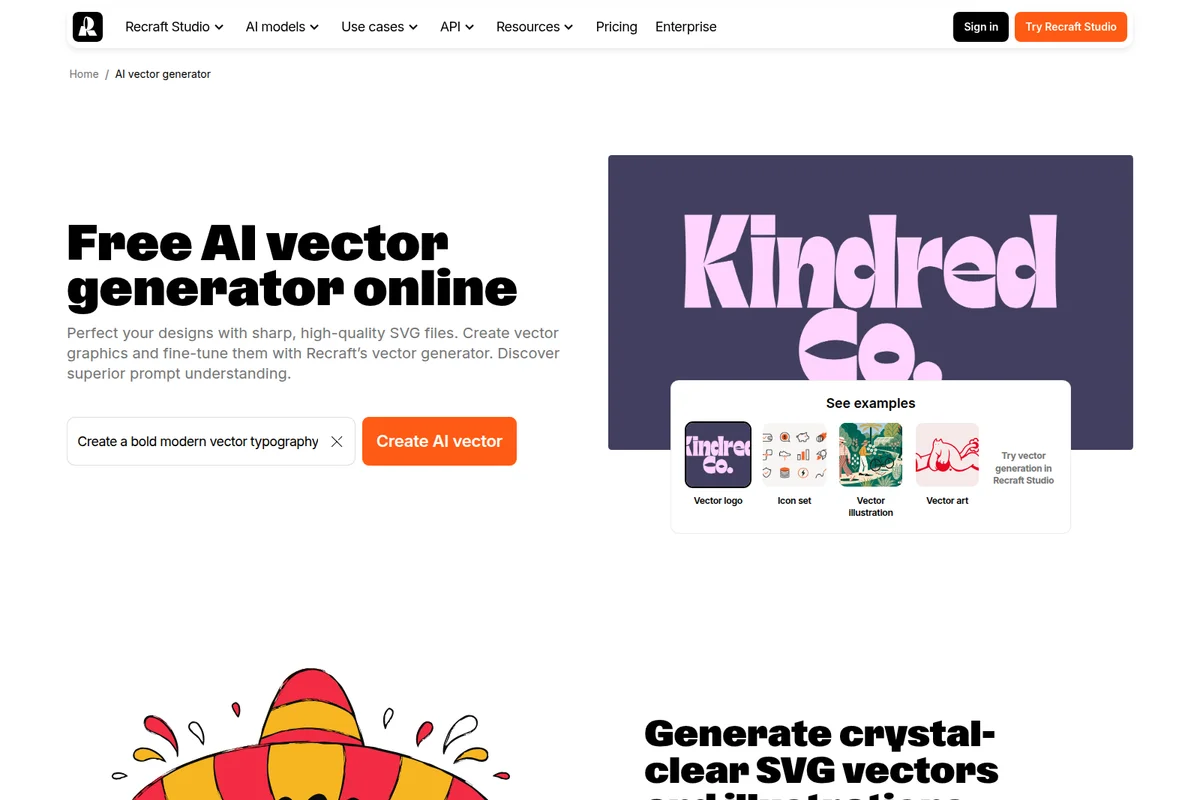
Generate high-quality SVG vector graphics from text prompts.
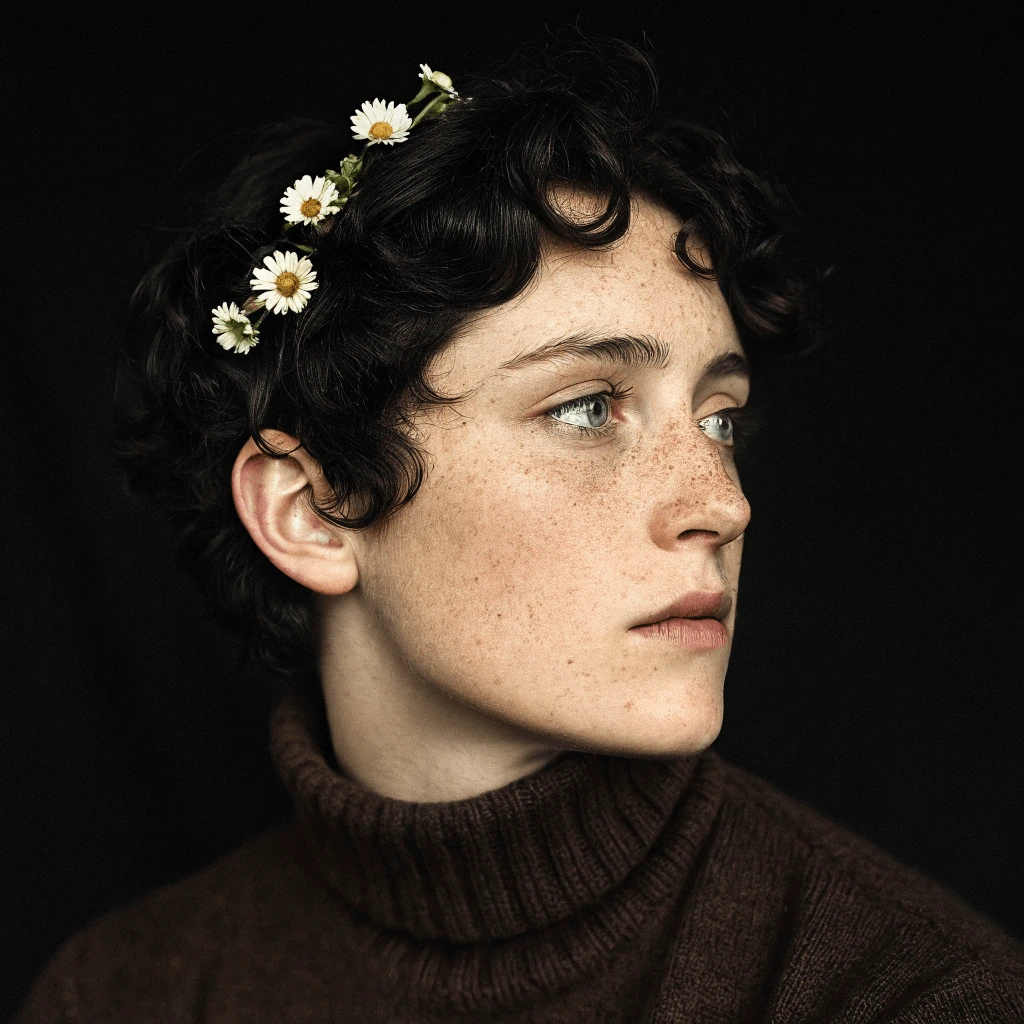
AI-generated photorealistic portraits with intricate detail and emotive realism
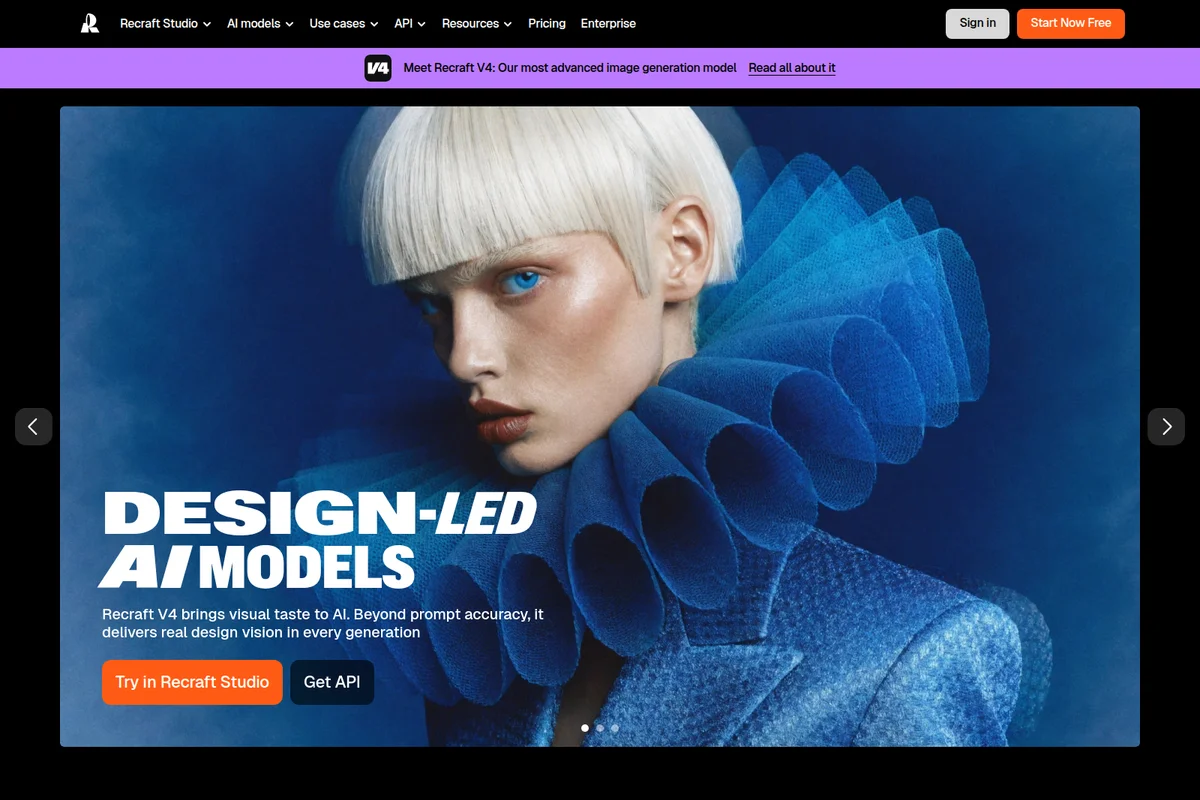
Experience visual excellence with Recraft V4's AI-generated designs.
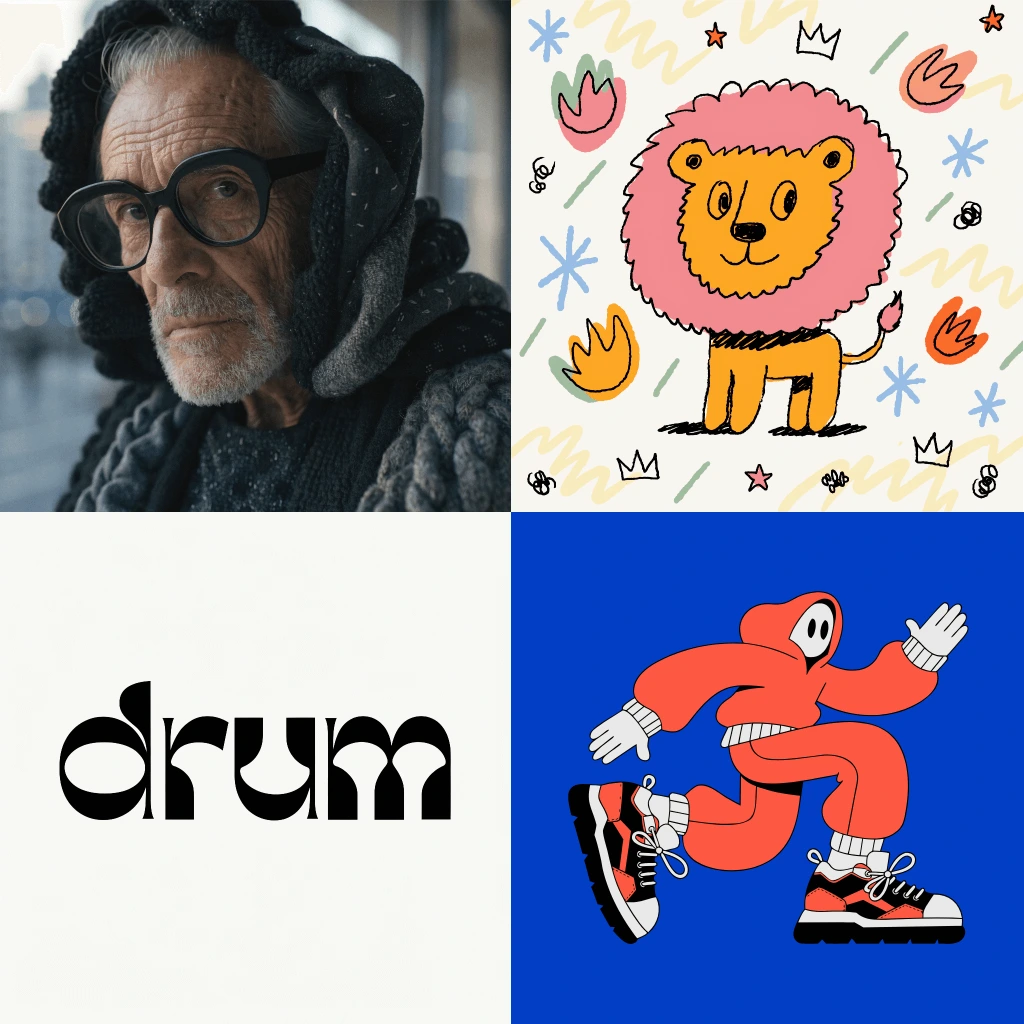
Explore the versatile design capabilities of Recraft, from photorealism to custom typography.
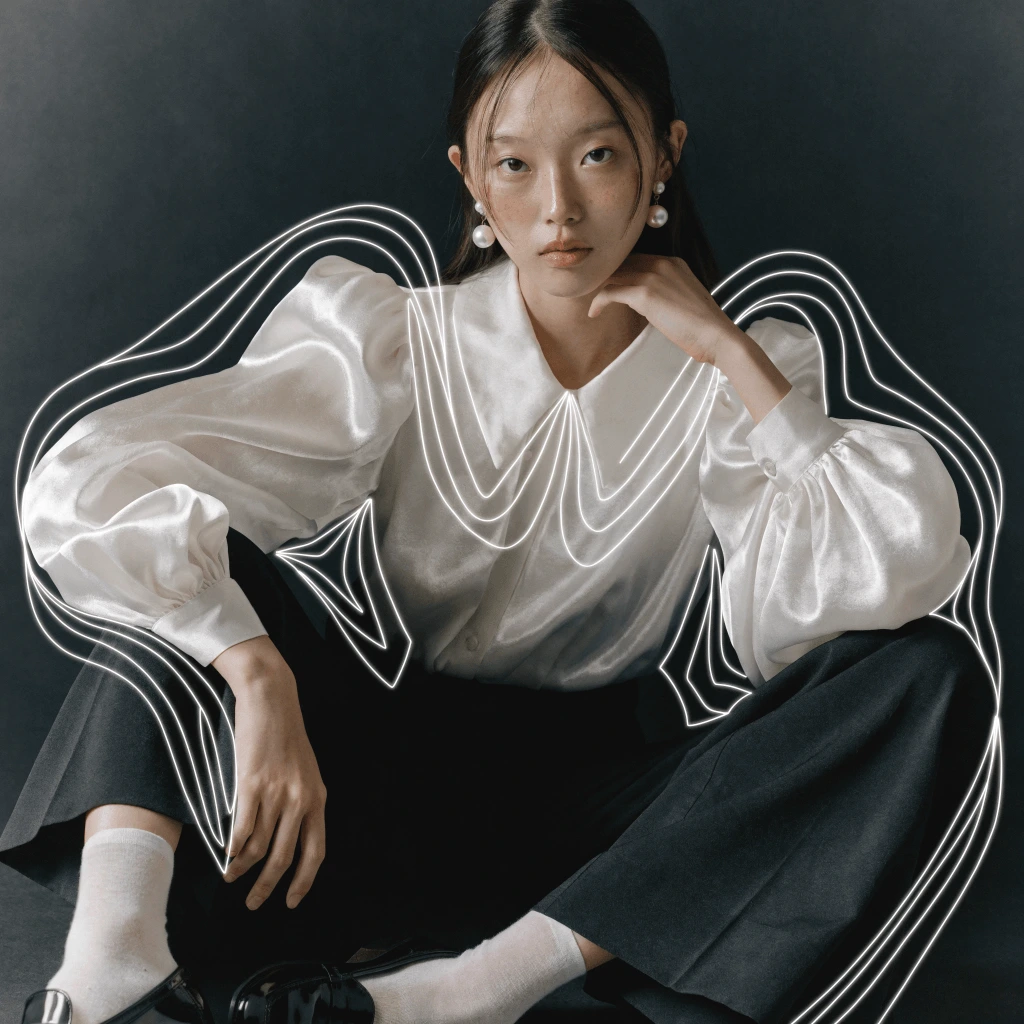
Elevate portraits and imagery with dynamic, creative graphic overlays and effects.
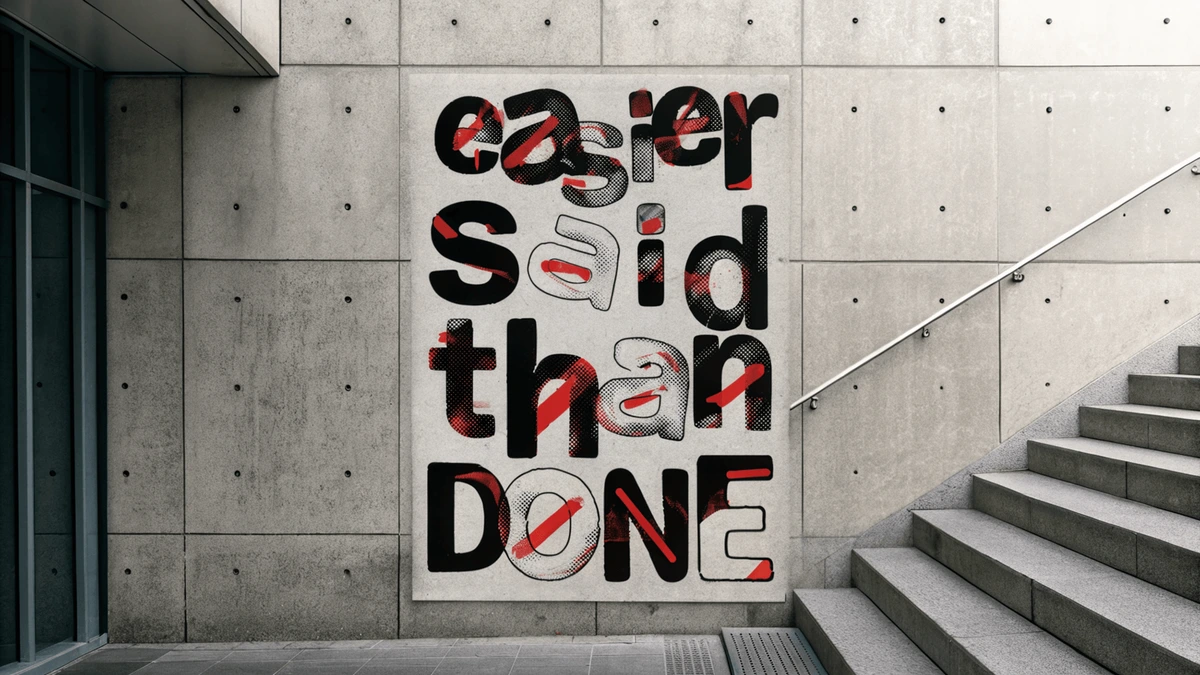
Convey powerful messages with unique and expressive graphic designs.
Recraft Review: Tooliverse Consensus




Based on 1k+ verified reviews across 5 platforms,
combined with Tooliverse's expert analysis
Recraft turns a text prompt into editable SVG artwork with organized layers, and keeps whole icon sets and campaigns visually consistent through reusable custom styles. Reviewers pair that with an infinite canvas that suits real iteration and a clean interface that makes the tooling approachable. The tradeoffs are practical: annual billing catches buyers off guard, credits cap heavy exploration, and the mobile app lags the web version. Complex human figures also still need manual correction.
Bottom line: A leading AI design tool for production-ready vectors and consistent brand styles, held back by confusing annual billing and a credit system that frustrates heavy users.
Recraft | Key Specs
- Platforms
- Web, iOS, Android, Chrome extension, API
- Pricing Model
- Freemium ($0-18/mo billed annually) See plans
- Privacy/Data Use
- Opt-out of model-improvement data use, private images on paid plans
- Security
- SOC 2 Type II, AIUC-1, SSO See details
Wins
- •Generates high-quality native SVG vector files that are fully editable in design softwarementioned in 145 reviews
- •Provides an expansive infinite canvas that facilitates seamless brainstorming and iterationmentioned in 112 reviews
- •Maintains strict brand style consistency across multiple generated assets and icon setsmentioned in 98 reviews
Watch-Outs
- •Employs a pricing structure that can be misleading regarding annual versus monthly billingmentioned in 64 reviews
- •Restricts extensive creative exploration through a credit system that users find limitingmentioned in 52 reviews
- •Lacks feature parity between the mobile application and the more robust web versionmentioned in 38 reviews
Recraft Features 2026
Editable Vector Generation
Generates real SVGs with smooth paths and organized layers from a text prompt, with recoloring, color reduction and Lottie export.
Custom Styles Without Training
Drop in reference images to instantly create a reusable, editable style; style library with a thousand styles.
Recraft V4 Model Family
V4, V4 Pro, V4 Vector and V4 Pro Vector models for photo, illustration, vector and typography, all included on every plan.
Accurate Text Rendering
Spell-perfect small, long and formatted text on packaging, menus and posters across most languages and scripts.
Recraft User Reviews
Selected Reviews
"The infinite canvas is done right here. It's the first AI tool that actually fits into a professional design workflow."
"The brand style lock is perfect for keeping icon sets consistent across a project. It saves me hours of work."
"I really like using Recraft for tasks like upscaling images and removing backgrounds while keeping original quality."
More from the Community
"The SVG export is a game changer for my logo design workflow. No more manual tracing or low-res exports."
"Recraft V4 feels like it has an actual human Art Director living inside the GPU. The lighting is incredible."
"One of my favorite products. The images it generates feel unique and easy to prompt compared to Midjourney."
"The tool is powerful, but the credit system feels restrictive for heavy users, and the mobile app is still catching up."
"The SVG export is a game changer for my logo design workflow. No more manual tracing or low-res exports."
"Recraft V4 feels like it has an actual human Art Director living inside the GPU. The lighting is incredible."
"One of my favorite products. The images it generates feel unique and easy to prompt compared to Midjourney."
"The tool is powerful, but the credit system feels restrictive for heavy users, and the mobile app is still catching up."
"I love the vector output, but the pricing transparency could be better; it's easy to accidentally sign up for an annual plan."
"Native SVG generation is the real king move for anyone doing actual design work. It's production-ready."
"Helpful for moodboards and banner variants, but I still find it risky for complex typography in logos."
"I love the vector output, but the pricing transparency could be better; it's easy to accidentally sign up for an annual plan."
"Native SVG generation is the real king move for anyone doing actual design work. It's production-ready."
"Helpful for moodboards and banner variants, but I still find it risky for complex typography in logos."
Recraft Pricing 2026
Basic at $10/month billed annually is the realistic starting point: it adds commercial rights, private generations, and external image models, none of which the free plan offers. Pro at $16/month billed annually doubles the credits to 2,000 and adds video, but it pays off only if you iterate heavily, since subscription credits reset each cycle without rolling over. The free plan suits evaluation only, because its images are public.
Recraft In-Depth Review 2026

Recraft is an AI image generator built for designers. It produces real SVG vectors with organized layers from a text prompt, alongside conventional raster images. Custom styles come from dropping in reference images, with no training step, and the V4 model family covers photo, illustration, vector, and typography. It runs in the browser, on iOS and Android, and through an API, with integrations for Figma, Framer, Google Docs, and Chrome, and more than 3 million people across 200 countries use it.
What It's Like Day-to-Day
The workflow starts with a prompt and ends with a file that opens in Figma or Illustrator with smooth paths and layers you can recolor, reduce, or export to Lottie. Reddit reviewers call the SVG output production-ready, and the built-in vectorizer converts existing PNG, JPG, or WebP images into clean vectors as well. Per its documentation, prompts beyond three thousand characters hold together, and small or long text renders accurately across most languages and scripts, which matters when the subject is a menu or a package.
Recraft Security & Compliance
Verified Compliance
- SOC 2 Type II
- GDPR aligned
- AIUC-1
Security Features
- Single Sign-On (SSO)
- Role-based permissions and audit logs
- Encrypted storage and transfer
Privacy Commitments
- Teams can opt out of data use for model improvement at any time
- Public subprocessors list
- Paid-plan images remain private and owned by the user
Recraft: Frequently Asked Questions (FAQs)
Does Recraft have a free plan?
Yes, Recraft offers a Free plan at $0 with limited free credits, 3 generations per style per day and 3 image uploads daily. It is for personal use only, images are public, and there are no commercial rights.
How much does Recraft cost?
Paid plans billed annually are Basic at $10/month (1,000 credits), Pro at $16/month (2,000 credits, includes video) and Teams at $18/month per seat. Prices exclude VAT.
Who owns the images I generate on a paid plan?
You do. Paid plans grant full ownership and commercial rights for images generated while subscribed, and images stay private and out of the community gallery, even after cancellation.
Who owns images generated on the Free plan?
Recraft owns images generated on the Free plan. They are publicly visible in the community gallery and not licensed for commercial use.
Recraft Integrations
| Figma | Framer | Google Docs |
| Chrome | Model Context Protocol (MCP) | Stripe |
Recraft: Verified Data Sheet
| # | Label | Data Point |
|---|---|---|
| [1] | Recraft Consensus: 9.34/10 | Recraft is one of the highest-rated AI image generators in the Tooliverse index, with a consensus score of 9.34/10 across 1,122 verified reviews. |
| [2] | What is Recraft | Recraft, a London-headquartered AI design platform, is a SOC 2 Type II certified tool for generating images and editable SVG vectors using its V4 models. It serves over 3 million users, with paid plans starting at $10/month. |
| [3] | Tooliverse Consensus on Recraft | Recraft turns a text prompt into editable SVG artwork with organized layers, and keeps whole icon sets and campaigns visually consistent through reusable custom styles. Reviewers pair that with an infinite canvas that suits real iteration and a clean interface that makes the tooling approachable. The tradeoffs are practical: annual billing catches buyers off guard, credits cap heavy exploration, and the mobile app lags the web version. Complex human figures also still need manual correction. |
| [4] | Recraft Verdict | Recraft bottom line: A leading AI design tool for production-ready vectors and consistent brand styles, held back by confusing annual billing and a credit system that frustrates heavy users. |
| [5] | Free: Free | Recraft offers a functional Free tier with limited free credits and 3 generations per style per day, so AI design tools cost nothing to try. |
| [6] | Consistent brand styles across assets | Recraft maintains strict brand style consistency across generated assets and icon sets, using reusable custom styles built from uploaded reference images without training, as validated by 98 user reviews. |
| [7] | Photorealism with V4 and R2 models | Recraft delivers photorealism and fine detail with its V4 and R2 models, with 85 user reviews pointing to lighting and image quality as a standout. |
| [8] | Intuitive interface for complex workflows | Recraft offers an intuitive interface that simplifies complex AI design workflows, a point raised in 72 user reviews. |
| [9] | Pro: $16/mo (annual) | Recraft Pro gives users 2,000 credits per month (up to 16k options) for $16/month billed annually, a significant step up from the free tier. |
| [10] | Native editable SVG output | Recraft generates native SVG vector files with smooth paths and organized layers that open as fully editable artwork in design software such as Figma and Illustrator, a strength cited in 145 user reviews. |
| [11] | Annual vs monthly billing confusion | Recraft pricing can mislead on annual versus monthly billing, according to 64 user reports; the listed Basic price of $10/month and Pro price of $16/month are both billed annually. |
| [12] | Credit limits restrict exploration | Recraft's credit system limits extensive creative exploration for heavy users, according to 52 user reports; Basic includes 1,000 credits per month and Pro includes 2,000, and subscription credits do not roll over. |
| [13] | Privacy: Teams can opt out of data use for model improvement at any time | Recraft protects privacy in three ways: Teams can opt out of data use for model improvement at any time, a Public subprocessors list is published, and Paid-plan images remain private and owned by the user. |
| [14] | Enterprise: Single Sign-On (SSO) | Recraft secures enterprise accounts with Single Sign-On (SSO), Role-based permissions and audit logs, and Encrypted storage and transfer. |
| [15] | SVG export ends manual tracing | A verified Reddit reviewer noted that Recraft's SVG export is "a game changer for my logo design workflow" with "no more manual tracing or low-res exports." |
Best Recraft Alternatives
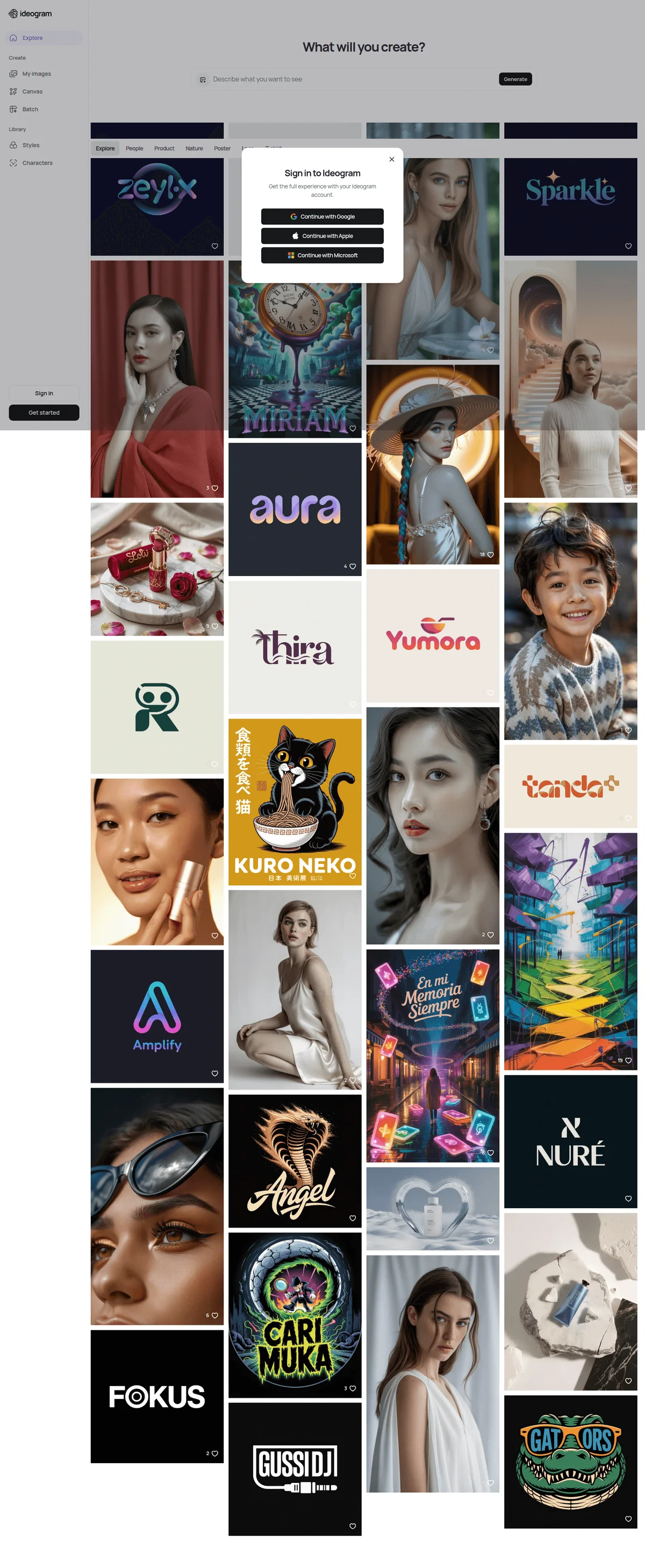
Ideogram
Turn any idea into images with crisp, accurate text and edits that stay true to your intent.
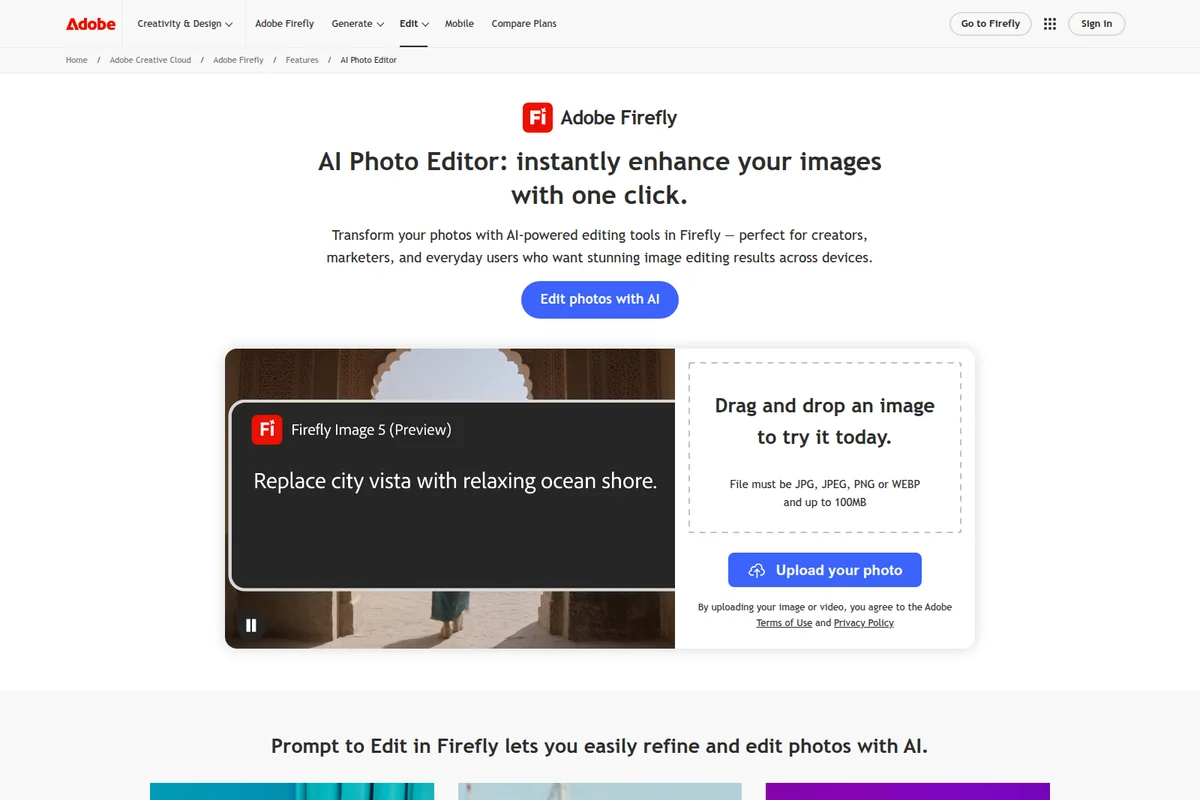
Adobe Firefly
Create stunning images, video, and audio in seconds with commercially safe generative AI from Adobe and top AI partners.
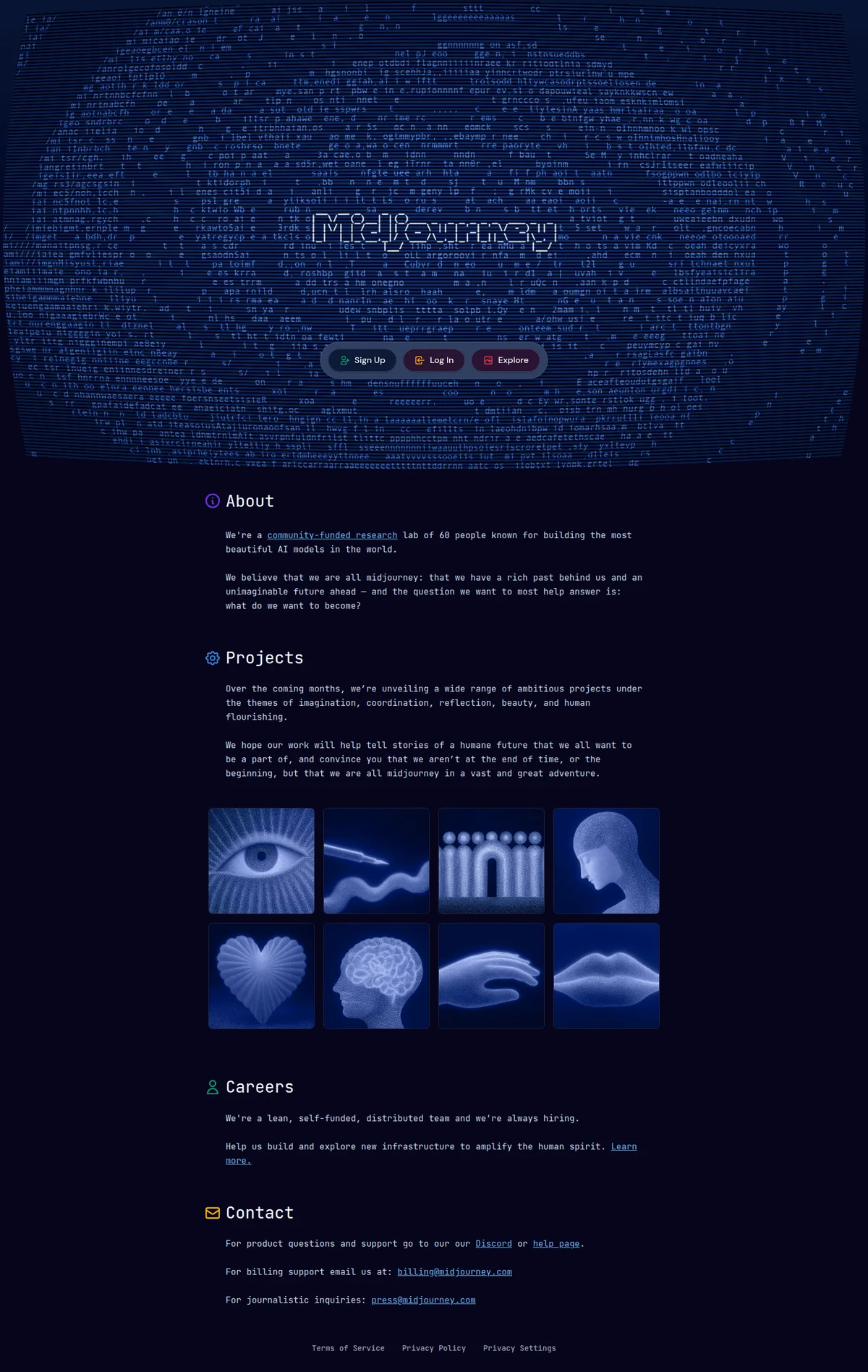
Midjourney
Transform your imagination into stunning AI-generated images and videos with the world's most beautiful AI models.