
Prezi AI Review 2026 - Interactive Presentations
Verified Oct 6, 2026 by Tooliverse Editorial
Prezi AI turns a one-sentence prompt or your existing deck into an interactive session with live polls, quizzes, and Q&A. Audiences join by QR code, and one link keeps teaching long after you finish presenting.
How to use Prezi AI to create a #presentationskills in just minutes
AI Presentation Maker (Prezi Review 2026)
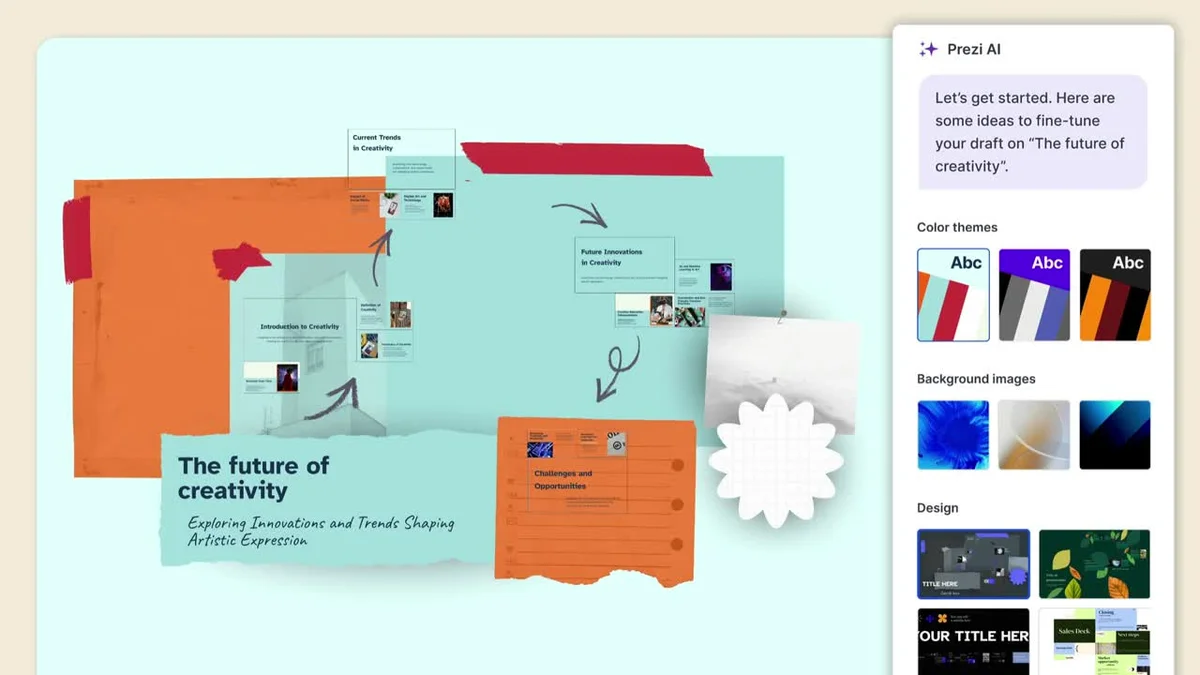
Real-time AI assistance for crafting engaging presentations and customizing designs.
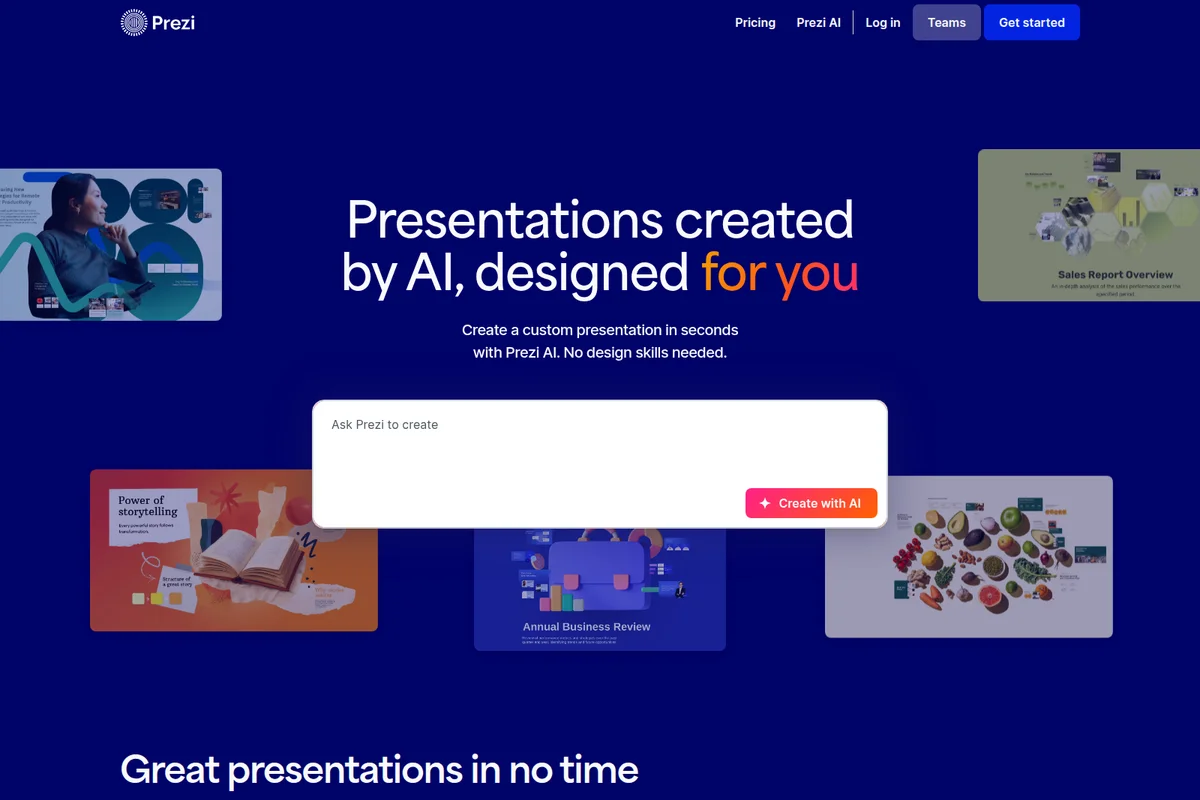
Create custom presentations in seconds from a simple prompt.
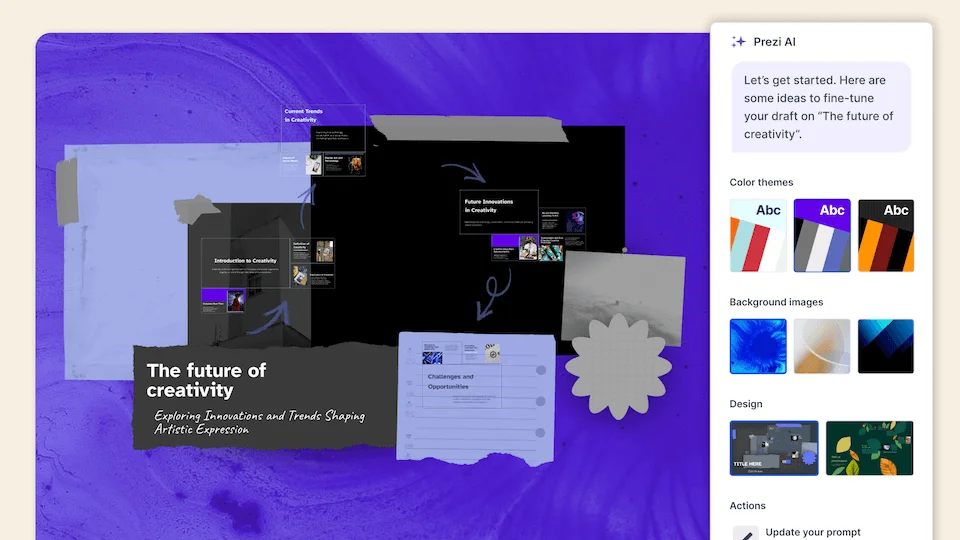
AI assists in drafting and refining presentations with dynamic design options.
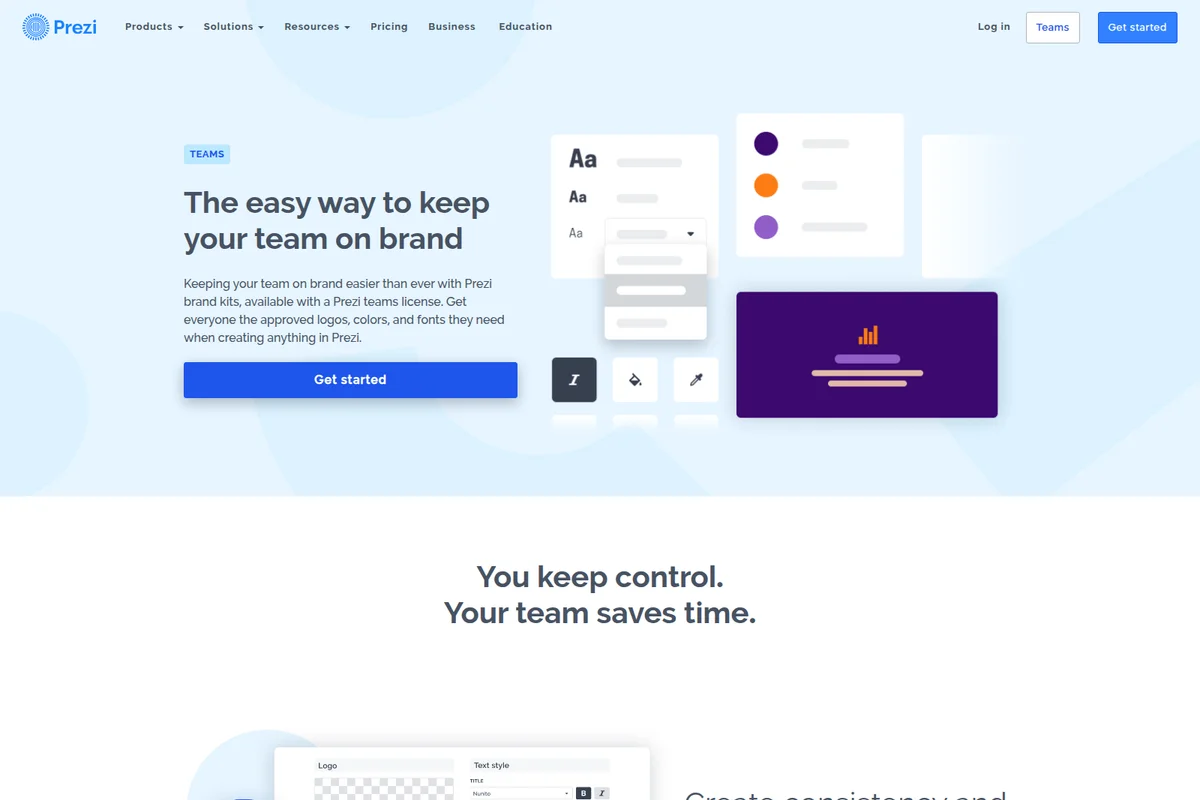
Centralize brand assets like fonts, colors, and logos for consistent team creations.
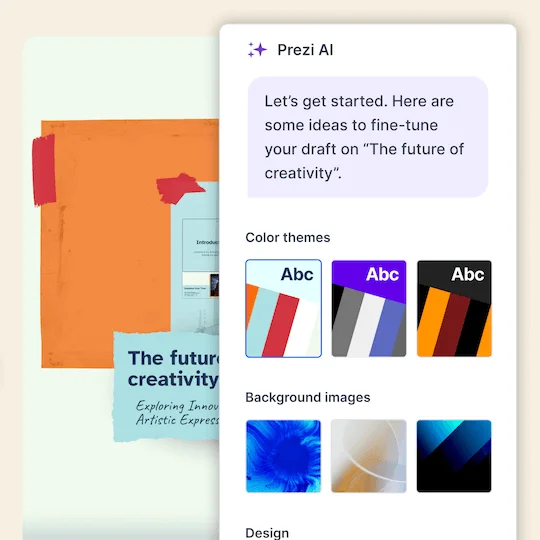
Refine your presentation draft with AI suggestions and explore diverse design options.
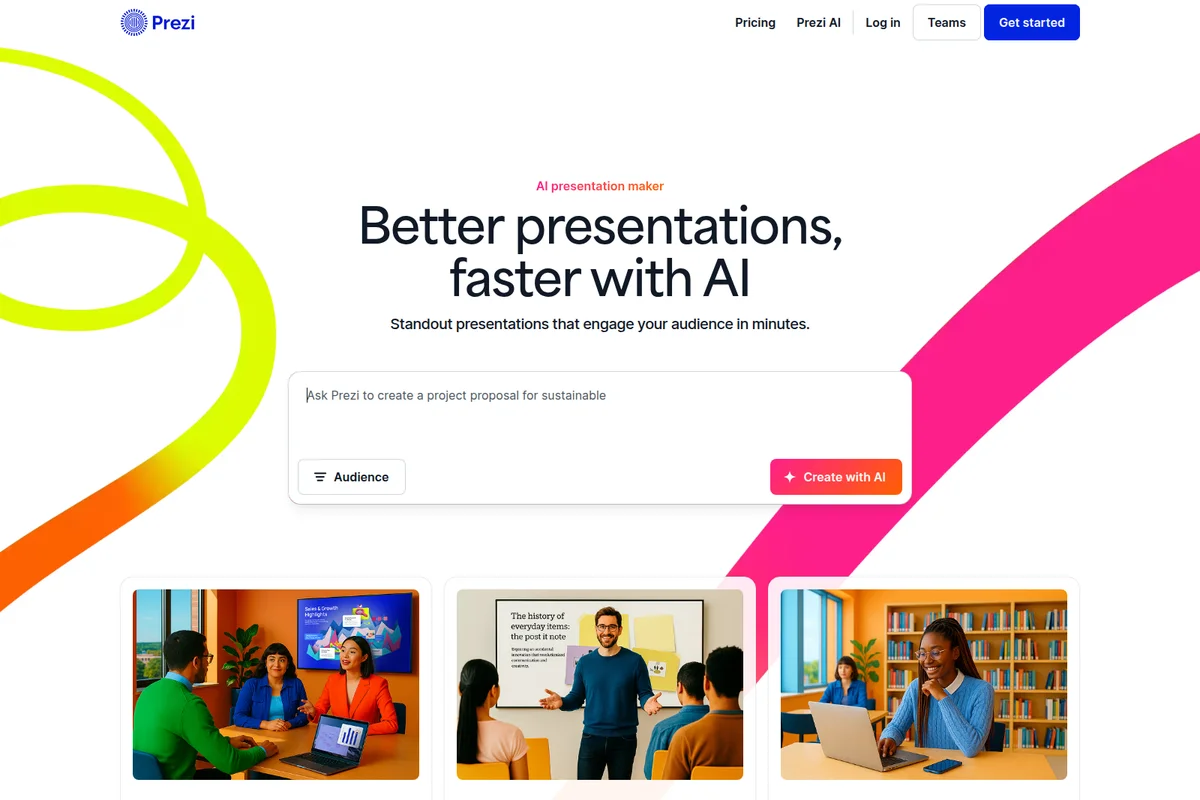
Generate engaging presentations instantly from simple text prompts with AI.
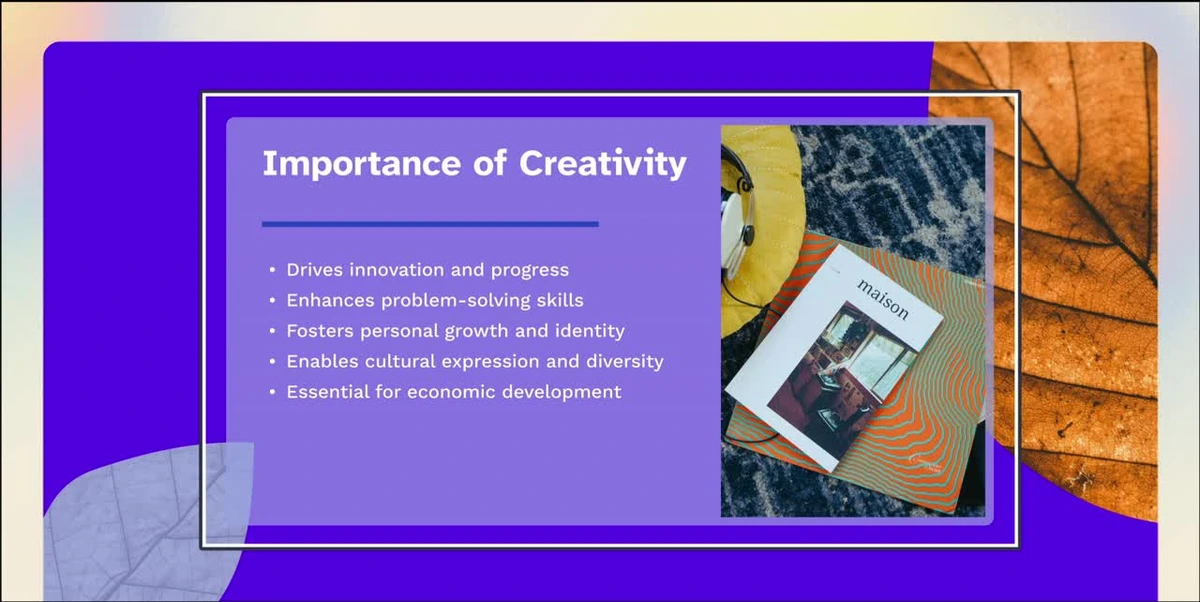
Create engaging presentations on various topics with AI-powered design.
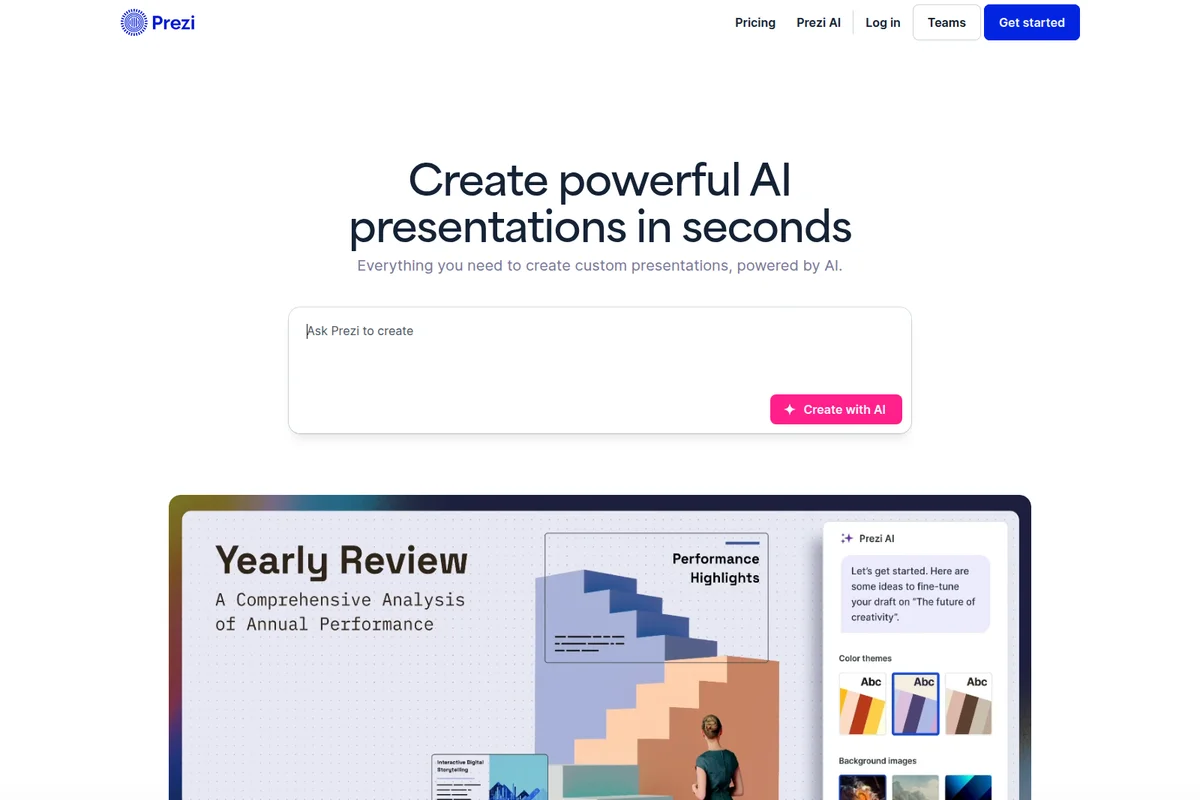
Generate powerful presentations instantly with AI from a simple prompt.
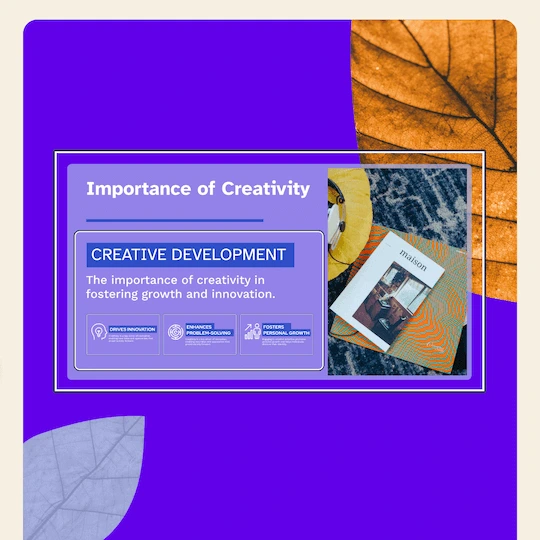
Craft engaging presentation slides that convey complex topics with visual appeal.

Collaborate on dynamic presentations and analyze sales highlights.
Prezi AI Review: Tooliverse Consensus





Based on 2k+ verified reviews across 6 platforms,
combined with Tooliverse's expert analysis
Prezi AI automates the zoom-and-flow motion that once took real design skill, turning an outline, PDF, or Word file into an animated, editable deck in seconds. Reviewers praise the content suggestions that break writer's block and the smooth imports that keep existing branding intact. The catches are practical: layouts often need manual alignment, AI-suggested palettes and fonts offer little customization, and the Ask AI text can read generic. Heavy media files occasionally lag, so polish still happens by hand.
Bottom line: A top-tier AI presentation maker that makes cinematic zoom storytelling effortless for non-designers, though expect to hand-tune layouts, colors, and fonts, and budget for a paid plan once AI use gets serious.
Prezi AI | Key Specs
- Platforms
- Web, iOS, Android, macOS, Windows
- Pricing Model
- Free + Paid Tiers ($0-29/mo) See plans
- Privacy/Data Use
- GDPR and CCPA documentation, privacy controls with revocable share links
- Security
- SOC 2 Type 2, TLS, AES-256 encryption at rest See details
Wins
- •Transforms rough outlines into visually stunning presentations in secondsmentioned in 342 reviews
- •Maintains the signature Prezi zoom-and-flow style without manual pathingmentioned in 285 reviews
- •Provides helpful content suggestions that overcome creative writer's blockmentioned in 214 reviews
Watch-Outs
- •AI-generated layouts sometimes require manual fine-tuning for precise alignmentmentioned in 112 reviews
- •Limited customization options for AI-suggested color palettes and fontsmentioned in 89 reviews
- •Occasional lag when processing large, media-heavy presentation filesmentioned in 74 reviews
Prezi AI Features 2026
AI Presentation Generation
Generates a complete presentation from a prompt, topic, or uploaded file (PowerPoint, Word, PDF) with an editable outline-first workflow.
Live Audience Activities
Polls, quizzes, Q&A, and word clouds built into the presentation; audience joins via one QR code with no app or login.
Upvoted Q&A with Moderation
Audience upvotes questions so the best rise to the top, with a moderation queue for the presenter.
Import from Anywhere
Bring slides from PowerPoint, Google Slides, Canva, PDF, Word, or ChatGPT with fonts and formatting intact.
Prezi AI User Reviews
Selected Reviews
"Finally, an AI presentation tool that doesn't just make boring flat slides. The motion is what makes Prezi, and the AI handles the pathing perfectly without me having to click a hundred times."
"Prezi AI is a game changer. I just typed in my topic and it built a 10-slide deck with the zoom transitions already set up. Saved me hours of work."
"It's a bit hit or miss with complex data. It tried to turn my spreadsheet into a zoom bubble and it was just unreadable. Stick to text for now."
More from the Community
"The content generation is surprisingly smart. It understood my niche technical topic well. Only wish I could edit the AI's theme choices more easily."
"Good for starting, but the AI layouts are a bit rigid. I spent a lot of time moving boxes around because the AI put them in weird spots."
"I've always loved Prezi's look but hated the learning curve. The AI removes that barrier entirely. It's now my go-to for client pitches."
"The text-to-presentation feature is solid. It creates a cohesive story. Sometimes the images it picks are a bit stock-heavy, but easy to swap. Overall, a massive time saver for my weekly reports."
"The AI is helpful but the price jump for these features is steep. It's great for business, but hard to justify for a student budget."
"The content generation is surprisingly smart. It understood my niche technical topic well. Only wish I could edit the AI's theme choices more easily."
"Good for starting, but the AI layouts are a bit rigid. I spent a lot of time moving boxes around because the AI put them in weird spots."
"I've always loved Prezi's look but hated the learning curve. The AI removes that barrier entirely. It's now my go-to for client pitches."
"The text-to-presentation feature is solid. It creates a cohesive story. Sometimes the images it picks are a bit stock-heavy, but easy to swap. Overall, a massive time saver for my weekly reports."
"The AI is helpful but the price jump for these features is steep. It's great for business, but hard to justify for a student budget."
"Prezi AI's ability to summarize my long documents into a visual flow is incredible. It actually makes my meetings shorter and more engaging."
"Love the new Optimize button. It cleaned up my messy slides and made them look professional in one click. Very impressed with the speed."
"Great for brainstorming. I use the AI to generate different layout ideas before I commit to one. It's like having a design partner."
"The mobile app integration for AI is smooth. I can start a deck on my phone with a prompt and finish it on my desktop."
"Prezi AI's ability to summarize my long documents into a visual flow is incredible. It actually makes my meetings shorter and more engaging."
"Love the new Optimize button. It cleaned up my messy slides and made them look professional in one click. Very impressed with the speed."
"Great for brainstorming. I use the AI to generate different layout ideas before I commit to one. It's like having a design partner."
"The mobile app integration for AI is smooth. I can start a deck on my phone with a prompt and finish it on my desktop."
Prezi AI Pricing 2026
Plus at $19/month billed annually is the tier to pay for: unlimited AI, PDF export, recording, and voice-over cover what most working presenters need. Standard at $7/month billed annually looks cheaper, but its 500 AI credits are a real ceiling for anyone iterating on drafts. Try the free plan and 14-day trial first, since casual users report the AI pricing feels steep.
Prezi AI In-Depth Review 2026

Prezi AI, from Prezi Inc., builds a presentation from a prompt, a PDF, a Word document, or a PowerPoint file, starting with an editable outline before it applies style, images, and branding. It keeps the zoomable canvas and layers live polls, quizzes, Q&A, and word clouds on top, so one product covers creating, presenting, and following up. It runs in the browser and in a Desktop app for offline use, and it works with Zoom, Microsoft Teams, Webex, and Google Meet.
What It's Like Day-to-Day
The workflow starts with an outline instead of a blank canvas. Users type a topic or upload a document, edit the outline, and only then apply style, images, and branding, which means structural problems get caught before any design work is done. Reviewers describe rough notes becoming a coherent draft in seconds, and many credit the content suggestions with ending the blank-page stall that precedes most decks.
The motion is the reason to pick Prezi over a flat slide tool, and it is the part users say they no longer have to think about.
Prezi AI Security & Compliance
Verified Compliance
- SOC 2 Type 2
Security Features
- TLS encryption in transit
- AES-256 encryption at rest
- Web Application Firewall and annual third-party penetration tests
Privacy Commitments
- GDPR and CCPA documentation available
- Presentation privacy controls and revocable share links
Prezi AI: Frequently Asked Questions (FAQs)
Is Prezi AI free?
Yes, Prezi can be started for free without a credit card, and a 14-day free trial is offered on paid plans. The free plan includes basic features and AI capabilities, but continued AI use and premium features require a paid subscription.
How much does Prezi cost?
Prezi paid plans are Standard at $7/mo, Plus at $19/mo, and Premium at $29/mo, all billed annually. Standard includes 500 AI credits, while Plus and Premium include unlimited Prezi AI.
Is Prezi free for students?
Yes, Prezi offers a free plan with access to AI features including AI presentation creation, image generation, and text editing. Unlimited access is available through EDU Plus or EDU Pro subscriptions.
Can Prezi make an AI presentation from a prompt?
Yes, Prezi is an AI presentation maker. Describe your topic in a sentence or upload a file and Prezi builds an editable draft.
Prezi AI Integrations
| Zoom | Microsoft Teams | Webex |
| Google Meet | GoToMeeting | GoToWebinar |
| PowerPoint | Google Slides | Canva |
| Unsplash | Giphy |
Prezi AI: Verified Data Sheet
| # | Label | Data Point |
|---|---|---|
| [1] | Prezi AI Consensus: 8.61/10 | Prezi AI is a highly-rated tool among AI design tools in the Tooliverse index, with a consensus score of 8.61/10 across 2,630 verified reviews. |
| [2] | What is Prezi AI | Prezi AI, from Prezi Inc., is a SOC 2 Type 2 audited AI presentation platform with live polls, quizzes, and Q&A. It serves over 170 million users, with paid plans starting at $7/month billed annually. |
| [3] | Tooliverse Consensus on Prezi AI | Prezi AI automates the zoom-and-flow motion that once took real design skill, turning an outline, PDF, or Word file into an animated, editable deck in seconds. Reviewers praise the content suggestions that break writer's block and the smooth imports that keep existing branding intact. The catches are practical: layouts often need manual alignment, AI-suggested palettes and fonts offer little customization, and the Ask AI text can read generic. Heavy media files occasionally lag, so polish still happens by hand. |
| [4] | Prezi AI Verdict | Prezi AI bottom line: A top-tier AI presentation maker that makes cinematic zoom storytelling effortless for non-designers, though expect to hand-tune layouts, colors, and fonts, and budget for a paid plan once AI use gets serious. |
| [5] | Free: Free | Prezi AI offers a functional Free tier with Access to basic features and AI capabilities and the ability to Import existing slides, making AI tools accessible at no cost. |
| [6] | Content suggestions beat writer's block | Prezi AI offers content suggestions that help users get past writer's block, validated by 214 user reviews. |
| [7] | Imports keep fonts and branding intact | Prezi AI imports slides from PowerPoint, Google Slides, Canva, PDF, Word, and ChatGPT with fonts and formatting intact, and 198 user reviews credit this with quick brand alignment; it also exports to PPTX and PDF. |
| [8] | Complex info becomes animated narrative | Prezi AI converts complex information into animated, easy-to-follow visual narratives automatically, a strength noted in 156 user reviews, with 80,000+ icons and 500,000+ images available to fill out slides. |
| [9] | Plus: $19/mo (annual) | Prezi AI's Prezi AI Plus plan from Prezi Inc. provides Unlimited Prezi AI for $19/month billed annually, significantly expanding on the free tier's capabilities. |
| [10] | Outlines to decks in seconds | Prezi AI turns rough outlines into polished, animated presentations in seconds, a strength cited in 342 user reviews, and it builds from a prompt, topic, or uploaded PDF, Word, or PowerPoint file using an editable outline-first workflow. |
| [11] | Layouts need manual alignment tweaks | Prezi AI layouts can need manual fine-tuning for precise alignment, according to 112 user reports. |
| [12] | Limited palette and font control | Prezi AI offers limited customization of AI-suggested color palettes and fonts, according to 89 user reports. |
| [13] | Privacy: GDPR and CCPA documentation available | Prezi AI protects user privacy with GDPR and CCPA documentation available and Presentation privacy controls and revocable share links. |
| [14] | Enterprise: TLS encryption in transit | Prezi AI delivers enterprise-grade security through TLS encryption in transit, AES-256 encryption at rest, and a Web Application Firewall and annual third-party penetration tests. |
| [15] | Game changer; saved hours of work | A verified iOS App Store reviewer noted that Prezi AI is "a game changer" that built a 10-slide deck with zoom transitions already set up from a typed topic, saving hours of work. |
Best Prezi AI Alternatives
Gamma
Turn your ideas into polished presentations, websites, and more almost as fast as you can think.
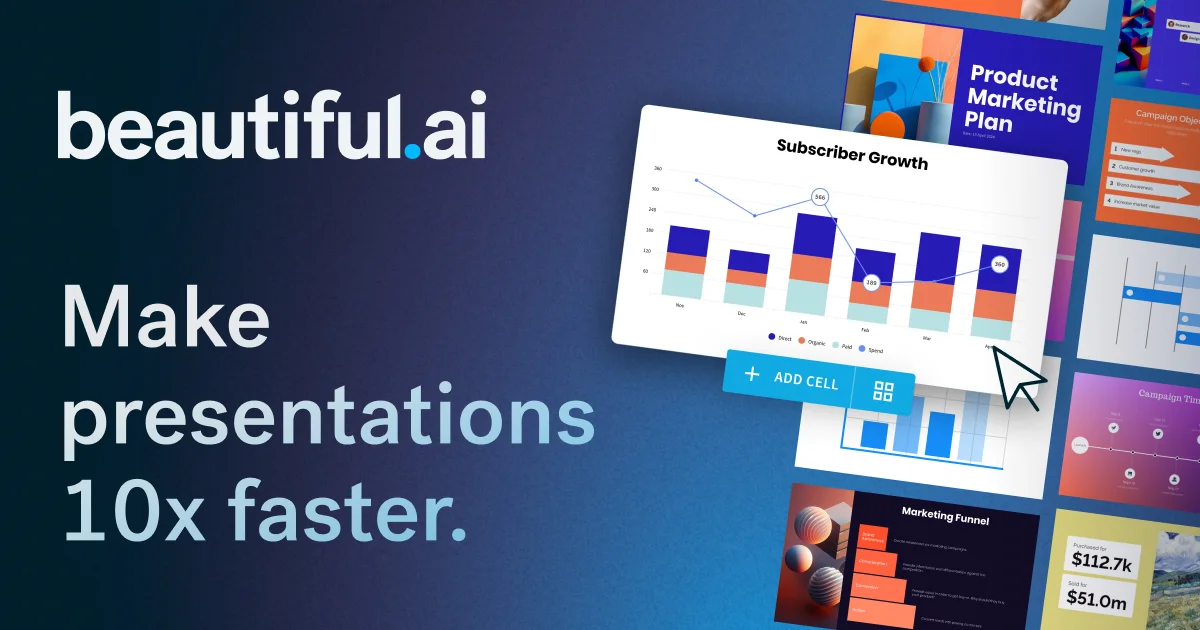
Beautiful.ai
Turn your ideas into visual stories that win, without the late-night formatting headaches.
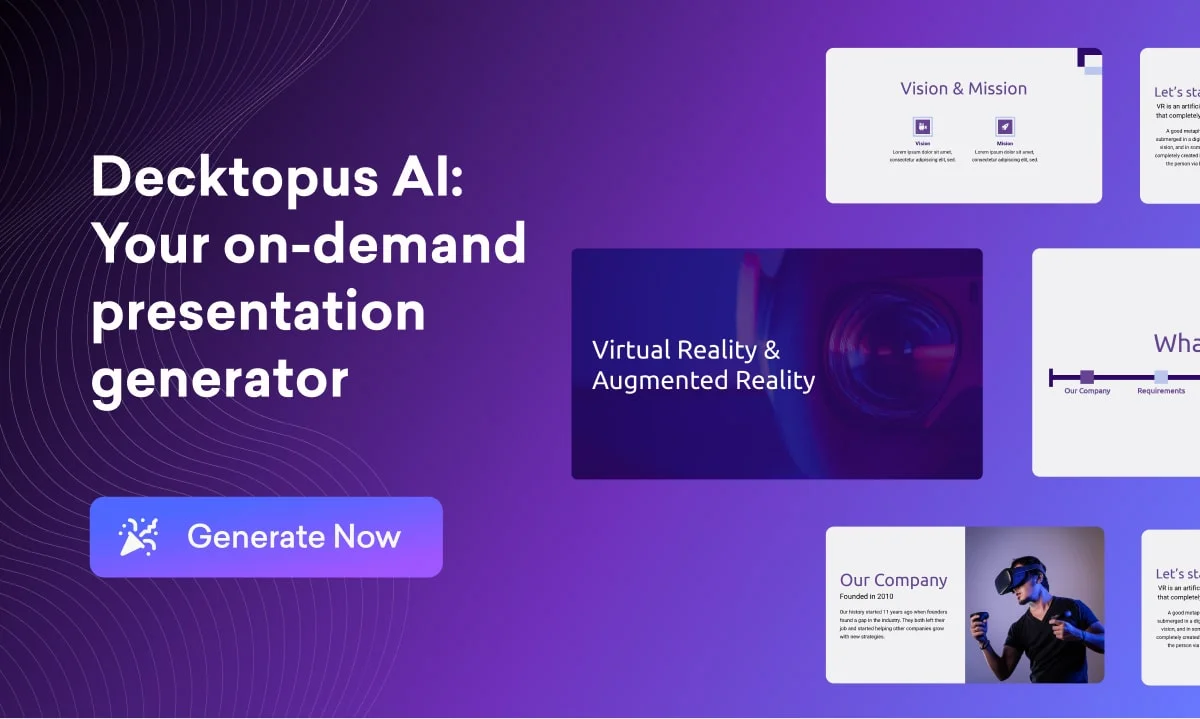
Decktopus
Describe your topic and get a polished, on-brand deck, then rehearse your delivery before you present.