
Raycast Review 2026 - Launcher & AI Agent
Verified Oct 6, 2026 by Tooliverse Editorial
Raycast swaps tab-hopping for a single keystroke. Search files, manage windows, expand snippets, or ask an AI agent to update Linear and Things for you, all from one fast, extendable launcher.
Introducing Raycast Dictation 🎙️
Raycast iOS Tutorial & Review (2026) How to Use Raycast

Access and perform quick actions on your essential apps.
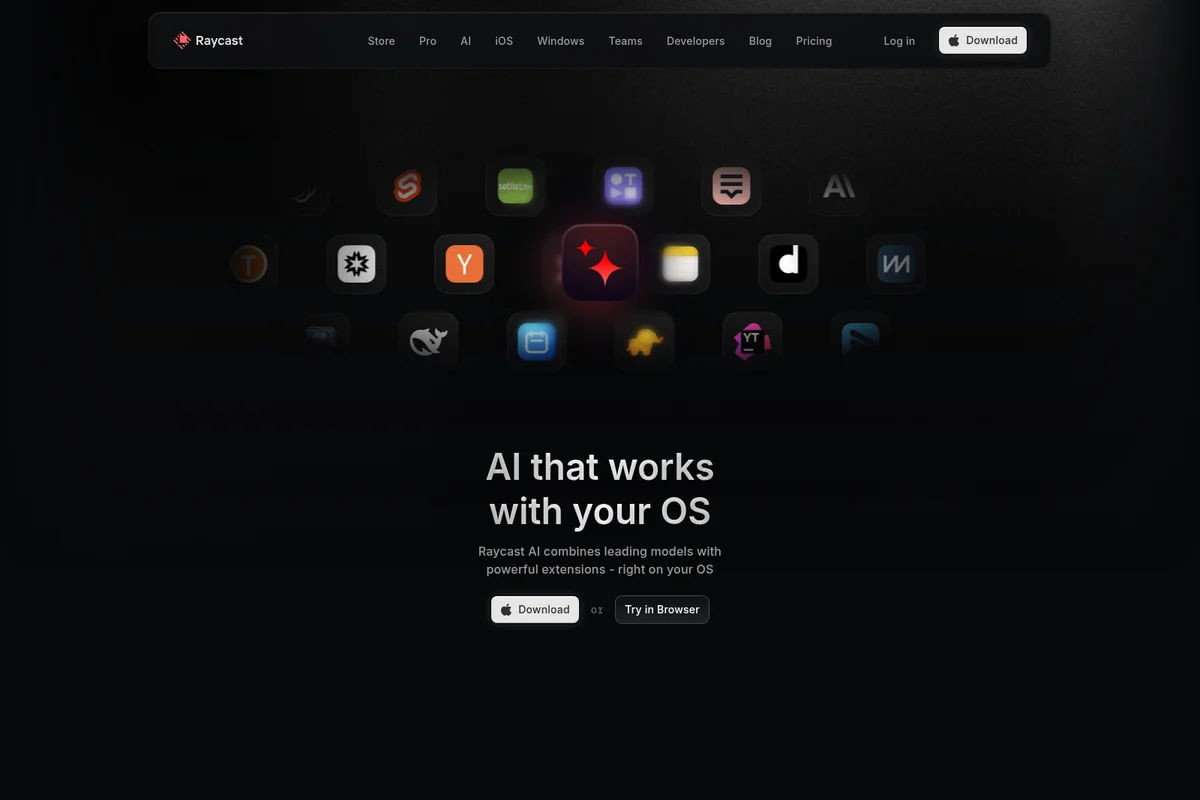
Experience AI that seamlessly integrates with your operating system and favorite apps.
Raycast Review: Tooliverse Consensus






Based on 4k+ verified reviews across 5 platforms,
combined with Tooliverse's expert analysis
Raycast is the macOS command center that makes a drawer of single-purpose utilities redundant, putting search, clipboard history, window snapping and AI behind one hotkey. The community extension store and keyboard speed draw the most praise, with Jira and GitHub integrations earning loyalty among developers. The costs are real: AI-bundled subscriptions strike many individual users as pricey, custom extensions demand technical skill, and the iOS companion adds little on its own. For keyboard-driven Mac users, it is the category-defining launcher.
Bottom line: The category-defining command center for keyboard-driven Mac users, with extensions and speed that replace a dozen utilities, though the bundled AI subscription costs more than casual individual users may want to pay.
Raycast | Key Specs
- Platforms
- macOS, Windows (public beta), iOS
- Pricing Model
- Freemium ($0-50/mo) See plans
- Privacy/Data Use
- No model training by AI providers, local-first data storage
- Security
- SOC 2 Type II, annual penetration testing, SAML and SCIM See details
Wins
- •Offers an expansive ecosystem of community extensions that solve almost any workflow needmentioned in 842 reviews
- •Enables lightning-fast command execution that allows users to stay entirely on the keyboardmentioned in 756 reviews
- •Integrates powerful AI features that significantly speed up writing, coding, and data extractionmentioned in 612 reviews
Watch-Outs
- •Subscription pricing for AI features is considered high by many individual usersmentioned in 312 reviews
- •Developing custom extensions requires significant technical knowledge and a steep learning curvementioned in 184 reviews
- •Occasional performance dips occur when managing a very large library of active extensionsmentioned in 126 reviews
Raycast Features 2026
Raycast AI Agents
AI agent that uses your everyday tools to get work done, such as syncing Linear tasks to Things or scheduling calls, with custom agents, Projects and Memory.
Quick AI
Access Raycast AI from a single hotkey for small tasks without leaving your workflow.
AI Extensions
Connect everyday tools like Linear, Notion, Slack, GitHub and Figma to AI, or build your own AI Extension.
Multi-Model and Bring Your Own Key
Use models from all major LLM providers and local models through one interface, with your own API keys or Claude/ChatGPT subscriptions without consuming AI credits.
Raycast User Reviews
Selected Reviews
"Raycast has completely changed how I use my Mac. I've uninstalled at least 5 other utility apps because this does it all better and faster."
"The extension store is a goldmine. If there's a workflow I need, someone has usually already built a high-quality extension for it."
"I love the speed, but I've noticed that having too many community extensions active can sometimes make the search feel a bit sluggish."
More from the Community
"Raycast AI is great, but the Pro subscription is a bit pricey if you already pay for ChatGPT Plus. I wish there was a middle tier."
"The app is fantastic on Mac, but the iOS version feels very barebones. It's mostly just a remote for the Mac app rather than a standalone tool."
"The clipboard history and snippet features are worth the download alone. It's the first thing I install on any new machine."
"Great tool, but the documentation for building your own extensions could be much clearer for those of us who aren't pro developers."
"Window management in Raycast is so much more intuitive than the native macOS options. I never touch my mouse anymore."
"Raycast AI is great, but the Pro subscription is a bit pricey if you already pay for ChatGPT Plus. I wish there was a middle tier."
"The app is fantastic on Mac, but the iOS version feels very barebones. It's mostly just a remote for the Mac app rather than a standalone tool."
"The clipboard history and snippet features are worth the download alone. It's the first thing I install on any new machine."
"Great tool, but the documentation for building your own extensions could be much clearer for those of us who aren't pro developers."
"Window management in Raycast is so much more intuitive than the native macOS options. I never touch my mouse anymore."
"The floating notes feature is a lifesaver during meetings. It's just there when I need it and gone when I don't."
"A bit of a learning curve to get all the hotkeys down, but once it clicks, you'll never want to go back to Spotlight."
"The integration with Jira and GitHub saves me so much context switching every day. It's a must-have for devs."
"Clean, fast, and beautiful. It's rare to find an app that is this powerful while still looking this good."
"The floating notes feature is a lifesaver during meetings. It's just there when I need it and gone when I don't."
"A bit of a learning curve to get all the hotkeys down, but once it clicks, you'll never want to go back to Spotlight."
"The integration with Jira and GitHub saves me so much context switching every day. It's a must-have for devs."
"Clean, fast, and beautiful. It's rare to find an app that is this powerful while still looking this good."
Raycast Pricing 2026
The free plan covers clipboard history, snippets, window management and every public extension, so plenty of people never need to pay. Pro at $8/month billed annually is the upgrade worth considering, but only if you want the bundled AI, since no AI-free paid tier exists. Bring your own API keys or a Claude or ChatGPT subscription to avoid burning credits, which makes the 500 monthly allowance far less restrictive.
Raycast In-Depth Review 2026

Raycast folds those jobs into one keyboard-first launcher for Mac, with a Windows version in public beta and a companion iOS app. Clipboard history, window management, snippets, quicklinks, file search, notes and a calculator ship built in, while thousands of community extensions reach into tools like Linear, Jira, GitHub and Figma. An AI layer covering quick prompts, chat, custom agents and scheduled automations sits in the same window, and Cloud Sync carries settings across devices.
What It's Like Day-to-Day
The daily loop is a hotkey, a few letters and Enter. Reviewers describe window management as more intuitive than the built-in macOS options, and some say they have stopped reaching for the mouse altogether; 756 reviews single out that keyboard-only speed as the reason the app sticks. Expect a short adjustment period while the hotkeys settle into muscle memory, after which Spotlight reportedly feels like a downgrade.
Extensions are where it stops being a launcher. Developers say the Jira and GitHub integrations cut the context switching of hopping between browser tabs, while designers lean on CleanShot X captures, color picking and TinyPNG compression.
Raycast Security & Compliance
Verified Compliance
- SOC 2 Type II
Security Features
- Annual penetration testing
- SAML and SCIM (Enterprise)
- 2FA enforcement and IP allow-list (Enterprise)
Privacy Commitments
- No model training: agreements with AI providers prohibit using AI interactions to train their models
- Local-first: data stored locally; Cloud Sync chats encrypted at rest and in transit
- Local models supported via Ollama for complete privacy
- Never collects sensitive data; only anonymous usage statistics and error reports
Raycast: Frequently Asked Questions (FAQs)
Is Raycast free?
Yes, Raycast is free for personal use and the Free plan is also available for organizational use. The plan covers all built-in extensions such as Clipboard History, Calendar and Window Management, plus all public community extensions.
How much does Raycast Pro cost?
Raycast Pro costs $10/month, or $8/month ($96) billed annually. Pro Plus is $20/month and Max is $50/month, with higher AI credit allowances (3,000 and 7,500 per month).
What does Raycast cost for teams?
Teams Pro is $15/user/month, or $12/user/month billed annually. Teams Free is available at $0 with limits of 5 shared commands, 30 shared quicklinks and 30 shared snippets.
What is free and paid in Raycast AI?
Raycast AI is included in paid Pro plans, and eligible new accounts can start a free Pro trial with access to Pro models. Advanced AI models are included with Pro+ and Max and are not part of the trial.
Raycast Integrations
| Linear | Jira | GitHub |
| Slack | Zoom | Notion |
| Todoist | Things | Obsidian |
| Bear | Granola | 1Password |
| Spotify | Google Translate | Google Search |
| Google Chrome | Arc | Google Workspace |
| CleanShot X | TinyPNG | Figma |
| Blender | Cursor | Visual Studio Code |
| Homebrew | Ollama | OpenAI |
| Anthropic | Perplexity |
Raycast: Verified Data Sheet
| # | Label | Data Point |
|---|---|---|
| [1] | Raycast Consensus: 9.44/10 | Raycast is one of the highest-rated AI productivity tools in the Tooliverse index, with a consensus score of 9.44/10 across 4,970 verified reviews. |
| [2] | What is Raycast | Raycast is a SOC 2 Type II compliant extendable launcher for Mac, Windows and iOS with built-in AI, clipboard history and window management. It is free for personal use, with Pro plans starting at $8/month billed annually. |
| [3] | Tooliverse Consensus on Raycast | Raycast is the macOS command center that makes a drawer of single-purpose utilities redundant, putting search, clipboard history, window snapping and AI behind one hotkey. The community extension store and keyboard speed draw the most praise, with Jira and GitHub integrations earning loyalty among developers. The costs are real: AI-bundled subscriptions strike many individual users as pricey, custom extensions demand technical skill, and the iOS companion adds little on its own. For keyboard-driven Mac users, it is the category-defining launcher. |
| [4] | Raycast Verdict | Raycast bottom line: The category-defining command center for keyboard-driven Mac users, with extensions and speed that replace a dozen utilities, though the bundled AI subscription costs more than casual individual users may want to pay. |
| [5] | Raycast Free: Free | Raycast offers a functional Raycast Free tier with Core features: Clipboard History, Quicklinks, Calculator, Snippets, Window Management, and Thousands of extensions, all at no cost. |
| [6] | AI speeds up writing, coding, extraction | Raycast integrates AI features that speed up writing, coding and data extraction, validated by 612 user reviews; Pro plans include 500 AI credits per month and support bring-your-own-key use with Claude, ChatGPT, OpenAI, Anthropic and Google without consuming credits. |
| [7] | Customizable, native-feeling macOS interface | Raycast provides a highly customizable interface that feels native to macOS, according to 589 user reviews, with Custom Themes included in Pro plans. |
| [8] | Many utilities in one app | Raycast consolidates utilities such as Clipboard History, Window Management, Snippets and Quicklinks into a single app, a benefit highlighted in 434 user reviews. |
| [9] | Raycast Pro (Monthly): $10/month | Raycast's Pro (Monthly) plan costs $10 monthly and adds 500 AI credits every month, significantly expanding on the free tier's capabilities. |
| [10] | Huge community extension ecosystem | Raycast offers an expansive library of community extensions that cover almost any workflow need, a strength cited in 842 user reviews, with thousands of store extensions reaching tools such as Linear, Jira, GitHub and Figma. |
| [11] | AI subscription pricing seen as high | Raycast subscription pricing for AI features is considered high by many individual users, according to 312 reviews; Pro costs $10/month (or $8/month billed annually), no AI-free paid tier exists, and top-tier models require Pro Plus at $20/month or Max at $50/month. |
| [12] | Building extensions has a steep learning curve | Raycast custom extension development requires significant technical knowledge and has a steep learning curve, according to 184 user reports. |
| [13] | Privacy: No model training: agreements with AI providers prohibit using AI interactions to train their models | Raycast protects privacy with No model training: agreements with AI providers prohibit using AI interactions to train their models, Local-first: data stored locally; Cloud Sync chats encrypted at rest and in transit, and Local models supported via Ollama for complete privacy. |
| [14] | Enterprise: Annual penetration testing | Raycast offers enterprise security with Annual penetration testing, SAML and SCIM (Enterprise), and 2FA enforcement and IP allow-list (Enterprise). |
| [15] | Extension store is "a goldmine" | A verified Product Hunt reviewer called the Raycast extension store "a goldmine" and noted that for any workflow they need, "someone has usually already built a high-quality extension for it." |
Best Raycast Alternatives
Superhuman
AI that works where you do, so your best work flows without switching tabs.
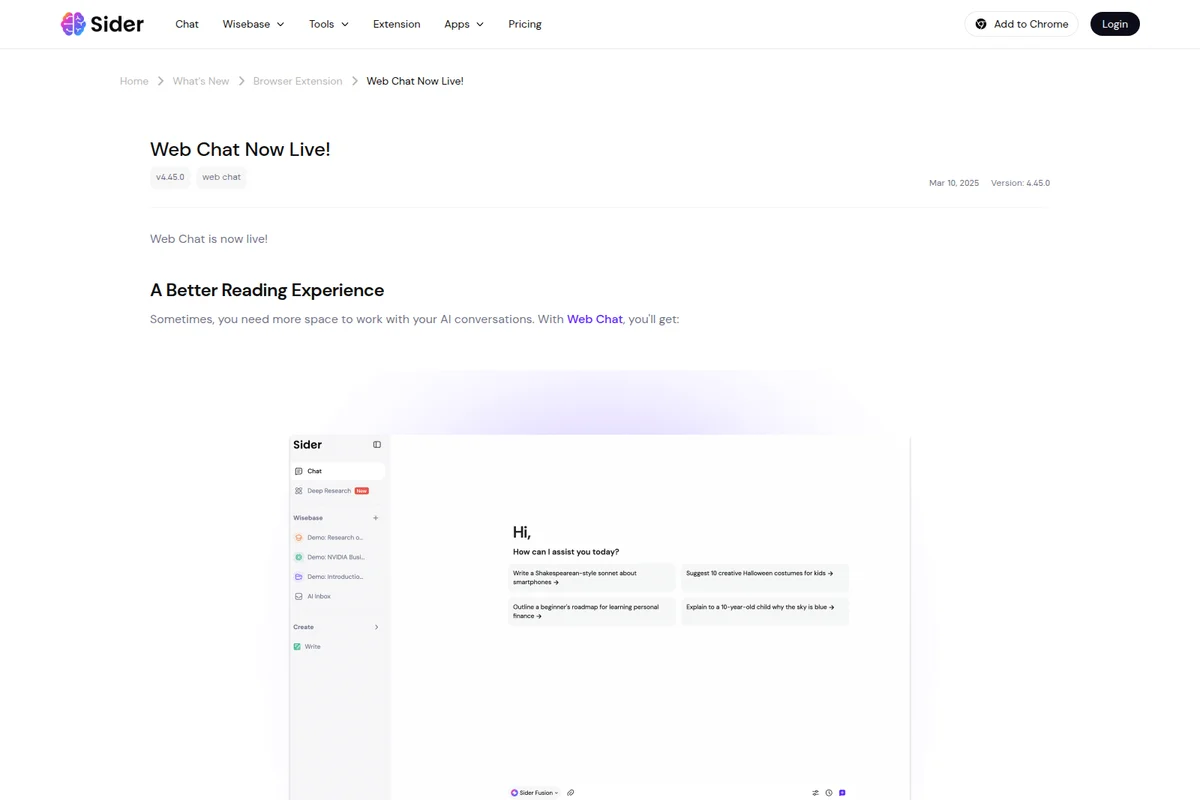
Sider AI
One AI sidebar to chat, automate, and customize everything you do in the browser.

Activepieces
Chat, agents, flows, tables, and 760+ apps in one workspace, so your whole team works with AI in the tools they already use.