
SlidesAI Review 2026 - AI Slide Generator
Verified Oct 6, 2026 by Tooliverse Editorial
SlidesAI turns a topic, notes, or document into a structured, designed slide deck in seconds. With 14M+ installs, it works in Google Slides, PowerPoint, ChatGPT, and the web, so you skip the blank-slide stare.
Sharing tricks on how to edit slides using slidesai #school #teacher #students #classroom
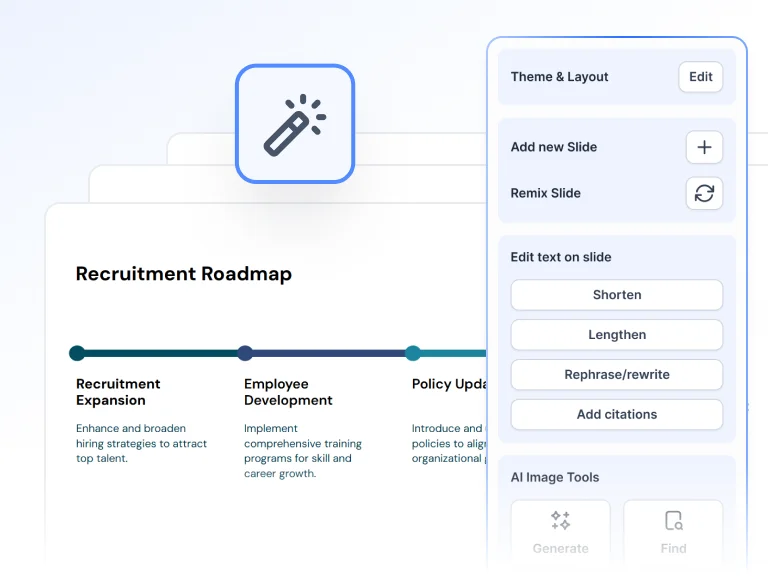
Intelligently edit slide content and find images with AI-powered tools.
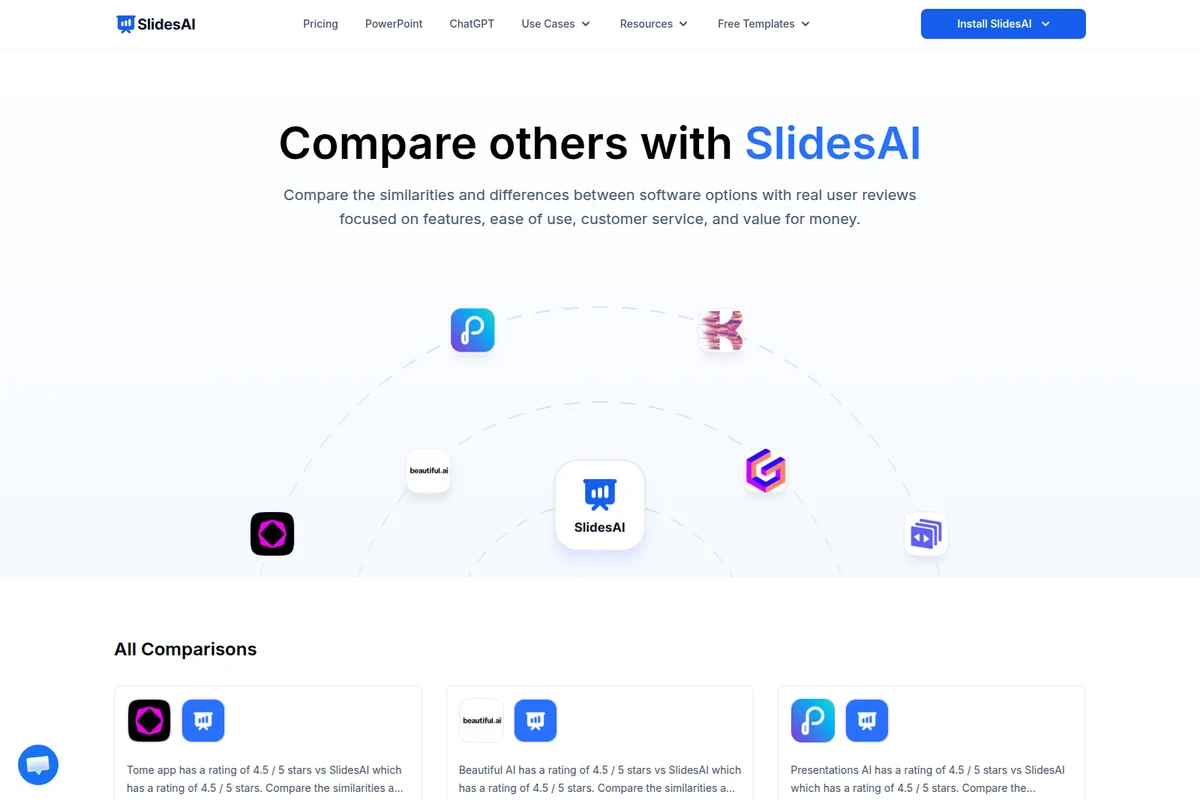
Evaluate SlidesAI against competitor tools with real user reviews and detailed comparisons.
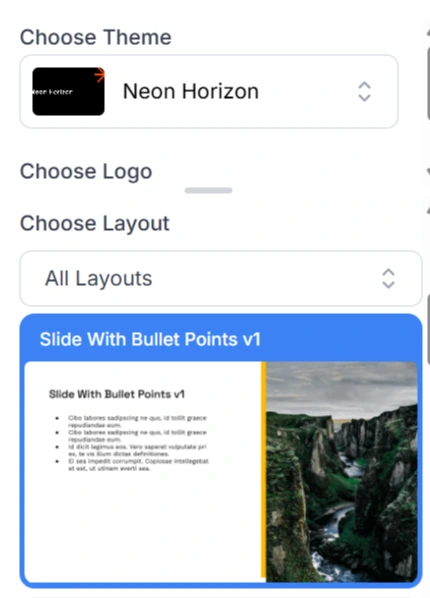
Easily choose themes and professional layouts for your presentations.
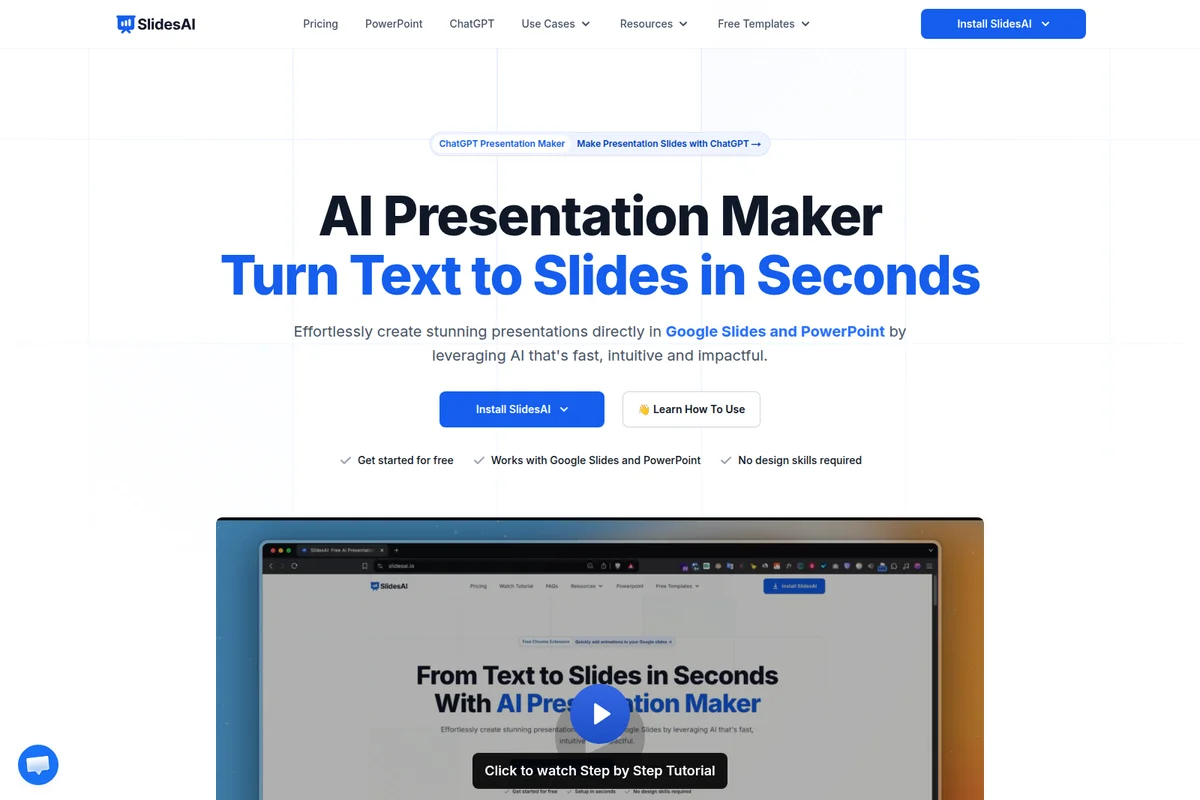
Turn text into stunning presentations effortlessly with AI.
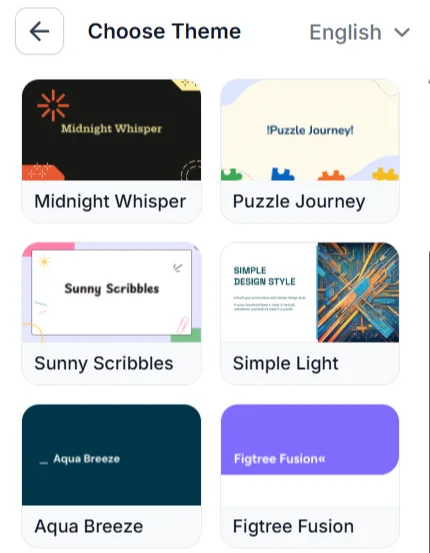
Explore diverse presentation themes to match your content's style and tone for impactful slides.

Create professional presentations easily with AI assistance.
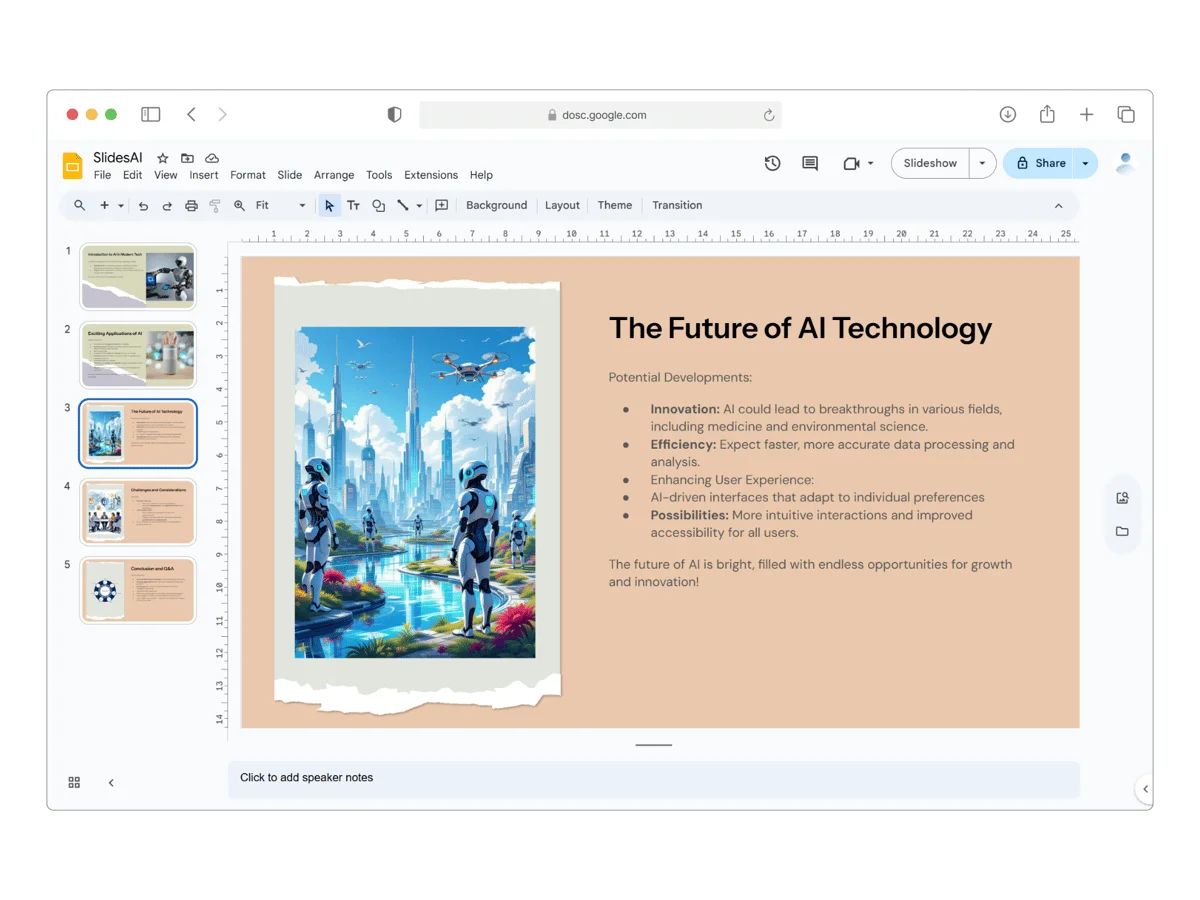
Craft compelling AI presentations with ease, leveraging advanced visuals.

Explore AI-powered presentations on cutting-edge topics like autonomous vehicles.
SlidesAI Review: Tooliverse Consensus


Based on 292 verified reviews across 4 platforms,
combined with Tooliverse's expert analysis
SlidesAI is a fast first-draft engine that gets a deck's outline and structure down before the blank-page dread sets in, and it does so inside Google Slides, PowerPoint, or the browser. Reviewers prize the time saved, the low entry price, and broad language coverage. The tradeoff is design: generated layouts and generic stock images usually need manual fixes, and heavy users find the free tier's limits tight. Treat it as a drafting shortcut, and the results hold up.
Bottom line: A strong, low-cost way to turn notes into a structured Google Slides deck in minutes, though its layouts and stock images will need hands-on polishing before anything important goes out.
SlidesAI | Key Specs
- Platforms
- Web, Google Slides add-on, PowerPoint add-in, ChatGPT
- Pricing Model
- Freemium ($0-10.42/mo) See plans
- Privacy/Data Use
- Content kept private, Google API Limited Use compliant
- Integrations
- Google Slides, PowerPoint, ChatGPT, Google Drive
Wins
- •Seamlessly integrates with Google Slides to automate deck creationmentioned in 184 reviews
- •Saves hours of manual formatting by generating structured outlinesmentioned in 156 reviews
- •Supports over 100 languages for versatile global presentationsmentioned in 92 reviews
Watch-Outs
- •AI-generated layouts often require manual design adjustmentsmentioned in 68 reviews
- •Free tier limits are restrictive for heavy presentation usersmentioned in 54 reviews
- •Stock image suggestions can be generic or contextually irrelevantmentioned in 42 reviews
SlidesAI Features 2026
Text-to-Slides Creation
Turns text, notes, URLs, or uploaded files into a structured presentation, extracting key ideas and organizing them into sections.
Audience-Aware Generation
Set audience, length, tone, and format so the AI adapts the presentation to your goal.
Multilingual Support
Create and translate presentations across 22 languages including English, Spanish, French, German, Japanese, Arabic, and Chinese.
Document and URL Upload
Paste notes, a script, or a document URL, or upload Word, PDF, or Google Doc files to build a deck.
SlidesAI User Reviews
Selected Reviews
"I like how SlidesAI saves me time when planning content and designing the slides. It quickly turns my ideas into well-structured slides."
"The multi-language support is actually impressive. I used it for a French presentation and the translation was spot on."
"Good for students or internal meetings. If you need a high-stakes pitch deck, you'll still need to spend an hour tweaking the visuals."
More from the Community
"Effortless presentation creation, highly accessible. Saves me a lot of time because it fits into my current workflow."
"Cheap ($10/mo) but you get what you pay for. Basic text-to-slide conversion. Expect to do significant manual clean-up."
"A solid tool for quick drafts. It doesn't replace a designer, but it gets the structure right 90% of the time."
"The integration is the best part. I don't have to leave Google Slides. It's a bit limited on templates though."
"Magic Write is a great addition. It helps when I'm stuck on how to phrase a bullet point."
"Effortless presentation creation, highly accessible. Saves me a lot of time because it fits into my current workflow."
"Cheap ($10/mo) but you get what you pay for. Basic text-to-slide conversion. Expect to do significant manual clean-up."
"A solid tool for quick drafts. It doesn't replace a designer, but it gets the structure right 90% of the time."
"The integration is the best part. I don't have to leave Google Slides. It's a bit limited on templates though."
"Magic Write is a great addition. It helps when I'm stuck on how to phrase a bullet point."
"The free version is a bit stingy with characters, but the Pro plan is reasonably priced for what it does."
"It's a utility, not a creative suite. Use it to get the bones of your deck done in 5 minutes."
"Simple to use and very effective for summarizing long reports into digestible slides."
"I love how it understands the context of my presentation. It even asks for a few details to get it right."
"The free version is a bit stingy with characters, but the Pro plan is reasonably priced for what it does."
"It's a utility, not a creative suite. Use it to get the bones of your deck done in 5 minutes."
"Simple to use and very effective for summarizing long reports into digestible slides."
"I love how it understands the context of my presentation. It even asks for a few details to get it right."
SlidesAI Pricing 2026
View SourceThe free plan's 200 monthly credits and 2,500-character input cap suit a single class assignment or a quick team update, so start there. Pro at $7/month billed annually is the one worth paying for: input rises to 50,000 characters, PDF and Word uploads arrive, and the Advanced model comes in. Ultra and extra Brand Kits sit higher up and only matter if brand consistency drives your decks.
SlidesAI In-Depth Review 2026

SlidesAI, built by Zesterv LLC, turns prompts, pasted notes, and uploaded documents into an editable, structured deck. It runs as a web app, a Google Slides add-on, a PowerPoint add-in, and a ChatGPT integration, and it has passed 14 million installs since launching in 2023. You set the audience, length, and tone, and it organizes the material into sections that export to Google Slides, PowerPoint, or PDF. A free plan covers the basics, so trying it costs nothing.
What It's Like Day-to-Day
The workflow is short. Paste notes or a script, or upload a PDF, Word file, or Google Doc, then pick the audience and tone, and the AI pulls key ideas into a sectioned outline with slides attached. Reviewers on G2 describe ideas becoming well-structured slides quickly, and Reddit users talk about getting the bones of a deck done in about five minutes. Summarizing long reports into digestible slides comes up often among Google Workspace Marketplace reviewers.
Reviewers keep returning to the integration, and as one Capterra user put it, *"I don't have to leave Google Slides.
SlidesAI Security & Compliance
Security Features
- Private content and protected sharing
Privacy Commitments
- Content stays private and protected
- Adheres to Google API Services User Data Policy including Limited Use requirements
- Users own their presentations and data saved to Google Drive
SlidesAI: Frequently Asked Questions (FAQs)
Is SlidesAI free to use?
Yes, SlidesAI has a free Basic plan with 200 AI credits per month and no credit card required. Paid plans unlock more credits, longer input, and advanced features.
How much do SlidesAI paid plans cost?
SlidesAI Pro costs $7/month billed at $84/year, and Premium costs $10.42/month billed at $125/year, during a limited-time discount. Prices exclude taxes.
What is included in the free plan versus paid plans?
The free plan offers a limited number of AI presentations with core features. Paid plans unlock higher usage, more AI credits, and advanced options.
How many presentations can I make with SlidesAI?
Usage limits depend on the plan. Free users have a limited number of presentations per month, while paid plans offer higher usage.
SlidesAI Integrations
| Google Slides | Microsoft PowerPoint | ChatGPT |
| Google Drive | Google Workspace Marketplace | Microsoft AppSource |
SlidesAI: Verified Data Sheet
| # | Label | Data Point |
|---|---|---|
| [1] | SlidesAI Consensus: 7.70/10 | SlidesAI is a well-reviewed tool among AI design tools in the Tooliverse index, with a consensus score of 7.70/10 across 292 verified reviews. |
| [2] | What is SlidesAI | SlidesAI, operated by Zesterv LLC, is an AI presentation maker that turns text, notes, and documents into editable slides across web, Google Slides, PowerPoint, and ChatGPT. It has 14M+ installs, with a free plan and paid tiers from $7/month. |
| [3] | Tooliverse Consensus on SlidesAI | SlidesAI is a fast first-draft engine that gets a deck's outline and structure down before the blank-page dread sets in, and it does so inside Google Slides, PowerPoint, or the browser. Reviewers prize the time saved, the low entry price, and broad language coverage. The tradeoff is design: generated layouts and generic stock images usually need manual fixes, and heavy users find the free tier's limits tight. Treat it as a drafting shortcut, and the results hold up. |
| [4] | SlidesAI Verdict | SlidesAI bottom line: A strong, low-cost way to turn notes into a structured Google Slides deck in minutes, though its layouts and stock images will need hands-on polishing before anything important goes out. |
| [5] | Basic: Free | SlidesAI offers a functional Basic tier at no cost, with 200 AI credits per month and access to the Lite & Balanced AI models. |
| [6] | Google Slides integration, 184 mentions | SlidesAI integrates with Google Slides to automate deck creation, generating editable presentations from text, notes, URLs, or uploaded files without leaving the editor, a strength cited in 184 user reviews. |
| [7] | Structured outlines save formatting time | SlidesAI saves hours of manual formatting by turning notes and documents into structured, sectioned outlines, with audience, length, and tone settings, according to 156 user reviews. |
| [8] | 22 official languages, 100+ reported | SlidesAI supports over 100 languages according to 92 user reviews, while its documentation officially lists 22 languages for creating and translating presentations, including English, Spanish, French, German, Japanese, Arabic, and Chinese. |
| [9] | Pro: $7/mo (annual) | Zesterv LLC's SlidesAI Pro empowers users with 30,000 AI credits per year for $7/month billed annually, significantly expanding on the free tier's capabilities. |
| [10] | No technical expertise required | SlidesAI offers an interface that needs no technical expertise, a point 84 user reviews highlight, with prompts, pasted text, and Word, PDF, or Google Docs files all accepted as input. |
| [11] | Layouts need manual design fixes | SlidesAI-generated layouts often need manual design adjustments before they are presentation-ready, according to 68 user reviews, with high-stakes pitch decks cited most often. |
| [12] | Free tier: 200 credits, 2,500 characters | SlidesAI's free Basic tier caps usage at 200 AI credits per month and 2,500 characters of input per presentation, which 54 user reviews describe as restrictive for heavy presentation users. |
| [13] | Privacy: Content stays private and protected | SlidesAI's privacy protections state that Content stays private and protected, that it Adheres to Google API Services User Data Policy including Limited Use requirements, and that Users own their presentations and data saved to Google Drive. |
| [14] | Enterprise: Private content and protected sharing | SlidesAI delivers enterprise-grade security through Private content and protected sharing. |
| [15] | Integration keeps work in Google Slides | SlidesAI's integration is "the best part," a Capterra reviewer noted: "I don't have to leave Google Slides." |
Compare SlidesAI with…
Best SlidesAI Alternatives
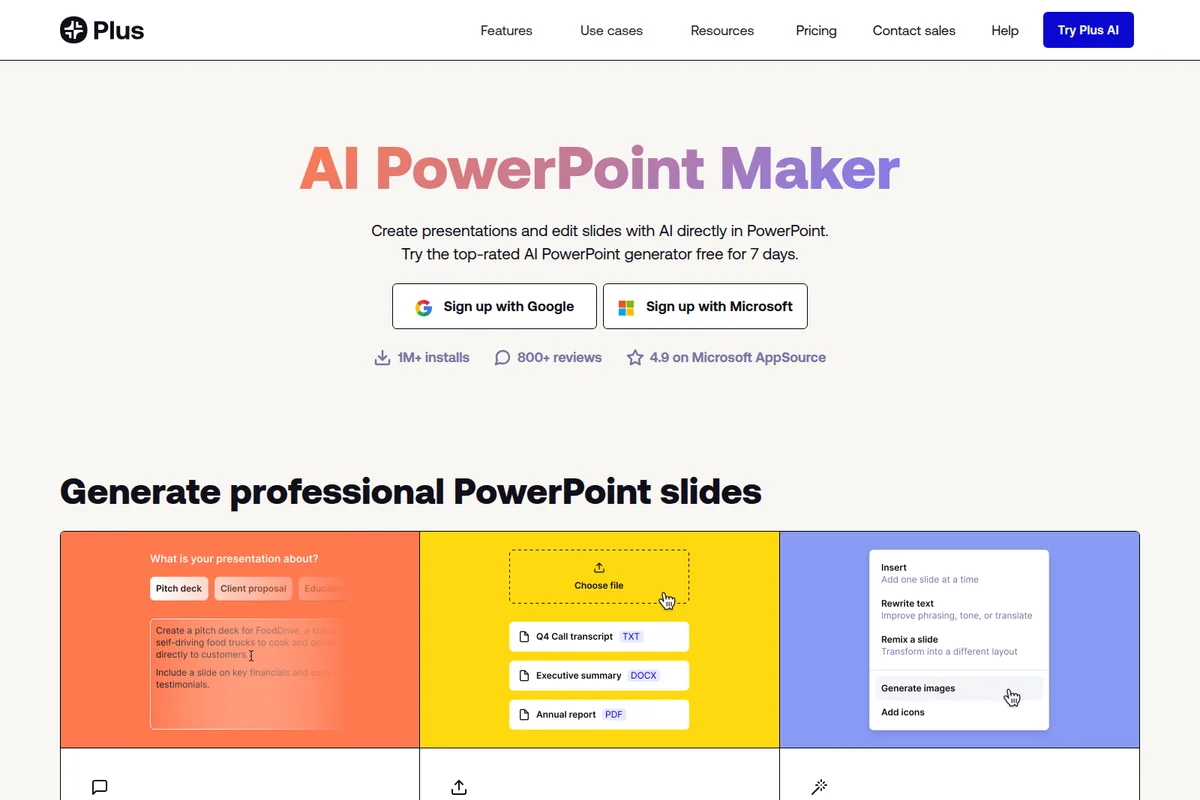
Plus AI
Create, refine, and present polished slides without ever leaving PowerPoint or Google Slides.

2Slides
Turn plain text, files, or images into a polished PowerPoint deck in about 30 seconds.
Gamma
Turn your ideas into polished presentations, websites, and more almost as fast as you can think.