
Browse AI Review 2026 - No-Code Web Scraping
Verified Sep 22, 2026 by Tooliverse Editorial
Browse AI trains AI robots just by pointing them at a webpage—no selectors, no scripts, no breakage when sites redesign. Over 770,000 users scrape, monitor, and pipe web data into 7,000+ apps.
Browse AI Overview: 1-Minute Explainer Video
Browse AI Tips Monitor Competitor Prices and Get Alerts in 2026

Visualize how data flows through interconnected services and APIs.
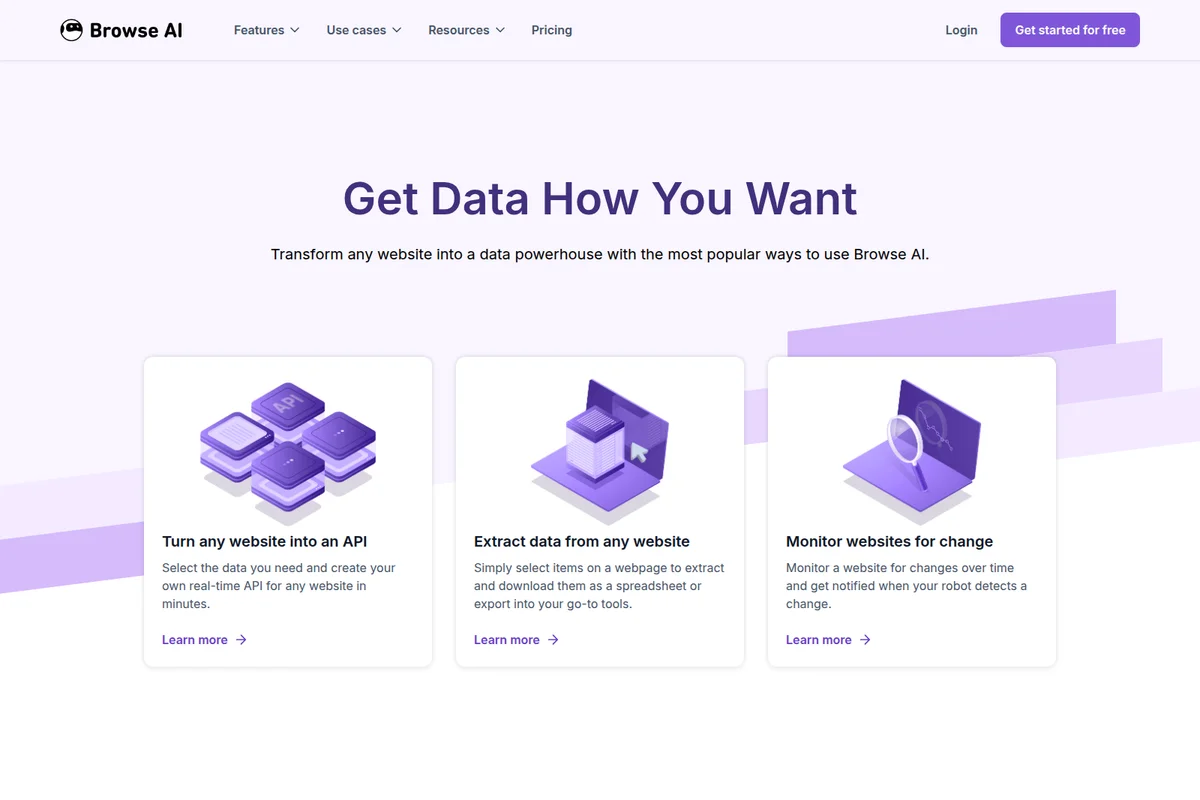
Get data how you want: Extract, monitor, or turn any website into a powerful API.

Visualize and analyze data trends for critical business insights.
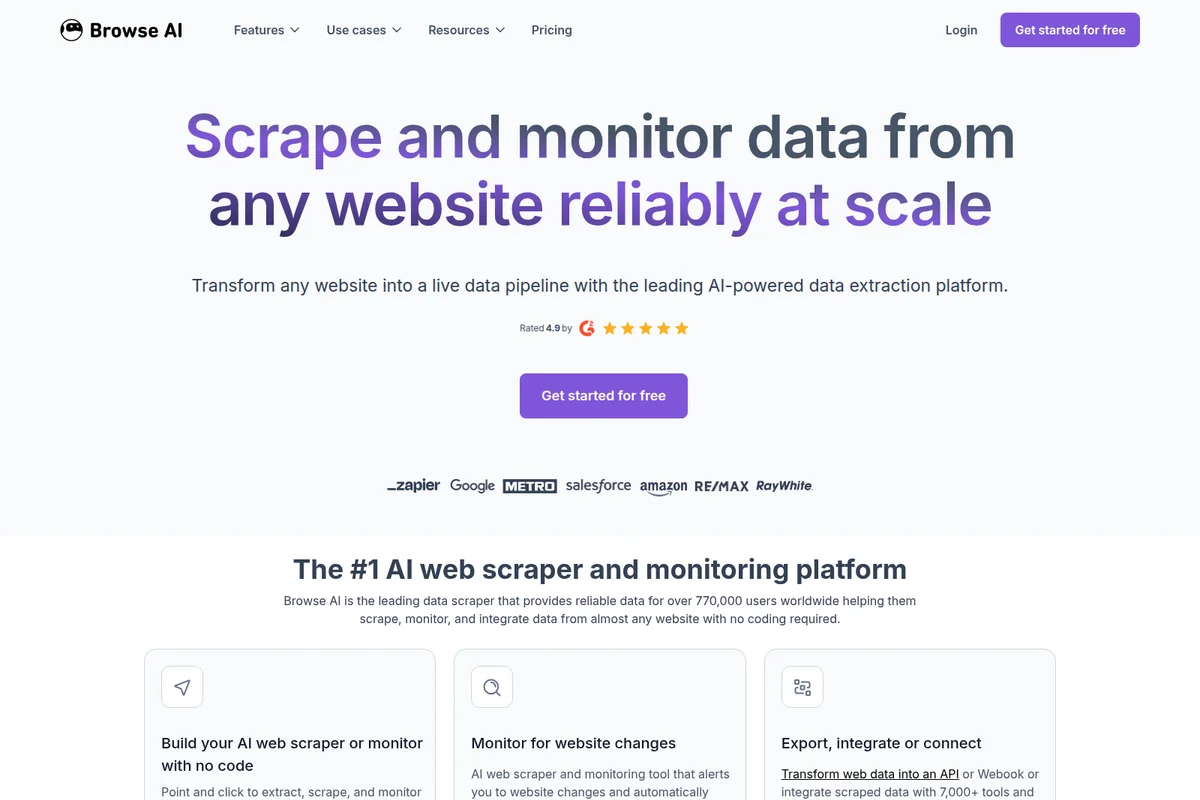
Scrape and monitor data from any website reliably at scale.
Browse AI Review: Tooliverse Consensus





Based on 350 verified reviews across 5 platforms,
combined with Tooliverse's expert analysis
Browse AI turns webpages into structured data without a line of code, training an AI agent on the page itself so robots survive redesigns that would break a traditional scraper. Users consistently point to the visual trainer and deep Zapier and Google Sheets integrations as what makes it feel less like scraping software and more like automation infrastructure for teams. The tradeoffs are real: credits burn fast on frequent monitoring, and stubborn CAPTCHAs occasionally slip past the solver.
Bottom line: A top-tier no-code scraping platform where the visual trainer and Zapier integrations save real hours, though frequent monitoring users should watch credit consumption closely.
Browse AI | Key Specs
- Platforms
- Web, Chrome Extension
- Pricing Model
- Freemium ($0-500+/mo) See plans
- Privacy/Data Use
- Encrypted inputs never accessible via dashboard/API, custom data retention
- Security
- SOC 2 Type II, GDPR/CCPA compliant, AES-256 encryption See details
Wins
- •Simplifies complex web scraping tasks with a zero-code visual interfacementioned in 142 reviews
- •Automates data extraction from dynamic websites with impressive reliabilitymentioned in 128 reviews
- •Integrates seamlessly with Google Sheets and Zapier for automated workflowsmentioned in 115 reviews
Watch-Outs
- •Consumes credits quickly on high-frequency monitoring tasksmentioned in 78 reviews
- •Struggles occasionally with complex CAPTCHAs on highly protected sitesmentioned in 56 reviews
- •Pricing tiers can feel steep for small-scale personal projectsmentioned in 45 reviews
Browse AI Features 2026
No-code AI web scraper
Point Browse AI at any webpage and its AI proposes a data structure (columns/schema) automatically; users review, customize with plain-language instructions, and approve before extraction runs.
AI-powered website monitoring
Trains an agent on the page rather than relying on scripts or CSS selectors, so monitors adapt automatically to most layout changes instead of breaking, and alert only on major redesigns.
Field-level change detection
Unlike tools that report a generic 'something changed,' Browse AI compares specific fields and shows the exact previous and new values, color-coded green (new), yellow (changed), red (removed).
Deep scraping with Workflows
Chain two or more robots together to pass extracted data (like detail page links) from one robot to another as input, enabling automated extraction across pages and subpages.
Browse AI User Reviews
Selected Reviews
"I've tried Octoparse and ParseHub, but Browse AI is by far the easiest to set up. I had a working robot for a real estate site in under 5 minutes."
"Support helped me fix a selector issue on a React-based site within 24 hours. Very impressed with the technical knowledge of the team."
"A bit pricey for a solo founder, but the time saved on manual data entry makes it worth the investment for scaling."
More from the Community
"The Zapier integration is a game changer for our lead gen. It pushes data directly into our CRM without any manual intervention."
"The credit system is a bit aggressive. I wish there was a way to test robots without burning through my monthly quota so fast."
"Perfect for monitoring price changes on competitor sites. The email alerts are instant and the data is always clean."
"It's good, but it struggles with sites that use heavy infinite scrolling. I had to manually adjust the scroll settings several times."
"The pre-built robots for LinkedIn and Amazon saved me so much time. Literally plug and play for standard data extraction."

"The Zapier integration is a game changer for our lead gen. It pushes data directly into our CRM without any manual intervention."
"The credit system is a bit aggressive. I wish there was a way to test robots without burning through my monthly quota so fast."
"Perfect for monitoring price changes on competitor sites. The email alerts are instant and the data is always clean."
"It's good, but it struggles with sites that use heavy infinite scrolling. I had to manually adjust the scroll settings several times."
"The pre-built robots for LinkedIn and Amazon saved me so much time. Literally plug and play for standard data extraction."
"The visual editor is magic. You just click what you want and it figures out the patterns automatically. No coding required."
"Best no-code scraper on the market right now. Period. The reliability of the robots is much higher than competitors."
"I use it to sync product data to my Shopify store. It's been running flawlessly for three months now without breaking."

"The dashboard is clean and the API is well-documented for when I need to go beyond the basic integrations."
"The visual editor is magic. You just click what you want and it figures out the patterns automatically. No coding required."
"Best no-code scraper on the market right now. Period. The reliability of the robots is much higher than competitors."
"I use it to sync product data to my Shopify store. It's been running flawlessly for three months now without breaking."
"The dashboard is clean and the API is well-documented for when I need to go beyond the basic integrations."
Browse AI Pricing 2026
View SourceFree gets you 50 credits monthly and full monitoring access, enough to test real workflows before paying anything. For regular use, Personal at $19/month billed annually is the practical entry point, offering 12,000 credits a year. Teams running multiple robots against high-frequency monitoring should expect to outgrow it fast toward Professional at $69/month billed annually, where 60,000 annual credits absorb the consumption 78 reviewers warned about.
Browse AI In-Depth Review 2026

Browse AI trains an AI agent on a webpage instead of relying on brittle CSS selectors or scripts, so the robots it builds adapt automatically to most layout changes instead of breaking the moment a site gets redesigned. It runs as a browser-based platform with no coding required, connecting to over 7,000 apps including Google Sheets, Airtable, and Zapier. The pitch is straightforward: point it at a page, and it figures out the structure for you.
What It's Like Day-to-Day
The first robot you build is the moment Browse AI sells itself. You paste a URL, the AI proposes a data schema, and you approve or tweak it in plain language. One G2 reviewer who had already tried Octoparse and ParseHub put it plainly: *"Browse AI is by far the easiest to set up. I had a working robot for a real estate site in under 5 minutes.
Browse AI Security & Compliance
Verified Compliance
- SOC 2 Type II
- GDPR compliant
- CCPA compliant
Security Features
- AES-256 encryption for stored passwords
- TLS 1.2+ encrypted data transfer
- Role-based access control
- Auth0 authentication
Privacy Commitments
- Encrypted inputs only decrypted server-side during task execution; never accessible to users or support via dashboard/API
- Custom data retention policies with automatic cleanup based on requirements
- Support staff activity monitored to ensure authorized task access only
Browse AI: Frequently Asked Questions (FAQs)
Is there a free plan for Browse AI?
Yes, Browse AI offers a free forever plan with 50 credits per month, 2 domains, 3 users, unlimited robots, and full platform access including website monitoring, with no credit card required to sign up.
What is a credit and how do credits work?
Each plan includes a set number of credits per month or year, and each task costs one or more credits depending on the data extracted; one credit extracts 10 rows of data or captures one screenshot. Premium (higher-security) sites cost a minimum of 2-10 credits per run, and unused credits reset at the end of the billing cycle without carrying over.
Do you offer discounts on Browse AI plans?
Yes, pre-paying for a year gives a 20% discount, and Browse AI offers additional discounts for non-profits, educational institutions, and startups upon contact.
Do I need technical skills or coding knowledge to use Browse AI?
No, Browse AI requires zero coding, technical skills, or development experience—you point the tool at a webpage and its AI builds the extraction automatically for you to review and approve.
Browse AI Integrations
| Google Sheets | Airtable | Zapier |
| Pabbly Connect | Make.com | Amazon S3 |
| ChatGPT | Anthropic (Claude) | Excel |
| Integrately | REST API | Webhooks |
Browse AI: Verified Data Sheet
| # | Label | Data Point |
|---|---|---|
| [1] | Browse AI Consensus: 9.31/10 | Browse AI is one of the highest-rated AI productivity tools in the Tooliverse index, with a consensus score of 9.31/10 across 350 verified reviews. |
| [2] | What is Browse AI | Browse AI is a SOC 2 Type II certified, no-code AI web scraping and monitoring platform serving 770,000+ users who've extracted 9B+ data records. It trains AI robots on webpages to scrape, monitor, and pipe data into 7,000+ apps, with pricing from free to $500+/month. |
| [3] | Tooliverse Consensus on Browse AI | Browse AI turns webpages into structured data without a line of code, training an AI agent on the page itself so robots survive redesigns that would break a traditional scraper. Users consistently point to the visual trainer and deep Zapier and Google Sheets integrations as what makes it feel less like scraping software and more like automation infrastructure for teams. The tradeoffs are real: credits burn fast on frequent monitoring, and stubborn CAPTCHAs occasionally slip past the solver. |
| [4] | Browse AI Verdict | Browse AI bottom line: A top-tier no-code scraping platform where the visual trainer and Zapier integrations save real hours, though frequent monitoring users should watch credit consumption closely. |
| [5] | Free: Free | Browse AI offers a functional Free tier with 50 credits per month and 2 domains/websites, making its scraping tools accessible at no cost. |
| [6] | Deep Google Sheets & Zapier integration | Browse AI integrates seamlessly with Google Sheets and Zapier to power automated workflows, a capability referenced in 115 reviews and extended further across its 7,000+ app connections. |
| [7] | Pre-built robots save setup time | Browse AI ships pre-built robots for popular sites like LinkedIn and Amazon that save hours of manual setup, an efficiency gain noted in 98 user reviews. |
| [8] | Real-time change alerts | Browse AI offers responsive monitoring that alerts users the moment tracked sites change, a feature 87 reviewers credited with catching price drops and listing updates in real time. |
| [9] | Personal: $19/mo (annual) | Browse AI Personal empowers users with 12,000 credits per year (upfront) for $19/month billed annually, significantly expanding on the free tier's capabilities. |
| [10] | Zero-code visual scraping interface | Browse AI simplifies complex web scraping tasks through a zero-code visual interface, a strength cited in 142 user reviews as the primary reason for adoption over script-based tools. |
| [11] | Credits deplete fast on frequent monitoring | Browse AI's credit system consumes allowances quickly on high-frequency monitoring tasks, an issue raised in 78 user reviews as a factor to budget for before scaling automations. |
| [12] | CAPTCHA challenges on protected sites | Browse AI occasionally struggles with complex CAPTCHAs on highly protected sites despite automated captcha-solving, a limitation reported in 56 user reviews. |
| [13] | Privacy: Encrypted inputs only decrypted server-side during task execution; never accessible to users or support via dashboard/API | Browse AI privacy protections include Encrypted inputs only decrypted server-side during task execution; never accessible to users or support via dashboard/API, Custom data retention policies with automatic cleanup based on requirements, and Support staff activity monitored to ensure authorized task access only. |
| [14] | Enterprise: AES-256 encryption for stored passwords | Browse AI provides enterprise security with AES-256 encryption for stored passwords, TLS 1.2+ encrypted data transfer, and Role-based access control. |
| [15] | Fastest setup vs. Octoparse, ParseHub | Browse AI users on G2 report it is "by far the easiest to set up" compared to alternatives like Octoparse and ParseHub, with one reviewer building a working real estate robot in under 5 minutes. |
Best Browse AI Alternatives
Firecrawl
Give your AI agents clean, reliable web data to search, scrape, and interact with.
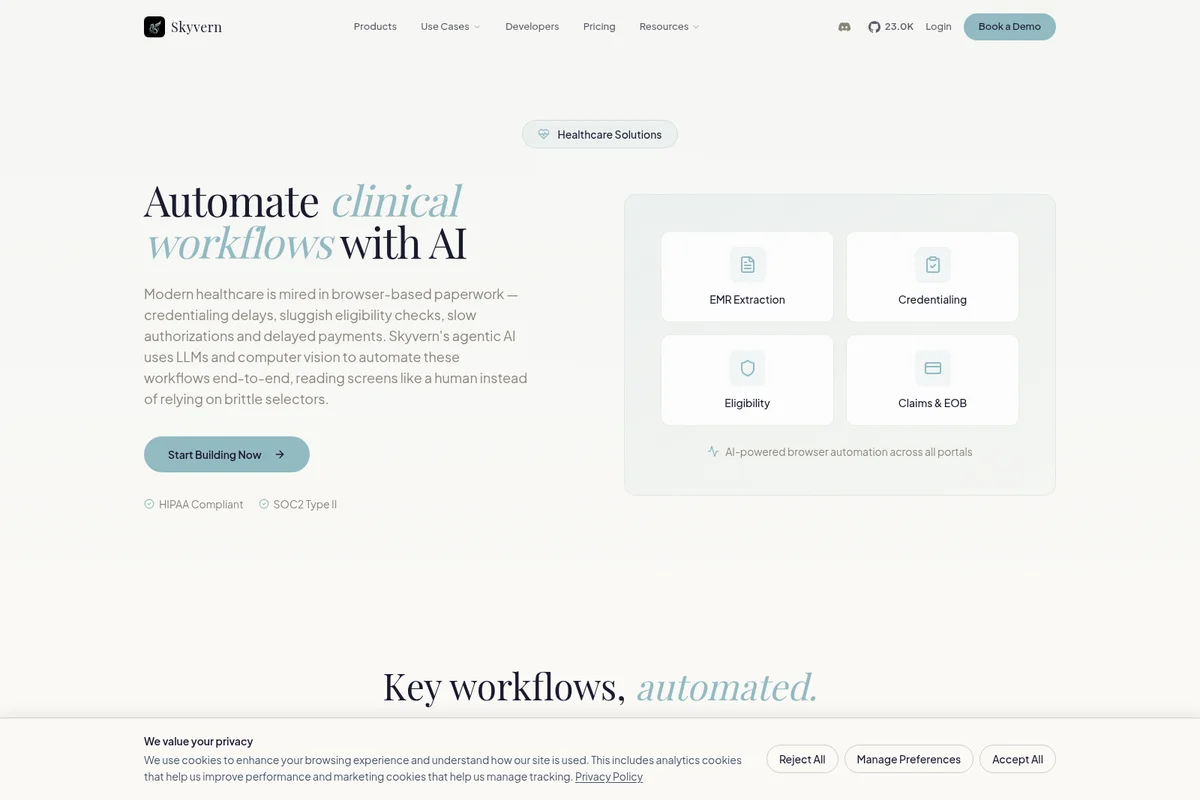
Skyvern
Turn brittle scripts into AI agents that navigate the browser like a human, CAPTCHAs and all.
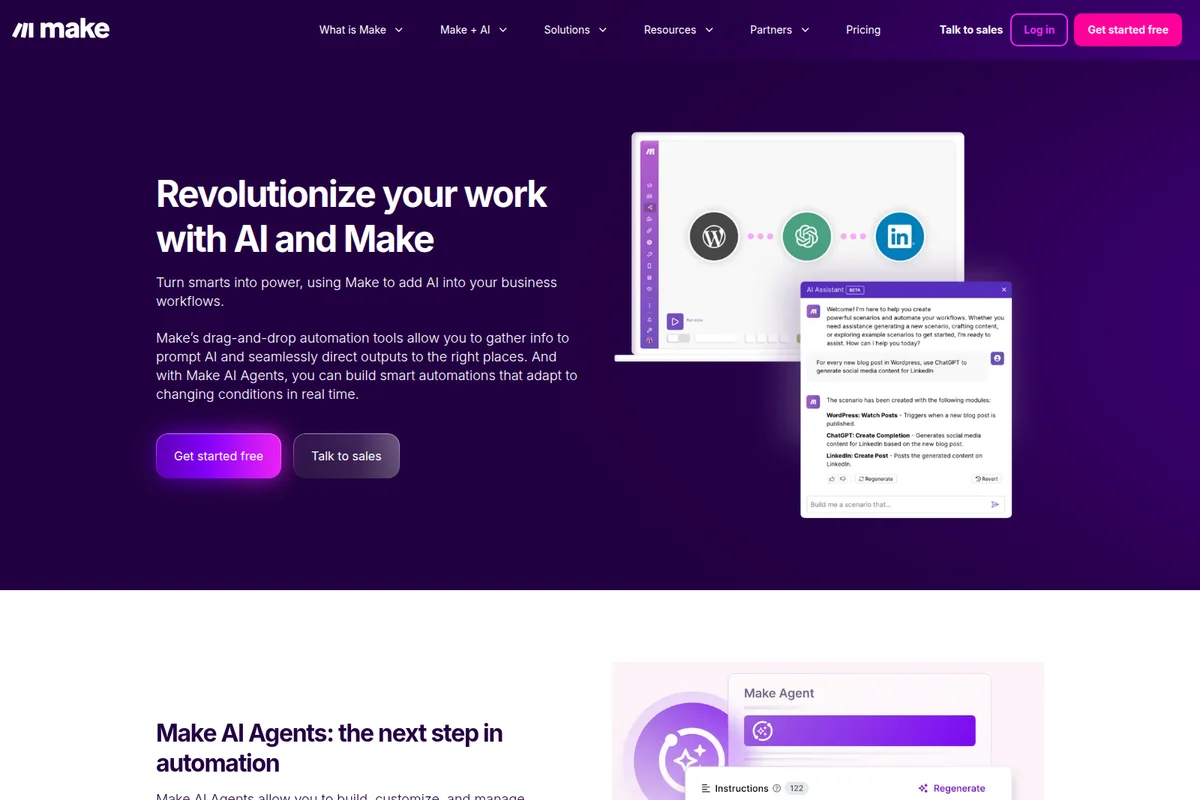
Make
Build and manage AI agents and automations visually, connecting 3,000+ apps without writing code.