
Captions AI Review 2026 - AI Video Editing
Verified Sep 22, 2026 by Tooliverse Editorial
Captions transforms raw footage into polished, ready-to-post videos using AI that cuts scenes, adds B-roll, and applies styles automatically. Create AI avatars, dub videos into 30+ languages, or edit hands-free with simple chat prompts.
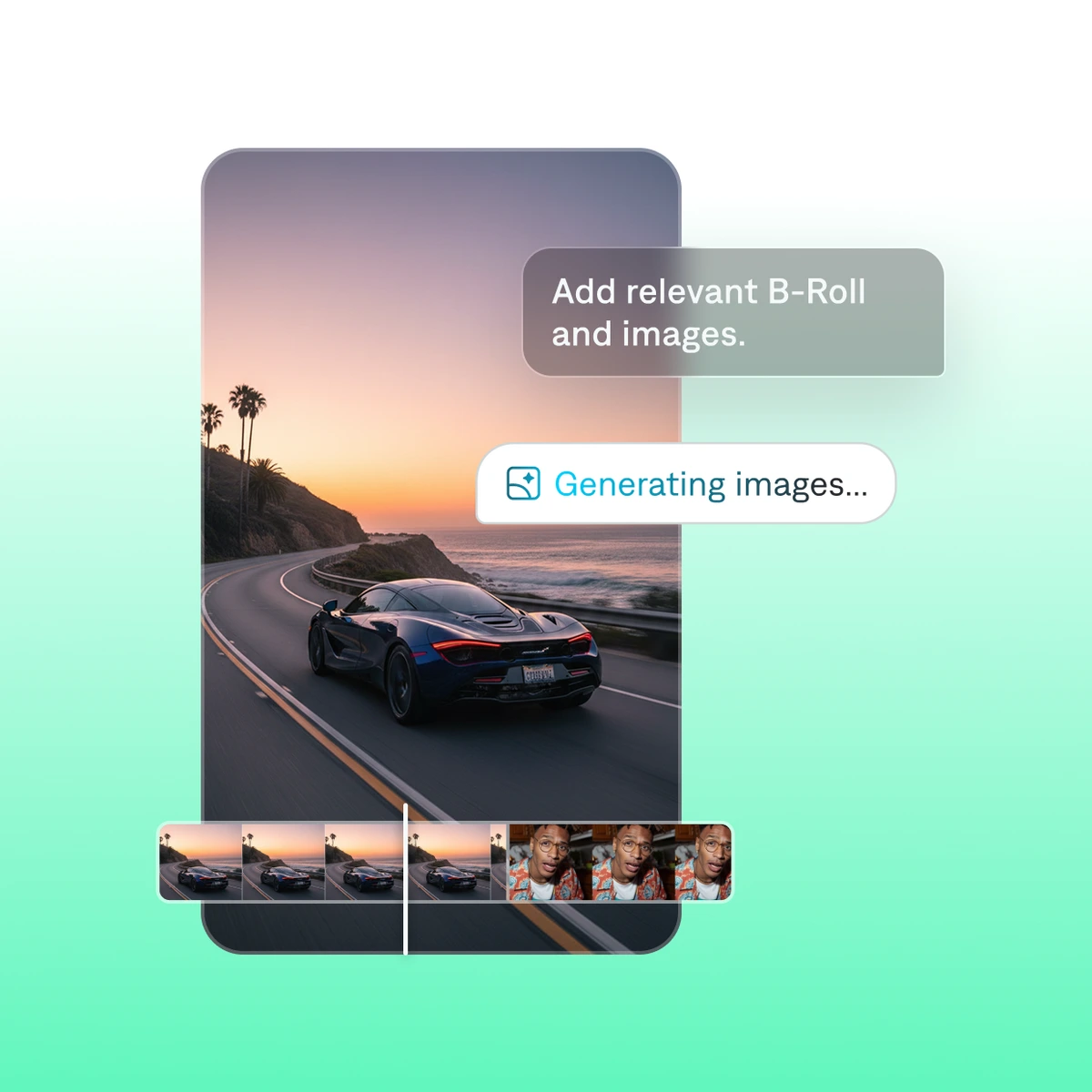
Effortlessly add or generate relevant B-Roll and images for your video projects.
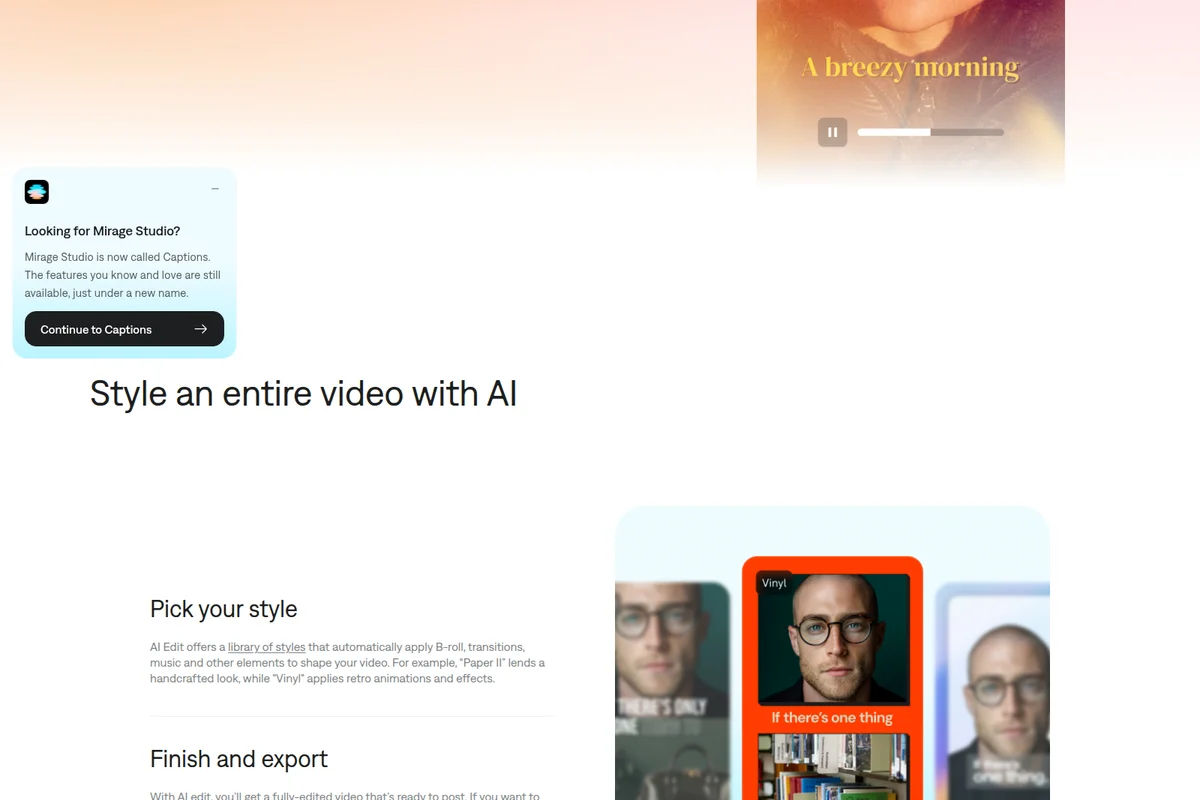
Effortlessly style your entire video with AI-powered themes and effects.

Easily enhance your videos with dynamic graphics and engaging visual effects.
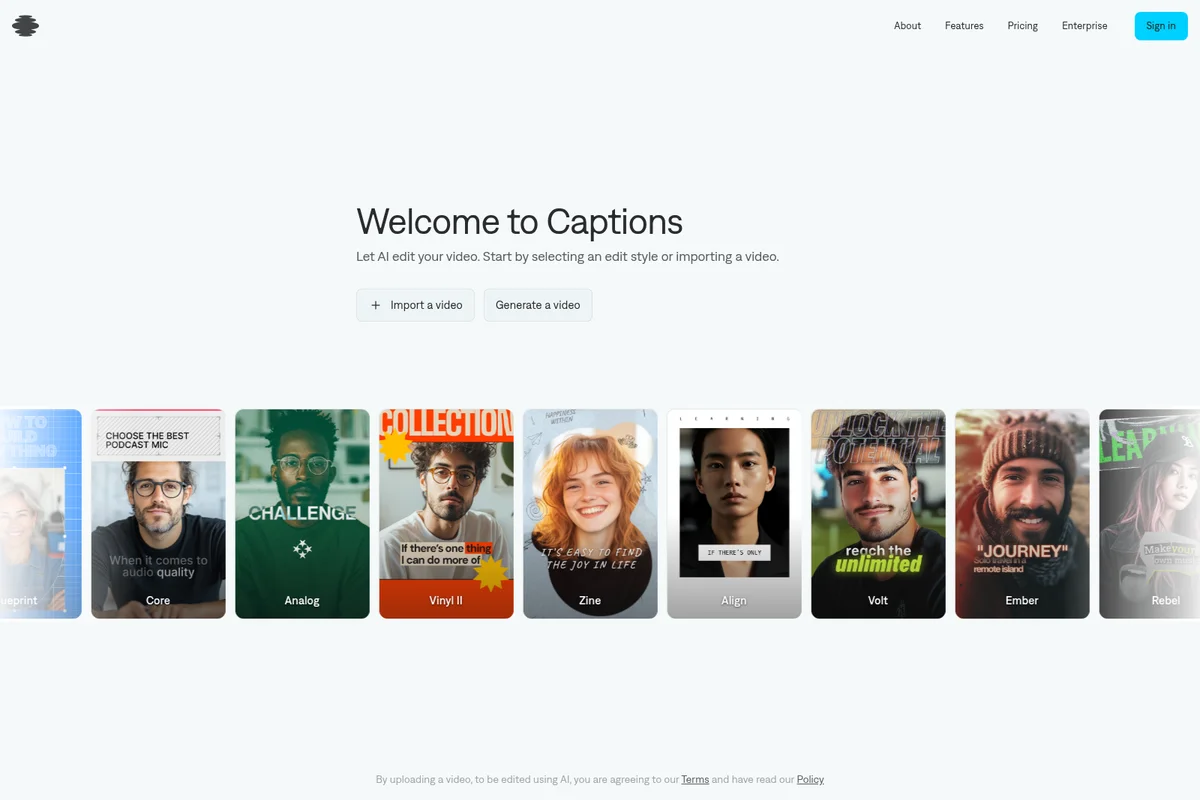
Choose from diverse AI editing styles to transform your videos.

Transform your footage with one-tap cinematic styling.
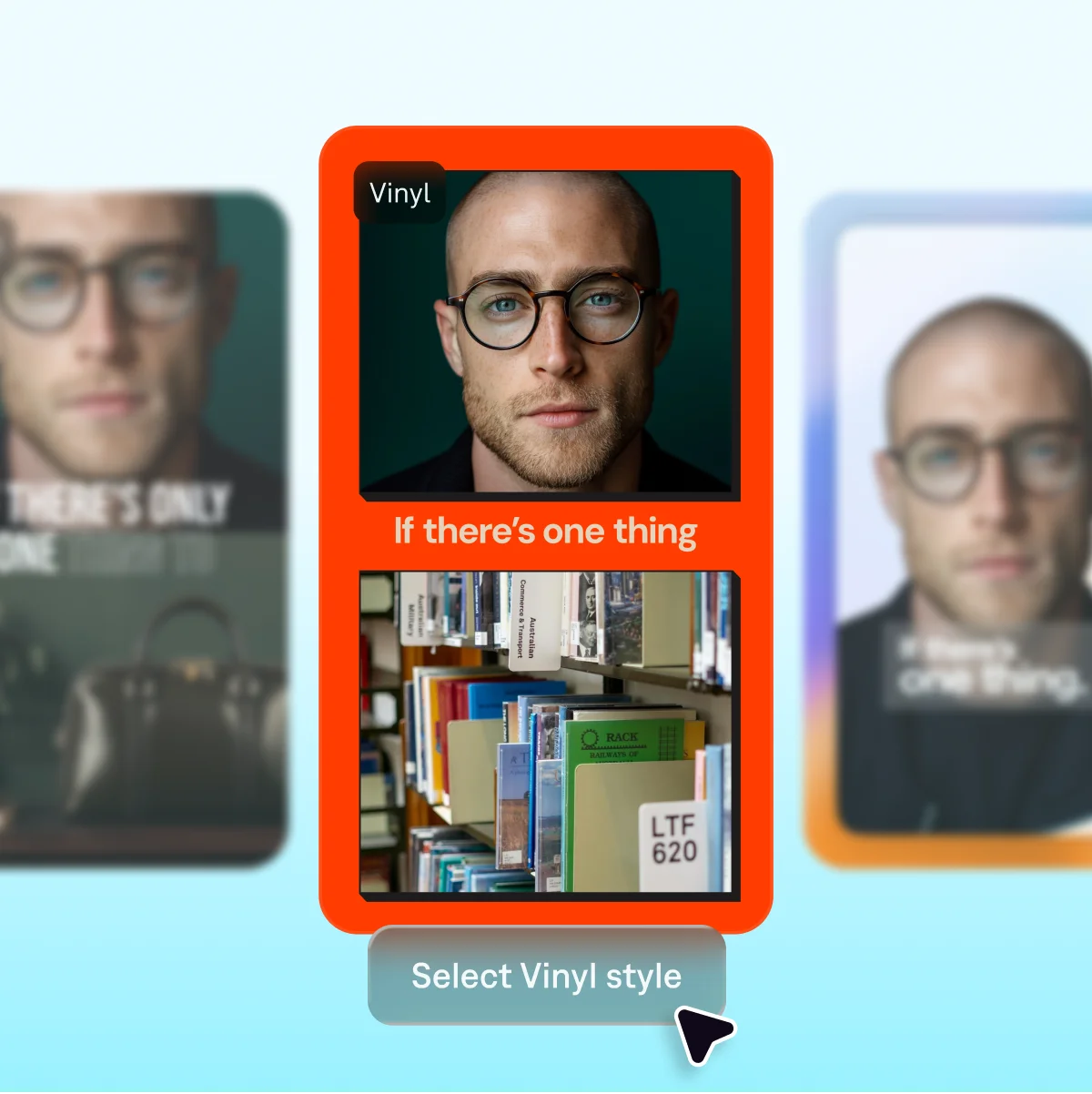
Select from a variety of visual styles to enhance your captions and content.
Captions Review: Tooliverse Consensus



Based on 21k+ verified reviews across 4 platforms,
combined with Tooliverse's expert analysis
Captions has established itself as the definitive AI video editor for creators who need to transform raw footage into polished social content without manual timeline work. The automated eye contact correction and caption generation eliminate the most time-consuming post-production tasks, while AI dubbing in 30+ languages extends global reach. The Max tier at $24.99 monthly delivers strong value for frequent publishers, though casual creators may find the pricing steep and the Android app occasionally trails iOS in stability and feature parity.
Bottom line: The gold standard for AI-powered video editing that automates caption generation and eye contact correction with category-defining accuracy, though hobbyists posting infrequently may struggle to justify the subscription cost.
Captions | Key Specs
- Platforms
- Web, iOS, Android
- Pricing Model
- Freemium ($0-$279.99/mo, Enterprise custom) See plans
- Privacy/Data Use
- Training data exclusion (Enterprise plans)
- Security
- SOC 2 compliant, enterprise access management controls See details
Wins
- •Automatically corrects eye contact to maintain viewer engagement even when reading scriptsmentioned in 245 reviews
- •Provides highly accurate, stylish captions that significantly reduce manual editing timementioned in 312 reviews
- •Features seamless AI lip-syncing that makes dubbed content look natural and professionalmentioned in 188 reviews
Watch-Outs
- •Subscription pricing is considered high for casual or non-commercial usersmentioned in 132 reviews
- •AI eye contact can occasionally produce an unnatural or "uncanny" appearancementioned in 58 reviews
- •Users report occasional app crashes or export failures on older smartphone modelsmentioned in 67 reviews
Captions Features 2026
AI Edit
Applies a full edit to raw footage at once—cutting scenes, adding B-roll, transitions, and music—based on a chosen style, producing a ready-to-post video in minutes.
AI Avatars (Mirage Avatar X)
Choose from 200+ ready-made avatars or generate a fully custom avatar from a text prompt, with realistic skin texture, speech delivery, hand motion, and personality.
AI Twin / Digital Twin
Creates a digital version of the user from a short recording, allowing the same likeness to be reused across different topics and videos with prompt-based changes to outfits or backgrounds.
AI Dubbing & Lipdub
Translates and dubs videos into 30+ languages with natural-sounding AI voiceovers; Lipdub additionally reanimates the speaker's lips to match the new language for a fully localized look.
Captions User Reviews
Selected Reviews
"The AI eye contact feature is literally magic. I can look at my notes and the app makes it look like I'm staring right at the camera. Saves me so many takes."
"Captions has become my go-to for Reels. The auto-captions are 95% accurate and the styles are actually trendy, not like those basic ones in other apps."
"Great tool for creators, but the price is steep. I wish there was a cheaper tier for people who only post once a week."
More from the Community
"The lip sync is impressive but sometimes it looks a bit off if the lighting isn't perfect. Still, it's the best I've found so far."
"I love the background removal and the teleprompter. It makes the whole process of filming so much less stressful."
"Sometimes the app freezes when I try to export long videos. I have to restart and try again, which is annoying but the result is worth it."
"The AI dubbing is a game changer for reaching international audiences. It's not perfect, but it's getting there."
"I've tried every caption app and this is the only one that gets the timing right without me having to manually adjust every word."
"The lip sync is impressive but sometimes it looks a bit off if the lighting isn't perfect. Still, it's the best I've found so far."
"I love the background removal and the teleprompter. It makes the whole process of filming so much less stressful."
"Sometimes the app freezes when I try to export long videos. I have to restart and try again, which is annoying but the result is worth it."
"The AI dubbing is a game changer for reaching international audiences. It's not perfect, but it's getting there."
"I've tried every caption app and this is the only one that gets the timing right without me having to manually adjust every word."
"The eye contact feature is cool but sometimes it makes my eyes look a bit robotic. I use it sparingly."
"Expensive but worth it if you're a full-time creator. The time saved on editing captions alone pays for the sub."
"The interface is clean and easy to navigate. I was able to edit my first video in under five minutes."
"Wish there were more font options in the basic styles, but the AI features are top notch."
"The eye contact feature is cool but sometimes it makes my eyes look a bit robotic. I use it sparingly."
"Expensive but worth it if you're a full-time creator. The time saved on editing captions alone pays for the sub."
"The interface is clean and easy to navigate. I was able to edit my first video in under five minutes."
"Wish there were more font options in the basic styles, but the AI features are top notch."
Captions Pricing 2026
View SourceThe free tier handles basic trimming and transitions but locks away the AI features that define the product. Max at $24.99 monthly is where most serious creators should start: 500 credits per month, full access to AI Edit styles, avatar creation, and the chat-based editor that actually saves time. Scale tiers at $69.99 and up make sense only if you're producing enough volume to burn through 1,400+ credits monthly, which typically means daily publishing or team workflows.
Captions In-Depth Review 2026

Captions is an AI video editor for iOS and Android that takes raw footage and turns it into a fully edited video in minutes, rather than handing you a timeline and a pile of individual tools. Pick a style, and its AI Edit engine handles the cuts, B-roll, transitions, and music automatically. It also builds AI avatars, dubs videos into other languages, and generates auto-captions, all from a single mobile app.
What It's Like Day-to-Day
The eye contact correction is the feature people talk about first, and it's easy to see why. You can read directly from your notes while the app makes it look like you're staring straight into the lens, and one App Store reviewer called it "literally magic," adding that it "saves me so many takes." For anyone who records solo content without a teleprompter operator, that's a real change in how filming feels: less pressure, fewer retakes, more usable footage on the first pass.
Captioning is the other place Captions consistently earns its keep.
Captions Security & Compliance
Verified Compliance
- SOC 2
Security Features
- Enterprise-grade access management controls
- Content storage and usage controls
Privacy Commitments
- Training data exclusion available on Enterprise plans
Captions: Frequently Asked Questions (FAQs)
Is Captions free to use?
Yes, Captions is free to download and some features are accessible without a subscription, including basic tools like trimming, transitions, and some media library assets. To unlock generative AI features and professional-quality output, a paid plan (Max or Frontier) is recommended.
What is the difference between a monthly and yearly plan?
A yearly plan bills for 12 months upfront at a discounted rate, while a monthly plan charges each month individually without the discount.
Do unused Captions credits expire?
No, unused credits roll over to the next month, and users can save up to two extra months of unused credits, meaning the balance can hold up to 3x the monthly allowance.
Can I switch or cancel my Captions plan?
Yes, users can upgrade or downgrade at any time via account settings or the App Store/Google Play. Upgrades apply immediately with a prorated price, while downgrades take effect at the end of the current billing cycle.
Captions: Verified Data Sheet
| # | Label | Data Point |
|---|---|---|
| [1] | Captions Consensus: 9.10/10 | Captions is one of the highest-rated AI video tools in the Tooliverse index, with a consensus score of 9.10/10 across 21,070 verified reviews. |
| [2] | What is Captions | Captions, operated by NOCAP, Inc. (formerly incorporating Mirage Studio), is a SOC 2 compliant AI video editor that turns raw footage into fully-edited videos using AI Edit styles and Mirage Avatar X avatars. The platform serves 20M+ current users, with pricing starting free and paid plans from $24.99/month. |
| [3] | Tooliverse Consensus on Captions | Users overwhelmingly praise the app's ability to fix eye contact and generate accurate captions, while some express frustration with subscription costs and occasional AI artifacts. |
| [4] | Captions Verdict | Captions bottom line: Captions is the gold standard for AI-assisted short-form video editing, though its premium price reflects its professional-grade features. |
| [5] | Free: Free | Captions provides a functional Free tier with Basic tools like trimming and transitions, 1 caption template, making AI tools accessible at no cost. |
| [6] | Natural AI lip-syncing for dubs | Captions applies AI lip-syncing through its Lipdub feature that reshapes a speaker's mouth to match dubbed audio, producing results 188 reviewers describe as natural and professional-looking. |
| [7] | Instant background noise removal | Captions enhances audio quality by removing background noise and clarifying speech instantly, a benefit noted in 154 user reviews. |
| [8] | Max: $24.99/month | NOCAP, Inc. (d/b/a Captions; also operates as Mirage)'s Max empowers users with Access to curated AI Edit style library for just $24.99 monthly, significantly expanding on the free tier's capabilities. |
| [9] | AI eye contact correction | Captions automatically corrects eye contact so creators can read from a script while appearing to look directly into the camera, a capability validated by 245 user reviews. |
| [10] | Accurate, stylish auto-captions | Captions generates accurate, stylish auto-captions from a library of 100+ templates, a feature that 312 user reviews credit with significantly cutting manual editing time. |
| [11] | Eye contact can look uncanny | Captions' AI eye contact correction can occasionally produce an unnatural or uncanny appearance, an issue reported in 58 user reviews. |
| [12] | Crashes on older phones | Captions users report occasional app crashes or export failures on older smartphone models, affecting 67 documented reviews. |
| [13] | Privacy: Training data exclusion available on Enterprise plans | Captions privacy protections include Training data exclusion available on Enterprise plans. |
| [14] | Enterprise: Enterprise-grade access management controls | Captions provides enterprise security with Enterprise-grade access management controls and Content storage and usage controls. |
| [15] | Eye contact feature called "literally magic" | Captions users say its AI eye contact feature is "literally magic," letting creators read notes while appearing to stare directly at the camera and saving them extra takes. |
Best Captions Alternatives
VEED.IO
Turn any idea into a video worth posting—no camera, no crew, no complexity.
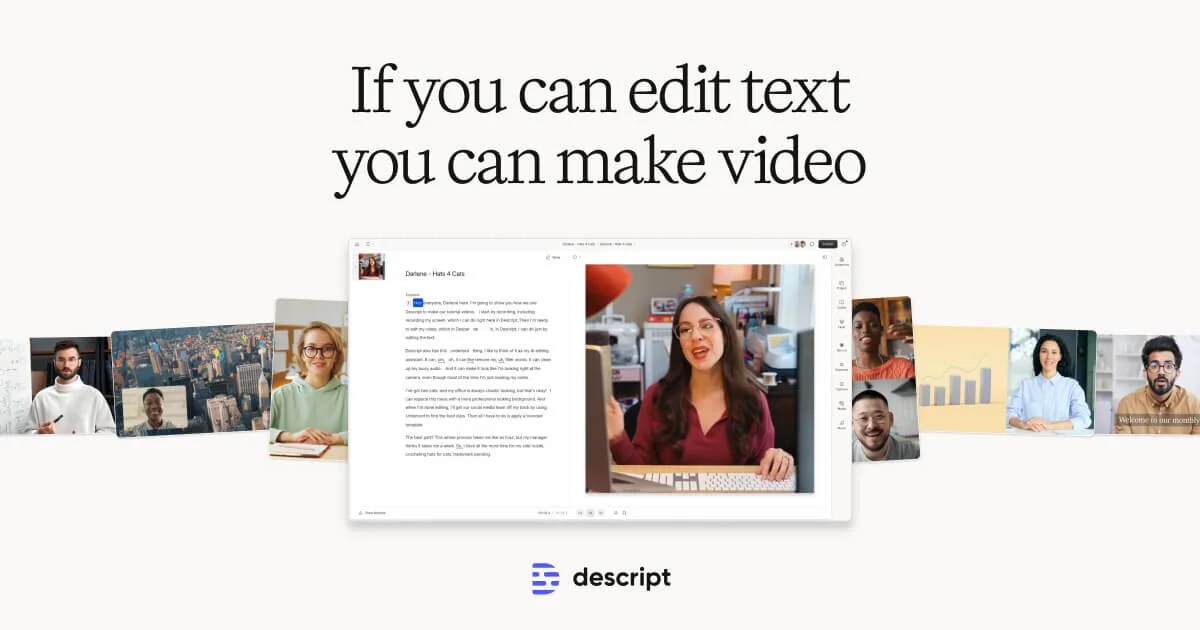
Descript
Edit video and podcasts as easily as editing a doc—just delete the words you don't want.

CapCut
Turn any idea into a scroll-stopping video or image with AI that does the heavy lifting for you.