
Cline Review 2026 - Open Source Coding Agent
Verified Sep 28, 2026 by Tooliverse Editorial
Cline reads your entire codebase, edits multiple files, and runs terminal commands—like pair programming with a developer who never sleeps. Trusted by 11M+ developers across VS Code, JetBrains, Cursor, and Windsurf.
Ideal Setup for Cline
Cline Free Models Tested: $0 AI Coding Without a GPU or API Key
Understand key considerations for selecting the optimal LLM for Cline projects.
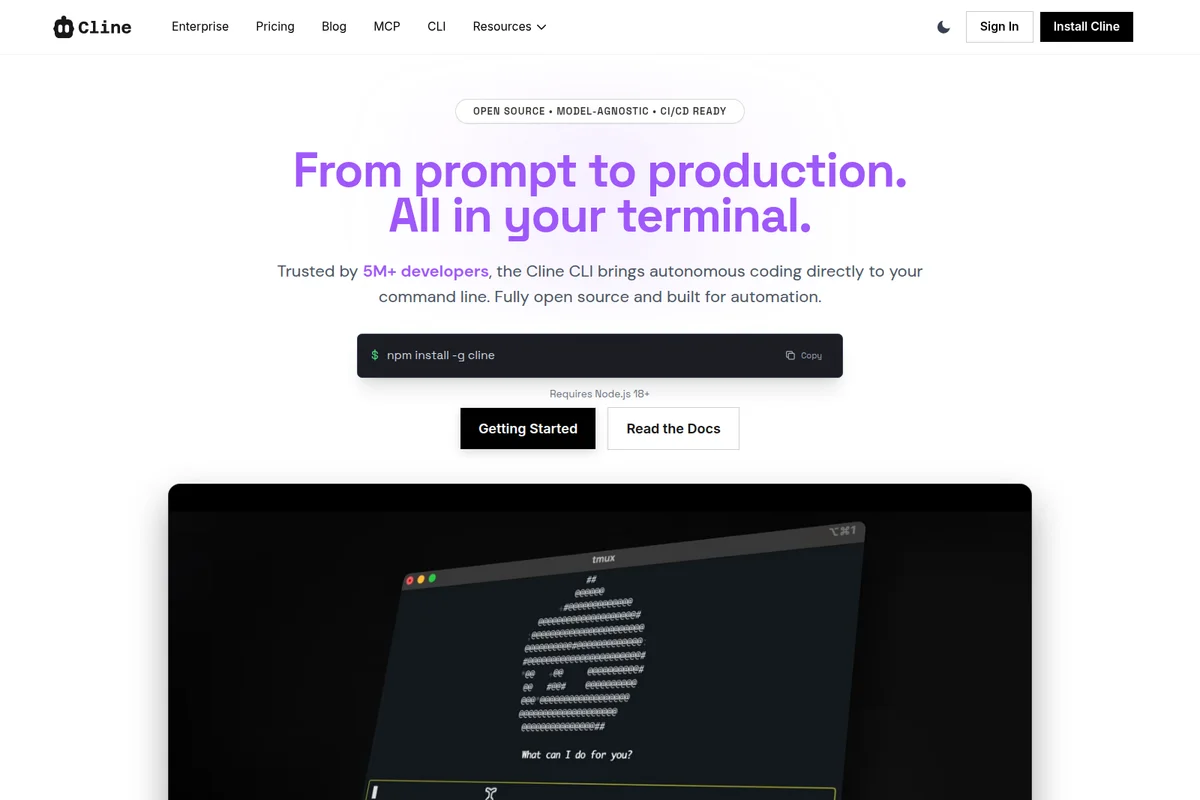
Autonomous coding directly in your terminal with Cline CLI.

Deliver enterprise-grade security for your coding agent in any IDE.
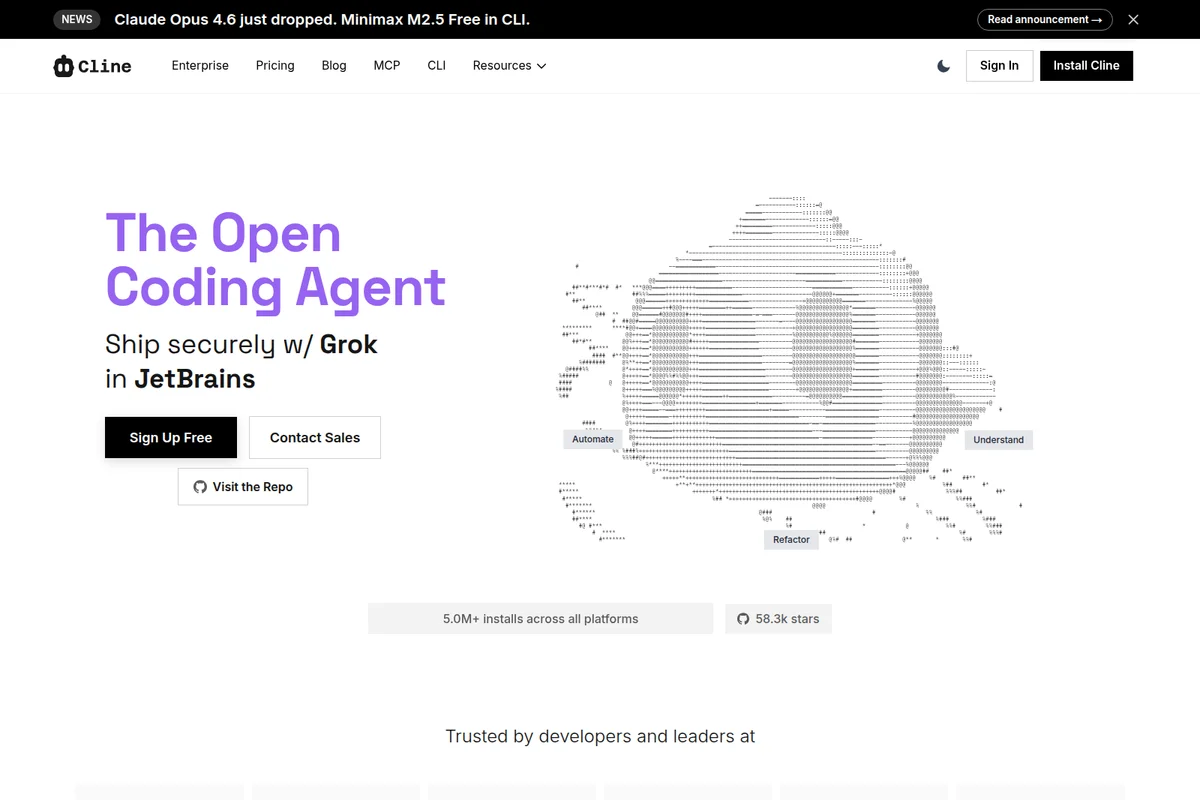
The open coding agent that helps you automate, understand, and refactor code directly in JetBrains.
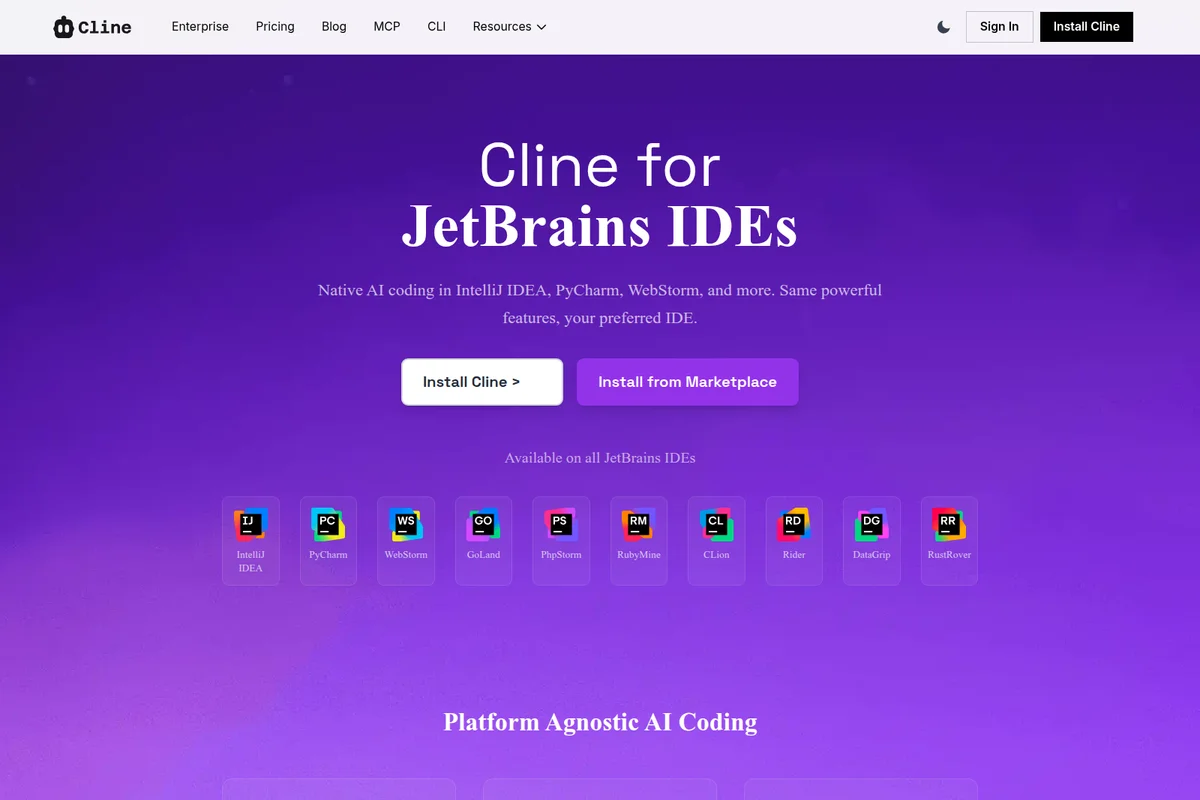
Native AI coding assistance integrated across popular JetBrains IDEs.
Cline Review: Tooliverse Consensus




Based on 2k+ verified reviews across 5 platforms,
combined with Tooliverse's expert analysis
Cline distinguishes itself by acting directly on a codebase, editing files and running terminal commands instead of just suggesting changes for a developer to paste in manually. That autonomy, paired with clear token and cost visibility across 2,180 reviews, is why developers trust it enough to let it work unsupervised for real stretches. The tradeoff shows up in long sessions with high-end models, where costs can climb quickly and complex logic errors occasionally trigger repetitive loops.
Bottom line: One of the strongest autonomous coding agents for developers who want real file and terminal control, though long sessions with premium models can get expensive fast.
Cline | Key Specs
- Platforms
- Web (app.cline.bot), macOS, Windows, Linux, VS Code, JetBrains, Cursor, Windsurf
- Pricing Model
- Free (open source) + usage-based AI inference; Enterprise custom pricing See plans
- Privacy/Data Use
- Never trains models on user code/prompts; VPC mode means Cline never sees your code
- Security
- Permission-gated file/command execution, SSO/OIDC/SCIM (Enterprise), encrypted data at rest See details
Wins
- •Executes complex coding tasks autonomously by managing files and terminal commands directlymentioned in 452 reviews
- •Integrates seamlessly with the Model Context Protocol to expand its knowledge and capabilitiesmentioned in 318 reviews
- •Provides clear visibility into token usage and API costs for every taskmentioned in 276 reviews
Watch-Outs
- •Can incur significant API costs when using high-end models for long sessionsmentioned in 142 reviews
- •Occasionally enters repetitive loops when attempting to solve complex logic errorsmentioned in 96 reviews
- •Requires constant supervision to ensure it doesn't make unintended changes to the codebasementioned in 82 reviews
Cline Features 2026
Any model, your choice
Works with Claude, GPT, Gemini, local Ollama/LM Studio, or any OpenAI-compatible endpoint—bring your own key or your own model weights with no vendor lock-in.
MCP and plugin extensibility
Register custom tools and lifecycle hooks via the SDK, and plug in Model Context Protocol servers for databases, APIs, and infrastructure from a large marketplace.
Multi-agent teams and schedules
Coordinator agents delegate to specialist agents with their own tools and context, and can be scheduled on cron for recurring automations.
Cline for Desktop
A native, open source desktop app version of the coding agent that requires no code editor, built for use with open weights models.
Cline User Reviews
Selected Reviews
"The ability to run terminal commands makes it much more useful than a standard chat interface. It can actually install dependencies and run builds to see if its fix worked."
"The MCP integration is a game changer. I can now give the agent access to my database schema and documentation directly, which makes its suggestions much more accurate."
"Powerful tool, but be careful with your API keys. I accidentally spent $20 in an hour because it got stuck in a loop trying to fix a CSS bug that was actually a browser cache issue."
More from the Community
"Cline has completely changed how I handle refactoring. It doesn't just suggest code; it actually applies the changes and runs my tests to verify them."
"Best open-source alternative to Devin or Cursor. The transparency regarding token usage is exactly what I needed to manage my monthly budget."
"I love that I can use it with local models via Ollama. It's slower and less smart than Sonnet, but great for privacy-sensitive work where I can't send code to the cloud."
"It's impressive but sometimes it tries to be too clever and deletes code it thinks is redundant but actually isn't. Always review the diffs before hitting approve."
"Finally an AI agent that feels like a real pair programmer instead of just a fancy autocomplete. It understands the context of the whole project."
"Cline has completely changed how I handle refactoring. It doesn't just suggest code; it actually applies the changes and runs my tests to verify them."
"Best open-source alternative to Devin or Cursor. The transparency regarding token usage is exactly what I needed to manage my monthly budget."
"I love that I can use it with local models via Ollama. It's slower and less smart than Sonnet, but great for privacy-sensitive work where I can't send code to the cloud."
"It's impressive but sometimes it tries to be too clever and deletes code it thinks is redundant but actually isn't. Always review the diffs before hitting approve."
"Finally an AI agent that feels like a real pair programmer instead of just a fancy autocomplete. It understands the context of the whole project."
"Great for boilerplate and unit tests. For complex architectural changes, it still needs a lot of hand-holding and specific instructions."
"The UI is clean and stays out of the way. The permission system for file writes is essential for trust in an autonomous tool."
"Sometimes the context management gets messy on large repos, leading to hallucinations about file paths that don't exist in the current directory."
"Cline is the first tool that actually makes 'agentic' workflows feel practical for daily dev work. It's my daily driver now."
"Great for boilerplate and unit tests. For complex architectural changes, it still needs a lot of hand-holding and specific instructions."
"The UI is clean and stays out of the way. The permission system for file writes is essential for trust in an autonomous tool."
"Sometimes the context management gets messy on large repos, leading to hallucinations about file paths that don't exist in the current directory."
"Cline is the first tool that actually makes 'agentic' workflows feel practical for daily dev work. It's my daily driver now."
Cline Pricing 2026
View SourceCline's open source tier costs nothing beyond the AI inference you use, and for individual developers bringing their own API keys, that's the only tier that matters. You pay actual usage, not a subscription, so a light week costs little and a heavy refactoring sprint costs more. Enterprise only enters the picture once you need SSO, centralized billing, or team-wide audit logs.
Cline In-Depth Review 2026

Cline is an open source coding agent that runs inside VS Code, JetBrains, a terminal CLI, or as a standalone desktop app, and it works the same way no matter where you install it. It reads your entire codebase, edits across multiple files, and executes commands, functioning less like a chatbot bolted onto your editor and more like a developer who happens to live inside it. You bring your own model, whether that's Claude, GPT, Gemini, or something running locally, and there's no lock-in forcing you to stay with one provider.
What It's Like Day-to-Day
The defining experience of using Cline is watching it actually do things instead of describing what you should do. Ask it to refactor a module, and it doesn't just suggest changes; it applies them, runs your test suite, and checks the results. One VS Code Marketplace reviewer described exactly this shift, noting it "doesn't just suggest code; it actually applies the changes and runs my tests to verify them.
Cline Security & Compliance
Security Features
- Permission gating on file writes and commands
- SSO, OIDC, SCIM provisioning (Enterprise)
- VPC, on-prem, and air-gapped deployment options
- Role-based access control (Enterprise)
- Authentication logs (Enterprise)
- Data encryption at rest
- Multi-factor authentication for remote access
Privacy Commitments
- Code and prompts are never used to train models, even when routed through Cline's infrastructure for inference
- With your own API keys, requests go directly from your environment to your chosen model provider
- In your own VPC deployment, Cline doesn't see your code or prompts
- Open-source client runs locally on your machine
Cline: Frequently Asked Questions (FAQs)
Is Cline free?
Yes, the Cline open source extension is completely free for individual developers. You only pay for AI inference on a usage basis—no subscriptions, no vendor lock-in—and you can bring your own API keys or use the Cline provider.
What do I pay for if Cline is free?
You only pay for AI inference credits when you use AI models. This is usage-based pricing with no subscriptions or seat fees for the open source version.
Can I use my own API keys with Cline?
Yes, you can bring your own API keys from providers like OpenAI, Anthropic, Google, and others, giving you complete control over your costs and usage.
When do I need Cline Enterprise?
Enterprise is for organizations that need team collaboration features and enterprise-grade security, including the JetBrains extension, centralized billing, team management dashboard, role-based access control, SSO, OIDC, SCIM provisioning, audit logs, VPC deployments, SLA, OpenTelemetry, and dedicated support.
Cline Integrations
| GitHub | GitLab | Slack |
| Discord | Linear | Asana |
| Notion | Stripe | PayPal |
| Figma | Supabase | PlanetScale |
| Neon Database | Redis | MotherDuck |
| Neo4j | Qdrant | Pinecone |
| SQLite | Amazon Bedrock | GCP Vertex |
| Azure OpenAI | AWS | Google Cloud |
| Cloudflare | Google Drive | Google Calendar |
| Google Maps | Shopify | Webflow |
| Sentry | PostHog | Snyk |
| Semgrep | Auth0 | ElevenLabs |
| Perplexity | Playwright | Puppeteer |
| Atlassian | SendGrid | |
| Obsidian | Airtable | Blender |
| Unreal Engine | Unity | Kubernetes |
| Ollama | OpenRouter | DeepSeek |
| Mistral | Cerebras | xAI (Grok) |
Cline: Verified Data Sheet
| # | Label | Data Point |
|---|---|---|
| [1] | Cline Consensus: 8.50/10 | Cline is a highly-rated tool among AI coding tools in the Tooliverse index, with a consensus score of 8.50/10 across 2,180 verified reviews. |
| [2] | What is Cline | Cline, built by Cline Bot Inc., is an open source (Apache 2.0) AI coding agent runtime used by 11M+ developers across VS Code, JetBrains, terminal CLI, and desktop app. It's free for individuals with usage-based AI inference pricing, supports any model provider (Claude, GPT, Gemini, local weights), and is trusted by Samsung, Salesforce, and Amazon. |
| [3] | Tooliverse Consensus on Cline | Cline distinguishes itself by acting directly on a codebase, editing files and running terminal commands instead of just suggesting changes for a developer to paste in manually. That autonomy, paired with clear token and cost visibility across 2,180 reviews, is why developers trust it enough to let it work unsupervised for real stretches. The tradeoff shows up in long sessions with high-end models, where costs can climb quickly and complex logic errors occasionally trigger repetitive loops. |
| [4] | Cline Verdict | Cline bottom line: One of the strongest autonomous coding agents for developers who want real file and terminal control, though long sessions with premium models can get expensive fast. |
| [5] | Open Source: Free | Cline provides a functional Open Source tier with VS Code Extension, CLI, making AI tools accessible at no cost. |
| [6] | Transparent token and cost tracking | Cline gives developers clear visibility into token usage and API costs for every task, a transparency feature praised in 276 user reviews for helping manage monthly budgets. |
| [7] | Permission-gated approval system | Cline maintains safety through a permission system requiring explicit user approval before file writes or commands execute, an approach validated by 212 user reviews as essential for trust. |
| [8] | Local LLM support via Ollama | Cline supports local LLM integration through tools like Ollama, letting developers prioritize privacy and reduce costs, a capability noted in 184 user reviews. |
| [9] | Autonomous file and terminal execution | Cline executes complex coding tasks autonomously by managing files and running terminal commands directly, a capability validated by 452 user reviews as its core strength. |
| [10] | Needs active supervision during use | Cline requires constant supervision to prevent unintended changes to a codebase, a workflow consideration raised in 82 user reviews. |
| [11] | Context limits in large repos | Cline's performance can degrade in very large repositories due to context window limitations, a constraint noted in 68 user reviews. |
| [12] | Privacy: Code and prompts are never used to train models, even when routed through Cline's infrastructure for inference | Cline privacy protections include Code and prompts are never used to train models, even when routed through Cline's infrastructure for inference, With your own API keys, requests go directly from your environment to your chosen model provider, and In your own VPC deployment, Cline doesn't see your code or prompts. |
| [13] | Enterprise: Permission gating on file writes and commands | Cline provides enterprise security with Permission gating on file writes and commands, SSO, OIDC, SCIM provisioning (Enterprise), and VPC, on-prem, and air-gapped deployment options. |
| [14] | Runs terminal commands, not just chat | Cline handles builds and dependency installs directly through terminal execution rather than functioning as a standard chat interface, as one Reddit reviewer noted it "can actually install dependencies and run builds to see if its fix worked." |
Best Cline Alternatives

Claude Code
Hand off bug fixes, tests, and multi-day migrations to an AI that plans, codes, and ships pull requests.

Aider
Pair program with AI right in your terminal and let it write most of the code for you.

Cursor
The AI coding agent that turns your ideas into working software while you focus on the big decisions.