
Cursor Review 2026 - AI Coding Agent
Verified Sep 29, 2026 by Tooliverse Editorial
Cursor is an AI-powered coding agent that plans, builds, and debugs software across desktop, CLI, and cloud. Trusted by 64% of Fortune 500 companies and 50,000+ enterprises to ship code faster.
Introducing Cursor for iOS
Can Cursor's HARDCORE Review Skill Stop The Slop?

Cursor AI-powered code editor workspace showing multi-pane UI with Python and JavaScript code, file explorer, and Git history in a dark-mode theme.
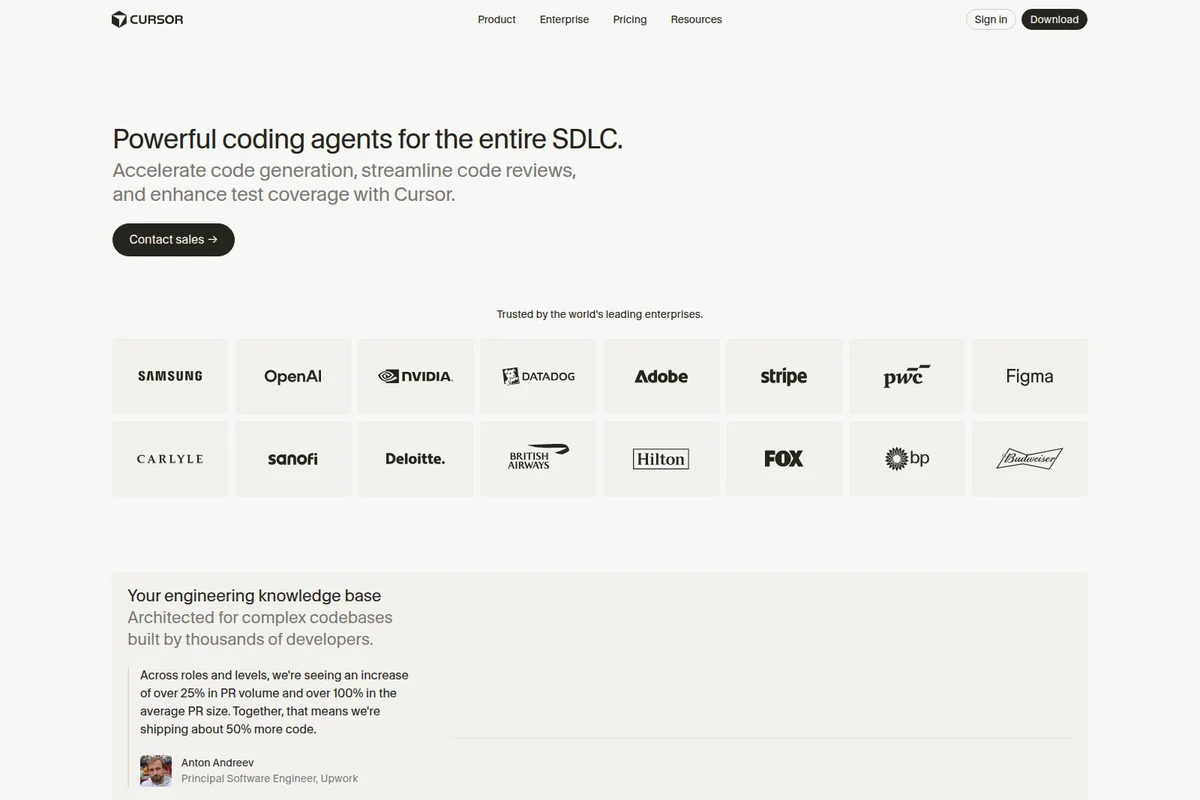
Cursor enterprise landing page showcasing powerful AI coding agents and trust from leading enterprises with a clean, minimalist design.

Cursor ecosystem concept showing a central polygonal icon surrounded by various application icons in a dark theme.

Cursor AI code editor showing a task-based workflow with AI suggestions and a live browser preview in a modern light theme.

Cursor AI code editor showing the Mission Control feature for planning and implementing code with an AI assistant in a clean light theme.
Cursor Review: Tooliverse Consensus





Based on 2k+ verified reviews across 5 platforms,
combined with Tooliverse's expert analysis
Cursor functions as an agentic pair programmer that plans, writes, and debugs code across entire projects, not just single files, and that autonomy is what separates it from typical AI coding assistants. Users repeatedly praise the Composer feature for coordinating multi-file edits and the Tab completion for predicting next edits with striking accuracy, while VS Code compatibility keeps the switching cost near zero. The main tradeoff is performance on very large enterprise codebases, where indexing and responsiveness can lag.
Bottom line: Cursor is the gold standard for agentic coding, turning natural-language descriptions into working multi-file code, though very large codebases can slow it down noticeably.
Cursor | Key Specs
- Platforms
- Web, iOS, macOS, Windows, Linux
- Pricing Model
- Freemium ($0-40+/mo, custom Enterprise) See plans
- Privacy/Data Use
- No training on data with Privacy Mode, zero data retention with model providers
- Security
- SOC 2 Type II, ISO 27001, ISO 42001, SAML SSO See details
Wins
- •Enables seamless multi-file edits through the powerful Composer and Atlas indexing featuresmentioned in 842 reviews
- •Provides highly accurate code completions that predict subsequent edits with impressive precisionmentioned in 715 reviews
- •Offers a friction-free transition for VS Code users by maintaining full extension compatibilitymentioned in 628 reviews
Watch-Outs
- •Requires a $20 monthly subscription for the Pro tier to access advanced featuresmentioned in 312 reviews
- •Experiences occasional performance degradation and lag on exceptionally large enterprise codebasesmentioned in 188 reviews
- •Can occasionally produce hallucinated code or circular logic loops during complex debuggingmentioned in 145 reviews
Cursor Features 2026
Cloud Agents
Launch fleets of agents that work in parallel on their own remote computers for hours or days, testing and demoing their work before you review it.
Instant Grep codebase search
Searches millions of files in milliseconds, purpose-built for navigating large, complex codebases quickly.
Design Mode
Visually edit any page by selecting an element to instantly rewrite, resize, or move it, with agents editing the underlying code.
Bugbot code review
Automatically reviews new PRs in the background, flagging logic bugs and issues with inline fix suggestions.
Cursor User Reviews
Selected Reviews
"I've tried every AI coding assistant and Cursor is the only one that feels like it's actually pair programming with me."
"The Composer feature is a game changer. I can describe a feature and it writes the code across 5 files perfectly."
"Sometimes it gets stuck in a loop trying to fix a bug it created, but usually, a quick prompt adjustment fixes it."
More from the Community
"Cursor's indexing of my local docs makes it so much better than Copilot. It actually knows my library versions."
"I was skeptical of another VS Code fork, but the 'Tab' to predict the next edit is spooky accurate."
"Great for onboarding new devs. They can ask the codebase questions and get immediate context."
"The best AI IDE currently available. The integration with Claude 3.5 Sonnet is seamless."
"Pricey at $20/month but pays for itself in productivity gains within the first week."
"Cursor's indexing of my local docs makes it so much better than Copilot. It actually knows my library versions."
"I was skeptical of another VS Code fork, but the 'Tab' to predict the next edit is spooky accurate."
"Great for onboarding new devs. They can ask the codebase questions and get immediate context."
"The best AI IDE currently available. The integration with Claude 3.5 Sonnet is seamless."
"Pricey at $20/month but pays for itself in productivity gains within the first week."
"Privacy mode is a must-have for our enterprise. Glad they offer it, though setup was a bit clunky."
"The UI is identical to VS Code, which is a plus. Wish the chat window was more customizable."
"Good tool, but the 'Atlas' feature occasionally indexes files I've gitignored, which is annoying."
"I like it, but the performance on my 100k+ line repo is noticeably slower than vanilla VS Code."
"Privacy mode is a must-have for our enterprise. Glad they offer it, though setup was a bit clunky."
"The UI is identical to VS Code, which is a plus. Wish the chat window was more customizable."
"Good tool, but the 'Atlas' feature occasionally indexes files I've gitignored, which is annoying."
"I like it, but the performance on my 100k+ line repo is noticeably slower than vanilla VS Code."
Cursor Pricing 2026
View SourceMost individual developers should skip straight to Pro at $20 monthly, since the free Hobby tier's limited agent requests won't sustain daily Composer use once you're hooked. Pro adds extended agent limits and frontier model access, and reviewers consistently say it pays for itself within a week. Teams coordinating on shared codebases should consider Teams at $40 per user monthly for centralized billing and Bugbot code review.
Cursor In-Depth Review 2026

Cursor is an agentic coding platform that goes well beyond autocomplete. Its agents plan, write, test, and debug entire features on their own, running across desktop, CLI, cloud, and mobile, using sandboxed computers to verify their own work before you ever see it. It's built on top of VS Code, so the interface feels immediately familiar, but what happens underneath is a different animal entirely.
What It's Like Day-to-Day
The daily experience centers on Composer, and it's the feature reviewers can't stop talking about. Describe a feature in plain language and Cursor drafts a plan, asks clarifying questions, then implements it across the relevant files. One Product Hunt reviewer summed it up well: "I can describe a feature and it writes the code across 5 files perfectly." That capability shows up in 842 separate reviews, which tells you it's not a lucky demo, it's a repeatable workflow.
The Tab completion feature is the other half of the daily loop, and it's genuinely uncanny at first.
Cursor Security & Compliance
Verified Compliance
- SOC 2 Type II
- ISO/IEC 27001:2022
- ISO/IEC 42001:2023
- AIUC-1
Security Features
- SAML-based SSO
- SCIM user provisioning
- AES-256 encryption at rest and TLS 1.2+ in transit
- Multi-factor authentication for infrastructure access
- Audit logs and service accounts
Privacy Commitments
- No training on your data when Privacy Mode is enabled
- Zero data retention agreements with all model providers
- GDPR and CCPA compliant
- No infrastructure or subprocessors headquartered in China
Cursor: Frequently Asked Questions (FAQs)
What is the right Cursor plan for me?
Cursor recommends Pro+ for daily agent users and Ultra for agent power users. The Teams plan suits professionals collaborating with others, while larger organizations needing invoicing, pooled usage, or advanced security should choose Enterprise.
How does usage-based pricing work in Cursor?
Every Cursor plan includes a set amount of model usage. On-demand usage allows continued use of models after the included amount is consumed, billed in arrears.
What are the payment options for Cursor?
Self-serve Cursor plans support all major credit and debit cards. For invoice-based billing and wire transfers, customers must contact Cursor to discuss the Enterprise plan.
How does Cursor use my data?
When Privacy Mode is enabled (in settings or by a team admin), Cursor guarantees that code data is not used for training by Cursor or its model providers. Cursor also maintains zero data retention agreements with all model providers.
Cursor Integrations
| GitHub | Slack | Microsoft Teams |
| Linear | Jira | JetBrains IDEs |
| Figma | Okta | Azure AD |
| Google Workspace |
Cursor: Verified Data Sheet
| # | Label | Data Point |
|---|---|---|
| [1] | Cursor Consensus: 9.52/10 | Cursor is one of the highest-rated AI coding tools in the Tooliverse index, with a consensus score of 9.52/10 across 2,700 verified reviews. |
| [2] | What is Cursor | Cursor, built by Anysphere (part of SpaceX), is a SOC 2/ISO 27001-certified AI coding agent used by 64% of Fortune 500 companies. It offers desktop, CLI, and cloud agents starting free, with Pro at $20/month, writing 100M+ lines of enterprise code daily. |
| [3] | Tooliverse Consensus on Cursor | Cursor functions as an agentic pair programmer that plans, writes, and debugs code across entire projects, not just single files, and that autonomy is what separates it from typical AI coding assistants. Users repeatedly praise the Composer feature for coordinating multi-file edits and the Tab completion for predicting next edits with striking accuracy, while VS Code compatibility keeps the switching cost near zero. The main tradeoff is performance on very large enterprise codebases, where indexing and responsiveness can lag. |
| [4] | Cursor Verdict | Cursor bottom line: Cursor is the gold standard for agentic coding, turning natural-language descriptions into working multi-file code, though very large codebases can slow it down noticeably. |
| [5] | Hobby: Free | Cursor's Hobby tier requires no credit card and includes limited Agent requests, making core AI coding features accessible at no cost. |
| [6] | Full VS Code extension compatibility | Cursor offers a friction-free transition for VS Code users by maintaining full extension compatibility, an advantage highlighted in 628 user reviews. |
| [7] | Deep codebase Q&A understanding | Cursor delivers deep codebase understanding that lets developers ask complex natural language questions about their projects, a capability referenced in 544 user reviews. |
| [8] | Claude 3.5 Sonnet integration praised | Cursor integrates top-tier models including Claude 3.5 Sonnet for superior logic and reasoning, a strength noted in 492 user reviews. |
| [9] | Individual (Pro): $20/month | Anysphere, Inc.'s Cursor Individual (Pro) empowers users with Extended limits on Agent for just $20 monthly, significantly expanding on the free tier's capabilities. |
| [10] | Multi-file edits via Composer + Atlas | Cursor enables seamless multi-file edits through its Composer and Atlas indexing features, a capability validated by 842 user reviews as a core reason developers switch to the tool. |
| [11] | Pro tier costs $20/month | Cursor requires a $20 monthly Pro subscription to access extended agent limits and frontier models, a cost noted in 312 user reviews as a consideration for individual budgets. |
| [12] | Privacy Mode requires manual setup | Cursor requires privacy-conscious users to manually enable Privacy Mode to keep code local, a setup step flagged in 76 user reviews as not enabled by default. |
| [13] | SOC 2 Type II | Cursor holds SOC 2 Type II, ISO/IEC 27001:2022, ISO/IEC 42001:2023, and AIUC-1 certifications. |
| [14] | Enterprise: SAML-based SSO | Cursor provides enterprise security with SAML-based SSO, SCIM user provisioning, and AES-256 encryption at rest and TLS 1.2+ in transit. |
| [15] | Composer writes across 5 files perfectly | Cursor's Composer feature draws praise for writing coordinated code across multiple files, with one Product Hunt reviewer noting they can "describe a feature and it writes the code across 5 files perfectly." |
Best Cursor Alternatives
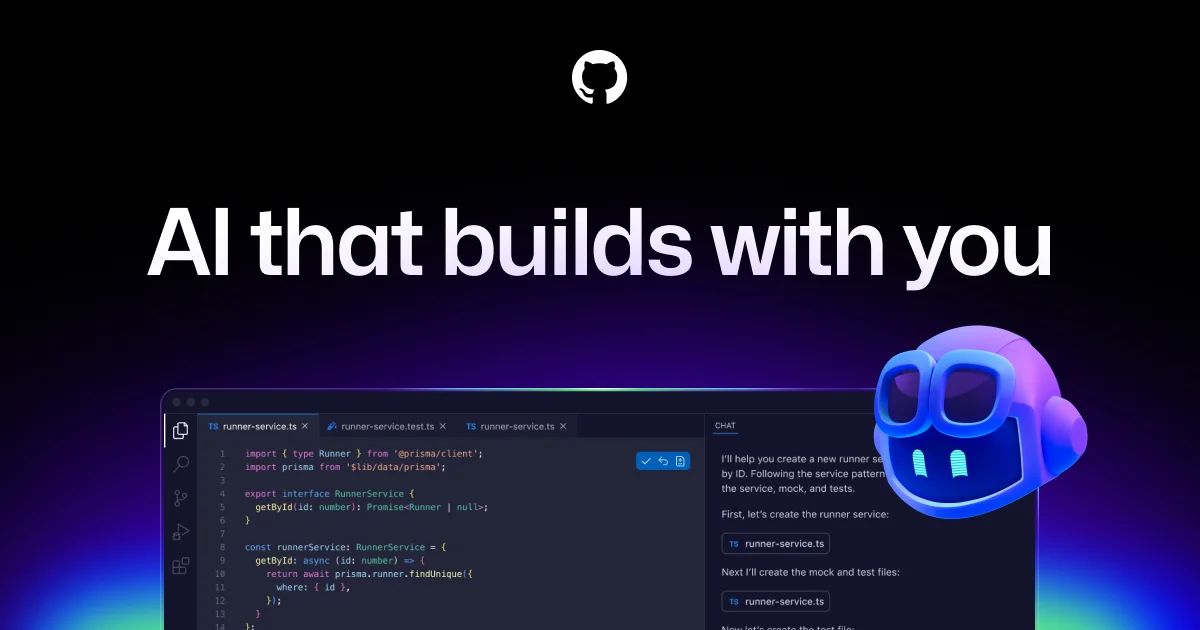
GitHub Copilot
Your AI accelerator for every workflow, from the editor to the enterprise.

Windsurf
An AI-powered IDE that turns your editor into an agent command center for coding at scale.

Claude Code
Hand off bug fixes, tests, and multi-day migrations to an AI that plans, codes, and ships pull requests.