
Coolors Review 2026 - AI Color Palettes
Verified Sep 29, 2026 by Tooliverse Editorial
Coolors turns color theory into a game—just tap spacebar to generate stunning palettes in seconds. With 10M+ ready-made schemes and AI-powered suggestions, 8M+ creatives use it to design faster.
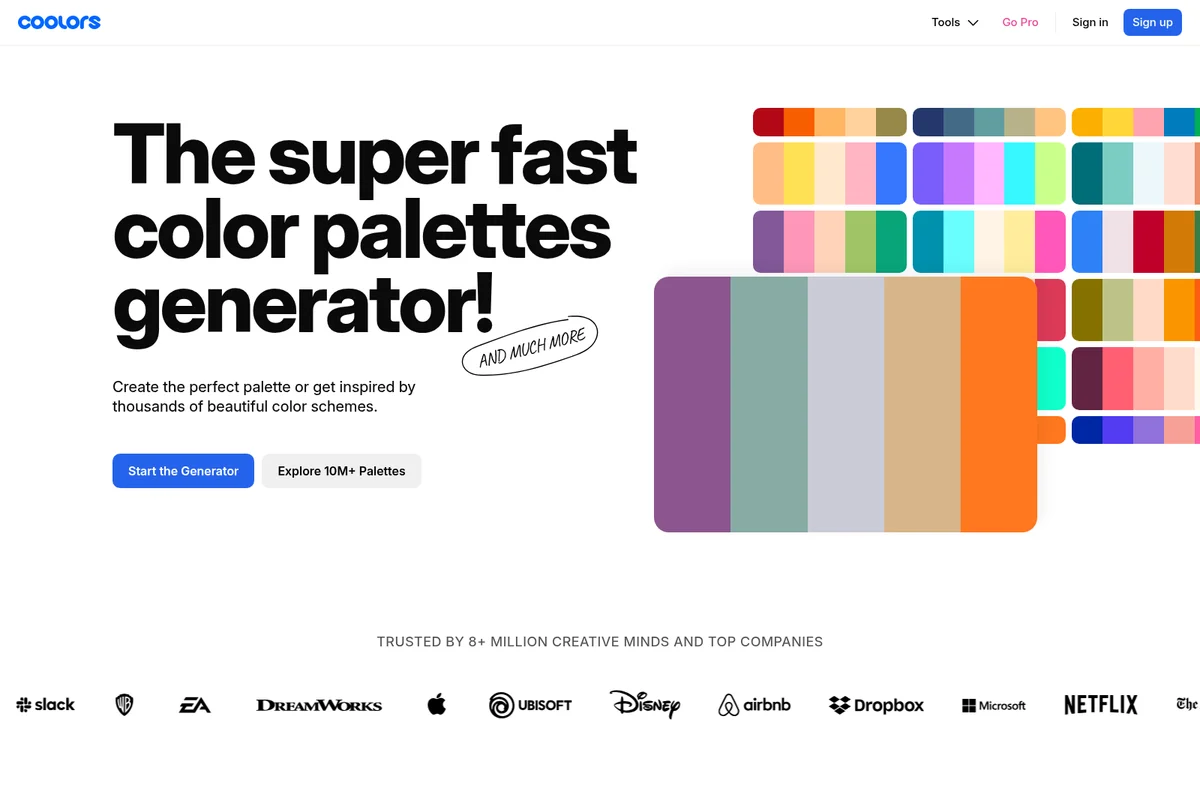
Generate beautiful color palettes quickly and get inspired by thousands of schemes.
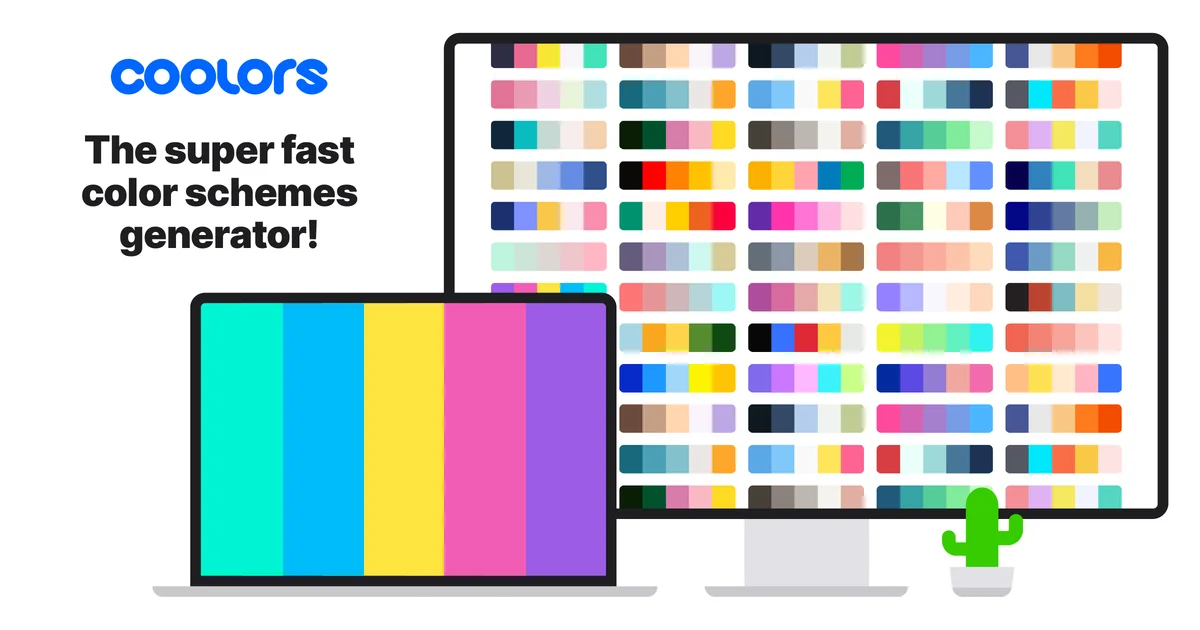
Coolors homepage
Coolors Review: Tooliverse Consensus





Based on 8k+ verified reviews across 5 platforms,
combined with Tooliverse's expert analysis
Coolors turns color selection into a fast, almost playful process, pairing its spacebar-driven generator with professional-grade export formats and accessibility tools like contrast checking and color blindness simulation. Users consistently point to the image extraction accuracy and cross-platform sync as reasons it has become a daily habit rather than an occasional utility. The tradeoffs are minor by comparison: a cramped mobile interface on smaller screens and subscription pricing that hobbyists sometimes find hard to justify against a free tier that already covers casual needs.
Bottom line: Coolors makes color palette creation fast and genuinely enjoyable with professional export and accessibility tools, though its mobile interface and Pro pricing leave casual hobbyist users wanting more.
Coolors | Key Specs
- Platforms
- Web, iOS, Chrome Extension
- Pricing Model
- Freemium ($0-5/mo) See plans
- Privacy/Data Use
- Payments secured via Paddle; billing info stored on Paddle's servers
- Integrations
- Figma, Adobe Illustrator/InDesign/Photoshop, Tailwind CSS
Wins
- •Generates stunning color palettes instantly with a simple tap of the spacebarmentioned in 342 reviews
- •Provides comprehensive export options including SVG, PDF, and ASE for professional workflowsmentioned in 285 reviews
- •Includes essential accessibility features like color blindness simulators to ensure inclusive designmentioned in 210 reviews
Watch-Outs
- •Subscription pricing for Pro features feels steep for casual or hobbyist usersmentioned in 112 reviews
- •Mobile application interface can feel cluttered and difficult to navigate on smaller screensmentioned in 89 reviews
- •Occasional performance lag occurs when managing very large palette collections on the webmentioned in 64 reviews
Coolors Features 2026
Palette Generator
Create unique color palettes quickly and effortlessly by pressing the spacebar to instantly generate new harmonious combinations.
Explore Palettes
Discover millions of color palettes by topic, style, and color, searchable and filterable by trending, latest, or popular.
Image Picker
Extract beautiful colors from any photo or illustration and instantly turn them into a usable palette.
Contrast Checker
Calculate the contrast ratio of text and background colors to ensure designs meet WCAG accessibility standards.
Coolors User Reviews
Selected Reviews
"The spacebar feature is addictive. I can find the perfect palette for my web projects in under a minute now. The export to SCSS is a lifesaver."
"Coolors has been my go-to for years. The new contrast checker and accessibility tools make it indispensable for modern UI/UX work."
"Great extension for Chrome. It makes it so easy to grab colors while I am browsing for inspiration without leaving the tab."
More from the Community
"Best color tool out there, period. The image picker is surprisingly accurate at grabbing the mood of a photo."
"I love the functionality but the Pro subscription is getting a bit expensive for what it is. I wish there was a cheaper tier for just basic syncing."
"Solid app, but the mobile UI is a bit cramped on my iPhone Mini. Hard to hit the lock buttons sometimes."
"The app keeps logging me out every few days which is annoying when I'm trying to quickly access my saved palettes during a meeting."
"Incredible tool for branding. Being able to export directly to Adobe Illustrator saves me so much manual hex code entry."
"Best color tool out there, period. The image picker is surprisingly accurate at grabbing the mood of a photo."
"I love the functionality but the Pro subscription is getting a bit expensive for what it is. I wish there was a cheaper tier for just basic syncing."
"Solid app, but the mobile UI is a bit cramped on my iPhone Mini. Hard to hit the lock buttons sometimes."
"The app keeps logging me out every few days which is annoying when I'm trying to quickly access my saved palettes during a meeting."
"Incredible tool for branding. Being able to export directly to Adobe Illustrator saves me so much manual hex code entry."
"The Android app is finally as good as the web version. Fast, responsive, and the palette library is huge."
"I use this for every single project. The gradient generator is a nice bonus I didn't expect to use as much as I do."
"Very polished experience. It's rare to find a tool that is this simple yet this powerful for professional designers."
"Essential for my workflow. The ability to organize palettes into projects helps keep my freelance work separated and clean."
"The Android app is finally as good as the web version. Fast, responsive, and the palette library is huge."
"I use this for every single project. The gradient generator is a nice bonus I didn't expect to use as much as I do."
"Very polished experience. It's rare to find a tool that is this simple yet this powerful for professional designers."
"Essential for my workflow. The ability to organize palettes into projects helps keep my freelance work separated and clean."
Coolors Pricing 2026
View SourceThe free tier is genuinely usable, not a stripped-down demo: five-color palettes, 10,000+ ready schemes, and basic image picking cover casual use indefinitely. Once you're managing multiple projects, Pro at $3/month billed annually removes the ten-palette cap and adds unlimited projects, collections, and Coolors AI credits, making it the obvious upgrade for anyone doing recurring design work rather than one-off palettes.
Coolors In-Depth Review 2026

Coolors runs as a website, iOS and Android app, Chrome extension, Figma plugin, and Adobe Creative Suite extension, giving designers a consistent tool no matter where they work. The core idea is simple: press the spacebar and get a new harmonious palette instantly. What sets it apart is how that simplicity scales into a full professional toolkit, from image-based color extraction to accessibility checks to export formats that plug directly into real design pipelines.
What It's Like Day-to-Day
The spacebar mechanic is the first thing every new user notices, and it's genuinely addictive in the way good tools are: press, see, press again, until something clicks. This isn't a gimmick either. It's mentioned by 342 users as the single feature that makes Coolors faster than manually building palettes in Photoshop or Figma. One iOS App Store reviewer summed up the appeal well, noting they can "find the perfect palette for my web projects in under a minute now" thanks to the rapid-fire generation paired with clean export to code.
The Image Picker tool extends that same instinct to photography and illustration.
Coolors Security & Compliance
Privacy Commitments
- Payments processed via Paddle, with credit card and billing details stored securely on Paddle's servers
Coolors: Frequently Asked Questions (FAQs)
Can I use Coolors for free?
Yes, Coolors is always free to use for everyone. Users can choose to upgrade to Coolors Pro for access to premium tools and content.
Does Coolors have any time-limits or trials?
No, the free plan has no time-limits, so it can be used for as long as needed before deciding to upgrade to Pro.
What does Coolors Pro cost?
Coolors Pro is priced at $3-5 per month when billed yearly ($36/year), unlocking Coolors AI, unlimited palettes/projects/collections, ad removal, and advanced export options.
Can I cancel or switch plans at any time?
Yes, plans can be managed 24/7 in the account section. Downgrading to the free plan occurs at the end of the current paid period.
Coolors Integrations
| Figma | Adobe Illustrator | Adobe InDesign |
| Adobe Photoshop | Chrome | Tailwind CSS |
| Stripe | Paddle |
Coolors: Verified Data Sheet
| # | Label | Data Point |
|---|---|---|
| [1] | Coolors Consensus: 9.42/10 | Coolors is one of the highest-rated AI design tools in the Tooliverse index, with a consensus score of 9.42/10 across 8,950 verified reviews. |
| [2] | What is Coolors | Coolors is a fast, spacebar-driven color palette generator trusted by 8M+ creatives and companies like Airbnb, Microsoft, and Netflix. It offers 10M+ ready-made palettes, AI-powered suggestions via Color Bot, and Pro plans starting around $3/month. |
| [3] | Tooliverse Consensus on Coolors | Coolors turns color selection into a fast, almost playful process, pairing its spacebar-driven generator with professional-grade export formats and accessibility tools like contrast checking and color blindness simulation. Users consistently point to the image extraction accuracy and cross-platform sync as reasons it has become a daily habit rather than an occasional utility. The tradeoffs are minor by comparison: a cramped mobile interface on smaller screens and subscription pricing that hobbyists sometimes find hard to justify against a free tier that already covers casual needs. |
| [4] | Coolors Verdict | Coolors bottom line: Coolors makes color palette creation fast and genuinely enjoyable with professional export and accessibility tools, though its mobile interface and Pro pricing leave casual hobbyist users wanting more. |
| [5] | Free: Free | Coolors offers a fully functional Free tier that generates palettes up to 5 colors and provides access to over 10,000 ready-made color schemes at no cost. |
| [6] | Built-in accessibility & WCAG tools | Coolors includes accessibility tools like a color blindness simulator and contrast checker to help teams meet WCAG standards, a feature highlighted by 210 user reviews. |
| [7] | Accurate image-based color extraction | Coolors extracts accurate color schemes directly from uploaded images using its Image Picker tool, praised for accuracy in 194 user reviews. |
| [8] | Cross-platform palette sync | Coolors syncs saved palettes across web, iOS, and Android, delivering a consistent cross-platform experience noted in 167 user reviews. |
| [9] | Pro: $3/mo (annual) | Coolors Pro costs $3/month billed annually and adds Coolors AI access with 3,000 monthly credits, significantly expanding on the free tier's capabilities. |
| [10] | Instant spacebar palette generation | Coolors generates a new harmonious color palette instantly with a single tap of the spacebar, a workflow validated as a standout strength by 342 user reviews. |
| [11] | Lag with large palette collections | Coolors can experience occasional performance lag when managing very large palette collections on the web platform, according to 64 user reports. |
| [12] | Free tier caps saves and exports | Coolors restricts free-tier users to 10 saved palettes, 1 project, 1 collection, and limited export formats, a constraint mentioned in 58 user reviews. |
| [13] | Privacy: Payments processed via Paddle, with credit card and billing details stored securely on Paddle's servers | Coolors privacy protections include Payments processed via Paddle, with credit card and billing details stored securely on Paddle's servers. |
| [14] | Spacebar workflow praised for speed | Coolors users praise the spacebar-driven workflow for speed, with one iOS App Store reviewer noting they can "find the perfect palette for my web projects in under a minute now." |
Best Coolors Alternatives
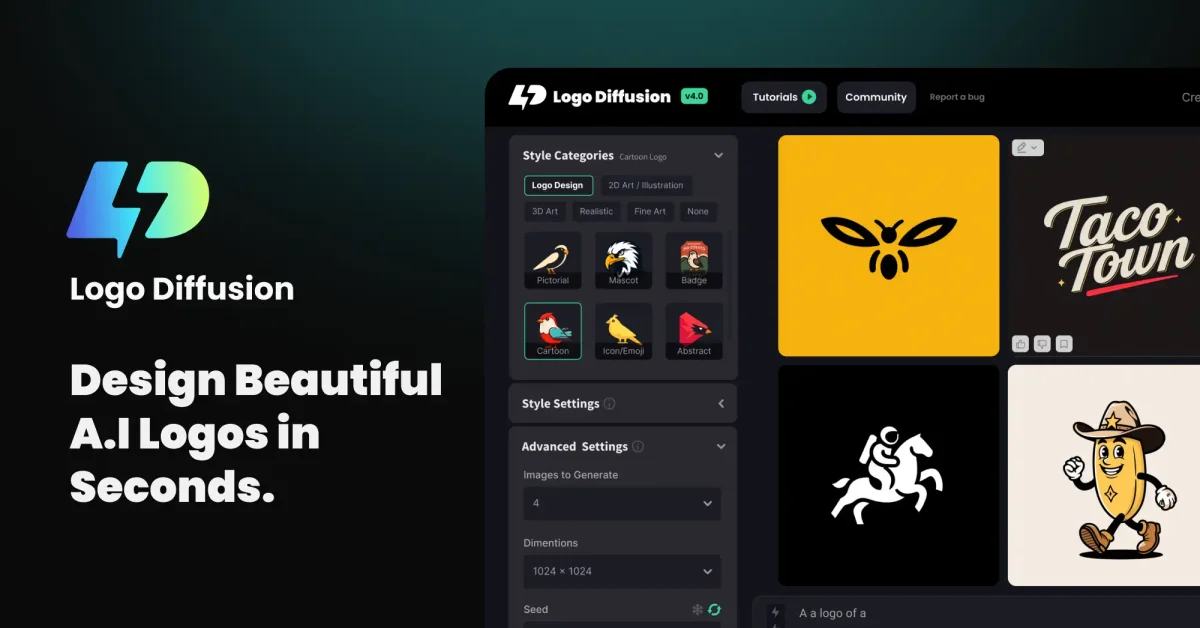
Logo Diffusion
Turn prompts, sketches, and images into polished, vector-ready logos in minutes, no design skills needed.

Looka
Design a standout logo and launch your whole brand in minutes, no design skills needed.

LogoAI
Type your name and watch a complete brand identity take shape in seconds.