
Design.com Review 2026 - AI Logo & Brand Kit
Verified Oct 22, 2026 by Tooliverse Editorial
Design.com turns a business name into thousands of logo options in seconds, then carries your brand across websites, business cards, and social posts. With 462,000+ logos and 50+ design tools, one platform builds your whole brand.
Design Your Premium Brand With AI | Design.com
Best AI Logo Maker for Tech Brands? Design.com Review 2026

Craft elegant wedding invitations with customizable Art Deco templates.
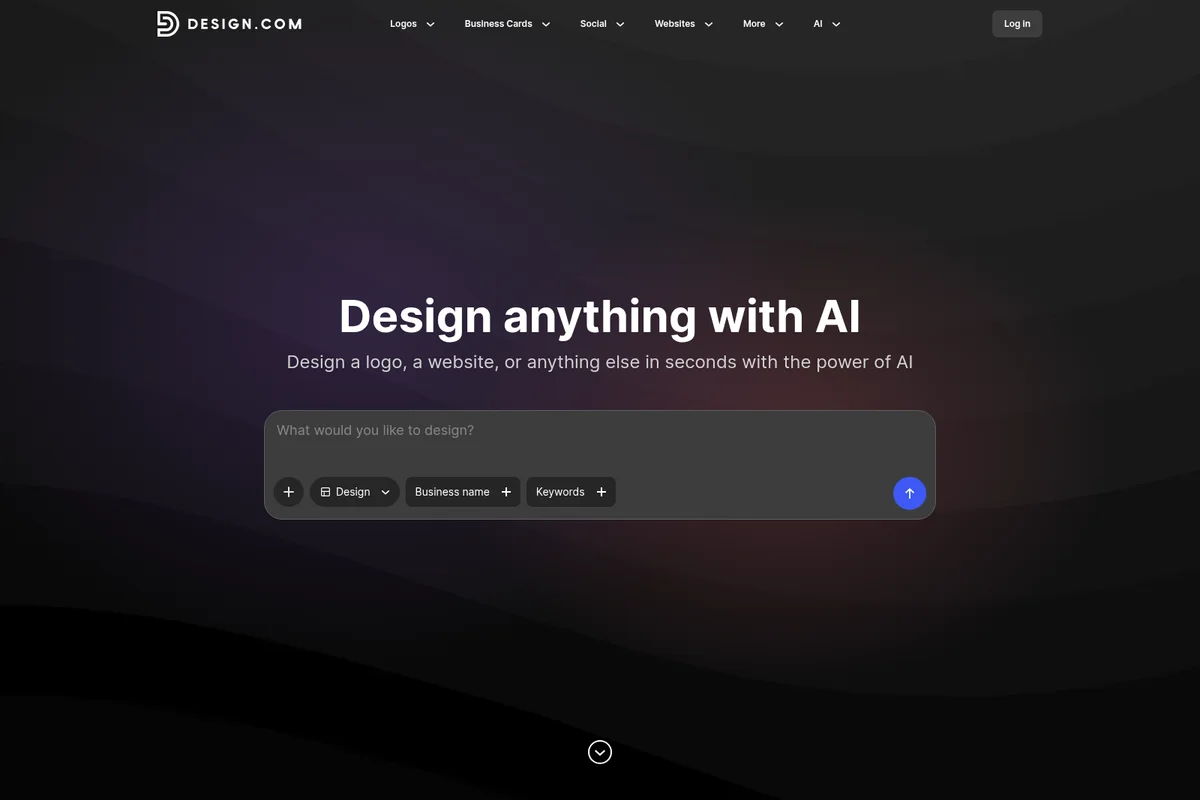
Generate logos, websites, and more from simple AI prompts.

Visualize custom designs on everyday products like T-shirts.
Explore frequently asked questions about AI logo usage and copyright.
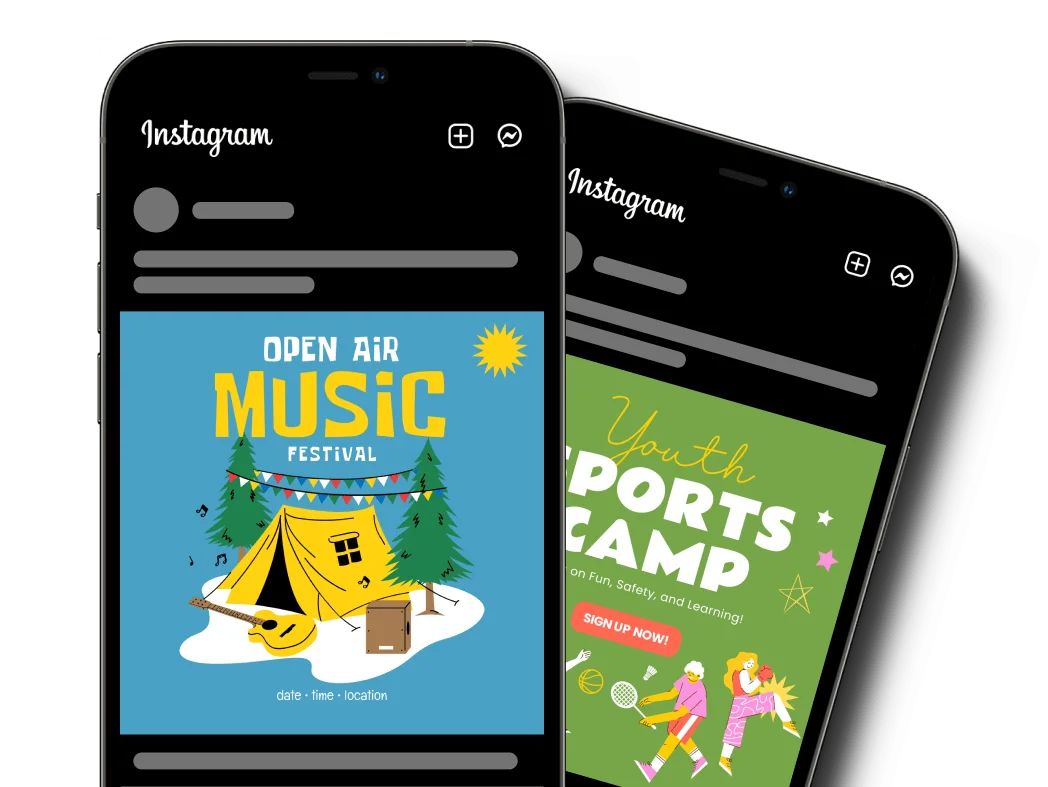
Create engaging social media graphics for events and campaigns.
Find answers to frequently asked questions about logo creation and tools.
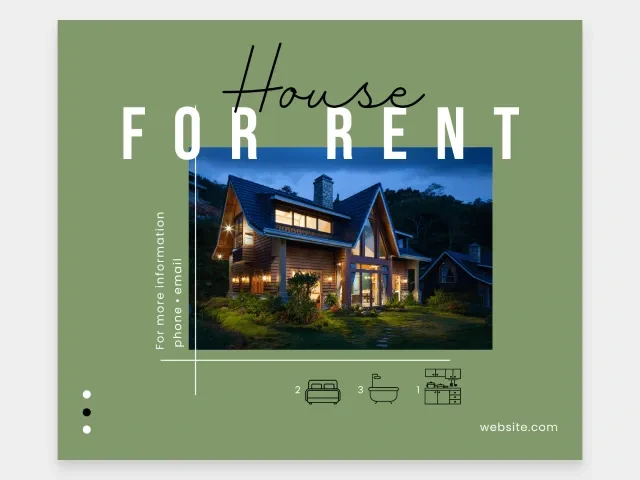
Craft eye-catching real estate ads with ease and style.
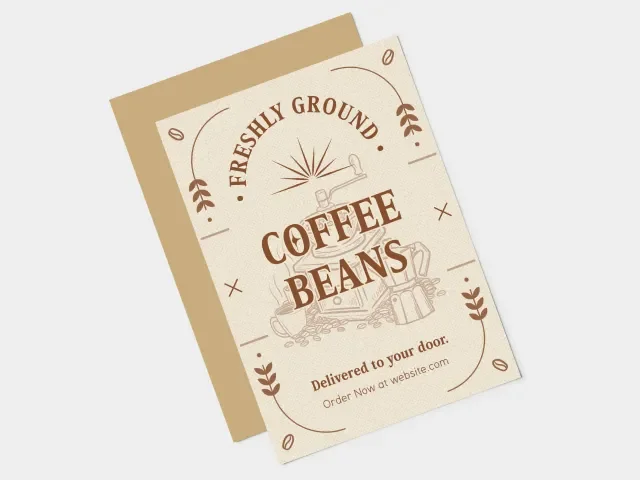
Design custom marketing postcards with unique illustrations and typography.
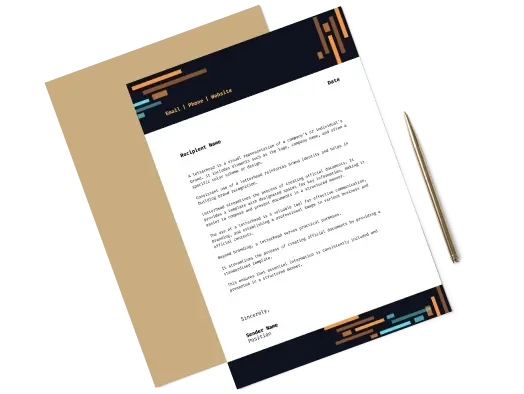
Design elegant letterheads to professionalize your communications.
Design.com Review: Tooliverse Consensus


Based on 1k+ verified reviews across 3 platforms,
combined with Tooliverse's expert analysis
Design.com turns a business name into a usable brand, pairing AI-generated logos with matching websites, cards and social templates so non-designers skip the blank-canvas stage. Reviewers praise the speed, the vector downloads and a polished, modern feel, and many describe professional results without design experience. The tradeoffs are real: subscription pricing confuses buyers hoping for a one-time purchase, suggestions can echo existing marks, and professionals find advanced editing thin. For anyone prioritizing speed over originality, it delivers.
Bottom line: A top-tier logo and brand-kit maker that gets non-designers to professional-looking results fast, though subscription confusion and thin advanced editing will frustrate one-time buyers and seasoned designers.
Design.com | Key Specs
- Platforms
- Web (browser and mobile browser)
- Pricing Model
- Freemium (free tier; $15-30/mo for presentations) See plans
- Logo Library
- 462,000+ logos, 500+ exclusive fonts
- Export Formats
- PNG, JPG, SVG, EPS, PDF
Wins
- •Empowers non-designers to create professional-grade logos in minutes through an intuitive AI interfacementioned in 342 reviews
- •Provides a comprehensive suite of social media assets that automates brand consistency across platformsmentioned in 215 reviews
- •Offers high-resolution vector files that ensure logos remain crisp at any scalementioned in 188 reviews
Watch-Outs
- •Subscription-based pricing model can be confusing for users seeking a one-time purchasementioned in 94 reviews
- •Limited advanced editing tools may frustrate professional designers seeking granular controlmentioned in 72 reviews
- •AI-generated suggestions can occasionally feel repetitive or similar to existing brand marksmentioned in 58 reviews
Design.com Features 2026
AI Logo Generator
Enter a business name and prompt to generate thousands of logo options in seconds from a library of 462,000+ logos, refinable with keywords.
Instant Brand Kit
Logo colors, fonts and style are auto-applied across 684,000+ to 1,742,000+ matching templates for cards, websites and social.
Exclusive Logo Licenses
Extended exclusive and buyout licenses remove a logo icon from the library for uniqueness and brand protection.
AI Chat Logo Editing
Edit fonts, colors, layouts and shapes with simple AI chat prompts, plus curved text, gradients and 62 thousand vector shapes.
Design.com User Reviews
Selected Reviews
"Once I laid out the basic plans for my venture, I needed to move quickly to lay the foundation. This began with the logo. Unlike other online resources, Design.com has an amazing variety of unique images."
"The experience was pleasant and the results were fantastic. The tools were easy to use and very user friendly. I didn't have to be an expert in designing to end up with a professional look."
"The social media kit saved me hours of resizing. It's not perfect, but for the price, it's a huge time saver for my small business marketing."
More from the Community
"I was expecting to get nowhere with this, either due to system crashes or lack of technical skills. Instead it was amazingly simple, quick and produced great results."
"Good for a quick start but the monthly subscription is a bit much if you just want one logo. I wish there was a cheaper one-time download option without the recurring fees."
"It was really simple to use, a ton of good options for logos were created. I've used other logo-makers before and the options were kinda cheesy. Design.com felt much more modern."
"The icons are a bit generic. I saw a competitor using almost the exact same logo mark, which was disappointing. It's great for speed, but uniqueness is a gamble."
"I was expecting to get nowhere with this, either due to system crashes or lack of technical skills. Instead it was amazingly simple, quick and produced great results."
"Good for a quick start but the monthly subscription is a bit much if you just want one logo. I wish there was a cheaper one-time download option without the recurring fees."
"It was really simple to use, a ton of good options for logos were created. I've used other logo-makers before and the options were kinda cheesy. Design.com felt much more modern."
"The icons are a bit generic. I saw a competitor using almost the exact same logo mark, which was disappointing. It's great for speed, but uniqueness is a gamble."
"Solid experience overall. Product Hunt makes it easy to discover new tools and startups, and the community feedback is genuinely helpful when deciding what's worth trying."
"Design.com made it happen. My logo's everywhere, from mugs to my site, and sales jumped 40%. It's the best AI logo maker that saved my small biz."
"I love how I can edit every single element of the logo after it's generated. Most other sites lock you into a template, but this feels more like a real editor."
"Solid experience overall. Product Hunt makes it easy to discover new tools and startups, and the community feedback is genuinely helpful when deciding what's worth trying."
"Design.com made it happen. My logo's everywhere, from mugs to my site, and sales jumped 40%. It's the best AI logo maker that saved my small biz."
"I love how I can edit every single element of the logo after it's generated. Most other sites lock you into a template, but this feels more like a real editor."
Design.com Pricing 2026
The free tier covers more than you'd expect: logo templates with vector downloads and websites with free hosting, enough for most new businesses to launch. Presentation work is the only place paid plans appear in the data, and Pro at $15/user monthly is the one to pick for premium templates and collaboration. Business at $30 monthly adds priority support, worth it only for teams. Treat both prices as unverified.
Design.com In-Depth Review 2026

Design.com pairs an AI generator with a library of more than 462,000 designer-made logos, each manually checked for IP originality, plus 500+ exclusive fonts. Enter a business name and keywords, and thousands of options appear; refine them by typing prompts. Once you pick one, its colors, fonts and style flow automatically into over a million templates for websites, business cards and social posts, so a single logo turns into a working brand kit.
What It's Like Day-to-Day
The workflow is short enough to finish over lunch. You enter a business name and keywords, scroll through the options, and open one that looks right. Edits happen through chat prompts for fonts, colors, layouts and shapes, with curved text and gradients on offer, so there's no design software to learn. One Trustpilot reviewer said they "didn't have to be an expert in designing" to end up with a professional look, which matches what the 342 reviews praising the AI interface keep describing.
Output is where the practical details matter.
Design.com: Frequently Asked Questions (FAQs)
Is Design.com free to use?
Partly. Design.com offers free logo templates with high-resolution and vector downloads, free website templates with free publishing and hosting, and the AI website builder is free to browse and customize.
What does Design.com cost for presentations?
A Design.com presentations page lists a Free plan, a Pro plan at $15/month and a Business plan at $30/month, with up to 20% savings on annual subscriptions.
Can I use my AI-generated logo for my business?
Yes. Logos created with Design.com's AI logo generator can be used commercially, including websites, social media, marketing materials, packaging and merchandise.
Can I customize my AI-generated logo after it's created?
Yes. All generated logos are fully customizable, including colors, fonts, layouts, icons and spacing.
Design.com: Verified Data Sheet
| # | Label | Data Point |
|---|---|---|
| [1] | Design.com Consensus: 9.16/10 | Design.com is one of the highest-rated AI design tools in the Tooliverse index, with a consensus score of 9.16/10 across 1,592 verified reviews. |
| [2] | What is Design.com | Design.com is an AI-powered design platform for logos, websites, business cards and social content. It offers a 462,000+ logo library, 50+ design tools and free options, and claims a 4.7 Trustpilot rating. |
| [3] | Tooliverse Consensus on Design.com | Design.com turns a business name into a usable brand, pairing AI-generated logos with matching websites, cards and social templates so non-designers skip the blank-canvas stage. Reviewers praise the speed, the vector downloads and a polished, modern feel, and many describe professional results without design experience. The tradeoffs are real: subscription pricing confuses buyers hoping for a one-time purchase, suggestions can echo existing marks, and professionals find advanced editing thin. For anyone prioritizing speed over originality, it delivers. |
| [4] | Design.com Verdict | Design.com bottom line: A top-tier logo and brand-kit maker that gets non-designers to professional-looking results fast, though subscription confusion and thin advanced editing will frustrate one-time buyers and seasoned designers. |
| [5] | Free: Free | Design.com offers a functional Free tier covering Free logo templates with high-resolution and vector files and Free website templates with free publishing and hosting, so its AI tools cost nothing to try. |
| [6] | Pro-grade logos in minutes, no design skills | Design.com enables non-designers to create professional-grade logos in minutes through an AI interface that generates thousands of options from a library of 462,000+ logos, a strength validated by 342 user reviews. |
| [7] | Social media asset suite across 5 platforms | Design.com automates brand consistency across platforms with 30+ social design tools covering Instagram, TikTok, Facebook, LinkedIn and YouTube, a strength cited in 215 user reviews. |
| [8] | Vector files stay crisp at any scale | Design.com supplies high-resolution vector files in SVG, EPS and PDF formats so logos stay crisp at any scale, a benefit highlighted in 188 user reviews. |
| [9] | Pro (Presentations): $15/user/month | Design.com Pro (Presentations) adds Premium templates for $15/user monthly, significantly expanding on the free tier's capabilities. |
| [10] | 500+ exclusive fonts, 62K vector shapes | Design.com offers 500+ exclusive fonts and 62 thousand exclusive vector shapes, a depth of design assets that 156 user reviews credit for suiting diverse industries. |
| [11] | Subscription pricing confuses one-time buyers | Design.com uses a subscription-based pricing model that confuses users seeking a one-time purchase, according to 94 user reviews, and clear logo-download pricing is not shown on the scraped pages. |
| [12] | Limited advanced editing for pros | Design.com offers limited advanced editing tools, which may frustrate professional designers wanting granular control, according to 72 user reviews. |
| [13] | Professional look without design expertise | A verified Trustpilot reviewer noted that with Design.com, "I didn't have to be an expert in designing to end up with a professional look." |
Best Design.com Alternatives
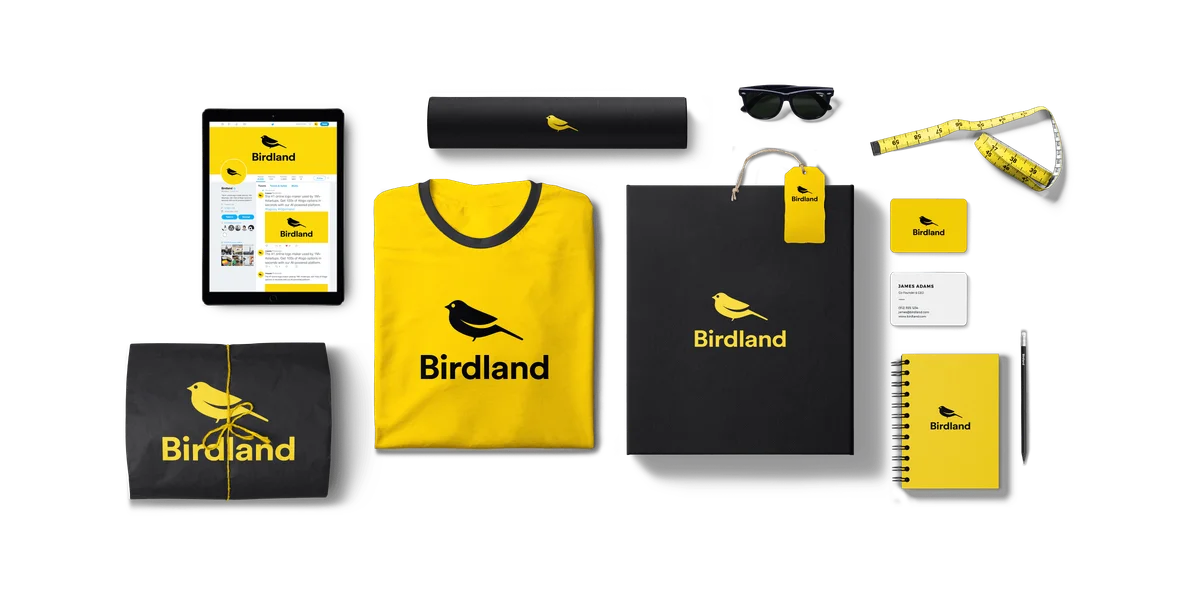
Looka
Design a standout logo and launch your whole brand in minutes, no design skills needed.
LogoAI
Type your name and watch a complete brand identity take shape in seconds.
Turbologo
Design your logo free, then build your whole brand in one afternoon with AI.