
Grammarly Review 2026 - AI Writing Assistant
Verified Oct 1, 2026 by Tooliverse Editorial
Grammarly is the AI writing partner that rewrites paragraphs in one click, adjusts your tone, and spots AI-generated text. Trusted by 40 million people and 50,000 organizations, it works across 1 million+ apps and websites.
Your Introduction to AI for Students Using Grammarly
Grammarly Tutorial: How to Improve Your Writing Instantly
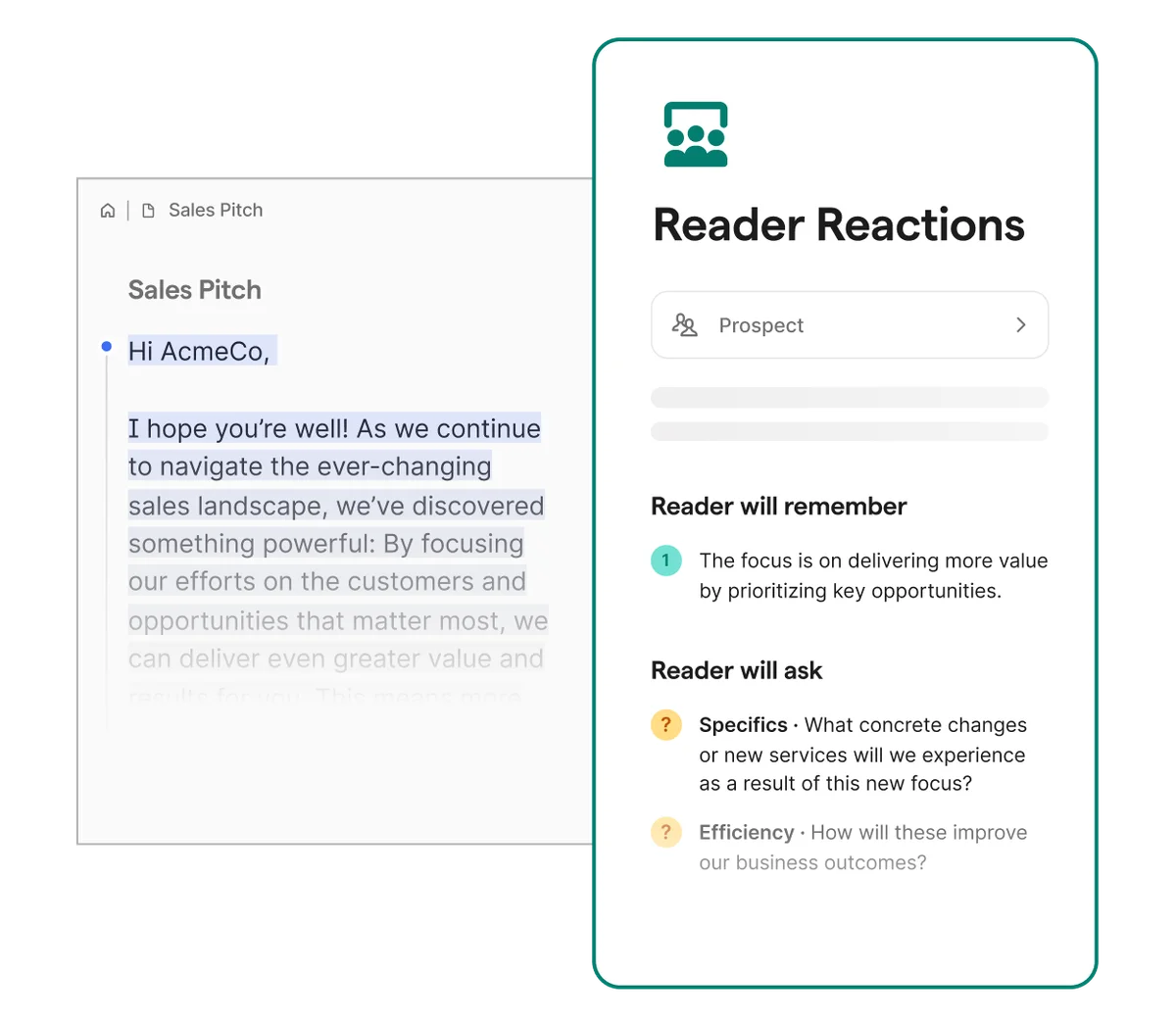
Get AI-powered insights into reader reactions and potential questions on your written content.
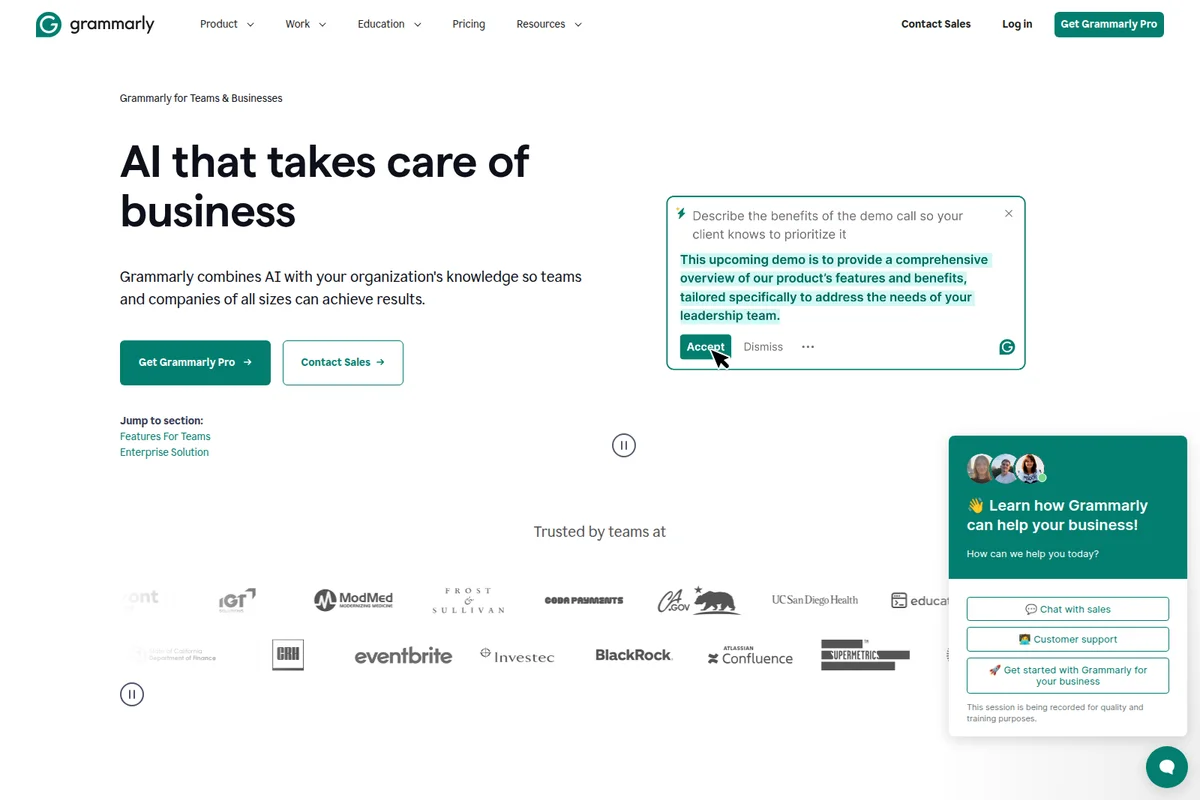
Explore how Grammarly's AI helps businesses and engage with demo and support.
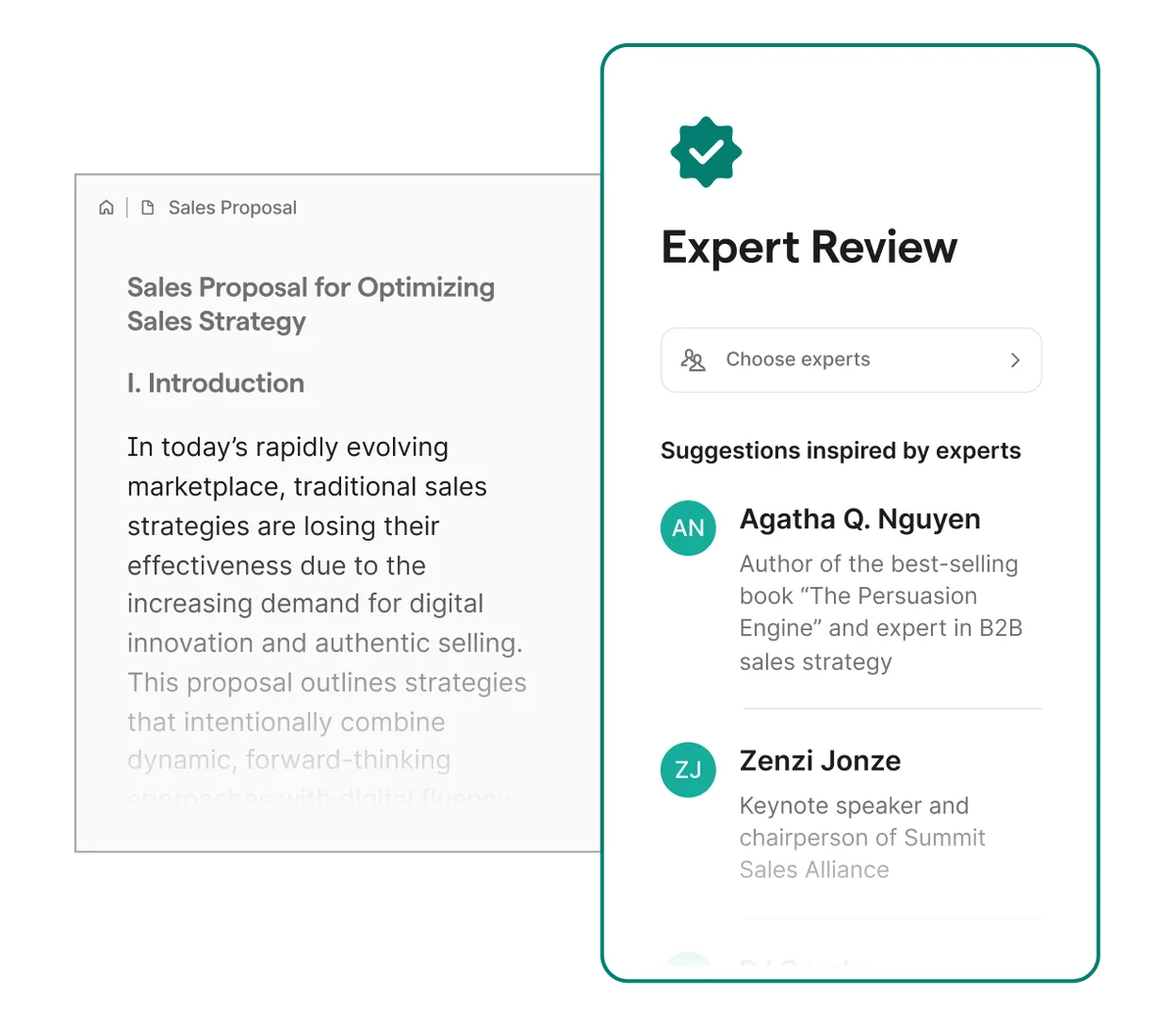
Get expert feedback on your documents to refine your sales strategies.
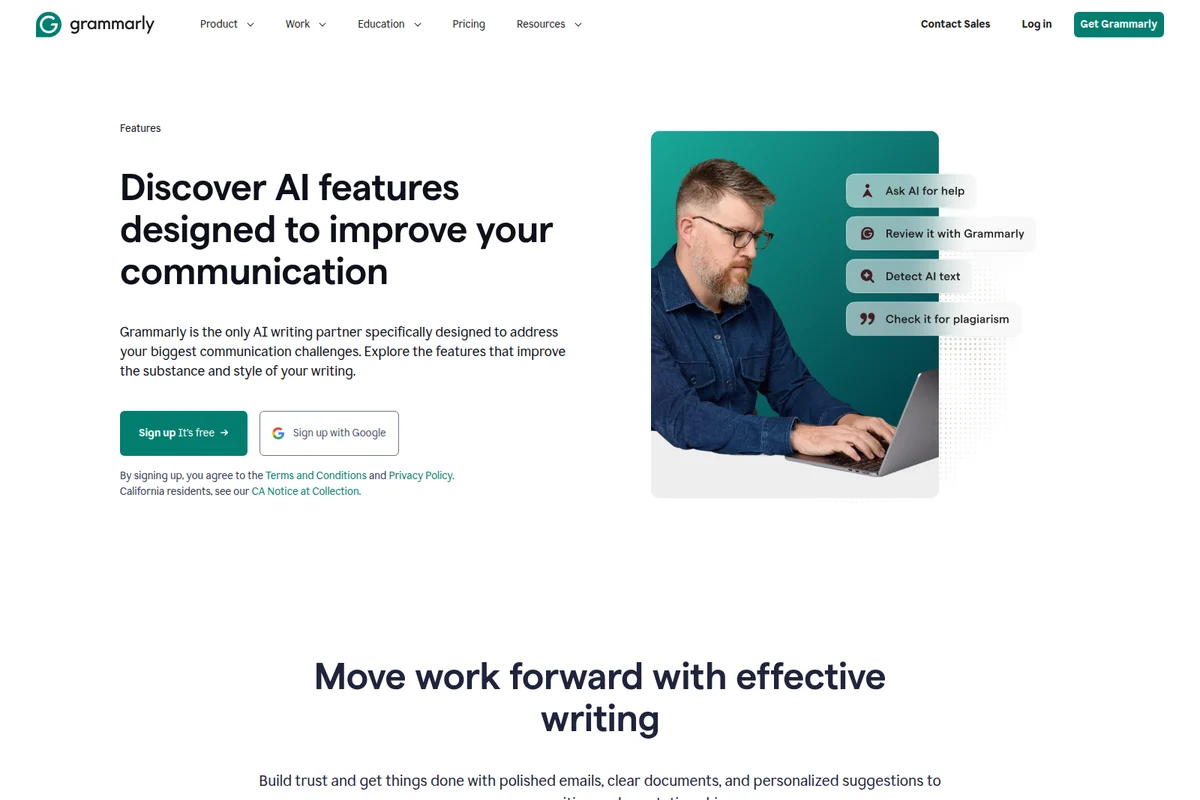
Discover how Grammarly's AI features improve your writing and communication.
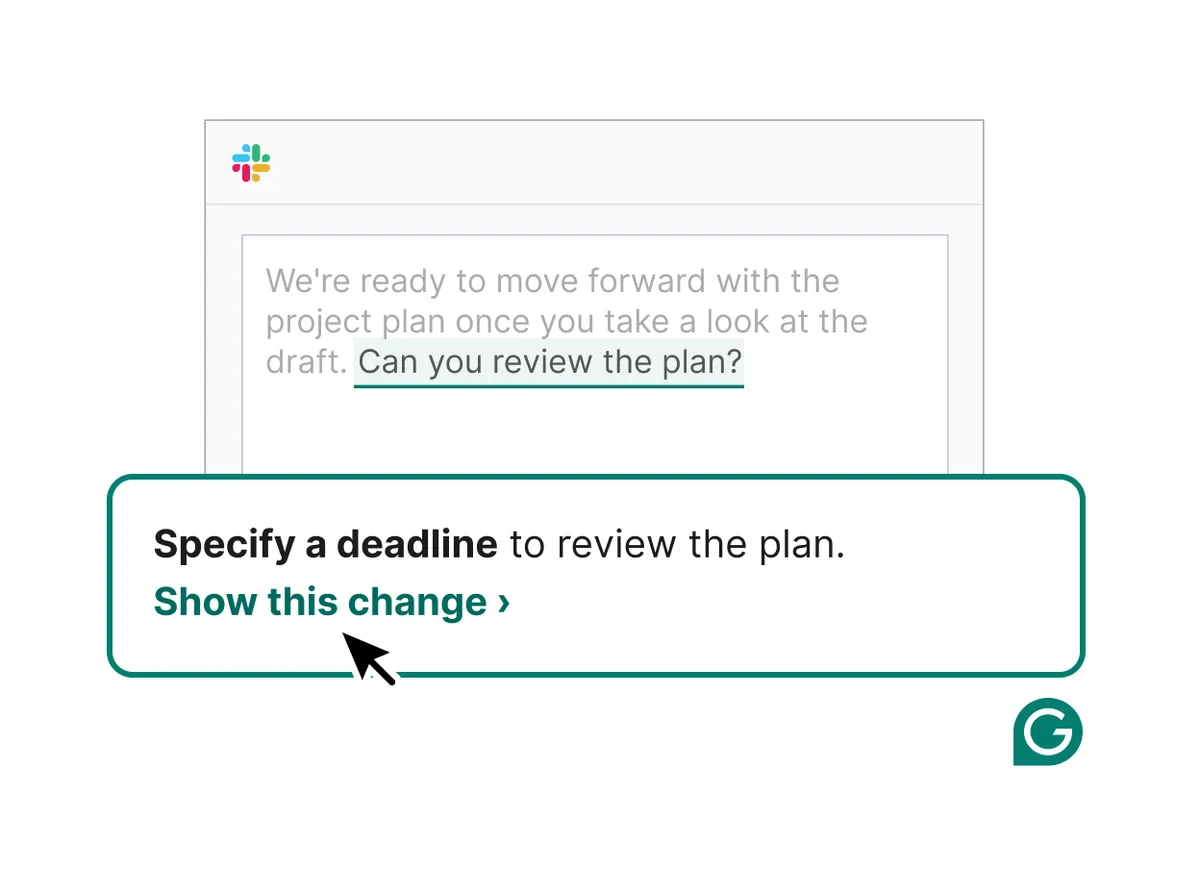
Grammarly suggests ways to improve clarity and completeness in your messages.
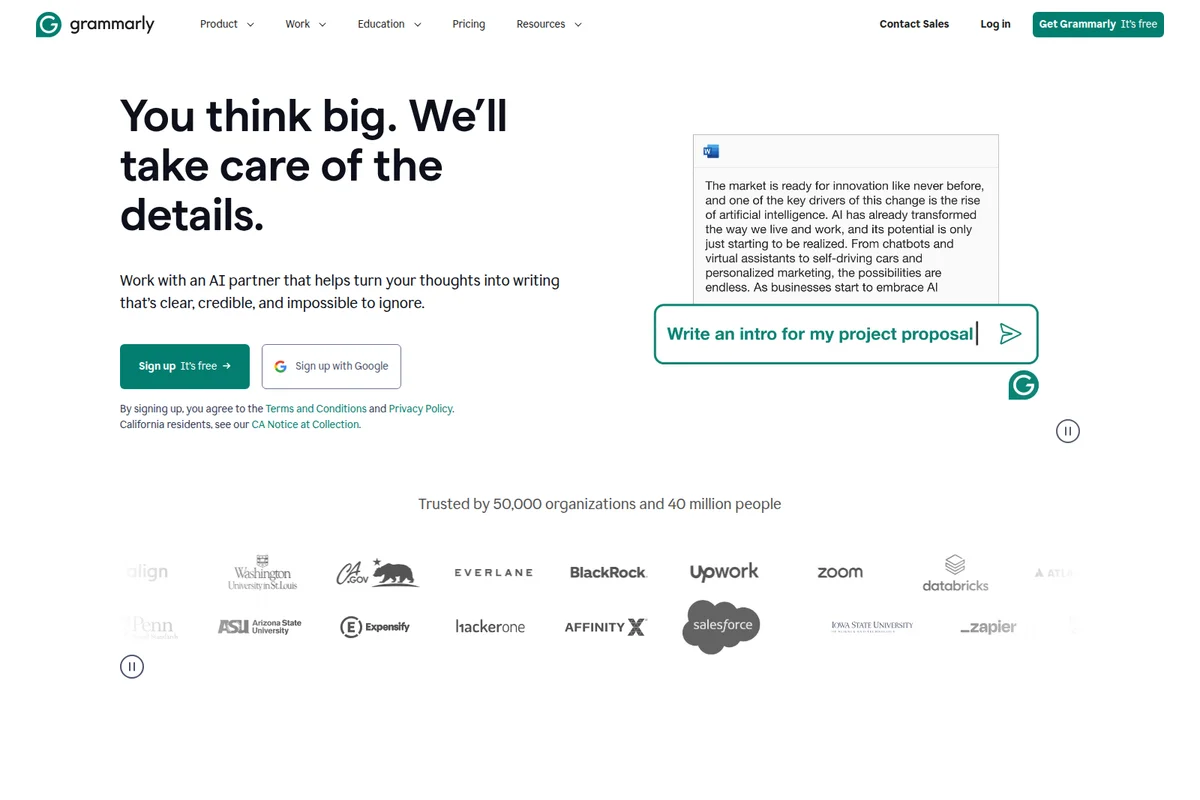
Generate clear, credible, and impactful writing with Grammarly's AI assistance.
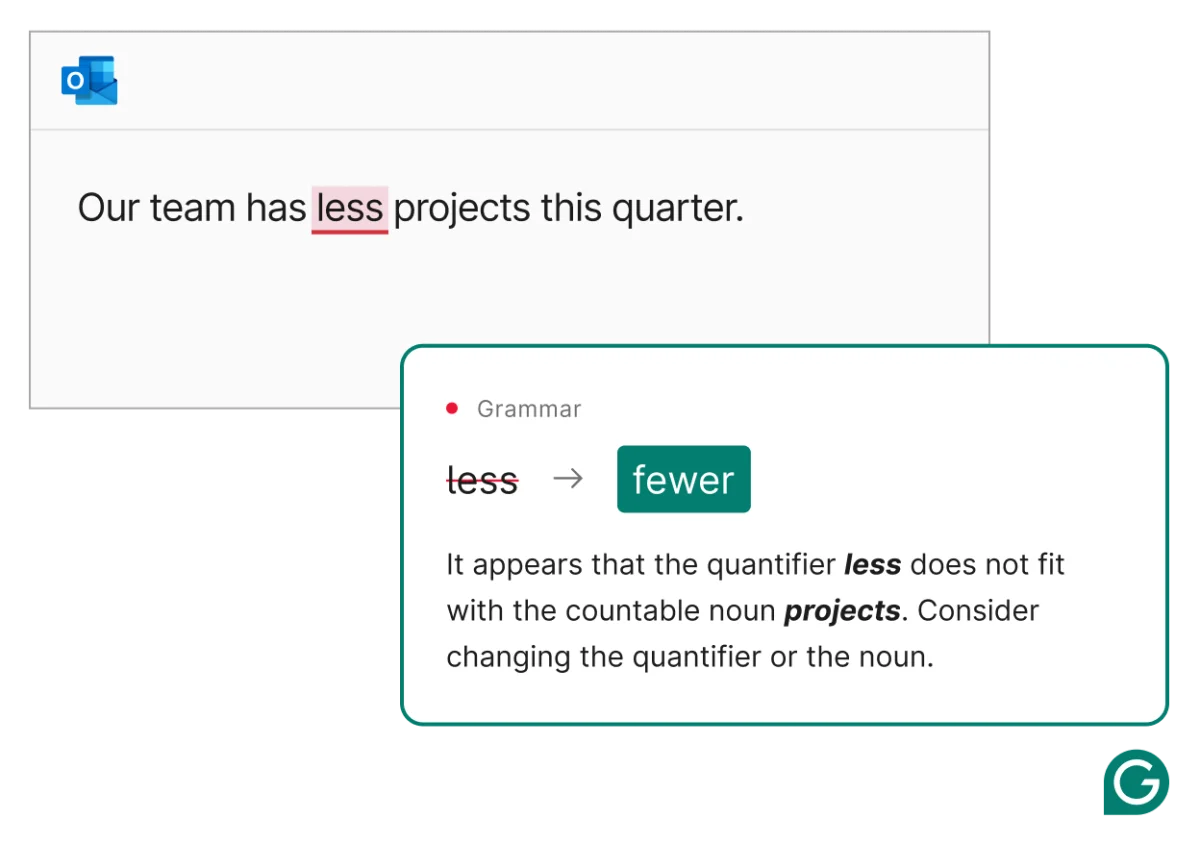
Get instant, accurate grammar suggestions directly within your emails.
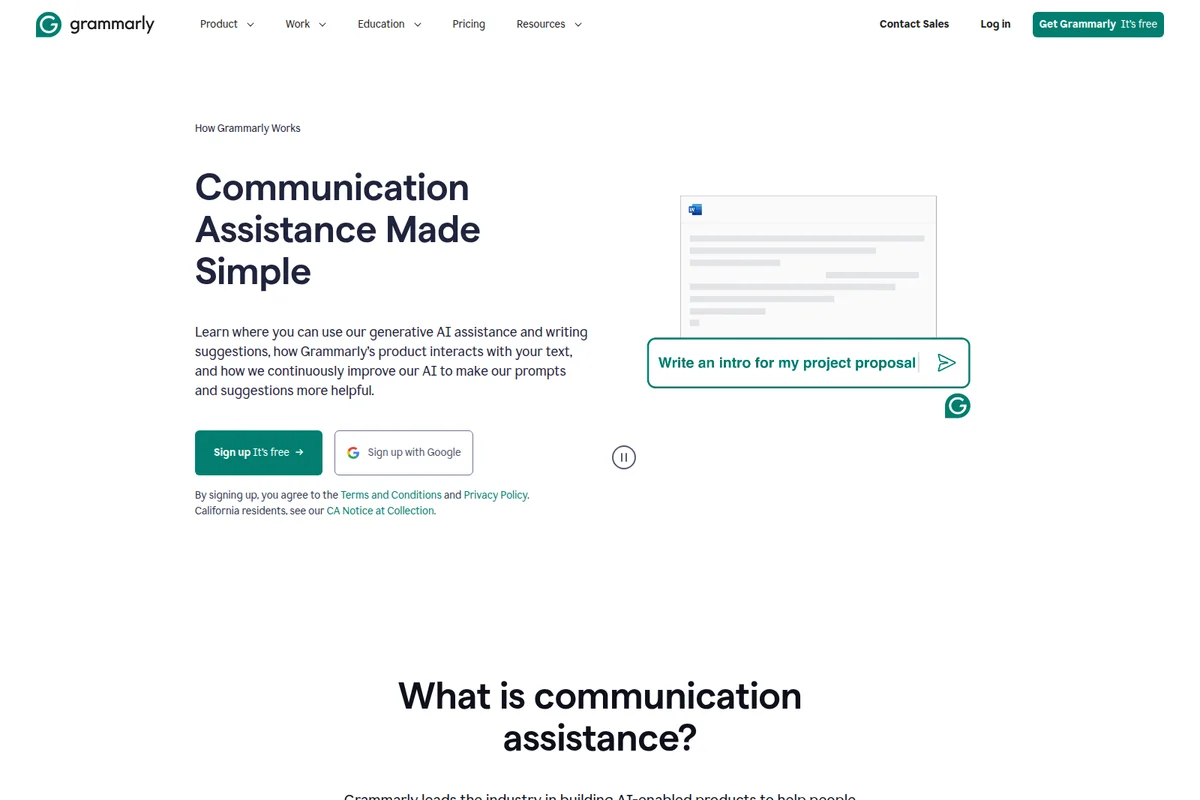
Generate introductions for documents and proposals with AI assistance.
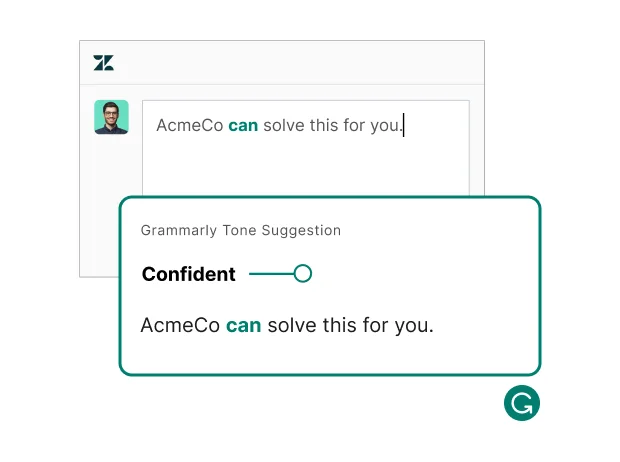
Ensure your message lands with the perfect tone, every time.
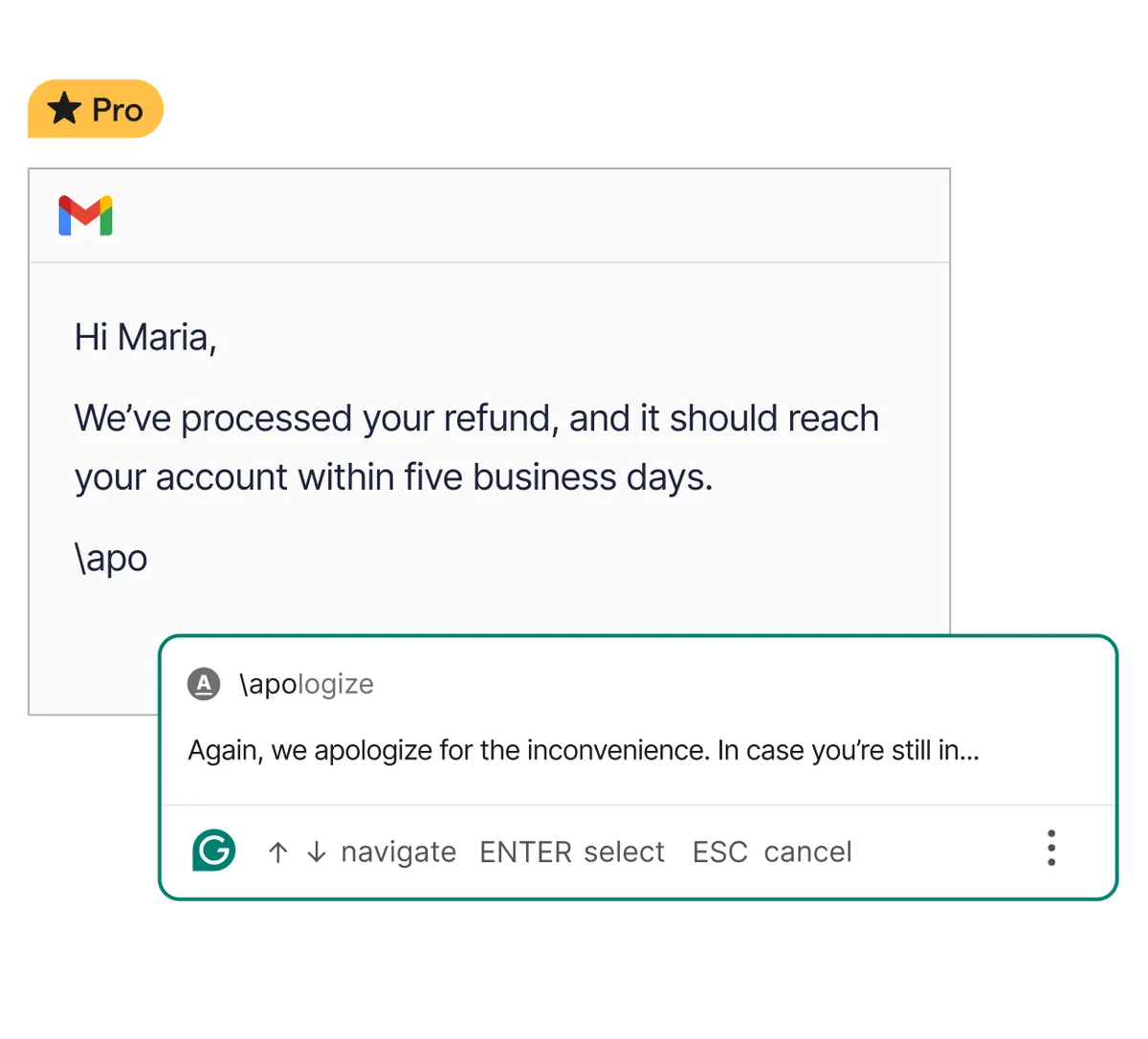
Generate full sentences and professional apologies from simple shorthand inputs.
Grammarly Review: Tooliverse Consensus






Based on 66k+ verified reviews across 6 platforms,
combined with Tooliverse's expert analysis
Grammarly pairs a fast, unobtrusive proofreader with generative drafting, which is why it stays open in so many browser tabs. Reviewers praise its real-time corrections across web apps, its tone detection, and explanations that teach as they fix. The catches are cost, which stings individuals and casual writers, and an extension that can lag on document-heavy sites. Rewrites can also sand down a writer's personality, so the best results come from accepting corrections freely and treating AI suggestions as drafts.
Bottom line: A strong writing assistant whose real-time corrections and tone detection earn daily use, though casual writers may balk at Pro pricing and creative writers should guard their voice from over-eager AI rewrites.
Grammarly | Key Specs
- Platforms
- Web, iOS, Android, macOS, Windows, Chrome extension
- Pricing Model
- Freemium ($0-30/mo) See plans
- Privacy/Data Use
- No selling of user content, no third-party model training on user content
- Security
- SOC 2 Type 2, ISO 27001, ISO 42001, SAML SSO See details
Wins
- •Provides seamless real-time grammar and spelling corrections across all web applicationsmentioned in 1,240 reviews
- •Offers sophisticated tone detection that helps maintain professional communication standardsmentioned in 980 reviews
- •Integrates generative AI features that effectively jumpstart the writing processmentioned in 850 reviews
Watch-Outs
- •Premium subscription pricing feels steep for individual or casual usersmentioned in 510 reviews
- •Browser extension occasionally causes significant lag on document-heavy websitesmentioned in 430 reviews
- •AI-generated suggestions can sometimes strip away the author's unique voicementioned in 380 reviews
Grammarly Features 2026
Paragraph Rewrites
Instantly accept full-sentence and paragraph rewrites to go from first draft to final document.
Tone Suggestions
Detects and adjusts tone from formal to friendly so messages land as intended.
Proofreading and Grammar Checking
Catches typos, punctuation, grammar errors, and commonly confused words in real time.
AI Detector Agent
Spots AI-generated text and areas to revise.
Grammarly User Reviews
Selected Reviews
"Grammarly has become my indispensable writing assistant. The tone detector is surprisingly accurate and helps me avoid sounding too blunt in professional emails."
"It's the gold standard for a reason. The integration with Google Docs has improved significantly over the last year, making it much more reliable."
"I've noticed some lag when working on very long documents in the web editor. It's frustrating when the cursor jumps around during a correction."
More from the Community
"The Chrome extension is great, but it sometimes conflicts with other plugins. Still, the AI rewriting feature saves me hours of editing every week."
"I love the suggestions, but the price for Premium is just too high for a student. I wish there was a more affordable middle-tier option."
"The mobile keyboard is a bit clunky compared to Gboard, but the grammar checking is far superior. It's a trade-off I'm willing to make for professional texts."
"GrammarlyGO is a nice addition, but it often suggests changes that make my writing feel a bit robotic. I use it sparingly for brainstorming."
"The desktop app is much better than it used to be. It catches things that the browser extension sometimes misses in specialized software."
"The Chrome extension is great, but it sometimes conflicts with other plugins. Still, the AI rewriting feature saves me hours of editing every week."
"I love the suggestions, but the price for Premium is just too high for a student. I wish there was a more affordable middle-tier option."
"The mobile keyboard is a bit clunky compared to Gboard, but the grammar checking is far superior. It's a trade-off I'm willing to make for professional texts."
"GrammarlyGO is a nice addition, but it often suggests changes that make my writing feel a bit robotic. I use it sparingly for brainstorming."
"The desktop app is much better than it used to be. It catches things that the browser extension sometimes misses in specialized software."
"The clarity suggestions are the best part. It helps me cut down on wordiness without losing the meaning of my sentences. Highly recommended."
"A bit intrusive with the "Go Premium" ads even when I'm already a paid user for a different account. The UI is getting a bit busy."
"The plagiarism checker is a lifesaver for academic work. It's fast and provides clear links to the original sources for verification."
"Solid tool, but I'm worried about how much data they collect. I turn it off for sensitive work, which is a bit of a hassle."
"The clarity suggestions are the best part. It helps me cut down on wordiness without losing the meaning of my sentences. Highly recommended."
"A bit intrusive with the "Go Premium" ads even when I'm already a paid user for a different account. The UI is getting a bit busy."
"The plagiarism checker is a lifesaver for academic work. It's fast and provides clear links to the original sources for verification."
"Solid tool, but I'm worried about how much data they collect. I turn it off for sensitive work, which is a bit of a hassle."
Grammarly Pricing 2026
Free's 100 AI prompts a month cover occasional emails, but tone adjustment, full-sentence rewrites, and plagiarism checks all sit behind Pro. If you write daily, Pro at $12/month billed annually is the tier to pick. The $30 monthly rate is hard to justify beyond a short stretch, so use the 7-day trial to test it, then commit annually or stay free.
Grammarly In-Depth Review 2026

Grammarly, now part of Superhuman, sits inside the places you already write, working across more than one million apps and websites, from Gmail and Outlook to Slack, Zendesk, and Google Docs. It runs in Chrome, Firefox, Edge, and Safari, in desktop apps for Windows and Mac, and on Android and iOS. Proofreading comes first, but newer AI agents handle rewrites, tone, citations, and reader feedback in the same place, so there is no pasting text into a separate chatbot.
What It's Like Day-to-Day
The core loop is simple: underlines appear as you type, and one click accepts the fix. Real-time grammar and spelling correction is the strength reviewers mention most, in more than 1,200 reviews, and each suggestion comes with a short explanation. That matters more than it sounds, because users describe picking up why a comma moves or a clause tangles, which turns a correction tool into a slow, steady tutor.
Tone detection is the second draw.
Grammarly Security & Compliance
Verified Compliance
- SOC 2 Type 2
- SOC 3
- ISO/IEC 27001:2022
- ISO/IEC 27017:2015
- ISO/IEC 27018:2019
- ISO/IEC 27701:2019
- ISO/IEC 42001:2023
Security Features
- SAML single sign-on
- Two-step authentication (MFA)
- AES-256 encryption at rest and TLS 1.2 in transit
- Enterprise key management (BYOK)
- HackerOne bug bounty program
Privacy Commitments
- Does not sell or monetize user content or allow third-party providers to train their models on user content
- Each customer's data is isolated and never appears in another customer's suggestions
- Users can opt out of tailored assistance and have stored feature data deleted
Grammarly: Frequently Asked Questions (FAQs)
Can I use Grammarly for free?
Yes, Grammarly Free is a genuinely free plan with 100 AI prompts per month, no ads, and no sale of your data. You can upgrade to Pro for advanced suggestions and more prompts.
How much does Grammarly Pro cost?
Grammarly Pro costs $12 per member per month billed annually, or $30 per member per month when billed monthly. A 7-day free trial is offered on the plans page.
What is included in Grammarly's paid plans?
Pro adds tone adjustments, full-sentence rewrites, plagiarism and AI text detection, and 2,000 AI prompts per month. Enterprise adds unlimited prompts, enterprise-grade security, and fully customizable controls for large organizations.
What forms of payment does Grammarly accept?
Grammarly accepts Visa, American Express, Mastercard, Discover, and PayPal. Business purchases for 10 or more members on an annual plan can request an invoice payable by ACH/wire, cards, Apple Pay, or Google Pay (not PayPal).
Grammarly Integrations
| Gmail | Microsoft Outlook | Google Docs |
| Microsoft Word | Microsoft PowerPoint | Slack |
| Microsoft Teams | Apple Mail | Notion |
| Figma | ||
| Salesforce | Google Sheets | Zendesk |
| Jira |
Grammarly: Verified Data Sheet
| # | Label | Data Point |
|---|---|---|
| [1] | Grammarly Consensus: 8.26/10 | Grammarly is a highly-rated tool among AI writing tools in the Tooliverse index, with a consensus score of 8.26/10 across 66,020 verified reviews. |
| [2] | What is Grammarly | Grammarly, now part of Superhuman, is a SOC 2 Type 2 certified AI writing assistant offering grammar checking, rewrites, tone suggestions and plagiarism detection. It serves 40 million people, with Pro from $12/member/month billed annually. |
| [3] | Tooliverse Consensus on Grammarly | Grammarly pairs a fast, unobtrusive proofreader with generative drafting, which is why it stays open in so many browser tabs. Reviewers praise its real-time corrections across web apps, its tone detection, and explanations that teach as they fix. The catches are cost, which stings individuals and casual writers, and an extension that can lag on document-heavy sites. Rewrites can also sand down a writer's personality, so the best results come from accepting corrections freely and treating AI suggestions as drafts. |
| [4] | Grammarly Verdict | Grammarly bottom line: A strong writing assistant whose real-time corrections and tone detection earn daily use, though casual writers may balk at Pro pricing and creative writers should guard their voice from over-eager AI rewrites. |
| [5] | Free: Free | Grammarly provides a functional Free tier that covers writing without mistakes and showing your writing tone, making AI tools accessible at no cost. |
| [6] | Real-time corrections across 1M+ apps | Grammarly delivers real-time grammar and spelling corrections across web applications, a strength validated by 1,240 user reviews, and works in 1 million+ apps and websites including Gmail, Outlook, and Slack. |
| [7] | Tone detection for professional writing | Grammarly offers tone detection that helps users keep professional communication on target, with 980 reviews citing it, and Pro adds tone adjustment from formal to friendly. |
| [8] | Generative AI jumpstarts drafting | Grammarly integrates generative AI that helps users get past the blank page, according to 850 user reviews, with full-sentence and paragraph rewrites and 2,000 AI prompts per member monthly on Pro. |
| [9] | Pro (Annual): $12/member/mo (annual) | Superhuman's Grammarly Pro (Annual) empowers users with Rewrite full sentences and adjust tone for $12/member/month billed annually, significantly expanding on the free tier's capabilities. |
| [10] | Clear explanations teach as they correct | Grammarly explains the reasoning behind its corrections so users build their own writing skills over time, a benefit noted in 720 user reviews. |
| [11] | Pro pricing steep for casual users | Grammarly Pro at $12/member/month billed annually ($30/member/month billed monthly) may feel steep for individual or casual users, according to 510 user reviews. |
| [12] | Extension lag on document-heavy sites | Grammarly's browser extension can cause noticeable lag on document-heavy websites, according to 430 user reports. |
| [13] | Privacy: Does not sell or monetize user content or allow third-party providers to train their models on user content | Grammarly's privacy protections state that it Does not sell or monetize user content or allow third-party providers to train their models on user content, that Each customer's data is isolated and never appears in another customer's suggestions, and that Users can opt out of tailored assistance and have stored feature data deleted. |
| [14] | Enterprise: SAML single sign-on | Grammarly provides enterprise security with SAML single sign-on, Two-step authentication (MFA), and AES-256 encryption at rest and TLS 1.2 in transit. |
| [15] | Google Docs integration much more reliable | A verified Chrome Web Store reviewer called Grammarly "the gold standard for a reason," noting that its Google Docs integration "has improved significantly over the last year." |
Best Grammarly Alternatives
ProWritingAid
Plan, write, and polish your book with professional-level feedback and a community of writers beside you.
QuillBot
Write clearer, sound like yourself, and finish polished work in a fraction of the time.

Wordtune
Express yourself with confidence using AI that paraphrases, rewrites, and perfects your writing.