
Granola Review 2026 - Bot-Free AI Notes
Verified Oct 1, 2026 by Tooliverse Editorial
Granola listens in the background while you jot notes, then blends them with the transcript into clear, personal summaries. No meeting bot joins your call, so conversations stay natural from Zoom to coffee catch-ups.
Introducing Granola + Zapier | Your meeting notes, now connected with over 8,000 apps
The Complete Granola Walkthrough: Notes, Recipes and Briefs
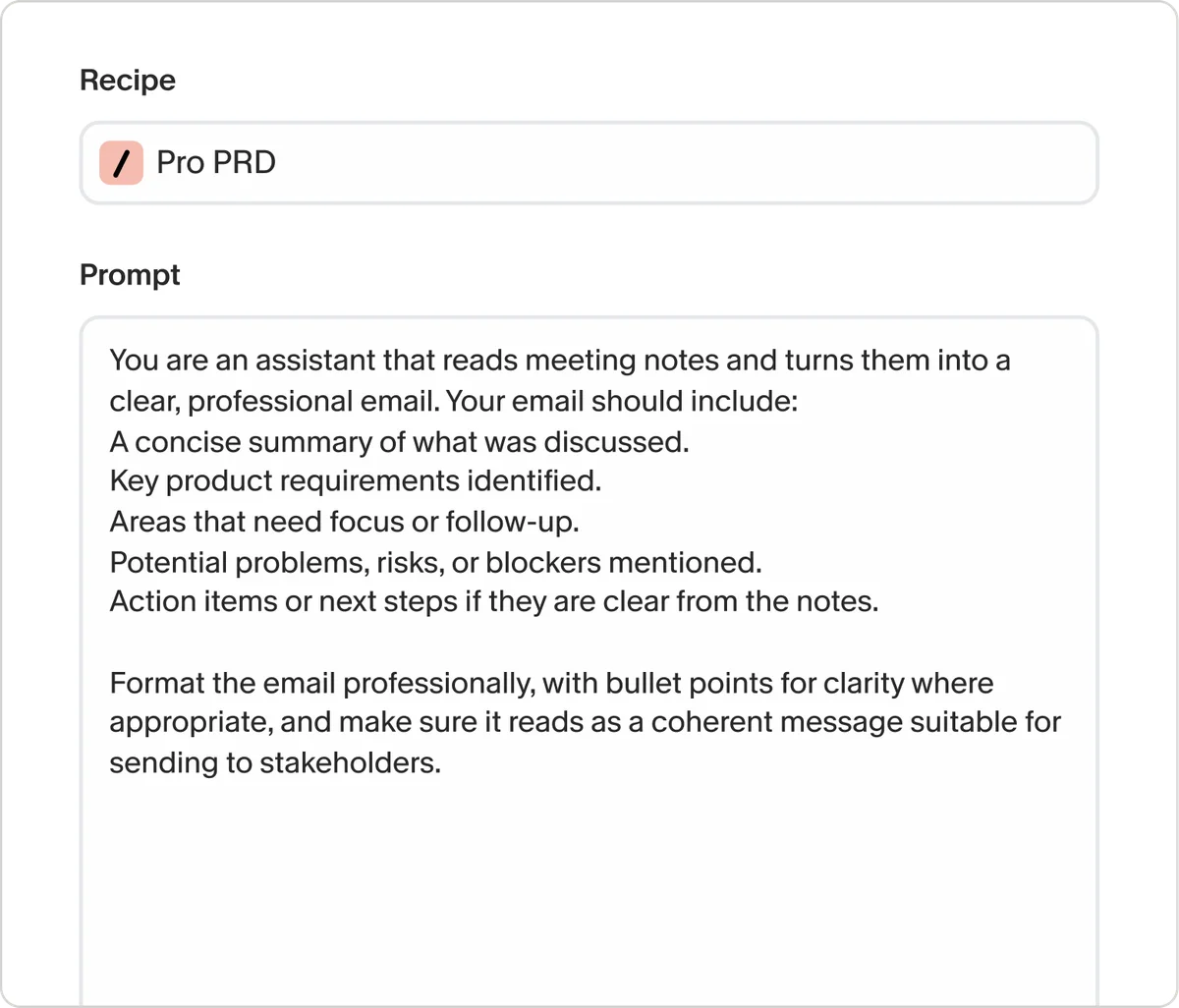
Define custom AI recipes to automate specific tasks efficiently.
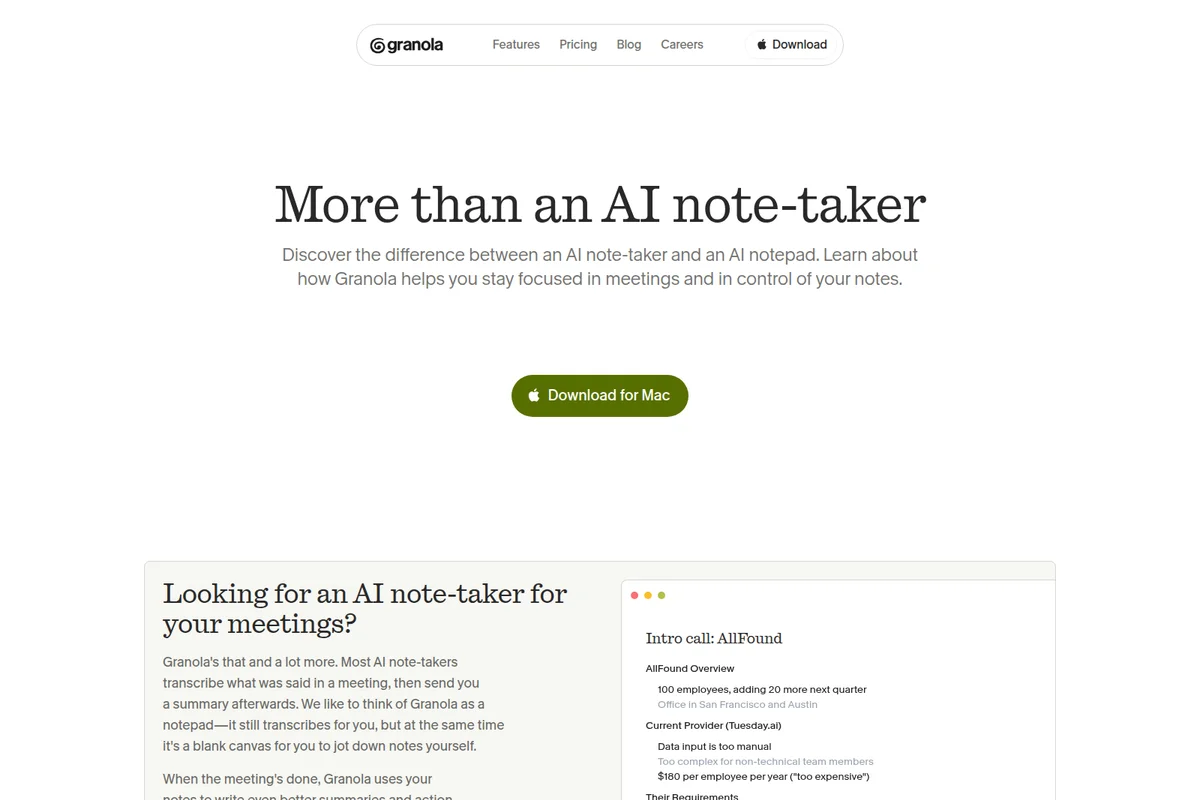
Granola helps you stay focused with intelligent meeting notes and summaries.
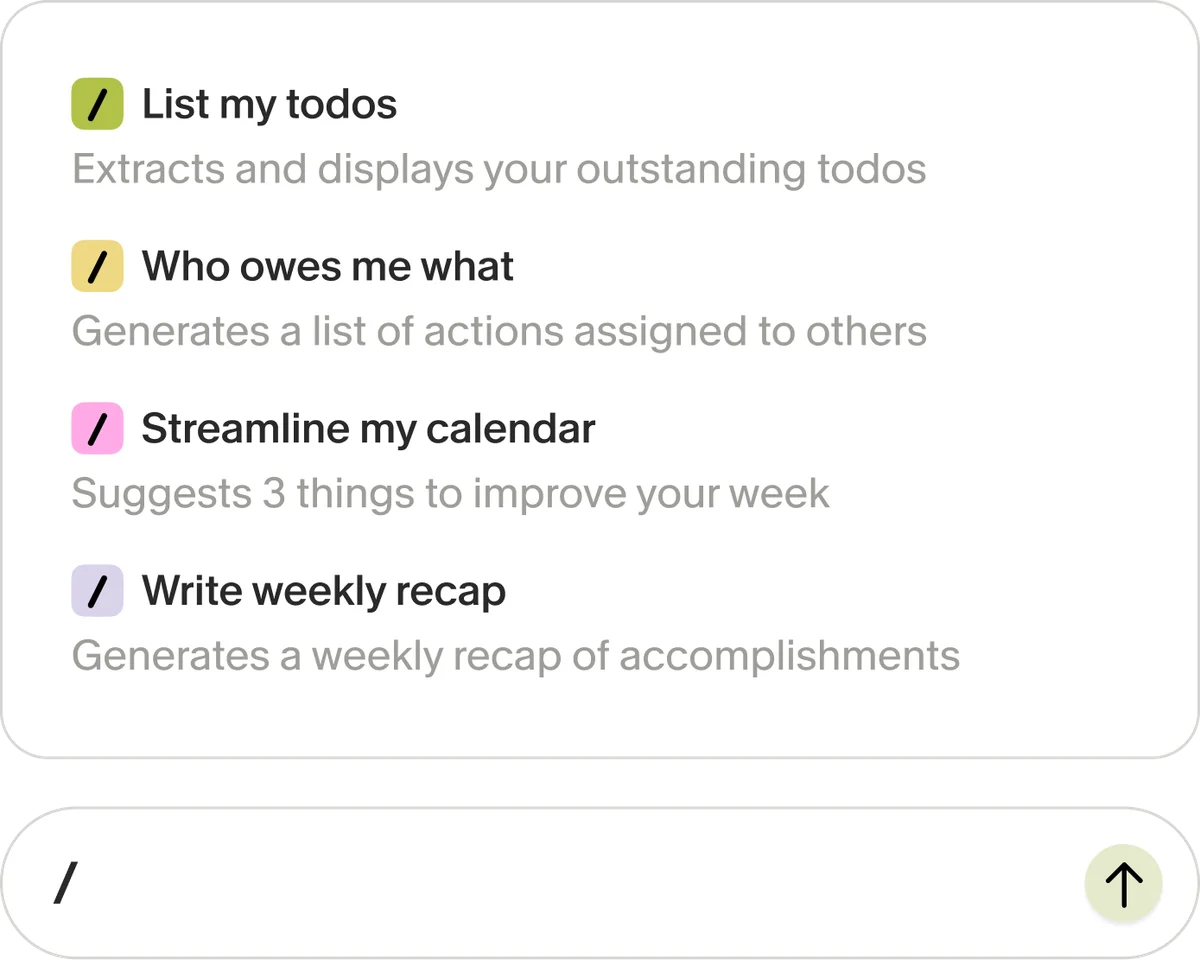
Quickly access AI-powered commands for daily tasks and insights.
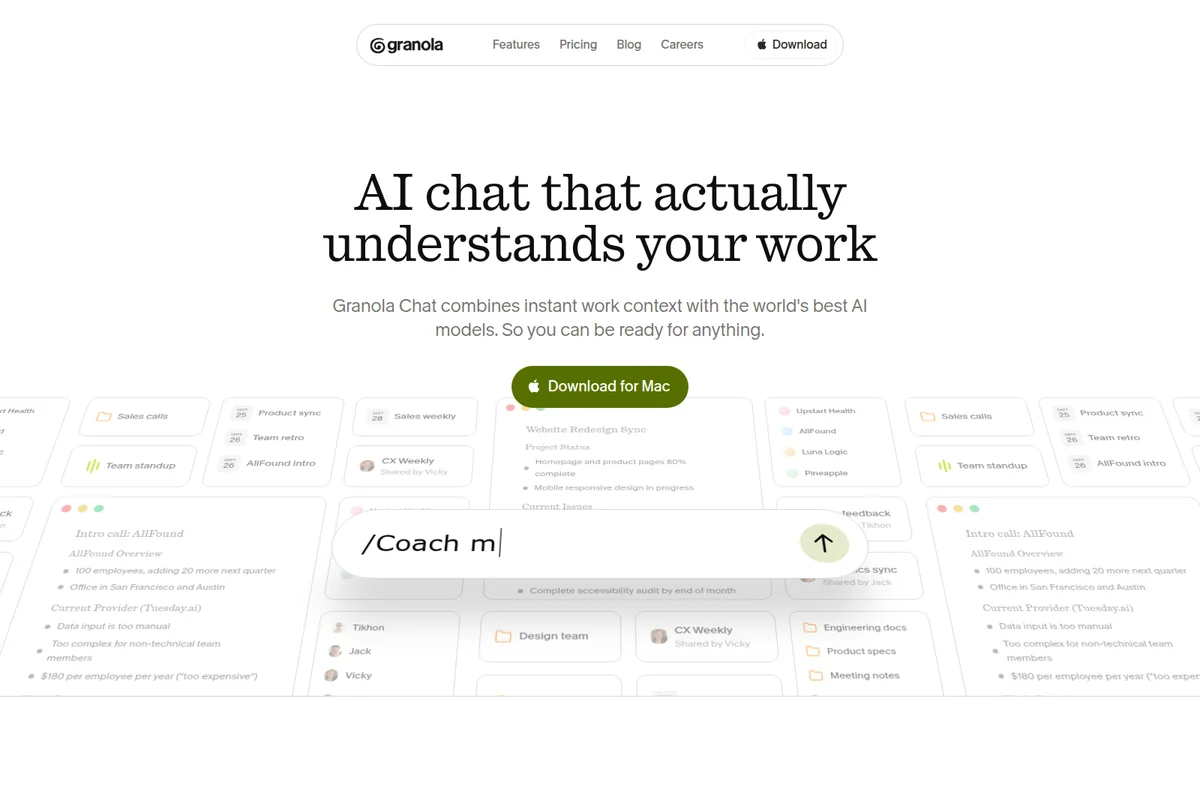
AI chat that instantly understands your work context for quick insights.
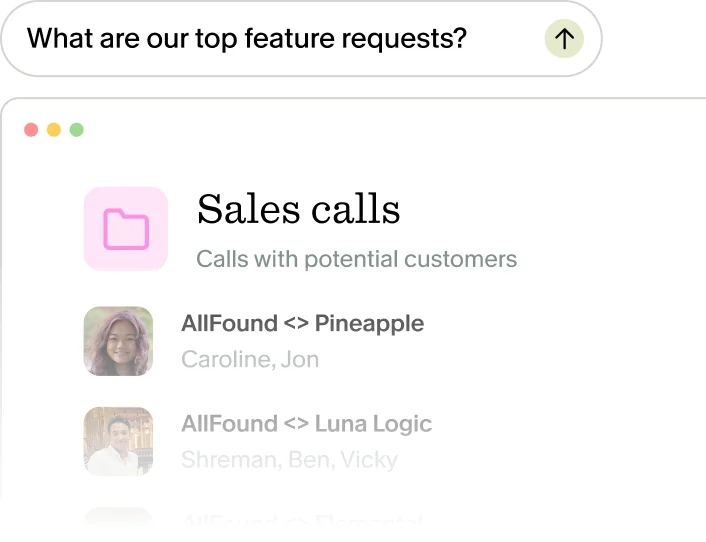
Quickly find key information or feature requests within your data.
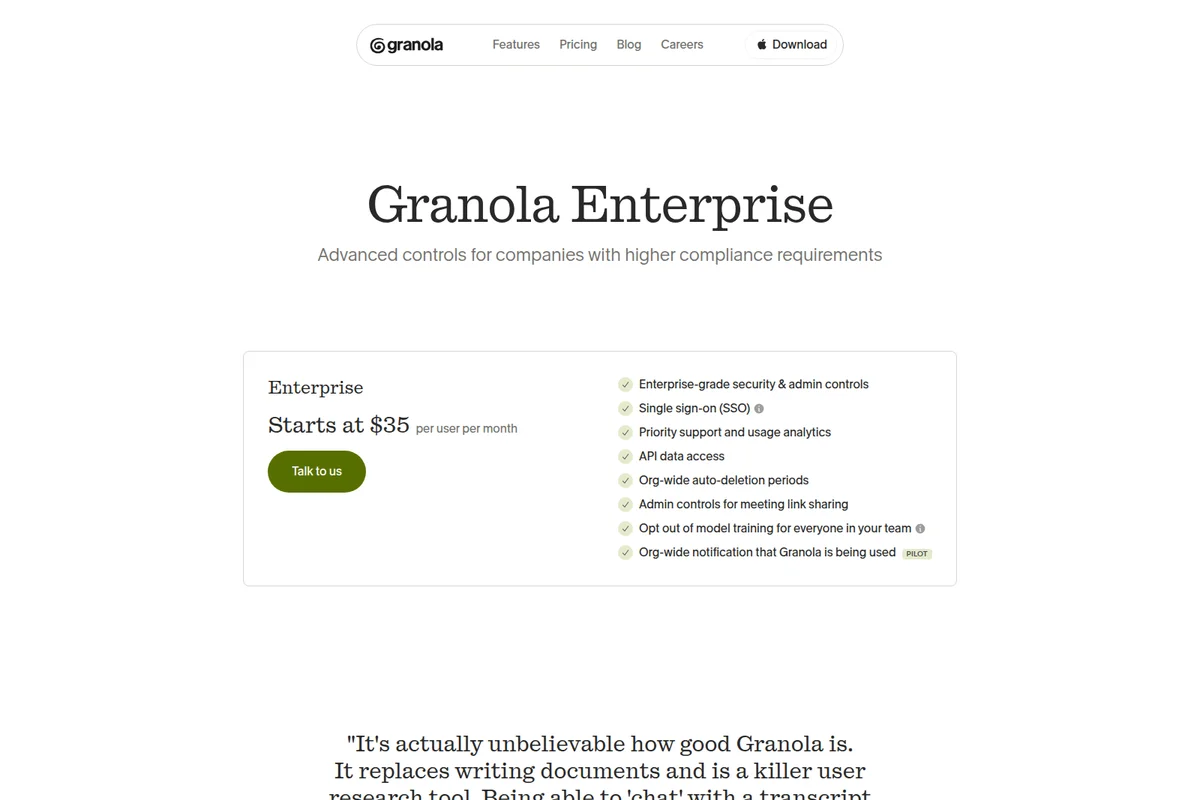
Unlock advanced controls and compliance features for enterprise teams.
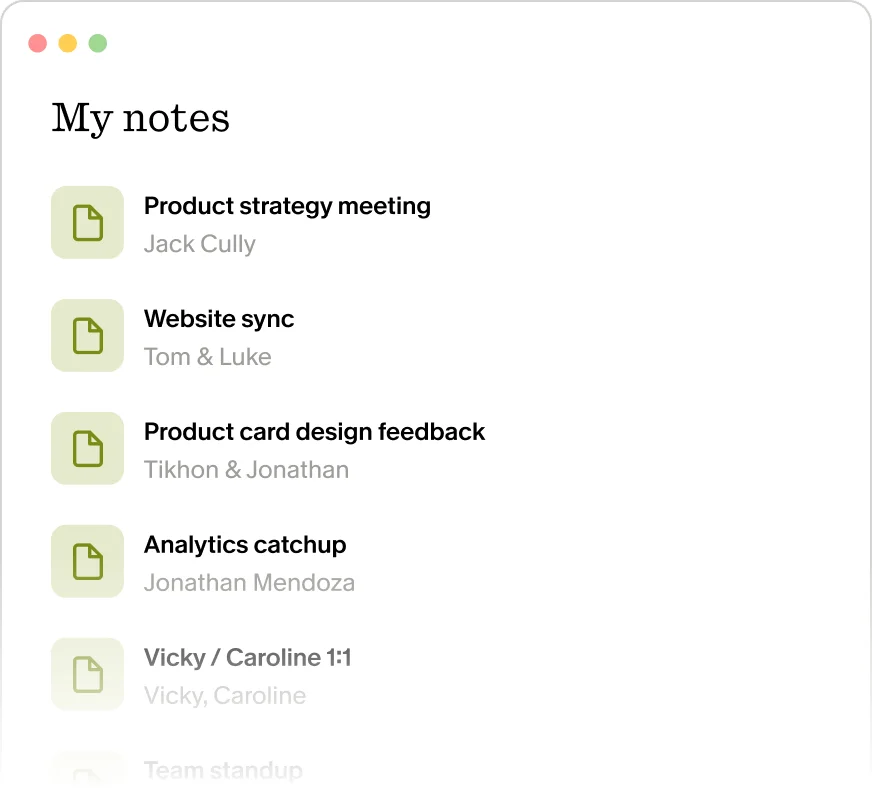
Keep track of all your meeting notes and collaborations in one place.
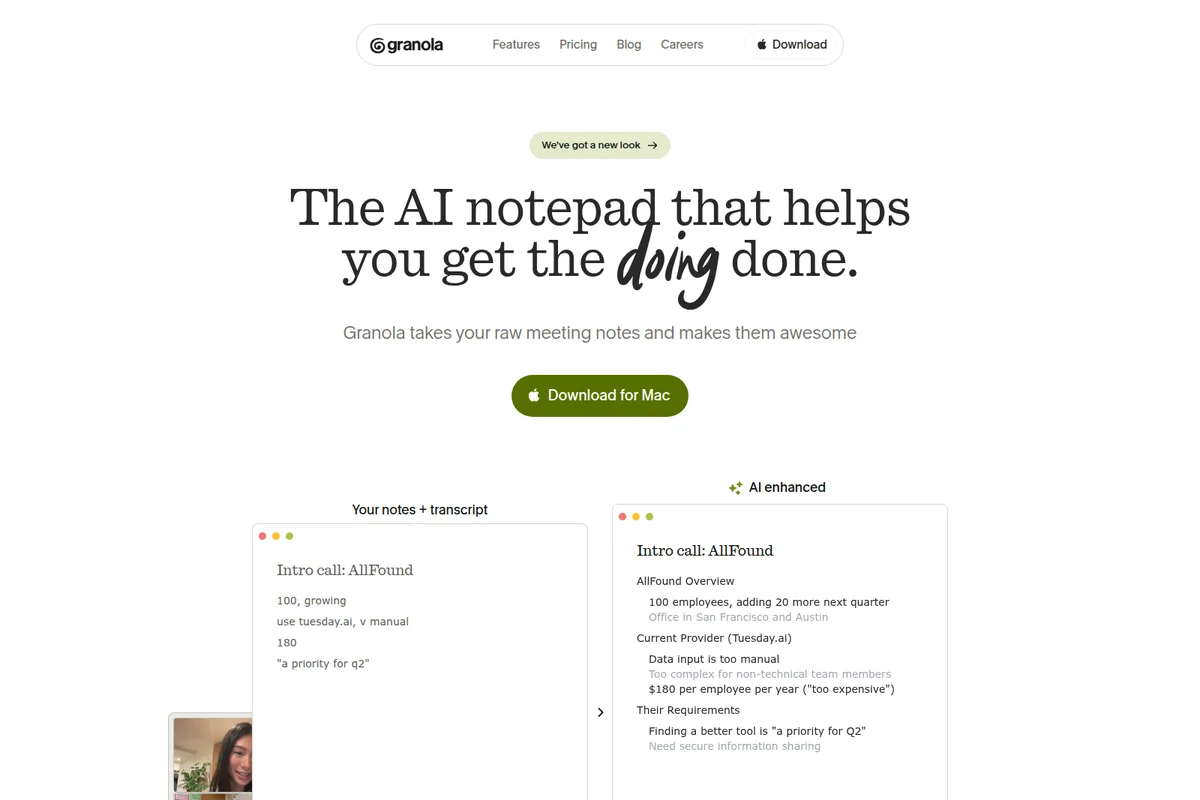
Transform raw meeting notes into concise, AI-enhanced summaries.
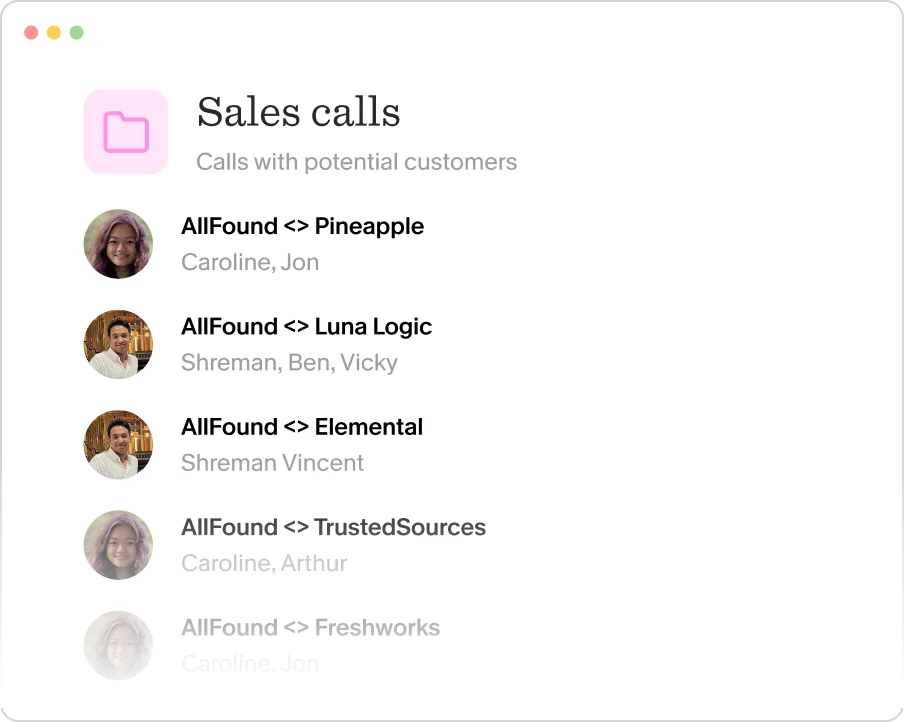
Manage and review all your sales calls with potential customers.
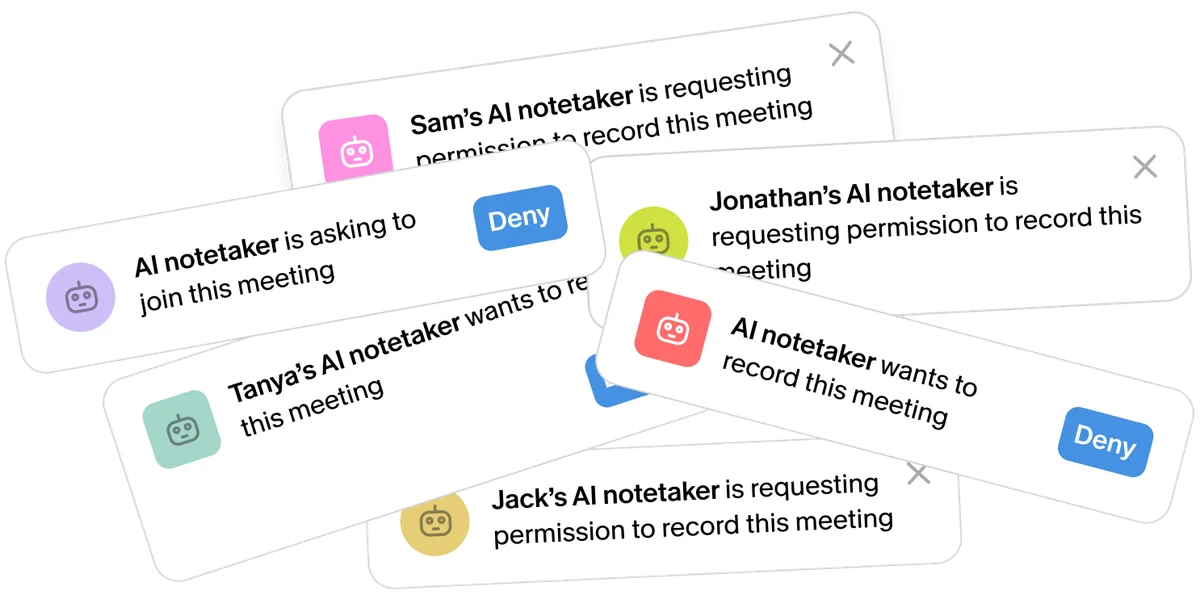
Manage multiple AI notetakers requesting to join or record your meetings.
Granola Review: Tooliverse Consensus




Based on 547 verified reviews across 4 platforms,
combined with Tooliverse's expert analysis
Granola works as a notepad that listens: you jot rough notes, and it fills in the detail from a bot-free transcript while keeping audio off its servers. Reviewers single out the AI-enhanced notes, the fast native Mac interface and the privacy design, along with smooth Slack and Notion sharing. The catches are a Mac-first reputation with no web version, a price that stings for individuals, and weaker accuracy with heavy accents or jargon.
Bottom line: A top-tier meeting notepad that turns your rough jottings into polished, private notes, though its Mac-first reputation and per-seat price will give mixed-platform teams and solo users pause.
Granola | Key Specs
- Platforms
- macOS, Windows, iOS, Android, Apple Watch
- Pricing Model
- Freemium ($0-35/user/mo) See plans
- Privacy/Data Use
- Private by default, audio not stored; training opt-out available
- Security
- SOC 2 Type 2, GDPR DPA, SSO (Enterprise) See details
Wins
- •Augments personal notes with AI context rather than just providing raw transcriptsmentioned in 156 reviews
- •Features a beautiful, native macOS interface that feels lightweight and responsivementioned in 134 reviews
- •Ensures data privacy by processing meeting audio locally on the user's devicementioned in 112 reviews
Watch-Outs
- •Currently restricted to macOS users with no Windows or web version availablementioned in 89 reviews
- •Subscription pricing feels steep for individual users or small teamsmentioned in 67 reviews
- •Requires active note-taking during the meeting to achieve the best AI resultsmentioned in 54 reviews
Granola Features 2026
Bot-free meeting capture
Transcribes using your computer audio in the background without inviting a bot to the call.
AI-enhanced notes
Combines the notes you jot down with the transcript to produce clear, personal meeting notes.
Pre-meeting Briefs
Syncs with your calendar and preps a Brief before external meetings: attendees, past discussions and what matters now.
Granola Chat
AI chat that knows your work; ask questions during a meeting, in a folder, or across all meetings.
Granola User Reviews
Selected Reviews
"Granola is the first meeting tool I actually use. It doesn't replace me; it makes my messy notes professional."
"I like that it doesn't "join" the meeting as a bot. It just listens to my system audio. Much less awkward."
"Transcription is solid, but it struggles with my Scottish accent occasionally. Still better than Otter."
More from the Community
"The privacy aspect of local processing is why my IT department actually cleared this for use."
"Love the Notion export. It saves me 20 minutes of formatting after every sync-up."
"Great for internal meetings, but I wish it had a web version so I could use it on my PC too."
"The AI templates are a game changer for discovery calls. It knows exactly what questions I missed."
"Native Mac app feels so much better than those clunky Electron-based transcription bots."
"The privacy aspect of local processing is why my IT department actually cleared this for use."
"Love the Notion export. It saves me 20 minutes of formatting after every sync-up."
"Great for internal meetings, but I wish it had a web version so I could use it on my PC too."
"The AI templates are a game changer for discovery calls. It knows exactly what questions I missed."
"Native Mac app feels so much better than those clunky Electron-based transcription bots."
"It's a bit pricey for just one person, but the time saved on follow-up emails makes it worth it."
"Good tool, but the lack of a Windows version is a dealbreaker for half my team."
"The way it maps my shorthand to full sentences is like magic. It understands my personal context."
"Solid 4 stars. It needs better CRM integrations, but the core note-taking experience is flawless."
"It's a bit pricey for just one person, but the time saved on follow-up emails makes it worth it."
"Good tool, but the lack of a Windows version is a dealbreaker for half my team."
"The way it maps my shorthand to full sentences is like magic. It understands my personal context."
"Solid 4 stars. It needs better CRM integrations, but the core note-taking experience is flawless."
Granola Pricing 2026
View SourceThe free plan covers notes and chat but hides anything older than 30 days, a wall you hit the first time you want last quarter's calls. Business at $14/user/month lifts that cap and adds integrations, MCP and API access, which makes it the tier worth paying for. Enterprise matters only if you need SSO, SCIM or HIPAA-compliant workspaces; individuals and most small teams can ignore it.
Granola In-Depth Review 2026

Granola is an AI notepad for meetings. It captures your computer's audio in the background, so no bot joins the call, and merges the notes you jot with the transcript to produce write-ups that read like yours. It works with Zoom, Google Meet, Teams and Huddles on desktop, with iOS and Android apps for in-person meetings, and it keeps transcripts and notes but not the audio. Reviewers still talk about it as a Mac-first product, and there is no web version.
What It's Like Day-to-Day
The workflow fits in a sentence. You start Granola when the meeting begins (it does not auto-join or auto-record), type whatever fragments seem important, and let it fill in the rest afterward. Because your own priorities steer the output, users describe notes that sound like them; one Mac App Store reviewer said the way it maps shorthand to full sentences is "like magic". The AI expands what you flagged instead of guessing at everything that was said.
The interface earns steady praise, too. Mac users call the native app lightweight and responsive, and it comes up in well over a hundred reviews as a reason they stick with it.
Granola Security & Compliance
Verified Compliance
- SOC 2 Type 2
- GDPR compliant (DPA available)
Security Features
- Encryption at rest and in transit
- Single sign-on (SSO) and SCIM (Enterprise)
- Audit API (Enterprise)
Privacy Commitments
- Private by default; notes only shared when the user chooses
- Audio not stored after transcription
- Third parties (OpenAI, Anthropic) not allowed to train on user data
- Model training opt-out available; off by default for Enterprise
Granola: Frequently Asked Questions (FAQs)
Is Granola free to use?
Yes, Granola's Basic plan is free at $0 per user per month. You can take unlimited meeting notes, but must upgrade to view and work with notes older than 30 days.
How much does Granola cost?
Granola costs $0 for Basic, $14 per user per month for Business, and $35 per user per month for Enterprise.
What is the difference between Basic and Business?
Business adds unlimited meeting history, pre-meeting briefs, follow-up emails, model selection in chat, integrations (Notion, Zapier, HubSpot and more), MCP access to workspace notes, API access and centralized billing.
Does Granola work without a bot joining my meeting?
Yes, Granola does not add a bot to your call. It accesses your microphone and computer audio and transcribes in the background.
Granola Integrations
| Slack | Notion | HubSpot |
| Salesforce | Affinity | Attio |
| Claude | ChatGPT | Gemini |
| Cursor | Figma | Lovable |
| Replit | v0 | Manus |
| Microsoft 365 Copilot | Grok Bot | Linear |
| Jira | Asana | ClickUp |
| GitHub | Monday.com | Trello |
| Gmail | Google Calendar | Outlook |
| Google Docs | Google Drive | OneDrive |
| OneNote | Zapier | Gainsight |
| Mailchimp | Pipedrive | Zoom |
| Google Meet | Microsoft Teams |
Granola: Verified Data Sheet
| # | Label | Data Point |
|---|---|---|
| [1] | Granola Consensus: 9.33/10 | Granola is one of the highest-rated AI productivity tools in the Tooliverse index, with a consensus score of 9.33/10 across 547 verified reviews. |
| [2] | What is Granola | Granola, from Granola, Inc., is a SOC 2 Type 2 AI notepad that transcribes meetings without a bot and enhances your own notes. It integrates with HubSpot, Slack, Notion and MCP apps, with a free plan and paid plans from $14/user/month. |
| [3] | Tooliverse Consensus on Granola | Granola works as a notepad that listens: you jot rough notes, and it fills in the detail from a bot-free transcript while keeping audio off its servers. Reviewers single out the AI-enhanced notes, the fast native Mac interface and the privacy design, along with smooth Slack and Notion sharing. The catches are a Mac-first reputation with no web version, a price that stings for individuals, and weaker accuracy with heavy accents or jargon. |
| [4] | Granola Verdict | Granola bottom line: A top-tier meeting notepad that turns your rough jottings into polished, private notes, though its Mac-first reputation and per-seat price will give mixed-platform teams and solo users pause. |
| [5] | Basic: Free | Granola offers a functional Basic tier with AI meeting notes and 30 days of meeting history, giving users access to AI tools at no cost. |
| [6] | Bot-free capture, no audio stored | Granola protects meeting privacy by transcribing in the background without a bot and not storing audio, keeping only transcripts and notes, a strength validated by 112 user reviews. |
| [7] | Slack, Notion, HubSpot and Zapier integrations | Granola shares meeting outcomes through native Slack, Notion, HubSpot, Attio and Affinity integrations, plus Zapier access to 8,000+ apps, a strength cited in 94 user reviews. |
| [8] | Business: $14/user/month | Granola, Inc.'s Business plan adds unlimited meeting notes and history for just $14/user monthly, significantly expanding on the free tier's capabilities. |
| [9] | Enhances your own notes with AI context | Granola augments the notes a user types during a meeting with AI context from the transcript, producing personal write-ups instead of raw transcripts, a strength cited in 156 user reviews. |
| [10] | Native, responsive Mac interface | Granola offers a native macOS interface that reviewers describe as lightweight and responsive, a strength mentioned in 134 user reviews and often contrasted with Electron-based transcription tools. |
| [11] | No web version; reviewers call it Mac-first | Granola is described as Mac-centric in 89 user reviews, with reviewers noting the lack of a web version, although Granola's FAQ lists macOS, Windows, iOS and Android apps. |
| [12] | Pricing feels steep for individuals | Granola's paid pricing, starting at $14/user/month for Business, feels steep for individual users and small teams according to 67 user reviews. |
| [13] | Privacy: Private by default; notes only shared when the user chooses | Granola protects privacy through Private by default; notes only shared when the user chooses, Audio not stored after transcription, and Third parties (OpenAI, Anthropic) not allowed to train on user data. |
| [14] | Enterprise: Encryption at rest and in transit | Granola secures enterprise deployments with Encryption at rest and in transit, Single sign-on (SSO) and SCIM (Enterprise), and Audit API (Enterprise). |
| [15] | Privacy design helped win IT approval | A verified Mac App Store reviewer noted that Granola's "privacy aspect of local processing is why my IT department actually cleared this for use." |
Best Granola Alternatives
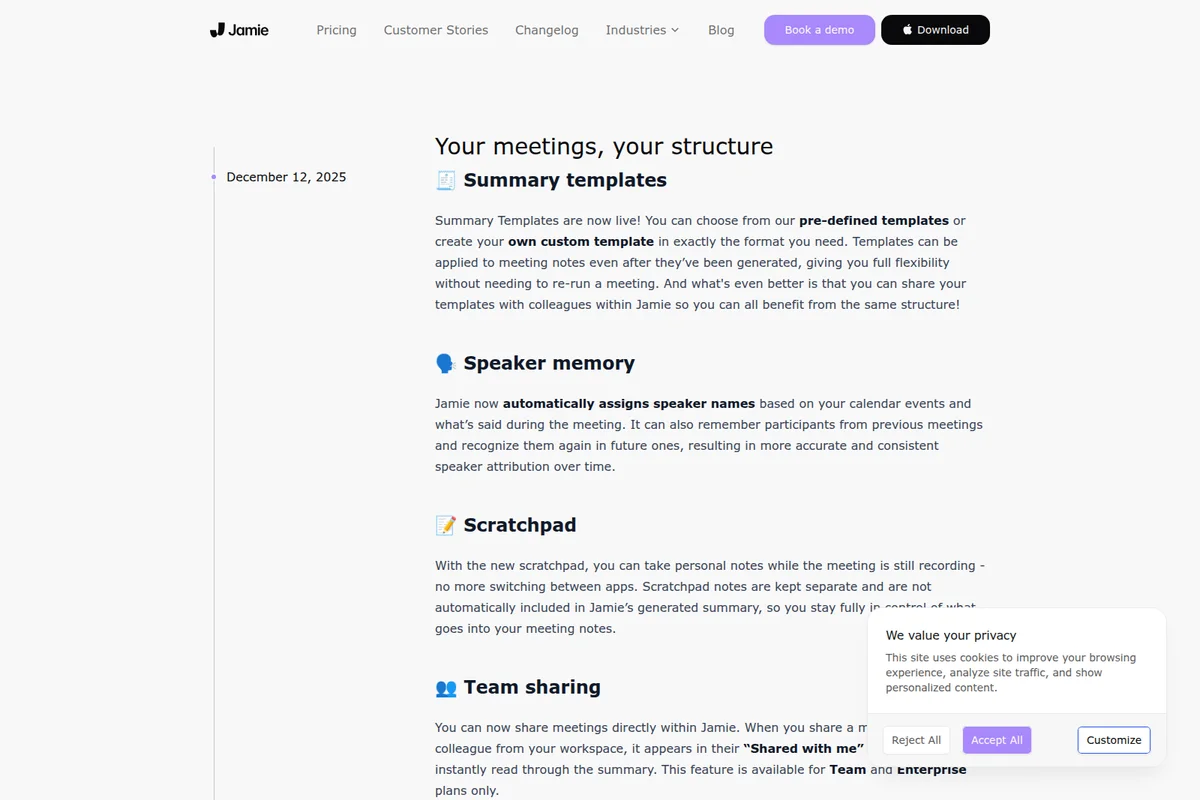
Jamie
Be fully present in every meeting while Jamie captures notes and remembers every detail, without a bot.
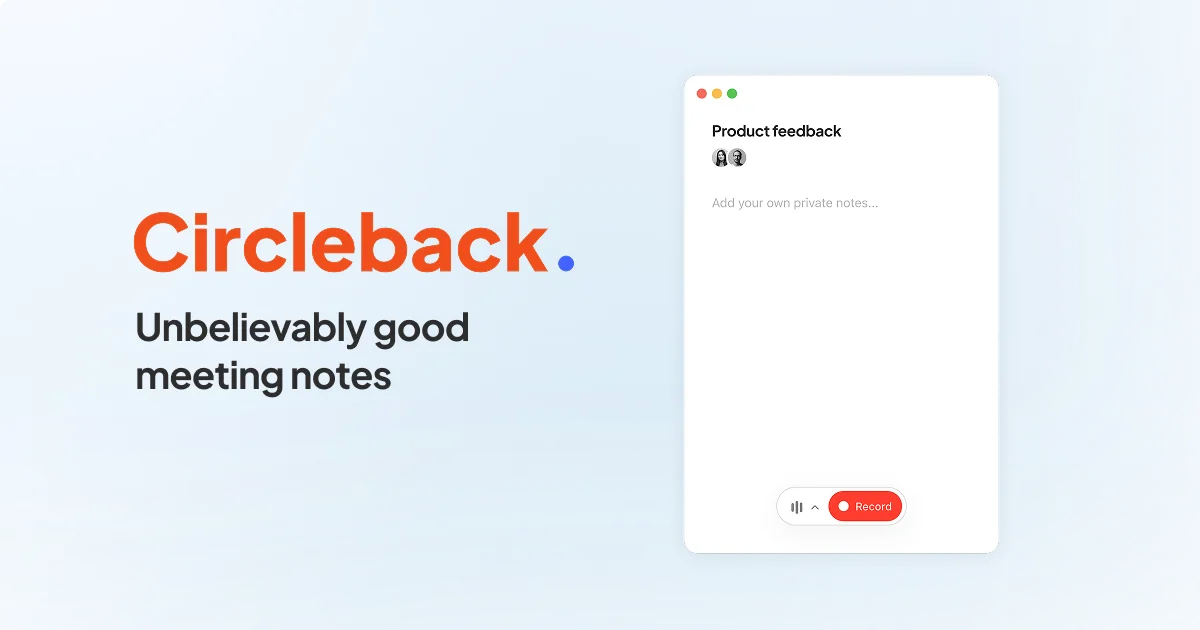
Circleback
Unbelievably good meeting notes that turn conversations into action, automatically.
Notta
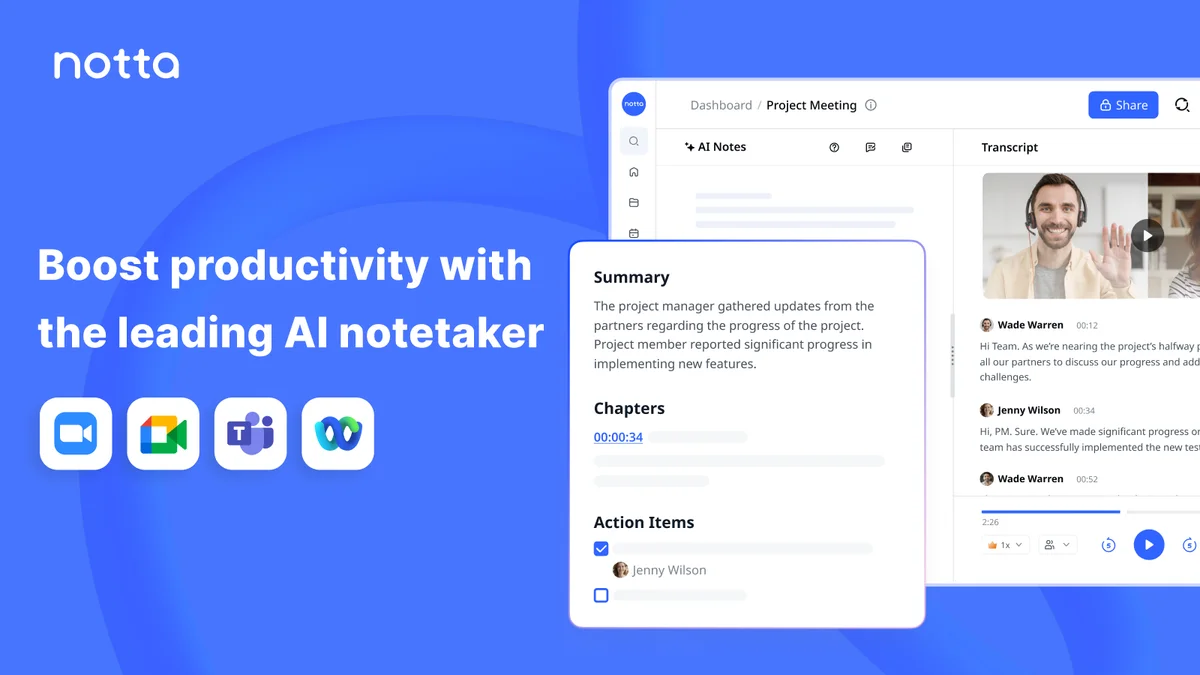
Turn every meeting into searchable notes, visuals, and next steps without lifting a finger.