
HappyScribe Review 2026 - AI Transcription Tool
Verified Jun 12, 2026 by Tooliverse Editorial
HappyScribe turns audio and video into searchable text in minutes—transcribe interviews, add subtitles to videos, or let AI capture your Zoom calls. Trusted by 6M+ users across newsrooms, research teams, and content studios for 95%+ accuracy in 150+ languages.
How to Translate Any Audio Instantly with AI | Audio to Text
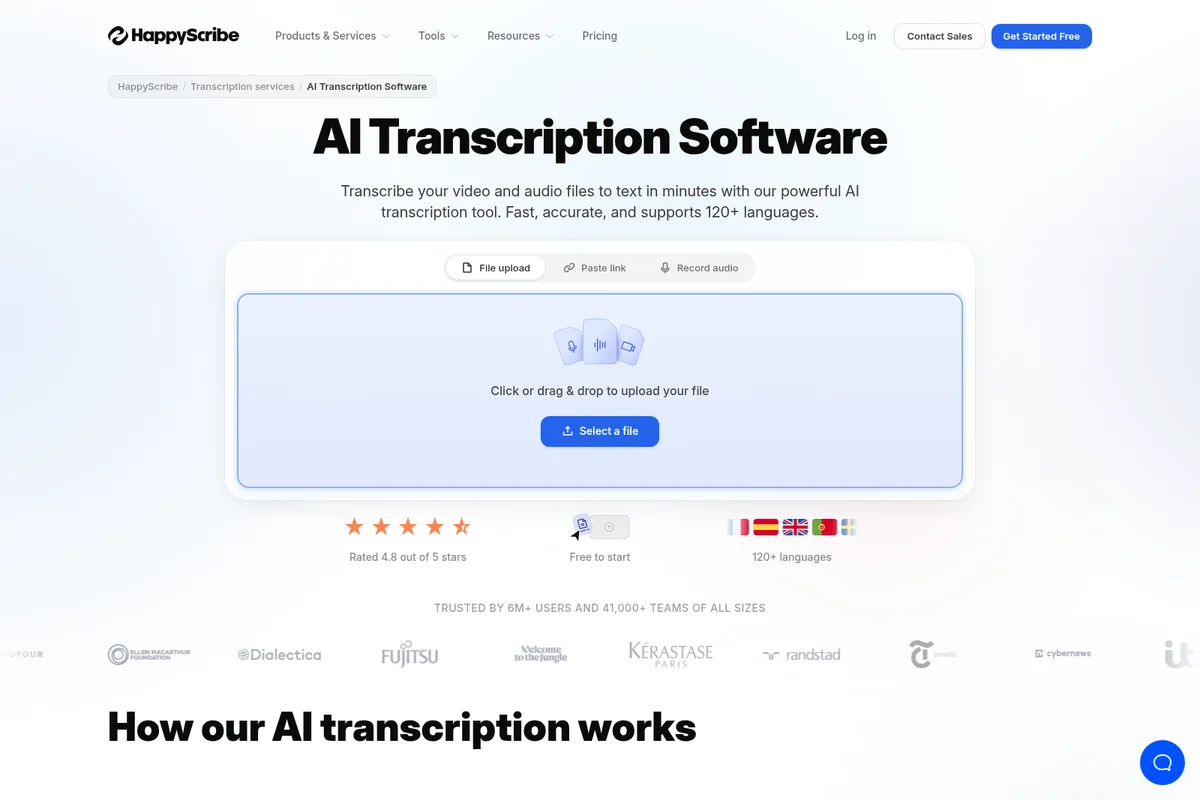
Quickly upload files or record audio to transcribe in over 120 languages.
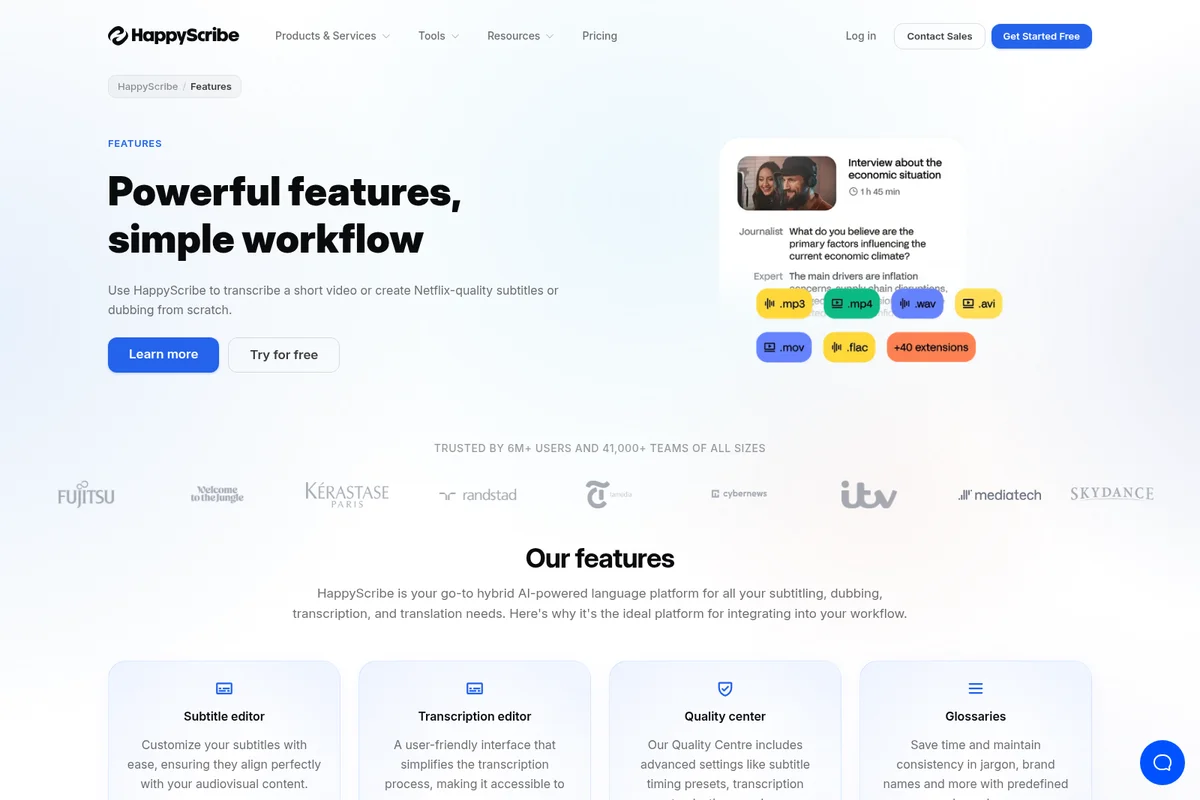
Transcribe audio and video from various formats with ease.
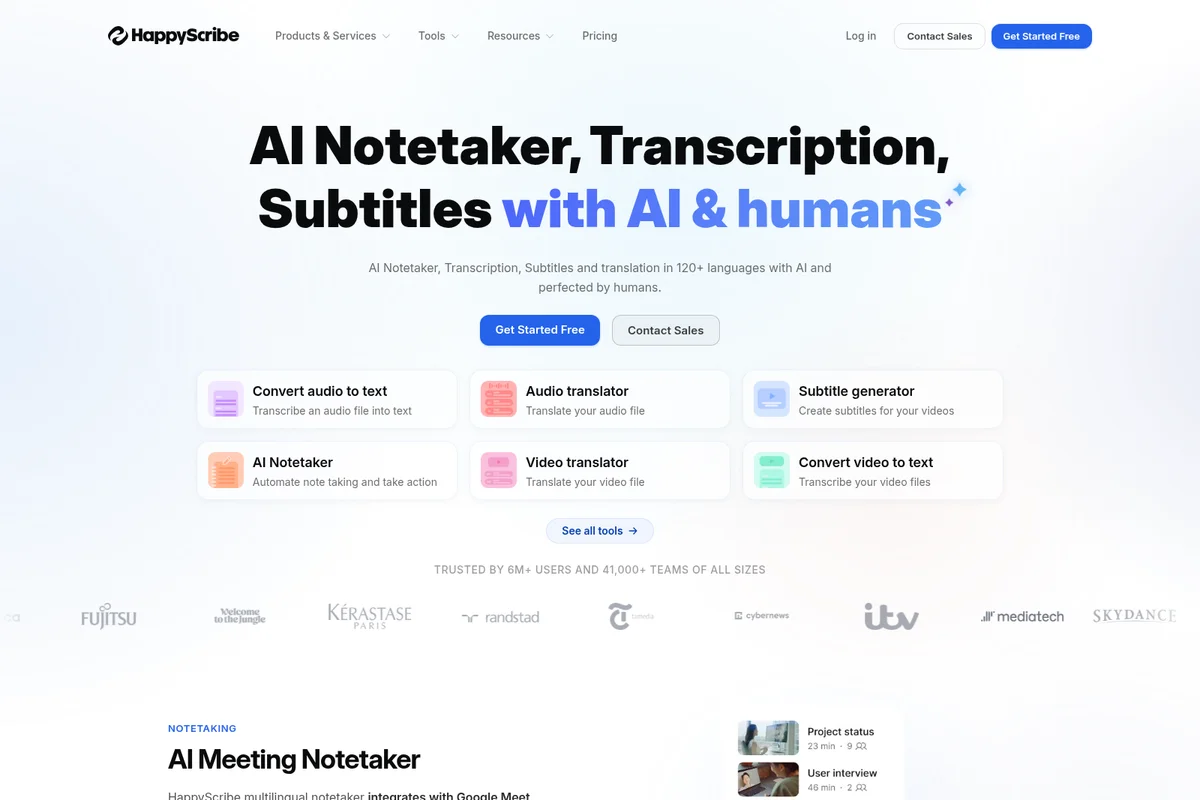
Automate transcription, translation, and subtitling across 120+ languages.
HappyScribe Review: Tooliverse Consensus





Based on 2k+ verified reviews across 6 platforms,
combined with Tooliverse's expert analysis
HappyScribe balances high-speed AI transcription with professional-grade editing tools, delivering 85-95% accuracy in minutes across 150+ languages and the option to upgrade to human-verified 99%+ quality when precision matters. The interactive editor and comprehensive export format support make it particularly strong for video professionals and multilingual content teams, though the pricing structure confuses users switching between pay-as-you-go and subscription models, and accuracy drops noticeably with heavy background noise or strong accents.
Bottom line: A capable transcription platform built for professionals who need multilingual accuracy and broadcast-ready output, though the pricing model takes adjustment and challenging audio conditions expose AI limitations.
HappyScribe | Key Specs
- Platforms
- Web, iOS, Android, API
- Pricing Model
- Freemium ($0-59/mo + usage-based add-ons) See plans
- Privacy/Data Use
- Data never used to train AI models, EU data residency
- Security
- SOC 2 Type II, GDPR, AES-256 encryption, SSO/SAML (Enterprise) See details
Wins
- •Delivers exceptionally accurate AI transcriptions across multiple languages and dialectsmentioned in 342 reviews
- •Provides a seamless interactive editor that makes manual corrections fast and efficientmentioned in 285 reviews
- •Supports a wide array of export formats including SRT and VTT for video professionalsmentioned in 210 reviews
Watch-Outs
- •Pricing structure can be confusing when switching between pay-as-you-go and subscriptionsmentioned in 94 reviews
- •Accuracy tends to drop significantly with heavy background noise or strong accentsmentioned in 82 reviews
- •Speaker identification occasionally struggles in recordings with more than three participantsmentioned in 65 reviews
HappyScribe Features 2026
AI Transcription in 150+ Languages
Automatically transcribe audio and video files in over 150 languages and dialects with 85-95% accuracy. Supports English, Spanish, French, German, Italian, Portuguese, Dutch, Polish, Mandarin, Japanese, Arabic, and many more.
AI Meeting Notetaker
Automatically joins Zoom, Google Meet, and Microsoft Teams calls to record, transcribe, and summarize meetings with speaker identification, action items, and smart summaries. Integrates with Google Calendar and Outlook for auto-join.
Human Proofreading Service
Upgrade AI transcripts to 99%+ accuracy with professional linguists. Production-ready quality for broadcast, legal, and research use cases with 4-hour turnaround times.
Subtitle Generator
Generate same-language or translated subtitles for videos with AI, then refine with human experts for broadcast-ready quality. Export in 15+ formats including SRT, VTT, STL, Premiere XML, Final Cut Pro XML.
HappyScribe User Reviews
Selected Reviews
"I love how I can share the transcript with my client and they can leave comments directly in the editor."
"HappyScribe has become essential for our podcast workflow. The SRT exports are perfect every time."
"Good tool, but the pay-per-minute model gets expensive quickly for long projects. I wish the subscription was more inclusive."
More from the Community
"The accuracy for French and Spanish is the best I've found so far. The editor is a joy to use."
"The AI is fast, but it still misses some technical jargon. The manual editor helps, but it's extra work."
"Great for basic interviews. It struggles a bit when people talk over each other in meetings."
"The interface is so clean. I didn't even need a tutorial to get started with my first video."
"Saved me about 5 hours of work this week alone. The automatic subtitle sync is a lifesaver."
"The accuracy for French and Spanish is the best I've found so far. The editor is a joy to use."
"The AI is fast, but it still misses some technical jargon. The manual editor helps, but it's extra work."
"Great for basic interviews. It struggles a bit when people talk over each other in meetings."
"The interface is so clean. I didn't even need a tutorial to get started with my first video."
"Saved me about 5 hours of work this week alone. The automatic subtitle sync is a lifesaver."
"Solid app, but the mobile version is a bit clunky for editing. Stick to the desktop for heavy lifting."
"Impressive speed. I uploaded a 2-hour file and it was done before I finished my coffee."
"I use it for all my YouTube captions. The time-stamping is very precise compared to others."
"A bit pricey for students, but the quality is definitely higher than the free alternatives."
"Solid app, but the mobile version is a bit clunky for editing. Stick to the desktop for heavy lifting."
"Impressive speed. I uploaded a 2-hour file and it was done before I finished my coffee."
"I use it for all my YouTube captions. The time-stamping is very precise compared to others."
"A bit pricey for students, but the quality is definitely higher than the free alternatives."
HappyScribe Pricing 2026
View SourceBasic at $8.50 monthly is the entry point most individuals need: 120 minutes of AI transcription covers weekly interviews or a handful of videos, with the interactive editor handling cleanup. Pro at $19 monthly is where serious content creators land once they're producing multiple videos weekly or need unlimited meeting duration and AI Chat for summaries. The 600-minute allowance and three user seats make it the tier that scales with growing production volume. Business at $59 monthly only makes sense if you're burning through thousands of minutes monthly or need the compliance certifications for institutional work.
HappyScribe In-Depth Review 2026

The platform runs on web and mobile, handling transcription, subtitling, and translation across 150+ languages. What sets it apart is the hybrid model: AI delivers 85-95% accuracy in minutes, then you can either polish it yourself with the interactive editor or hand it to professional transcribers for 99%+ accuracy. It integrates natively with Zoom, Google Meet, and Microsoft Teams for automatic meeting capture, and exports to everything from SRT and VTT for video work to MAXQDA for researchers.
What It's Like Day-to-Day
The workflow is straightforward enough that you don't think about it after the first use. Upload your file, select the language (or let it detect automatically), and the transcript appears in minutes. The interactive editor is where HappyScribe earns its keep: click any word in the text and the audio jumps to that exact moment, making corrections feel less like proofreading and more like conducting. For multilingual work, the accuracy holds up better than most competitors, and as one G2 reviewer noted, the French and Spanish transcription is "the best I've found so far" with an editor that's *"a joy to use.
HappyScribe Security & Compliance
Verified Compliance
- SOC 2 Type II
- GDPR Compliant
Security Features
- TLS Encryption (in transit)
- AES-256 Encryption (at rest)
- EU-based Tier IV data centers
- Two-factor authentication
- SSO/SAML (Enterprise)
- Role-based access control
Privacy Commitments
- Data never used to train AI models
- EU data residency
- Meeting privacy controls (restrict access per meeting)
HappyScribe: Frequently Asked Questions (FAQs)
What is HappyScribe?
HappyScribe is an AI-powered platform for transcription, subtitles, translation, and AI meeting notetaking. It converts audio and video into text in 150+ languages, with the option to upgrade to human-made quality for near-perfect accuracy.
How accurate is HappyScribe's transcription?
HappyScribe's AI reaches up to 99% accuracy on clear, single-speaker audio and typically 85-95% on recordings with multiple speakers or background noise. For zero-error needs, Human-Made transcription is reviewed by professional transcribers for 99%+ accuracy.
What languages does HappyScribe support?
HappyScribe supports 150+ languages including English, Spanish, French, German, Italian, Portuguese, Dutch, Polish, Mandarin, Japanese, and Arabic. Transcription, translation, and subtitle generation all work across the full language list.
Is HappyScribe free to try?
Yes, you can try HappyScribe for free with a 10-minute trial and no credit card required. After the trial, plans are pay-as-you-go or subscription-based, with AI and Human-Made service tiers to fit different budgets and quality needs.
HappyScribe Integrations
| YouTube | Vimeo | Wistia |
| Zoom | Google Meet | Microsoft Teams |
| Google Drive | Dropbox | Box |
| Google Calendar | Outlook Calendar | Zapier |
| Claude | ChatGPT |
HappyScribe: Verified Data Sheet
| # | Label | Data Point |
|---|---|---|
| [1] | HappyScribe Consensus: 7.42/10 | HappyScribe is a well-reviewed tool among AI video tools in the Tooliverse index, with a consensus score of 7.42/10 across 2,440 verified reviews. |
| [2] | What is HappyScribe | HappyScribe is a GDPR-compliant and SOC 2 Type II certified AI transcription and subtitling platform supporting 150+ languages with 85-95% AI accuracy or 99%+ human-verified quality. The platform serves 6M+ users and 41,000+ teams, with pricing starting at $8.50/month. |
| [3] | Tooliverse Consensus on HappyScribe | HappyScribe balances high-speed AI transcription with professional-grade editing tools, delivering 85-95% accuracy in minutes across 150+ languages and the option to upgrade to human-verified 99%+ quality when precision matters. The interactive editor and comprehensive export format support make it particularly strong for video professionals and multilingual content teams, though the pricing structure confuses users switching between pay-as-you-go and subscription models, and accuracy drops noticeably with heavy background noise or strong accents. |
| [4] | HappyScribe Verdict | HappyScribe bottom line: A capable transcription platform built for professionals who need multilingual accuracy and broadcast-ready output, though the pricing model takes adjustment and challenging audio conditions expose AI limitations. |
| [5] | Free: Free | HappyScribe offers a Free tier with a 10-minute trial of AI transcription, subtitling, and translation, plus unlimited meeting recordings up to 45 minutes each, making AI transcription accessible at no cost. |
| [6] | Exceptional multilingual transcription accuracy | HappyScribe delivers exceptionally accurate AI transcriptions across 150+ languages and dialects, validated as a core strength by 342 user reviews highlighting multilingual performance. |
| [7] | Seamless interactive editing experience | HappyScribe provides a seamless interactive editor that makes manual corrections fast and efficient, with 285 user reviews confirming it as a standout feature for professional-grade refinement. |
| [8] | Comprehensive export format support | HappyScribe supports a wide array of export formats including SRT, VTT, STL, Premiere XML, and Final Cut Pro XML, validated by 210 reviews from video professionals requiring broadcast-ready output. |
| [9] | Pro: $19/mo (annual) | HappyScribe Pro empowers users with 600 min/mo AI transcription, subtitling, translation (7,200 min/yr annual) for $19/month billed annually, significantly expanding on the free tier's capabilities. |
| [10] | Effective team collaboration features | HappyScribe enables smooth team collaboration with shared workspaces and permission management across 3-5 user seats depending on tier, confirmed as valuable by 156 reviews from collaborative teams. |
| [11] | Confusing pricing structure | HappyScribe's pricing structure can be confusing when switching between pay-as-you-go and subscription models, with 94 user reviews noting difficulty understanding credit rollover and top-up mechanics. |
| [12] | Accuracy drops with noise and accents | HappyScribe accuracy tends to drop significantly with heavy background noise or strong accents, falling below the typical 85-95% range according to 82 user reports on challenging audio conditions. |
| [13] | Privacy: Data never used to train AI models | HappyScribe privacy protections include Data never used to train AI models, EU data residency, and Meeting privacy controls (restrict access per meeting). |
| [14] | Enterprise: TLS Encryption (in transit) | HappyScribe provides enterprise security with TLS Encryption (in transit), AES-256 Encryption (at rest), and EU-based Tier IV data centers. |
| [15] | Best multilingual accuracy and editor | HappyScribe's accuracy for French and Spanish is "the best I've found so far" with an editor that is "a joy to use," according to a verified G2 reviewer. |
Best HappyScribe Alternatives
Sonix
Turn audio and video into searchable, structured intelligence with 99% accurate AI transcription.
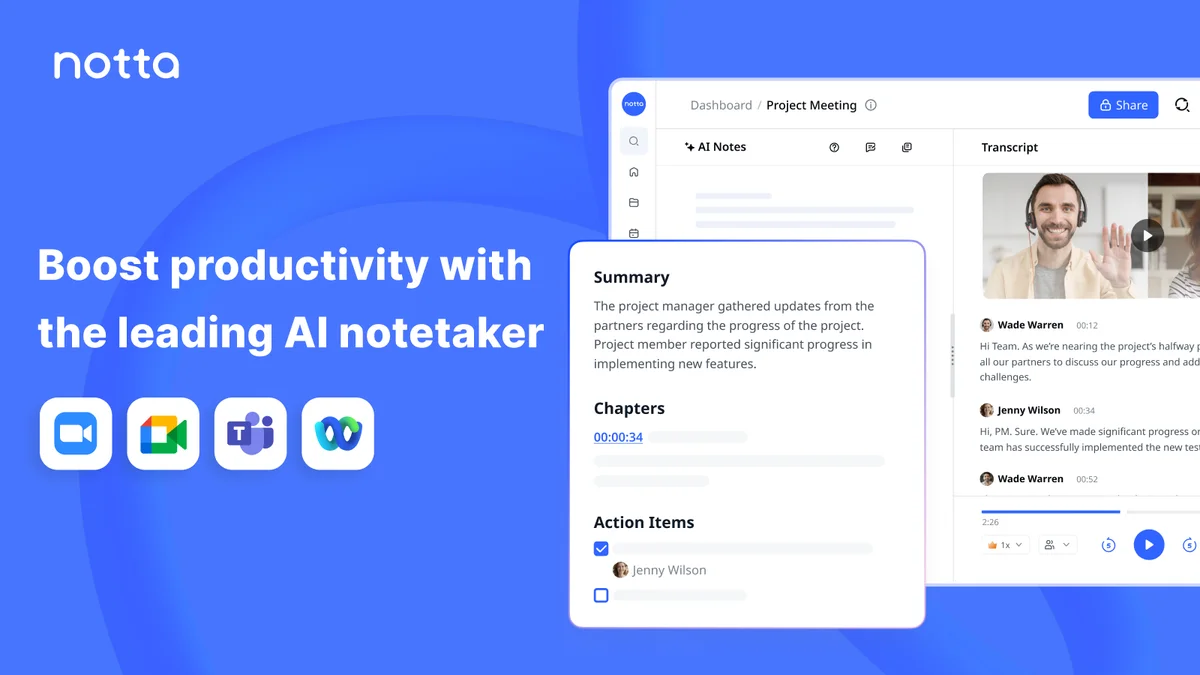
Notta
Turn meetings into searchable transcripts, summaries, and visual deliverables—no bot required.
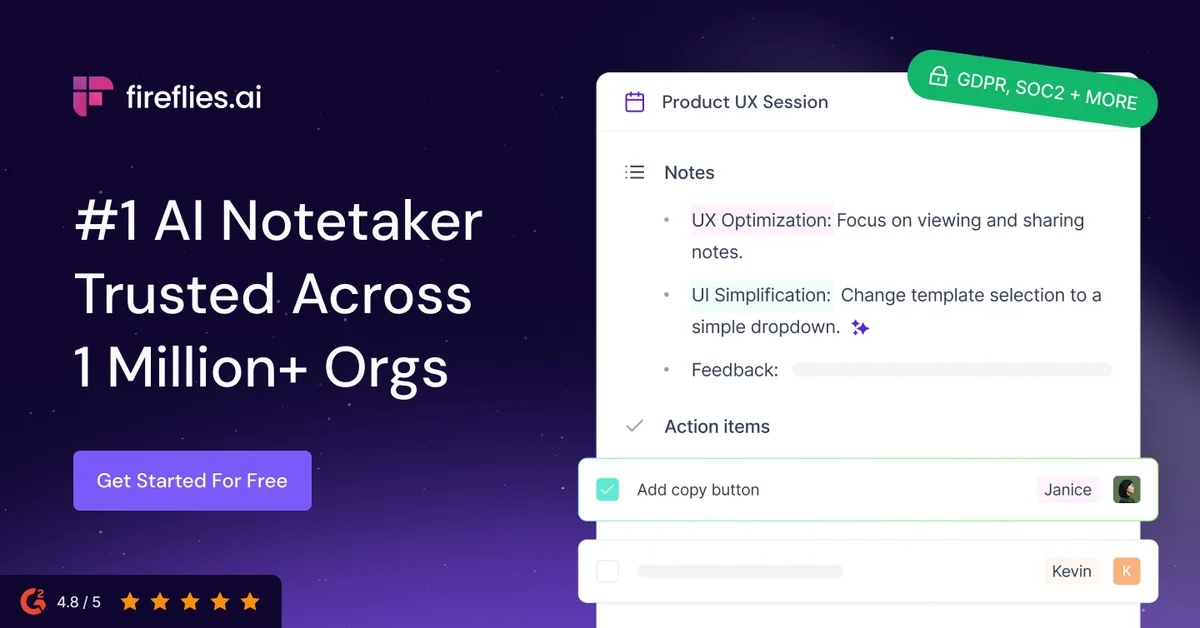
Fireflies.ai
Never miss a meeting detail—let AI capture, transcribe, and organize every conversation automatically.