
Kapwing Review 2026 - AI Video Editing Platform
Verified Sep 19, 2026 by Tooliverse Editorial
Kapwing lets anyone create studio-quality videos straight from their browser—no software, no downloads. With AI tools for subtitles, dubbing, and text-to-video generation, over 35M creators produce content 10x faster.
How To Dub Any Video Into Over 40 Languages Using Your Own Voice (Kapwing AI Dubbing)
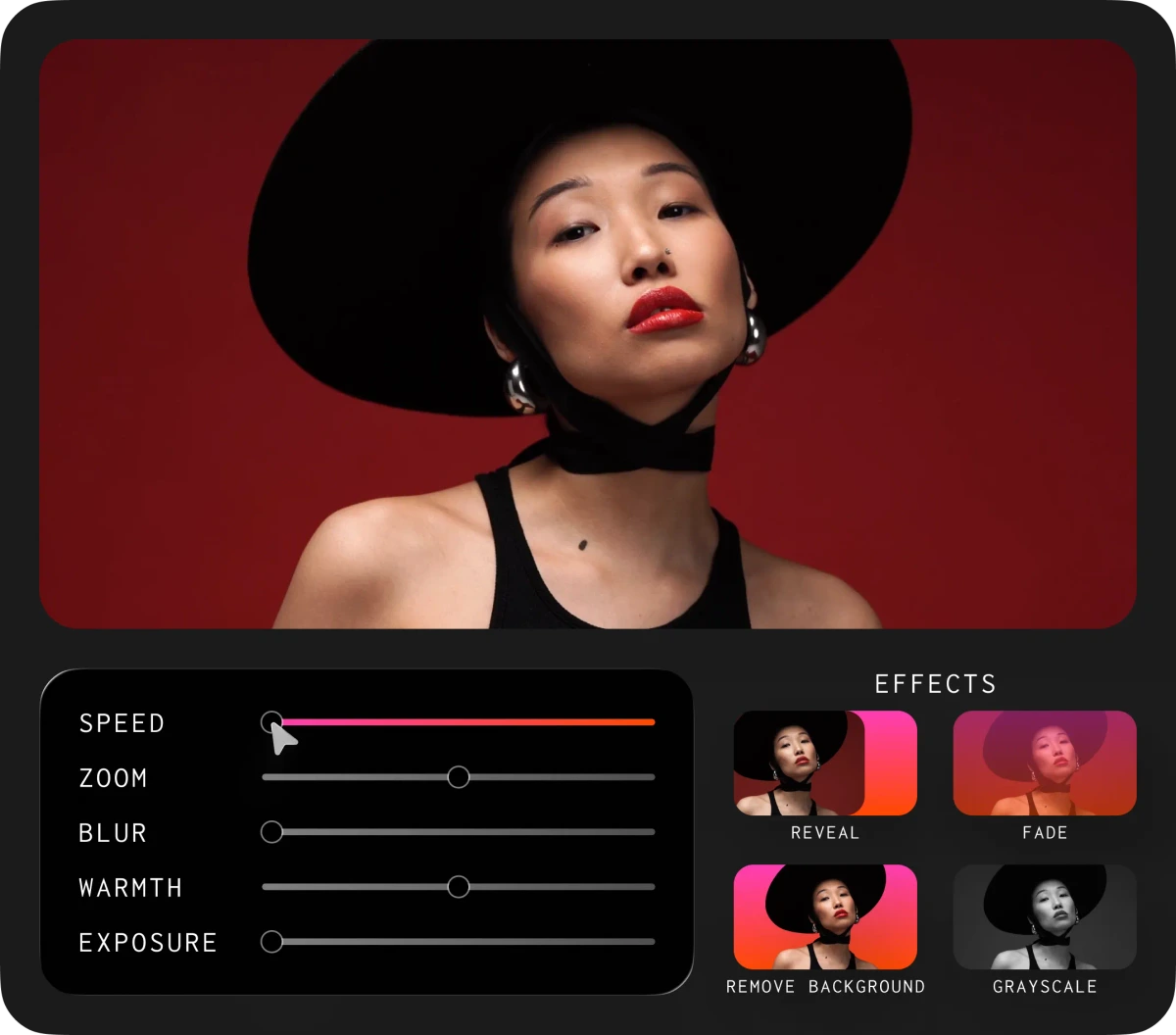
Refine your visuals with granular control over speed, blur, warmth, and artistic effects.
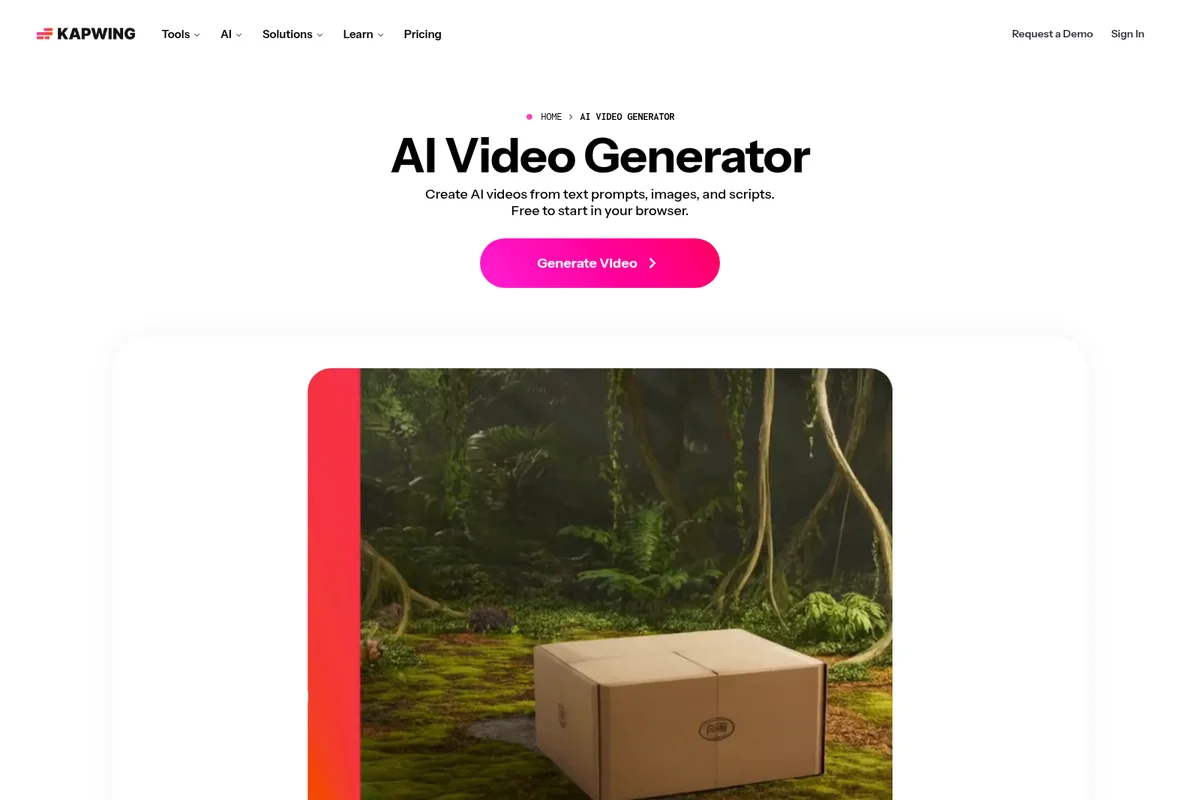
Generate professional AI videos from text, images, and scripts instantly.

Play and edit your videos with intuitive controls for a seamless experience.
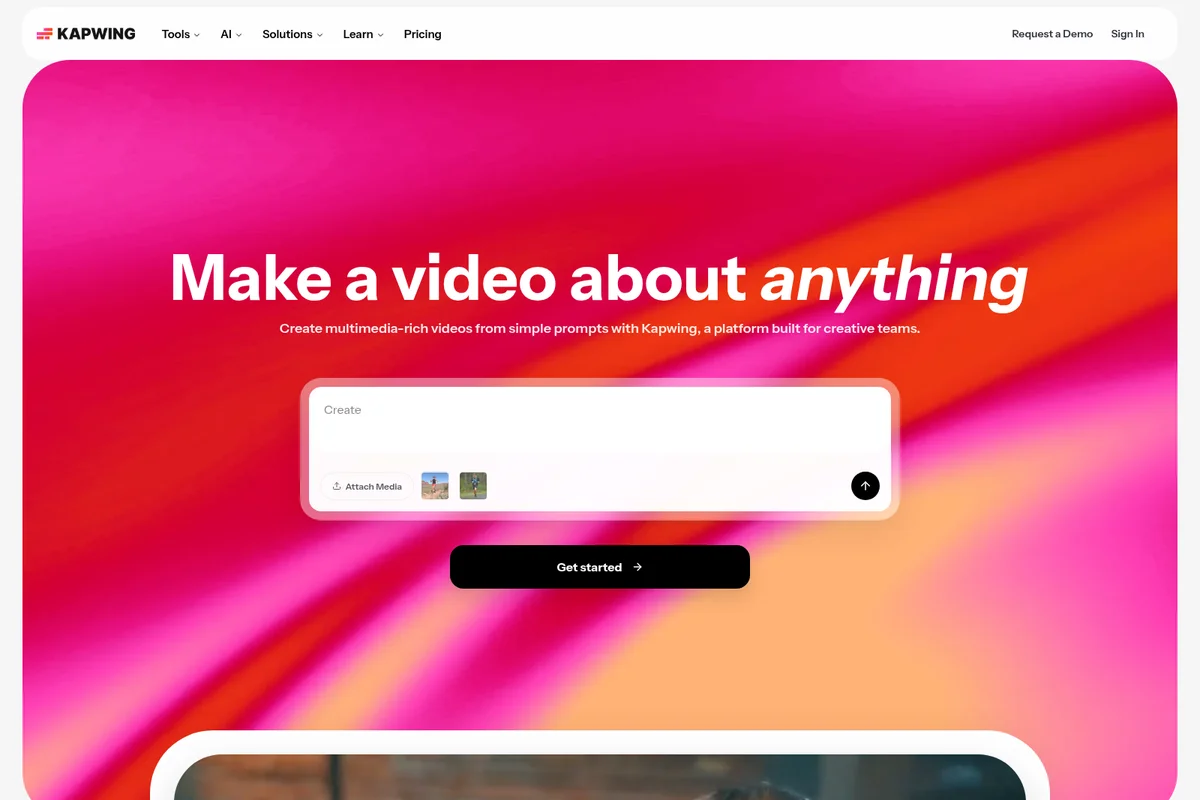
Create multimedia-rich videos from simple prompts using AI.

Connect and celebrate special moments remotely with custom videos and shared experiences.
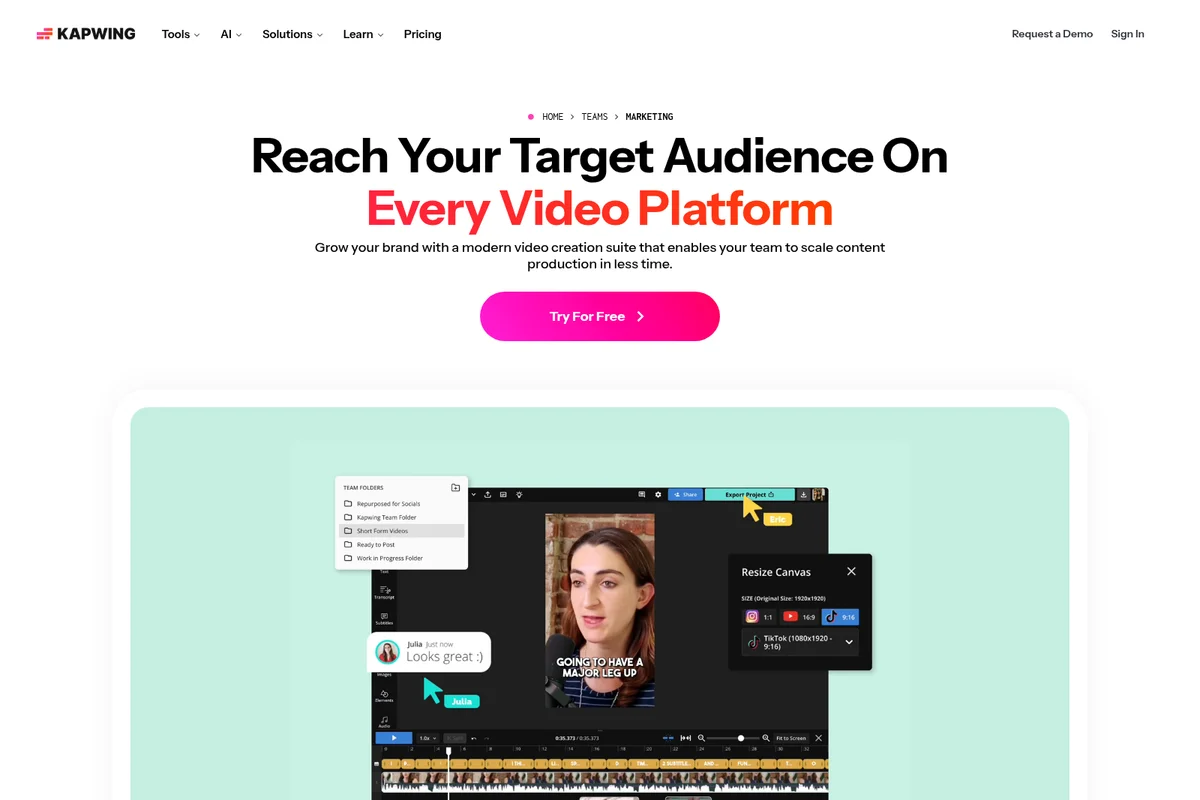
Effortlessly adapt and export your videos for different social media platforms with team collaboration.
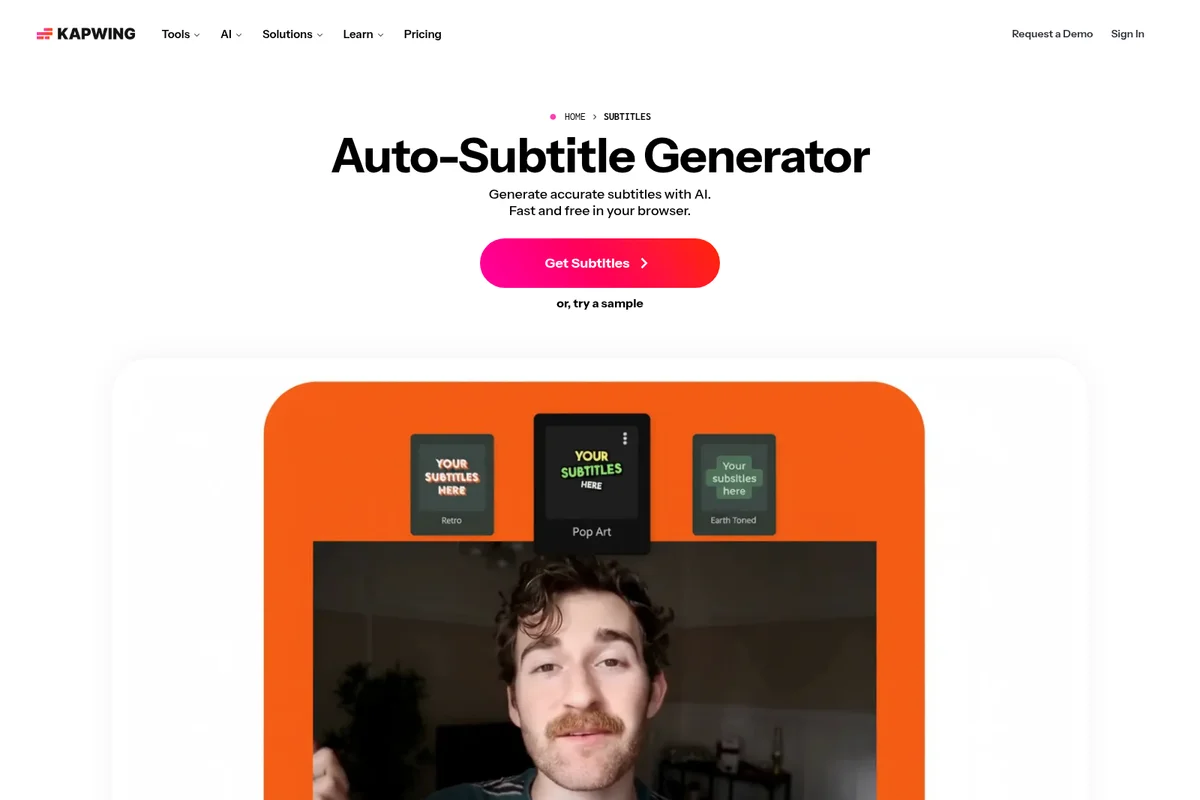
Generate accurate subtitles with AI and customize their visual style effortlessly.
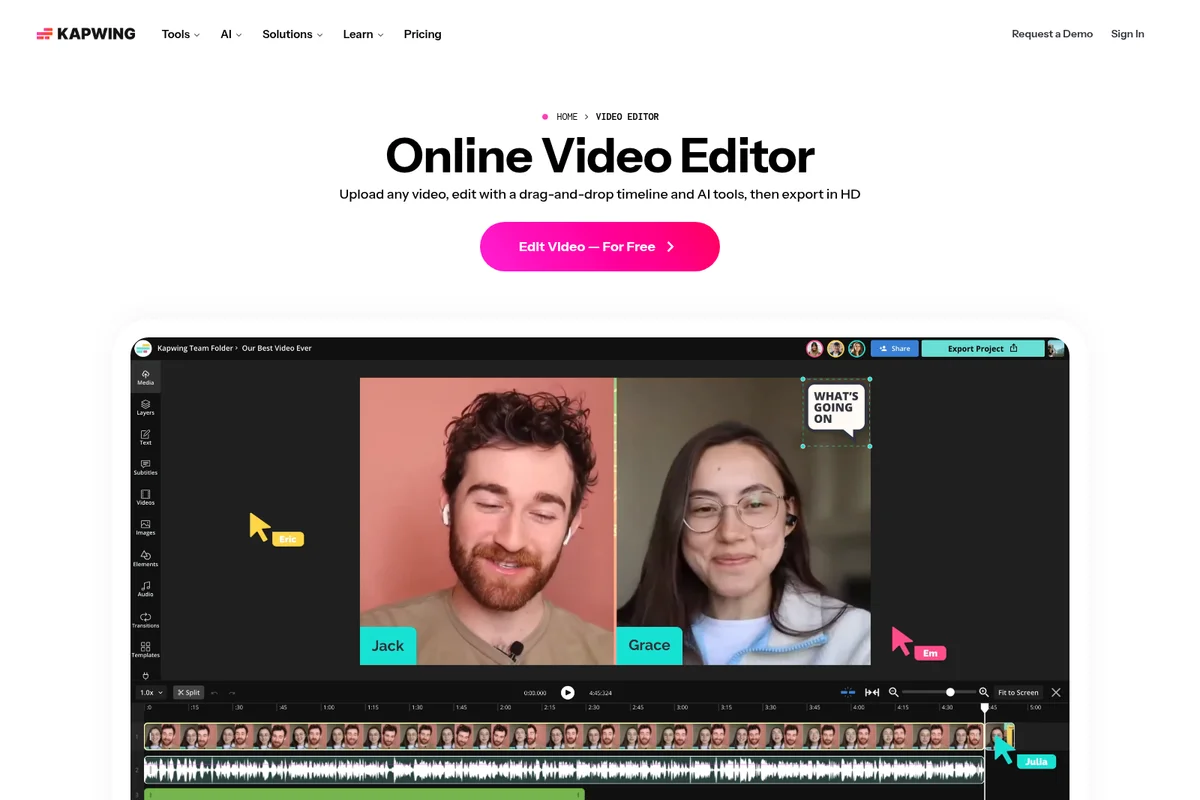
Edit videos collaboratively using a drag-and-drop timeline and AI-powered tools.
Kapwing Review: Tooliverse Consensus





Based on 4k+ verified reviews across 5 platforms,
combined with Tooliverse's expert analysis
Kapwing collapses video editing and AI generation into a single browser tab, letting anyone go from raw footage to a captioned, branded clip without switching tools. Its auto-subtitling accuracy and real-time shared workspaces are what reviewers return to most, alongside a template library that shortens the blank-page problem. The free tier's watermark, occasional lag on large 4K exports, and a learning curve around the AI tools' more advanced settings are the tradeoffs users accept most often for that convenience.
Bottom line: Kapwing turns browser-based editing and AI subtitling into a genuine time-saver for creators and teams, though the free tier's watermark and 4K performance hiccups remain real tradeoffs.
Kapwing | Key Specs
- Platforms
- Web, iOS, Android
- Pricing Model
- Freemium ($0-64/mo) See plans
- Security
- SAML SSO (Enterprise) See details
- Integrations
- YouTube, TikTok, Twitter/X + 6 more
Wins
- •Simplifies complex video editing with an intuitive, browser-based interfacementioned in 842 reviews
- •Automates tedious subtitling tasks with highly accurate AI transcriptionmentioned in 756 reviews
- •Enables seamless team collaboration through real-time shared workspacesmentioned in 512 reviews
Watch-Outs
- •Imposes a restrictive watermark on videos exported from the free tiermentioned in 621 reviews
- •Experiences occasional performance lag or crashes when handling large 4K filesmentioned in 438 reviews
- •Subscription pricing is perceived as high for casual or infrequent usersmentioned in 387 reviews
Kapwing Features 2026
AI Video Generator
Turn a text prompt, image, script, article, or PDF into a complete AI-generated video with voiceover, visuals, subtitles, music, and characters, powered by 18 integrated AI models like Veo, Kling, and Seedance.
AI Video Assistant (Kai)
An AI assistant that improves prompts, builds generation plans and storyboards, and selects the right AI model to execute video creation automatically.
Voice Cloning & Lip Sync
Create custom AI voice clones and sync translated or dubbed audio to on-screen speech for realistic, natural-looking dubbed videos.
Auto-Subtitle Generator
Generates 99% accurate, word-by-word subtitles automatically with a fully editable transcript, supporting multi-speaker detection and 100+ style presets.
Kapwing User Reviews
Selected Reviews
"I love how I can just open a tab and start editing without downloading huge software. The collaborative features are perfect for my remote team."
"Kapwing has become my primary tool for social media content. The templates are modern and the background remover works surprisingly well."
"It's a bit expensive for what it is. I like the features, but I've had a few exports fail recently which is frustrating when you're on a deadline."
More from the Community
"The AI subtitler is a game changer for my workflow. It's about 95% accurate and saves me hours of manual typing every single week."
"Great for quick edits and memes. The interface is very intuitive, though I wish the free version wasn't so limited with the watermark."
"The magic create feature is impressive. It doesn't always get the vibe right, but it gives me a great starting point for my videos."
"Solid web-based editor. It's much easier to use than Premiere for simple tasks, but it can get laggy if the project has too many layers."
"I use it daily for subtitling. It's the best in the business for that, but the recent price increase makes it a bit of a luxury for solo creators."
"The AI subtitler is a game changer for my workflow. It's about 95% accurate and saves me hours of manual typing every single week."
"Great for quick edits and memes. The interface is very intuitive, though I wish the free version wasn't so limited with the watermark."
"The magic create feature is impressive. It doesn't always get the vibe right, but it gives me a great starting point for my videos."
"Solid web-based editor. It's much easier to use than Premiere for simple tasks, but it can get laggy if the project has too many layers."
"I use it daily for subtitling. It's the best in the business for that, but the recent price increase makes it a bit of a luxury for solo creators."
"The mobile app is getting better, but it still feels a bit clunky compared to the desktop version. Hard to do precise cuts on a small screen."
"The tool is powerful, but customer support took three days to get back to me about a billing issue. The software itself is good though."
"Love the auto-transcription, but the editor sometimes glitches out when I try to add transitions. It needs a bit more stability."
"A bit of a learning curve for the more advanced AI features, but once you get it, it's very fast. Just wish the export times were a bit shorter."
"The best part is the cloud storage. I can start an edit at work and finish it at home without carrying a hard drive around."
"The mobile app is getting better, but it still feels a bit clunky compared to the desktop version. Hard to do precise cuts on a small screen."
"The tool is powerful, but customer support took three days to get back to me about a billing issue. The software itself is good though."
"Love the auto-transcription, but the editor sometimes glitches out when I try to add transitions. It needs a bit more stability."
"A bit of a learning curve for the more advanced AI features, but once you get it, it's very fast. Just wish the export times were a bit shorter."
"The best part is the cloud storage. I can start an edit at work and finish it at home without carrying a hard drive around."
Kapwing Pricing 2026
View SourceThe free plan is genuinely usable for testing, but the watermark on every export, including AI-generated clips, makes it a trial run rather than a real option. Pro at $16/month billed annually is where most people land: it removes the watermark, unlocks 4K exports, and adds 100GB of storage and unlimited projects, which covers nearly everyone posting content regularly.
Kapwing In-Depth Review 2026

Kapwing runs entirely in the browser, combining a full timeline-based video editor with AI generation tools so users can type a prompt, get a rough cut, and then subtitle, brand, and export it without ever leaving the tab. It works across desktop and mobile, though the mobile app is clearly the junior partner here. What sets it apart is that generation and editing live in one workflow instead of two separate products bolted together.
What It's Like Day-to-Day
The first thing most users notice is how little friction there is between opening the app and actually editing. There's no install, no rendering wait to preview a cut, and the drag-and-drop timeline feels closer to a simplified Premiere than a toy. That accessibility is the most consistently praised trait across thousands of reviews, and it shows up in everyday use: dragging in a screen recording, trimming dead air, and exporting a clean vertical clip in the time it would take to open a desktop app.
The subtitling tool is where Kapwing earns its reputation.
Kapwing Security & Compliance
Security Features
- SAML Single Sign-On (SSO) for Enterprise accounts
Privacy Commitments
- Kapwing does not sell user information to third parties
Kapwing: Frequently Asked Questions (FAQs)
Is Kapwing free to use?
Yes, Kapwing offers a free plan that includes 10 credits, unlimited exports with a watermark, 720p video quality, and videos up to 4 minutes long. Paid plans (Pro and Business) remove the watermark and unlock higher resolution, longer exports, and more credits.
Does Kapwing offer a free trial for paid plans?
No, Kapwing does not currently offer a free trial for its paid plans. However, all of Kapwing's tools are available to try for free before deciding to upgrade.
Does Kapwing offer annual/yearly billing?
Yes, Kapwing Pro is available for $16/month billed annually ($192/year) versus $24/month billed monthly, and Kapwing Business is $50/month billed annually ($600/year) versus $64/month billed monthly.
Is a Kapwing subscription a recurring payment?
Yes, Kapwing Pro and Business are only available as subscriptions, not one-time charges, and will auto-renew until cancelled.
Kapwing Integrations
| YouTube | TikTok | Twitter/X |
| Stripe | Veo | Kling |
| Seedance | MiniMax | Grok Imagine |
Kapwing: Verified Data Sheet
| # | Label | Data Point |
|---|---|---|
| [1] | Kapwing Consensus: 8.43/10 | Kapwing is a highly-rated tool among AI video tools in the Tooliverse index, with a consensus score of 8.43/10 across 4,770 verified reviews. |
| [2] | What is Kapwing | Kapwing is a browser-based video editing and AI video generation platform used by 35M+ creators worldwide, producing 100,000+ videos daily. It combines AI tools like Kai (its AI video assistant), auto-subtitling with 99% accuracy, and dubbing in 40+ languages, with pricing starting free and Pro plans from $16/month. |
| [3] | Tooliverse Consensus on Kapwing | Kapwing collapses video editing and AI generation into a single browser tab, letting anyone go from raw footage to a captioned, branded clip without switching tools. Its auto-subtitling accuracy and real-time shared workspaces are what reviewers return to most, alongside a template library that shortens the blank-page problem. The free tier's watermark, occasional lag on large 4K exports, and a learning curve around the AI tools' more advanced settings are the tradeoffs users accept most often for that convenience. |
| [4] | Kapwing Verdict | Kapwing bottom line: Kapwing turns browser-based editing and AI subtitling into a genuine time-saver for creators and teams, though the free tier's watermark and 4K performance hiccups remain real tradeoffs. |
| [5] | Free: Free | Kapwing's Free tier includes 10 credits and unlimited exports with a watermark, making its core AI tools accessible at no cost. |
| [6] | Real-time shared workspaces | Kapwing enables seamless team collaboration through real-time shared workspaces, a benefit highlighted in 512 user reviews. |
| [7] | Background removal and text-to-video | Kapwing offers AI-powered tools including background removal and text-to-video generation, praised in 489 user reviews. |
| [8] | Template library jumpstarts creation | Kapwing provides a large library of templates that speed up the creative process, referenced in 345 user reviews. |
| [9] | Pro: $16/member/mo (annual) | Kapwing Pro empowers users with No Kapwing watermark on exports for $16/member/month billed annually, significantly expanding on the free tier's capabilities. |
| [10] | Intuitive browser-based editing | Kapwing simplifies complex video editing through an intuitive, browser-based interface, a strength cited in 842 user reviews. |
| [11] | Pricing steep for casual users | Kapwing's subscription pricing is perceived as high for casual or infrequent users, a concern raised in 387 user reviews. |
| [12] | Slow support during peak periods | Kapwing's customer support response times can slow during peak periods, a pattern reported in 215 user reviews. |
| [13] | Privacy: Kapwing does not sell user information to third parties | Kapwing privacy protections include Kapwing does not sell user information to third parties. |
| [14] | Enterprise: SAML Single Sign-On (SSO) for Enterprise accounts | Kapwing provides enterprise security with SAML Single Sign-On (SSO) for Enterprise accounts. |
| [15] | AI subtitler saves hours weekly | Kapwing's AI subtitler is described by one iOS App Store reviewer as "a game changer" that is "about 95% accurate" and saves hours of manual typing weekly. |
Best Kapwing Alternatives

VEED.IO
Imagine it, generate it, brand it: AI videos worth posting, in minutes.
Captions
Turn raw footage into fully-edited, professional videos in minutes with AI that edits like a human would.

CapCut
Turn any idea into a scroll-stopping video or image with AI that does the heavy lifting for you.