
Krikey AI Review 2026 - 3D Animation Maker
Verified Jun 15, 2026 by Tooliverse Editorial
Krikey AI turns text or video into professional 3D character animations in minutes. From teachers creating lesson plans to marketers scaling video production, 100,000+ creators use this browser-based tool to animate talking avatars, music videos, and social content—no animation experience needed.
Mastering Krikey AI: Full Product Tutorial for AI Animation | Krikey AI Animation
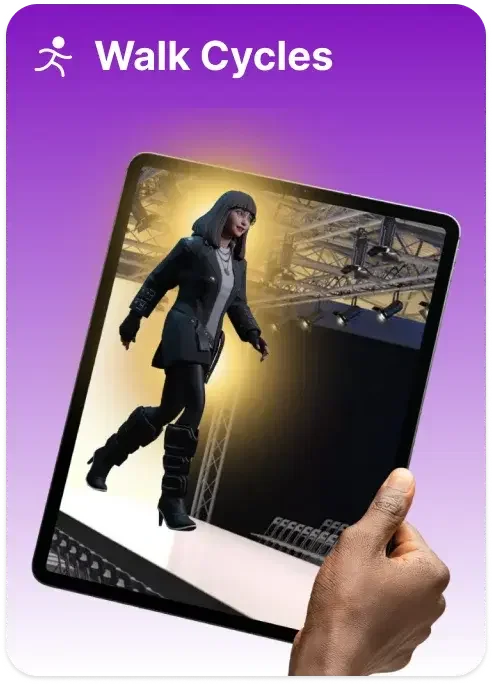
Generate realistic walk cycles for your 3D characters with AI.
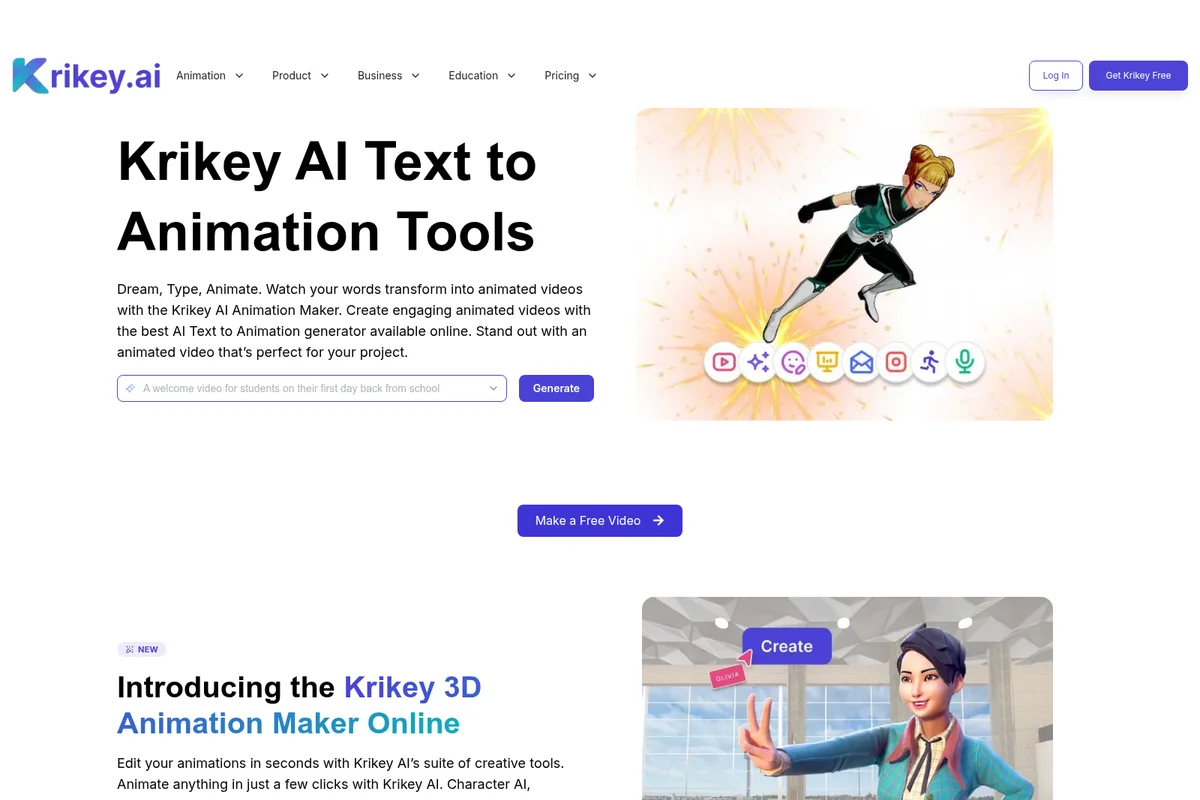
Transform text prompts into engaging animated videos with AI, and create custom 3D character animations.
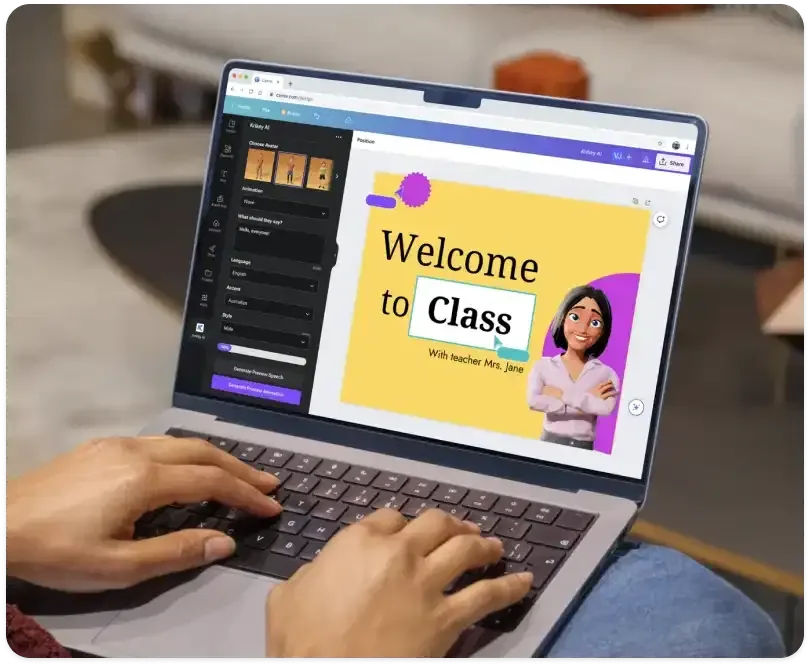
Easily create engaging presentations with AI avatars and custom speech generation.
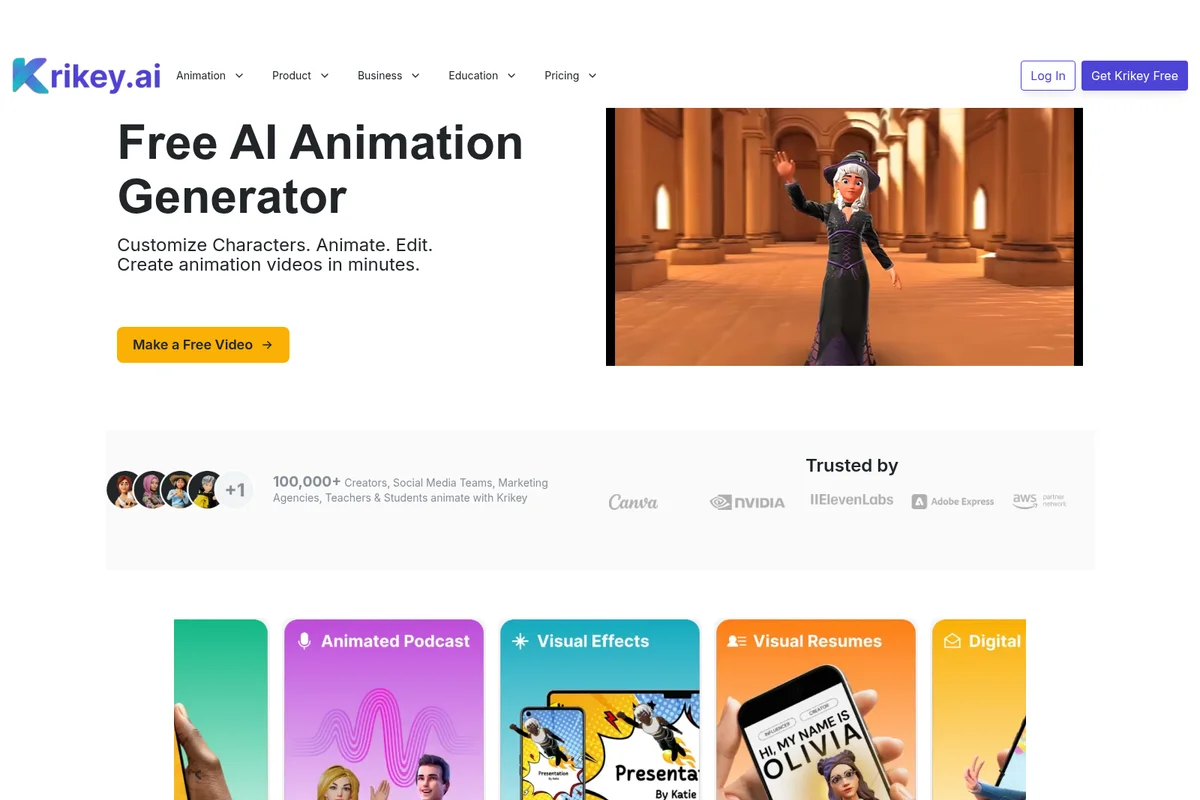
Create custom animated characters and videos in minutes with AI.
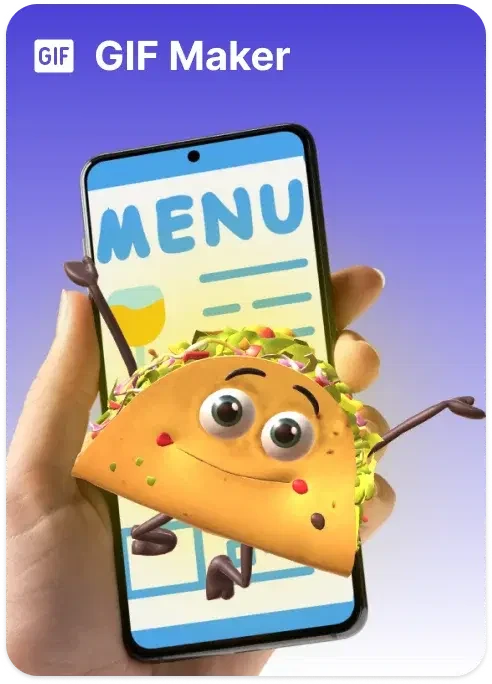
Create animated characters and expressive GIFs with your mobile device.
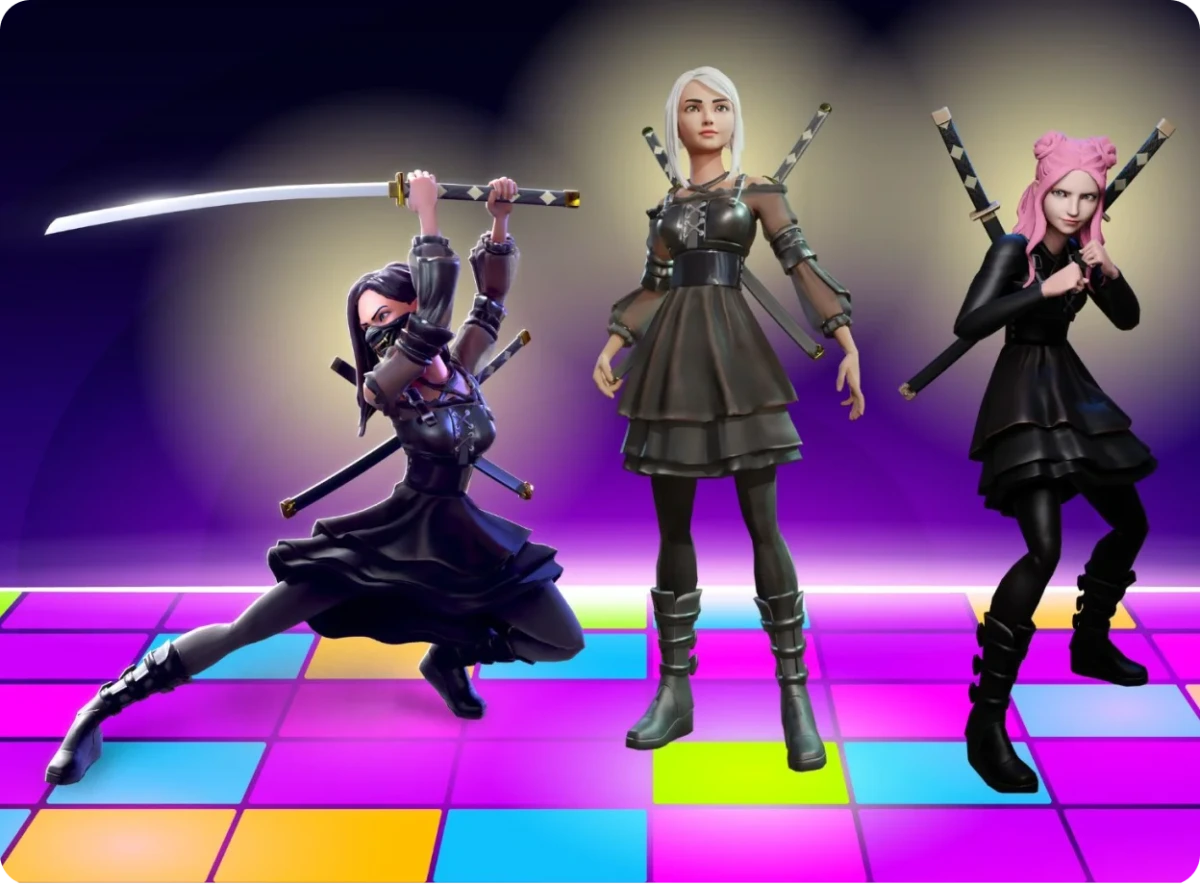
Create stylized AI characters and dynamic action animations effortlessly.
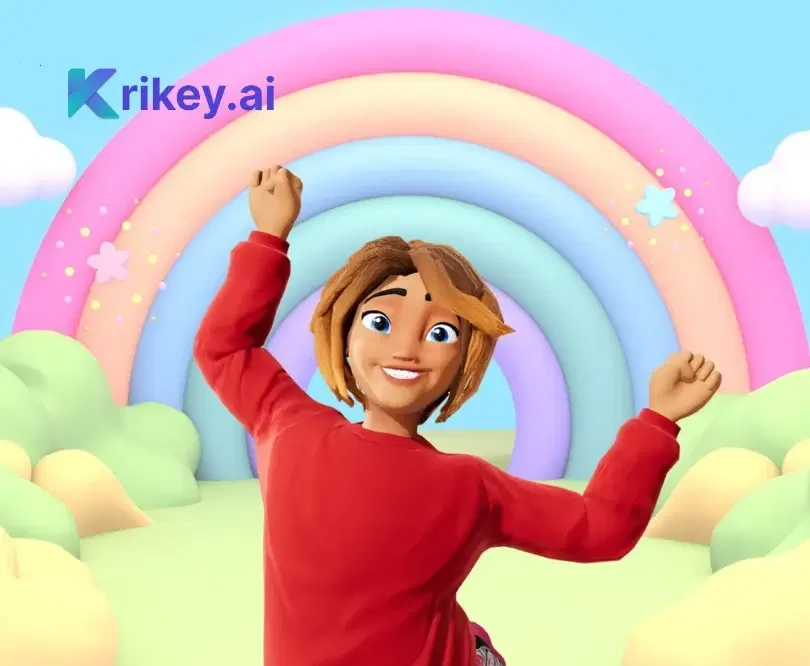
Create expressive 3D animated characters and imaginative virtual worlds.
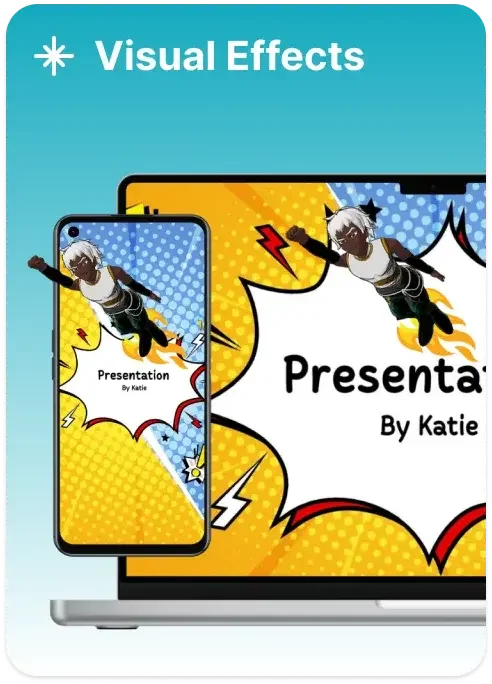
Bring presentations to life with dynamic visual effects and animated characters.
Krikey AI Review: Tooliverse Consensus




Based on 444 verified reviews across 5 platforms,
combined with Tooliverse's expert analysis
Krikey AI removes the technical ceiling from 3D character animation by converting text prompts and video uploads into professional-quality motion without rigging or keyframing expertise. The platform excels at democratizing animation for educators, marketers, and solo creators through its text-to-animation engine, seamless Canva and Adobe Express integrations, and multilingual lip-sync capabilities across 20+ languages. The credit-based usage model and rendering times for high-resolution exports create friction, and the physics engine struggles with complex interactions beyond walking, talking, and basic gestures.
Bottom line: A leading 3D animation platform that makes character motion accessible to non-technical creators through AI-driven workflows, though credit caps and rendering delays require patience during high-volume production.
Krikey AI | Key Specs
- Platforms
- Web, iOS, Android
- Pricing Model
- Freemium ($0-15/mo) See plans
- Privacy/Data Use
- FERPA and COPPA certified for student safety
- Security
- SOC 2 Type II See details
Wins
- •Transforms simple text prompts into professional 3D animations in minutesmentioned in 156 reviews
- •Integrates seamlessly with creative platforms like Canva and Adobe Expressmentioned in 134 reviews
- •Eliminates the need for complex rigging or manual keyframingmentioned in 112 reviews
Watch-Outs
- •Advanced customization features are strictly limited on the free tiermentioned in 64 reviews
- •High-resolution video exports can require significant rendering timementioned in 42 reviews
- •Struggles with niche or highly complex physical interactions and physicsmentioned in 35 reviews
Krikey AI Features 2026
AI Text-to-Animation
Type a text prompt like 'jumping jacks' and generate 3D character animations in seconds. No animation skills required—the AI handles motion generation automatically.
AI Video-to-3D Motion Capture
Upload a video of human motion (dancing, sports, gestures) and convert it to 3D character animation. Markerless motion capture technology eliminates the need for expensive equipment.
Custom 3D Character Creator
Upload a photo and generate a custom 3D avatar in minutes. Choose from styles like mini-me, anime, and cartoon. Automatic character rigging for full-body animation and lip-sync.
AI Voiceover & Lip-Sync (20+ Languages)
Generate AI voiceovers in 20+ languages including Hindi, Tamil, Spanish, and more. Automatic lip-sync matches character mouth movements to dialogue. Powered by ElevenLabs integration.
Krikey AI User Reviews
Selected Reviews
"I was able to create a talking avatar for my YouTube intro in less than five minutes. The text-to-animation feature is a total game changer for solo creators who don't know how to use Blender."
"The Canva integration is smooth. I can pull my animations directly into my presentations. It's much faster than any other tool I've tried for social media clips."
"The AI handles walking and talking well, but don't expect it to do complex parkour or specific interactions with objects yet. It's great for explainers though."
More from the Community
"Good for basic stuff, but the rendering takes a while on the web version. Also, I wish there were more base characters to choose from without paying for the pro plan."
"Impressive lip-sync accuracy. I used it for a tutorial in Spanish and the mouth movements were spot on. Saved me hours of manual work."
"The avatar creator from photos is surprisingly good. It captured my facial features well in 3D. The export to FBX is a nice touch for game devs."
"Useful tool but the pricing tiers are a bit confusing. I hit my credit limit faster than expected just by testing out different prompts."
"Good for basic stuff, but the rendering takes a while on the web version. Also, I wish there were more base characters to choose from without paying for the pro plan."
"Impressive lip-sync accuracy. I used it for a tutorial in Spanish and the mouth movements were spot on. Saved me hours of manual work."
"The avatar creator from photos is surprisingly good. It captured my facial features well in 3D. The export to FBX is a nice touch for game devs."
"Useful tool but the pricing tiers are a bit confusing. I hit my credit limit faster than expected just by testing out different prompts."
"Finally an animation tool that doesn't require a PhD in computer graphics. The UI is very clean and the templates are actually usable for business."
"The video-to-animation feature is cool but needs a very clear background to work perfectly. When it works, it's like magic."
"Great for quick social media content. I use it for my TikToks and the engagement is much higher with 3D characters than just text overlays."
"Finally an animation tool that doesn't require a PhD in computer graphics. The UI is very clean and the templates are actually usable for business."
"The video-to-animation feature is cool but needs a very clear background to work perfectly. When it works, it's like magic."
"Great for quick social media content. I use it for my TikToks and the engagement is much higher with 3D characters than just text overlays."
Krikey AI Pricing 2026
View SourceThe free tier's 20 one-time credits let you test the workflow, but Pro at $15 monthly is where most users land: 165 credits replenished monthly, watermark removal, and FBX export for game engines. That's enough volume for regular social media content or weekly educational videos. Teams at $10 per person monthly makes sense when you're coordinating multiple creators and need the collaborative workspace, though the per-person credit pool means you're still watching usage carefully.
Krikey AI In-Depth Review 2026

The platform runs in your browser and operates across mobile apps, turning text prompts or uploaded videos into rigged, animated 3D characters without touching a timeline or adjusting a single bone. Type "jumping jacks" and watch a character perform them. Upload a dance video from your phone and the motion transfers to your custom avatar. It exports to MP4 for social media, FBX for Unity and Unreal Engine, or pulls directly into Canva and Adobe Express through native integrations.
What It's Like Day-to-Day
The text-to-animation workflow collapses what used to take hours into minutes. You describe the motion you want, the AI generates it, and you're adjusting camera angles and facial expressions in the browser-based editor before most traditional tools finish loading. One iOS App Store reviewer captured the shift perfectly: "I was able to create a talking avatar for my YouTube intro in less than five minutes. The text-to-animation feature is a total game changer for solo creators who don't know how to use Blender." The automatic rigging means characters are ready to animate the moment you create or import them.
Krikey AI Security & Compliance
Verified Compliance
- SOC 2 Type II
- FERPA
- COPPA
Privacy Commitments
- FERPA and COPPA certified for student safety and educational technology
- Industry-leading data privacy for schools and educational institutions
Krikey AI: Frequently Asked Questions (FAQs)
How do I get started with Krikey AI Animation tools?
Sign up or log in with your Google account and select a subscription plan. Krikey AI offers a free animation software plan with 20 one-time credits to start animating immediately. No coding, programming, or animation skills are required to use the platform.
What is the cost of Krikey AI's animation software?
Krikey AI offers three pricing tiers: Free (20 one-time credits), Pro ($15/month with 165 monthly credits), and Teams ($10/person/month with 200 credits per person). An Enterprise plan with custom pricing is also available for organizations.
Do I need coding or animation skills to use Krikey AI?
No technical experience or coding knowledge is required. Krikey AI is designed for beginners, teachers, and social media managers to create professional-grade 3D animations in seconds using simple text or video prompts.
How do credits work in Krikey AI?
Credits are the currency used for AI generation tasks like Text-to-Animation or AI Voiceovers. The Pro Plan includes 165 credits replenished monthly, Teams Plan offers 200 credits per person per month, and the Free Plan includes a one-time grant of 20 credits.
Krikey AI Integrations
| Canva | Adobe Express | OpenAI ChatGPT |
| ElevenLabs | Unity | Unreal Engine |
| AWS | Blender |
Krikey AI: Verified Data Sheet
| # | Label | Data Point |
|---|---|---|
| [1] | Krikey AI Consensus: 9.02/10 | Krikey AI is one of the highest-rated AI video tools in the Tooliverse index, with a consensus score of 9.02/10 across 444 verified reviews. |
| [2] | What is Krikey AI | Krikey AI, operated by Krikey Inc. and founded in 2017, is a SOC 2 Type II, FERPA, and COPPA certified generative AI platform for 3D animation creation. The platform serves 100,000+ creators worldwide, with pricing starting at $15/month for Pro plans. |
| [3] | Tooliverse Consensus on Krikey AI | Krikey AI removes the technical ceiling from 3D character animation by converting text prompts and video uploads into professional-quality motion without rigging or keyframing expertise. The platform excels at democratizing animation for educators, marketers, and solo creators through its text-to-animation engine, seamless Canva and Adobe Express integrations, and multilingual lip-sync capabilities across 20+ languages. The credit-based usage model and rendering times for high-resolution exports create friction, and the physics engine struggles with complex interactions beyond walking, talking, and basic gestures. |
| [4] | Krikey AI Verdict | Krikey AI bottom line: A leading 3D animation platform that makes character motion accessible to non-technical creators through AI-driven workflows, though credit caps and rendering delays require patience during high-volume production. |
| [5] | Free: Free | Krikey AI offers a Free tier with 20 one-time credits and standard export formats (MP4, GIF, PNG), making AI animation tools accessible at no cost. |
| [6] | Text-to-animation in minutes | Krikey AI transforms simple text prompts into professional 3D animations in minutes, eliminating the need for animation expertise and validated as a game-changer by 156 user reviews. |
| [7] | Canva and Adobe Express integration | Krikey AI integrates seamlessly with creative platforms like Canva and Adobe Express, allowing users to pull animations directly into presentations and social media workflows, according to 134 user reviews. |
| [8] | No rigging or keyframing required | Krikey AI eliminates the need for complex rigging or manual keyframing through automatic character rigging and AI-generated motion, validated by 112 user reviews. |
| [9] | Pro: $15/month | Krikey Inc.'s Krikey AI Pro empowers users with 165 monthly credits for just $15 monthly, significantly expanding on the free tier's capabilities. |
| [10] | Custom avatars from photos | Krikey AI generates high-quality custom 3D avatars from simple user photos with automatic rigging for full-body animation and lip-sync, praised in 98 user reviews. |
| [11] | Free tier customization limits | Krikey AI's advanced customization features are strictly limited on the free tier, with only 20 one-time credits and restricted access to premium character libraries, according to 64 user reports. |
| [12] | Rendering time for HD exports | Krikey AI's high-resolution video exports can require significant rendering time, particularly on the web version, according to analysis of 42 user reports. |
| [13] | Privacy: FERPA and COPPA certified for student safety and educational technology | Krikey AI privacy protections include FERPA and COPPA certified for student safety and educational technology and Industry-leading data privacy for schools and educational institutions. |
| [14] | 5-minute avatar creation | Krikey AI enables users to create talking avatars for YouTube intros in under five minutes using text-to-animation, according to a verified iOS App Store reviewer who described it as "a total game changer for solo creators who don't know how to use Blender." |
Best Krikey AI Alternatives
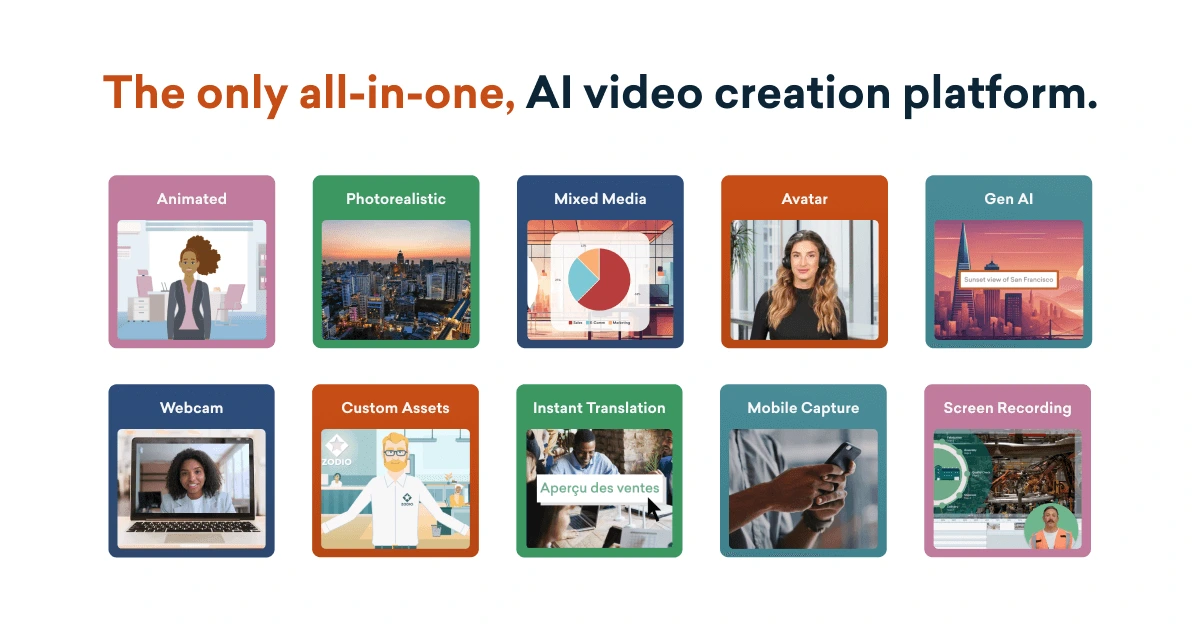
Vyond
Create effective videos in seconds with the #1 enterprise-ready AI video creation platform.
DomoAI
Turn any image or video into stunning anime, realistic, or artistic animations in minutes.
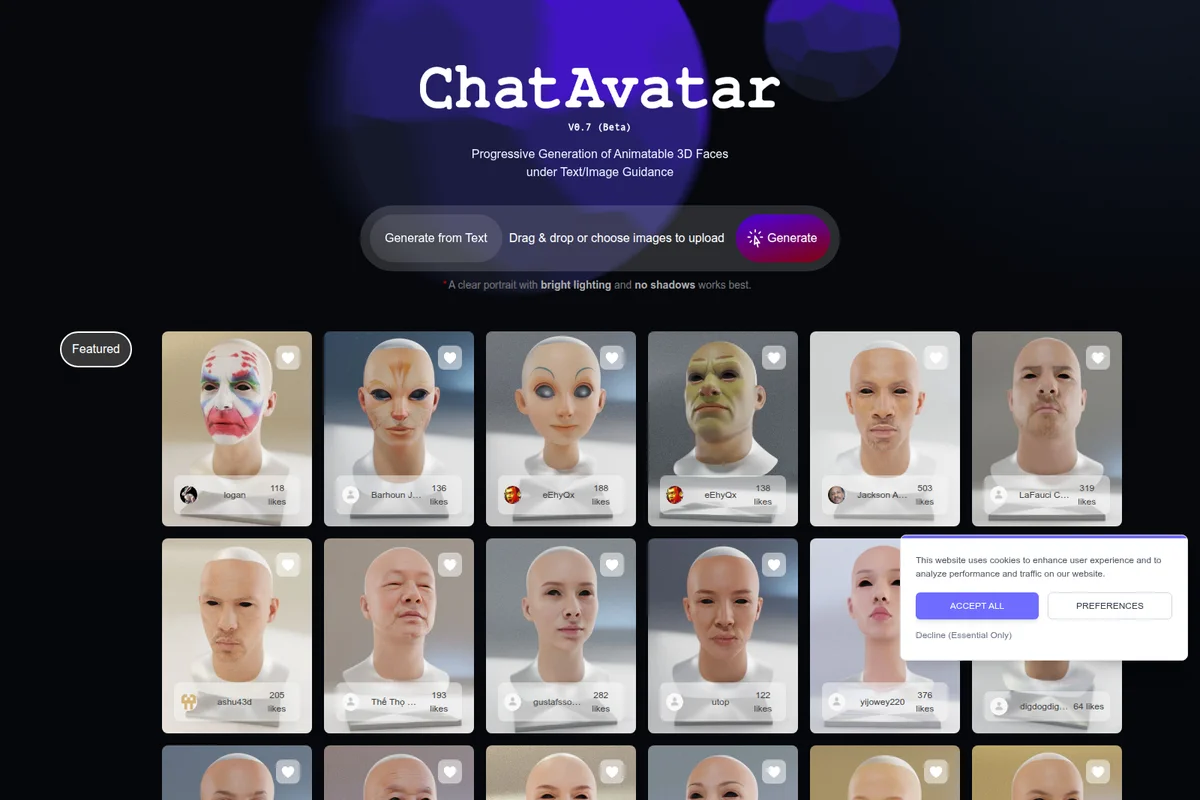
Hyper3D
Turn prompts and images into production-ready 3D assets with AI-powered generation.