
Cascadeur Review 2026 - AI Animation Tool
Verified Jun 6, 2026 by Tooliverse Editorial
Cascadeur uses AI and physics simulation to automate the tedious parts of character animation—set a few key poses, and watch physics fill in realistic motion. Animators at game studios and indie developers use it to create fighting moves, parkour sequences, and creature animations faster than traditional keyframing.
Get Started in Cascadeur | Your First Animation Guide
Cascadeur: It's not a bug, it's a feature or how to use scale
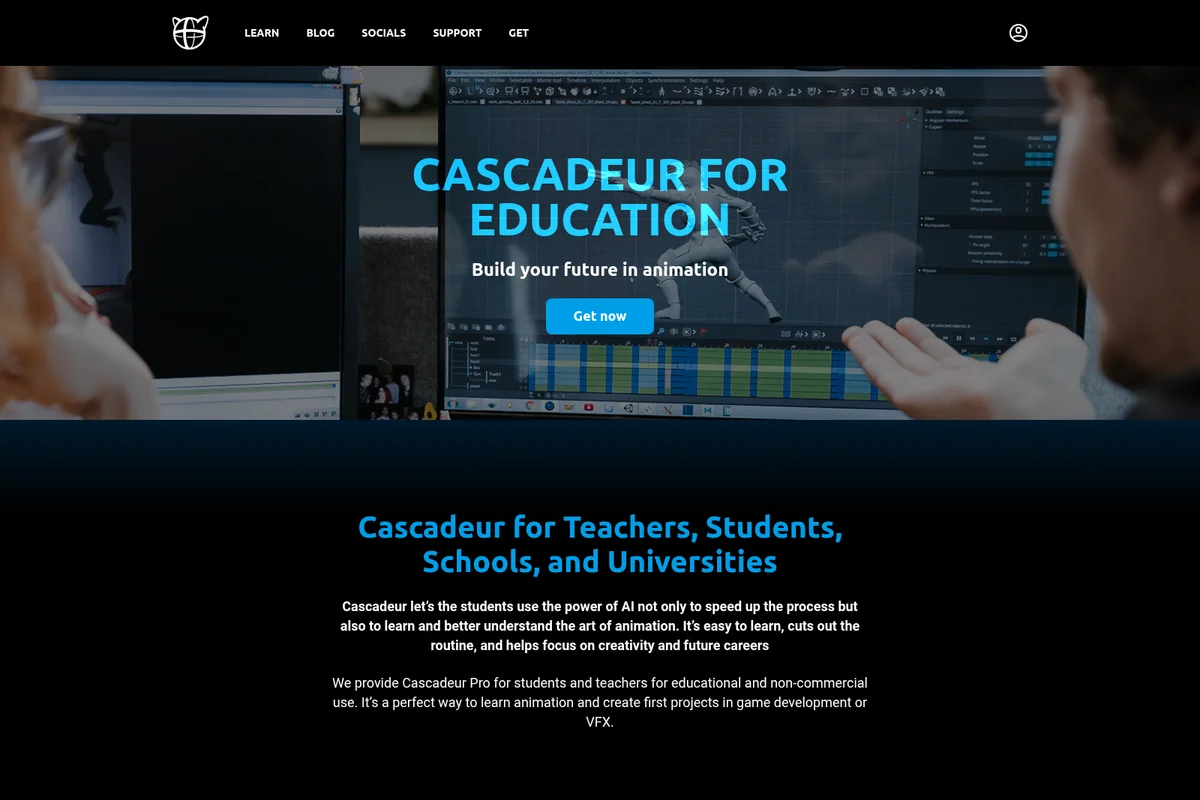
Accelerate animation learning with AI-powered tools for students.
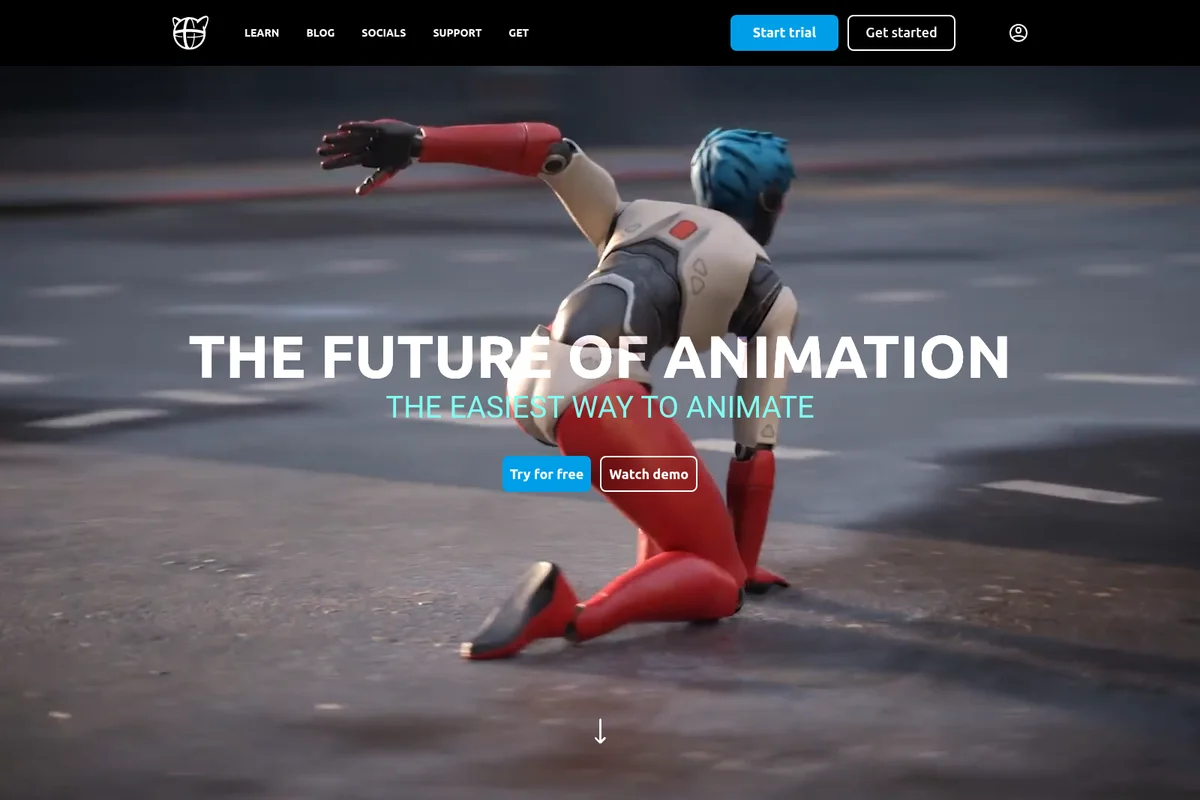
Experience the future of animation with Cascadeur's intuitive AI tools.
Cascadeur Review: Tooliverse Consensus


Based on 641 verified reviews across 5 platforms,
combined with Tooliverse's expert analysis
Cascadeur transforms character animation by automating the physics calculations that traditionally consume hours of manual keyframing, using AI-assisted posing and AutoPhysics simulation to generate realistic weight, balance, and momentum. The QuickRig tool and seamless Unreal Engine integration make it a strong pipeline addition for game developers and VFX artists, with over 60,000 animators adopting it since public release in 2019. The learning curve for physics-based workflows is steep for traditional animators, and non-humanoid rig support lags behind bipedal capabilities, but the perpetual license conversion after one year addresses long-term cost concerns.
Bottom line: A top-tier physics-based animation tool that eliminates manual keyframing labor for realistic character motion, though the learning curve and limited non-humanoid support require consideration before committing.
Cascadeur | Key Specs
- Platforms
- Windows, macOS, Linux, iOS, Android
- Pricing Model
- Freemium ($0-49/mo) See plans
- Export Formats
- FBX, DAE, USD, GLTF, CASC (proprietary)
- Rigging Support
- Custom rigging tools, bipeds, quadrupeds
Wins
- •Delivers remarkably realistic character motion by automatically calculating center of mass and physicsmentioned in 214 reviews
- •Speeds up the blocking phase significantly with AI-assisted posing that corrects silhouettesmentioned in 186 reviews
- •Features a robust QuickRig tool that handles custom FBX imports in minutesmentioned in 142 reviews
Watch-Outs
- •Presents a steep learning curve for users unfamiliar with physics-based animation conceptsmentioned in 82 reviews
- •Offers limited support for complex non-humanoid or quadruped rigs compared to humanoidsmentioned in 56 reviews
- •Focuses strictly on animation, requiring external software for modeling and final renderingmentioned in 48 reviews
Cascadeur Features 2026
AutoPhysics
Physics simulation tool that automatically generates realistic motion between keyframes, maintaining balance, weight distribution, and momentum without manual tweaking.
AI AutoPosing
AI-assisted tool that suggests character poses based on user input, supporting bipeds, quadrupeds, and finger gestures to speed up initial pose creation.
Animation Unbaking
Automatically converts baked mocap or asset animation into editable keyframes with optimized interpolation intervals, making imported animations ready for editing.
Fulcrum Points Visualization
Visual indicators showing character balance points and center of mass, helping animators understand and control physics-based motion.
Cascadeur User Reviews
Selected Reviews
"The deep learning posing is like having a senior animator looking over your shoulder and correcting your silhouettes. It's transformed how I block out scenes."
"QuickRig is surprisingly robust. I imported a custom FBX and had a working rig in under two minutes. The AI posing helps a lot with initial blocking."
"The learning curve is real. Don't expect to open it and be a pro in an hour. But once it clicks, you'll never go back to manual keyframing for physics."
More from the Community
"The way it handles center of mass is something every animator needs. It adds that weight and momentum that usually takes hours to keyframe manually."
"Great for humanoids, but trying to rig a six-legged monster was a nightmare. Documentation needs to cover more than just bipedal setups if they want to be universal."
"The export to Unreal is flawless. FBX comes in with all the physics baked perfectly. Best addition to our pipeline this year."
"Powerful software but the UI can be cluttered. Finding specific graph editor functions is harder than it should be compared to Maya."
"AutoPhysics is a game changer for indie devs. I made a fighting game from scratch with zero animation experience thanks to this tool."
"The way it handles center of mass is something every animator needs. It adds that weight and momentum that usually takes hours to keyframe manually."
"Great for humanoids, but trying to rig a six-legged monster was a nightmare. Documentation needs to cover more than just bipedal setups if they want to be universal."
"The export to Unreal is flawless. FBX comes in with all the physics baked perfectly. Best addition to our pipeline this year."
"Powerful software but the UI can be cluttered. Finding specific graph editor functions is harder than it should be compared to Maya."
"AutoPhysics is a game changer for indie devs. I made a fighting game from scratch with zero animation experience thanks to this tool."
"The new root motion tool in 2026.1 is exactly what we needed. It makes character movement in-engine feel much more grounded."
"I love the physics, but the subscription model is a bit steep for hobbyists. Glad they kept the perpetual license option though."
"Finally a tool that understands weight. No more 'floaty' animations that look like they're underwater."
"Mocap cleanup is where this shines. It takes raw data and makes it look like it was hand-animated by a pro."
"The new root motion tool in 2026.1 is exactly what we needed. It makes character movement in-engine feel much more grounded."
"I love the physics, but the subscription model is a bit steep for hobbyists. Glad they kept the perpetual license option though."
"Finally a tool that understands weight. No more 'floaty' animations that look like they're underwater."
"Mocap cleanup is where this shines. It takes raw data and makes it look like it was hand-animated by a pro."
Cascadeur Pricing 2026
View SourceThe Free tier lets you test the physics tools with 300-frame scenes, but serious work requires Indie at $8/month billed annually for FBX export and commercial use under $100k revenue. Pro at $33/month billed annually is where most professionals land: unlimited commercial rights, animation retargeting, and quadruped AutoPosing. Both annual plans convert to perpetual licenses after 12 months, which changes the value calculation significantly compared to perpetual subscription models.
Cascadeur In-Depth Review 2026

This physics-based animation software runs on Windows, Linux, and ARM Macs, using AI-assisted posing and AutoPhysics simulation to generate realistic character motion automatically. It handles the tedious physics calculations while you focus on choreography and timing, exporting finished animations to Unreal Engine, Blender, and other tools through FBX, DAE, USD, and GLTF formats.
What It's Like Day-to-Day
The AutoPhysics engine is where Cascadeur earns its reputation. You set keyframes for major poses, and the software calculates the transitions with proper weight distribution, balance, and momentum. As one Capterra reviewer put it, the system "adds that weight and momentum that usually takes hours to keyframe manually." Visual fulcrum points show you exactly where the character's center of mass sits, making it easier to understand why a pose feels off-balance and how to fix it. The difference between floaty animation and grounded movement becomes immediately visible.
The AI AutoPosing tool speeds up blocking significantly by suggesting natural poses as you rough out a sequence. You sketch the general motion, and the AI corrects silhouettes and body mechanics in real time.
Cascadeur: Frequently Asked Questions (FAQs)
What subscription plans are available?
Cascadeur offers Free, Indie, Pro, Teams (for 2+ seats), and Educational (exclusive for teachers, professors, and institutions) plans.
Does Cascadeur offer a perpetual license?
Yes, every Yearly Pro and Yearly Indie license automatically converts into a perpetual license after one year. You can continue using the last version released during your subscription period even after cancellation, but an active subscription is required for updates and support. The perpetual license does not apply to Cascadeur Mobile and Teams.
What are the differences between Pro and Teams plans?
Pro and Teams plans offer the same full functionality in Cascadeur. The differences are: Yearly Pro includes a Perpetual license while Yearly Teams doesn't, and Teams includes seat management tools while Pro doesn't.
Can I export animations in all formats with any subscription?
No, the Free plan only exports to proprietary CASC format. Indie, Pro, Teams, and Educational plans support all available formats including FBX, DAE, USD, and GLTF.
Cascadeur Integrations
| Unreal Engine | Blender | Maya |
| Rokoko | Move.ai | Mixamo |
| Daz 3D |
Cascadeur: Verified Data Sheet
| # | Label | Data Point |
|---|---|---|
| [1] | Cascadeur Consensus: 9.40/10 | Cascadeur is one of the highest-rated AI video tools in the Tooliverse index, with a consensus score of 9.40/10 across 641 verified reviews. |
| [2] | What is Cascadeur | Cascadeur, developed by Nekki Limited since 2006, is a physics-based character animation software using AI-assisted posing and AutoPhysics simulation. Used internally for Shadow Fight and Vector game series, it serves 60,000+ animators with pricing from free to $49/month. |
| [3] | Tooliverse Consensus on Cascadeur | Cascadeur transforms character animation by automating the physics calculations that traditionally consume hours of manual keyframing, using AI-assisted posing and AutoPhysics simulation to generate realistic weight, balance, and momentum. The QuickRig tool and seamless Unreal Engine integration make it a strong pipeline addition for game developers and VFX artists, with over 60,000 animators adopting it since public release in 2019. The learning curve for physics-based workflows is steep for traditional animators, and non-humanoid rig support lags behind bipedal capabilities, but the perpetual license conversion after one year addresses long-term cost concerns. |
| [4] | Cascadeur Verdict | Cascadeur bottom line: A top-tier physics-based animation tool that eliminates manual keyframing labor for realistic character motion, though the learning curve and limited non-humanoid support require consideration before committing. |
| [5] | Free: Free | Cascadeur provides a functional Free tier with complete animation toolset and physics-based AutoPhysics tools, making professional-grade animation accessible at no cost. |
| [6] | Automatic physics and center of mass calculation | Cascadeur delivers remarkably realistic character motion by automatically calculating center of mass and physics-based weight distribution, a capability validated by 214 user reviews as transformative for animation workflows. |
| [7] | AI-assisted posing accelerates blocking | Cascadeur speeds up the blocking phase significantly with AI-assisted posing that corrects silhouettes and suggests natural character poses, according to 186 user reviews highlighting workflow acceleration. |
| [8] | QuickRig handles FBX imports in minutes | Cascadeur features a robust QuickRig tool that handles custom FBX imports and generates working rigs in minutes, with 142 user reviews praising the rigging speed and reliability. |
| [9] | Seamless Unreal Engine and Blender integration | Cascadeur integrates seamlessly with Unreal Engine and Blender through polished export pipelines that preserve physics-baked animation data, validated by 128 user reviews as a pipeline strength. |
| [10] | Pro: $33/mo (annual) | Nekki Limited's Cascadeur Pro empowers users with Commercial use with no limits for $33/month billed annually, significantly expanding on the free tier's capabilities. |
| [11] | Steep learning curve for physics concepts | Cascadeur presents a steep learning curve for users unfamiliar with physics-based animation concepts, with 82 user reports noting the initial difficulty understanding fulcrum points and AutoPhysics workflows. |
| [12] | Limited non-humanoid rig support | Cascadeur offers limited support for complex non-humanoid or quadruped rigs compared to humanoid characters, according to 56 user reports citing challenges with six-legged creatures and unconventional body structures. |
| [13] | AutoPhysics saves hours of manual keyframing | Cascadeur's AutoPhysics simulation "adds that weight and momentum that usually takes hours to keyframe manually," according to a verified Capterra reviewer praising the automatic center of mass calculations. |
Best Cascadeur Alternatives
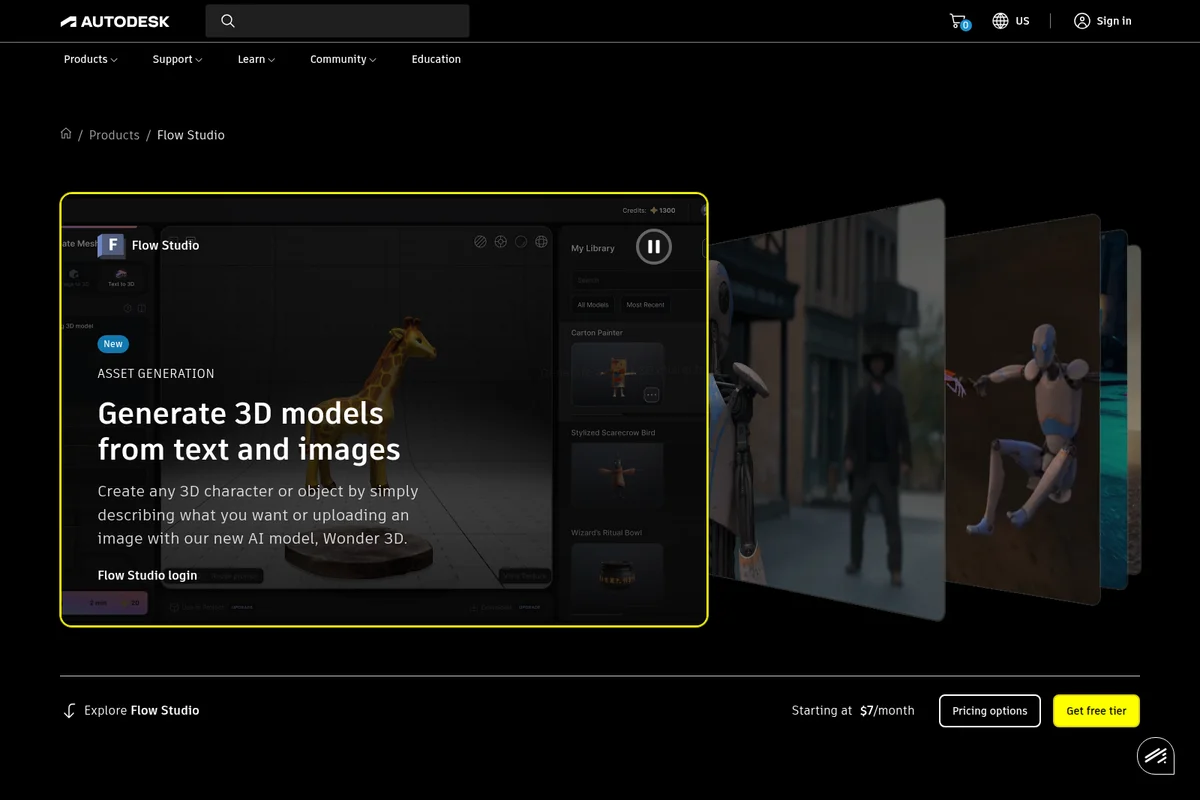
Autodesk Flow Studio
Transform live-action footage into fully controllable CG scenes with AI-powered VFX tools.
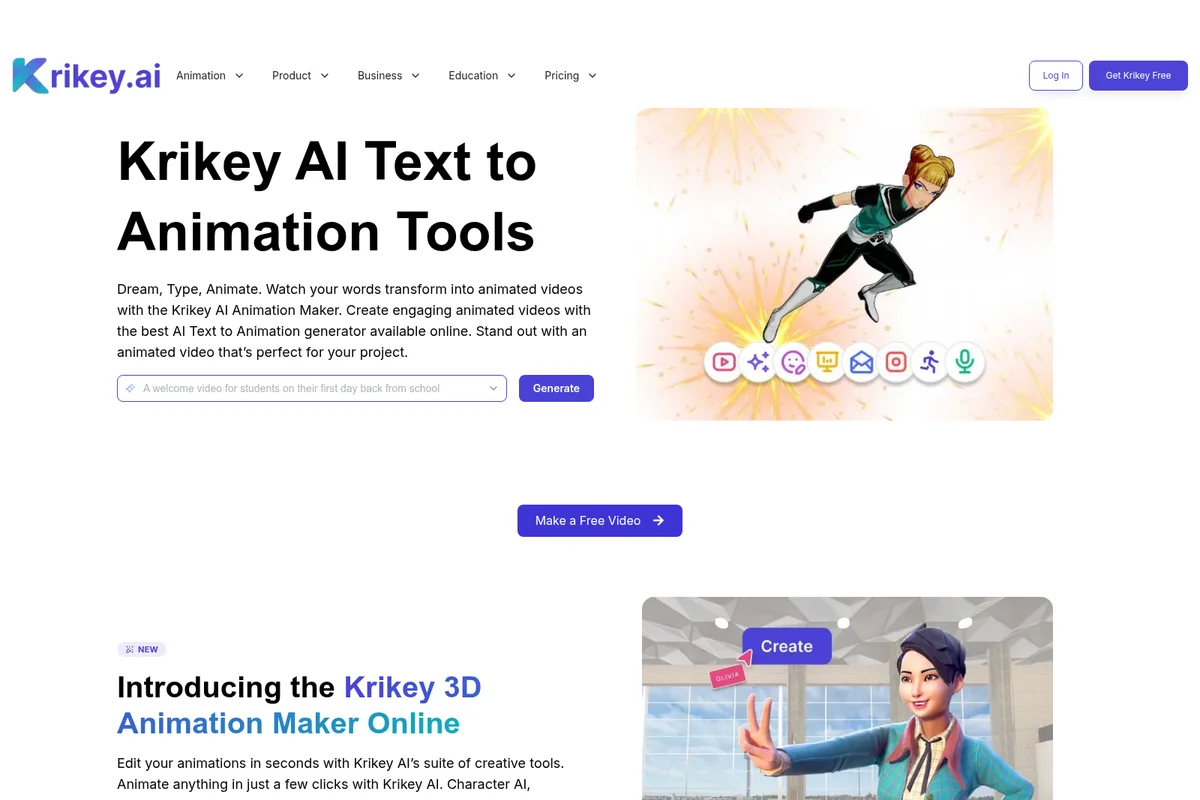
Krikey AI
Transform ideas into professional 3D animations in minutes—no rigging, no keyframing, no technical skills required.

Kling AI
Transform ideas into stunning visuals and videos with AI-powered multimodal generation.