
Magnific Review 2026 - AI Creative Suite
Verified Jun 11, 2026 by Tooliverse Editorial
Magnific combines 40+ leading AI models for image, video, and audio generation with 250M+ stock assets in one platform. Trusted by 1M+ subscribers including Coca-Cola, Ogilvy, and R/GA, it offers node-based workflows, unlimited users on Enterprise, and commercial licensing.
Producing UGC style videos in Spaces | Magnific Academy Tutorial
Freepik Spaces Review: UNLIMITED AI Workflow Builder (Magnific AI)

Experience cinematic detail and clarity with AI-powered image enhancement.
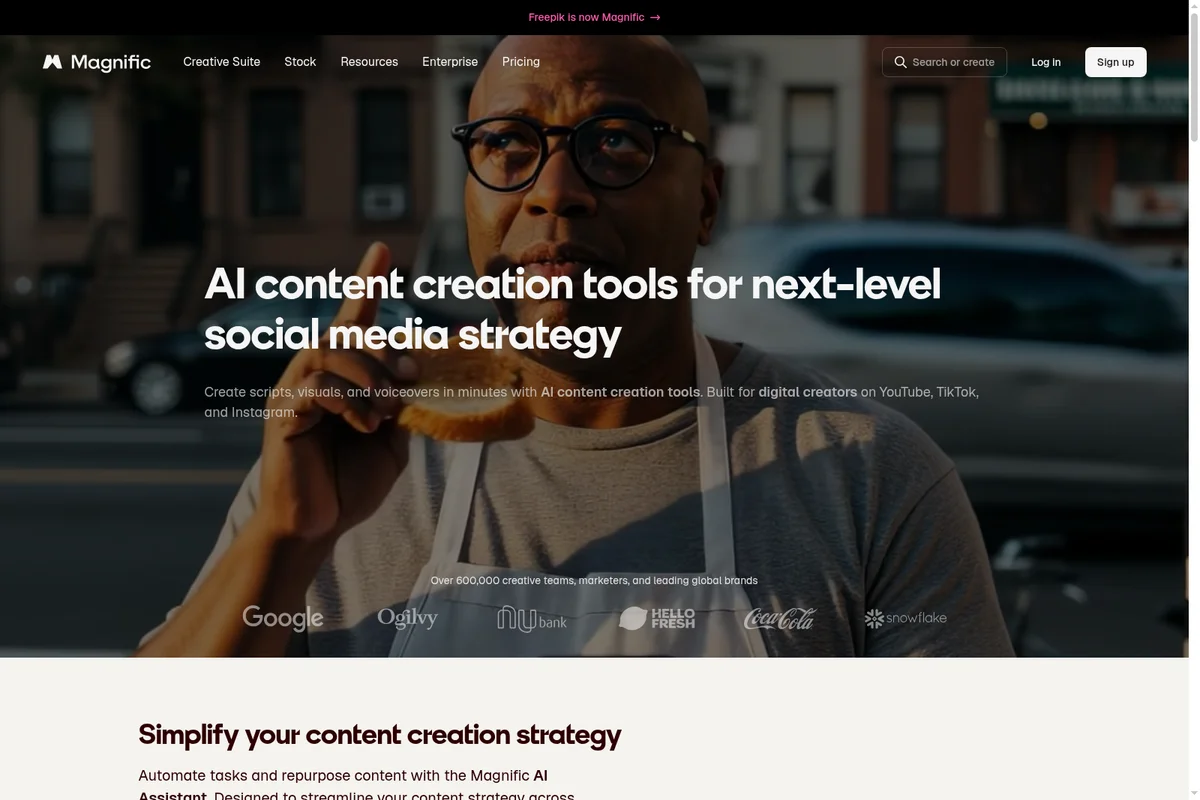
Elevate social media presence with AI content creation tools.
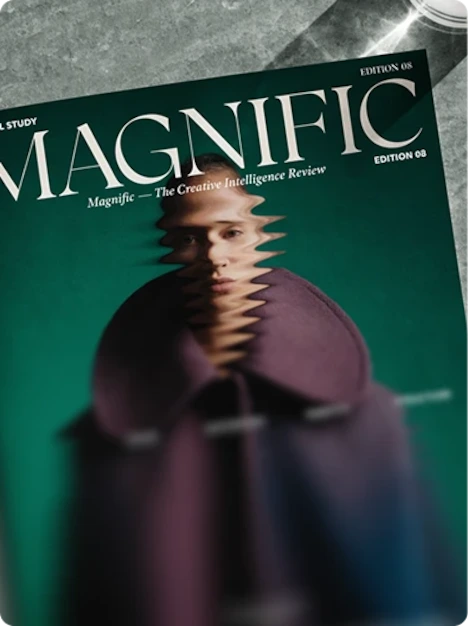
Explore cutting-edge creative intelligence and artistic perspectives.

Deliver AI at enterprise scale with compliance you can trust.

Generate breathtaking, dreamlike visuals with advanced artistic controls.
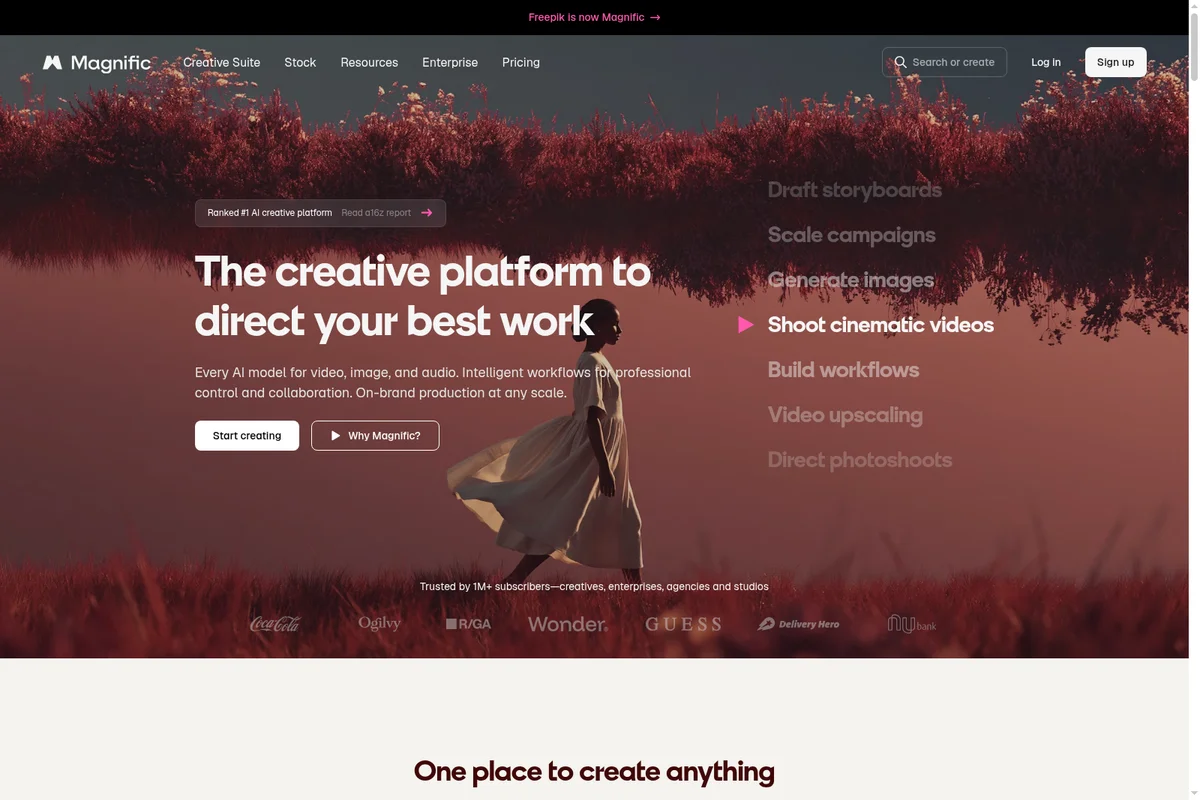
The creative platform to direct your best work, including cinematic video creation.

Generate custom AI images and videos easily on your mobile device.
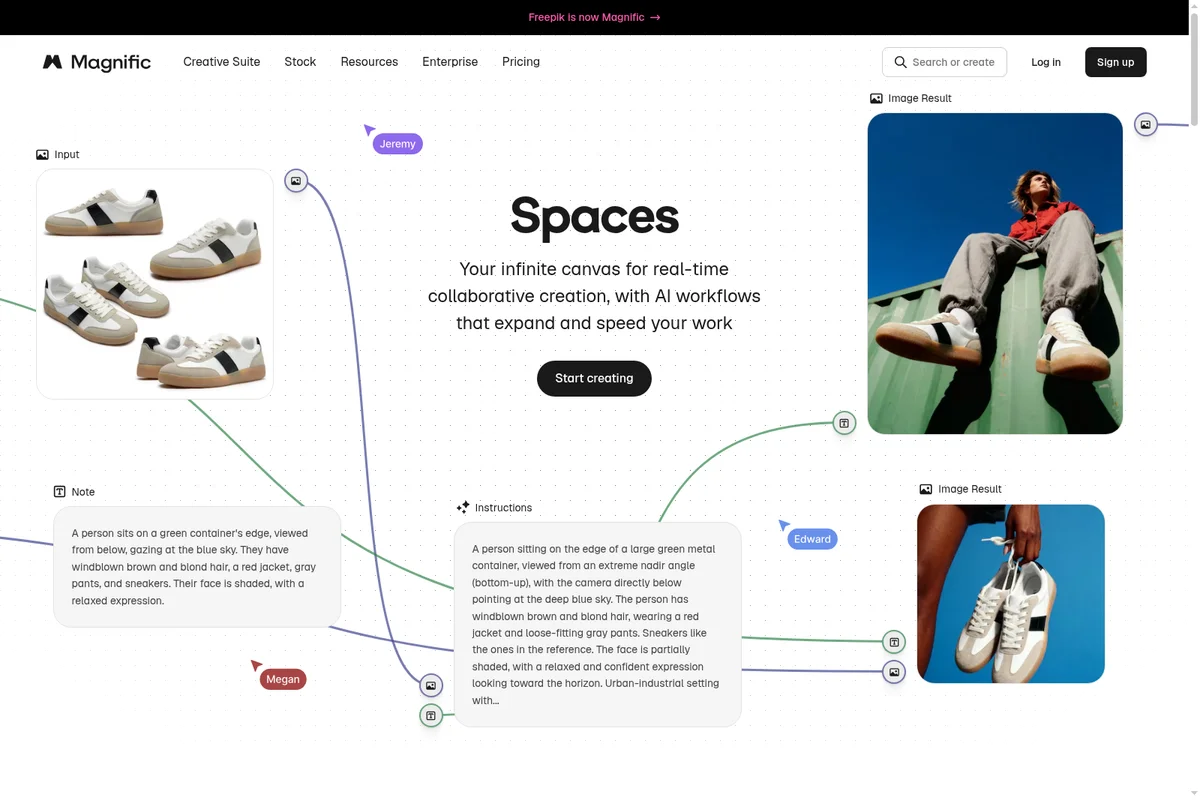
Collaborate on AI-powered image generation with dynamic workflows.
Magnific Review: Tooliverse Consensus


Based on 1k+ verified reviews across 4 platforms,
combined with Tooliverse's expert analysis
Magnific stands as the upscaling tool professionals choose when output quality directly affects deliverables, with detail hallucination capabilities and relighting controls that exceed competing solutions. The Creativity slider provides the fine-tuned control between faithful enhancement and creative interpretation that separates professional work from automated processing, while the texture rendering on materials like wood, concrete, and fabric consistently impresses architectural and product visualization users. The premium pricing significantly exceeds alternatives and pushes hobbyists toward cheaper options, while high creativity settings require careful management to avoid anatomical errors and unwanted artifacts.
Bottom line: A top-tier AI upscaler that adds real detail instead of interpolating pixels, worth the premium cost for professionals producing client work, though hobbyists will find better value elsewhere.
Magnific | Key Specs
- Platforms
- Web, iOS, Android, API
- Pricing Model
- Freemium ($0-210/mo) See plans
- Privacy/Data Use
- No training on your data, You own everything you create
- Security
- ISO 27001, SOC 2 Type I, GDPR, SSO (Enterprise) See details
Wins
- •Produces breathtaking levels of detail that other upscalers simply cannot matchmentioned in 412 reviews
- •Features a revolutionary relighting tool that dramatically improves image atmospherementioned in 328 reviews
- •Offers an incredibly intuitive "Creativity" slider for fine-tuning AI hallucinationsmentioned in 285 reviews
Watch-Outs
- •Subscription costs are significantly higher than competing AI image toolsmentioned in 356 reviews
- •High creativity settings can introduce unwanted artifacts or anatomical errorsmentioned in 242 reviews
- •Requires a constant internet connection and lacks a local processing optionmentioned in 187 reviews
Magnific Features 2026
Spaces - Node-based Collaborative Canvas
Infinite node-based canvas for real-time team collaboration. Build workflows, branch ideas, compare versions, and work together on one shared space. Save complex workflows as Apps that teammates can run in one click.
40+ Leading AI Models
Access to GPT Image 2, Nano Banana 2, Flux 2 Pro, Kling 3, Veo 3, Runway Gen 4.5, Seedream 5, Happy Horse, Grok Imagine, Krea 2, Minimax, Wan, and more. Switch between models without leaving the platform.
Image Upscaler (Magnific & Topaz)
Upscale images up to 10K resolution with real detail enhancement. Two modes: Magnific for creative upscaling and Topaz for precision. Includes Skin Enhancer for portraits.
AI Assistant with 100+ Workflows
Pre-built workflows for common tasks: product photoshoots, social media posts, storyboards, mockups, style transfers, and more. Create and edit images with AI using visual prompts.
Magnific User Reviews
Selected Reviews
"Magnific has saved me hours of manual retouching. It's not just an upscaler; it's a creative partner that understands lighting and texture."
"I was skeptical at first, but after one upscale of a blurry midjourney v4 image, I was sold. It literally breathes life into old AI art."
"Expensive, yes. But the time it saves in a professional pipeline makes the subscription cost negligible. It's a specialized tool for serious creators."
More from the Community
"Magnific is the only tool that actually adds detail instead of just blurring pixels. It's expensive but worth it for pro work."
"The new relighting feature is a game changer. I can take a flat render and make it look like a cinematic masterpiece in seconds."
"The results are stunning, but the price is just too high for a hobbyist. I wish there was a pay-per-image option instead of a monthly sub."
"Incredible tech. Sometimes it hallucinates weird things if you crank the creativity too high, but the control is better than anything else."
"Great for landscapes, but it still struggles with human hands and faces if the original is too low res. Needs more fine-tuning for portraits."
"Magnific is the only tool that actually adds detail instead of just blurring pixels. It's expensive but worth it for pro work."
"The new relighting feature is a game changer. I can take a flat render and make it look like a cinematic masterpiece in seconds."
"The results are stunning, but the price is just too high for a hobbyist. I wish there was a pay-per-image option instead of a monthly sub."
"Incredible tech. Sometimes it hallucinates weird things if you crank the creativity too high, but the control is better than anything else."
"Great for landscapes, but it still struggles with human hands and faces if the original is too low res. Needs more fine-tuning for portraits."
"I use it for every single architectural visualization now. The way it handles textures like wood and concrete is just mind-blowing."
"The UI is so clean. You don't need to be a prompt engineer to get amazing results. Just slide the creativity bar and wait."
"The relighting tool is pure magic. Being able to change the time of day on a generated image without re-rolling is a huge time saver."
"Sometimes the server wait times are annoying during peak hours, but the output quality is so high I don't mind waiting a minute."
"I use it for every single architectural visualization now. The way it handles textures like wood and concrete is just mind-blowing."
"The UI is so clean. You don't need to be a prompt engineer to get amazing results. Just slide the creativity bar and wait."
"The relighting tool is pure magic. Being able to change the time of day on a generated image without re-rolling is a huge time saver."
"Sometimes the server wait times are annoying during peak hours, but the output quality is so high I don't mind waiting a minute."
Magnific Pricing 2026
Premium+ at $33.75 monthly is where most professionals land: 600,000 annual credits, unlimited generations on core models, and both Magnific and Topaz upscalers with commercial licensing. That's the tier that handles typical freelance and small studio workloads without constant credit anxiety. Pro at $210 monthly makes sense for high-volume agencies where the 4 million credits and unlimited Nano Banana Pro access support dozens of upscales per project. The credit-per-generation model means complex workflows (4K video, advanced relighting) burn through allocations faster than simple upscales, so estimate your actual usage before committing.
Magnific In-Depth Review 2026

This AI upscaling platform runs entirely in your browser and works with images from any source: Midjourney, Stable Diffusion, DALL-E, or traditional photography. It upscales to 10K resolution, but the real differentiator is how it adds detail instead of just interpolating pixels. The platform now sits within a larger creative suite that includes 40+ AI models for video, audio, and collaborative workflows, though the upscaler remains the core tool that built its reputation.
What It's Like Day-to-Day
The Creativity slider is where Magnific separates itself from every other upscaler. Slide it low and you get conservative enhancement that stays faithful to your source. Crank it higher and the AI starts hallucinating plausible details: individual roof tiles on distant buildings, fabric texture in clothing, bark patterns on trees. One Reddit reviewer put it plainly: Magnific "is the only tool that actually adds detail instead of just blurring pixels." The control matters because different projects need different approaches. A product photo for e-commerce wants conservative accuracy; a concept art piece can handle creative interpretation.
Magnific Security & Compliance
Verified Compliance
- ISO/IEC 27001
- ISO 22301
- SOC 2 Type I
- GDPR
Security Features
- Single Sign-On (SSO)
- Centralized admin control
Privacy Commitments
- No training on your data
- You own everything you create
- GDPR compliant
- Enterprise legal indemnification for AI-generated content
Magnific: Frequently Asked Questions (FAQs)
Is Magnific the same as Freepik?
Yes, Freepik is now Magnific. Same team, same technology, redesigned as a full AI creative platform for images, video, audio, 3D, collaborative tools, and 250M+ assets.
I have a magnific.ai subscription—what happens now?
Your upscaler stays at magnific.ai with no disruption to your current subscription. Your plan runs until it expires. Magnific is now a much bigger platform at magnific.com—the same upscaler, 40+ AI models, audio tools, collaborative Spaces, and 250M+ stock assets, all in one place.
Will stock content still be available, or is everything now AI-based?
Both. Magnific brings together the full 250M+ stock library—photos, vectors, illustrations, icons, 3D, video, audio, templates, mockups, and fonts—alongside a complete suite of AI creative tools. Everything in one place.
I already have a Magnific paid plan. What happens to it?
Nothing changes. Your plan, price, billing cycle, and payment method stay exactly as they are. You keep access to everything your plan includes.
Magnific Integrations
| Claude | ChatGPT | Cursor |
| Figma |
Magnific: Verified Data Sheet
| # | Label | Data Point |
|---|---|---|
| [1] | Magnific Consensus: 9.24/10 | Magnific is one of the highest-rated AI design tools in the Tooliverse index, with a consensus score of 9.24/10 across 1,265 verified reviews. |
| [2] | What is Magnific | Magnific, operated by Freepik Company S.L.U., is an ISO 27001 and SOC 2 accredited AI creative platform for image, video, and audio generation. The platform serves 1M+ subscribers including Coca-Cola, Ogilvy, and R/GA, with pricing starting at $14.50/month. |
| [3] | Tooliverse Consensus on Magnific | Magnific stands as the upscaling tool professionals choose when output quality directly affects deliverables, with detail hallucination capabilities and relighting controls that exceed competing solutions. The Creativity slider provides the fine-tuned control between faithful enhancement and creative interpretation that separates professional work from automated processing, while the texture rendering on materials like wood, concrete, and fabric consistently impresses architectural and product visualization users. The premium pricing significantly exceeds alternatives and pushes hobbyists toward cheaper options, while high creativity settings require careful management to avoid anatomical errors and unwanted artifacts. |
| [4] | Magnific Verdict | Magnific bottom line: A top-tier AI upscaler that adds real detail instead of interpolating pixels, worth the premium cost for professionals producing client work, though hobbyists will find better value elsewhere. |
| [5] | Pro: $210/mo (annual) | Magnific Pro provides 4,000,000 credits/year plus a 20% credit bonus for $210/month billed annually. |
| [6] | Unmatched detail enhancement | Magnific produces detail enhancement capabilities that exceed competing upscalers, validated as a breakthrough for professional image work by 412 user reviews. |
| [7] | Revolutionary relighting tool | Magnific features a relighting tool that transforms image atmosphere and lighting conditions post-generation, cited as revolutionary by 328 user reviews. |
| [8] | Intuitive Creativity slider control | Magnific offers an intuitive Creativity slider that allows precise control over AI hallucination levels during upscaling, validated by 285 user reviews as essential for fine-tuning results. |
| [9] | Premium: $14.5/mo (annual) | Freepik Company S.L.U.'s Magnific Premium empowers users with 240,000 credits/year for $14.5/month billed annually. |
| [10] | Professional results, simple interface | Magnific delivers professional-grade upscaling results through a simple web-based interface requiring no technical expertise, according to 215 user reviews. |
| [11] | Premium pricing vs. competitors | Magnific subscription costs significantly exceed competing AI image tools, identified as a barrier to adoption in 356 user reviews. |
| [12] | Artifacts at high creativity levels | Magnific high creativity settings can introduce unwanted artifacts or anatomical errors in generated images, reported in 242 user reviews. |
| [13] | ISO/IEC 27001 | Magnific maintains ISO/IEC 27001, ISO 22301, SOC 2 Type I, and GDPR certifications. |
| [14] | Enterprise: Single Sign-On (SSO) | Magnific provides enterprise security with Single Sign-On (SSO) and Centralized admin control. |
| [15] | Adds real detail, not blur | A verified Reddit reviewer noted that Magnific "is the only tool that actually adds detail instead of just blurring pixels" and called it expensive but worth it for professional work. |
Best Magnific Alternatives
Krea
Generate images, videos, and 3D assets in real-time with the world's fastest creative AI studio.
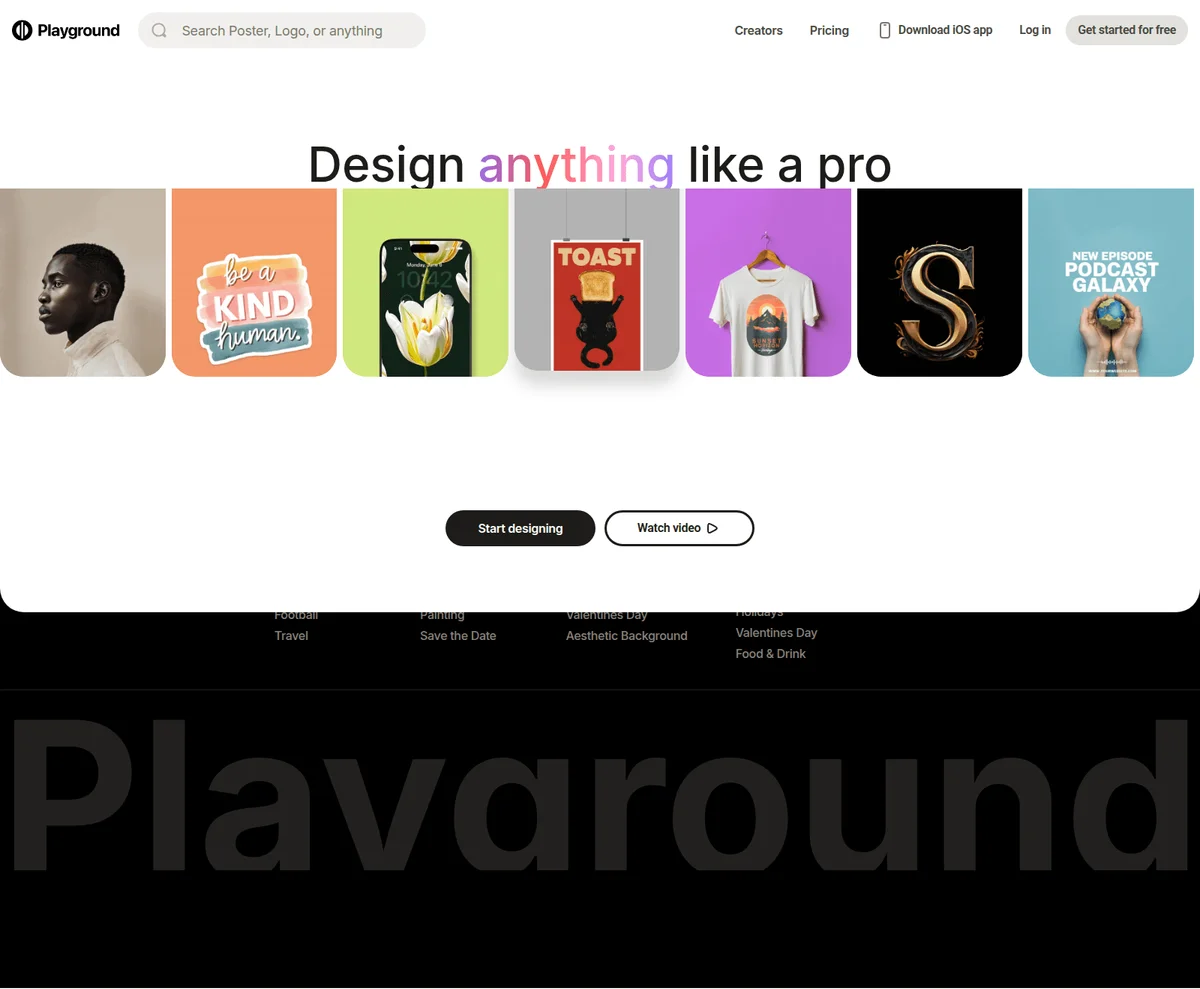
Playground
Design anything like a pro with AI-powered graphic design and image generation.
Recraft
Generate production-ready images and vectors with AI models built for design taste.