
Pixelcut Review 2026 - AI Product Visuals
Verified Oct 6, 2026 by Tooliverse Editorial
Pixelcut turns a single product photo into studio shots, model try-ons, and talking UGC ads. Just tell its Creative Agent what you want in plain language, and join 70M+ sellers already doing it.
How to Remove the Background From a Video Without a Green Screen | Pixelcut
Only if Graphic Designers Knew This Ai website | Pixa ai for Beginners | The Best Pixelcut Review
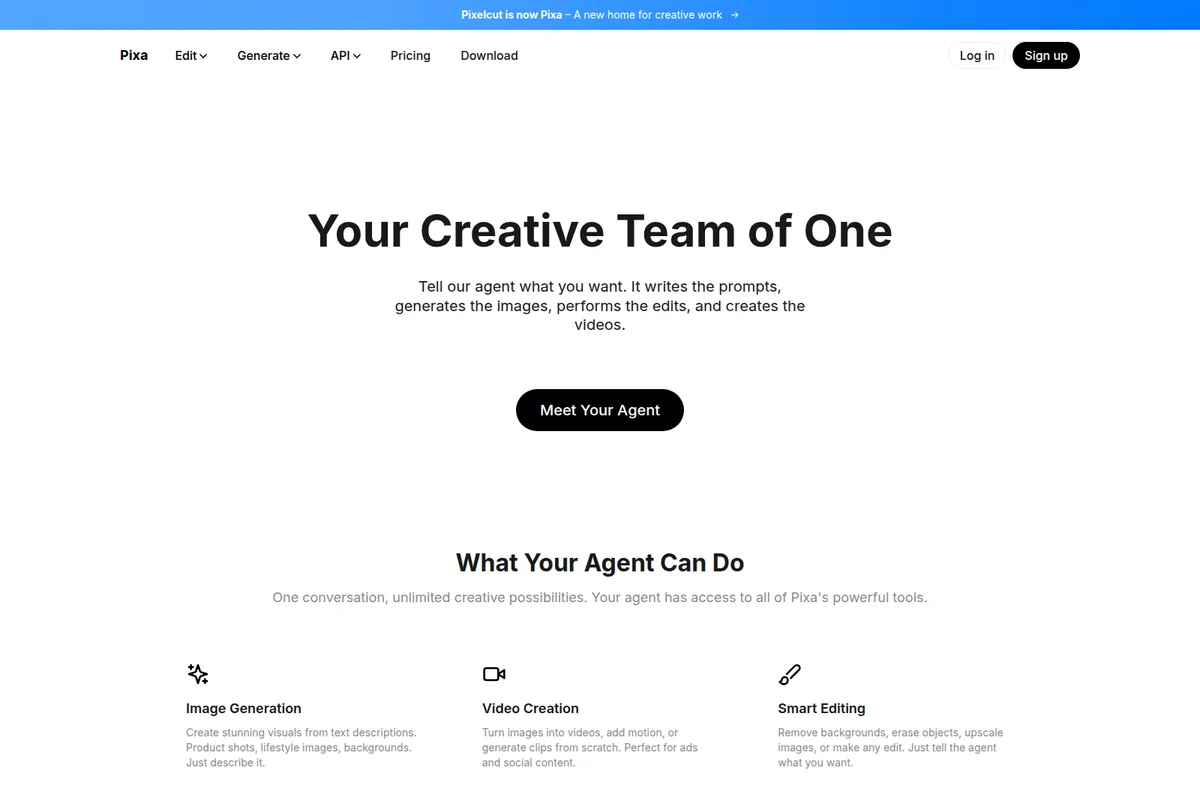
Unleash creativity with your AI agent for image, video, and smart editing.
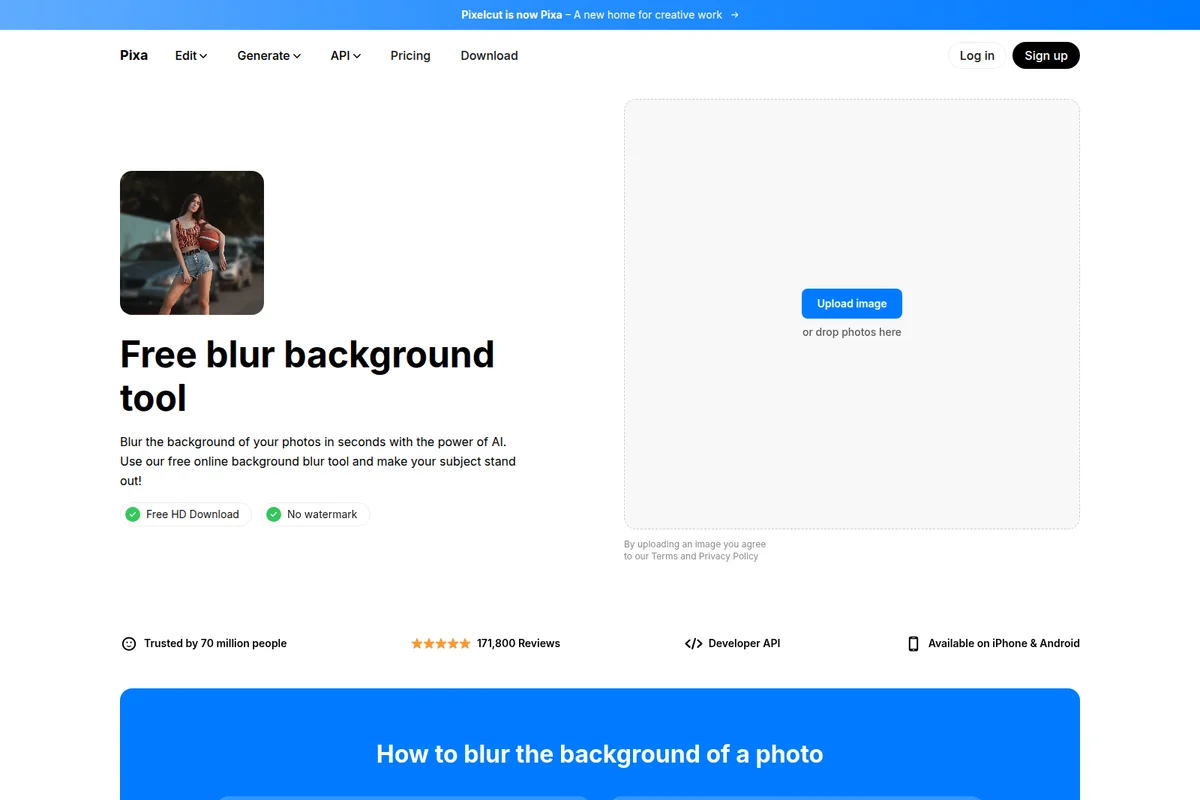
Quickly blur photo backgrounds with AI for professional-looking edits.
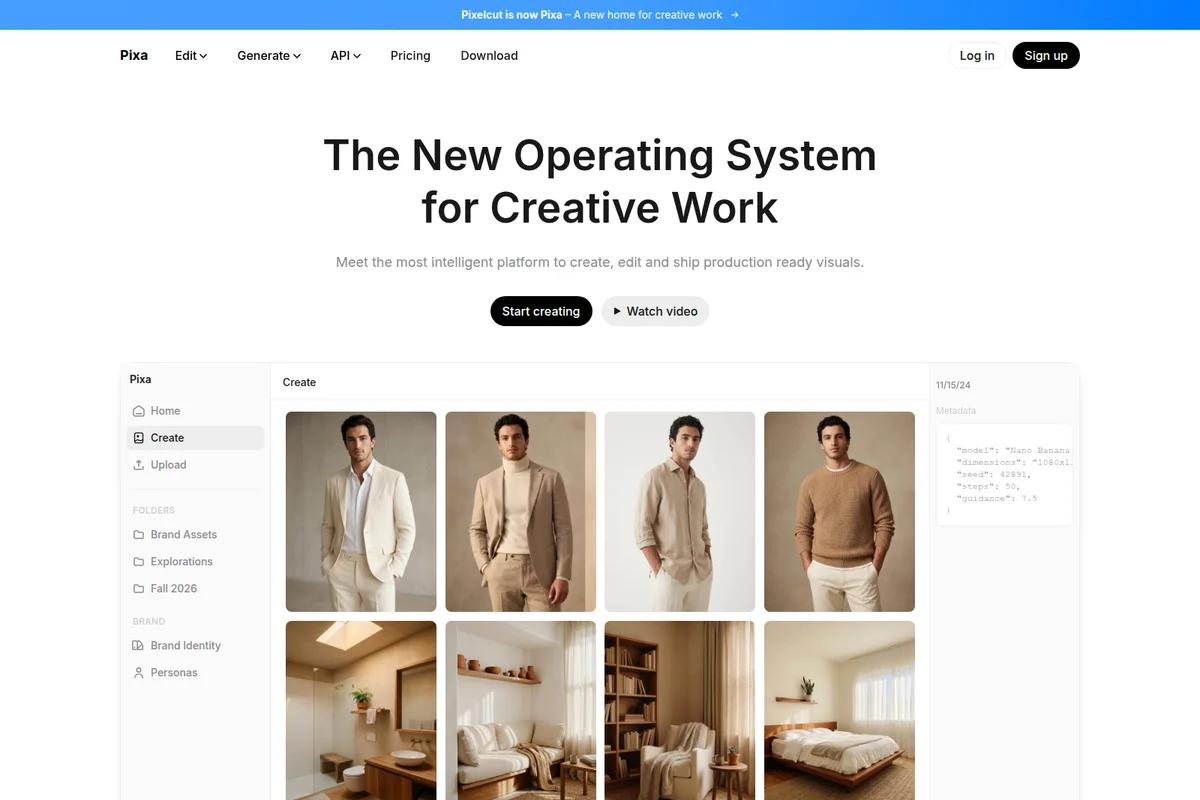
Explore AI-generated visuals for creative work, from product shots to styled portraits.
Pixelcut Review: Tooliverse Consensus



Based on 25k+ verified reviews across 5 platforms,
combined with Tooliverse's expert analysis
Pixelcut turns a phone photo into a marketplace-ready product shot, and its background removal and AI shadows are what sellers praise most. Batch editing across whole catalogs and a template library for social posts widen the appeal, while the interface stays approachable for people with no design training. The catches are cost and consistency: credits drain quickly on generative features, billing and cancellation complaints recur, and complex hair or fur can leave artifacts. The web version also trails the mobile apps in advanced tools.
Bottom line: A top-tier mobile editor for e-commerce sellers, with fast cutouts, convincing shadows, and easy batch work, though heavy users should watch credit burn and billing terms before committing to a plan.
Pixelcut | Key Specs
- Platforms
- Web, iOS, Android, API
- Pricing Model
- Freemium ($0-24/mo billed yearly) See plans
- Privacy/Data Use
- Users retain copyright of API-processed images
- Security
- Stripe checkout See details
Wins
- •Removes backgrounds with surgical precision in just a few secondsmentioned in 412 reviews
- •Enables effortless batch editing for entire product catalogs at oncementioned in 385 reviews
- •Generates realistic AI shadows that make product photos look professionalmentioned in 310 reviews
Watch-Outs
- •Subscription pricing and credit system feel restrictive for high-volume usersmentioned in 156 reviews
- •Occasional AI artifacts appear when processing complex hair or furmentioned in 112 reviews
- •Users report unexpected billing cycles and difficulties with cancellationsmentioned in 89 reviews
Pixelcut Features 2026
Creative Agent
Understands plain-language prompts, plans and executes multi-step image and video tasks, choosing the best model for each step.
AI Product Photography (Product Studio)
Turns one product photo into a full set of studio or lifestyle shots up to 4K, keeping the product's logo and shape accurate.
AI UGC Ads
Creates talking videos with AI creators to promote a brand in seconds.
AI Actors / Personas
Custom personas that stay consistent across images and videos.
Pixelcut User Reviews
Selected Reviews
"The batch edit feature saved me hours of work on my Shopify store. I used to spend all night manually masking products, but now I can do a whole collection in minutes. Literally a lifesaver for small business owners."

"Ridiculously generous even on free daily quotas, and it's one of the VERY few brush AI generator/editors that actually works. I tried many paid tools where the editor still fumbled."
"The background removal is 10/10 but the app crashes occasionally when I try to export large batches of photos. It's frustrating when you're in a rush."
More from the Community
"Best AI background remover I've used. It handles tricky edges way better than Canva or Photoroom. The AI shadows are a game changer for making products pop."
"App is amazing, I can remove background of my product pictures in 3 seconds to post on sale. I can post or upload my product on Facebook or Shopify instantly. Save me much time!"
"Great for my small business. The AI shadows are a game changer for making products pop. Wish it was a bit cheaper though, as the credits run out fast."
"The app is good but the subscription is expensive. I only use it once a month so a pay-per-use option would be better than a monthly commitment."
"Background removal is top tier, but the new credit system is confusing. I feel like I'm paying for a subscription and then still having to watch my 'points' for the best models."
"Best AI background remover I've used. It handles tricky edges way better than Canva or Photoroom. The AI shadows are a game changer for making products pop."
"App is amazing, I can remove background of my product pictures in 3 seconds to post on sale. I can post or upload my product on Facebook or Shopify instantly. Save me much time!"
"Great for my small business. The AI shadows are a game changer for making products pop. Wish it was a bit cheaper though, as the credits run out fast."
"The app is good but the subscription is expensive. I only use it once a month so a pay-per-use option would be better than a monthly commitment."
"Background removal is top tier, but the new credit system is confusing. I feel like I'm paying for a subscription and then still having to watch my 'points' for the best models."
"Simply uploaded an image to the tool, processing time is too slow but able to generate product image with its ai feature. Could be faster."
"I downloaded it for the AI eraser tool and stayed for everything else. It's really an impressive editing application for mobile users."

"The AI backgrounds are decent but sometimes look a bit 'off' with the lighting. It takes a few tries to get a realistic result."
"I find new features every time I use it. Specific features that I've had a hard time finding on other apps, and the quality is better here."
"Simply uploaded an image to the tool, processing time is too slow but able to generate product image with its ai feature. Could be faster."
"I downloaded it for the AI eraser tool and stayed for everything else. It's really an impressive editing application for mobile users."
"The AI backgrounds are decent but sometimes look a bit 'off' with the lighting. It takes a few tries to get a realistic result."
"I find new features every time I use it. Specific features that I've had a hard time finding on other apps, and the quality is better here."
Pixelcut Pricing 2026
Free covers casual cutouts with watermark-free export, but the limits on removal and upscaling show up quickly once a catalog is involved. Pro at $8/month billed annually is the tier to pick: unlimited background removal and upscaling, 1,000 batch exports, and a commercial license for marketplace listings. The 600 credits only matter if you lean on third-party generative models, which burn them fast, so heavy video users should look at Business at $24/month billed annually instead.
Pixelcut In-Depth Review 2026

Pixelcut is an AI photo and video editor from Oakland, California, that runs on iOS, Android, and in mobile and desktop browsers. Its own tools handle background removal, upscaling up to 16x, and image expansion, while more than 70 third-party image and video models sit behind a credit system. A Creative Agent ties it together, planning multi-step edits from a plain-language prompt and remembering brand assets between sessions. More than 70 million people use it, and it briefly operated as Pixa from February to May 2026 before reverting to its original name.
What It's Like Day-to-Day
The core loop is short. Upload a photo and the background disappears in a few seconds; reviewers on Google Play describe cutting out a product in about three seconds and posting it straight to Facebook or Shopify. Edge handling draws the most praise, and a Product Hunt reviewer said it *"handles tricky edges way better than Canva or Photoroom.
Pixelcut Security & Compliance
Security Features
- Stripe checkout
Privacy Commitments
- Users retain copyright of images processed through the API
Pixelcut: Frequently Asked Questions (FAQs)
Is Pixelcut free?
Yes, Pixelcut offers a free version with basic image editing tools, including limited background removal and upscaling and watermark-free export. Upgrading to Pro unlocks all AI tools, batch editing and HD exports.
How much does Pixelcut Pro cost?
Pixelcut Pro costs $8 per month billed yearly ($10 per month if paid monthly) and includes 600 AI credits monthly, all AI models, unlimited background removal and upscale, a 3-person team, 1,000 batch exports and a commercial license. Business costs $24 per month billed yearly with 3,600 credits and a 10-person team.
Do you offer discounts for yearly subscriptions?
Yes, Pixelcut offers 20% savings on annual subscriptions compared with monthly billing, applying to all Pro plans.
Can I cancel my Pixelcut subscription?
Yes, you can cancel your subscription at any time.
Pixelcut Integrations
| Claude | Shopify | Etsy |
| Amazon |
Pixelcut: Verified Data Sheet
| # | Label | Data Point |
|---|---|---|
| [1] | Pixelcut Consensus: 8.60/10 | Pixelcut is a highly-rated tool among AI design tools in the Tooliverse index, with a consensus score of 8.60/10 across 25,050 verified reviews. |
| [2] | What is Pixelcut | Pixelcut is an AI photo and video editor founded in 2020 and based in Oakland, California, for product images, ads and video. It serves 70M+ users, with a free tier and paid plans from $8/month billed yearly. |
| [3] | Tooliverse Consensus on Pixelcut | Pixelcut turns a phone photo into a marketplace-ready product shot, and its background removal and AI shadows are what sellers praise most. Batch editing across whole catalogs and a template library for social posts widen the appeal, while the interface stays approachable for people with no design training. The catches are cost and consistency: credits drain quickly on generative features, billing and cancellation complaints recur, and complex hair or fur can leave artifacts. The web version also trails the mobile apps in advanced tools. |
| [4] | Pixelcut Verdict | Pixelcut bottom line: A top-tier mobile editor for e-commerce sellers, with fast cutouts, convincing shadows, and easy batch work, though heavy users should watch credit burn and billing terms before committing to a plan. |
| [5] | Free: Free | Pixelcut offers a functional Free tier with Limited Background Removal and Limited Upscale, putting AI tools within reach at no cost. |
| [6] | Realistic AI product shadows | Pixelcut generates realistic AI shadows that make cutout product photos look professionally shot, a capability mentioned in 310 user reviews. |
| [7] | Large social media template library | Pixelcut provides a large library of templates for social media content, praised in 275 user reviews and complemented by Product Studio scenes rendered at up to 4K resolution. |
| [8] | Intuitive, no-design-skills interface | Pixelcut offers an intuitive interface that requires no design experience, according to 240 user reviews, and a Creative Agent that turns plain-language prompts into multi-step edits. |
| [9] | Pro: $8/mo (annual) | Pixelcut Pro costs $8/month billed annually and comes with 600 AI Credits Monthly, a substantial step up from the free tier. |
| [10] | Fast, precise background removal | Pixelcut removes backgrounds from product photos in a few seconds with precise edge handling, a strength validated by 412 user reviews and backed by its proprietary background removal for both images and video. |
| [11] | Credit caps restrict high-volume users | Pixelcut subscription pricing and its credit system feel restrictive to high-volume users, according to 156 user reports; Pro includes 600 AI credits monthly at $8/month billed annually, and Business includes 3,600 at $24/month billed annually. |
| [12] | Artifacts on hair and fur | Pixelcut can produce occasional AI artifacts when processing complex hair or fur, according to 112 user reports. |
| [13] | Privacy: Users retain copyright of images processed through the API | Pixelcut protects user ownership: Users retain copyright of images processed through the API. |
| [14] | Enterprise: Stripe checkout | Pixelcut secures payments with Stripe checkout. |
| [15] | Beats Canva and Photoroom on edges | A verified Product Hunt reviewer noted that Pixelcut is the "best AI background remover I've used" and "handles tricky edges way better than Canva or Photoroom." |
Best Pixelcut Alternatives

Photoroom
Turn any product photo into listing-ready visuals in seconds and sell at first sight.
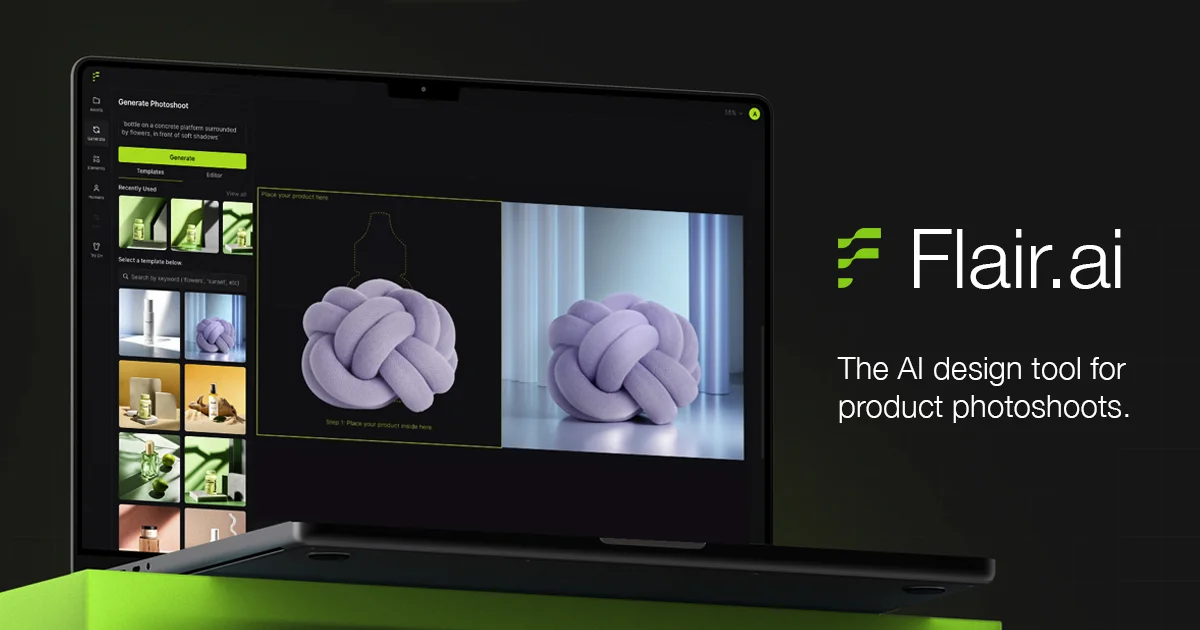
Flair AI
Turn simple product shots into stunning on-brand photoshoots, videos, and ads in minutes.
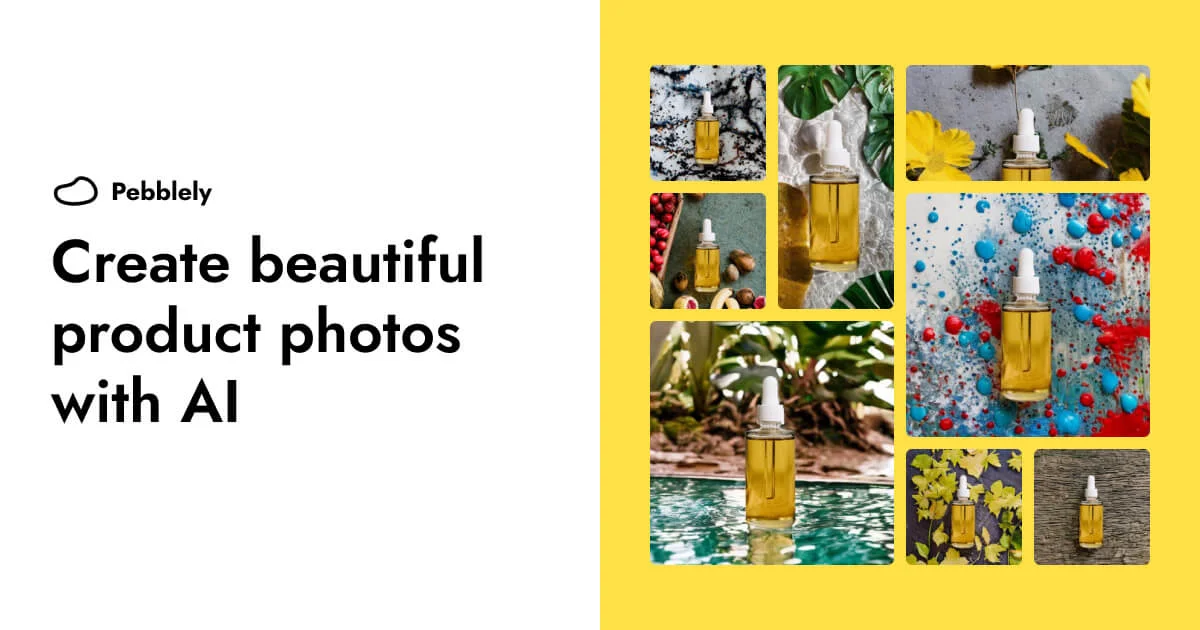
Pebblely
Turn one product photo into scroll-stopping marketing images in seconds—no camera or Photoshop required.