
Rows Review 2026 - AI Data Analyst Spreadsheet
Verified Oct 6, 2026 by Tooliverse Editorial
Rows is a spreadsheet with an AI data analyst built in. Drop in PDFs or connect business tools, then just ask for reports, charts, or models—no SQL, BI dashboards, or formula wrestling required.
Introducing Rows 3.0
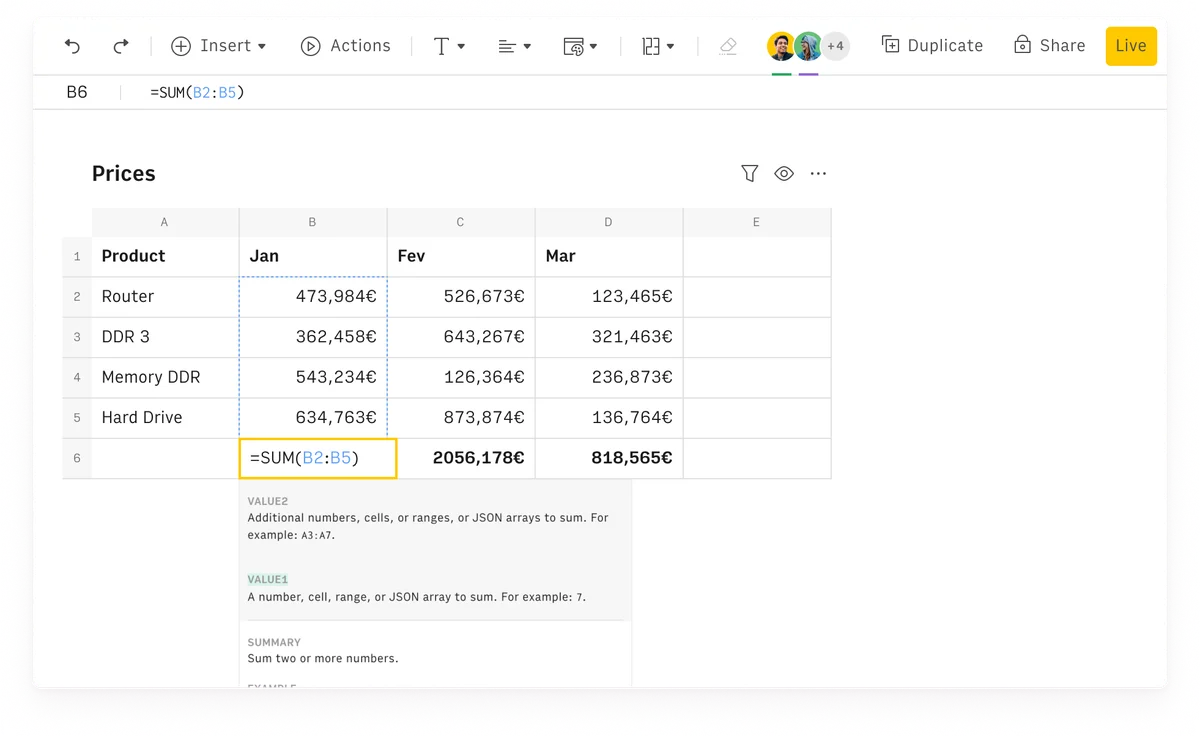
Rows spreadsheet UI showing a SUM formula calculating monthly totals for product prices in a clean, modern interface.
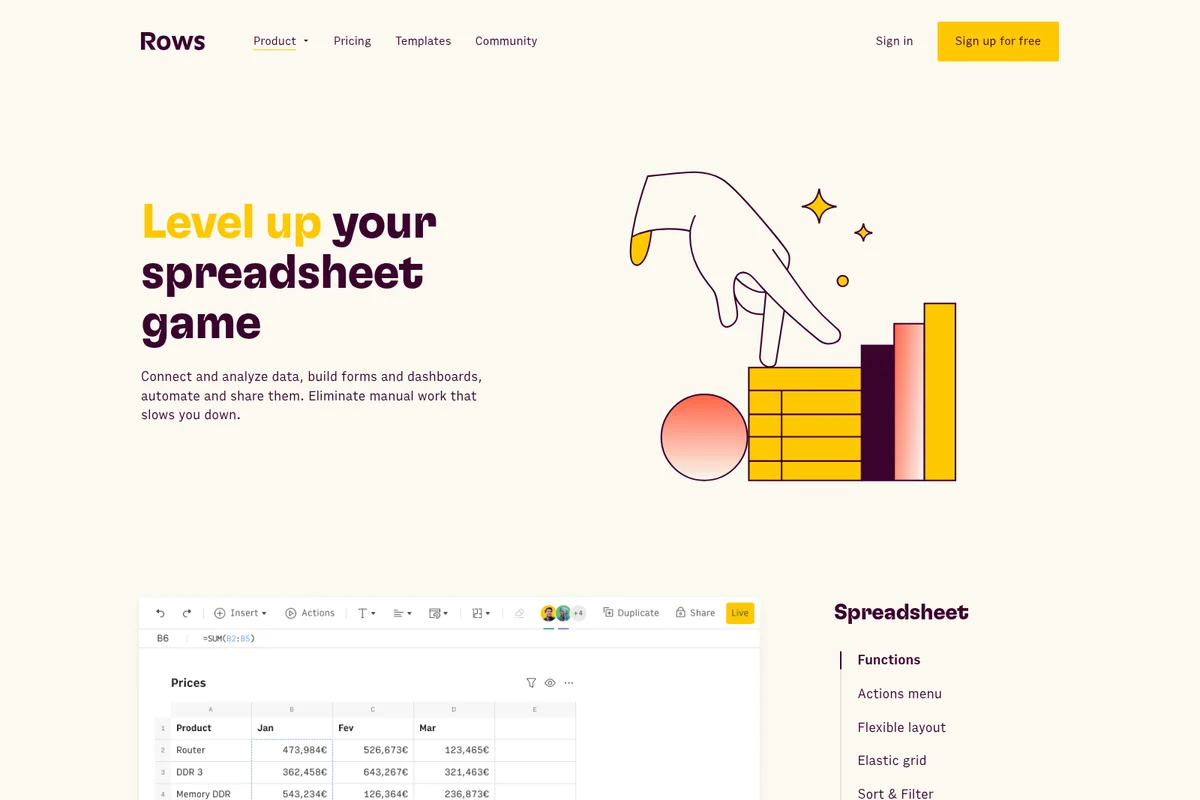
Rows features page showcasing an engaging illustration of spreadsheet data and a clean UI displaying a product sales table.
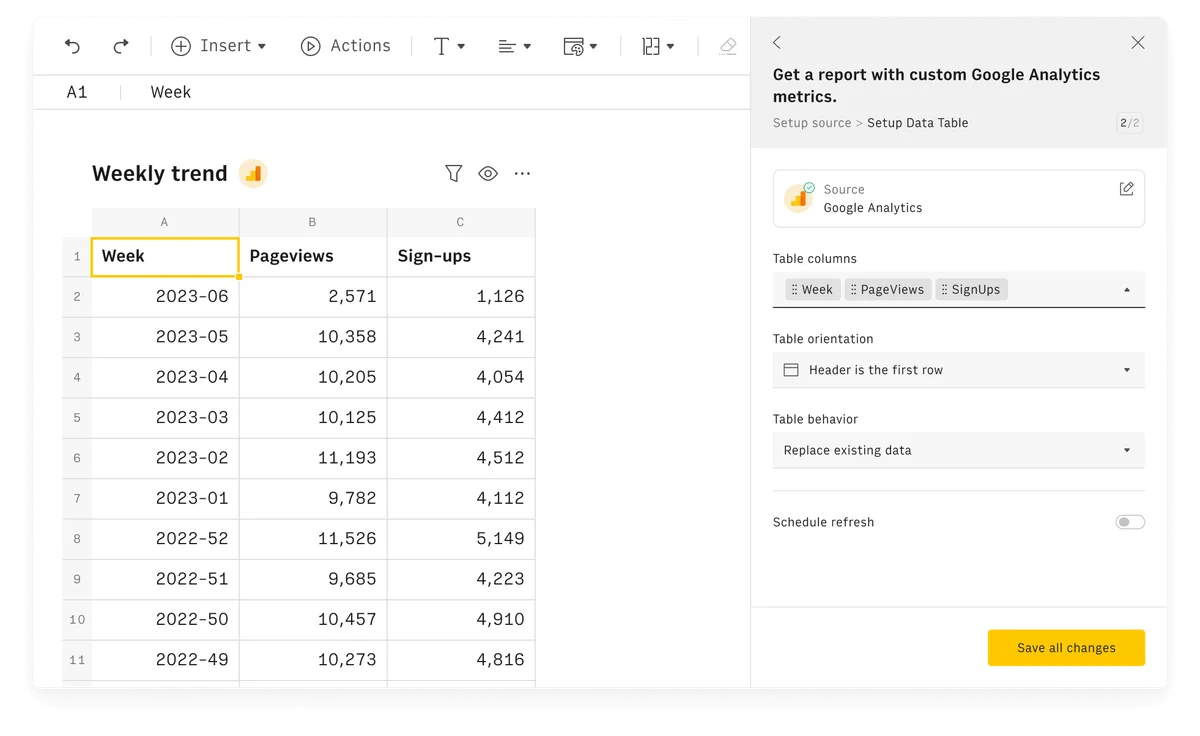
Rows data spreadsheet workspace showing a weekly trend report table and a side panel for setting up custom Google Analytics metrics.
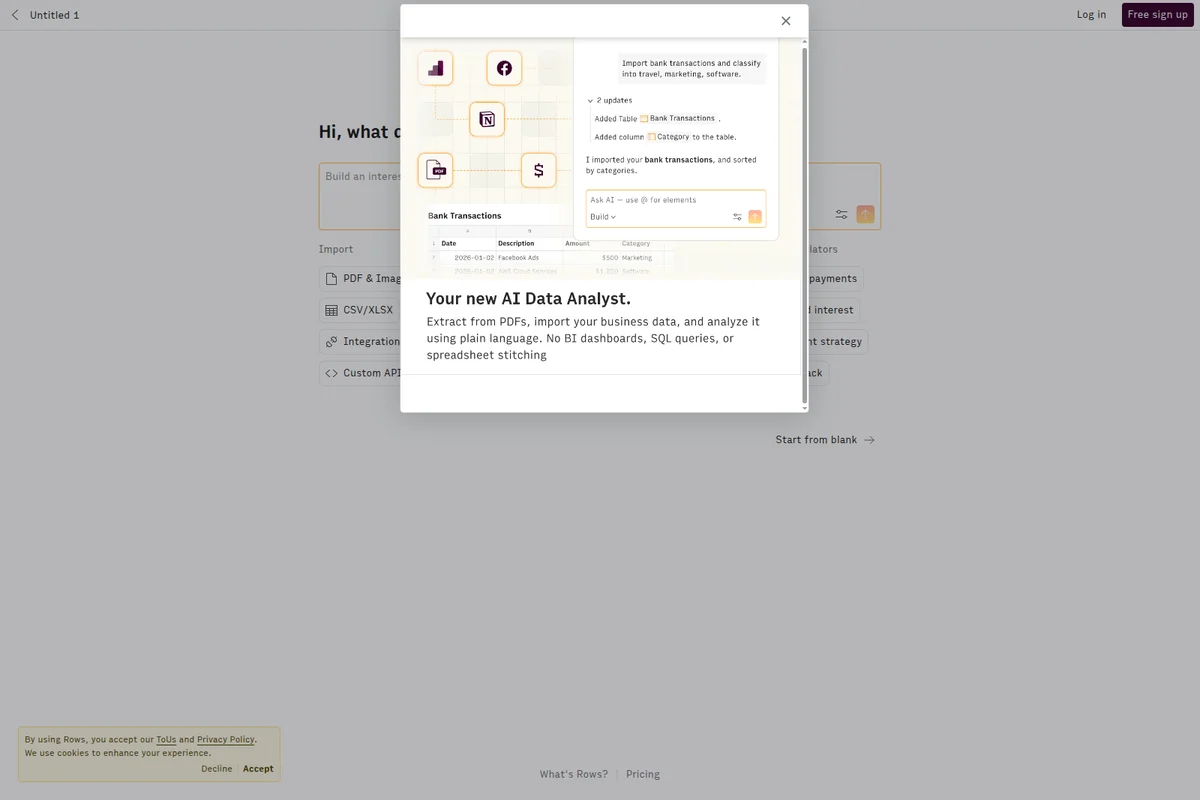
Rows homepage displaying an AI Data Analyst modal demonstrating bank transaction categorization with a clean spreadsheet UI.
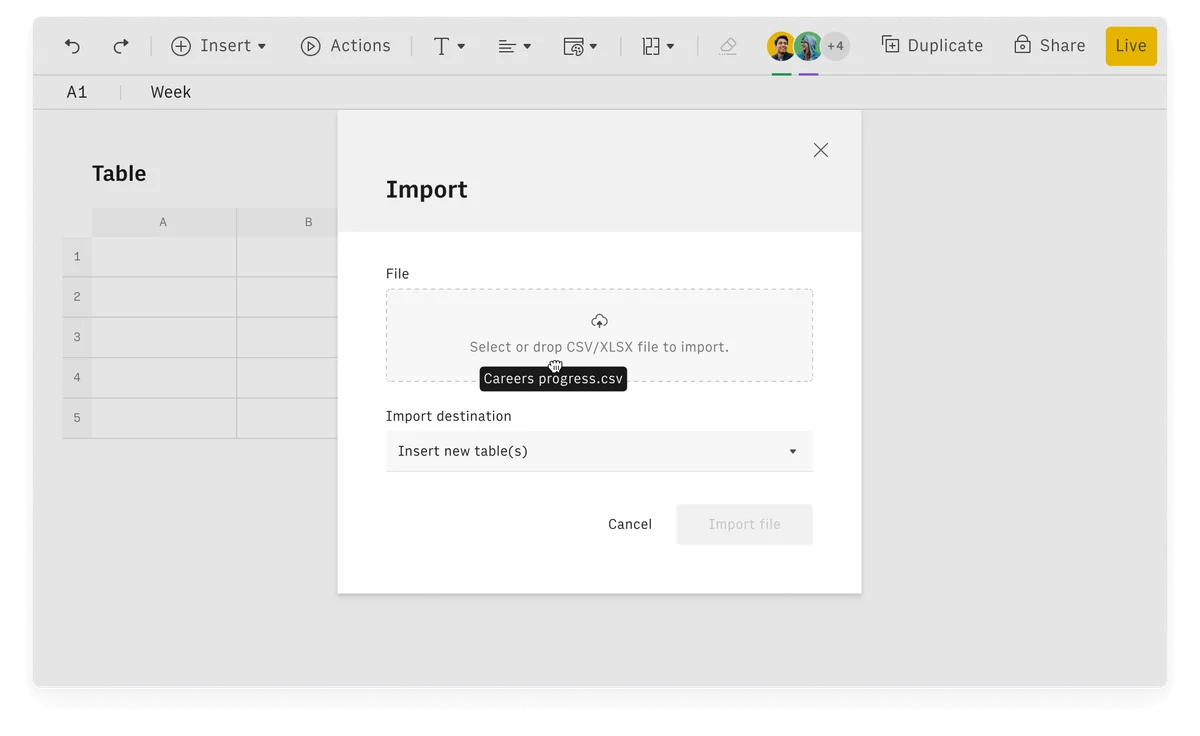
Rows workspace UI showing an active import modal for a CSV file named 'Careers progress.csv' with a clean light-themed interface.
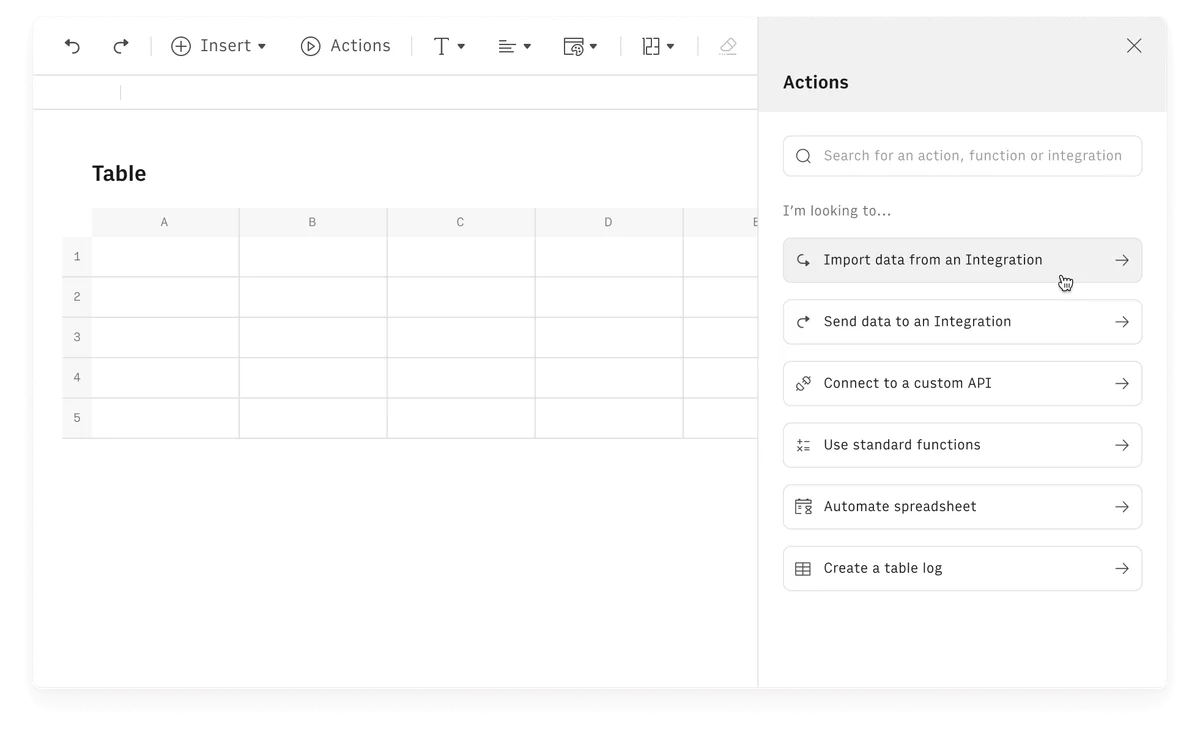
Rows spreadsheet UI showing the 'Actions' panel open, offering options like 'Import data from an Integration' and 'Send data to an Integration' within a clean, light-themed interface.
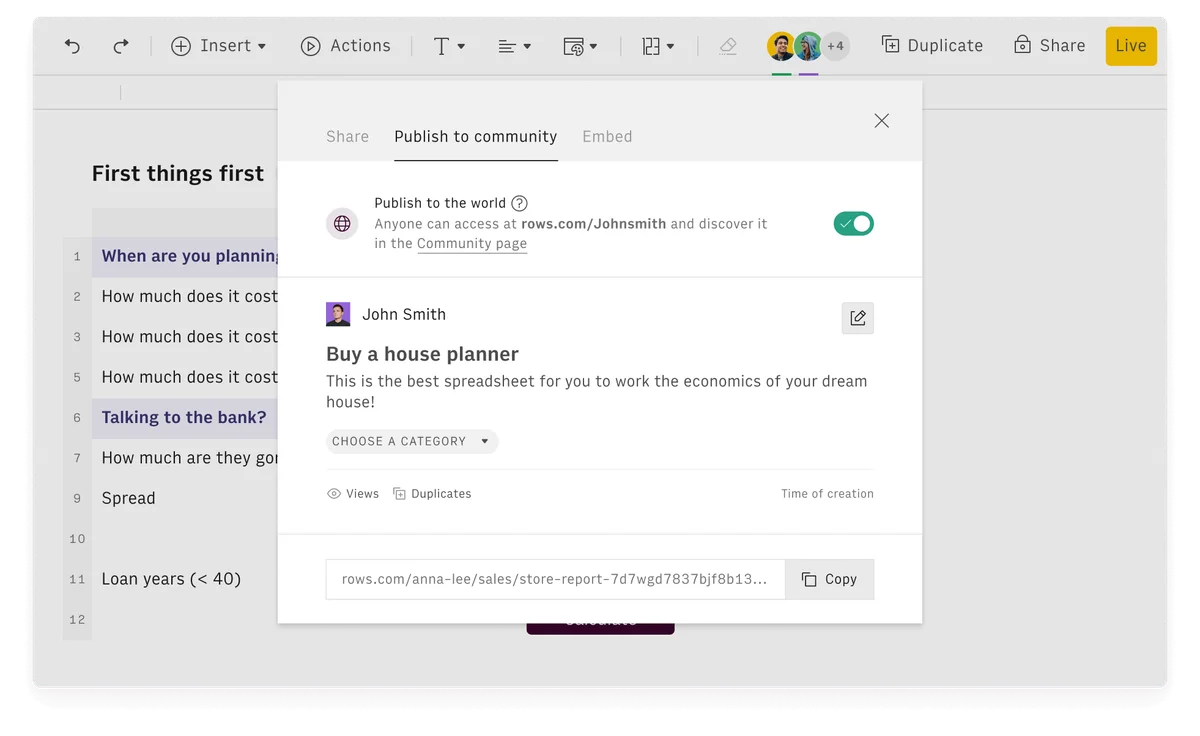
Rows spreadsheet tool showing the 'Publish to community' modal for a 'Buy a house planner' spreadsheet with a clean, modern interface.
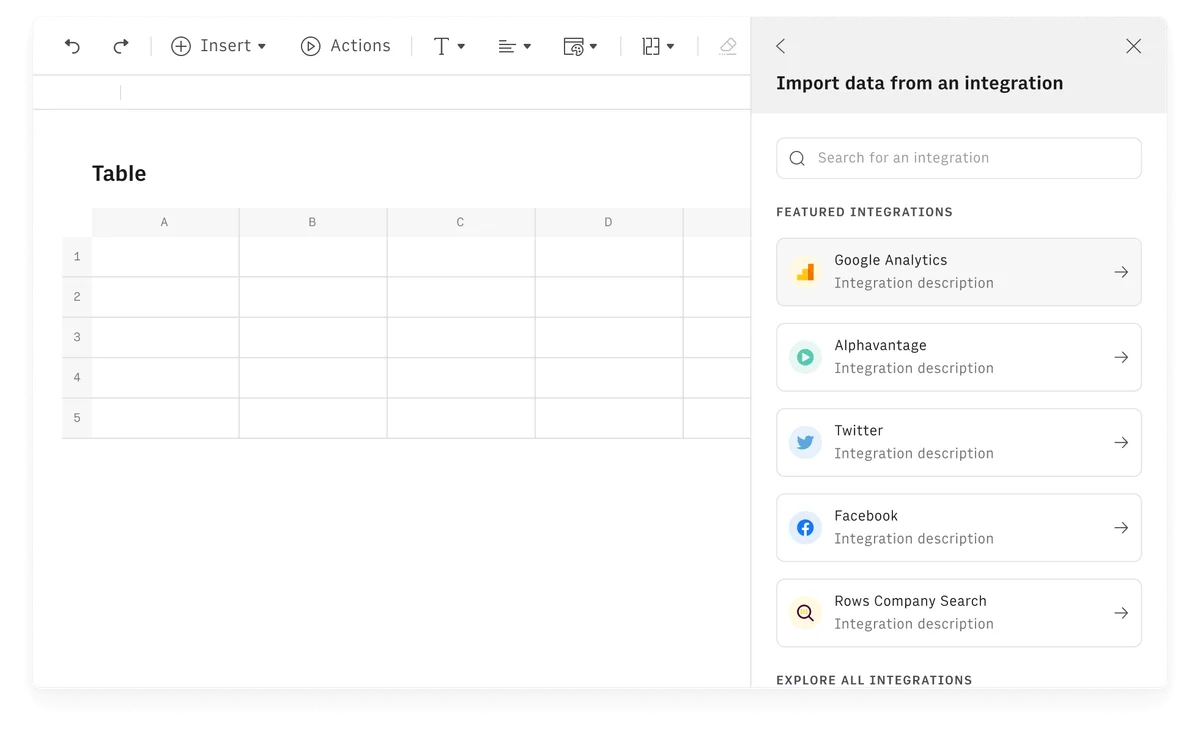
Rows spreadsheet application showing an integration panel for importing data from Google Analytics and other services.
Rows Review: Tooliverse Consensus







Based on 1k+ verified reviews across 7 platforms,
combined with Tooliverse's expert analysis
Rows turns the spreadsheet into a live reporting hub, pairing an AI Analyst that builds charts and summaries from plain-language requests with native connections to Stripe, GA4 and dozens of other sources. Reviewers also single out its clean, fast interface and easy embedding. The catches are real: the standalone product was sunsetted in May 2026 after the Superhuman acquisition, the mobile app trails desktop editing, and very large datasets slow it down, which is why heavy financial modeling still drifts back to Excel for some users.
Bottom line: A top-tier AI spreadsheet for live dashboards and automated reporting, though its standalone product has been sunsetted under Superhuman and the mobile app and very large datasets still lag the desktop.
Rows | Key Specs
- Platforms
- Web, Chrome extension (RowsX)
- Pricing Model
- Freemium ($0-79/mo + per-user fees) See plans
- Privacy/Data Use
- No training on your data, minimal data shared with AI
- Security
- SAML SSO (Enterprise) See details
Wins
- •Empowers users with an AI Analyst that automates complex data visualization and summariesmentioned in 214 reviews
- •Provides seamless native integrations with marketing and financial tools like Stripe and GA4mentioned in 189 reviews
- •Features a modern, clean interface that makes spreadsheet collaboration feel intuitive and fastmentioned in 167 reviews
Watch-Outs
- •Standalone product sunsetted in May 2026 following the Superhuman acquisitionmentioned in 156 reviews
- •Mobile application lacks the full feature set and editing power of the desktop versionmentioned in 84 reviews
- •Experiences performance slowdowns when processing exceptionally large datasets with thousands of rowsmentioned in 67 reviews
Rows Features 2026
AI Analyst
Tell the AI what you want in plain language to add columns, edit cells, build charts, merge datasets and run analysis, up to 10x faster.
Cell is the prompt
Type = in any cell and describe what you need: fix formulas, create charts, extract insights.
AI Vision document extraction
Turn PDFs, invoices, screenshots and images into editable tables with custom instructions.
Built-in Python
Run cohorts, forecasts, predictions, significance tests and clustering without writing code.
Rows User Reviews
Selected Reviews
"The AI Analyst is a total game changer for my workflow. I just ask it to summarize my marketing spend from the last quarter and it builds the charts for me automatically. It saves me at least three hours of manual work every single week."
"The built-in OpenAI integration makes data cleaning so much faster than using RegEx or complex nested formulas. I can just describe what I want to extract from a string and it works perfectly almost every time."
"The AI is good but sometimes it hallucinates formula syntax which can be annoying. You definitely need to double check the logic before relying on it for important financial data, but for quick cleaning it is excellent."
More from the Community
"Finally a spreadsheet that doesn't feel like it was built in 1995. The Stripe integration is seamless and the UI is beautiful."
"Great for dashboards, but I still go back to Excel for heavy financial modeling with 50k+ rows. It's getting there though."
"The UI is beautiful but the mobile app is frustratingly limited. Hard to edit on the go compared to the desktop experience."
"Integrations are great but I wish there were more templates for specific niches like real estate. The current ones are a bit generic."
"Best tool for my weekly reports. Saves me hours of manual CSV exports and the AI summaries are actually accurate."
"Finally a spreadsheet that doesn't feel like it was built in 1995. The Stripe integration is seamless and the UI is beautiful."
"Great for dashboards, but I still go back to Excel for heavy financial modeling with 50k+ rows. It's getting there though."
"The UI is beautiful but the mobile app is frustratingly limited. Hard to edit on the go compared to the desktop experience."
"Integrations are great but I wish there were more templates for specific niches like real estate. The current ones are a bit generic."
"Best tool for my weekly reports. Saves me hours of manual CSV exports and the AI summaries are actually accurate."
"Rows is what Google Sheets should have been. The social sharing is perfect for my public trackers and the Superhuman acquisition makes sense."
"Love the design. It's the first spreadsheet my team actually enjoys using for our internal dashboards."
"Solid tool. The learning curve is there if you're used to Excel shortcuts, but worth it for the integrations."
"The best part is not having to use Zapier for everything. It just connects to my tools natively."
"Rows is what Google Sheets should have been. The social sharing is perfect for my public trackers and the Superhuman acquisition makes sense."
"Love the design. It's the first spreadsheet my team actually enjoys using for our internal dashboards."
"Solid tool. The learning curve is there if you're used to Excel shortcuts, but worth it for the integrations."
"The best part is not having to use Zapier for everything. It just connects to my tools natively."
Rows Pricing 2026
View SourceThe free plan's 5 AI Tasks a month work as a trial, not a workflow. Plus at $8/user monthly is where most people should land: 200 AI Tasks, daily data refresh and 10 guests cover a typical reporting setup. Pro's minute-by-minute refresh and 1,000 AI Tasks matter mainly for live dashboards, and its $79 platform fee before seats is steep for small teams.
Rows In-Depth Review 2026

Rows is a spreadsheet with AI built into the grid. Type = in any cell or open the AI Analyst, and you can describe a chart, a cleanup or a merge in plain language. It pulls live data from more than 50 sources, including GA4, Stripe, HubSpot and Salesforce, and it reads PDFs and images into editable tables. The company has since joined Superhuman, and its site now points visitors to Superhuman Docs.
What It's Like Day-to-Day
The workflow reviewers describe starts with a question instead of a formula. Ask the AI Analyst to summarize last quarter's marketing spend and it adds the columns, builds the charts and writes the summary, which one iOS App Store reviewer says saves "at least three hours of manual work every single week". Data cleaning gets similar praise, since describing what to extract from a messy string is faster than wrestling with RegEx or nested formulas. The catch users mention is that AI-written formulas occasionally come back with shaky syntax, so financial logic deserves a second look.
Integrations carry the other half of the experience.
Rows Security & Compliance
Security Features
- SAML SSO (Enterprise)
Privacy Commitments
- Your data is not used to train AI models
- Only table headers, up to 5 sample rows and basic statistics are shared with the AI
Rows: Frequently Asked Questions (FAQs)
Is Rows free to use?
Yes, Rows offers a Free plan that is free forever, with no trial period or credit card needed. It includes 5 AI Tasks per month, manual data import and up to 3 guests.
How much do the paid Rows plans cost?
Plus is $8/month per user ($6 billed annually), and Pro is $79/month plus $8/month per user ($59 + $6 billed annually). Enterprise is custom priced. Prices exclude tax or VAT.
What are AI Tasks in Rows?
AI Tasks are actions that use AI. Each AI Analyst message counts as 1 AI Task, and each file processed with AI Vision (PDFs and images) counts as 1, though very large files may use more.
Can I change or cancel my plan at any time?
Yes, you can upgrade or downgrade at any time. Upgrades apply immediately with pro-rata credit, while downgrades take effect at the end of the billing cycle.
Rows Integrations
| Google Analytics 4 | Google Search Console | Google Ads |
| Facebook Ads | LinkedIn Ads | TikTok Ads |
| YouTube | TikTok | |
| Notion | Airtable | Google Sheets |
| HubSpot | Salesforce | Pipedrive |
| Zoho CRM | Stripe | Snowflake |
| BigQuery | Amazon Redshift | MySQL |
| PostgreSQL | Slack | Gmail |
| Mailchimp | Zapier | Make |
| Looker Studio | Microsoft Power BI | Clearbit |
| Hunter | DeepL | Google Translate |
Rows: Verified Data Sheet
| # | Label | Data Point |
|---|---|---|
| [1] | Rows Consensus: 9.11/10 | Rows is one of the highest-rated AI productivity tools in the Tooliverse index, with a consensus score of 9.11/10 across 1,341 verified reviews. |
| [2] | What is Rows | Rows is an AI-powered spreadsheet that has joined Superhuman, letting users extract data from PDFs and analyze it in plain language. It combines live data from 50+ sources, with a free plan and paid plans from $8/month per user. |
| [3] | Tooliverse Consensus on Rows | Rows turns the spreadsheet into a live reporting hub, pairing an AI Analyst that builds charts and summaries from plain-language requests with native connections to Stripe, GA4 and dozens of other sources. Reviewers also single out its clean, fast interface and easy embedding. The catches are real: the standalone product was sunsetted in May 2026 after the Superhuman acquisition, the mobile app trails desktop editing, and very large datasets slow it down, which is why heavy financial modeling still drifts back to Excel for some users. |
| [4] | Rows Verdict | Rows bottom line: A top-tier AI spreadsheet for live dashboards and automated reporting, though its standalone product has been sunsetted under Superhuman and the mobile app and very large datasets still lag the desktop. |
| [5] | Free: Free | Rows offers a functional Free tier with 5 AI Tasks per month and manual data table import, making AI tools accessible at no cost. |
| [6] | Clean, fast collaborative interface | Rows offers a modern, clean interface that makes spreadsheet collaboration feel intuitive and fast, according to 167 user reviews. |
| [7] | Live dashboards with minute-level refresh | Rows simplifies building live, interactive dashboards for real-time business tracking, validated by 142 user reviews, with Data Tables refreshing as often as every minute on the Pro plan. |
| [8] | Easy sharing and embedding | Rows makes sharing and embedding spreadsheets simple across web pages, Notion docs and social media, a strength noted in 118 user reviews. |
| [9] | Plus (Monthly): $8/user/month | Superhuman's Rows Plus (Monthly) empowers users with 200 AI Tasks per month for just $8/user monthly, significantly expanding on the free tier's capabilities. |
| [10] | AI Analyst automates charts and summaries | Rows includes an AI Analyst that automates complex data visualization and summaries from plain-language requests, a strength cited in 214 user reviews; Free includes 5 AI Tasks per month and Plus includes 200. |
| [11] | Standalone product sunsetted May 2026 | Rows as a standalone product was sunsetted in May 2026 following the Superhuman acquisition, a change raised in 156 user reviews. |
| [12] | Mobile app trails desktop | Rows has a mobile app that lacks the full feature set and editing power of the desktop version, according to 84 user reports. |
| [13] | Privacy: Your data is not used to train AI models | Rows protects privacy in two ways: Your data is not used to train AI models, and Only table headers, up to 5 sample rows and basic statistics are shared with the AI. |
| [14] | Enterprise: SAML SSO (Enterprise) | Rows provides enterprise security with SAML SSO (Enterprise). |
| [15] | AI Analyst saves 3+ hours weekly | A verified iOS App Store reviewer reported that Rows' AI Analyst builds charts from a plain-language request and saves "at least three hours of manual work every single week". |
Compare Rows with…
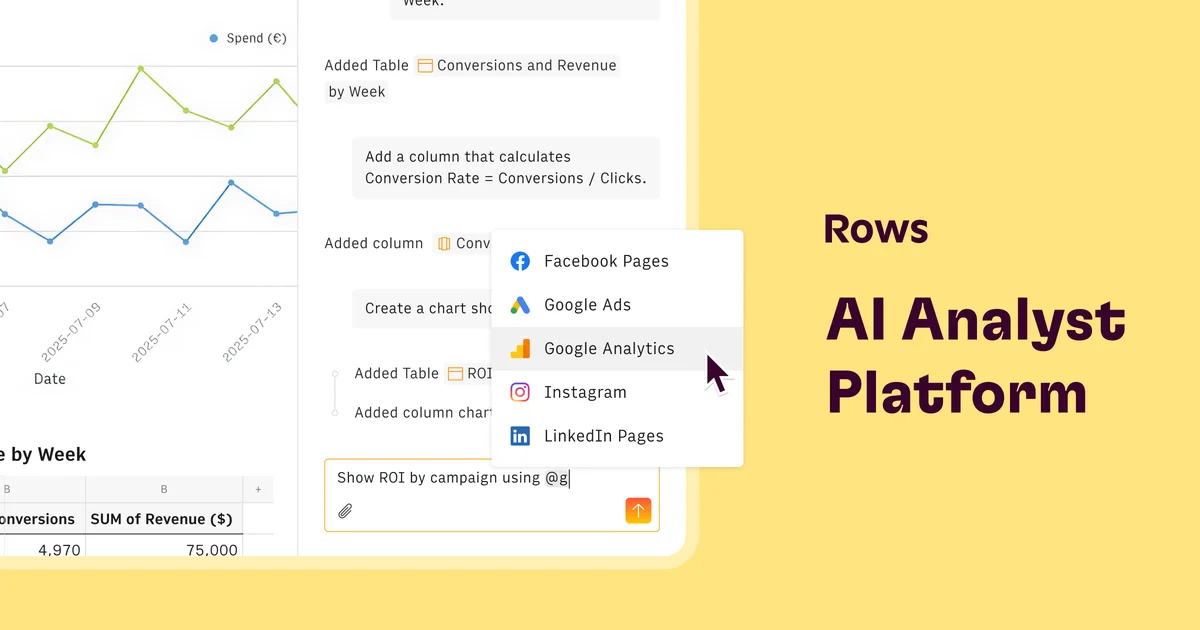
Best Rows Alternatives
Quadratic
Connect your data, ask AI in plain English, and get shareable, code-based spreadsheets you can trust.
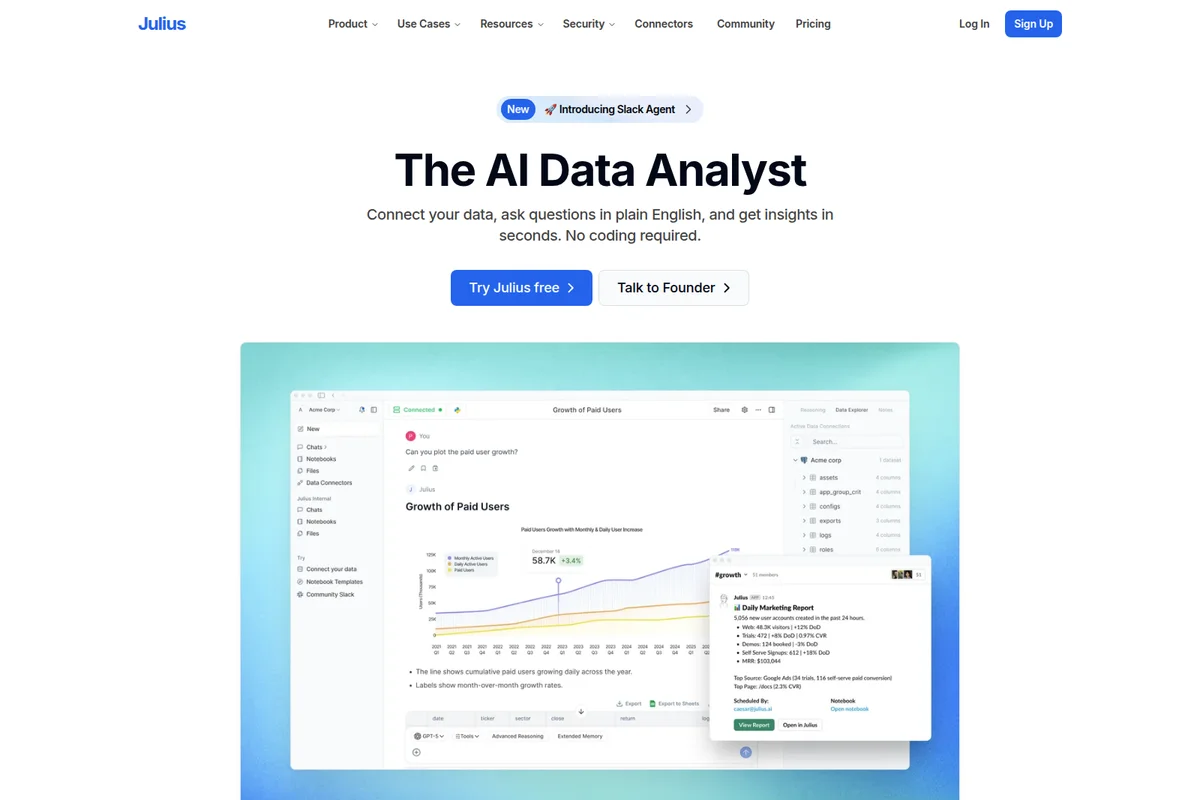
Julius
Turn questions, data, and ideas into finished work, all in one AI workspace.
Anomaly AI
Turn messy spreadsheets and databases into dashboards and reports you can actually trust.